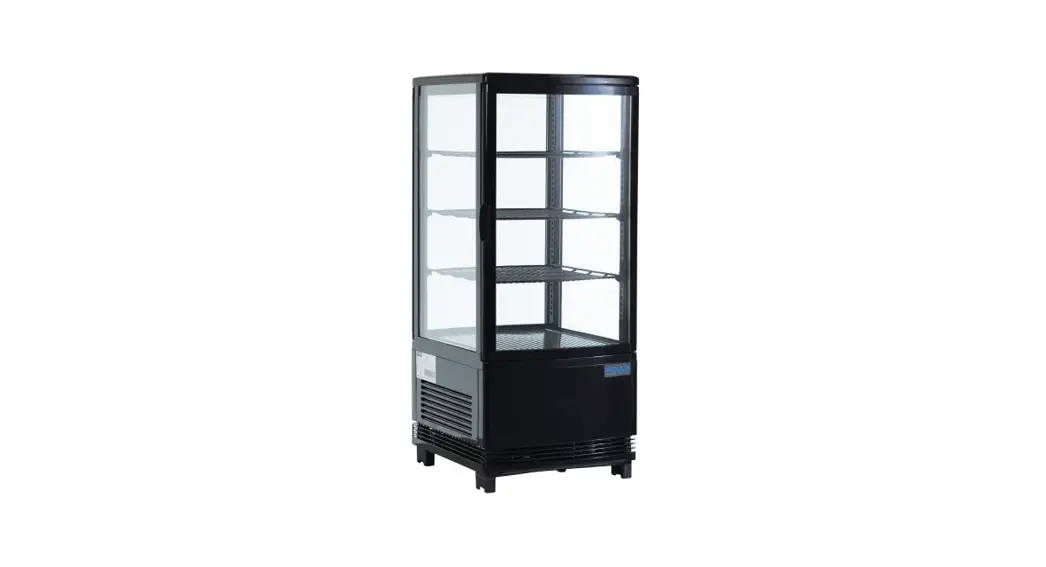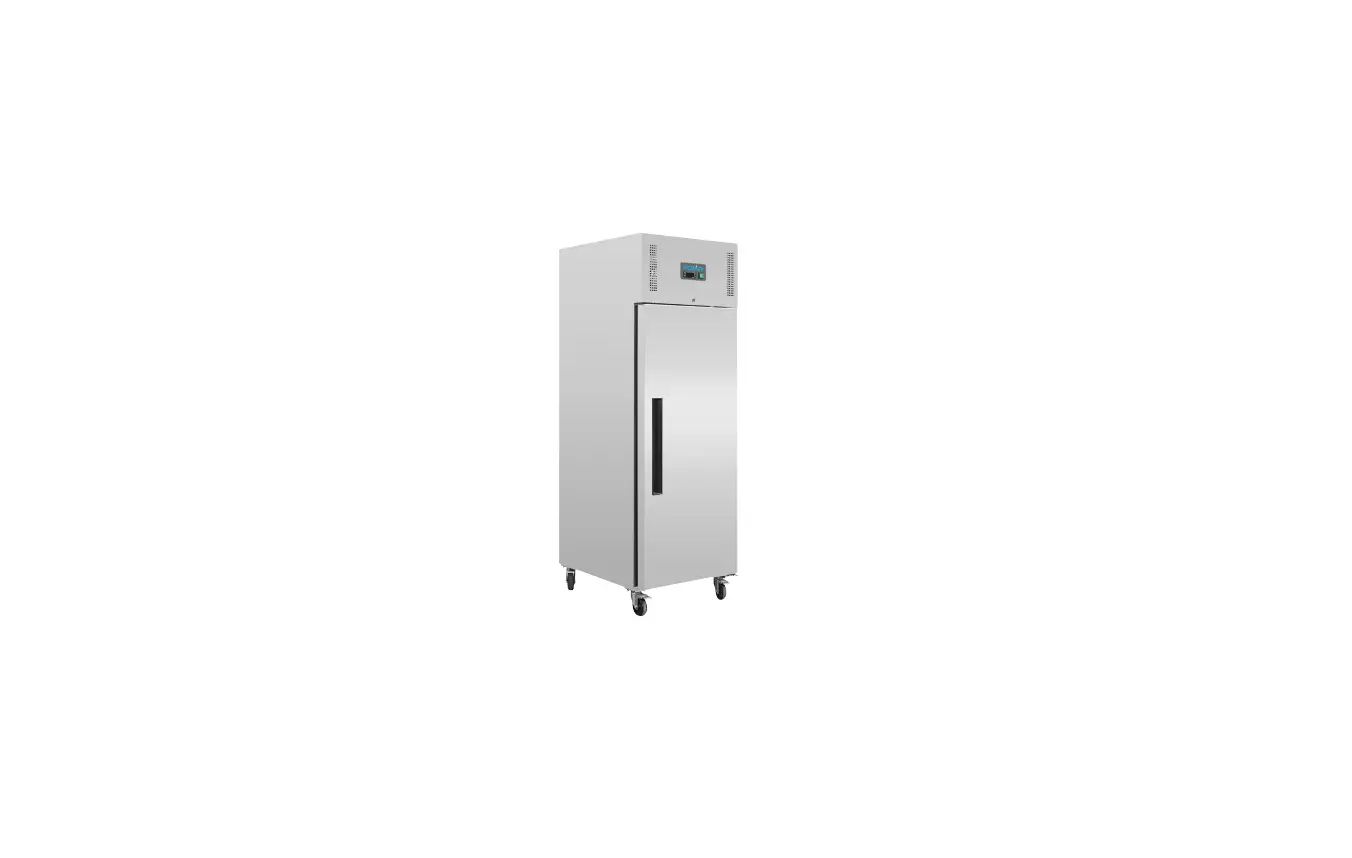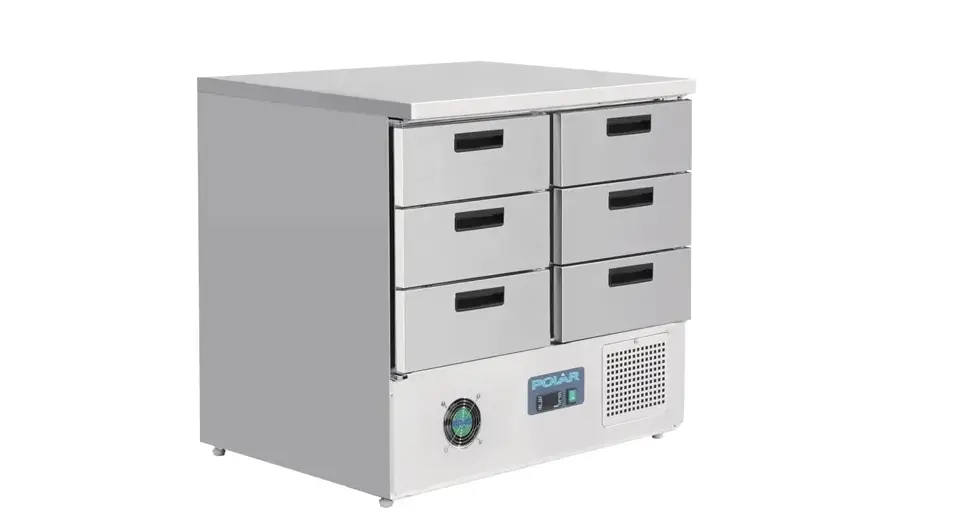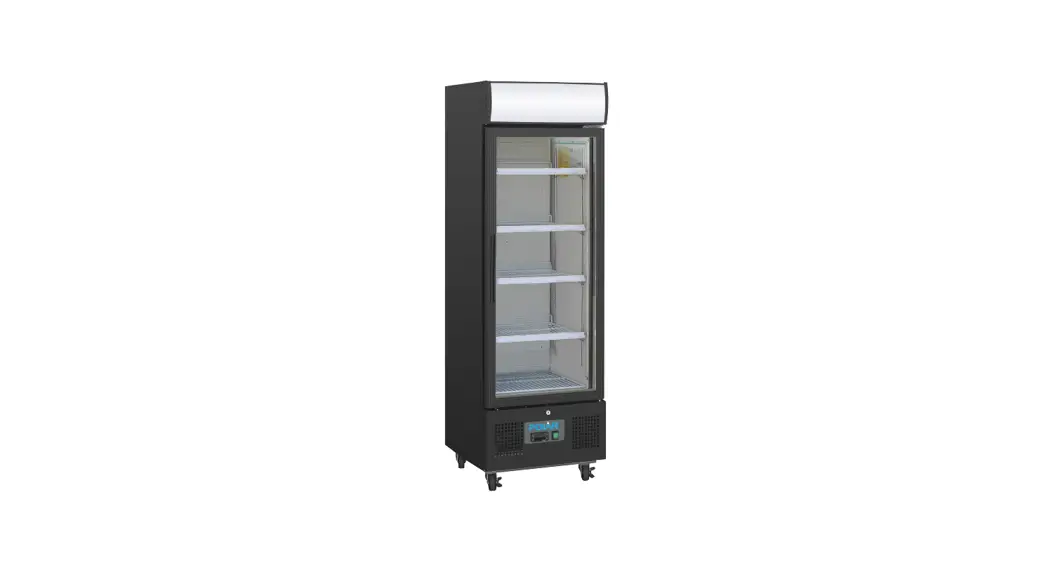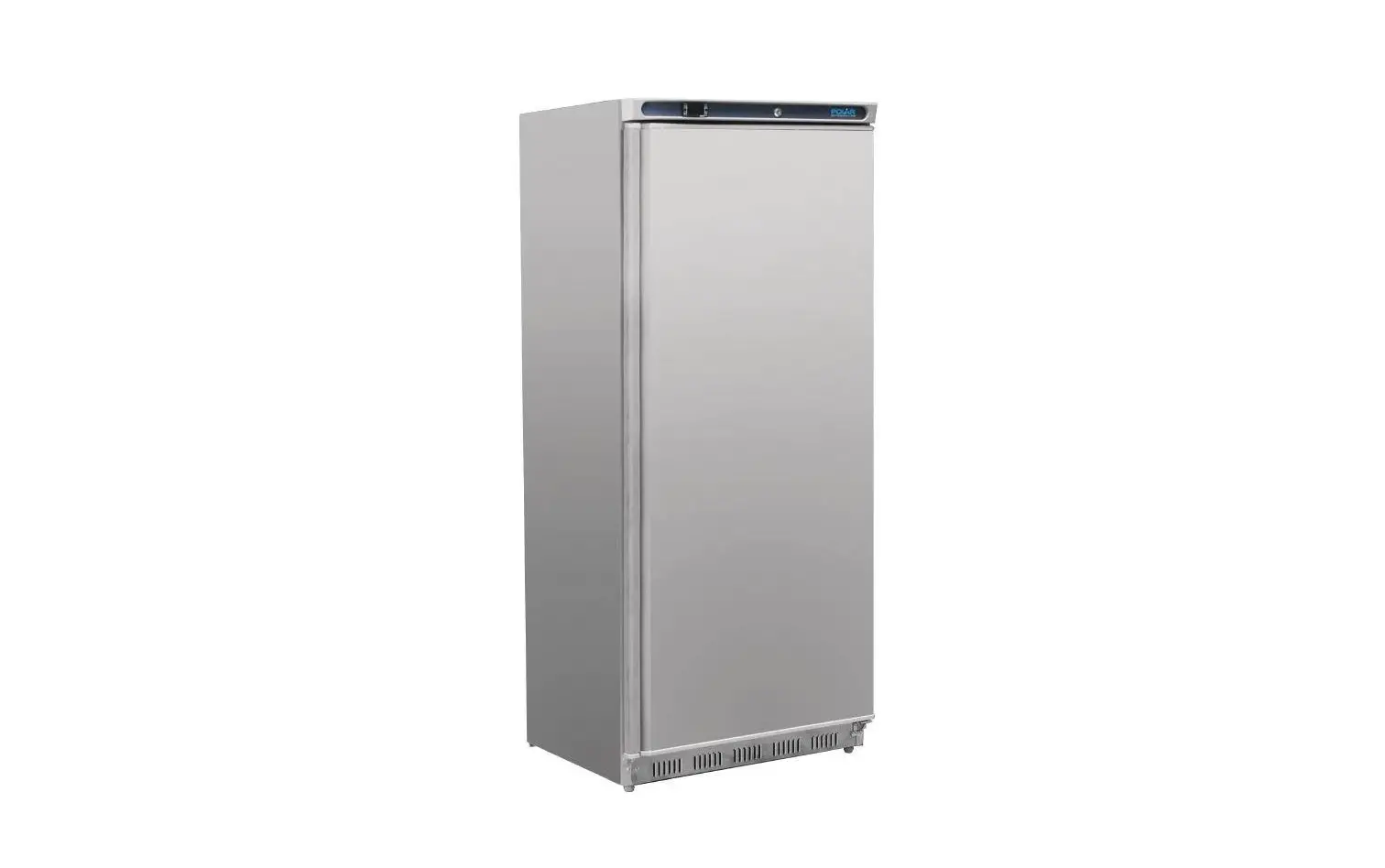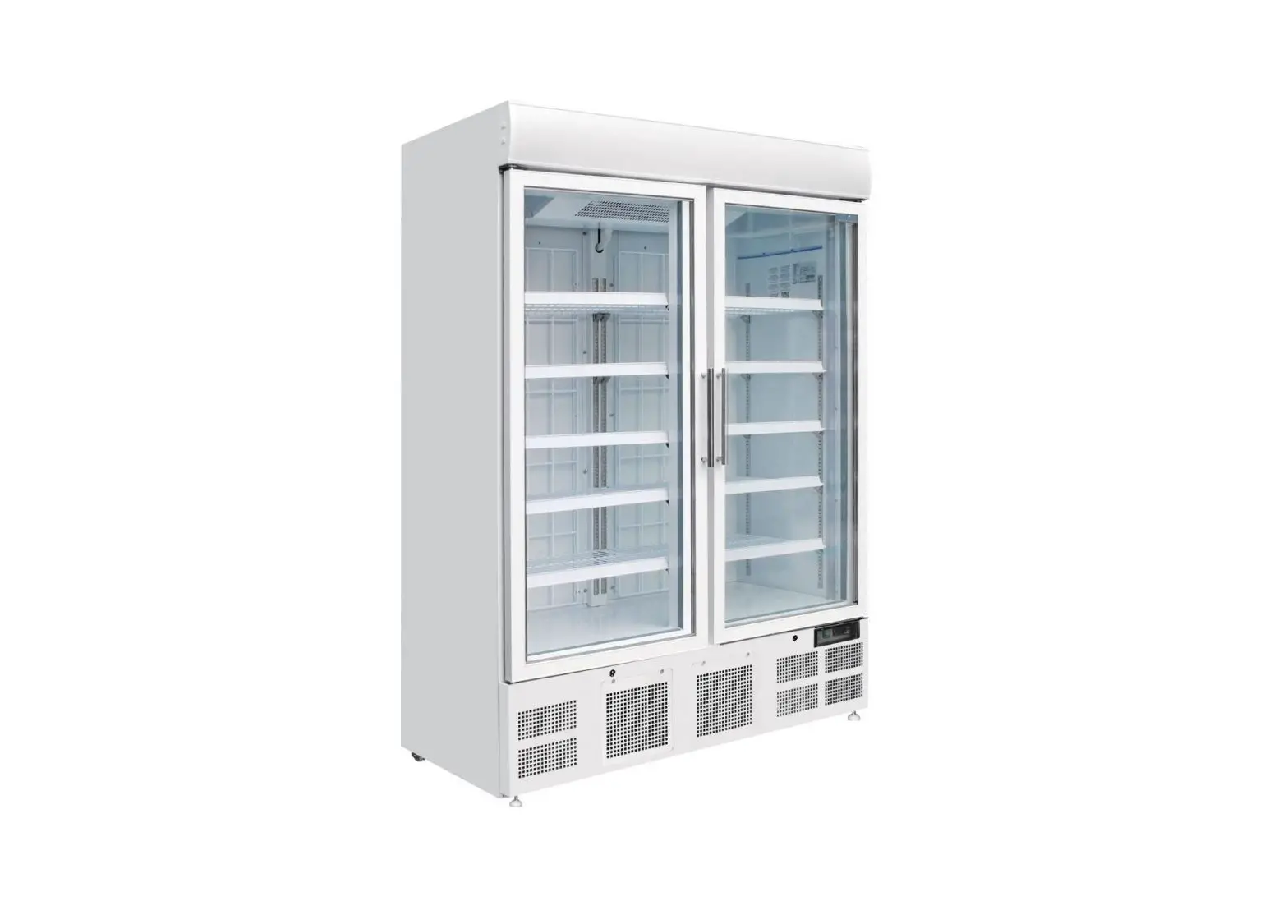
POLAR GH506-A Display Freezer Instruction Manual

Safety Tips
- Position on a flat, stable surface.
- A service agent/qualified technician should carry out installation and any repairs if required. Do not remove any components or service panels on this product.
- Consult Local and National Standards to comply with the following:
- Health and Safety at Work Legislation
- Fire Precautions
- Wiring Regulations
- Building Regulations
- DO NOT use jet/pressure washers to clean the appliance.
- DO NOT use the appliance outside.
- DO NOT use this appliance to store medical supplies.
- DO NOT allow oil or fat to come into contact with the plastic components or door seal. Clean immediately if contact occurs.
- DO NOT store products on top of the appliance.
- Bottles that contain a high percentage of alcohol must be sealed and placed vertically in the refrigerator.
- Always carry, store and handle the appliance in a vertical position and move by holding the base of the appliance.
- Always switch off and disconnect the power supply to the unit before cleaning.
- Keep all packaging away from children. Dispose of the packaging in accordance with the regulations of local authorities.
- If the power cord is damaged, it must be replaced by a POLAR agent or a recommended qualified technician in order to avoid a hazard.
- This appliance is not intended for use by persons (including children) with reduced physical, sensory or mental capabilities, or lack of experience or knowledge, unless they have been given supervision or instruction concerning the use of the appliance by a person responsible for their safety.
- Polar recommend that this appliance should be periodically tested (at least annually) by a Competent Person. Testing should include, but not be limited to: Visual Inspection,
Polarity Test, Earth Continuity, Insulation Continuity and Functional Testing.
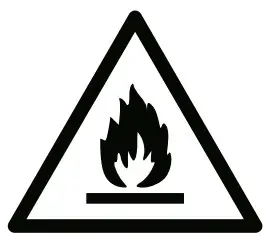 Caution Risk of Fire
- Do not store explosive substances such as aerosol cans with a flammable propellant in this appliance.
 Warning: Keep all ventilation openings clear of obstruction. Unit should not be boxed in without adequate ventilation.
 - Warning: Do not use mechanical devices or other means to accelerate the defrosting process, other than those recommended by the manufacturer.
- Warning: Do not damage the refrigerant circuit.
- Warning: Do not use electrical appliances inside the food storage compartments of the appliance, unless they are the type recommended by the manufacturer.
 Warning: Keep all ventilation openings clear of obstruction. Unit should not be boxed in without adequate ventilation.
Product Description
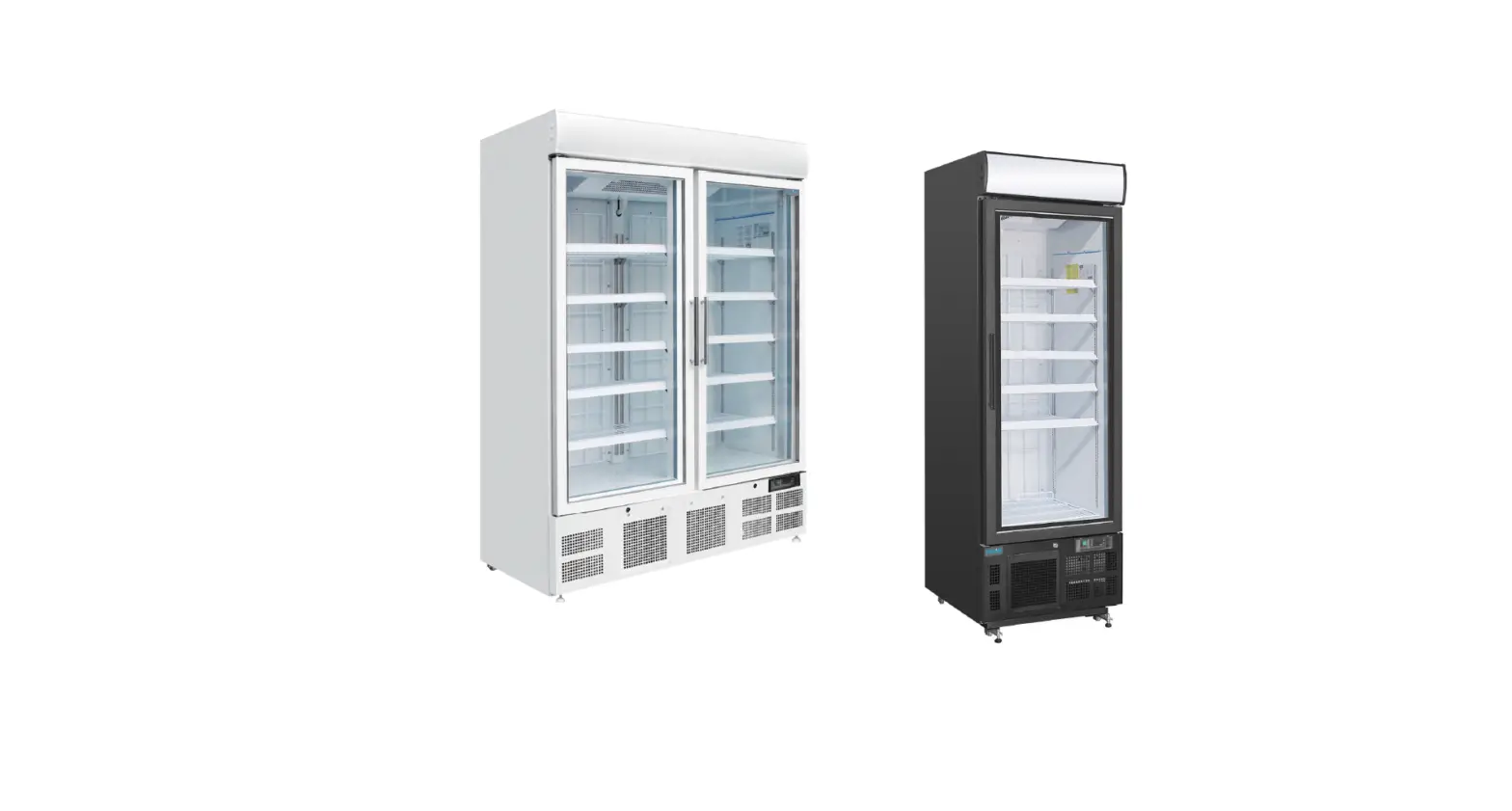
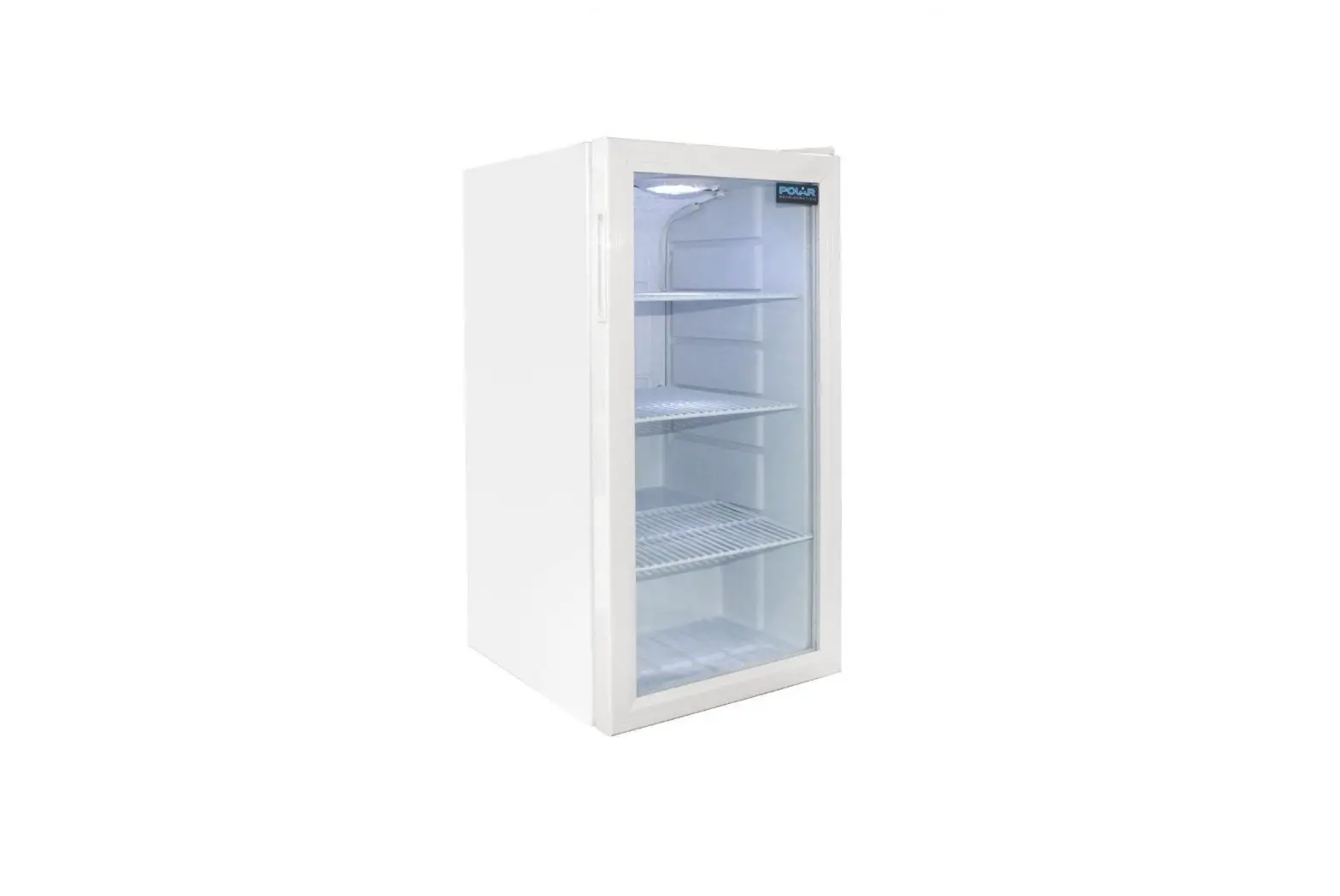
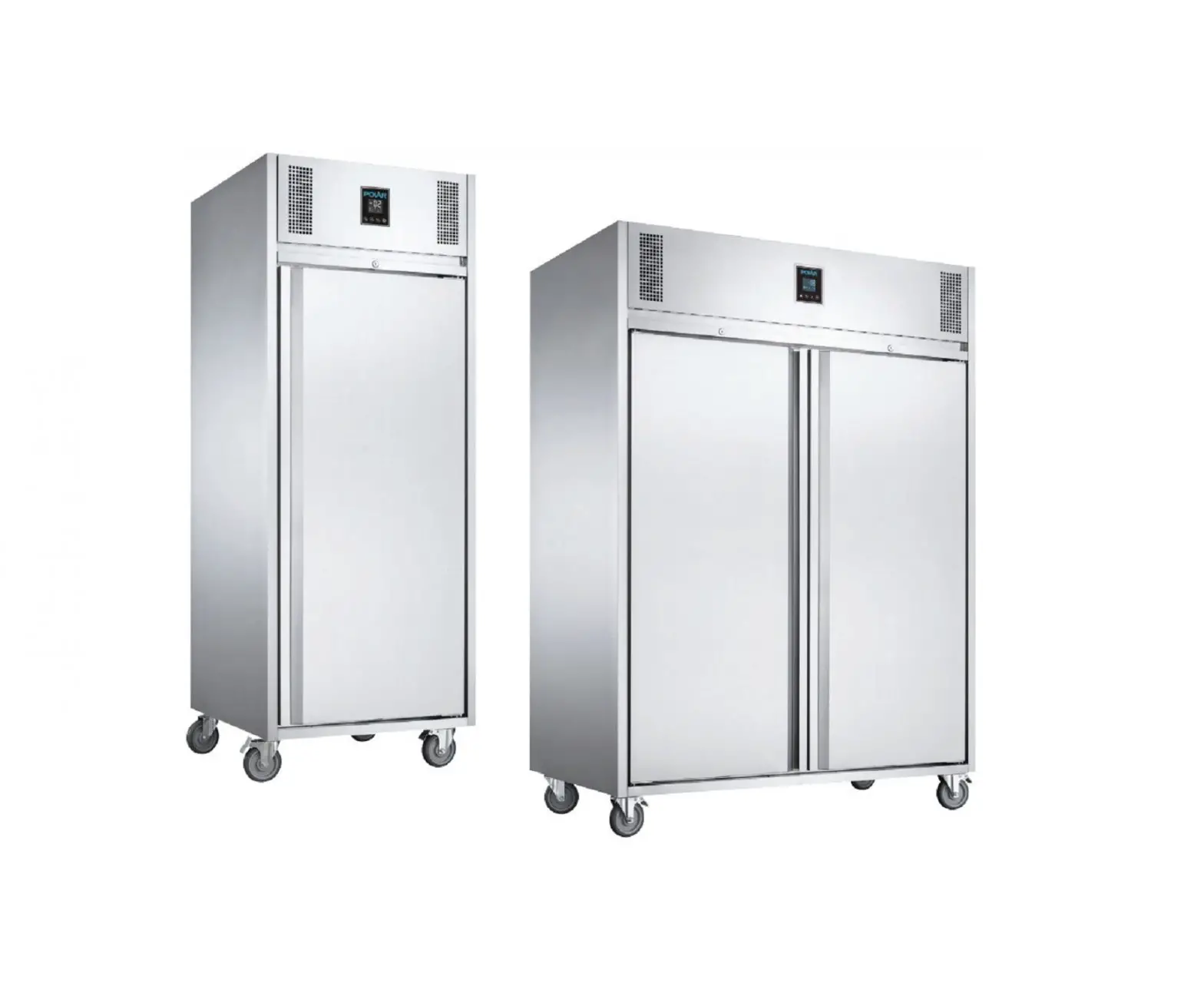
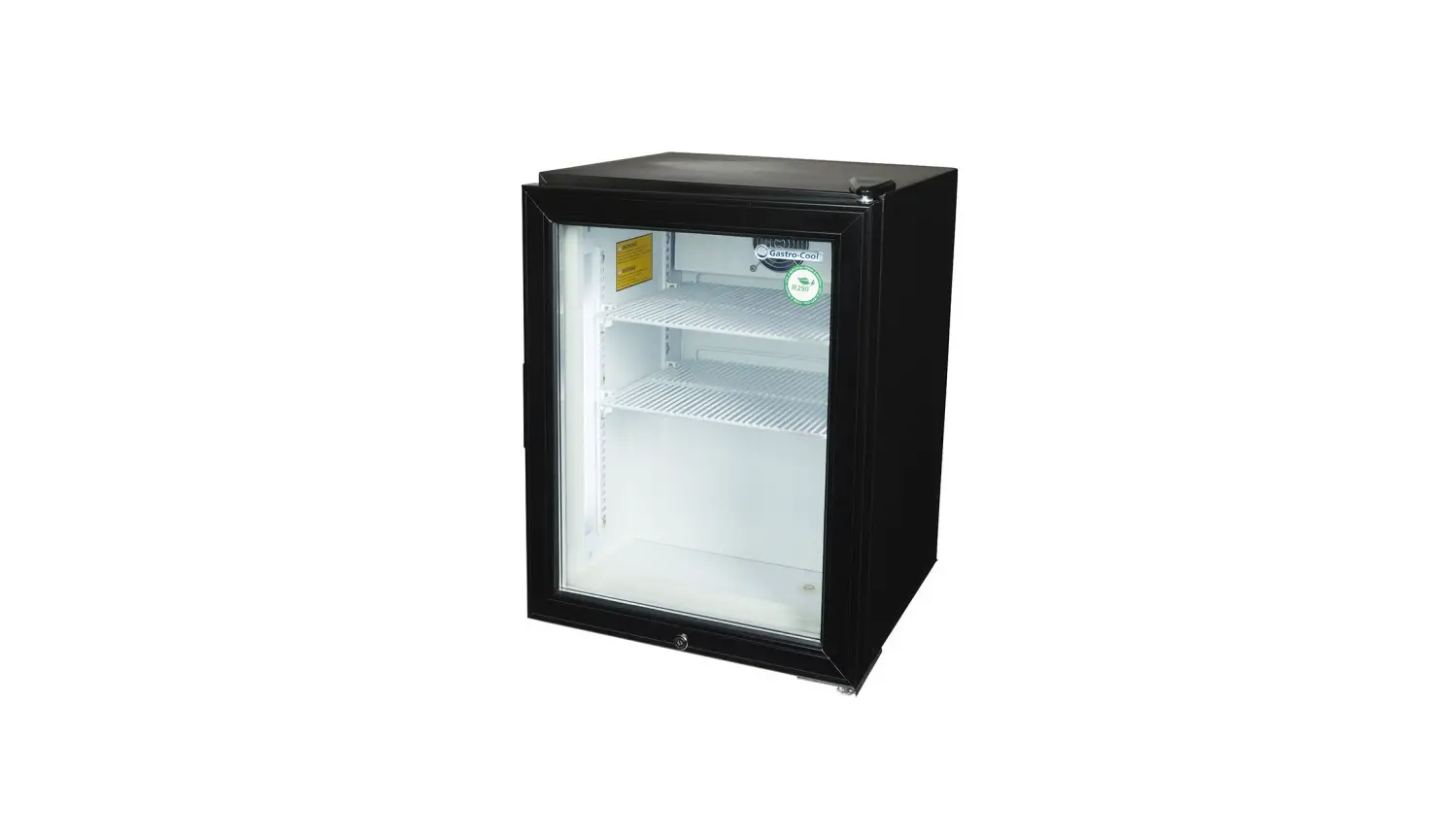
- GH507-A – Double Door Display Freezer
- GH506-A – Single Door Display Freezer
Introduction
Please take a few moments to carefully read through this manual. Correct maintenance and operation of this machine will provide the best possible performance from your POLAR product.
Pack Contents
The following is included:
- POLAR Display Freezer
- Shelves
- Keys x 2
- Instruction Manual
POLAR prides itself on quality and service, ensuring that at the time of packaging the contents are supplied fully functional and free of damage.
Should you find any damage as a result of transit, please contact your POLAR dealer immediately.
Installation
Note: If the unit has not been stored or moved in an upright position, let it stand upright for approximately 12 hours before operation. If in doubt allow to stand.
- Remove the appliance from the packaging.
Make sure that all protective plastic film and coatings are thoroughly removed from all surfaces. - To optimize performance and longevity, ensure a minimum clearance of 2.5cm is maintained between the unit and walls and other objects, with a minimum 5cm clearance on the top. NEVER LOCATE NEXT TO A HEAT SOURCE.
Note: Before using the appliance for the first time, clean the shelves and interior with soapy water.
Operation
Control Panel
The control panel is located below the doors on the front of the appliance.
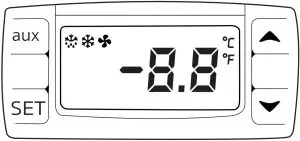
Turn On
- Close the door of the appliance.
- Connect the appliance to a mains power supply.
- Turn the light switches On [I] or Off [O] as desired.
Set the Operating Temperature
- Press the SET button for 3 seconds. The display will flash.
- Press the
 or
or  buttons to display the required temperature.
 - Press the SET button to store the temperature.
 or
or  buttons to display the required temperature.
Storing Food
To get the best results from your POLAR appliance, follow these instructions:
- Only store foodstuffs in the appliance when it has reached the correct operating temperature.
- Do not place uncovered hot food or liquid inside the appliance.
- Wrap or cover food where possible.
- Do not obstruct the fans inside the appliance.
- Avoid opening the doors for prolonged periods of time.
Lock/Unlock the Doors
A lock is fitted to the doors to ensure foodstuffs are kept secure within your POLAR appliance.
Use the keys provided to lock/unlock the door.
Cleaning, Care & Maintenance
Switch off and disconnect from the power supply before cleaning.
- Clean the interior of the appliance as often as possible.
- Do not use abrasive cleaning agents. These can leave harmful residues.
- Clean the door seal with warm soapy water.
- Always wipe dry after cleaning.
- Do not allow water used in cleaning to run through the drain hole into the evaporation pan.
- Take care when cleaning the rear of the appliance. Sharp edges can cut.
- A POLAR agent or qualified technician must carry out repairs if required.
Replacing the Interior Lamp
WARNING: Allow the lamp to cool before replacing. The lamp remains hot immediately after use.
- Turn Off and disconnect the appliance from the mains power supply.
- Unscrew the plastic lamp cover.
- Remove the lamp by twisting it from the lamp sockets.
- Insert the new lamp and replace the cover
Cleaning the Condenser
- The condenser is part of the refrigeration system. The condenser requires monthly cleaning.
- Always disconnect power supply before carrying out Routine Maintenance.
- Failure to clean the condenser will reduce the performance and life of your Polar unit and may invalidate your warranty.
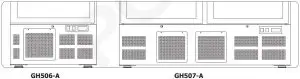
- The condenser is located below the refrigeration cabinet behind a removable panel (see below).
These models have a removable filter which can be cleaned with a vacuum cleaner
Troubleshooting
If your POLAR appliance develops a fault, please check the following table before making a call to the Helpline or your POLAR dealer.
| Fault | Probable Cause | Solution |
| The appliance is not working | The unit is not switched on | Check the unit is plugged in correctly and switched on |
| Plug or lead is damaged | Call POLAR agent or qualified Technician | |
| Power supply | Check power supply | |
| The appliance turns on, but the temperature is too high/low | Too much ice on the condenser | Defrost the appliance |
| Condenser blocked with dust | Clean the condenser | |
| Doors are not shut properly | Check doors are shut and seals are not damaged | |
| Appliance is located near a heat source or air flow to the condenser is being interrupted | Move the refrigerator to a more suitable location | |
| Ambient temperature is too high | Increase ventilation or move appliance to a cooler position | |
| Unsuitable foodstuffs are being stored in the appliance | Remove any excessive hot foodstuffs or blockages to the fan | |
| Appliance is overloaded | Reduce the amount of food stored in the appliance | |
| The appliance is leaking water | The appliance is not properly levelled | Adjust the screw feet to level the appliance (if applicable) |
| The discharge outlet is blocked | Clear the discharge outlet | |
| Movement of water to the drain is obstructed | Clear the floor of the appliance (if applicable) | |
| The water container is damaged | Call POLAR agent or qualified Technician | |
| The drip tray is overflowing | Empty the drip tray (if applicable) | |
| The appliance is unusually loud | Loose nut/screw | Check and tighten all nuts and screws |
| The appliance has not been installed in a level or stable position | Check installation position and change if necessary | |
| The display lamp does not illuminate | Lamp needs replacing | Call POLAR agent or qualified Technician |
Technical Specifications
| Model | Voltage | Power | Current | Temperature Range | Capacity (litres) | Refrigerant | Dimensions H x W x D mm | Weight (kg) |
| GH507-A | 220-240V 50Hz | 1000W | 6.0A | -18°C to -22°C | 920 | R290 150g | 2022 x 1370 x 720 | 212 |
| GH506-A | 220-240V 50Hz | 850W | 4.5A | -18°C to -22°C | 412 | R290 95g | 2022 x 680 x 720 | 138 |
Electrical Wiring
The plug is to be connected to a suitable mains socket
POLAR appliances are wired as follows:
- Live wire (coloured brown) to terminal marked L
- Neutral wire (coloured blue) to terminal marked N
- Earth wire (coloured green/yellow) to terminal marked E
This appliance must be earthed.
 If in doubt consult a qualified electrician.
Electrical isolation points must be kept clear of any obstructions. In the event of any emergency disconnection being required they must be readily accessible.
Compliance
The product must not be disposed of as household waste. To help prevent possible harm to human health and/or the environment, the product must be disposed of in an approved and environmentally safe recycling process. For further information on how to dispose of this product correctly, contact the product supplier, or the local authority responsible for waste disposal in your area.
POLAR parts have undergone strict product testing in order to comply with regulatory standards and specifications set by international, independent, and federal authorities.
 POLAR products have been approved to carry the following symbol:
All rights reserved. No part of these instructions may be produced or transmitted in any form or by any means, electronic, mechanical, photocopying, recording or otherwise, without the prior written permission of POLAR.
Every effort is made to ensure all details are correct at the time of going to press, however, POLAR reserve the right to change specifications without notice.
DECLARATION OF CONFORMITY
| Equipment Type | Model | ||
| G-Series Upright Display Freezer White 412Ltr G-Series Upright Display Freezer White 920Ltr | GH506 GH507 | ||
| Application of Territory Legislation & Council Directives(s) | Machinery Directive 2006/42/EC EN 60335-1:2012 +A11:2014 +A13:2017 EN 60335-2-89:2010 +A1:2016 +A2:2017 EN 62233:2008 | Electrical Safety IEC 60335-1:2010 + A1:2013 +A2:2016 | |
| Electro-Magnetic Compatibility (EMC) Directive 2014/30/EU – recast of 2004/108/EC EN 55014-1:2017 EN 55014-2:2015 EN 61000-3-2:2014 EN 61000-3-3:2013 | |||
| Restriction of Hazardous Substances Directive (RoHS) 2015/863 amending Annex II to Directive 2011/65/EU | Electromagnetic Compatibility EN 55014-1:2017 EN 55014-2:2015 EN 61000-3-2:2014 EN 61000-3-3:2013 | ||
Producer Name | Polar | ||
| Producer Address | Fourth Way, Avonmouth, Bristol, BS11 8TB United Kingdom | 42 North Point Business Park New Mallow Road Cork Ireland | 15 Bagdally Road, Campbelltown NSW 2560 |
| – | – | – | – |
I, the undersigned, hereby declare that the equipment specified above conforms to the above Territory Legislation, Directive(s) and Standard(s).
- Date: 4th March 2020
- Signature:


- Full Name:
Ashley Hooper
Josie Holt - Position:
Technical & Quality Manager
Commercial Manager/ Responsible Supplier


 Polar Refrigeration - Commercial Refrigeration