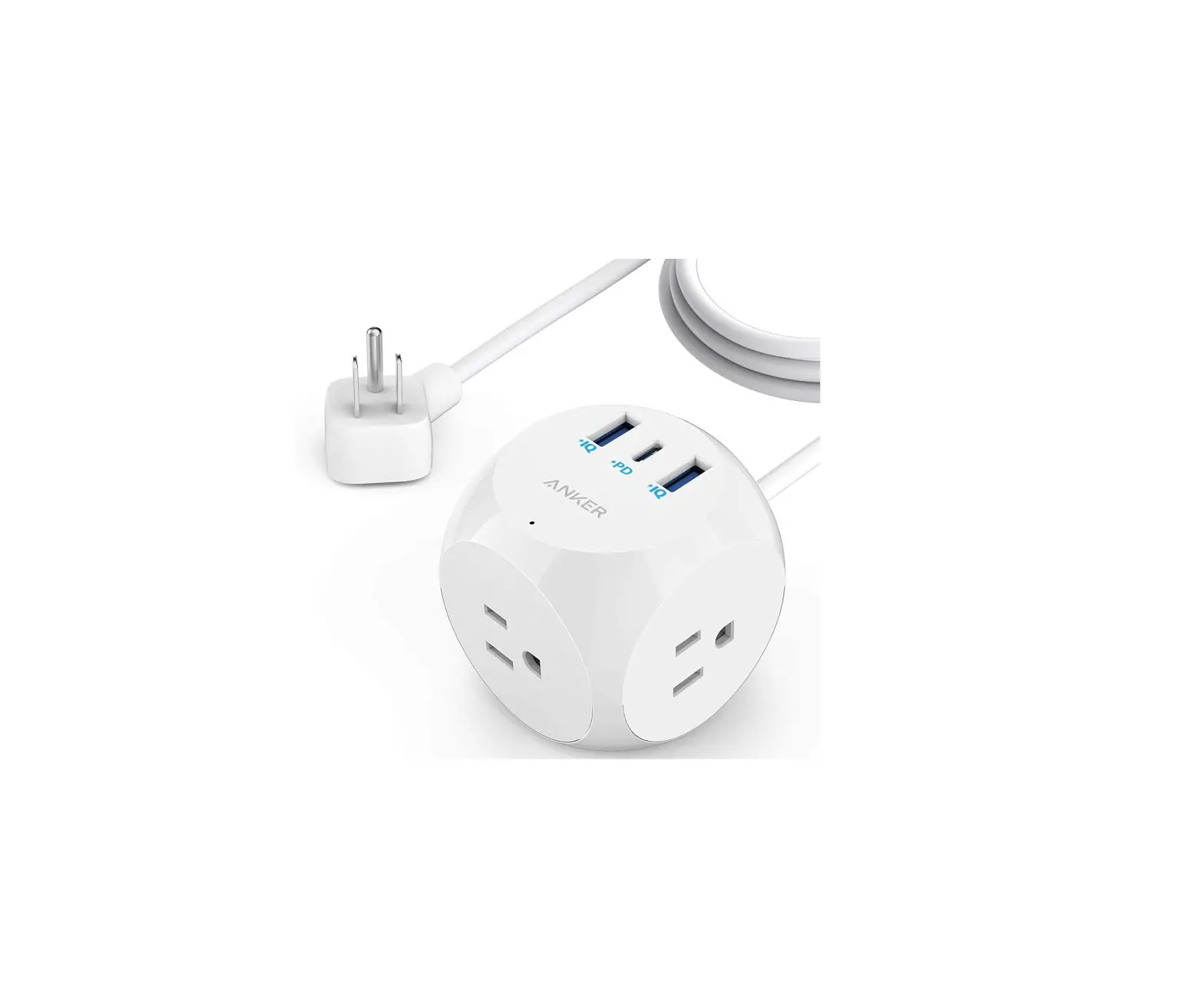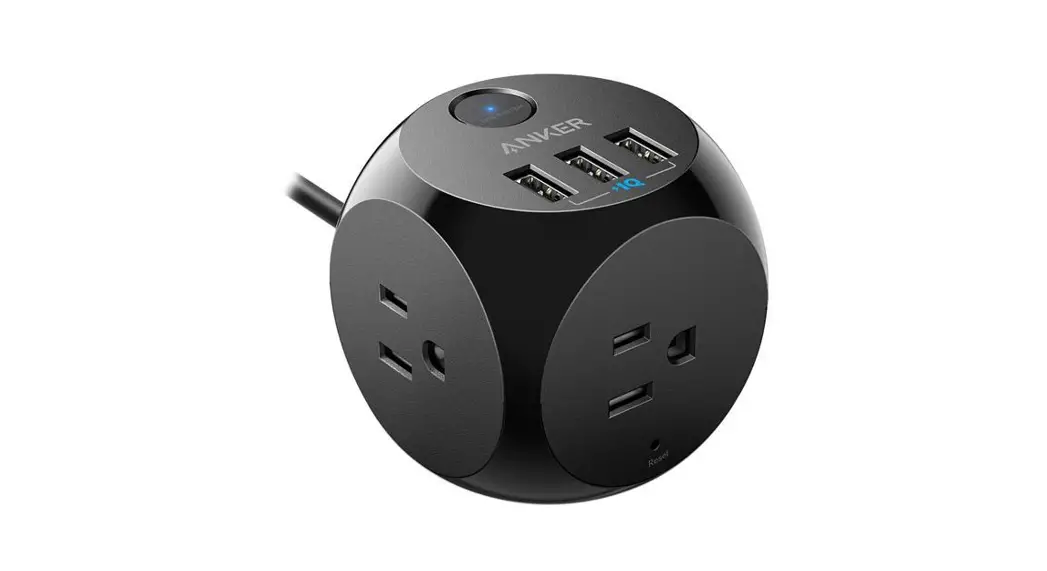
ANKER PowerExtend USB 6-Outlet Pod User Guide

Overview
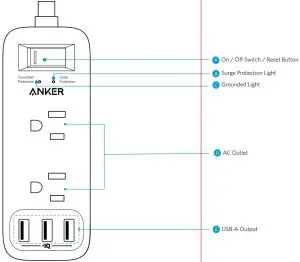
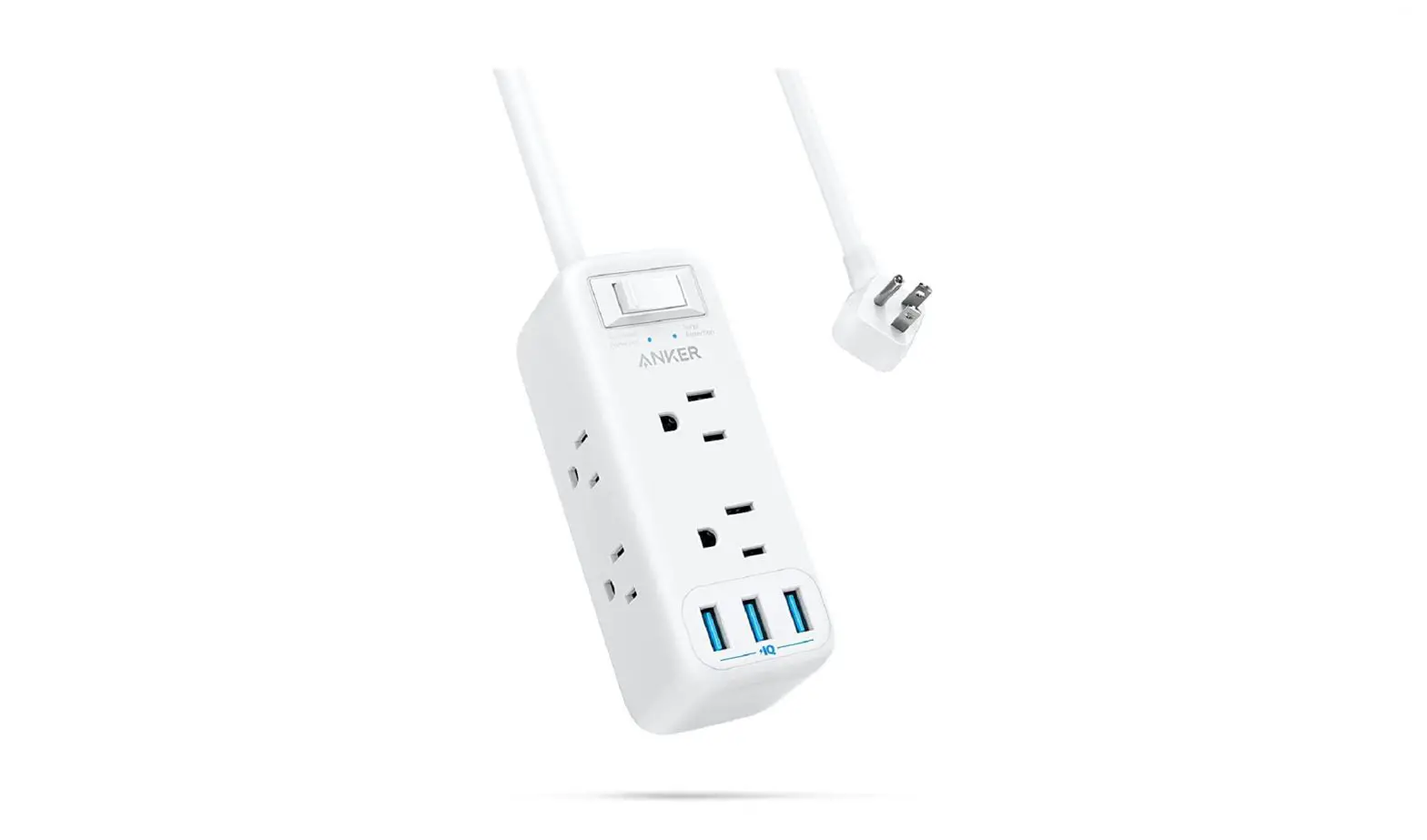
Using Your PowerPort Strip
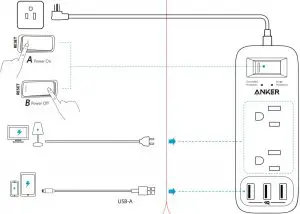
- When the switch is turned on, the Surge Protection, and Grounded Protection Light will turn blue.
- Tip 1: The surge protection feature can protect your computers, smartphones and other electronic equipment against voltage fluctuations, surges, and spikes. If the Surge Protection Light is off, it indicates the surge Protection is not functioning normally.
- Tip 2: In the event of a power overload, the On / Off Switch will cut off the power automatically.
Safety
- Do not connect PowerExtend to an ungrounded outlet.
- Do not use with extension cords.
- Do not exceed electrical ratings.
- Use in dry locations and indoors only.
- Install PowerExtend away from heat-emitting appliances such as radiators.
- Keep children away from PowerExtend.
Specifications
| AC Input | 125V AC 60Hz 15A |
| AC Output | 125V AC 60Hz 15A 1875W |
| USB Input | 100V-240V~ 50/60Hz |
| Surge Energy | 900J |
| USB-A Output | 5V  3.6A(12W Max Each Port) 3.6A(12W Max Each Port) |
| Size | 51 x 51 x 135 mm / 2.0 x 2.0 x 5.3 in |
| Cable Length | 6 ft / 8 ft /10 ft (multi-length version) |
Customer Service
 18-Month Limited Warranty
 Lifetime Technical Support
 [email protected]
 +1 (800) 988 7973 Mon – Fri 9:00am – 5:00pm (PT)
Scan QR Code for more detail:

 @Anker @Anker Japan
 @AnkerOfficial @Anker_IP
 @Anker
Anker Innovations Limited
Room 1318-19, Hollywood Plaza, 610 Nathan
Road, Mongkok, Kowloon, Hong Kong
Product Number A9166
PowerExtend USB 6-Outlet Pod
51005002693 V02