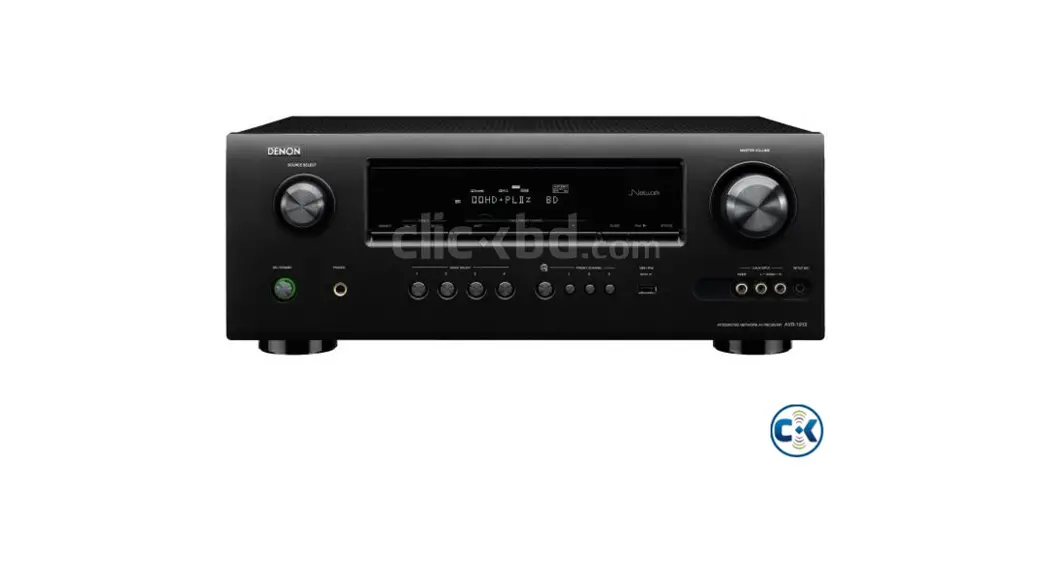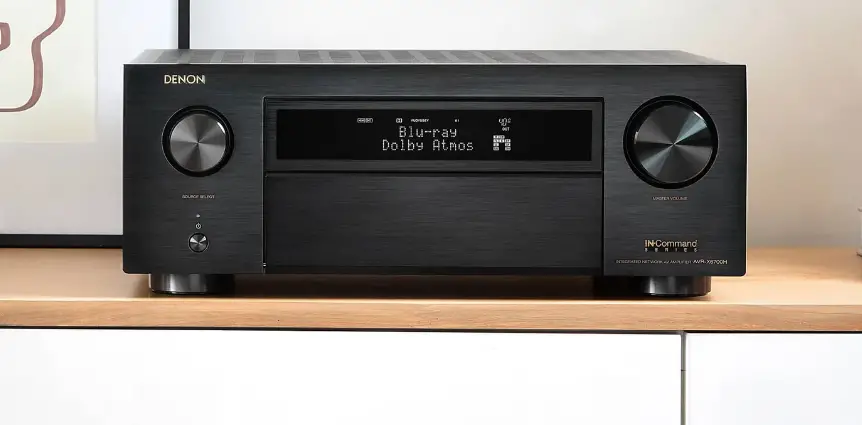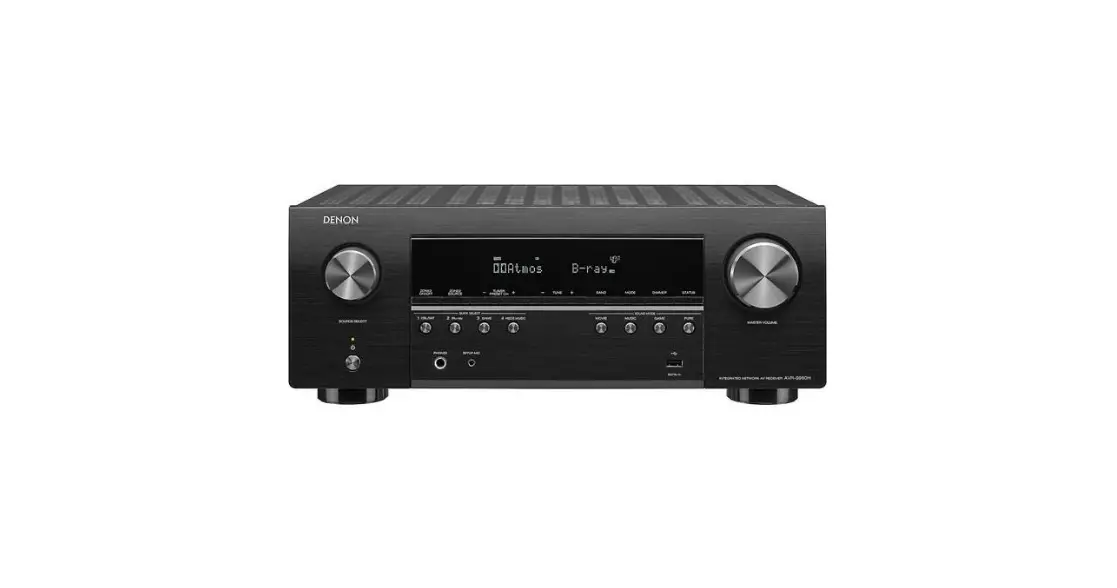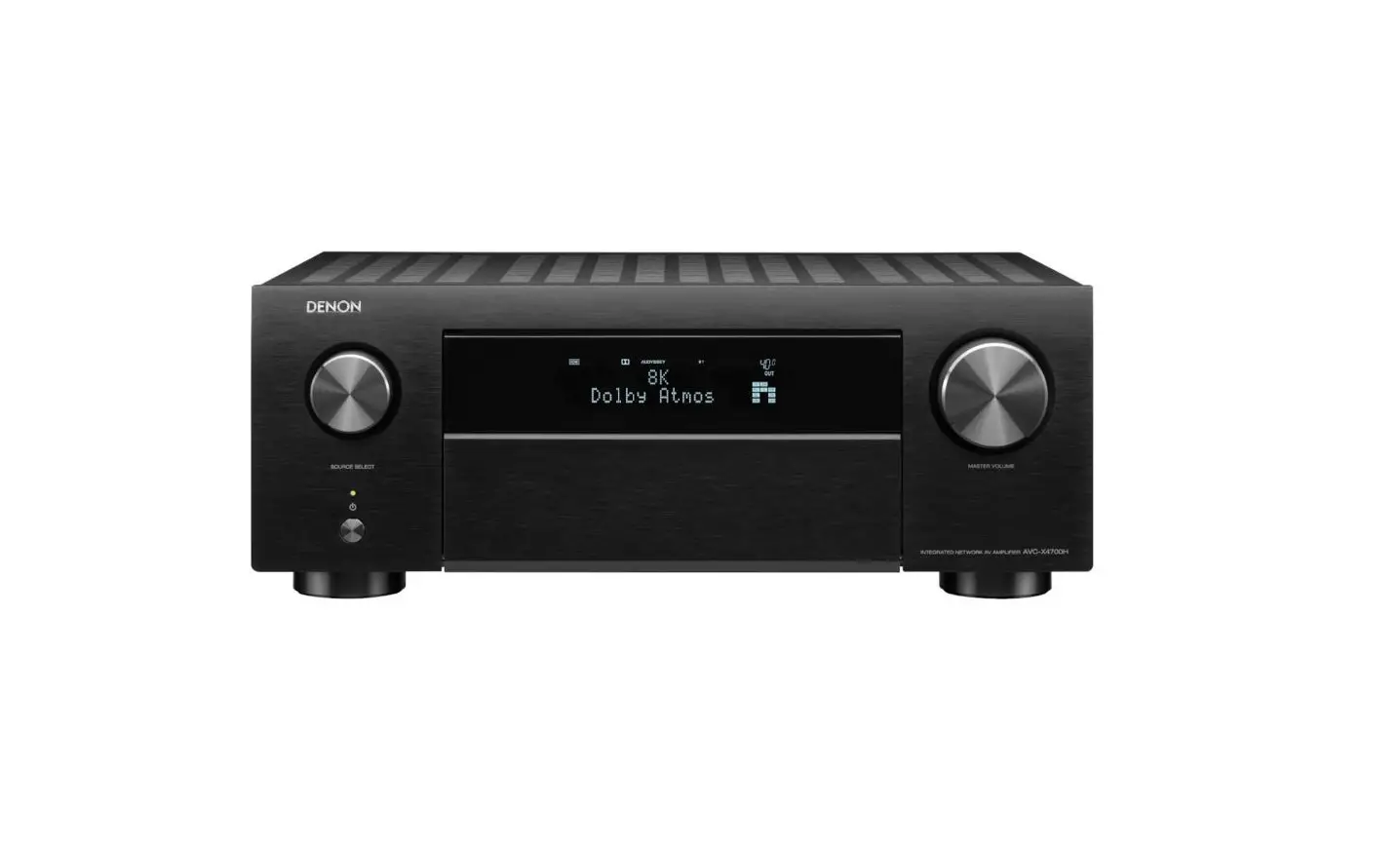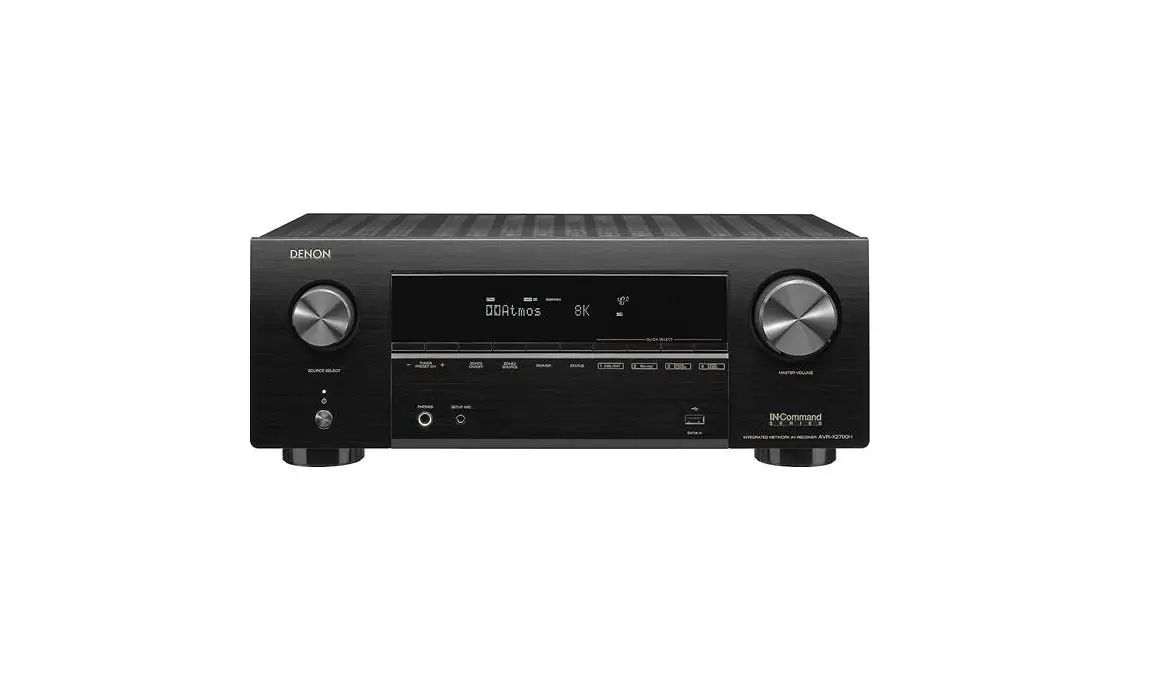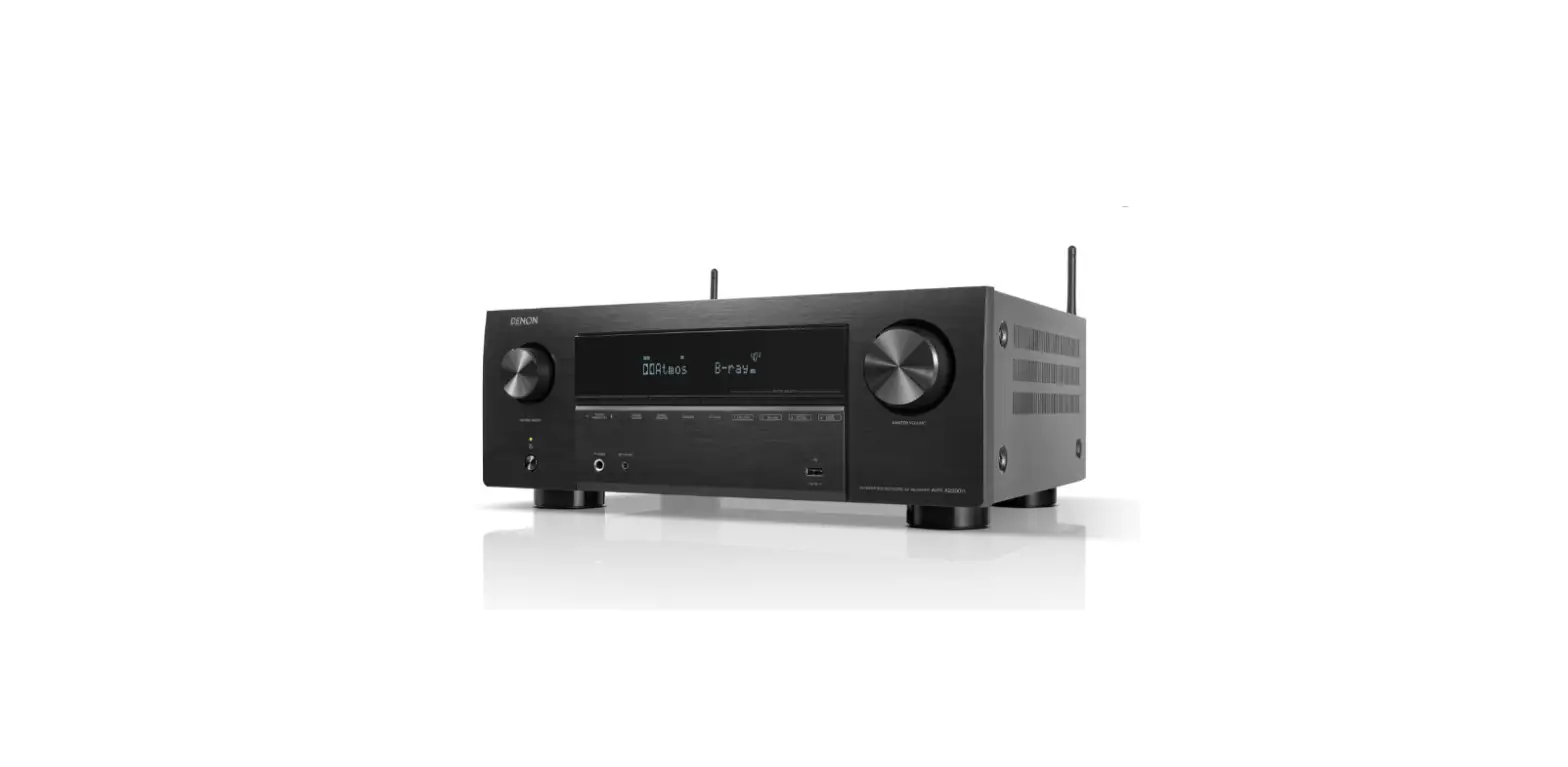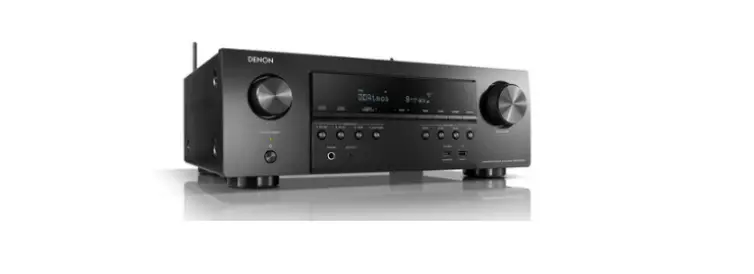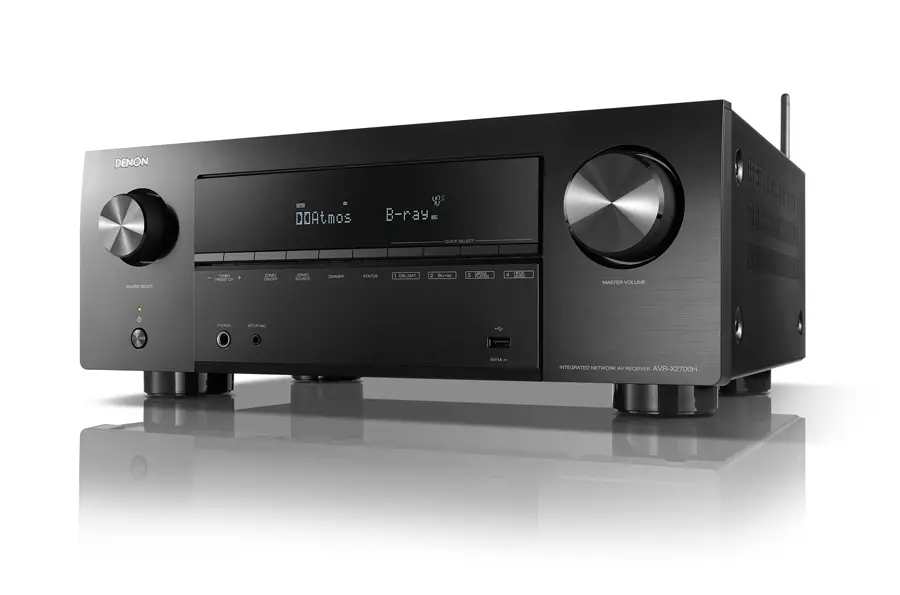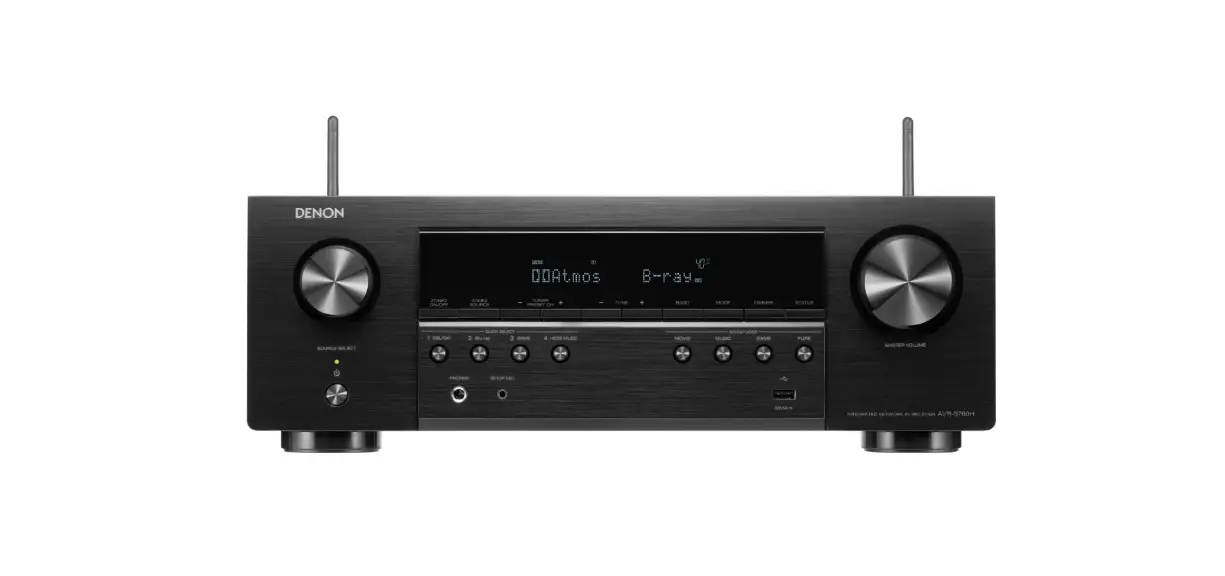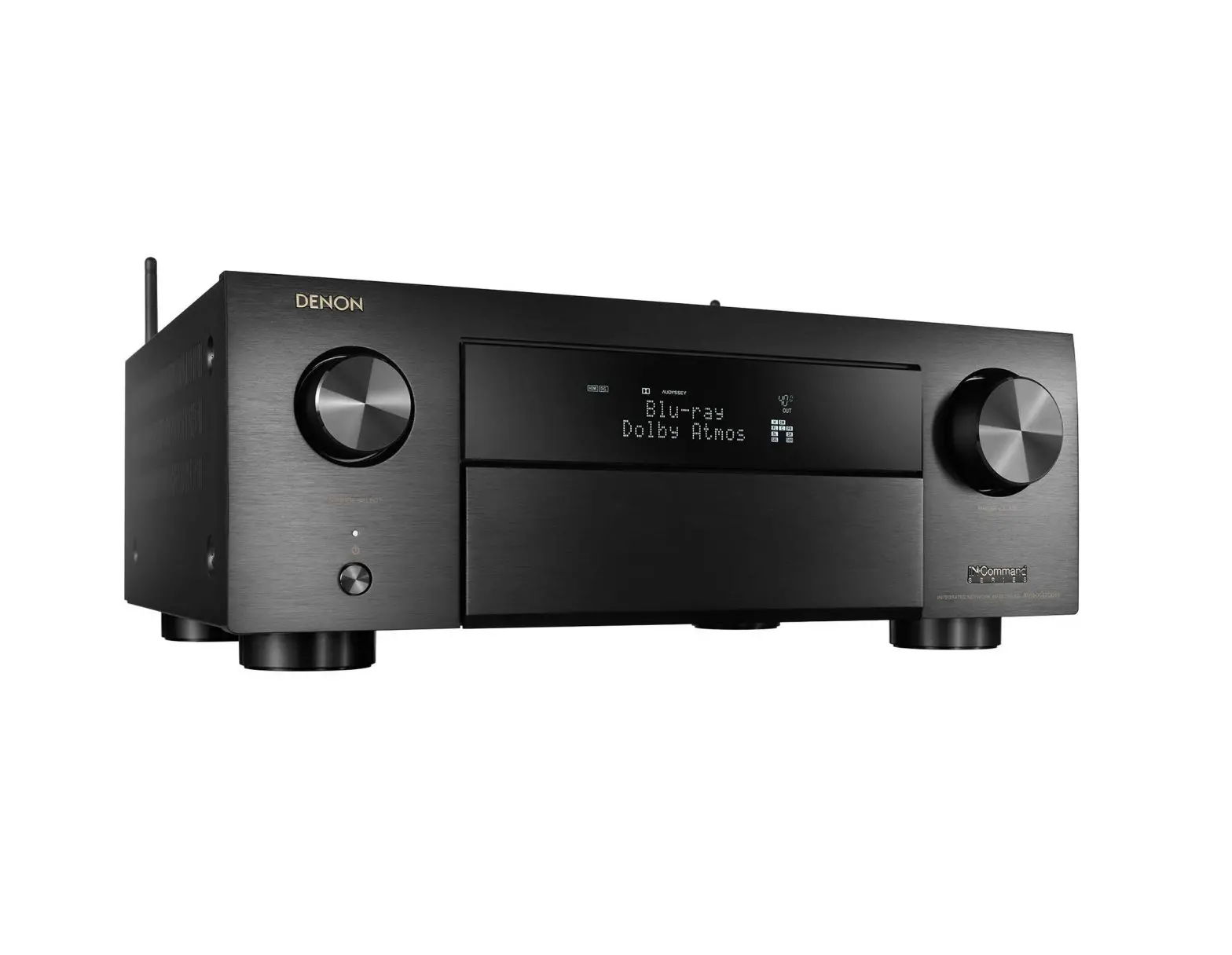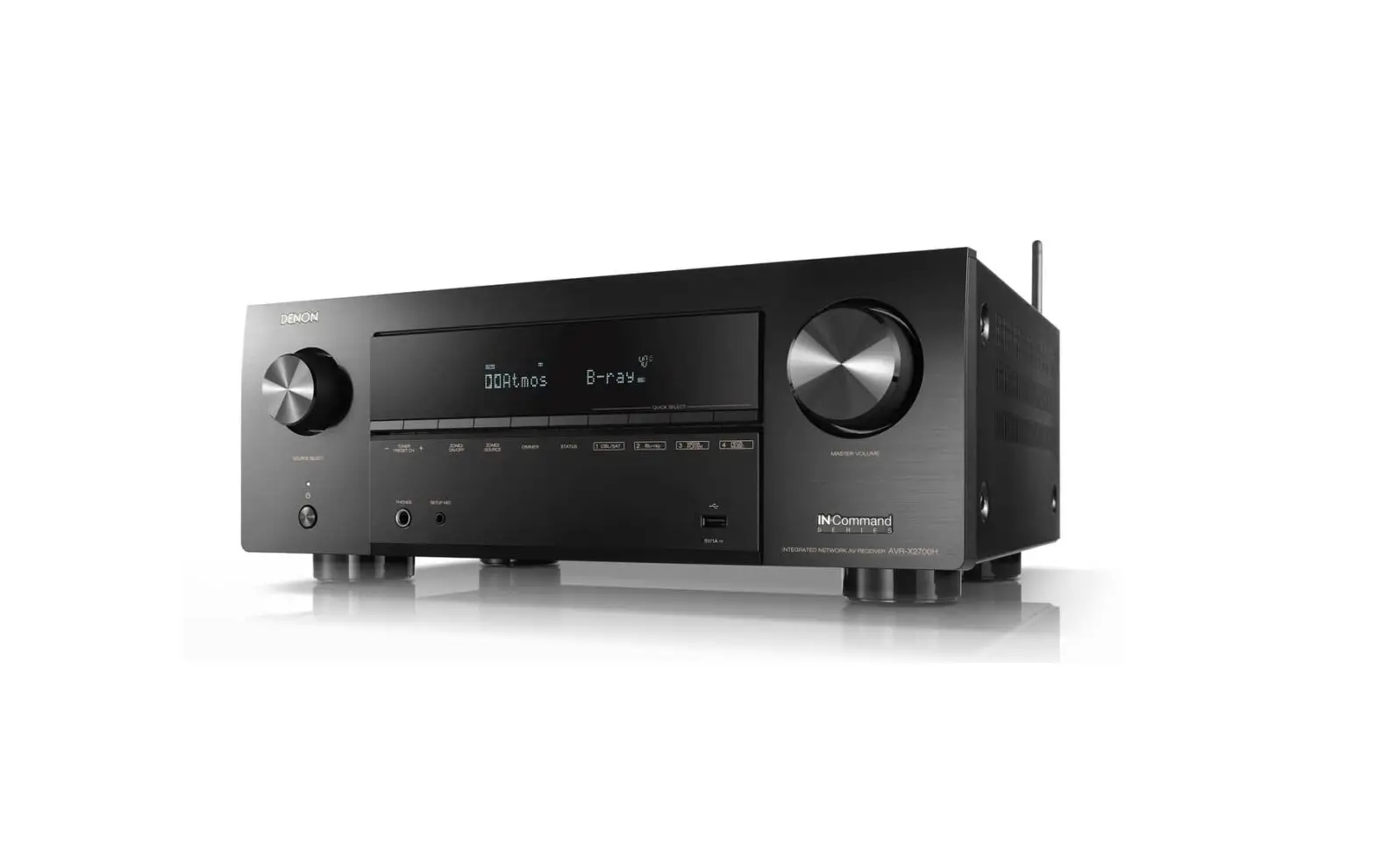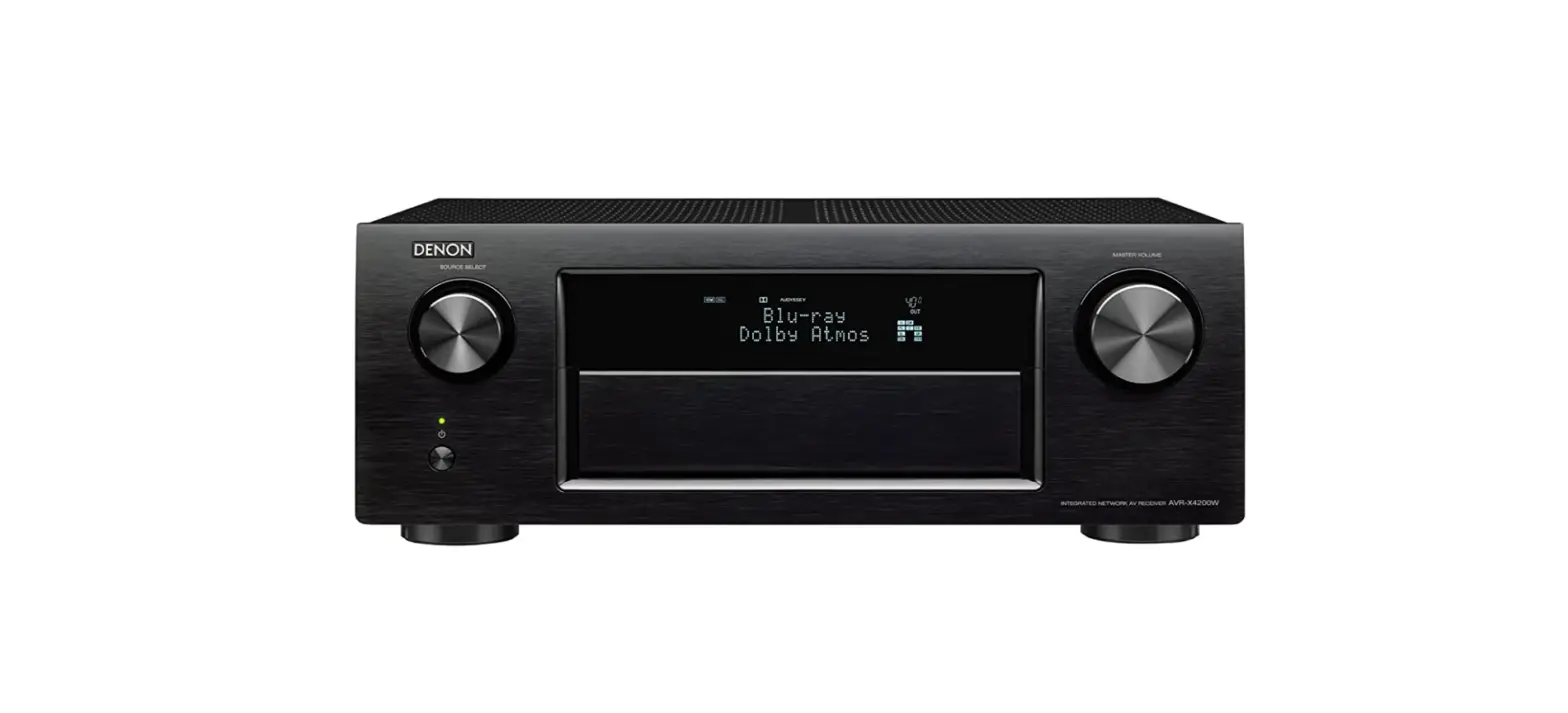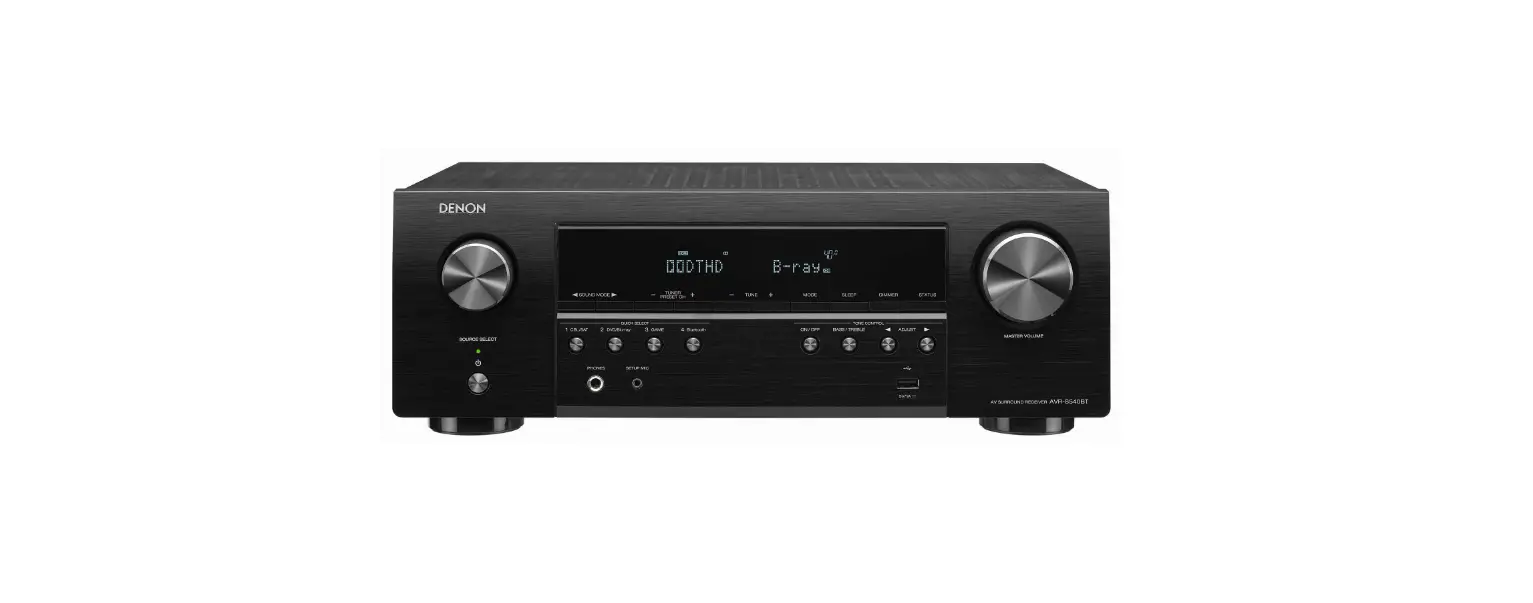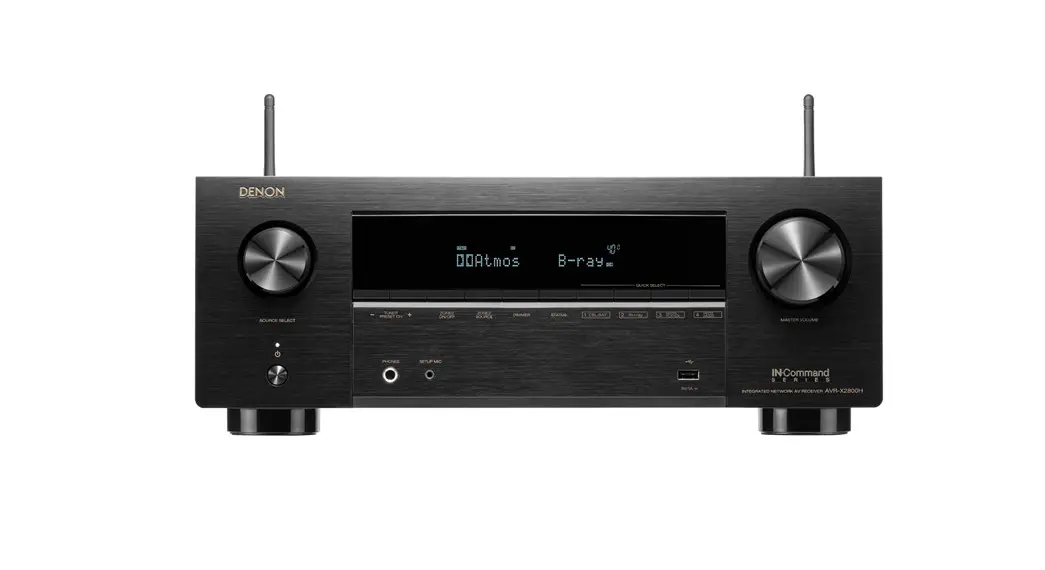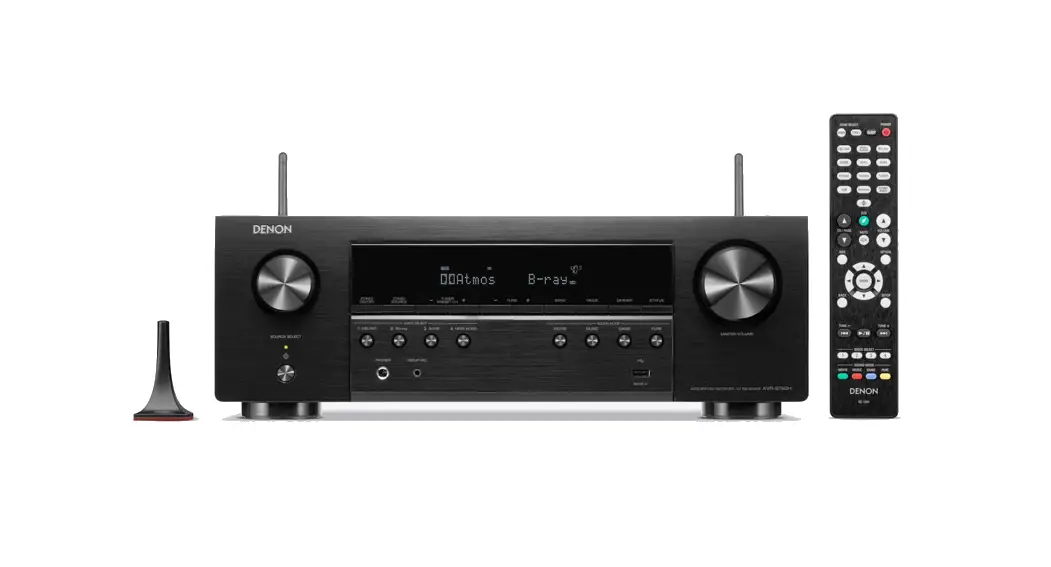
 AVR-S760H
INTEGRATED NETWORK AV RECEIVER
Quick Start Guide
AVR-S760H Integrated Network AV Receiver
Read Me First….
Lisez-moien premier….
Please do not return this product to the store.
If you need help…
Scan the QR code or visit support.denon.com/ for setup help, technical support, warranty assistance, or customer support contact information.

Welcome
Thank you for choosing a Denon AV receiver. This guide provides step-by-step instructions for setting up your AV receiver.
Before You Begin
Required for Setup
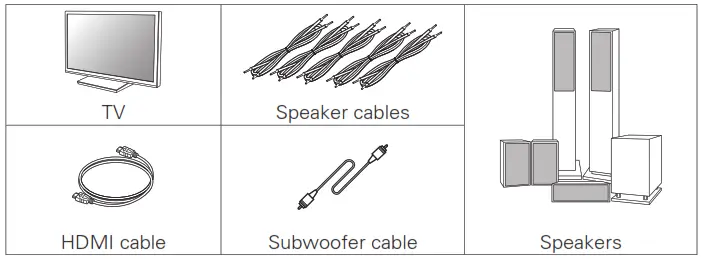
Optional
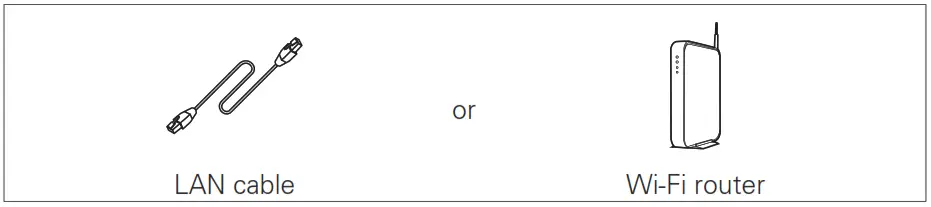
 When connecting this unit to a device that is compatible with the Deep Color, 4K, ARC and eARC functions, use a “High Speed HDMI cable with Ethernet” that displays the HDMI logo.
- When connecting this unit to a device that is compatible with the 8K and 4K 120Hz video, use a certified “Ultra High Speed HDMI cable”. If you use a different HDMI cable, the video may not be displayed or other problems may occur.
- These drawings are for illustrative purposes only and may not represent the actual product(s).
 When connecting this unit to a device that is compatible with the Deep Color, 4K, ARC and eARC functions, use a “High Speed HDMI cable with Ethernet” that displays the HDMI logo.
What’s In the Box
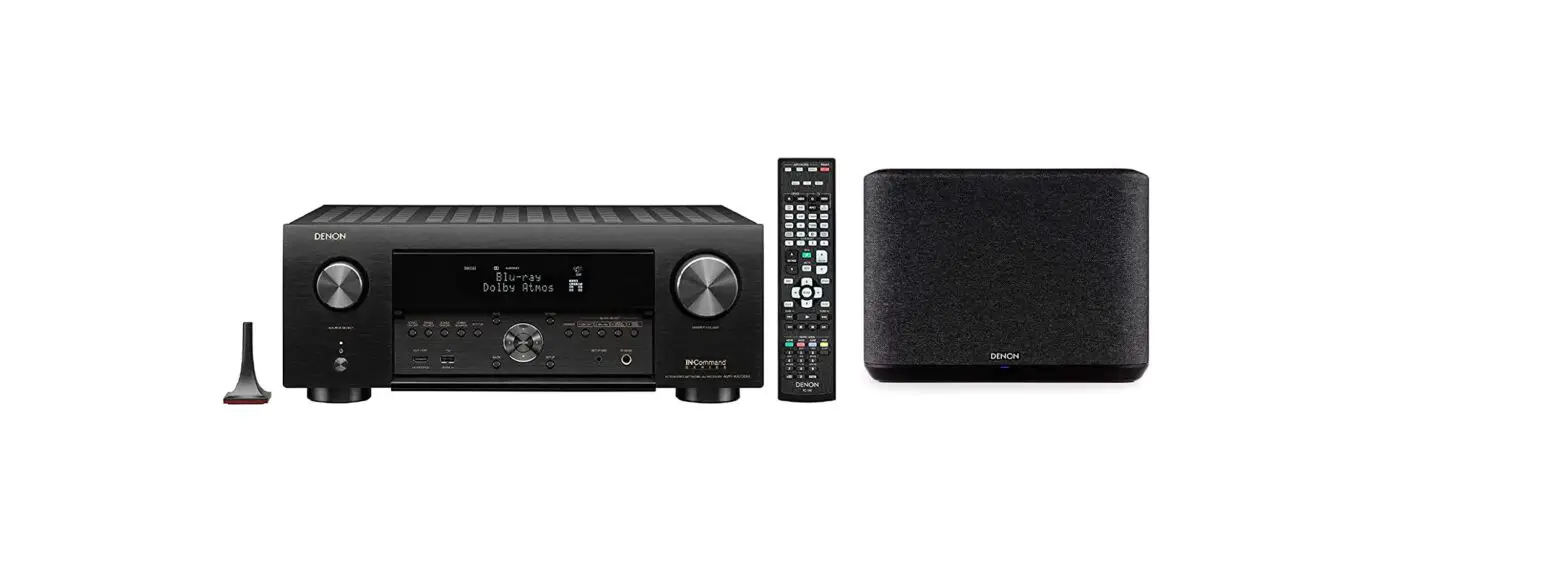
 | Quick Start Guide | 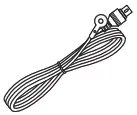 | FM indoor antenna |
 | Safety Instructions | 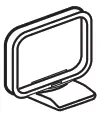 | AM loop antenna |
 | Notes on radio | 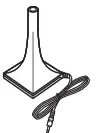 | Sound calibration microphone |
 | Warranty (for North America model only) | 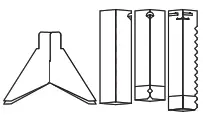 | Sound calibration microphone stand |
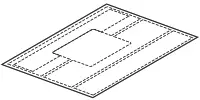 | Cable labels | 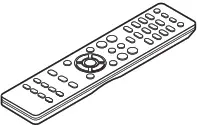 | Remote control unit (RC-1244) |
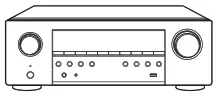 | Receiver |  | R03/AAA batteries |
- The included sound calibration microphone stand is convenient for use when performing Speaker Calibration. Using your own tripod or the supplied Sound calibration microphone stand enables settings to be automatically configured to the optimum listening environment, providing exceptionally high performance.
Setup
There are four steps to the setup process.
- Installing batteries in the remote control unit
- Connecting the receiver
- Following the On-Screen Setup Assistant
- Downloading the Mobile Apps
Installing batteries in the remote control unit
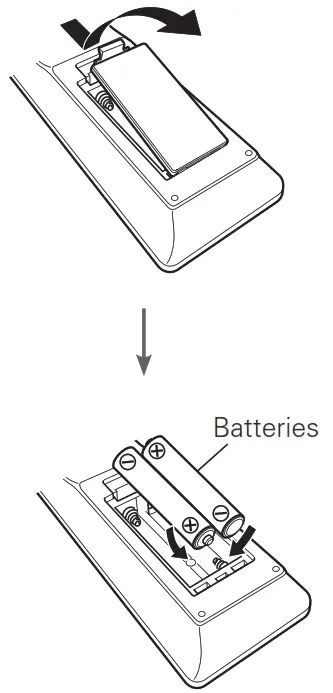
Connecting the receiver
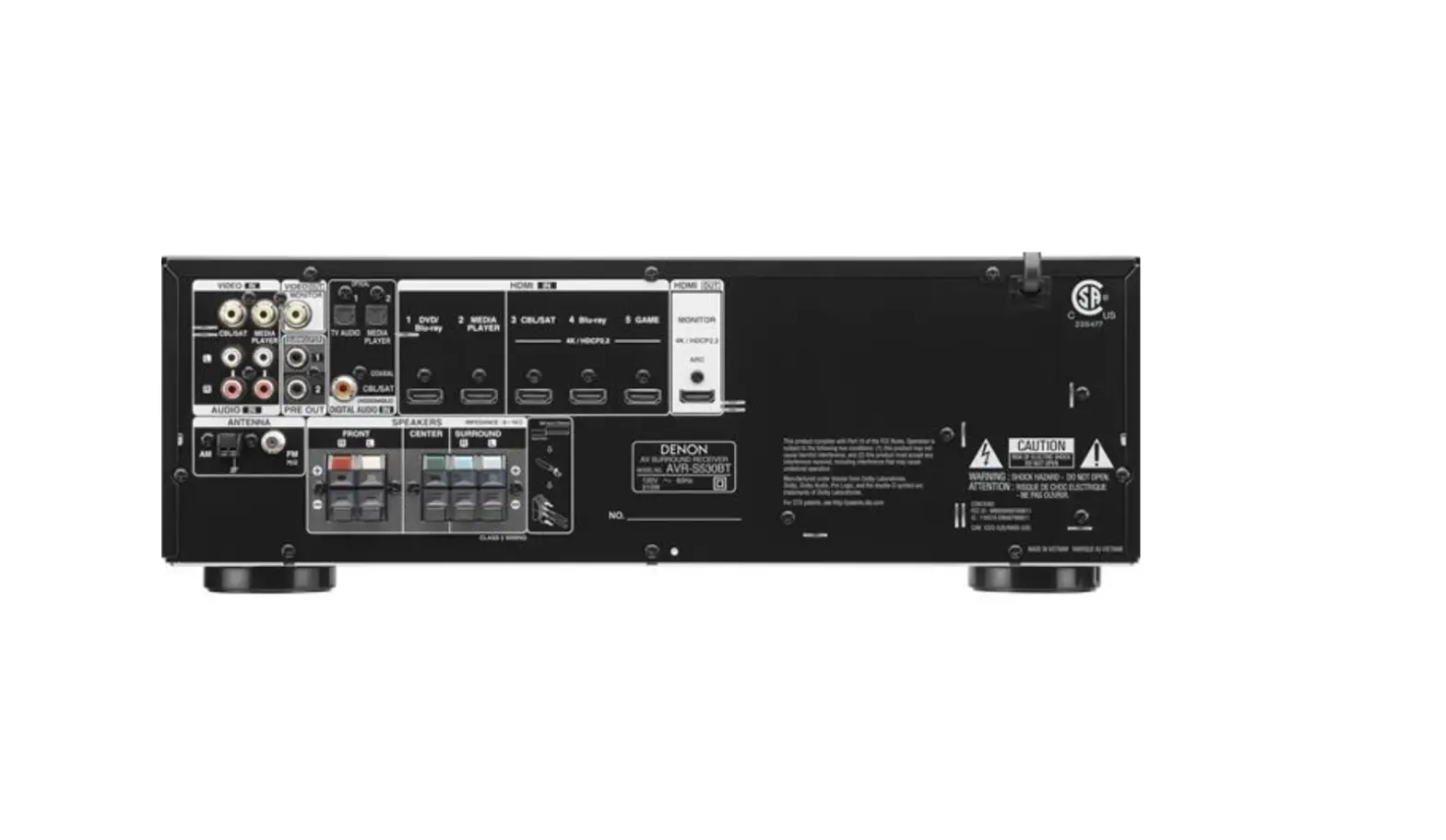
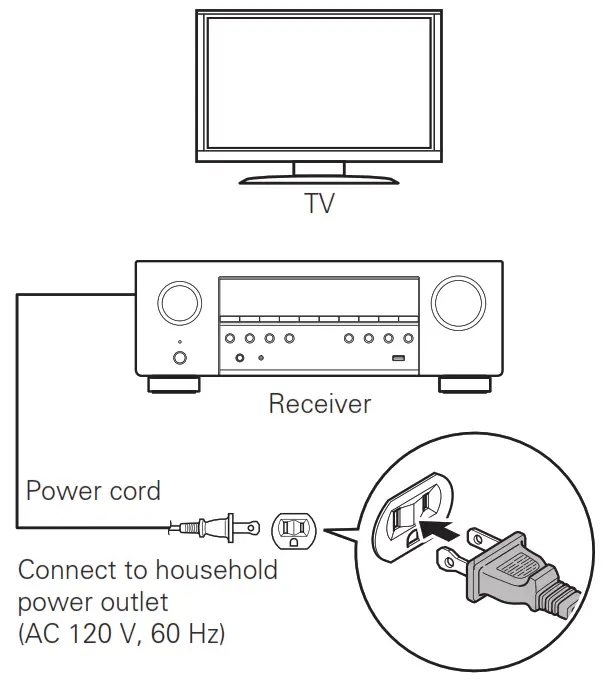
- Place the receiver near your TV and connect the power cord

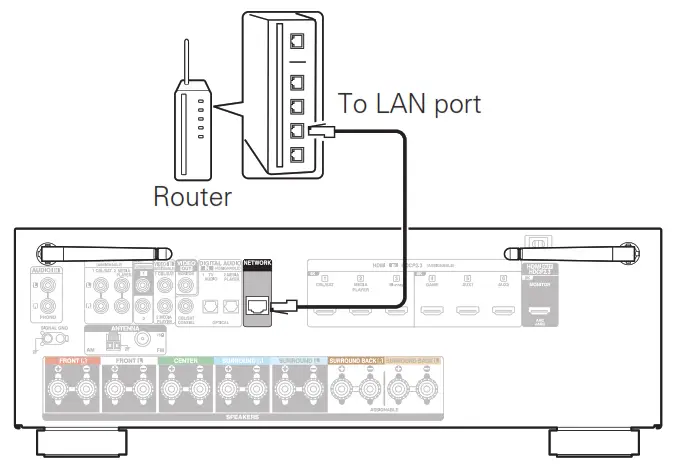
- Connect the receiver to your home network
Wired LAN
Connect an Ethernet cable (not included) between your receiver and your network router. Wireless LAN
Rotate the two antennas located on the back of the receiver upwards for maximum performance.
- Connect the receiver to your TV with an HDMI cable
 ARC (Audio Return Channel) and eARC (Enhanced Audio Return Channel) support:
If your TV supports ARC, your TV can send audio back to the AV receiver when you are using your TV’s built-in video sources (TV tuner, Smart TV streaming services, etc.) ARC requires that you enable HDMI CEC on your TV. Please refer to your TV’s Owner’s Manual for instructions on how to setup HDMI CEC. In addition, if your TV supports eARC, it can also send back high bitrate audio formats such as Dolby TrueHD, Dolby Atmos, DTS HD Master Audio and DTS:X. Please refer to your TV’s Owner’s
Manual for additional information about enabling the eARC function. - Turn on the TV

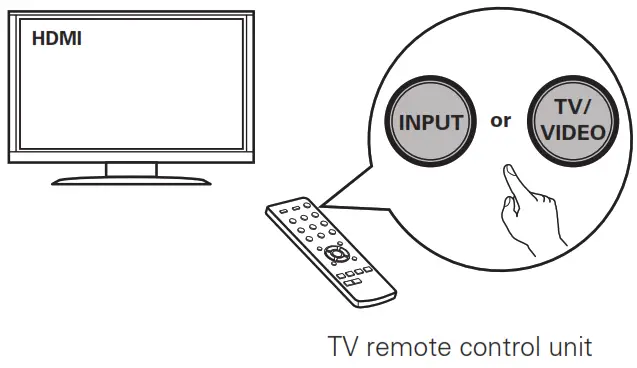
- Select the appropriate HDMI input on your TV

- Turn on the receiver
• Press to turn on the receiver.
- Verify the connection
• Verify that you can see this screen on your TV. If this screen is not displayed, please go back and retry the steps again in the recommended sequence.
 Wireless LAN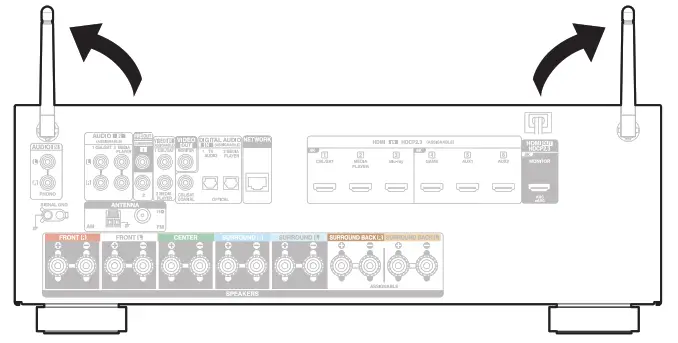
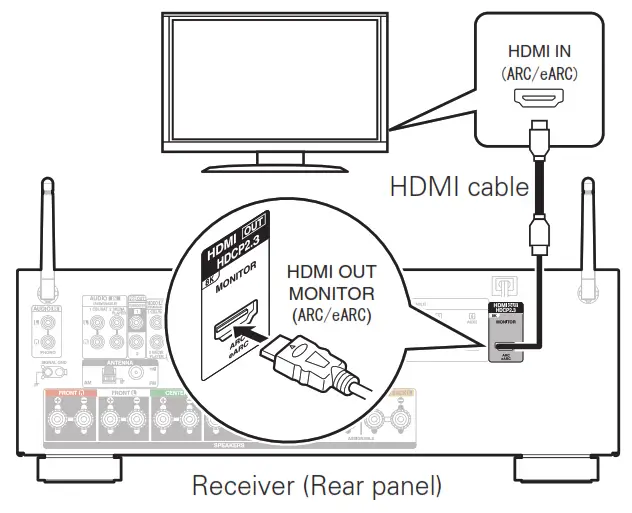 ARC (Audio Return Channel) and eARC (Enhanced Audio Return Channel) support: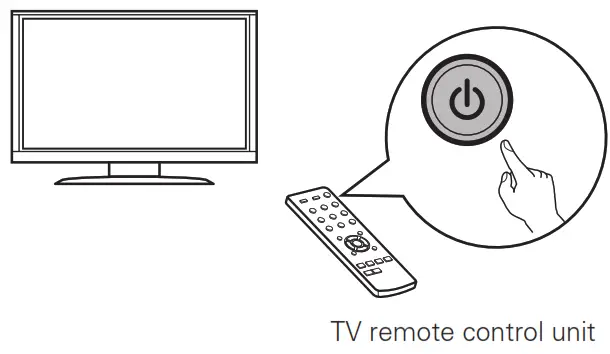
 to turn on the receiver.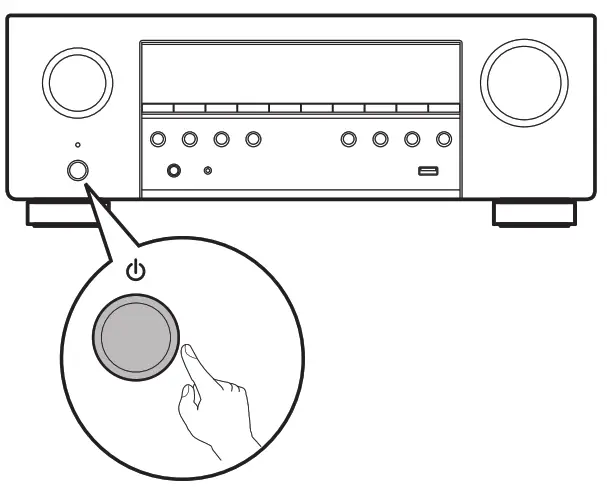
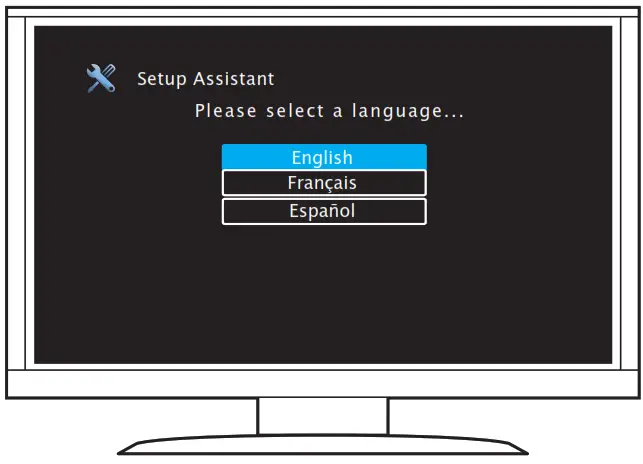 If this screen is not displayed, please go back and retry the steps again in the recommended sequence.
Following the On-Screen Setup Assistant
Now TV is connected to the receiver.
The Setup Assistant will walk you through connecting and configuring your speakers and components to your Denon receiver. Please use the remote control and follow the on-screen instructions.
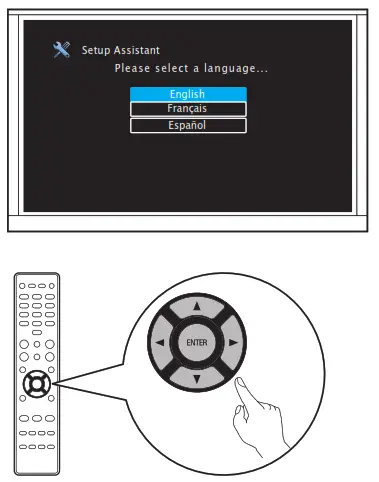
Downloading the Mobile Apps
Download both the “HEOS” App and the “Denon 2016 AVR Remote” App for the full home entertainment experience. The HEOS App is required to access online music through your AVR. HEOS
HEOS
The HEOS App allows you to explore, browse, and play music from many online streaming services or from your own music library. Denon 2016 AVR Remote
Control your new AVR with the latest Denon 2016 AVR Remote App. Volume control, sound mode selection and advanced settings are always only a tap away.
 | |
| http://qrs.ly/go52wl5 | http://qrs.ly/sg4xohn |
Owner’s Manual
- For more information, visit www.denon.com
- Refer to the Online Manual for other functions information and operation procedure details. manuals.denon.com/AVRS760H/NA/EN/
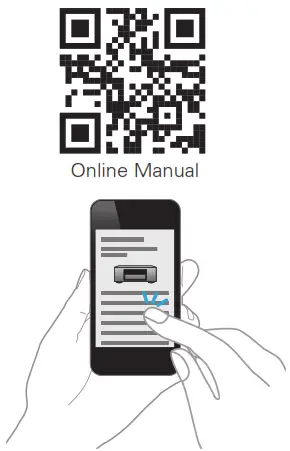
www.denon.com
Printed in Vietnam 5411 11909 10AD
© 2021 Sound United. All Rights Reserved.
 AVR-S760H
 support.denon.com/
 Denon™ Home Theater | Enhance the Entertainment Experience