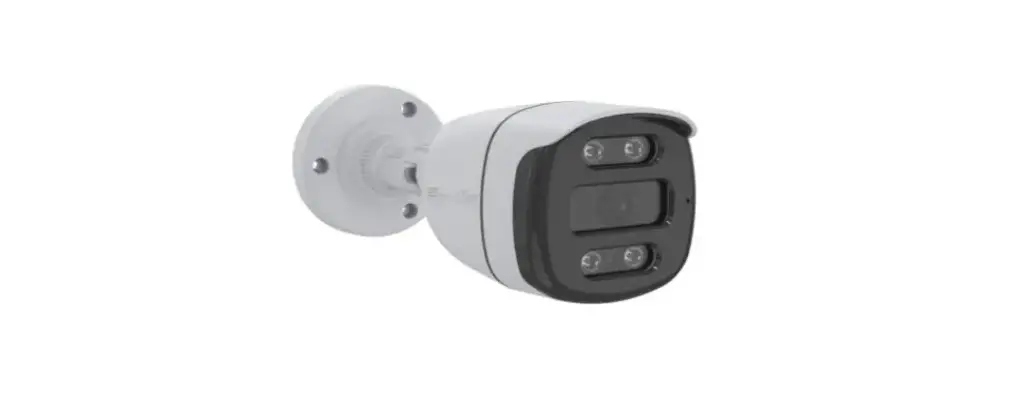

Full Color Series | IESS-BFM60H300-W
IESS-BFM60H300-WM
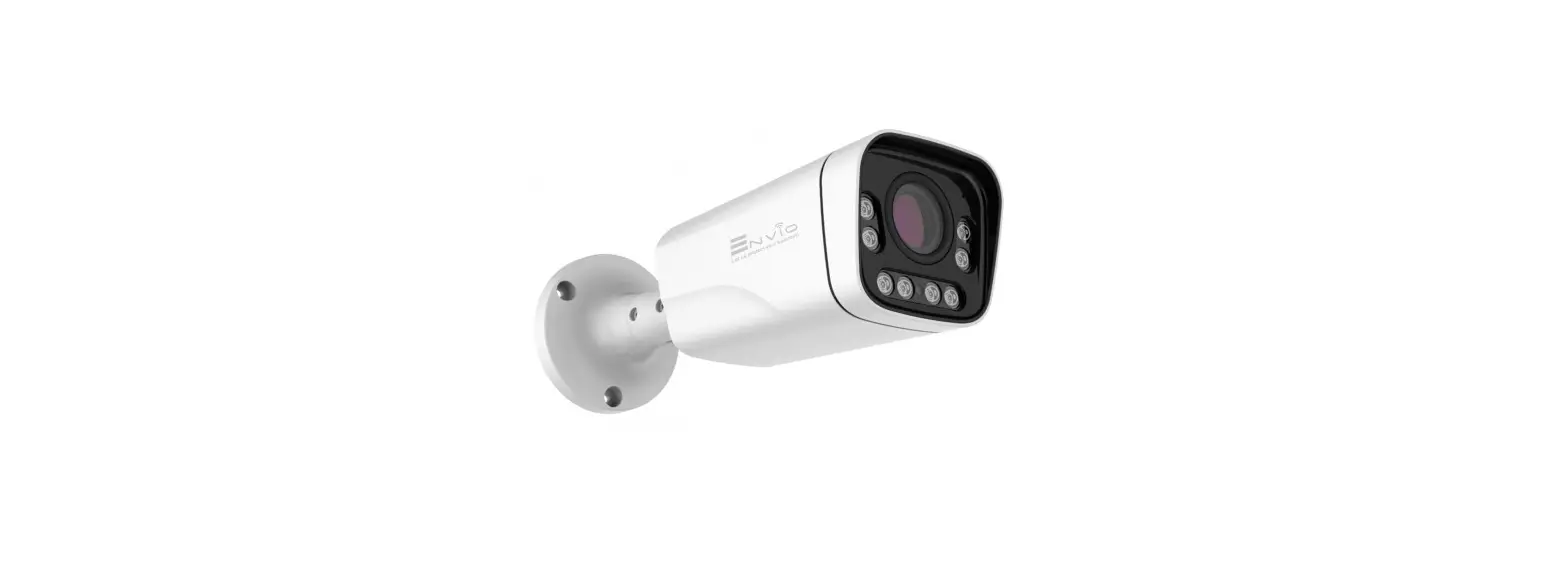
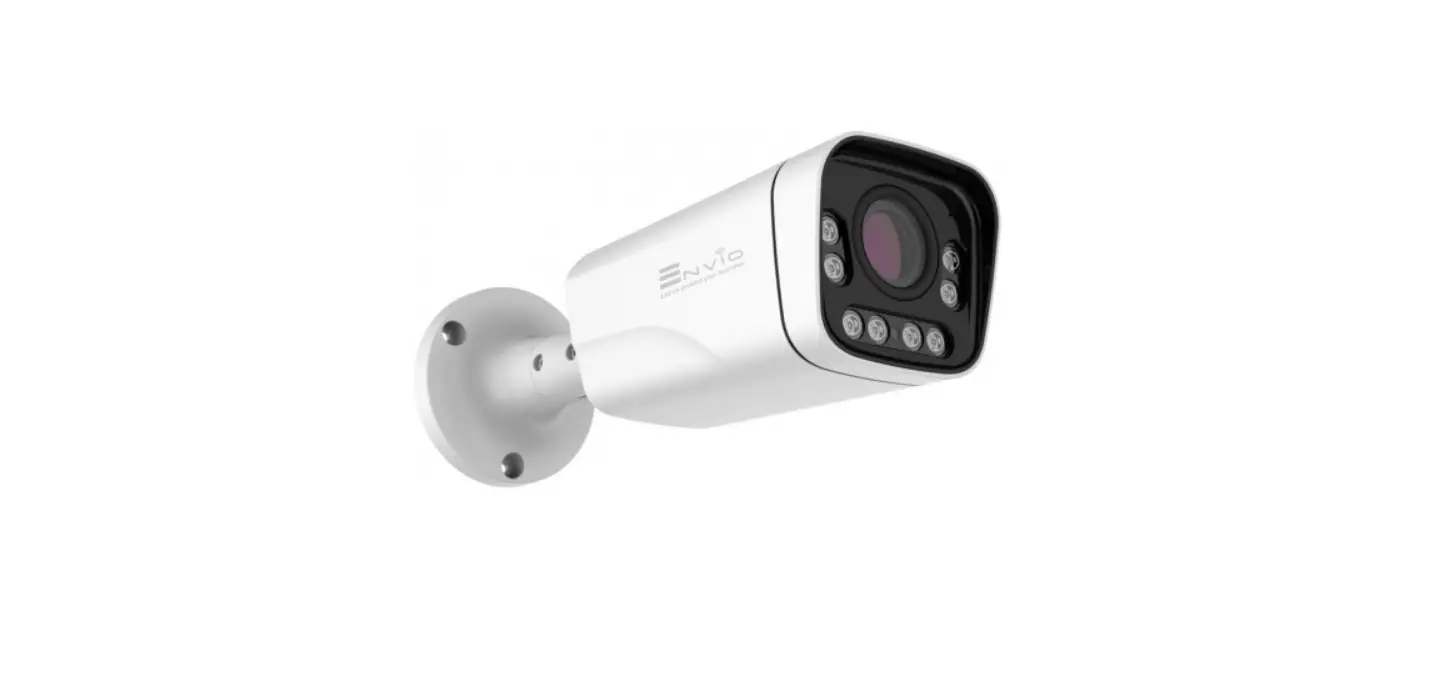
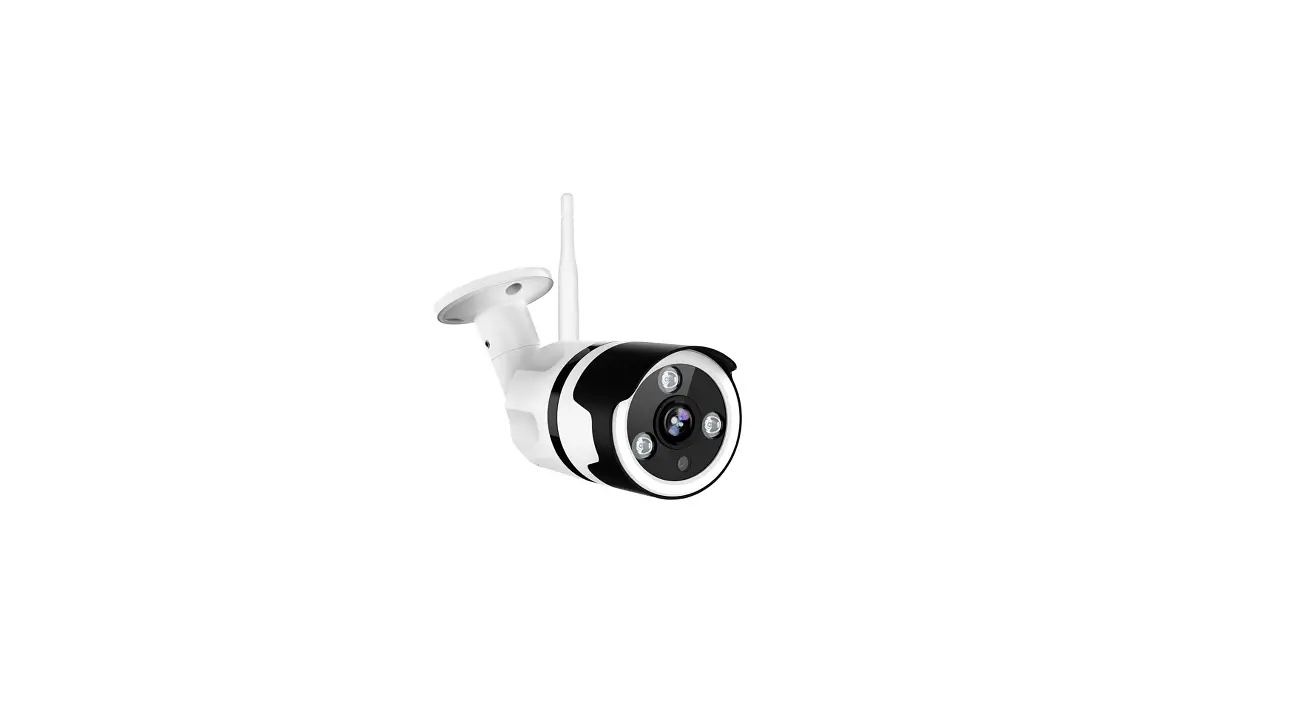
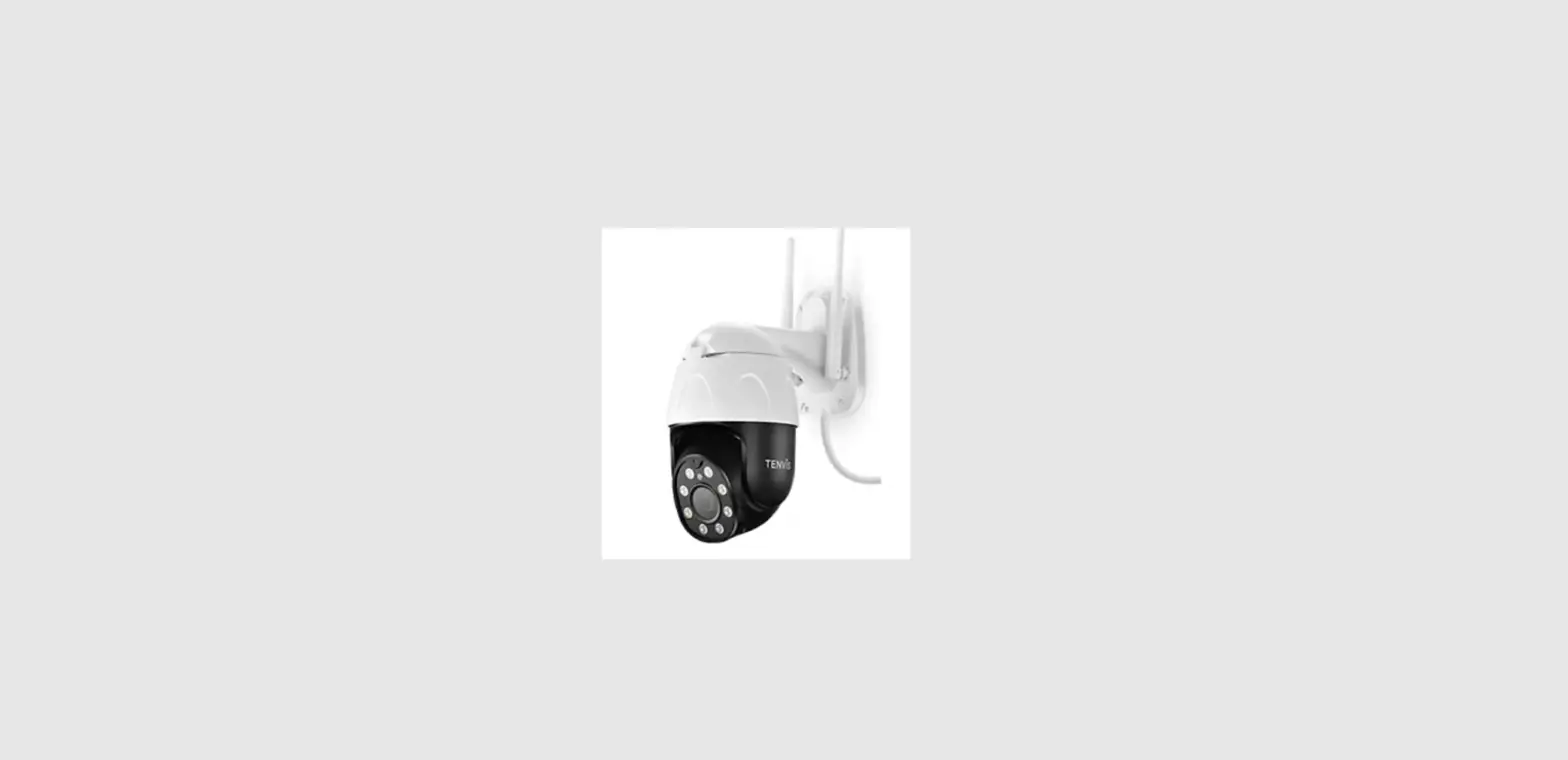
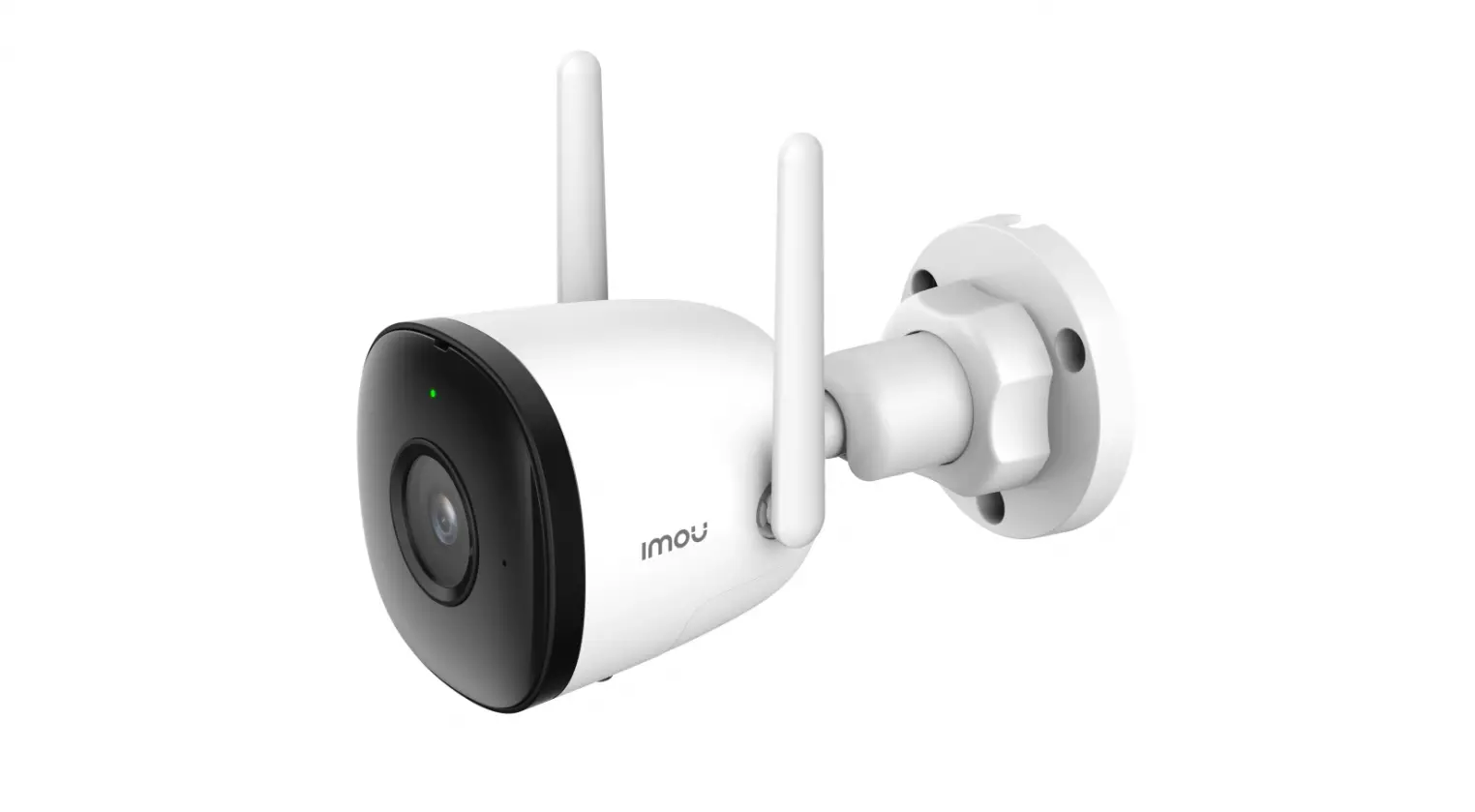
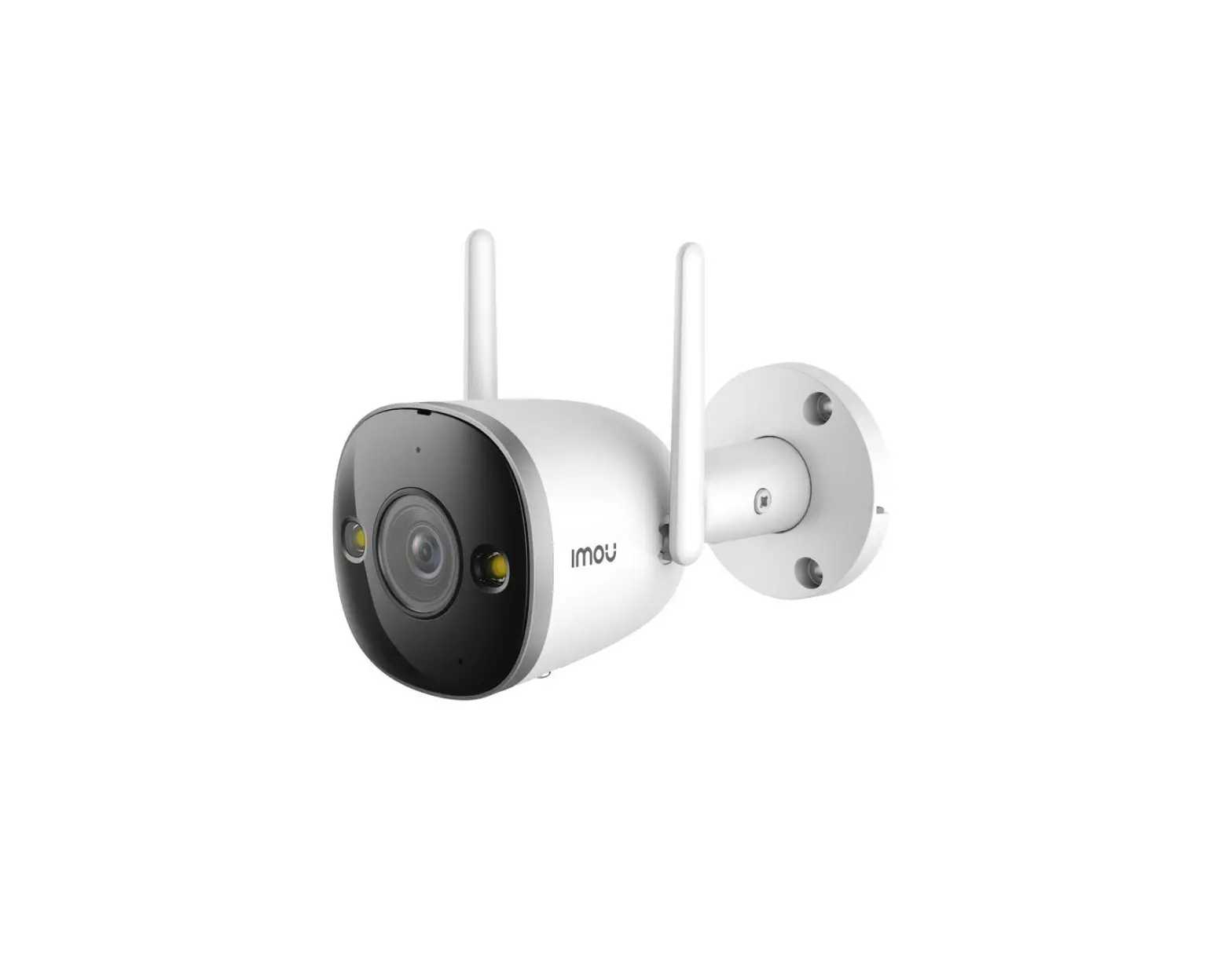
3MP Bullet Full Color Network Camera
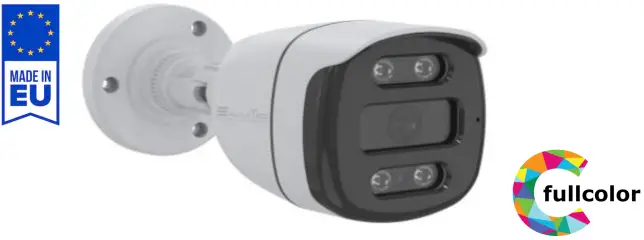
Technical Specification
Camera
| System | Embedded RTOS, dual-core 32bit DSP(GK7205V200) |
| Image Sensor | 2304(H)×1296(V), 3MP 1/2.8″ Black light illumination CMOS Sensor |
| Video compression | H264 / H265 / H265+ |
| Minimum Illumination | color [email protected], black/white [email protected] |
| IR Distance | 30m |
| IR On/Off Control | Auto / Manual |
| LEDs | 4 Warm White Leds |
Lens
| Lens Type | Fixed Lens |
| Focal Length | 2.8mm |
| Angle of View | 86° |
| Focus Control | N/A |
Video
| Resolution | 2304×1296 |
| Video Output | Main stream: 3MP 2304*1296@20fps/2MP 1920*1080@25fps; sub-stream: 800*448@25fps; |
| Record | N/D |
Network
| Interface | 1*RJ45 10/100M adaptive port; RTSP/FTP/DHCP/NTP/UPnP |
| ONVIF | 2.4 |
| Mobile Monitor | XMEYE/XMEYE PRO (iOS,Adroid) |
| Detect | Human Detect/Face Detect/Video Analysis |
| Noise Reduction | 2D/3D |
| White Balance | Auto / Manual |
| Audio | N/D |
Electrical
| Power Supply | 12V DC ±30% / POE IEEE802.3af |
| Power Consumation | Max 3.6W (Leds on) |
Environment
| IP Protection | IP65 |
Construction
| Housing | Plastic |
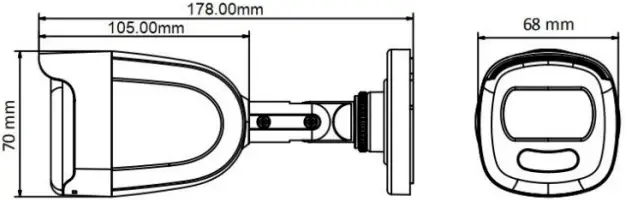
| Dimensions / Weight | 178mm×70mmx68mm |
1 Warnings & Precautions
ear Customer, we thank you for choosing one of our products whose correct use guarantees solutions of the highest quality and reliability over time. This manual provides instructions for using the product.
2 Connections
Connect the camera to the router and plug in the power cable (12V at least 1A). You can also power the cam with POE (IEEE.802.3af)
3 Installation
The bullet cameras are equipped with an integrated bracket for wall mounting, specially designed to allow the passage of cables inside it and protect them from tampering attempts. The camera is generally mounted at the cable outlet so as not to leave exposed cables. However, the fixing base also has a lateral cable outlet slot if the cables come from the side in the external duct. The bracket must be fixed to the wall or ceiling with the plugs provided
Network High Definition
- 1/2.8″ Black light illumination CMOS sensor
- 3MP (2304*1296)
- 2.8mm Fixed lens
- Maximum Led distance 30m
- Human Detect/Face detect/Video Analysis
- 12VDC/POE IEEE802.3af
- Onvif 2.4
- H264/H265/H265+
- 4 Warm White LEDs
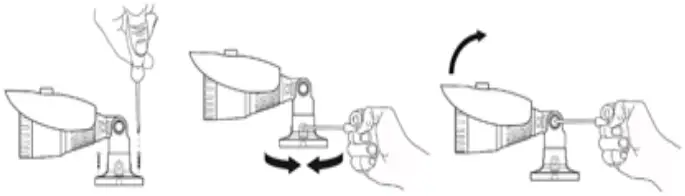
4 Framing adjustment
Once fixed correctly to the wall / ceiling, point it in the desired direction and lock it (may vary from model to model) by tightening the screws with the Allen key provided. Fixed lens cameras do not require focusing as they are factory set for most applications. To ensure optimum image quality, do not install the camera too close to strong light sources or in places subject to light reflections that could compromise the correct view of the camera.
5 Configuration
Connect the camera to the router and plug in the power cable (12V at least 1A). You can power the camera in POE (IEEE.802.3af), if the camera model is equipped with POE.
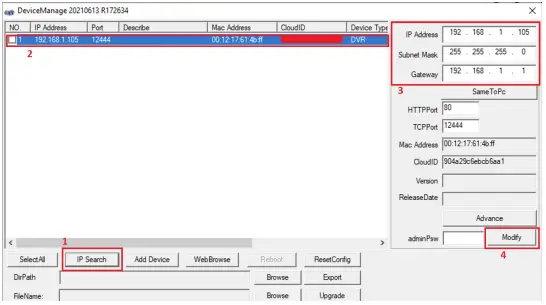
Download the “Device Manager” software from the website www.enviosecurity.com and install it on the PC. Once the software is open, press the “IP Search” button (1). Select the IP address shown by the software (2), and modify the IP address of the camera (3), taking care to enter an IP address with the same subnet as your router, enter the relevant network mask and IP address of the gateway.
Finally, press the “Modify” button (4) to save the settings. The software will show a “successful change” message.
Open Internet Explorer (we suggest using I.E. starting from version 10)
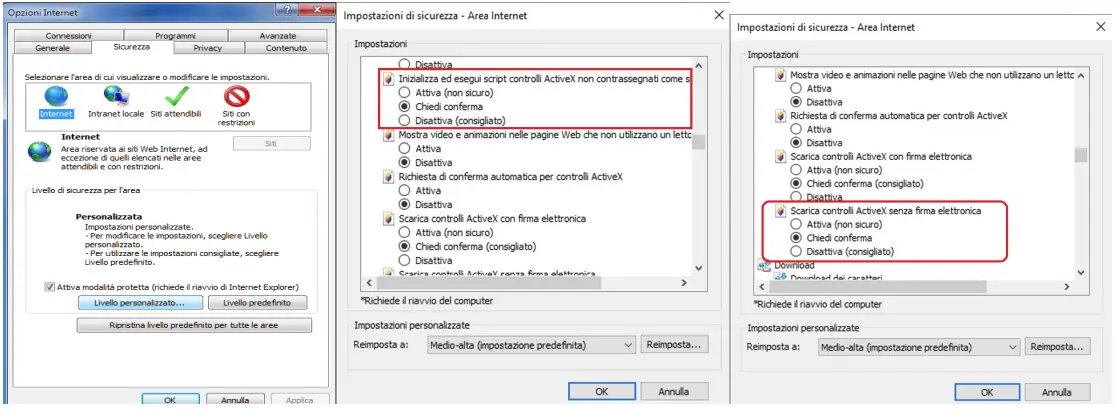
Set up ActiveX controls before accessing the camera (Go to Internet option, select Security tab, select custom level and configure the ActiveX control settings as shown in the figure.
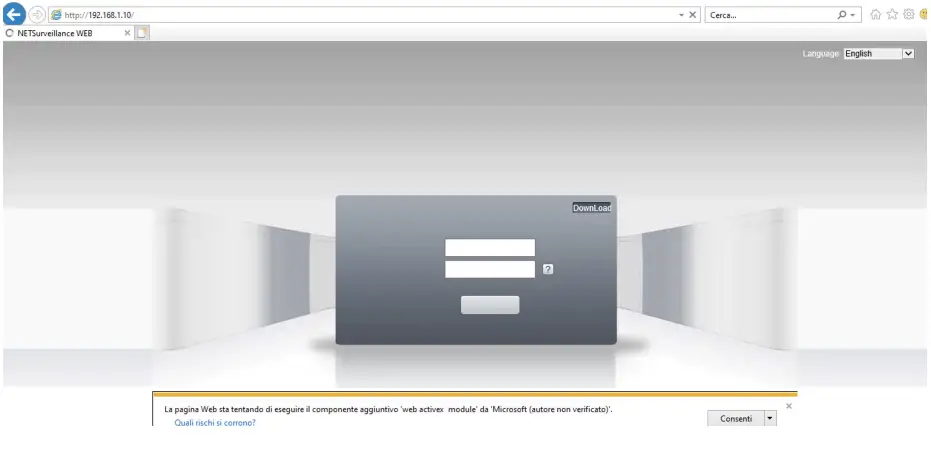
 In the Internet Explorer address bar, enter the IP address of the camera http://192.168.1.10 Select “Allow”, when Internet Explorer asks for permission to install ActiveX controls
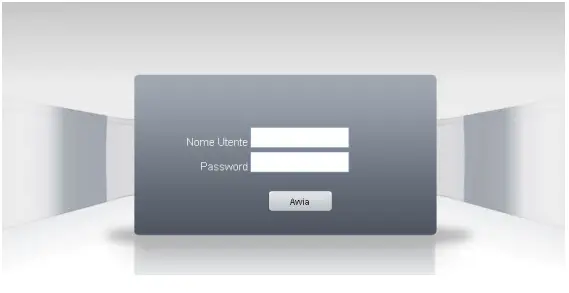
Enter your login credentials:
user: admin
password: (no password)
For the full manual visit www.enviosecurity.com
 Envio Security