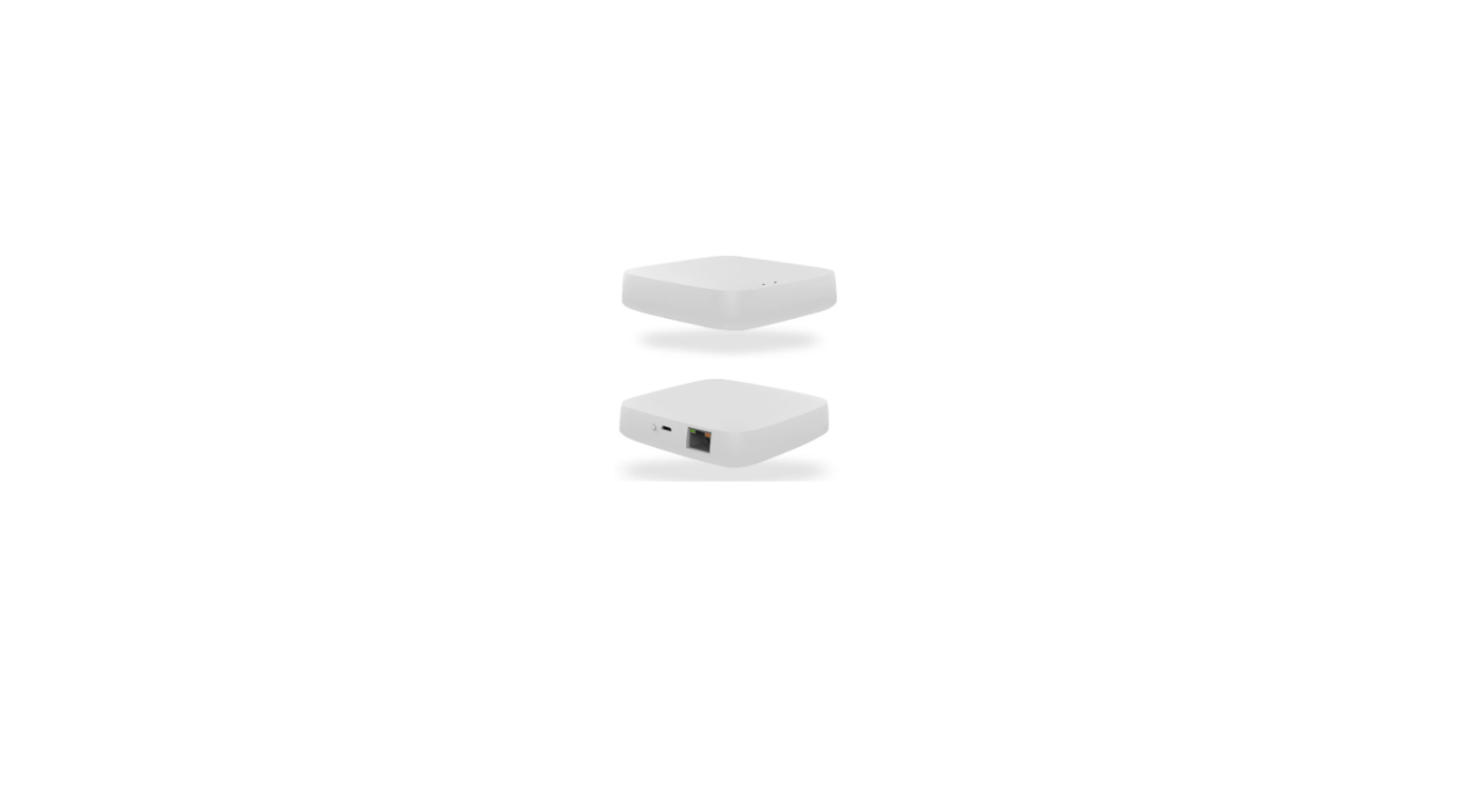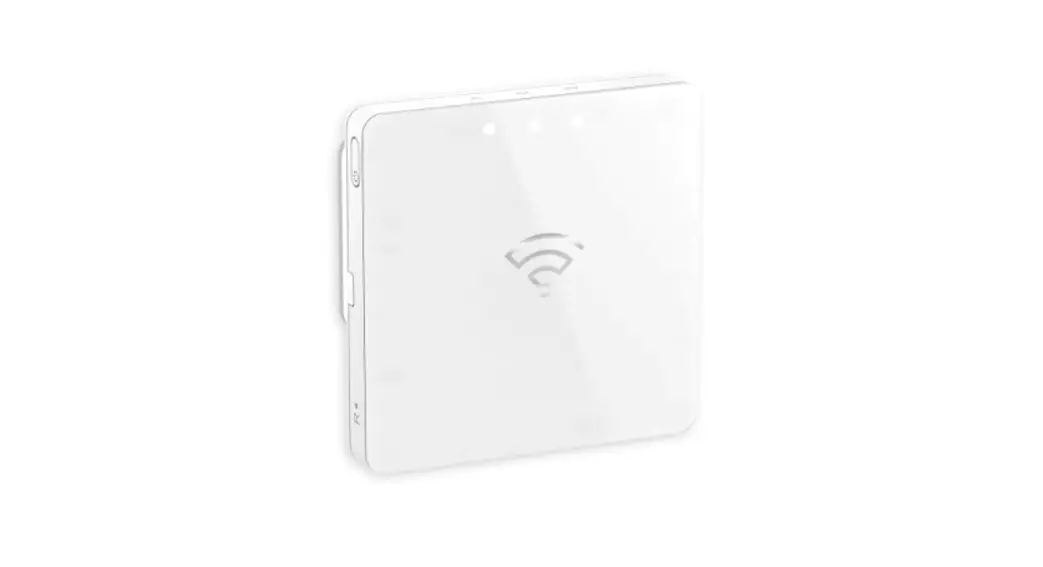


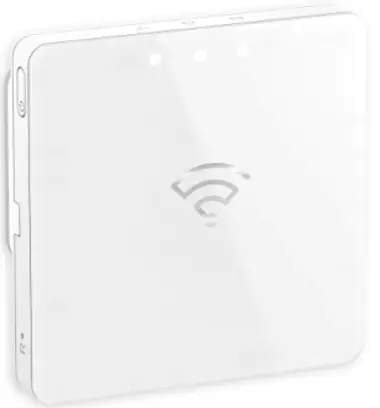
CLP501902
PDL501902
 |  |
| https://itunes.apple.com/us/app/wiser-by-se/id1026806919?ls=1&mt=8 | https://play.google.com/store/apps/details?id=com.schneiderelectric.WiserBySE |
 |  |
Wiser Hub
Prerequisites
Download the Wiser by SE app to your smartphone.
About this product
The Wiser Hub (hereinafter known as Hub) is a communication interface that can be connected to all your Wiser Zigbee devices, enabling you to easily manage your home environment.
Functions
- Monitors and controls Wiser Zigbee devices through the mobile app, Ethernet or Wi-Fi® .
- Create Moments or Automations to operate Wiser Zigbee devices through the mobile app.
Package contents
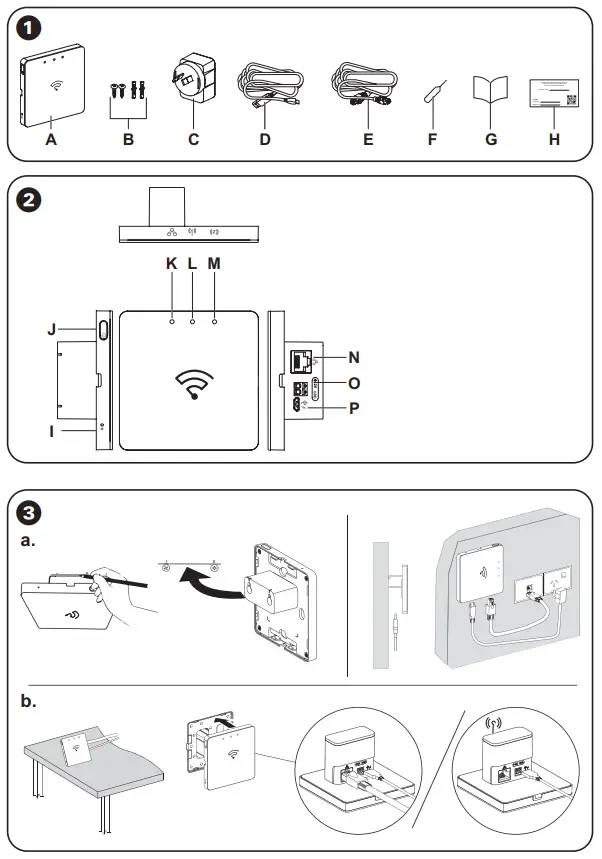
A Wiser Hub
B Screws: 2 × ST4.2 × 25 mm with wall plug
C AC adaptor
D AC adaptor USB cable
E Ethernet cable
F Reset pin
G Installation instructions
H Hand over card
Operating elements
I Reset button
J Power button
K Ethernet LED
L Wi-Fi® LED
M Zigbee LED
N Ethernet port
O Terminals for power supply (12 VDC)
P Micro USB port for the AC adaptor
Installing the Hub
 DANGER
HAZARD OF ELECTRIC SHOCK, EXPLOSION, OR ARC FLASH
- It is illegal for persons other than an appropriately licensed electrical contractors or other persons authorised by legislation to work on the fixed wiring of any electrical installation.
- To comply with all safety standards, the product must be used only for the purpose described in this instruction and must be installed in accordance with the wiring rules and regulation in the location where it is installed.
- Lock out and tag the input circuit before accessing the wiring connections.
- There are no user serviceable parts inside the product.
Failure to follow these instructions will result in death or serious injury.
NOTICE
EQUIPMENT DAMAGE
- If the Hub is powered through the micro USB port, use the provided AC adaptor only.
- If the Hub is powered on through the terminals, use a suitable 12 VDC power supply only.
Failure to follow these instructions can result in equipment damage.
DANGER
HAZARD OF ELECTRIC SHOCK, EXPLOSION, OR ARC FLASH
Make sure that the 12 VDC power supply is turned off before making connections to the Hub.
Failure to follow these instructions will result in death or serious injury.
a. Wall
It is recommended to use the supplied AC adaptor to power the Hub.
b. Table
- Use the tablestand for Wiser Hub CLP501902_0001 or PDL501902_0001 when placing the Hub on a table.
- It is recommended to use the supplied AC adaptor to power the Hub.
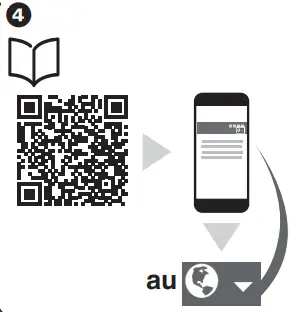
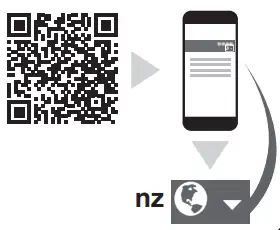
Read full system user guide online
Scan the QR code to access the Wiser – System User Guide for complete information about the device, including operation, configuration and using the system.
Technical data
| AC power adaptor | Model number: KA0601A-0501000AUU Input: 100-240 VAC, 50/60 Hz Output: 5.0 VDC, 1.0 A, 5.0 W Average active efficiency: 73.7% @115 VAC, 230 VAC No-load power consumption: 0.1 W @115 VAC, 230 VAC |
| Power supply | 5 VDC/1.0 A AC power adap- tor through micro USB port 12 VDC/0.5 A power supply through 2-pin terminal block (not included in the package) |
| Connector type | Micro USB port for the AC adaptor 2-pin terminal block cable type: 0.25 mm 2 to 1.50 mm2 |
| Communication interface | Ethernet: IEEE802.3, 10/100 base-T (LAN) Wi-Fi ®: 2.4 GHz, IEEE802.11 b/g/n Zigbee: 2.4 GHz, IEEE802.15.4 |
| Operating frequency | 2405 – 2480 MHz (Zigbee) 2412 – 2472 MHz (Wi-Fi ®) |
| Max. radio frequency power transmitted | <10 mW (Zigbee) <67 mW (Wi-Fi ®) |
| System clock | RTC function with coin battery (CR1220) |
| IP rating | IP20 |
| Operating temperature | 0 °C to 40 °C, indoor use only |
| Relative humidity | 10 % to 90 %, non-condensing |
| Dimensions (H × W × D) | 86 × 86 × 34 mm |
| Communication protocol | Zigbee 3.0 certified |
| Compliance |  |
Trademarks
- Wiser™ is a trademark and the property of Schneider Electric SE, its subsidiaries and affiliated companies.
- Zigbee® is a registered trademark of the Connectivity Standards Alliance.
- Apple® and App Store® are brand names or registered trademarks of Apple Inc.
- Google Play™ Store and Android™ are brand names or registered trademarks of Google Inc.
- Wi-Fi® is registered trademark of Wi-Fi Alliance® .
Other brands and registered trademarks are properties of their relevant owners.
Schneider Electric (Australia) Pty Ltd
33-37 Port Wakefield Road, Gepps Cross SA 5094
Customer Care: 13 73 28
Email: [email protected]
Warranty: https://www.se.com/au/en/about-us/legal/terms-and-conditions.jsp
www.se.com
Schneider Electric (NZ) Ltd
Building 6, 60 Highbrook Drive, East Tamaka,
Auckland 2013
Customer Care: 0800 652 999
Email: [email protected]
Warranty: https://www.se.com/nz/en/about-us/legal/terms-and-conditions.jsp
www.se.com
NNZ5867307-02 01/2022
 Schneider Electric Global | Global Specialist in Energy Management and Automation
 Schneider Electric Global | Global Specialist in Energy Management and Automation