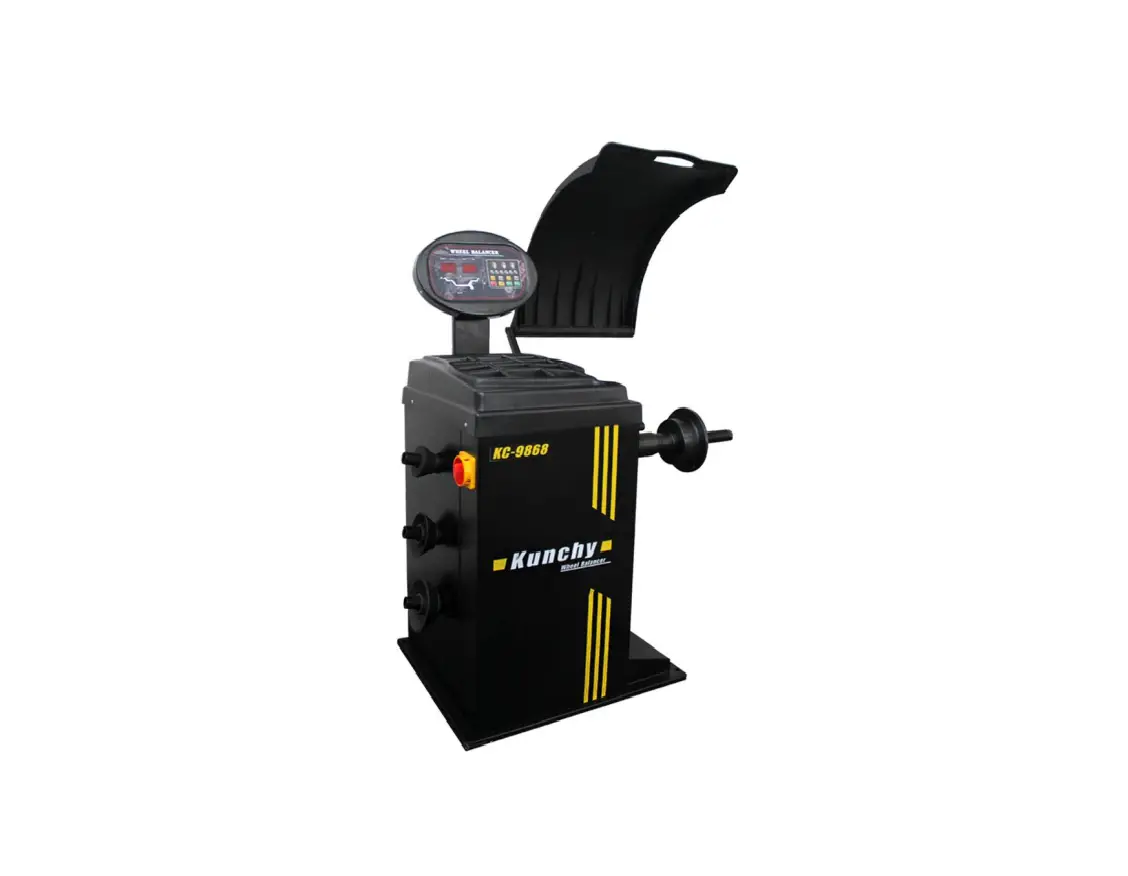
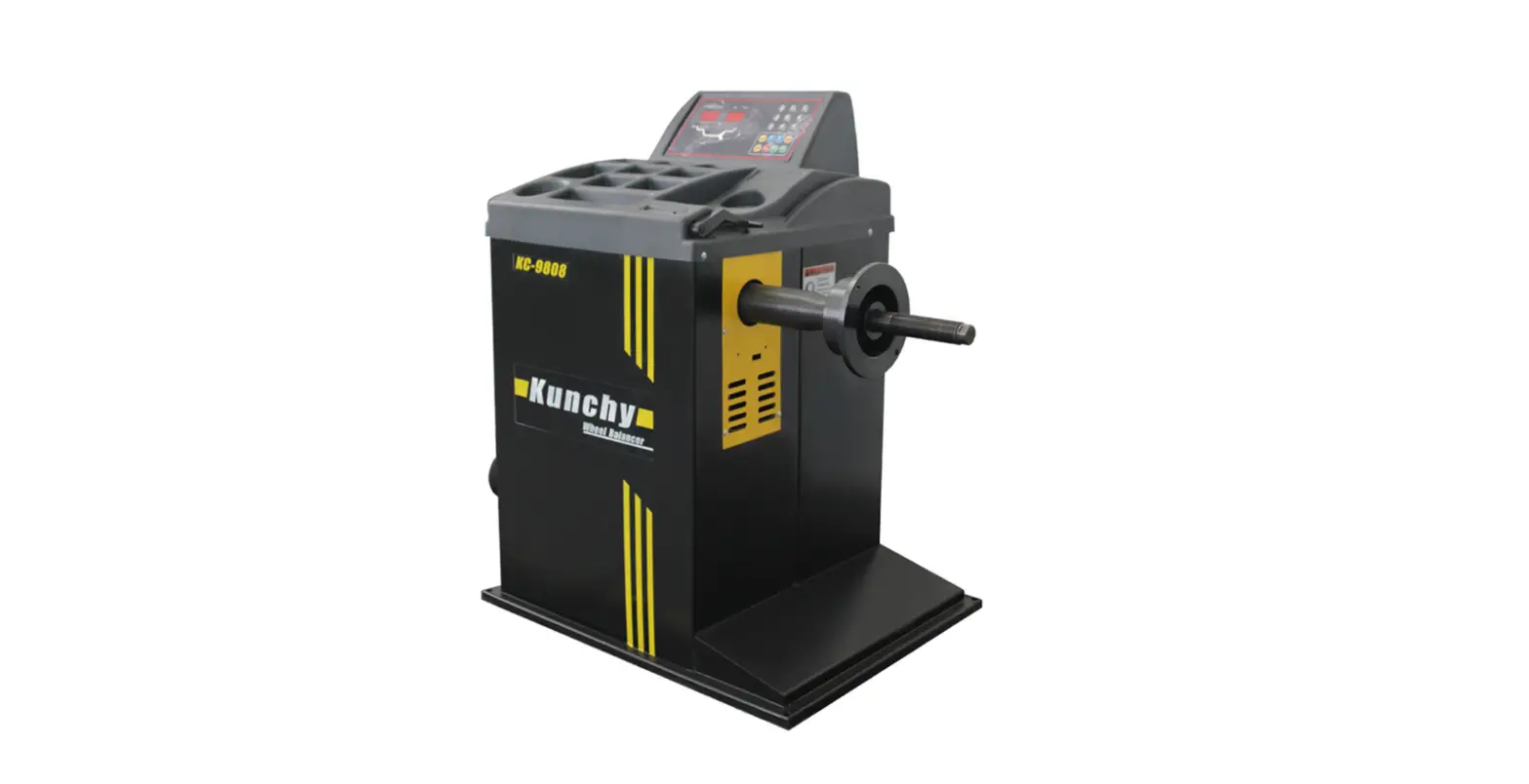
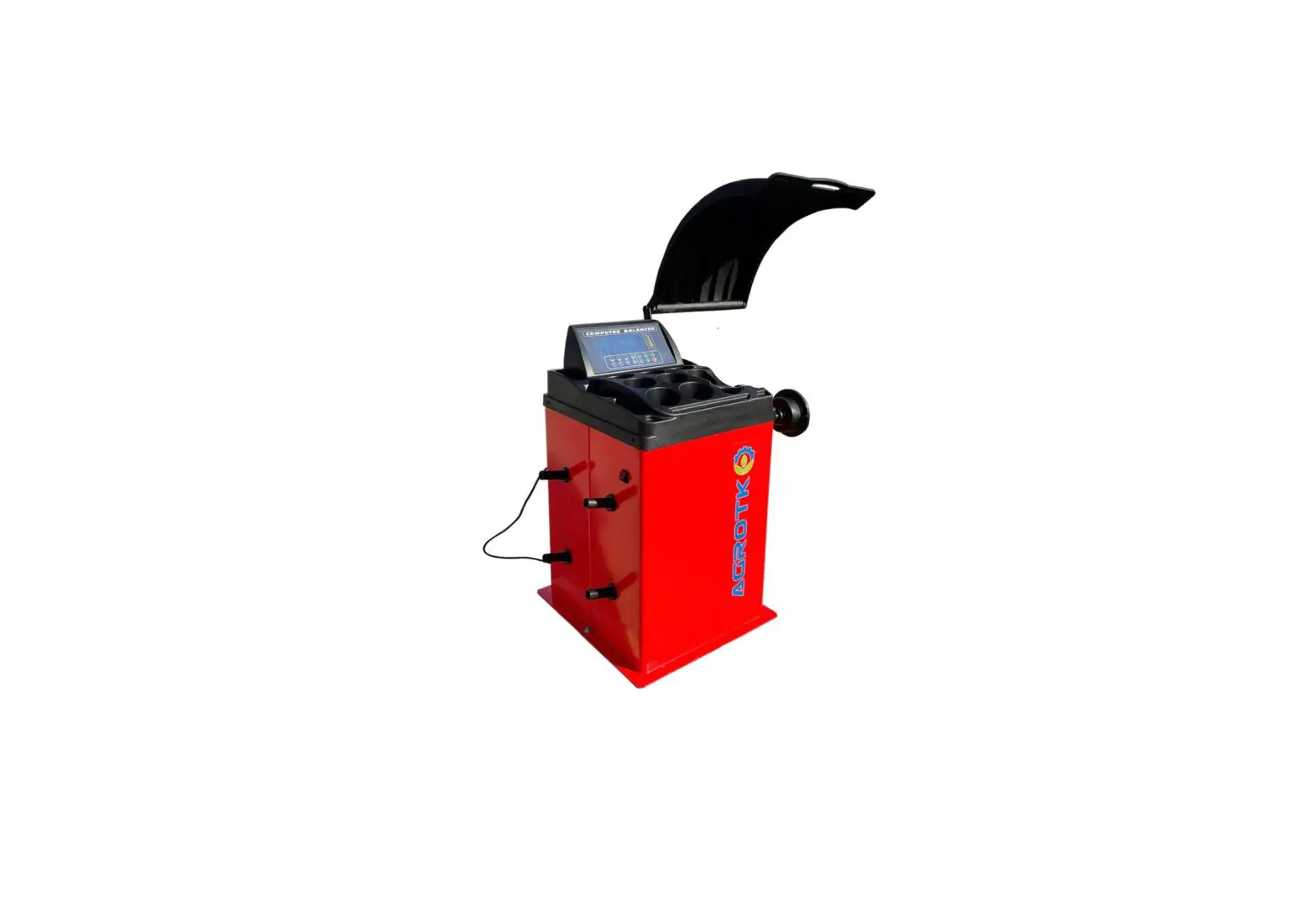
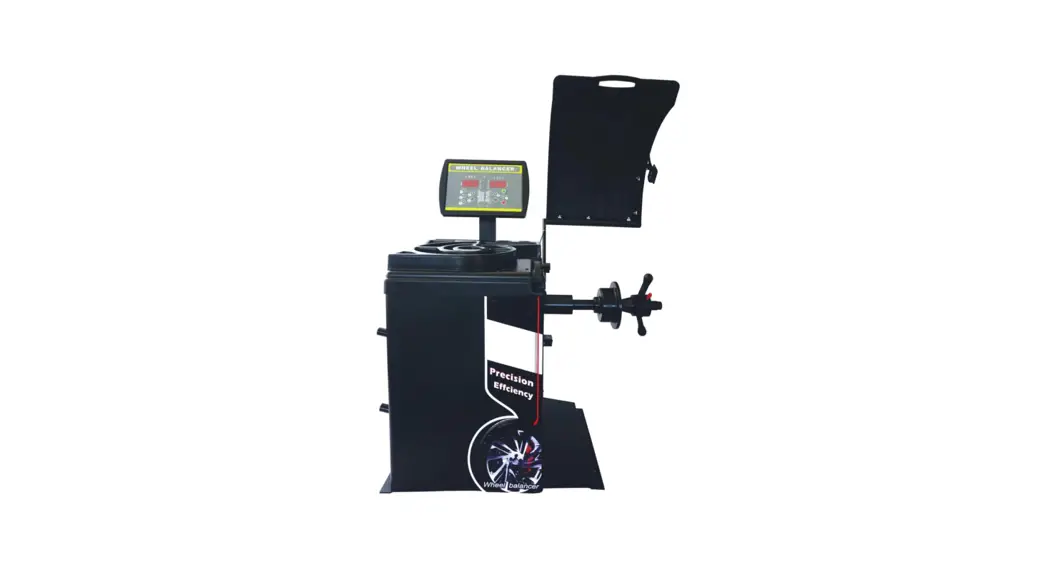
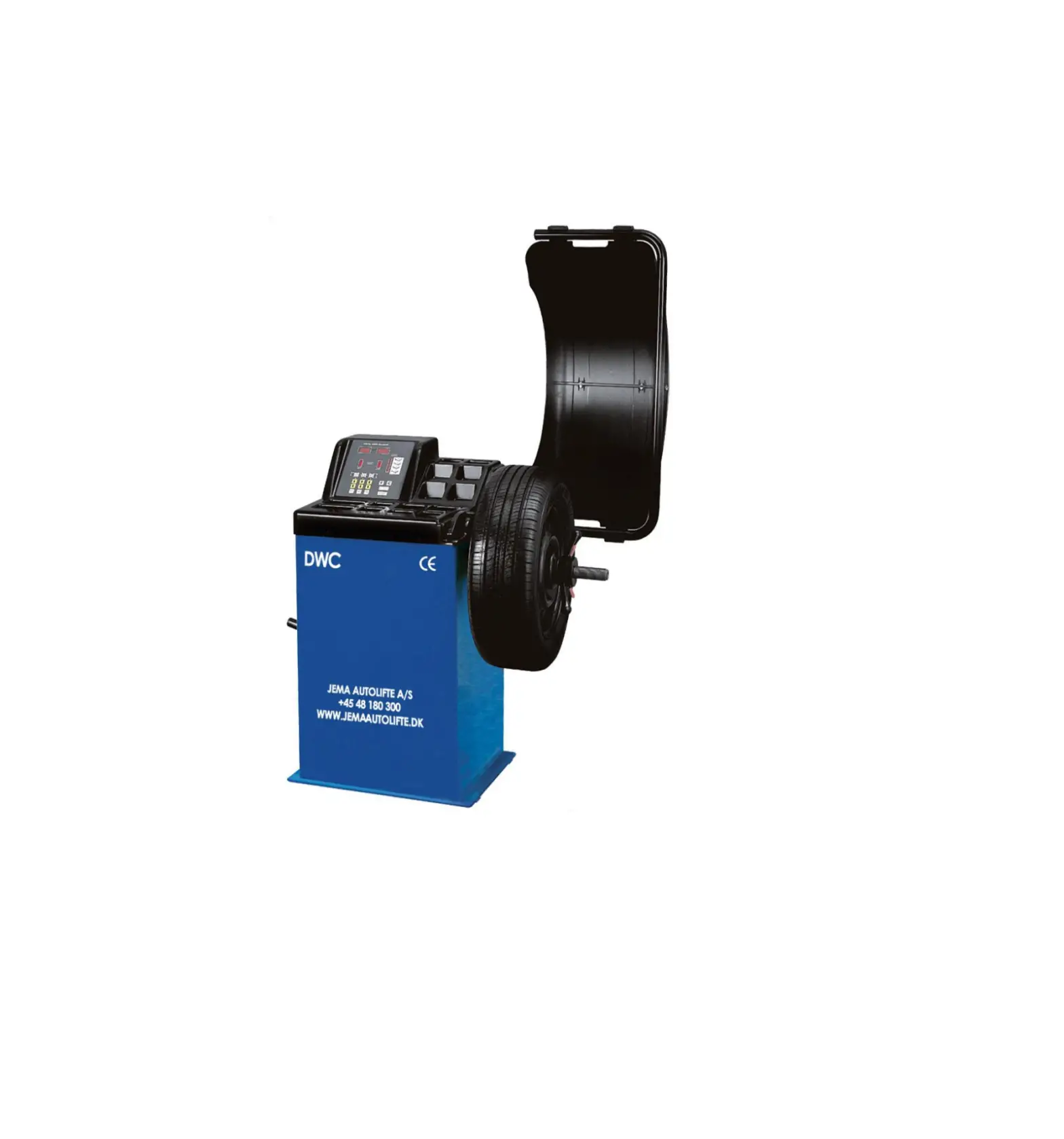
Yuanmech N655 Wheel Balancer
Product User Manual – Table of Contents
1. Introduction
1.1 Function
The imbalance of wheels can cause steering wheel wobble, reduce
the vehicle’s adhesion on ground, wheel bouncing, it can damage the
wheel, shock absorbers and steering parts. Consequently, affect
comfort level and handling stability, increase fuel consumption and
directly affect the vehicle’s economic index. Balancing the wheel
can avoid the negative effects and damages they may caused.
1.2 Performance and Features
- The machine adopts imported computer components and worldwide
leading electric driven system to prolong its service life.
1.3 Technical Parameters
- Wheel balancer
- Max. wheel weight: 65kg
- Voltage: 110V/220V
- Balance precision
- Tire width
- Noise
- Wheel center hole
2. Transportation and Installation
2.1 Complete Machine Transportation and Installation
- To carry the wheel balancer can only lift its chassis, under no
circumstances to lift its main shaft. Pay attention to lifting and
lowering. - The balancing machine must be placed on solid and stable
ground, and there should be enough space around (no less than
500mm). There are screw holes in the machine chassis, which can be
fixed on the cement floor with expansion screws. The poor fixation
will cause measurement error.
2.3 Warning
- In areas where the power supply is unstable, it is recommended
to use the power supply after stabilization. - Before operation, please read this manual carefully. If you
have questions, please consult with your supplier. Don’t operate
blindly. Please keep this manual well for future use. - Do not remove or replace machine parts, or may affect the
normal operation of the machine. - Do not clean the machine with too high compressed air.
- Periodically clean plastic panels and frames with
detergent. - Operators should not wear ties, long hair, and loose clothing.
When the tyre is rotating, the operator should stand at the side of
the equipment and the non-operator should not approach. - In the process of use, do not exceed the scope of use of the
machine. - All electrical installations shall be carried out by a
professional electrician. - The machine requires reliable grounding and power cut off
during maintenance. - Working environment temperature: 0-50°C, dry and well
ventilated.
3. Display Control Panel
3.2 Function Transformation Key Combination
- 3.2.1 Function transformation saved after machine
shutdown:- (F)(a)gram-ounce transformation
- (C)(STOP)start after hood put down
- 3.2.2 Function transformation lost after machine shutdown:
- (F)(b)width measurement mm/inch Noteinch at each turn on
- (F)(d)diameter measurement mm/inch
- 3.2.3 Balance mode transformation:
- (F)-dynamic-static-dynamic ALU-S mode-balance mode1- balance
mode 2- balance mode 3-S mode
- (F)-dynamic-static-dynamic ALU-S mode-balance mode1- balance
4. Operation
4.1 Electric Connections
Please connect the machine to the power supply according to the
voltage indicated on the nameplate, and check whether the grounding
wire is reliable.
4.2 Wheel Mounting
Place the wheel on the shaft and tighten the nut to ensure that
the wheel is stable.
4.3 Parameter Input
Please enter the corresponding parameters according to the type
of tire and rim, such as tire width, rim diameter, and distance
from the rim edge to the tire.
4.4 Balance Mode Select
Select the appropriate balance mode according to the type of
wheel, such as dynamic, static, or ALU-S mode.
4.5 Balance the Wheel
Start the machine and let it run until it stops. Then, add
weights to balance the wheel according to the instructions
displayed on the screen.
4.6 OPT Optimization
If necessary, optimize the balance by selecting OPT optimization
mode.
5. Maintenance and Repair
5.1 Self Calibration
The machine can be calibrated automatically or manually
according to the instructions in the user manual.
5.2 Machine Parameter Setup
Please set up the machine parameters according to the
instructions in the user manual.
5.3 Trouble Shooting
If there is a problem with the machine, please refer to the
troubleshooting section in the user manual or consult with your
supplier.
TABLE OF CONTENTS
1. introduction
1.1 function
2
1.2 performance and features
2
1.3 technical parameters
2
2. transportation and installation
2.1 complete machine transportation and installation
3
2.3 warning
3
3. display control panel
4
4. operation
4.1 electric connections
5
4.2 wheel mounting
5
4.3 parameter input
6
4.4 balance mode select
7
4.5 balance the wheel
8
4.6 OPT optimization
9
5. maintenance and repair
5.1 self calibration
10
5.2 machine parameter setup
11
5.3 trouble shooting
12
–1–
1.Introduction 1.1 function
The imbalance of wheels can cause steering wheel wobble, reduce the vehicle’s adhesion on ground, wheel bouncing, it can damage the wheel, shock absorbers and steering parts. Consequently, affect comfort level and handling stability, increase fuel consumption and directly affect the vehicle’s economic index. Balancing the wheel can avoid the negative effects and damages they may caused.
1.2 performance and features
– – The machine adopts imported computer components and worldwide leading electric driven system to prolong its service life.
– – In an emergency, press the STOP button to STOP the wheels. – – It can realize automatic dynamic balance, static balance – – It can also realize 3 kinds of aluminum alloy rim balance – -Balance precision ±1gbalance time is short at 8 seconds a time – – OPT optimization.
1.3 technical parameters
Wheel balancer
Max. wheel weight
65kg
Voltage
110V/220V
Balance precision Tire width Noise Wheel center hole
±1g 1.5″16″ 70dB 148mm
–2–
2. TRANSPORTATION AND INSTALLATION
2.1 complete machine transportation and installation – – To carry the wheel balancer can only lift its chassis, under no circumstances to lift
its main shaft. Pay attention to lifting and lowering – – The balancing machine must be placed on solid and stable ground, and there should be enough space around (no less than 500mm). There are screw holes in the machine chassis, which can be fixed on the cement floor with expansion screws. The poor fixation will cause measurement error.
2.3 warning
— In areas where the power supply is unstable, it is recommended to use the power supply after stabilization.
— Before operation, pls. read this manual carefully. If you have questions, pls. consult with your supplier. Don’t operate blindly. Pls. keep this manual well for future use
— Do not remove or replace machine parts, or may affect the normal operation of the machine
— Do not clean the machine with too high compressed air — Periodically clean plastic panels and frames with detergent — Operators should not wear ties, long hair, and loose clothing. When the tyre is
rotating, the operator should stand at the side of the equipment and the non-operator should not approach. — In the process of use, do not exceed the scope of use of the machine — All electrical installations shall be carried out by a professional electrician — The machine requires reliable grounding and power cut off during maintenance –working environmenttemperature 0-50dry and well ventilated
3. Display control panel
–3–
3.1 display meaning 1. display unbalance value inner 2. display unbalance value outer 3. display unbalance position inner 4. display unbalance position outer 5. balance mode display light 6. Manually input the rim distance from the wheel(a)±key 7. Manually input the tire width(b)±key 8. Manually input the rim diameter(d)±key 9. Start key 10. Dynamic/static imbalance selection key 11. Balance mode selection key 12. Self calibration key 13. OPT key 14. STOP key 15. Accurate wheel balancing key(5g key)
3.2 Function transformation key combination 3.2.1 function transformation saved after machine shutdown
(F)(a)gram-ounce transformation (C)(STOP)start after hood put down 3.2.2 function transformation lost after machine shutdown (F)(b)width measurement mm/inch Noteinch at each turn on (F)(d)diameter measurement mm/inch 3.2.3 balance mode transformation (F)-dynamic-static-dynamic ALU-S mode-balance mode1- balance mode 2- balance mode 3-S mode
4. Operation 4.1 Switch on the main switch Display window shows equipment code, afterward”A-8.0″, which approves that the
machine runs normally 4.2 Wheel mounting (1) test preparationCheck and clean all dust and dirt, and metal or stone clipped between on treadCheck whether the tire pressure conform to specified value. Check there is any deformation on rim locating surface and mounting hole, check if any foreign body inside tire, remove all counterweight. (2) there are 3 kinds of methods about wheel installation: A. front cone mounting B. back cone mounting C. special made flange mounting. You can select the methods according to different conditions.
AFront cone mounting The front cone mounting is the normal method. It is featured with simple and quick operation. It is mainly suitable to common steel rim and aluminum alloy rim with small deformation
–4–
Main shaftwheel (direction of the rim installation surface is inside) suitable cone (small side inside) wheelquick nut
B: back cone mounting
When the deformation of the outside of the wheel is heavy, adopt this method to grantee the accurate positioning of the steel rim inner hole and main shaft. It is suitable to all steel rim, especially the thick ALU
Main shafttower springsuitable cone (big side inside) wheelquick nut
C: special made flange mounting
Fixed flange disk on the main shaftwheelbig conequick nut
Note: The choice on the cone should be adapted to the rim center hole and pay attention to its direction. Or it will cause the inaccurate measurement.
4.Wheel parameter input
–5–
(1) First input distance “A” (2) Input width “B”
Pull the scale to the inner position on the rim, read this value “A” Press “+”to increase the value Press “-“to decrease the value Until you get correct value.
Use the Br. measurement caliper to measure the Br. of the rim “L” Press “+”to increase the value Press “-“to decrease the value Until you get your measured value L
(3) Input diameter “D”
Find diameter “D” marked on tire Press “+”to increase the value Press “-“to decrease the value Until you get correct value.
–6–
4.4 Select balance mode
Choose different balancing modes according to the position and mode of adding balance lead. First, press the “F” key, select the window to light up, and continuously press the “ALU” key to display the following different balancing modes in the “balance mode display window” (such as the control panel diagram).The default balance mode is dynamic balance,t he display window does not show.
Dynamic balancing the balancing lead is inserted on both sides of the rim to adjust the steel rim and the aluminum rim balance.
Static balancing – use static balancing when the sides of the motorcycle or rim cannot be inserted in the balance lead.
ALU1—- The light alloy rim adopts this method to balance. Attaching balance lead on both sides of rim.
ALU2— The alloy rim adopts this method to balance. Internal adhesion of the balance lead.
ALU3—- The inner ring clamps the balance lead, and the outer side adheres to the balance lead (the position of the outer side balance lead is like ALU2).
–7–
4.5 Balance wheel
inside
outside
(1) press START key,8 seconds later, the automatic brake display is shown in the figure:
40 is the inner side error data of the tire 10 is the outside error data of the tire.
(2) Turn the tire slowly. When the inside light is on, insert 40g lead directly above the vertical shaft on the inside of the rim. Shown as in figure:
(3) Turn the tire slowly. When the outside light is on, insert 10g lead directly above the vertical shaft on the outside of the rim. As shown in figure:
(4) Press START key to rotate the tire. After automatic braking, the display window displays 0-0. The balance is finished and then unloaded the tire.If you do not disply 0-0, repeat the above steps until shown as 0-0.
NOTE
1. When the power equipment starts, push the tire by hand to assist the operation and extend the motor life.
2. Check whether the input size is wrong, press C key to automatically detect A, B, D data. 3. Check if the balancing mode is consistent with rim structure. (see 4.4 balance selection) 4. Check if the lock nut is tightened. 5. When the balance is over and the tire is unloaded, take care not to hit the shaft. 6. When using the balanced lead with clamp, use the balance hammer to gently nail it on the rim edge. It is better not to shake it off. When the balance is over, put the tire on the ground and knock it tight, do not hit it hard on the shaft to avoid damaging the sensor. The position of adhesive balance lead must be free of oil and dry.
–8–
4.6 OPT Unbalance optimization
It is recommended to perform this program when the unbalance data exceeds 30g to reduce the number of added balance lead.
The following programs should be operated with great care for optimum results. Press OPT key, shown as: [OPT][ ] (pressSTOPkey to stop the program) pressSTARTkey, the
tire will rotate, when the rotation is over. Display [][ 180 ] the display screen shows “180” that means the rims and tires should rotate 180
degrees each other and be reloaded back into the balancer.
Shown as[45] [80 ]right show screenDisplays percentage of unbalance data that can be reduced by
the current wheel position (display with %). Left show screenthe unbalance data. Shows the unbalance data that can be
reduced by rotating the tire around the rim.
Shown as[45] [80 ] Rotate the tire so that the outside unbalance light is all on, marking at the top
of the tire (at 12 o ‘clock position) [45] [80 ] Rotate the tire again so that the inside unbalance light is all on, marking at
the top of the rim (at 12 o ‘clock position).Demount the tire, Use the tyre changer to overlap the tire and rim marks.
In the above example, 80 percent of 45g static unbalance data can be reduced, and the remaining unbalance data is 9g.
5Maintenance and repair of balancer
5.1 self-calibration Self-calibration is completed before be released. When the machine has been used for many years or
the parts are replaced or the balance error is too large, it can be re-calibration. Choose a tire (13 inches or 14 inches of steel ring) and mount on the main shaft then enter the correct values of A, L, D for this tire. Note: select standard tires for self-calibration and enter dimensions correctly, otherwise it will lead to inaccurate measurements later. Used the standard tire for self-calibration
1.press F keyAfter half a second, hold down the C key at the same time, and the display screen shows “CAL” – “CAL” indicator light is all on and flashing, then release hands when the indicator light is off. 2.press START keyThe wheel turns to brake automatically after a few seconds, and the display panel shows “ADD” – “100”, add 100g lead to the outer edge of the wheel. If no 100g lead, it can be replaced by two pieces of lead with a sum of 100 grams. 3.Press START keythe wheel is rotation and then brake automaticallydisplay panel shows as “END”-“CAL” that means the self-calibration is over. 4.Press START keyStop and display data after 8 seconds. This step is to visually demonstrate whether the self-correction is successful and accurate.
–9–
Two factors to determine whether self-calibration is accurate
1. The display data is accurate (” 00 “-” 100 “allows for± 4g error). 2. Display accurate phase ( the outside indicator light is all on, 100g lead is at underface in the shaft, allowing for ± 4g error). If the unbalanced tire is used as self-calibration, the lack should be found before self-calibration, and 100g lead should be placed at the location of the lack , so that the phase is accurate. Examples are as follows.
5. The unbalanced tire should find the lack points on the outside side before the self-calibration, as shown in the figure: turn to the outside indicator light is all on and make a mark on the front of the tire.
6. When self-calibration is carried out according to 5.1 steps “1” to “2”, 100g lead are added on the marked points, and finally pls see the self-calibration results .As shown in figure:
100g lead is added on underface, the indicator light will be on
The abnormal phenomenon and solution when self-calibration
fault phenomenon
reason analysis
troubleshooting
Appear ERR-8-
The data deviation is too large after self-calibration
1. Not add 100g weight 2. The leading wire of the pressure sensor is broken 3. Problem of computer board 1. The deviation of tire is too big. 2. Three memory parameters are confusing
1. Add 100g weight 2. Check connection and maintenance 3. Replace the computer board
1.Find a standard tire. 2. Self-calibration after correction
100g display is not accurate, position is not at underface, add more lead to balance the tire.
1. Display data instability 2. The memory dis and S values were not adjusted
1.change tire 2. Adjust the data of dis and S 3.change board 4.change sensor
If the above method cannot be solved, please contact the professional
Note: when the computer board is replaced, the phase sensor and pressure sensor must be recalibrated. When the computer board is replaced, its parameters should be set according to the marked parameter values in the machine or original plate parameters. See 5.2 for setting methods. After modification, it must be recalibrated.
–10–
5.2 Corrected the computer memory parameters
If the program is lost due to operation error or other reasons, the following adjustments can be made to restore the computer. Set the machine parameters correctly to ensure the balance accuracy. Malfunction: phase is incorrect or balance value deviation is big after self-calibration. The correction method is as follows:
Left display window
Pic.1
1.Press the F key and hold it for half a second, then press the C key, When simultaneously pressed, the window displays the “CAL” – “CAL” phase. All lights flash and release when the light goes out.
Right display window
2. After continuous pressing the distance dimension A key”” A key “” F key, the display window will show as figure 2If the display value is not
correct, you can press the width adjustment key L “” “”to correct. Pic.2 Standard memory (can be adjusted according to actual situation)
Corrected self-calibration, 100g accuracy
Pic.3 Standard memory To correct the static balance inside 100g
3. Press A key “” shown as picture 3, This can be used to adjust the static balance parameter. If there is too much deviation, please correct it to the graphical data.
4. Press A key “” shown as picture 4, the data is not correct, press the width control key L “”, “” to correct.
5. Press A key “”to reset. Pic.4 Standard memory (can be adjusted according to actual situation) To corrected Angle error
6. After the modification is completed, self- calibration again, refer to 5.1. Otherwise the modification is invalid. Note: figure 2, 3, 4. Standard memory changed to the chart value on the back of the computer or the chart value inside the machine is more accurate. If the above operation is invalid, please contact the manufacturer. Note: 1200 large balancer self-calibration pls press R key and START key
–11–
5.3 Wheel balance instrument common fault
Problem
Cause
Solution
Display does not start
1. Check external circuit 2.check the switch if is damage
1. Check with a multimeter 2.change
The display is normal after starting, does not work and has a buzzing sound, showing ERR-1
Showing ERR-2-
Showing ERR-3-
Showing ERR-4Showing ERR-5-
1. The capacitance is damaged
1.change a capacitance of 20UF/400V 2.check the power
1. Unmounted the tire 2. The matcher of the main shaft is not tight 3. Incorrect tire installation, not tightened 4. The belt is loose or too tight
unbalance value is big
1. If reversed, the phase line is misconnected 2. If the positive rotation indicates a problem with the position sensor The protective cover is not down
1.mounted tire 2. Re-tighten the bolts 3. Select the right cone and install it correctly 4. Readjust belt
Replace the tire to test again, or do the self-calibration again 1. Three – phase electrical equipment phase modulation 2. Reposition or replace Put down the protective cover
Showing ERR-7Only showing 00-00No data is displayed
The variation range of each rotation value exceeds 5g
The variation range of each rotation value exceeds 10g
For more than 10 seconds, the machine is still running
Balance test is not accurate, left and right interference, difficult to show 00 No brakes after display value
Memory loss 1. Sensor leads broken or poor contact 2. Memory loss
1. Tires with foreign body or rim center mounting surface deformed 2. sensor is damp or lock nut not tightened 3. The external power supply voltage is low, the tire pressure is insufficient or the matcher is not tightened, etc 1. Tires with foreign body or unbalance value is big 2.senser is damaged 3. External power supply voltage is low 1. Poor grounding of external power supply 2. interference
1.sensor is damp 2. Program chaos
1. Brake system damage 2. external disturbance
Self- -calibration 1. Reconnect and replug 2. Correct memory values according to instructions 1.change tire
2. Dry and reset the sensor
3. Screw the anchor
1.change tire 2. check the sensor and wiring 3. Repair or install the voltage stabilizer 1. Check the external power line or replace a power supply 2. Restart after shutdown 1. Readjust, dry and then self calibration or replace 2.self-calibration 1. Replace power board 2. restart
–12–