OPERATION
MANUAL
 OPERATION
–
ROOM AIR CONDITIONER
SPLIT TYPE 
DJ SERIES
MODELS
RAK-DJ18PCAST/RAC-DJ18PCAST
RAK-DJ24PCAST/RAC-DJ24PCAST
INSTRUCTION MANUAL
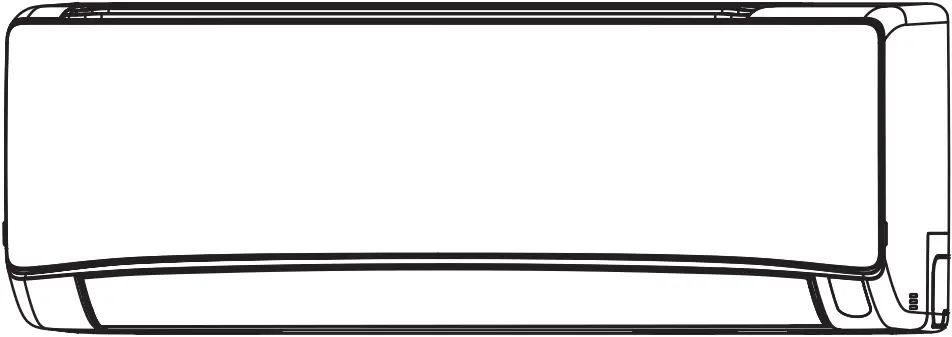
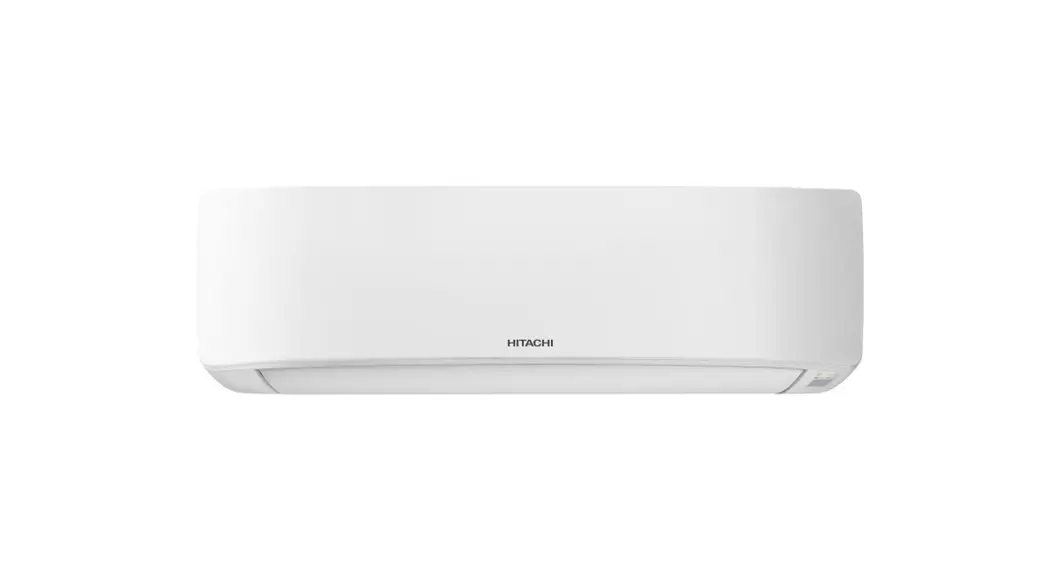
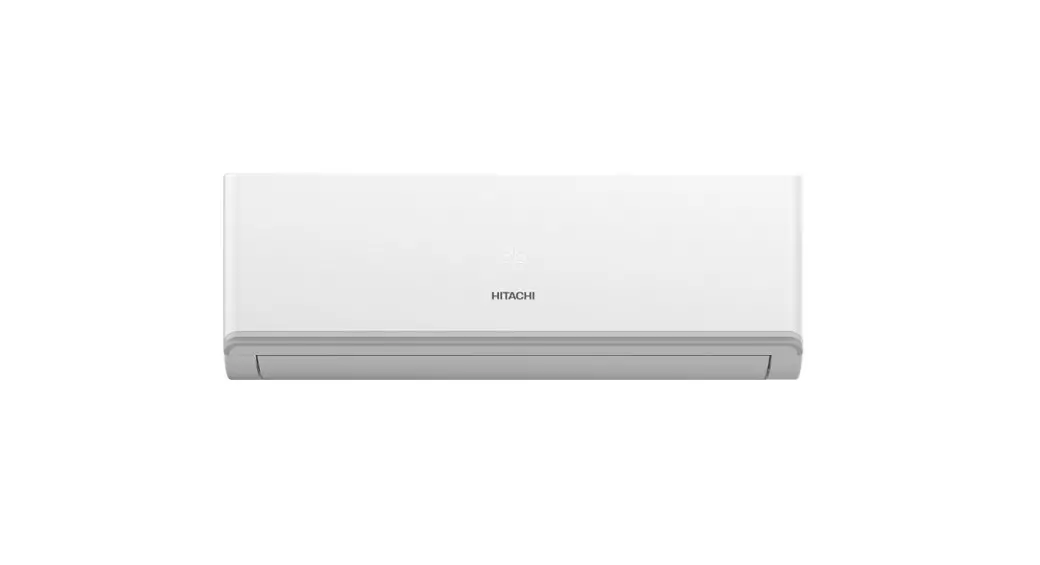
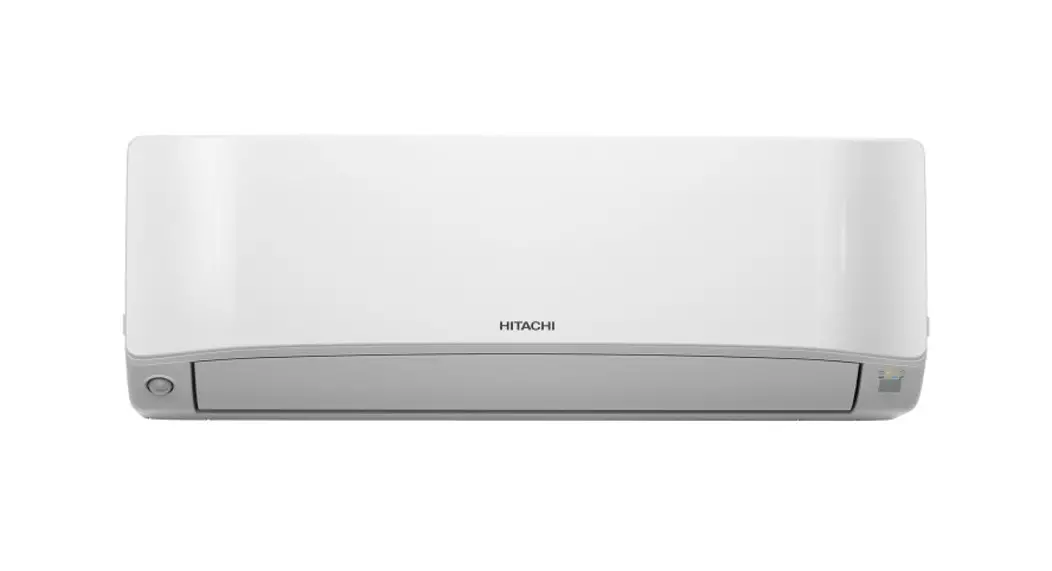
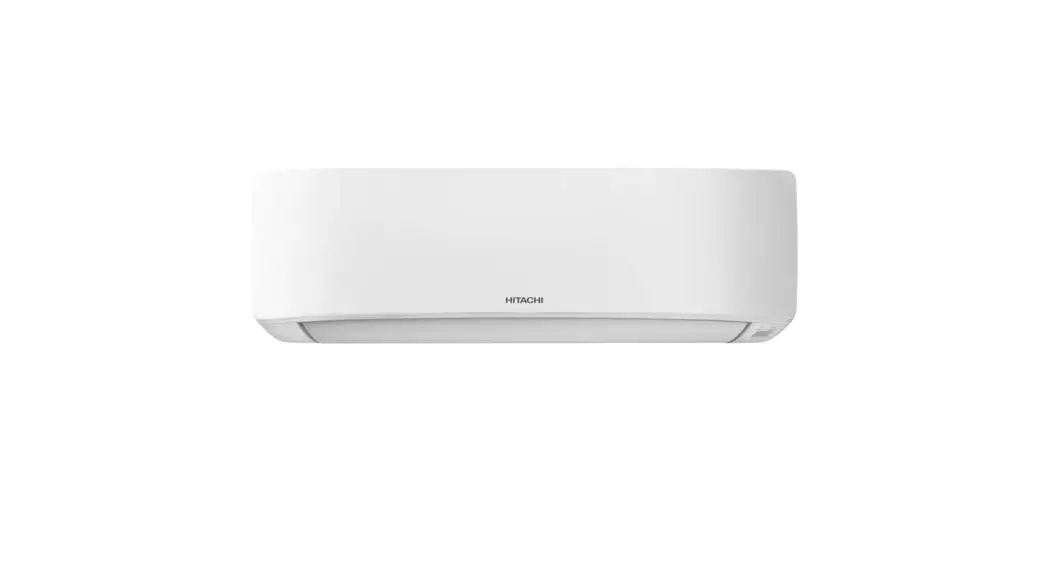
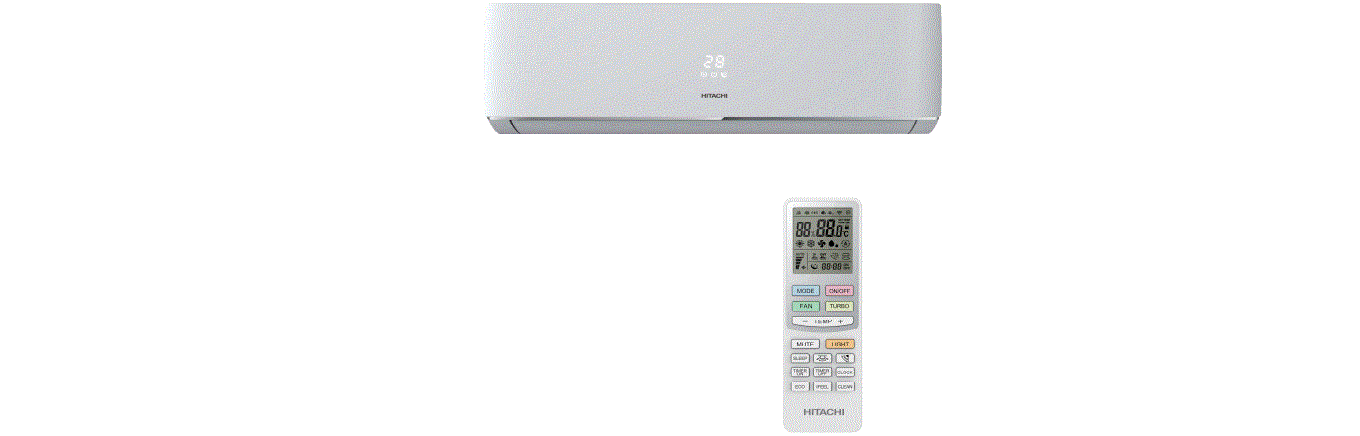
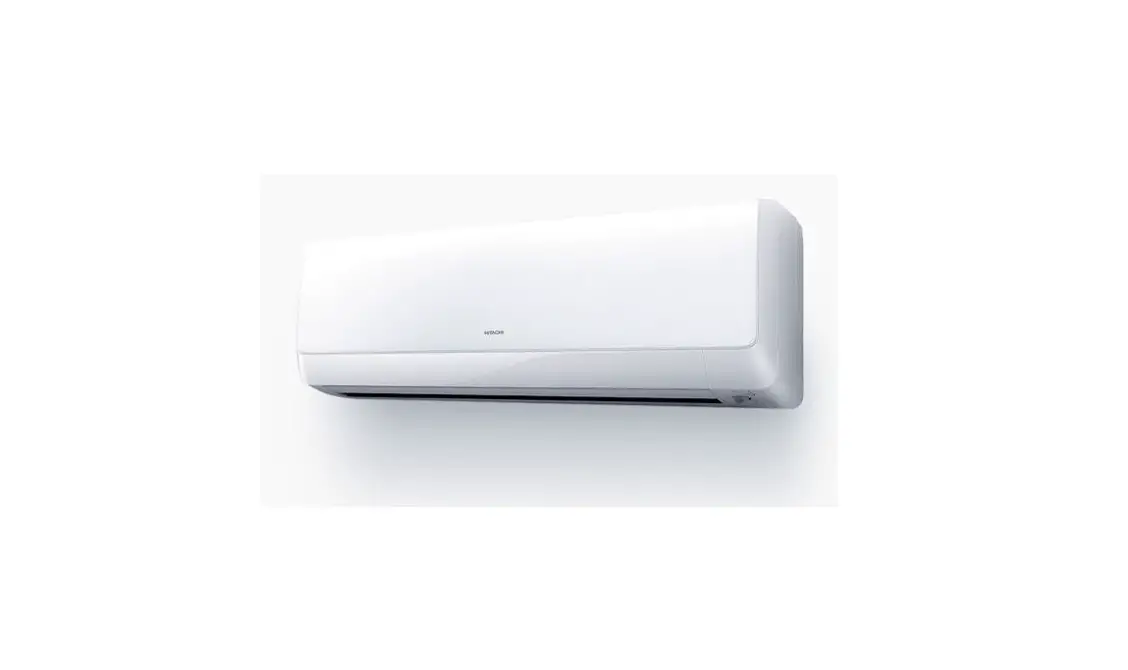
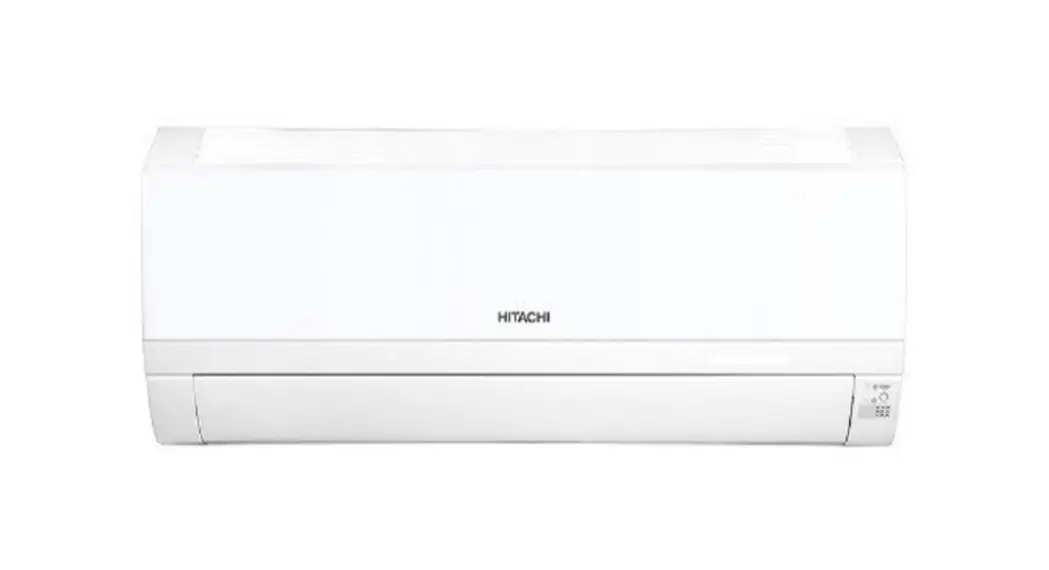
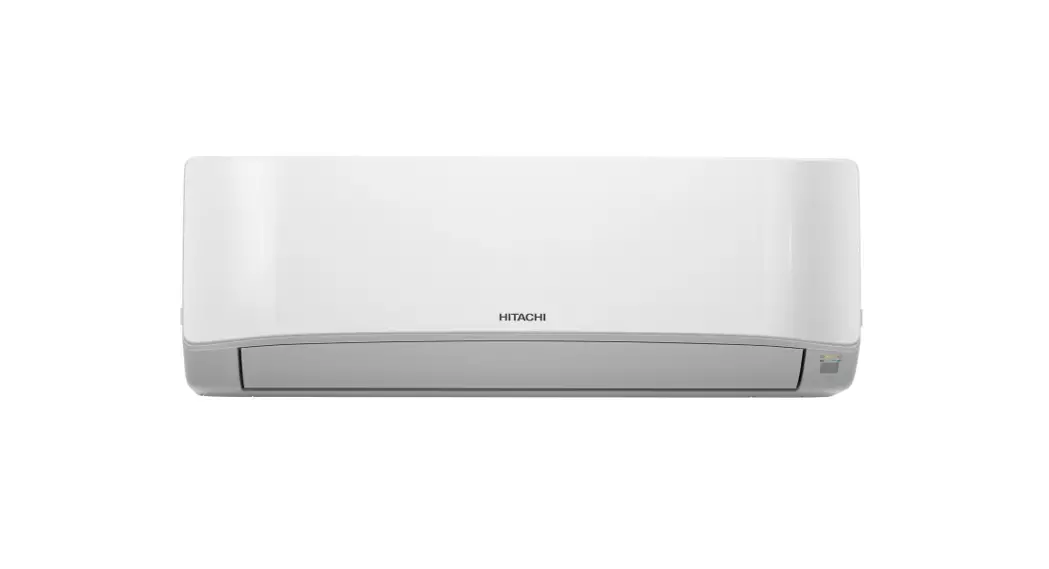
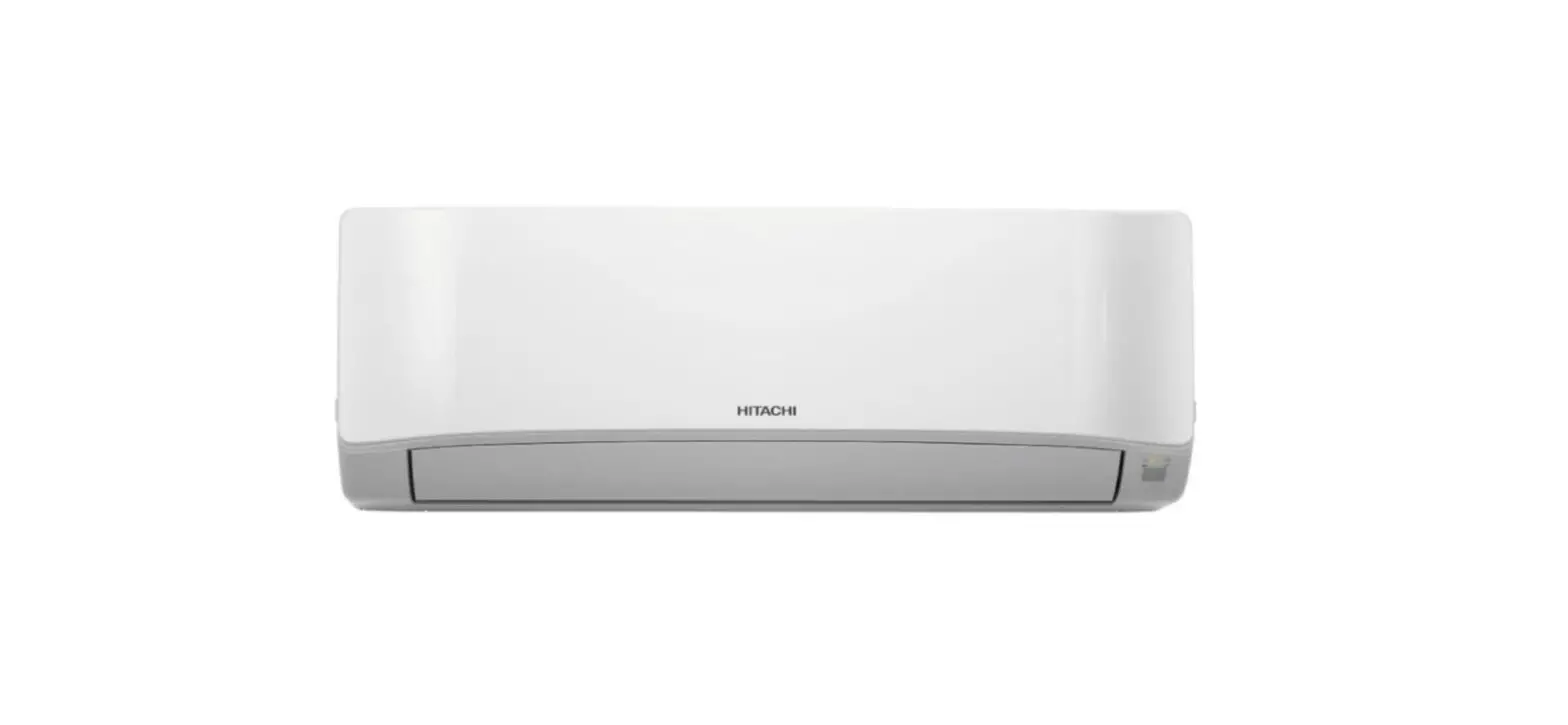
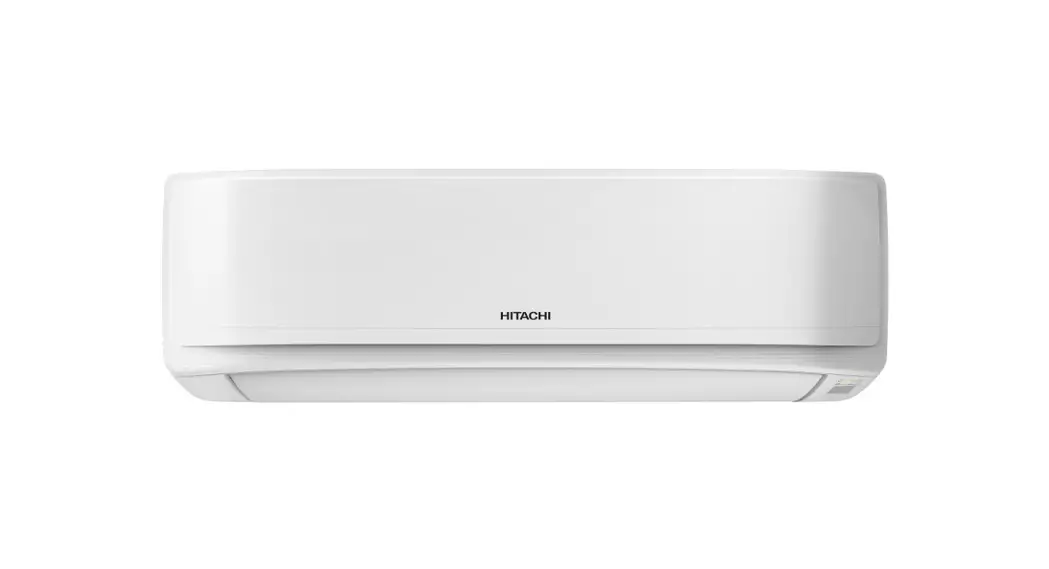
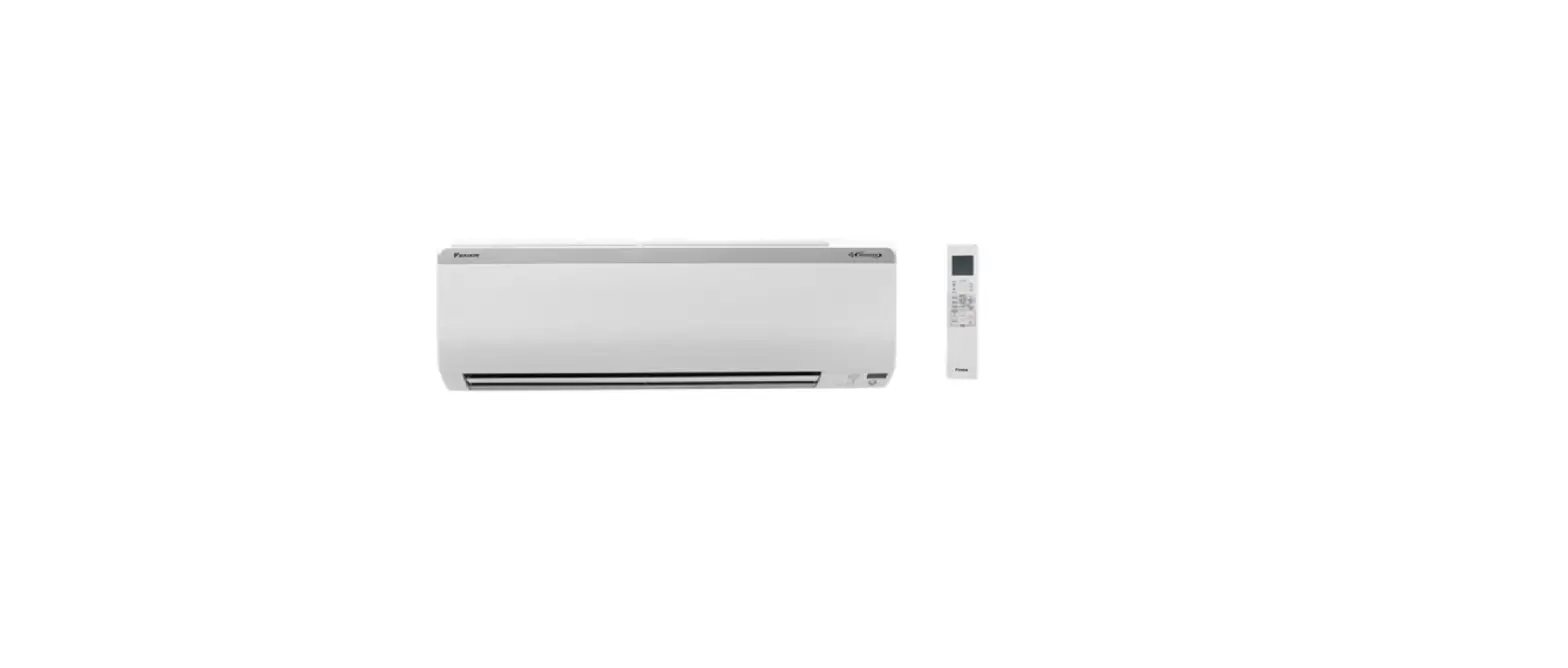
INDOOR UNIT
RAK-DJ18PCAST
RAK-DJ24PCAST
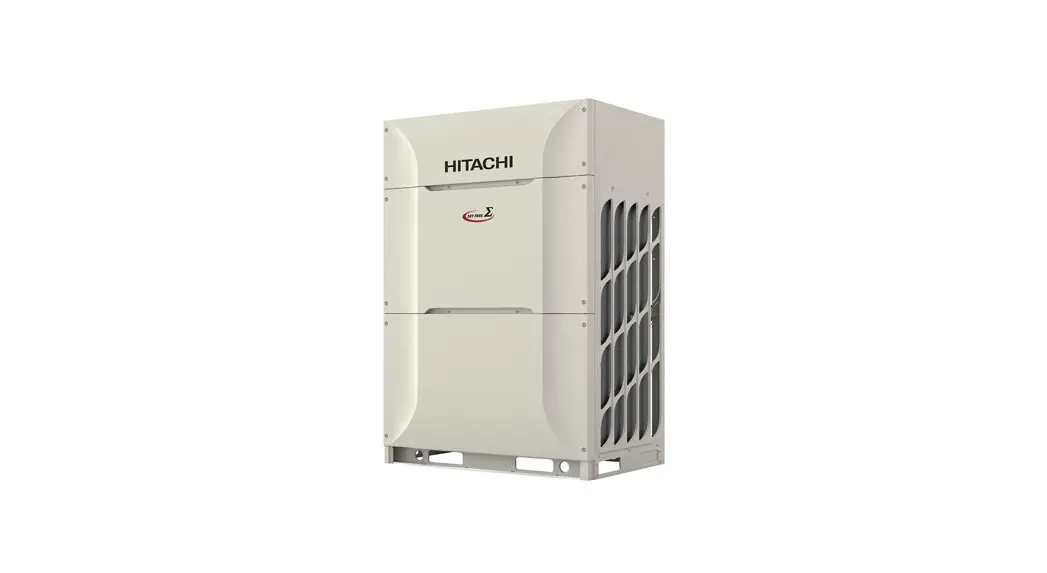
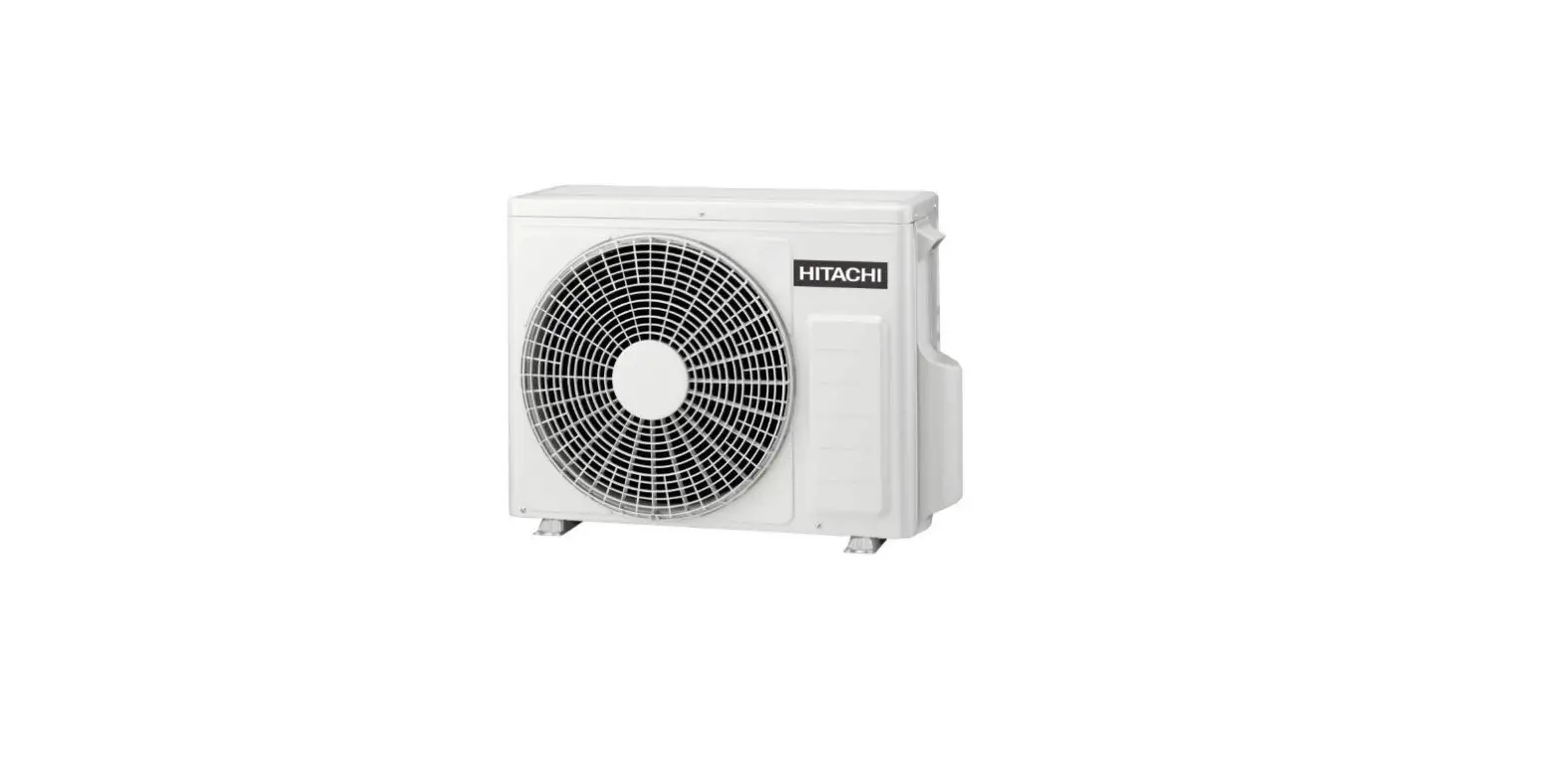
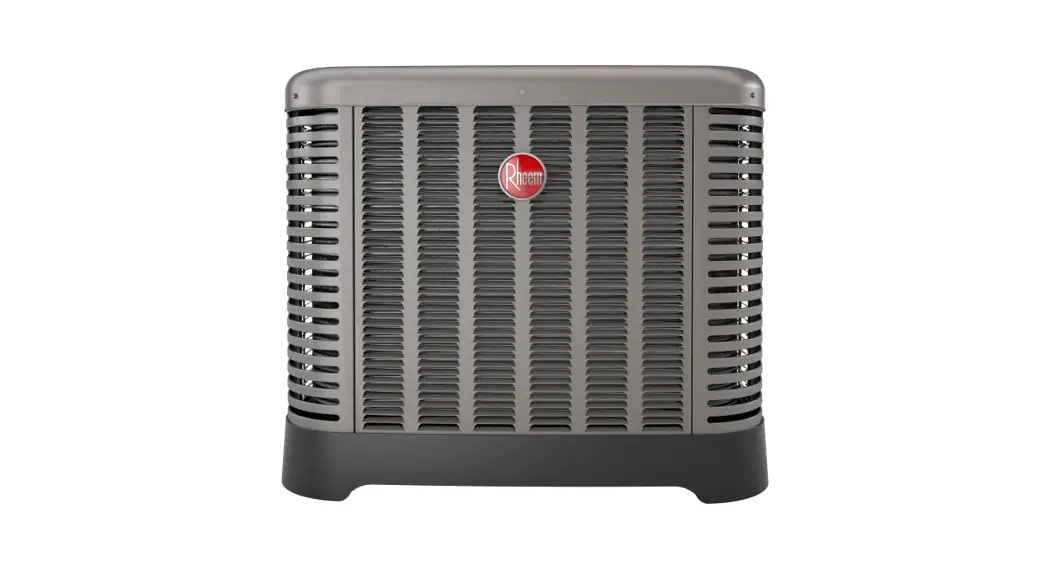
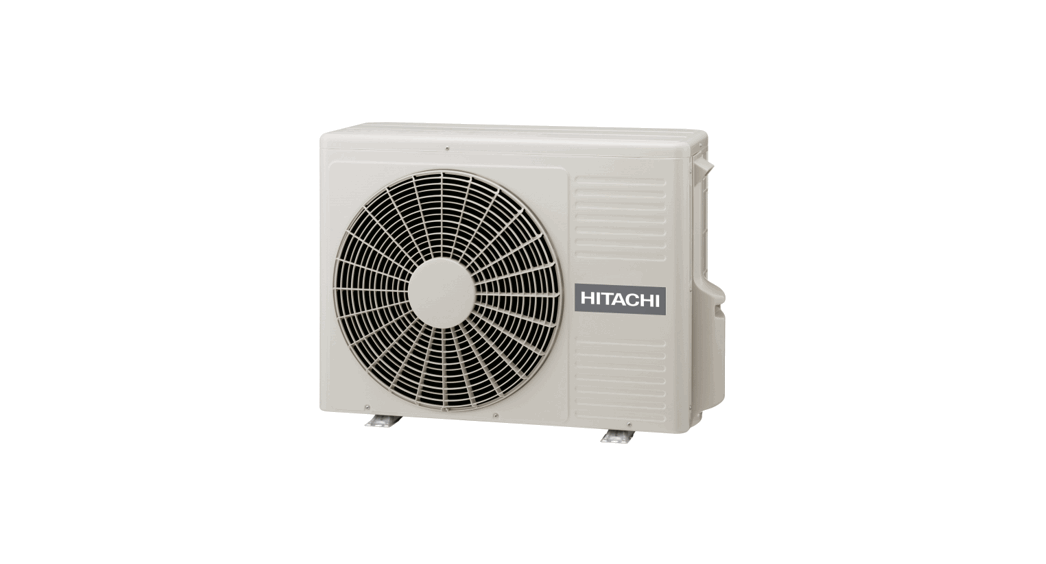
OUTDOOR UNIT
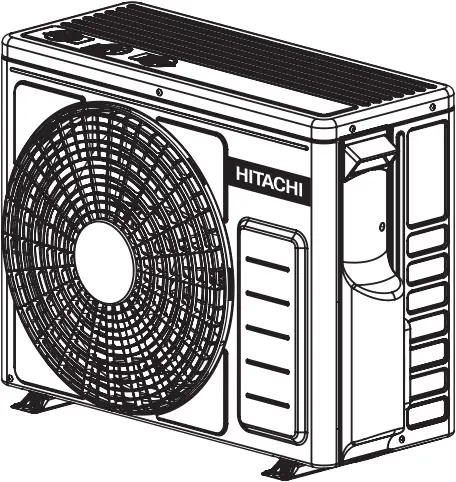
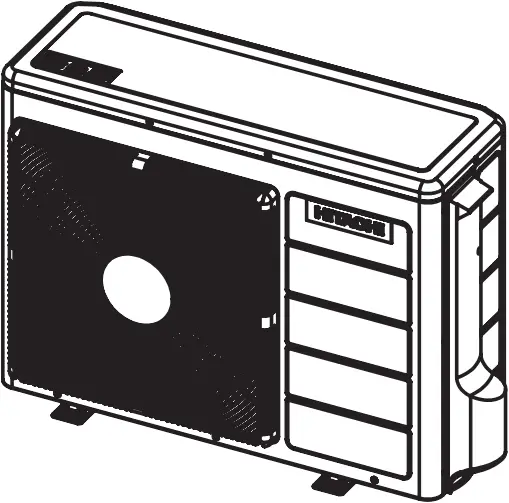
RAC-DJ18PCAST RAC-DJ24PCAST
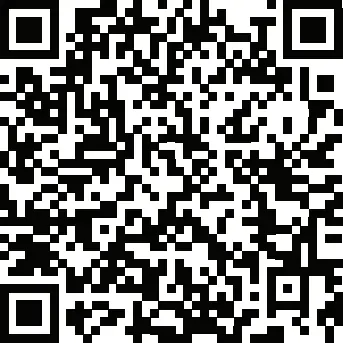
Access the full version of the User Operation Manual by scanning the code.
https://docs.hitachiaircon.com/RAK-DJ-PCAST/RAC-DJ-PCAST
Cooling & Heating
< H1171: (A) >
SAFETY PRECAUTION
- Please read the “Safety Precaution” carefully before operating the unit to ensure correct usage of the unit.
- Pay special attention to signs of “
 Warning” and “Caution“. The “Warning” section contains matters which, if not observed strictly, may cause death or serious injury. The “Caution” section contains matters which may result in serious consequences if not observed properly. Please observe all instructions strictly to ensure safety.
 - The sign indicate the following meanings.
 Make sure to connect earth line.
 Indicates the instructions that must be followed.
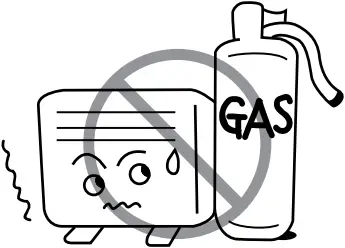
 The sign in the figure indicates prohibition.
 Indicates the instructions that must be followed.
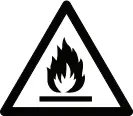
| This symbol shows that this equipment uses a flammable refrigerant. If the refrigerant is leaked, together with an external ignition source, there is a possibility of ignition. |
| This symbol shows that the Operation Instructions should be read carefully. |
| This symbol shows that a service personnel should be handling this equipment with reference to the Installation Manual. |
| This symbol shows that there is information included in the Operation Manual and/or Installation Manual |
 WARNING
 CAUTION
 CAUTION
 CAUTION
- Please keep this manual after reading.
PRECAUTIONS DURING INSTALLATION | ||
| 
| |
| ||

| ||
| ||
| ||
|
|  |
| ||
| ||
| ||
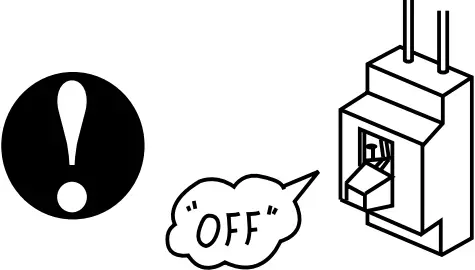
PRECAUTIONS DURING SHIFTING OR MAINTENANCE | |
| 
|
| |
| |
| |
| |
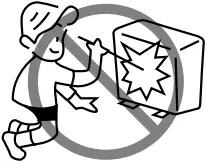
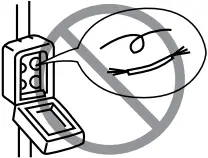
PRECAUTIONS DURING OPERATION | |
 WARNING WARNING | 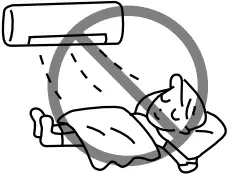
|
| |
| |
| |
| |
| CAUTION | 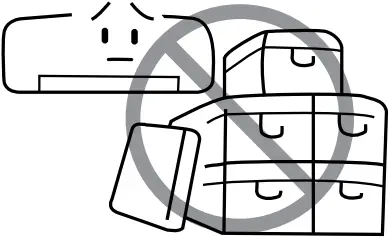
|
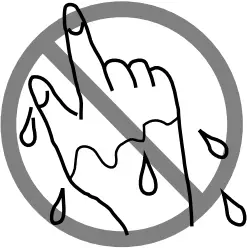
| |
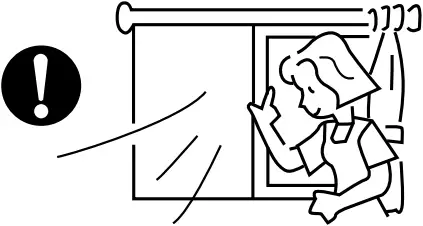
| |
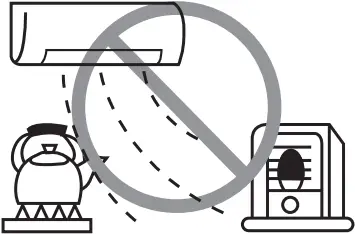
| |
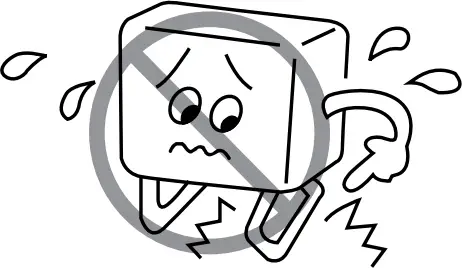
| |
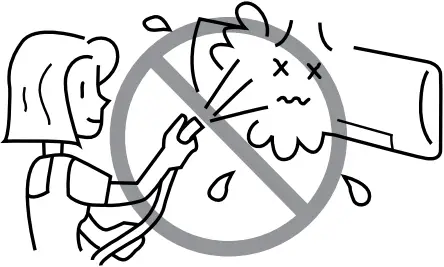
| |
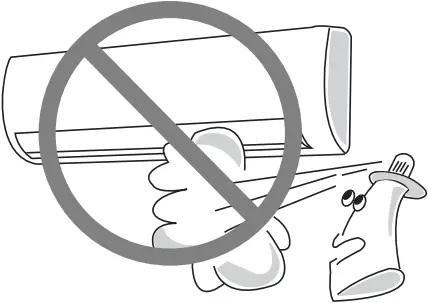
| |
| |
| |
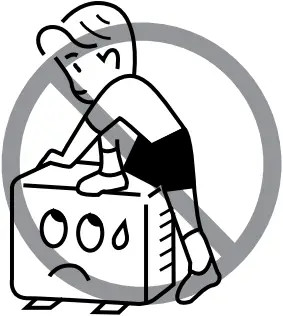
| |
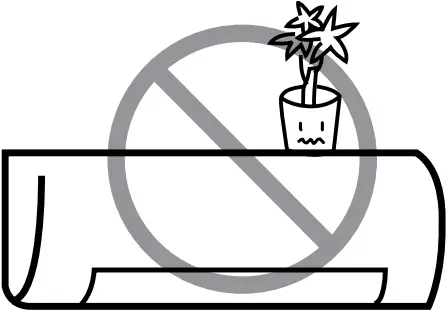
| |
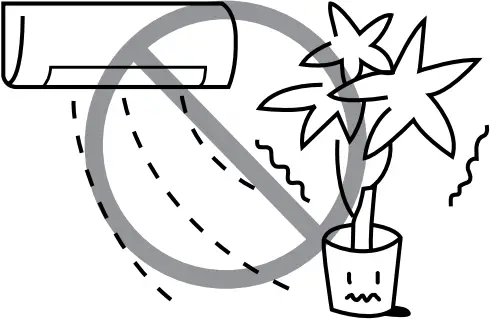
| |
| |
| |
NAMES AND FUNCTIONS OF EACH PART
INDOOR UNIT
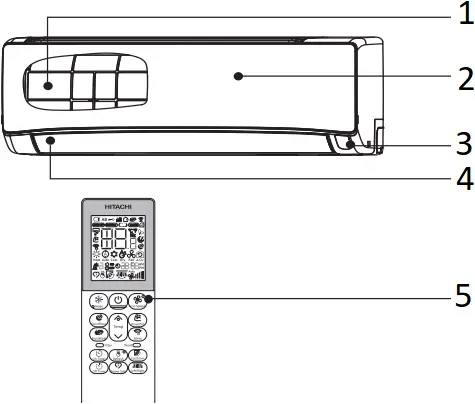
- Pre-filter
To prevent dust from coming into the indoor unit.
(Refer page 9) - Front panel
(Refer page 10) - Indoor unit indicators
Light indicator showing the operating condition.
(Refer page 5) - Horizontal deflector, Vertical deflector
(Air Outlet) - Remote controller
Send out operation signal to the indoor unit. So as to operate the whole unit.
OUTDOOR UNIT
RAC-DJ18PCAST
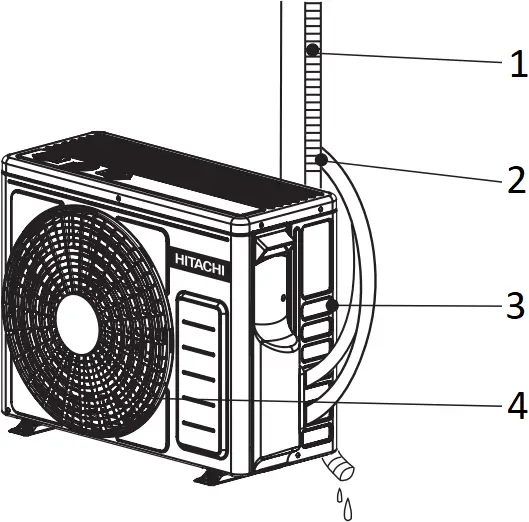
- Drain pipe
Condensed water drain to outside. - Connecting cord and insulation pipe for piping
- Air inlet (Back, Left side)
- Air outlet
RAC-DJ24PCAST
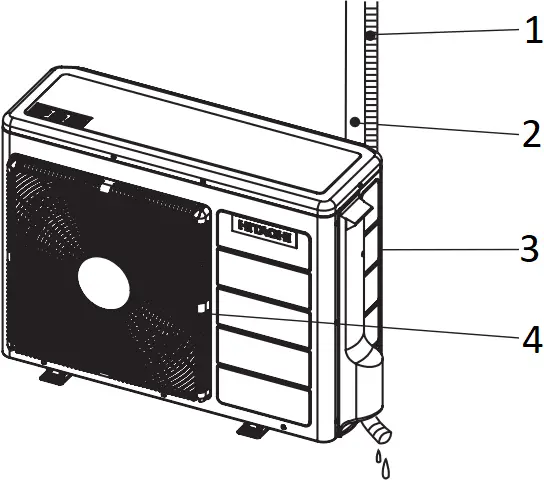
- Drain pipe
Condensed water drain to outside. - Connecting cord and insulation pipe for piping
- Air inlet (Back, Left side)
- Air outlet
MODEL NAME AND DIMENSIONS
MODEL | WIDTH (mm) | HEIGHT (mm) | DEPTH (mm) |
| RAK-DJ18PCAST, RAK-DJ24PCAST | 950 | 294 | 230 |
RAC-DJ18PCAST | 658 | 530 | 275 |
| RAC-DJ24PCAST | 850 | 650 | 298 |
INDOOR UNIT INDICATIONS
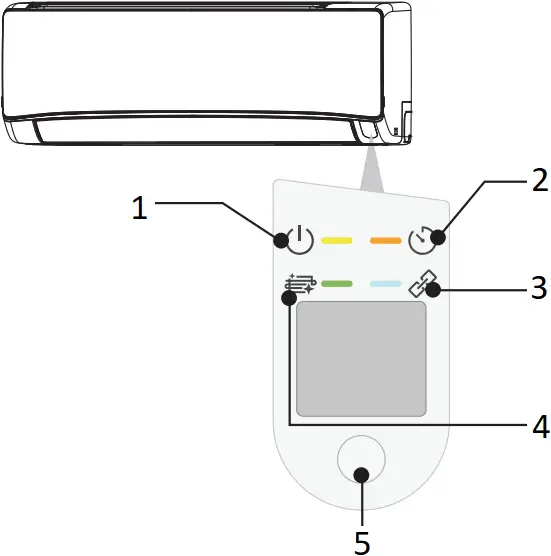
- Operation Lamp (Yellow)
This lamp lights during operation. - Timer Lamp (Orange)
This lamp lights when the timer is working. - Wi-Fi Lamp (Blue)
Optional - Clean Function Lamp (Green)
This lamp uses for FrostWash, Mold Guard, Filter Sign. - Temporary Switch
Use this switch to start and stop when the remote controller does not work.
● By pressing the temporary switch, the operation is done in automatic mode.
● When the operation is done using the temporary switch after the power source is turned off and turn on again, the operation is done in automatic mode.
CAUTION
Turn off the circuit breaker if the unit is not be operated for a long period.
 If the power stays on and the unit is not operated, power is slightly consumed in the control circuit. The power is saved by turning off the power switch (or the circuit breaker when the power is supplied from the outdoor unit).
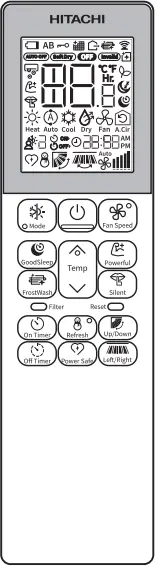
NAMES AND FUNCTIONS OF REMOTE CONTROLLER
- This remote controller controls the operation and timer setting of the room air conditioner. The operating range of the remote controller from the indoor unit is 7m. If indoor lighting is used, the range may be shorter.
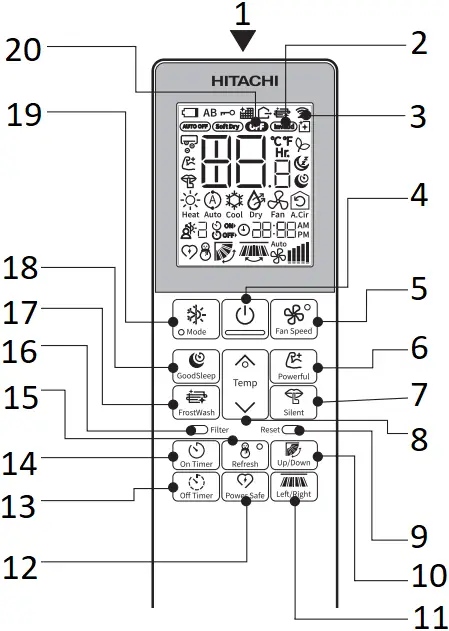
- Signal Transmission
- Invalid Operation Sign
Shown at invalid setting or operation - Transmission Sign
The transmission sign blinks when a signal has been sent. - On/Off Button
Press this button to start operation.
Press it again to stop operation. - FAN SPEED Button
Select the fan speed. - Powerful Button
- SILENT Button
- TEMPERATURE Button
Room temperature setting.
Value will change quicker when you keep pressing. - RESET Button
- UP/DOWN Button
Controls the angle of the horizontal air deflector. - Left/Right Button
- Power SAFE Button
- Off Timer Button
Select the turn OFF time. - On Timer Button
Select the turn ON time. - Refresh Button
- Filter Sign Reset Button
- FrostWash Button
- GoodSleep Button
- Mode Selector Button
Use this button to select the operation mode. Every time you press this button, the mode will change from (Cool) ➞
  (Dry) ➞
  (Fan) ➞
  (A.Cir) cyclically.
 - Off Mode Sign
 (Cool) ➞
  (Dry) ➞
  (Fan) ➞
 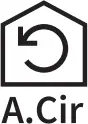 (A.Cir) cyclically.
Precautions for Use
- Do not put the remote controller under direct sunlight and high temperature.
- Do not drop it on the floor, and protect it from water.
- If you press the FUNCTION button during operation, the air conditioner may stop for about 3 minutes for protection before you can start it again.
INFORMATION
Capabilities
CAUTION
Do not use a stove or any other high temperature devices in proximity to the indoor unit.
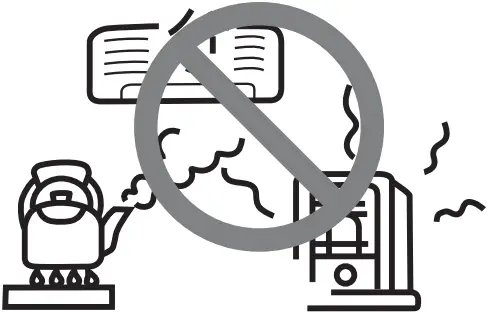
PROHIBITION
Cooling and Dehumidifying Capabilities
- If the heat present in a room exceeds the unit’s cooling capacity (for example, if there are many people in the room or other heating appliances are used), the preset room temperature may not be reached.
Refrigerant Information
- For the refrigerant charge information, please refer to the outdoor unit installation manual or specification label.
THE IDEAL WAYS OF OPERATION
| Suitable Room Temperature |
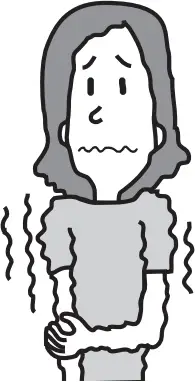
|
| Ventilation |
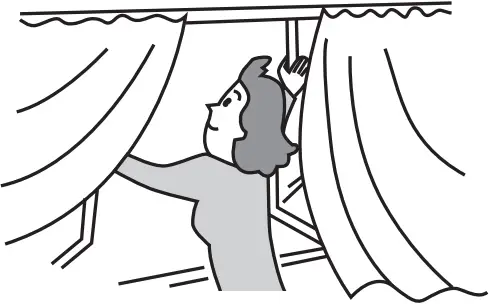
|
| Effective Usage Of Timer |
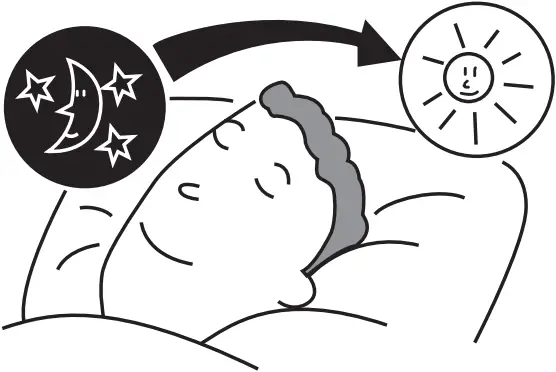 At night, please use the “OFF or ON timer or SLEEP timer operation mode”, together with your wake up time in the morning. |
| Install curtain or blinds |
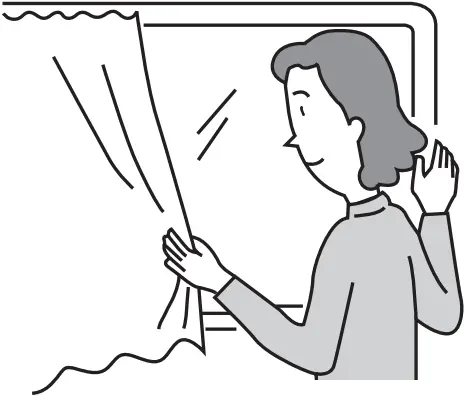 It is possible to reduce heat entering the room through windows. |
| Do Not Forget To Clean The Pre-Filter |
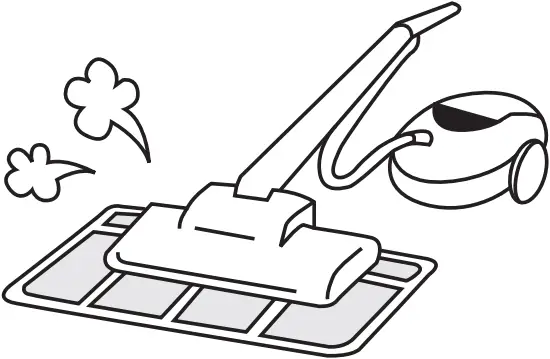 Dusty air filter will reduce the air volume and the cooling efficiency. To prevent from wasting electric energy, please clean the filter every 2 weeks. |
| Please Adjust Suitable Temperature For Baby And Children |
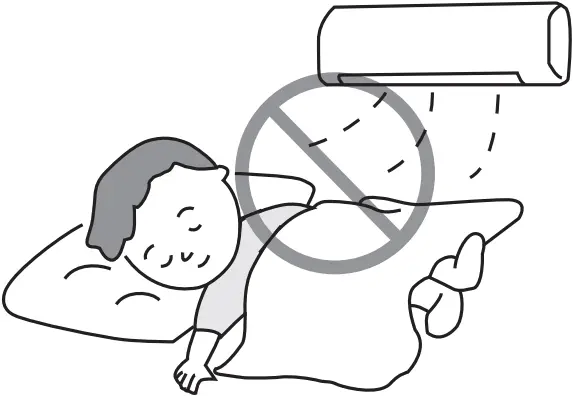 Please pay attention to the room temperature and air flow direction when operating the unit for baby, children and old folks who have difficulty in movement. |
FOR USER’S INFORMATION
| The Air Conditioner And The Heat Source In The Room |
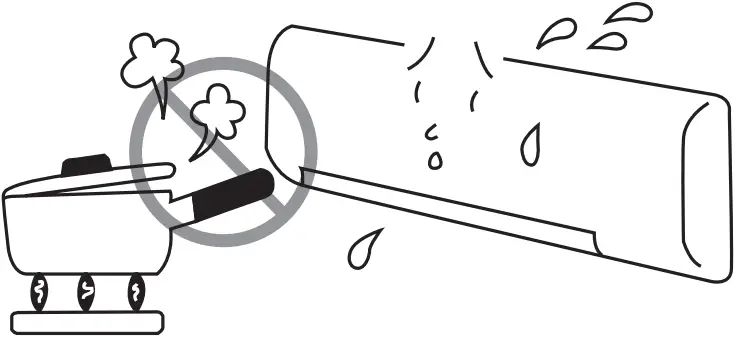
|
| Not Operating For A Long Time |
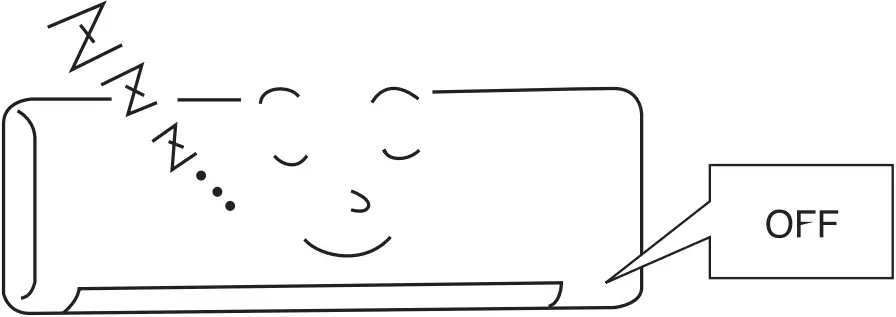 When the indoor unit is not to be used for a long period of time, please switch off the power from the mains. If the power from mains remains “ON”, the indoor unit still consumes about 3W in the operation control circuit even if it is in “OFF” mode. |
| When Lightning Occurs |
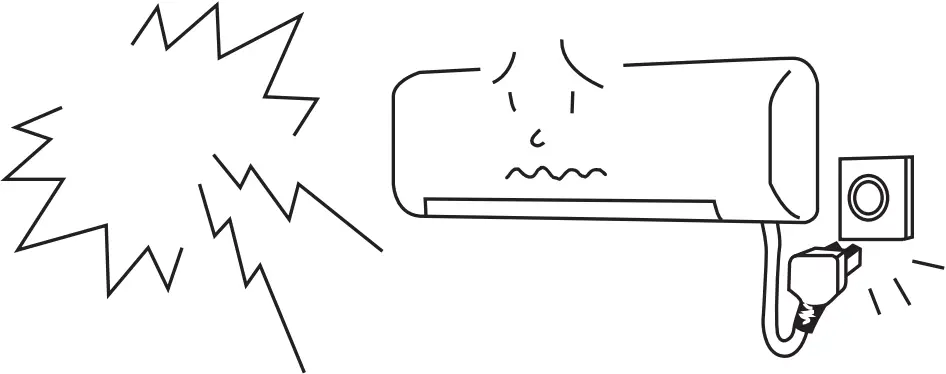
|
| Interference From Electrical Products |

|
ATTACHING THE AIR PURIFYING FILTERS
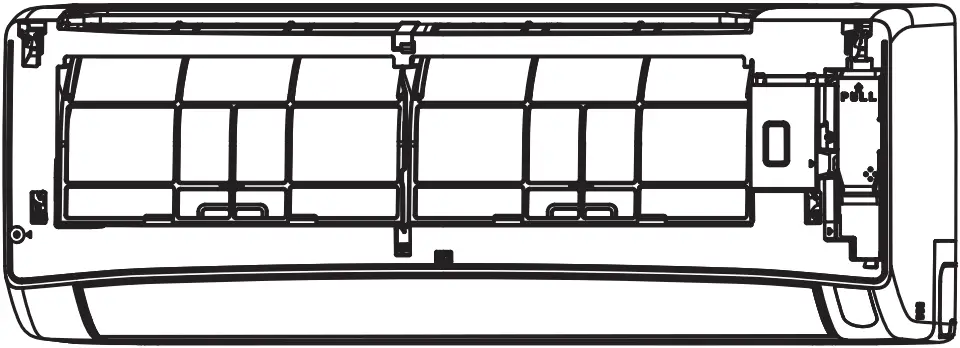
(1) Open the front panel
- Pull up the front panel by holding it at both sides with both hands.
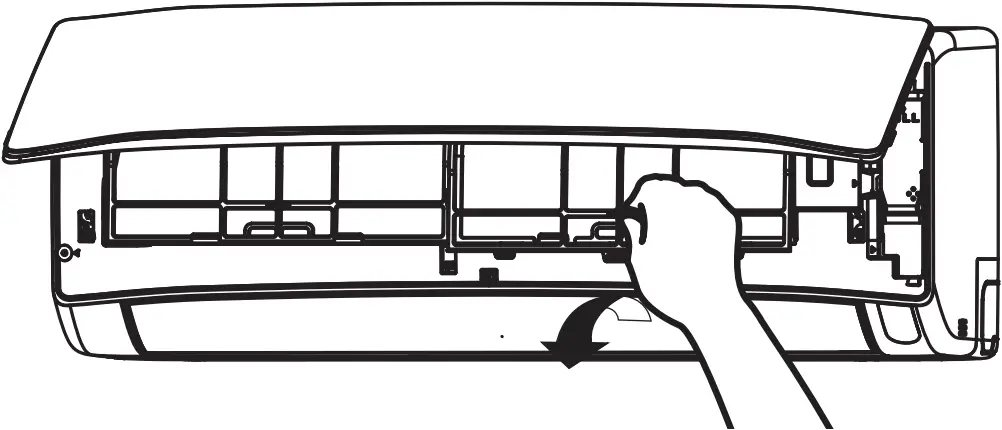
(2) Remove the Pre-filter
- Push upward to release the claws and pull out the Pre-filter.
(3) Attaching the air purifying filters (Accessories) to the filter frame.
- Attach the air purifying filters to the C-case to the designated position.
- The cooling capacity is slightly weakened and the cooling speed becomes slower when the air purifying filters are used.
- The air purifying filters are not washable. It is recommended to use vacuum to clean. It can be used for 1 year. When you want to renew it, please ask your sales agent.
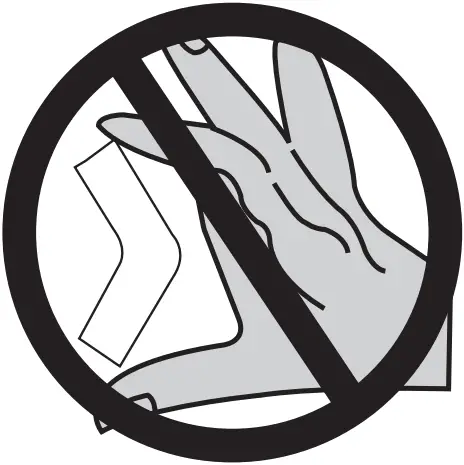
CAUTION
Do not bend the air purifying filter as it may cause damage to the structure.
Please do not smell direct from source of filter.
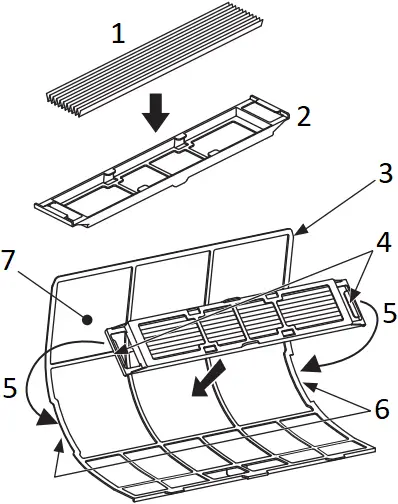
- Air purifying filter
- C-case
- Backside of Air Filter
- Claw
- Hook
- Filter Frame
- Air Filter
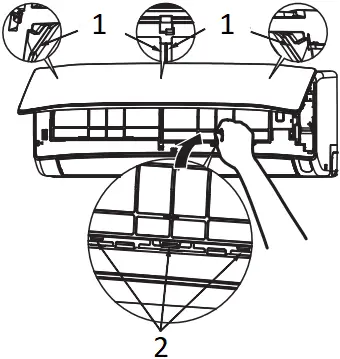
- guide
- insert the hook to the hole
(4) Attach the Pre-filters
- Attach the Pre-filters by ensuring that the surface written “FRONT” is facing front.
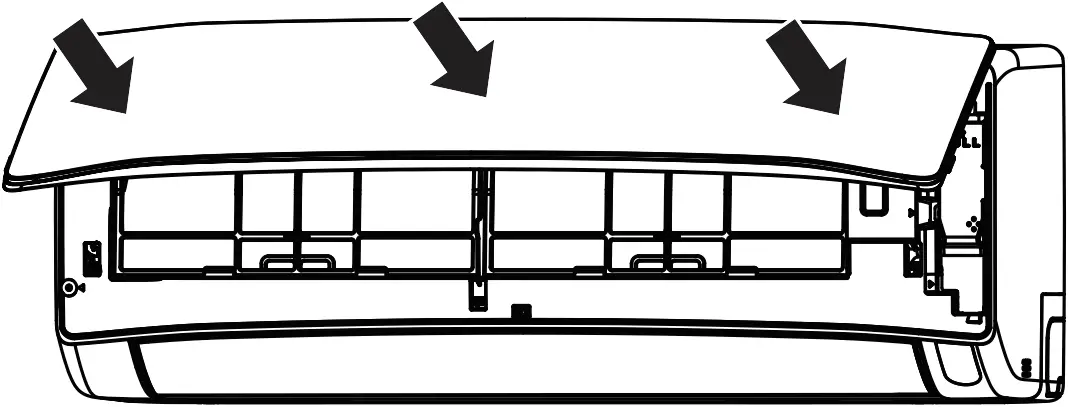
- After attaching the Pre-filters, push the front panel at three arrow portions as shown in figure and close it.
NOTE
- In case of removing the air purifying filters, please follow the above procedures.
- The cooling capacity is slightly weakened and the cooling speed becomes slower when the air purifying filters are used. So, set the fan speed to “HIGH” when using it in this condition.
- Air purifying filters are not washable. It is recommended to use vacuum to clean it. It can be use for 1 year time. Type number for this air purifying filter is <SPX-CFH22AC25>. Please use this number for ordering when you want to renew it.
- Do not use detergent on the air purifying filter as some detergent may deteriorate the air purifying filter electrostatic performance.

MAINTENANCE
CAUTION
Before cleaning, stop operation and switch off the power supply.
1. PRE-FILTER 

Clean the Pre-filter, as it removes dust inside the room. In case the Pre-filter is full of dust, the air flow will decrease and the cooling capacity will be reduced. Further, noise may occur. Be sure to clean the Pre-filter following the procedure below.
PROCEDURE
(1) Open the front panel and remove the Pre-filter
- Gently lift and remove the air purifying filters from the air purifying filter frame.
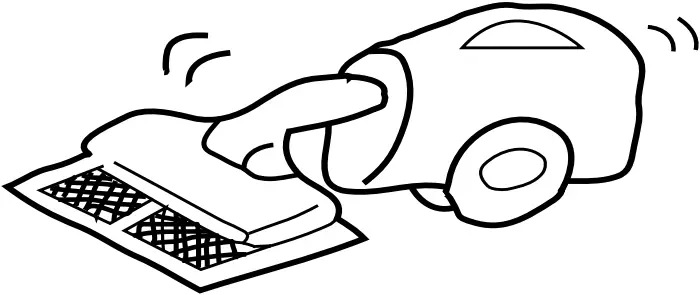
(2) Vacuum dust from the Pre-filter and air purifying filter using vacuum cleaner. If there is too much dust, rinse under running tap water and gently brush it with soft bristle brush. Allow filters to dry in shade.
(3)
- Re-insert the air purifying filter to the filter frame. Set the Pre-filter with “FRONT” mark facing front, and slot them into the original state.
- After attaching the Pre-filters, push the front panel at three arrow portions as shown in figure and close it.
- guide
- insert the hook to the hole
CAUTION
- Do not wash with hot water at more than 40°C. The Pre-filters may shrink.
- When washing it, shake off moisture completely and dry it in the shade; do not expose it directly to the sun. The Pre-filters may shrink.
- Do not use detergent on the Pre-filter as some detergent may deteriorate the Pre-filter electrostatic performance.
2. CLEANING OF FRONT PANEL
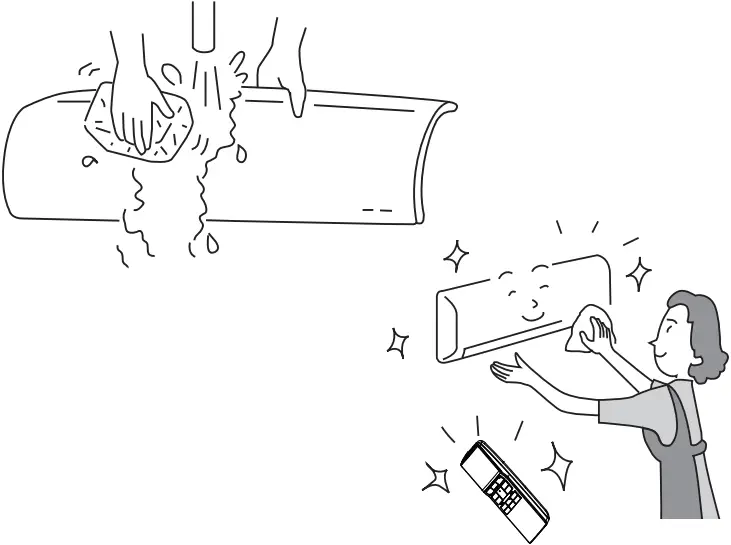
- Remove the front panel and wash with clean water.
Wash it with a soft sponge.
After using neutral detergent, wash thoroughly with clean water. - When front panel is not removed, wipe it with a soft dry cloth.
Wipe the remote controller thoroughly with a soft dry cloth. - Wipe the water thoroughly.
If water remains at indicators or signal receiver of indoor unit, it causes trouble.
Method of removing the front panel.
Be sure to hold the front panel with both hands to detach and attach it.
Removing the Front Panel
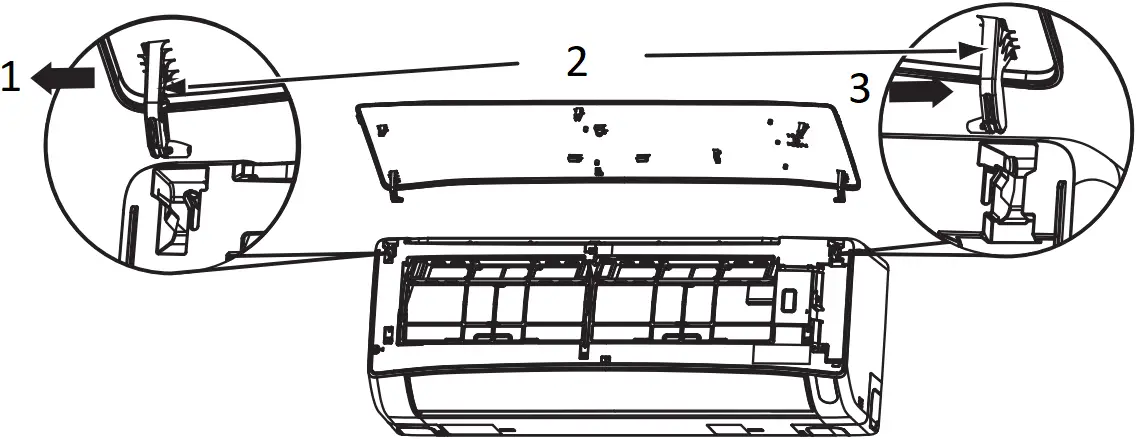
- Move
- Arm
- Push
- When the front panel is fully opened with both hands, push the right arm to the outside to release it, and while closing the front panel slightly, pull it out forward.
Attaching the Front Panel
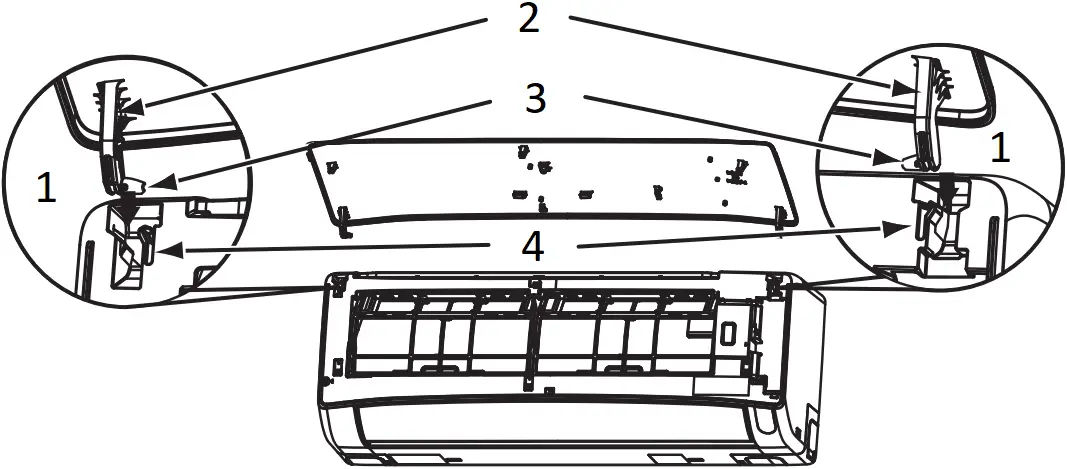
- Insert
- Arm
- Shaft
- Step
- Move the projections of the left and right arms into the Flanges in the unit and securely insert them into the holes.
CAUTION
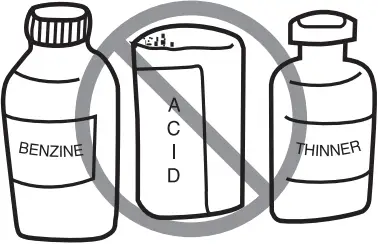
- Never use hot water (above 40°C), benzine, gasoline, acid, thinner or a brush, because they will damage the plastic surface and the coating.
WIRING ARRANGEMENT
CAUTION
- Please use earth line.
Do not place the earth line near water or gas pipes, lightning-conductor, or the earth line of telephone. Improper installation of earth line may cause electric shock - A circuit breaker should be installed depending on the mounting site of the unit. Without a circuit breaker, the danger of electric shock exists.
IMPORTANT
The wires in this mains lead are coloured in accordance with the following code:
Green-and-yellow : Earth
Blue : Neutral
Brown : Live
As the colours of the wires in the mains lead of this appliance may not correspond with the coloured markings identifying the terminals in your plug, proceed as follows:
The wire which is coloured green-and-yellow must be connected to the terminal in the plug which is marked with the letter E or by the earth symbol  or coloured green or green-and-yellow.
The wire which is coloured blue must be connected to the terminal which is marked with the letter N or coloured black.
The wire which is coloured brown must be connected to the terminal which is marked with the letter L or coloured red.
NOTE
If the supply cord is damaged, it must be replaced by the special cord obtainable at authorized service/parts centers.
CAUTION
Cleaning and maintenance must be carried out only by qualified service personnel. Before cleaning, stop operation and switch off the power supply.
FROSTWASH OPERATION
| FrostWash Operation does not start | It does not wash when outside temperature is less than about 21°C or more than 43°C. When “FrostWash” is done by operating a remote controller, it does not wash when the room temperature is less than about 21°C or more than about 32°C. |
| When 60 minutes after the end of “FrostWash”, “FrostWash” is not operated for product protection. | |
| Noise occurred during FrostWash operation | It is the sound that the internal machine is inflated and contracted by the temperature change and the fi n of the heat exchanger is frozen and thawed |
 (Clean Function Lamp) blinks (Clean Function Lamp) blinks | Repeat for 1 second on and 1 second off for 10 seconds Because “FrostWash” can not work when operating the “FrostWash” with remote controller.
|
| Repeat for 4 seconds on and 1 second off for 15 seconds Because FrostWash has not been done for a long time. ➞ Operate the remote controller to operate “FrostWash”. |
Mold Guard Operation
| Mold Guard operation does not start | If the air conditioner has operated in cooling and drying mode, including auto mode, for less than 10 minutes, the Mold Guard operation will not start even if the air conditioner is in off mode. If operation of the air conditioner is stop by OFF Timer or GoodSleep Timer, the Mold Guard will not operate. If ON Timer is set and on time is within about 2 hours, the Mold-Guard will not operate. |
| During Mold Guard | (Clean Function Lamp) on the indoor unit lights up during Mold Guard operation. If Mold Guard operation stop at middle point, FrostWash and Filter sign indicator will turn off. |
| Notes | The horizontal deflector remain open. Room temperature or humidity may rise. Depending on situation, Mold Guard will operate with Fan Mode. When there would be the window near indoor unit, the water might condense on the window during Mold Guard. If necessary, to cancel Mold Guard. When after FrostWash operation, the water inside the indoor unit evaporates and depending on the room conditions, may emitted as steam. But this is not a malfunction. If necessary, to cancel Mold-Guard. |
- The following phenomena do not indicate unit failure.
| Hissing or fizzy sounds | Refrigerant flow noise in the pipe or valve sound generated when flow rate is adjusted. |
| Squeaking noise | Noise generated when the unit expands or contracts due to temperature changes. |
| Rustling noise | Noise generated with the indoor unit fan’s rpm changing such as operation start times. |
| Clicking noise | Noise of the motorized valve when the unit is switched on. |
| Perking noise | Noise of the ventilation fan sucking in air present in the drain hose and blowing out dehumidifying water that had accumulated in the condensed water collector. For details, consult your sales agent. |
| Changing operation noise | Operation noise changes due to power variations according to room temperature changes. |
| Mist emission | Mist is generated as the air within the room is suddenly cooled by conditioned air. |
| Odors | Caused as the smells and particles of smoke, food, cosmetics, etc. present in room air become attached the unit and blown off into the room again. |
| Does not reach the temperature setting | Actual room temperature may deviate slightly from the remote controller’s temperature setting depending on the number of people in the room, indoor or outdoor conditions. |
REGULAR INSPECTION
PLEASE CHECK THE FOLLOWING POINTS BY QUALIFIED SERVICE PERSONNEL EITHER EVERY HALF YEARLY OR YEARLY. CONTACT YOUR SALES AGENT OR SERVICE SHOP.
1 | 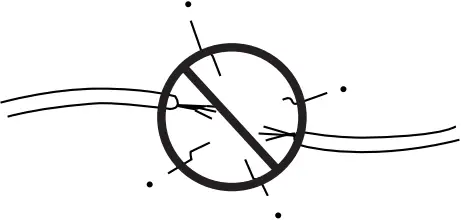 | Is the earth line disconnected or broken? |
2 | 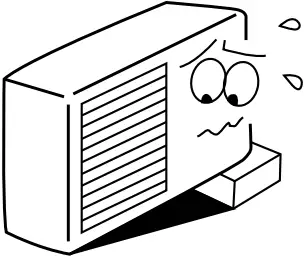 | Is the mounting frame seriously affected by rust and is the outdoor unit tilted or unstable? |
3 | 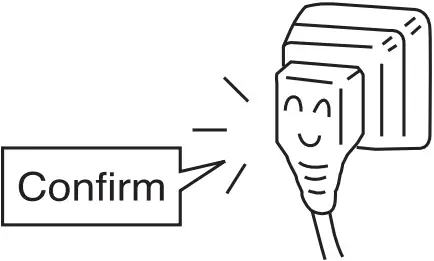 | Is the plug of power line firmly plugged into the socket? (Please ensure no loose contact between them). |
If the unit still fails to operate normally after performing the above inspections, turn the circuit breaker off and contact your sales agent immediately.
Contact your sales agent immediately if the following phenomena should occur

- The circuit breaker switches off or the fuse blows frequently.
- The switch operation is not stable.
- Foreign matter or water accidentally enters the unit interior.
- The power cord gets excessively hot or its insulation is torn or stripped.
- TIMER lamp on the indoor unit display blinks.
(As the nature of the failure can be identified by the blinking cycle, check the blinking cycle before turning off the circuit breaker.)
AFTER SALE SERVICE AND WARRANTY
WHEN ASKING FOR SERVICE, CHECK THE FOLLOWING POINTS
CONDITION | CHECK THE FOLLOWING POINTS |
(Remote controller display is dim or blank.) |
|
|
|
Please contact your sales agent immediately if the air conditioner still fails to operate normally after the above inspections. Inform your agent for the model of your unit, serial number, date of installation. Please also inform him regarding the fault.
Please note:
On switching on the equipment, particularly when the room light is dimmed, a slight brightness fluctuation may occur. This is of no consequence.
The conditions of the local Power Supply Companies are to be observed.
Note
- Avoid to use the room air conditioner for cooling operation when the outside temperature is below 21°C (70°F).
The recommended maximum and minimum operating temperatures of the hot and cold sides should be as below:
Minimum | Maximum | ||
| Indoor | Dry bulb °C | 21 | 32 |
Wet bulb °C | 15 | 23 | |
| Outdoor | Dry bulb °C | 21 | 46 |
Wet bulb °C | 15 | 26 |