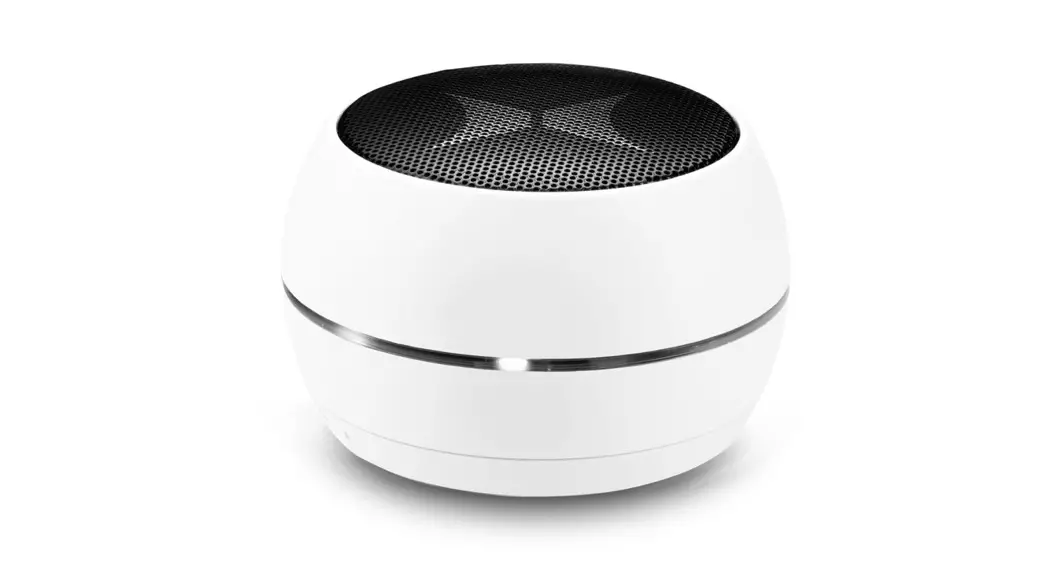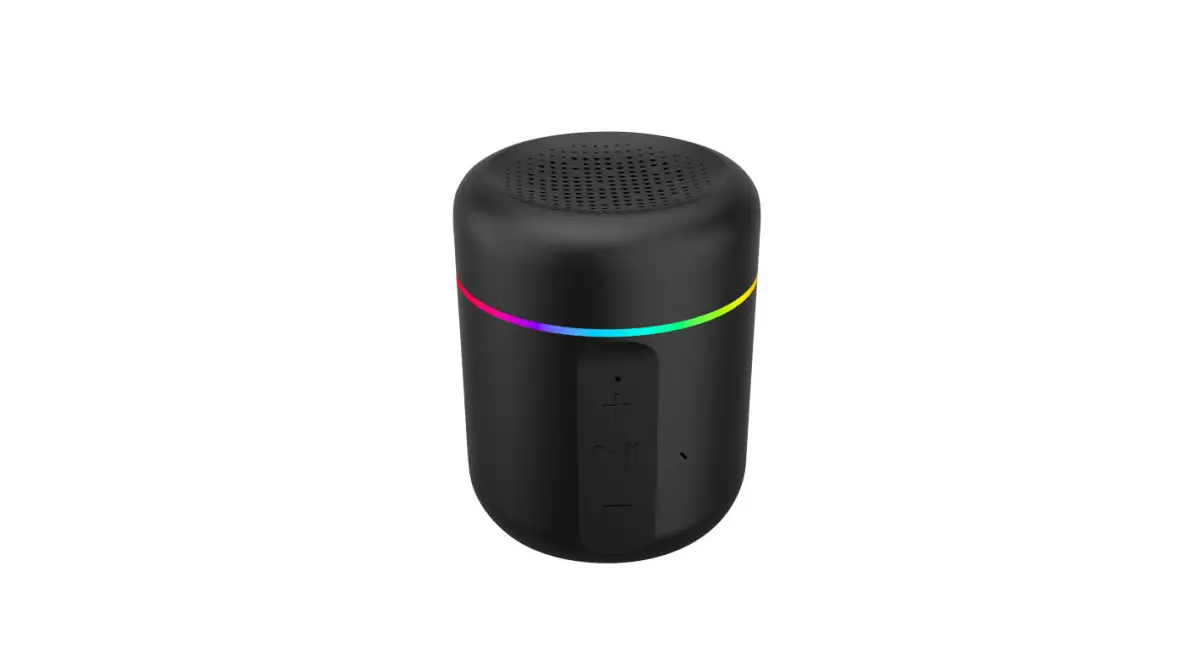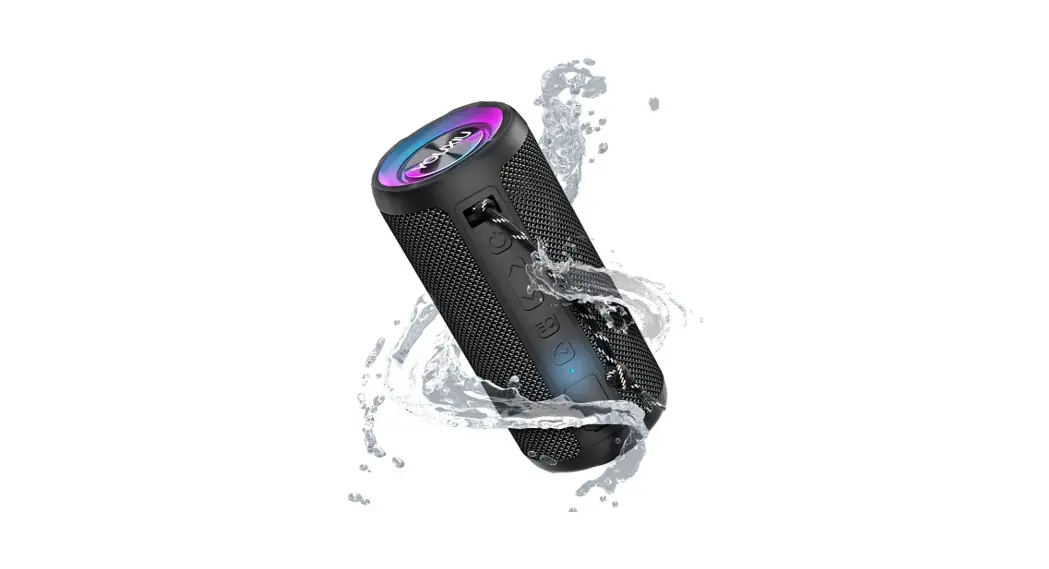
Wireless Speaker
User Manual
Model: YOUXIU X10
Thank you for purchasing the YOUXIU X10 Bluetooth Speaker.
The YOUXIU X10 is equipped with Bluetooth 5.0 for optimal connection and pairing with your Bluetooth-enabled device. Please read the user manual before use and keep it handy for future reference. If you have any additional questions or comments, please contact us by email at: [email protected] https://youxiu.store/
Note: Any questions, please feel free to contact us, we will reply to you as soon as possible.
PACKAGE CONTENTS
- lx Bluetooth speaker
- lx Warranty card
- lx 3.5mm audio cable
- lx User manual
- lx USB-C charging cable
- lx Lanyard
FEATURES
- DSP algorithm patent technology, maximum 20W power output
- IPX7 water resistance.
- Dual passive radiators provide superior deep bass.
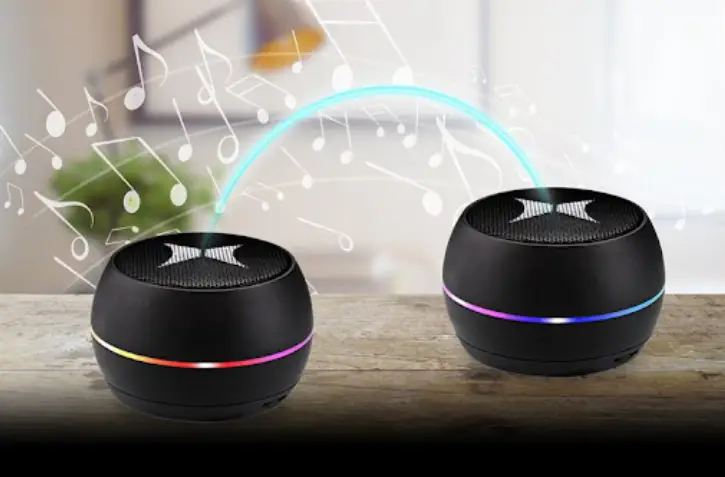
- True Wireless Stereo (TWS) for stereo surround
- Inbuilt rechargeable lithium battery supports up to 20 hours of playtime on a single charge.
- EQ sound effects adjustment.
- Bluetooth 5.0
- Plug and Play music easily from a TF card.
- Supports voice assistant for music streaming, phone calls, weather inquiries, and much more.
Note: Voice Assistant is supported by Siri, Google, and other local Android voice assistants that run on Samsung, Huawei, Xiaomi, and more devices.
SPECIFICATIONS
| Model | YOUXIU X10 |
| Material | ABS +aluminum |
| Bluetooth | 5.0 |
| Bluetooth profile | A2DP V1.3, ACRCP V1.4, HFP V1.6 |
| Bluetooth transmission | Up to 10m/33ft (open area) |
| Waterproof | IPX7 |
| Output power | 2 x 10W Max |
| Power supply | DC 5V/1A |
| Frequency range | 60Hz-20 KHz |
| Battery | Built-in lithium battery, 3600mAh x 1 |
| Playtime | Up to 20 hours (around 65 dB) |
| Talk time | Up to 25 hours (on a 70% volume) |
| Standby | About 24 months |
| Charging time | 3 hours |
| Functions | A hands-free phone call, Aux-in, TF/Micro SD card, |
| Dimension | 170x79x79 mm |
| Weight | 450±5g |
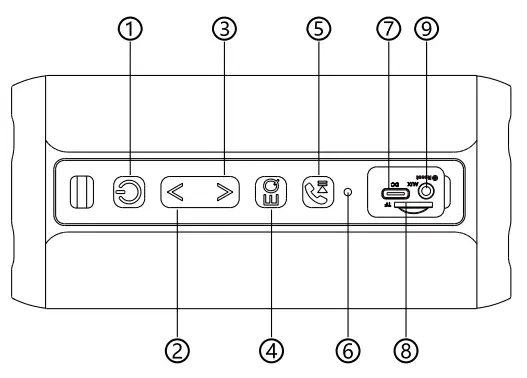
- Power ON/OFF; TWS pairing
- Previous track, Volume up
- Next track, Volume down
- EQ music effects/
- Play/pause button
- Bluetooth/TWS/Charging indicator light
- Charging interface
- TF/Micro SD card slot
- Aux-in port/Reset
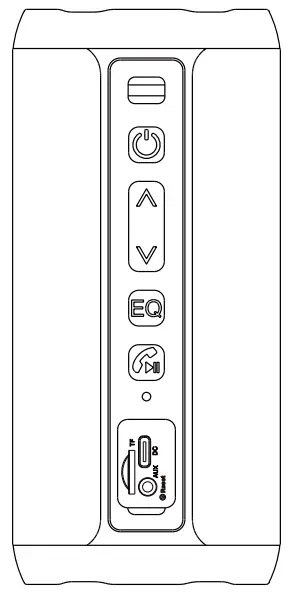
| Key | Operation | Functions |
 | Short press | Change the play mode |
| TWS pairing: Continuously click twice | ||
| Long press | Turn on/off: Long press for 3 seconds | |
 | Short press | Volume up |
| Long press | Choose next track | |
 | Short press | Volume down |
| Long press | Choose previous track | |
 | Short press | Change the EQ |
| Turn on/off the light: Continuously click twice. | ||
| Long press | Activate voice assistant: Long press for 3 seconds | |
 | Short press | In music playing state: play/pause |
| Answer/hang up a call | ||
| Redial: Continuously click twice | ||
| Long press | Reject a call: Long press for 3 seconds |
NOTE: Some models have added a physical reset key (hidden in the aux-in port): insert a hard stick to reset.
HOW TO USE
- Bluetooth Mode
a. Turn on the YOUXIU X10 speaker and automatically enter the Bluetooth mode(The blue light is flashing, waiting for pairing).
b. Turn on the Bluetooth of your phone. Find the “YOUXIU X10” on the available devices.
c. Click on “YOUXIU X10” for Bluetooth pairing - TWS Mode
What is TWS?
TWS is a true wireless stereo which means two Bluetooth speakers are able to be paired together to play music simultaneously to provide 3D stereo surround sound.
a. Turn on the two speakers (disconnect the speaker from the other Bluetooth device).
b. Hold one of the speakers and press the button twice, hear the prompt tone and enter the TWS pairing mode; There is a prompt tone when the connection is successful.
c. Blue light is flashing for the main engine (left channel), the other indicator is always on for auxiliary equipment (right channel). d. Turn on the Bluetooth of the device (mobile phone), Find the ” YOUXIU X10″ in the available devices, and Click on” YOUXIU X10 ” for Bluetooth pairing. e. After the connection is successful, press the button twice to disconnect the connection. f. In TWS mode, only the main engine (left channel speaker) has the hands-free function, while the right channel speaker is silent. - TF Card Mode
a. Insert the TF Card (User-supplied) into the speaker, the Bluetooth speaker automatically enters TF Card mode, automatically plays the audio in the card.
Note: TF card supports WAV/FLAC/APE/MP3 format, with a capacity smaller than or equal to 32GB. - AUX-in Mode
a. Simply connect the speaker with your non-Bluetooth device via the 3.5 mm audio jack cable. Note 1: After plugging in an audio cable, the speaker will automatically switch to Aux-in Mode
Note 2: The USB power supply of most computers does not meet the standards of speakers. Please do not allow the computer to charge the speakers when the speaker is working in AUX-IN mode. - Auto Power Off
The speaker will power off automatically after 20 minutes if it does not pair with any device through Bluetooth or does not play any sound after pairing. When in low battery, the speaker will power off automatically as well. - Charging
| Red light | Charging |
| Goes off | Charging completion |
Care & Maintenance
Do not use any form of detergents or cleaning material to clean the product as any type of chemical may make this device unusable. Do not disassemble this product. It contains no user-serviceable parts. Do not drop or jump on it and treat it with care for the best performance. Keep the product in a dry location. Dust, dirt & moisture from humidity can accumulate on the body of the product if kept at an unfriendly place. Do not dispose of this product in fire or batteries may explode or leak.
Warranty Information
Your YOUXIU X10 Bluetooth Speaker’, is warranted to the original owner for 12 months from the date of purchase against defects in material and workmanship under normal use and service. YOUXIU is not responsible for the accidental use of this product and its liability will not exceed the purchase price of the product. If you have any problems while using the product, please do not hesitate to contact our customer support team.
FCC Conditions
This device complies with part 15 of the FCC Rules. Operation is subject to the following two conditions:
- This device may not cause harmful interference.
- This device must accept any interference received, including interference that may cause undesired operation.
EU Conformity Statement
This product and-if applicable-the supplied accessories too are marked with “CE” and comply CE therefore with the applicable harmonized European standards listed under the EMC Directive2004/108/EC, the Rol-IS Directive 2011/65/EU. 2012/19/EU(WEEE directive): Products marked with this symbol cannot be disposed of as unsorted municipal waste in the European Union. For proper recycling, return this product to your local supplier upon the purchase of equivalent new equipment, or dispose of it at designated collection points. For more information see: www.recyclethis.info