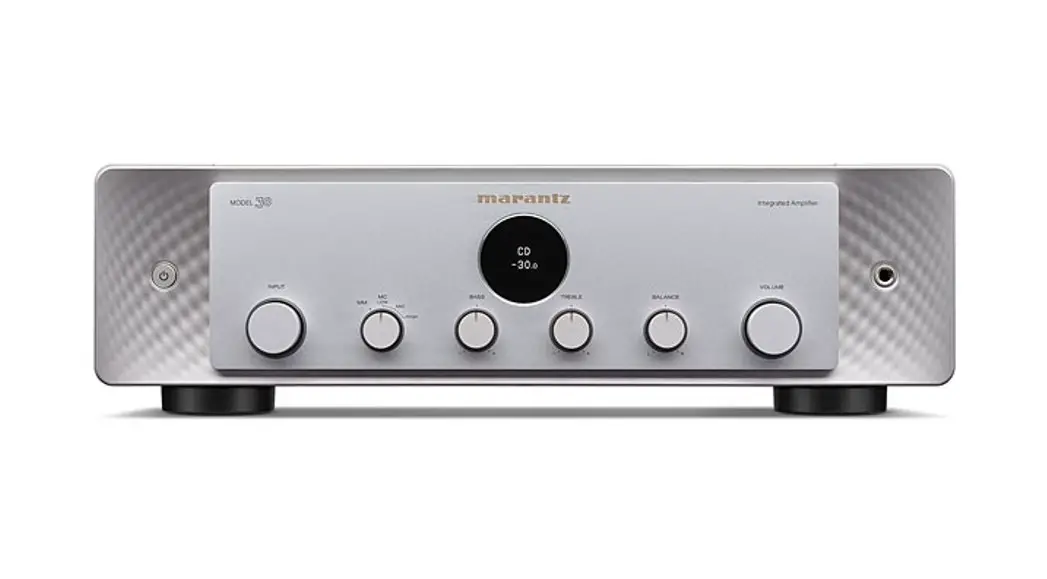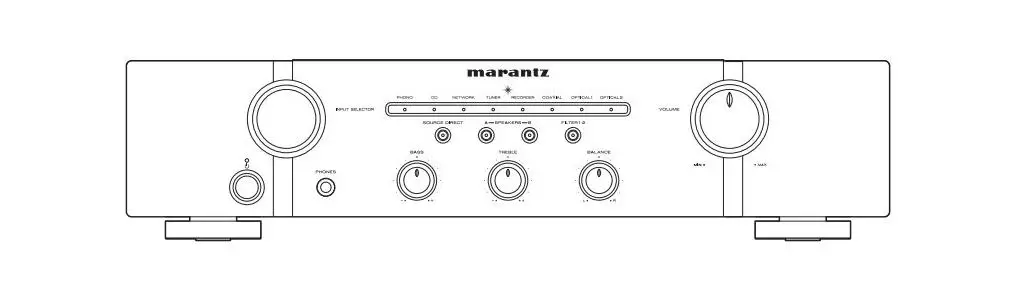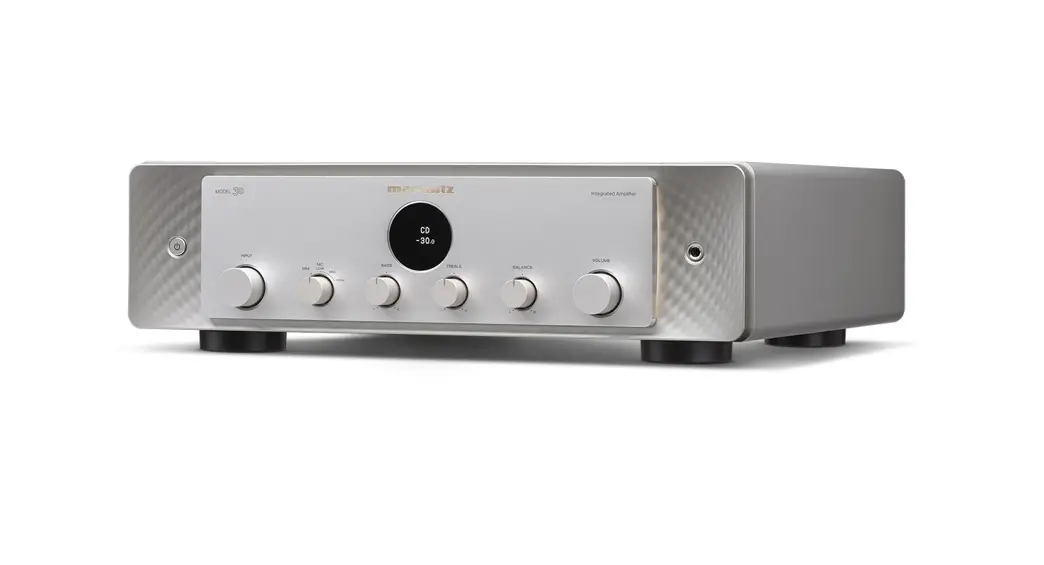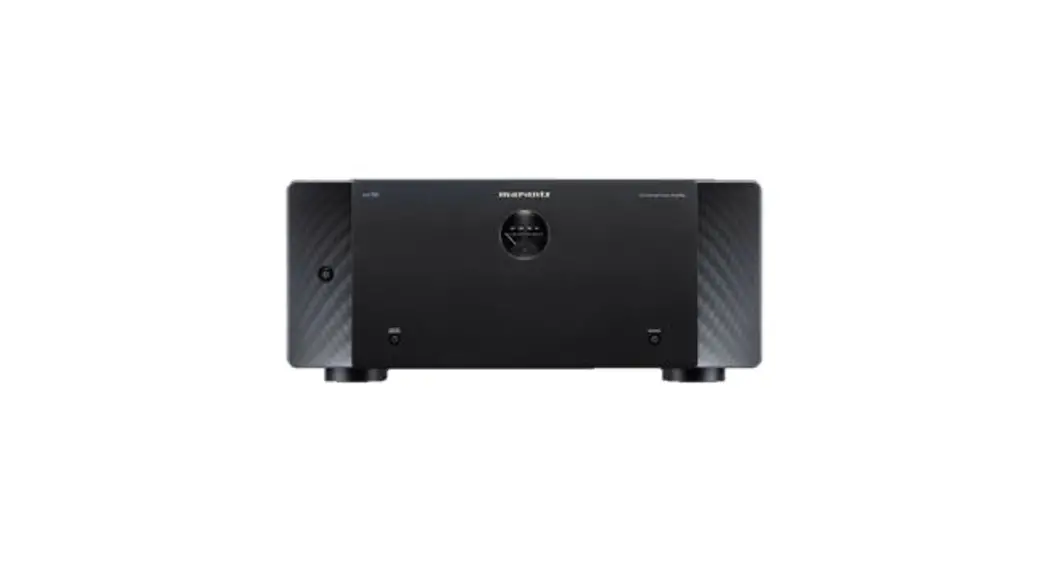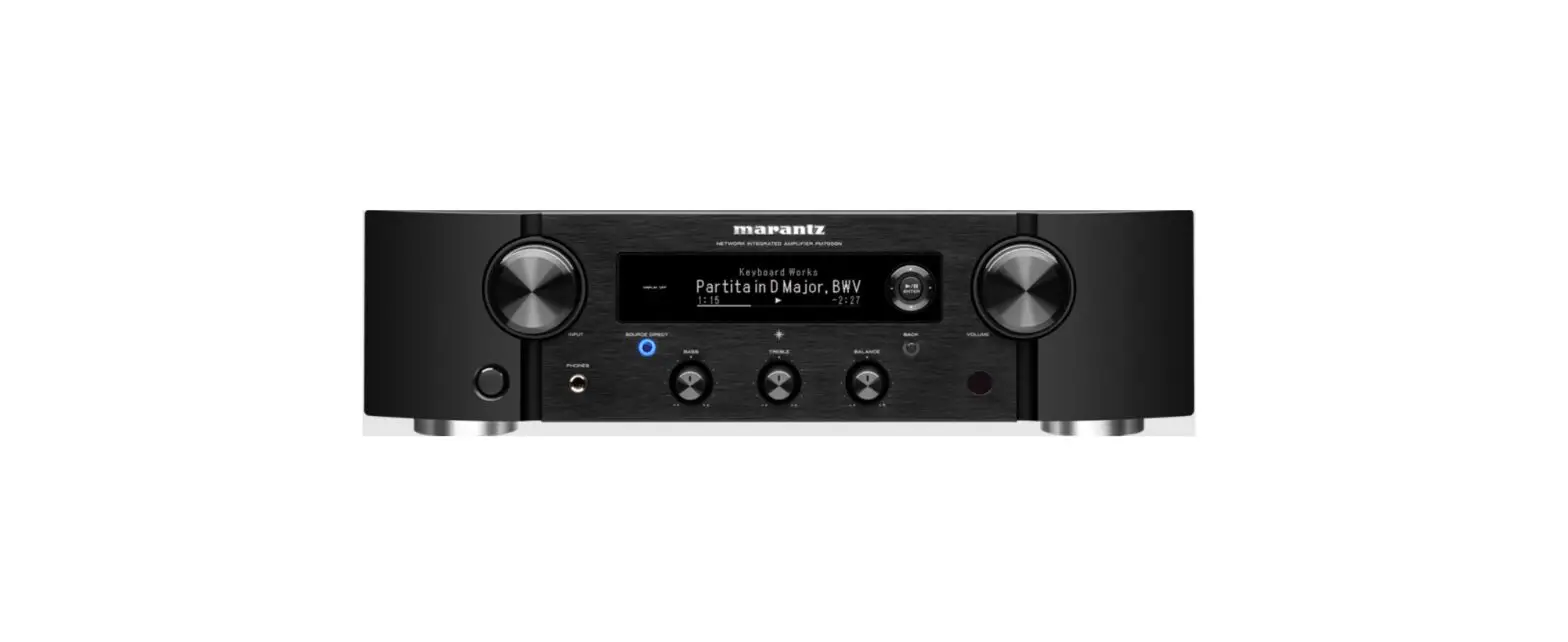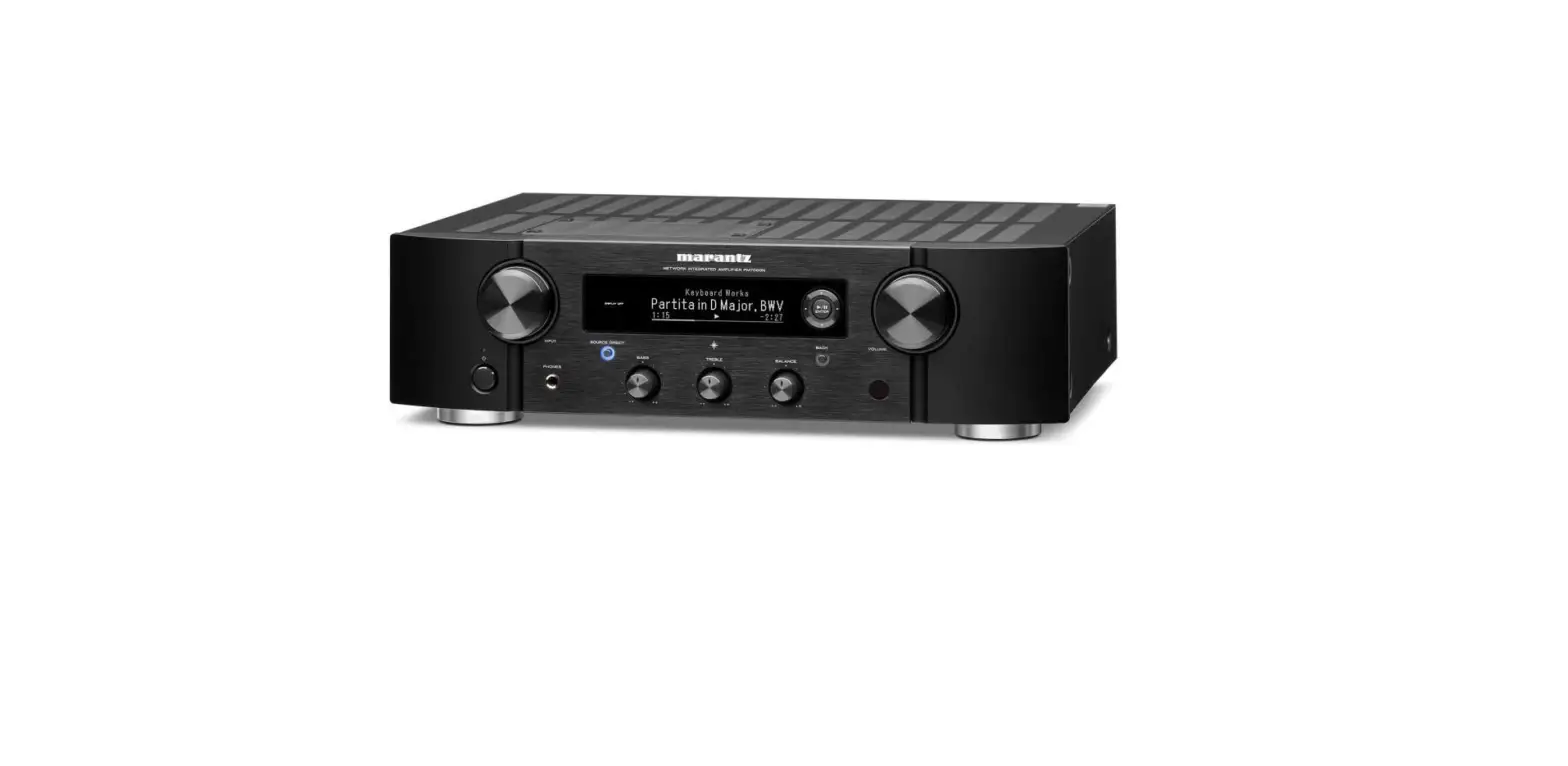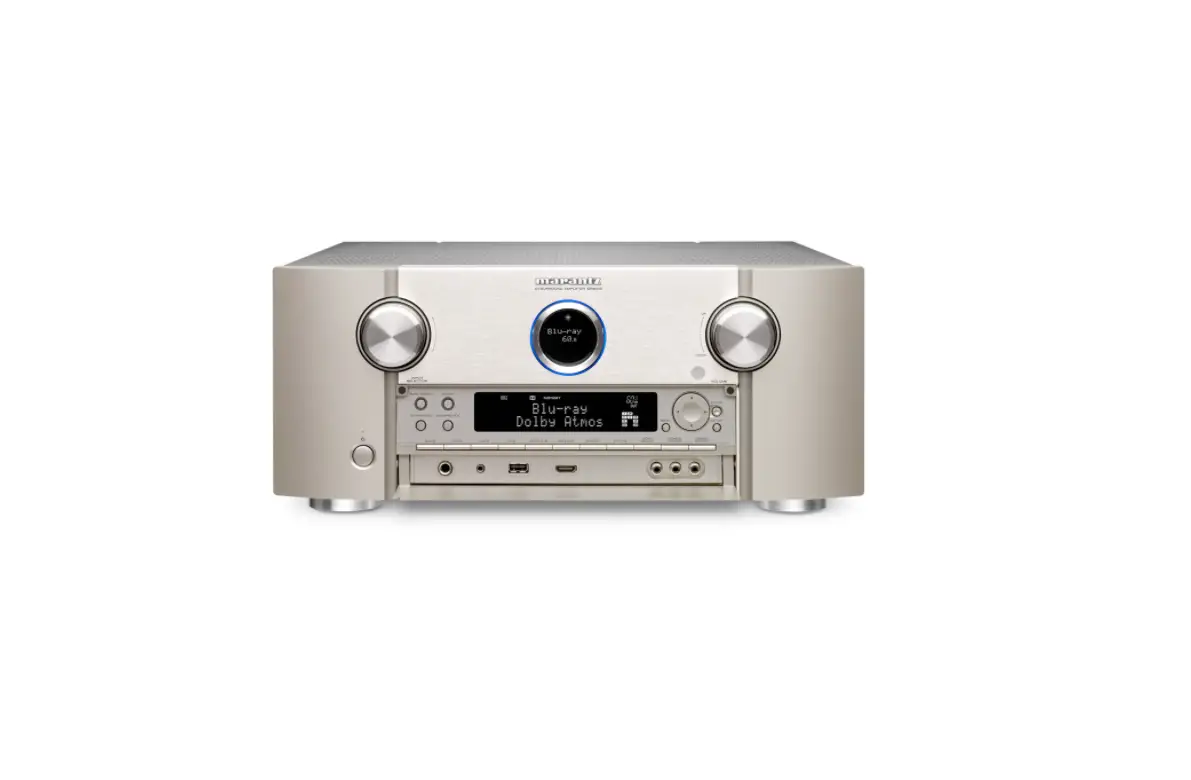

marantz 30 Integrated Amplifier with Phono Stage
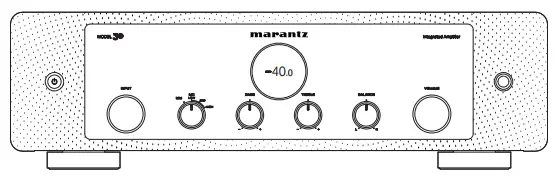
Welcome
Thank you for choosing a Marantz amplifier. This guide provides step-by-step instructions for setting up your amplifier.
Before You Begin
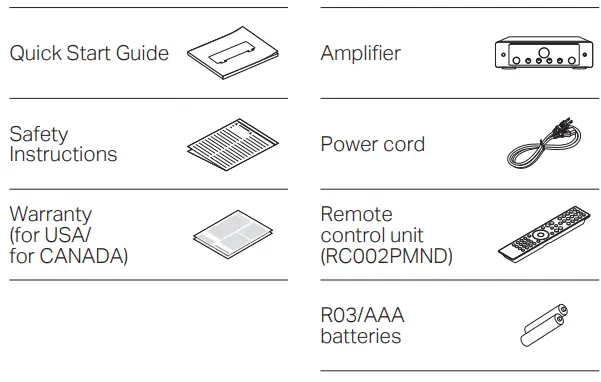
What’s In the Box
Required for Setup
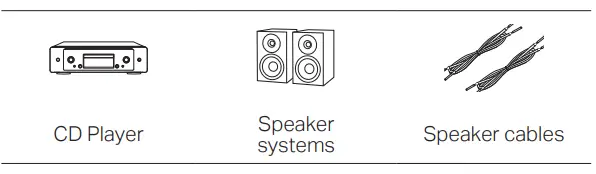
These drawings are for illustrative purposes only and may not represent the actual product(s).
Setup
There are five steps to the setup process.
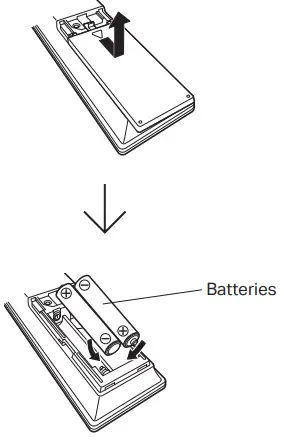
- Install batteries in the remote control unit
- Connect the speakers to MODEL 30
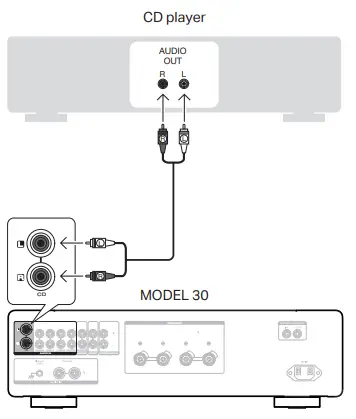
- Connect the CD player to MODEL 30
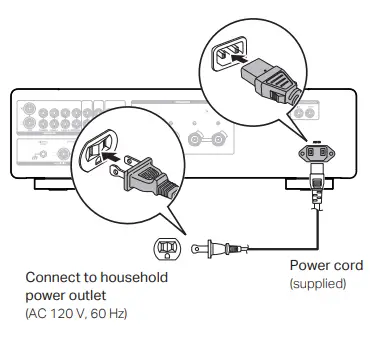
- Plug the power cord into a power outlet
- Begin CD playback
Install batteries in the remote control unit
Connect the speakers to MODEL 30
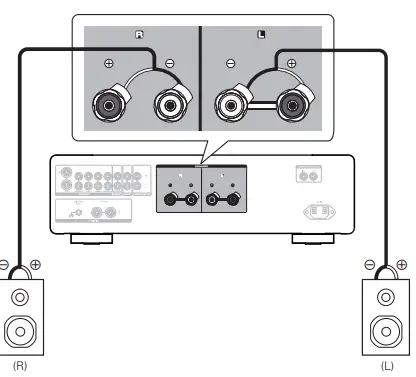
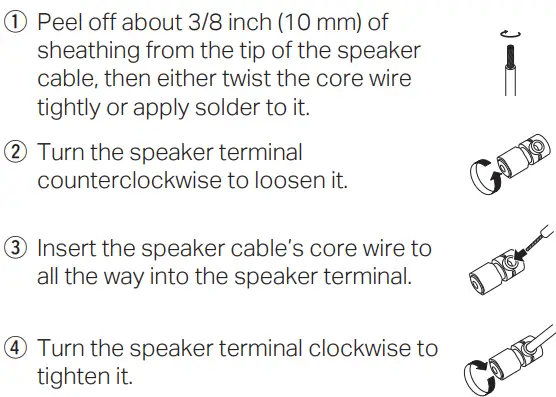
Connecting the speaker cables
Connect the CD player to MODEL 30
Plug the power cord into a power outlet
Begin CD playback
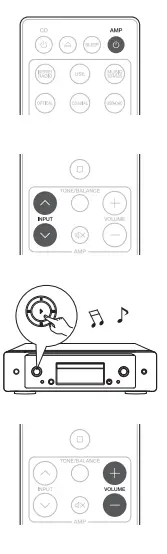
- Press the power operation button.
- Set the input source to “CD”.
- Play the CD player.
- Adjust the volume.
Owner’s Manual
Refer to the Online Manual for other functions information and operation procedure details.
manuals.marantz.com/Model30/NA/EN/
For more information, visit www.marantz.com