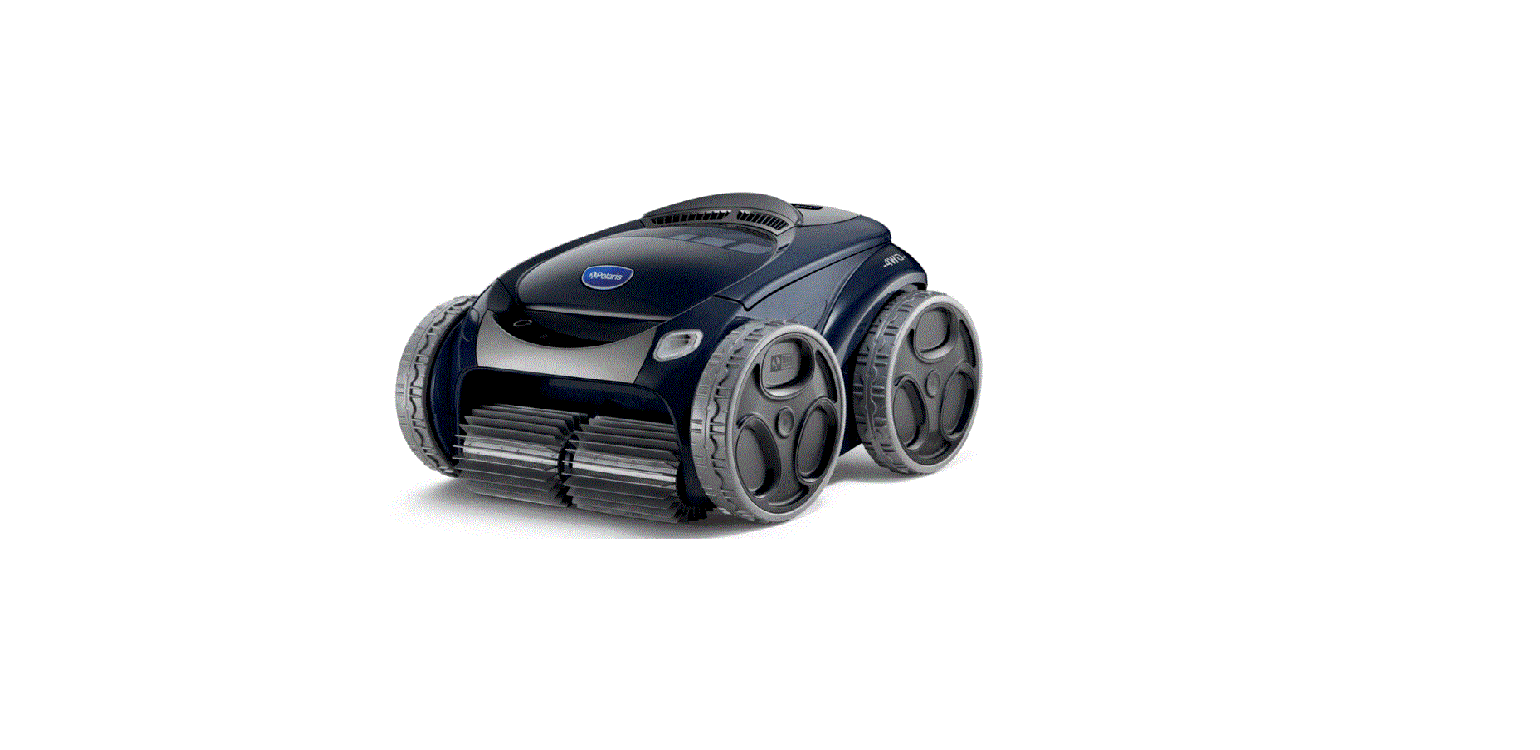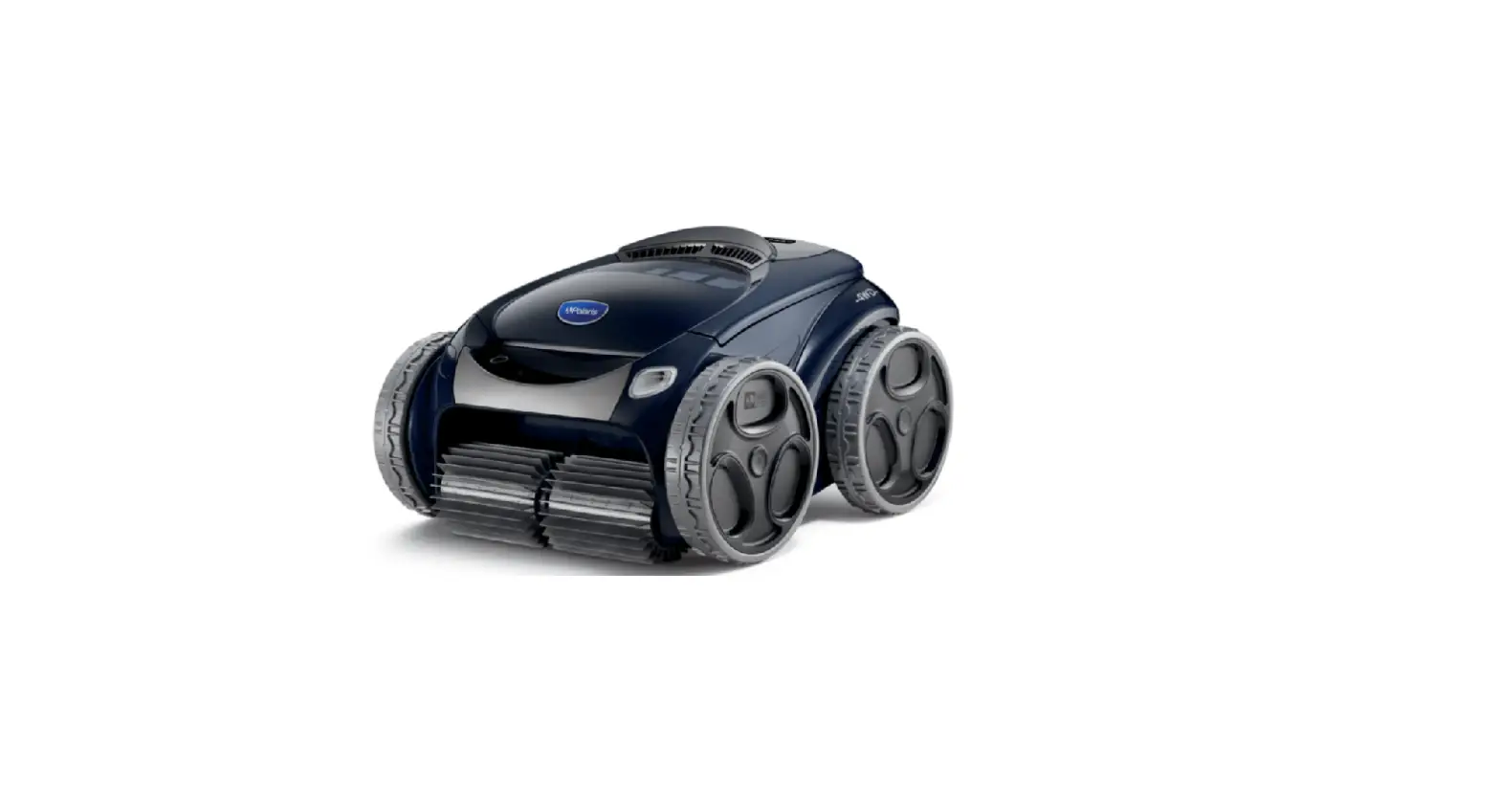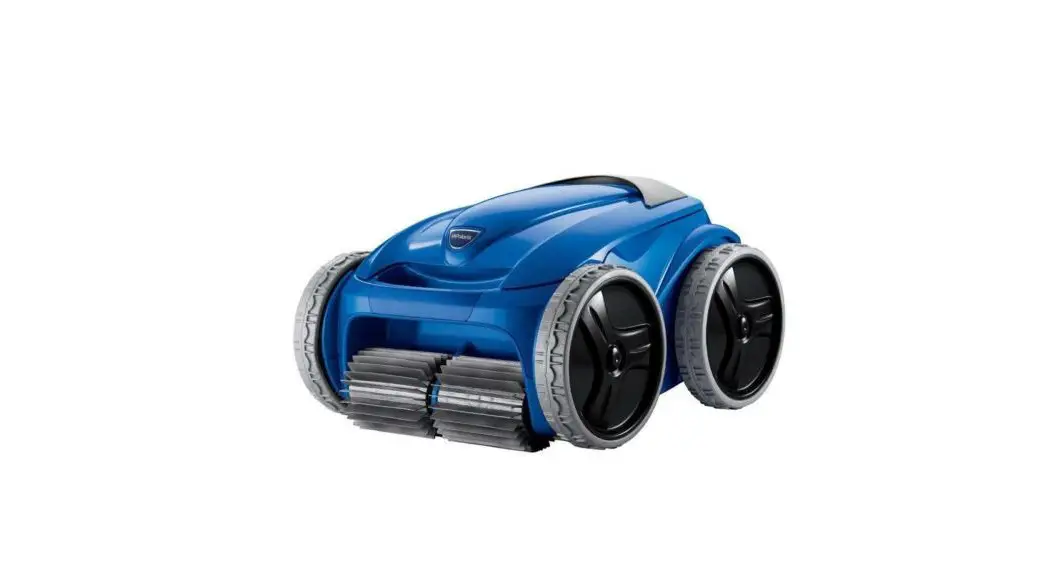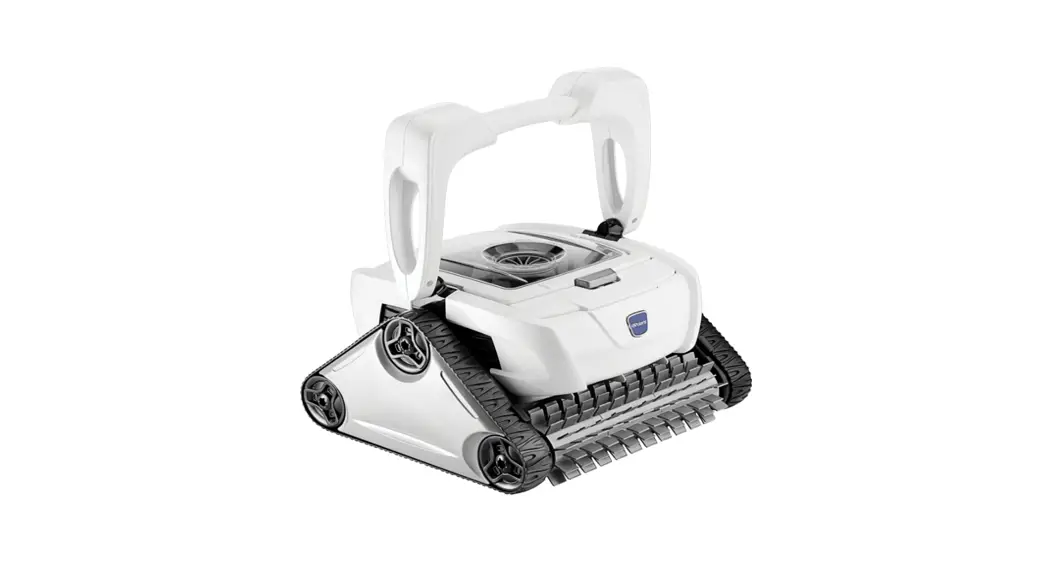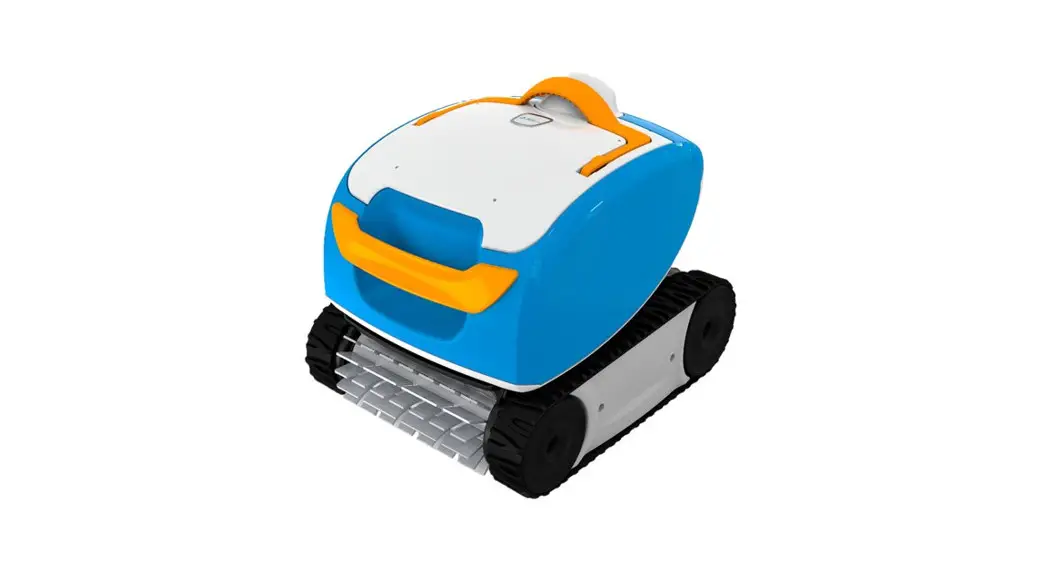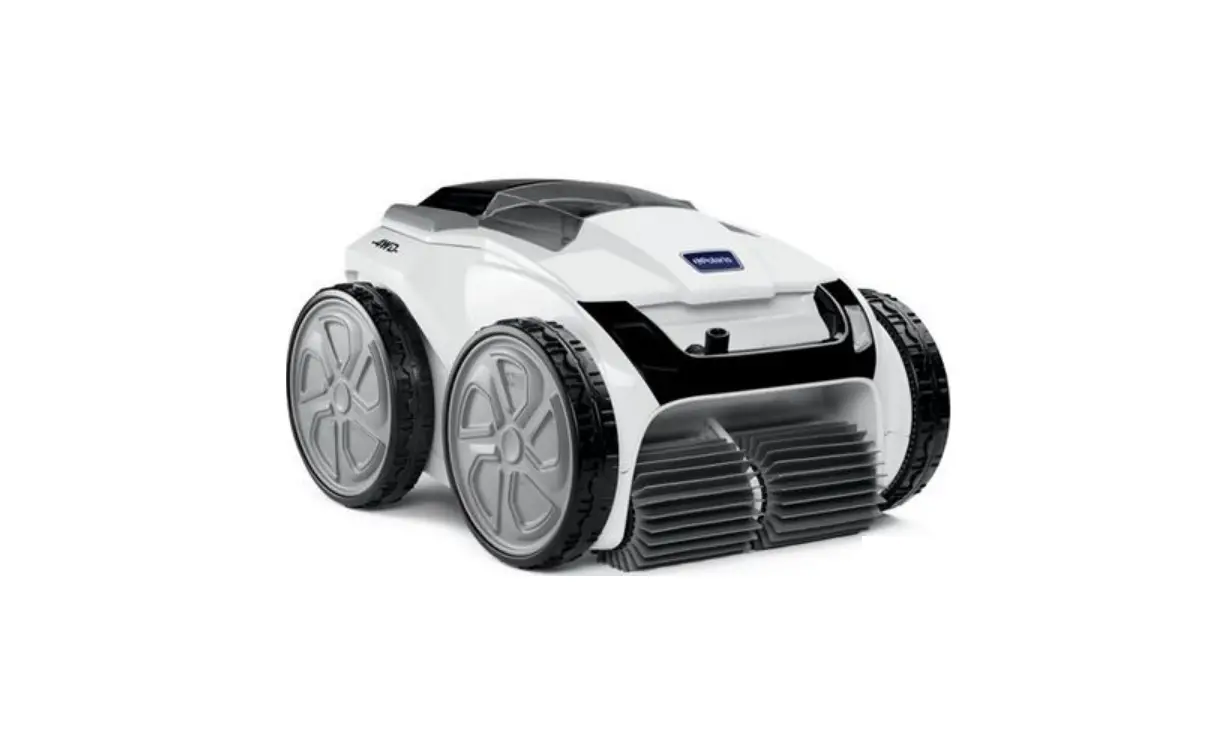
Polaris Pool VRX iQ+ Robotic Pool Cleaner Instruction Manual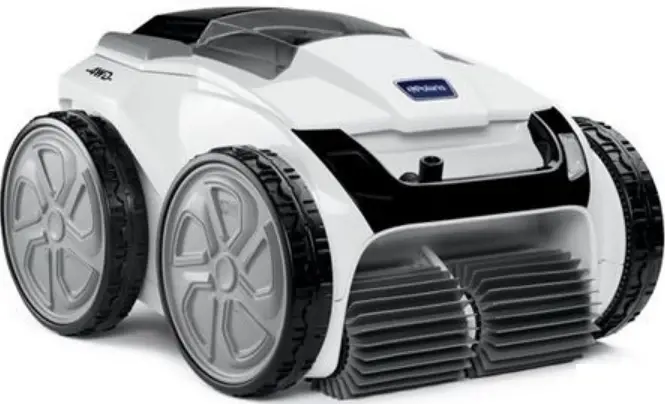
Before You Start
This Quick Start Guide contains essential installation and startup instructions. Read the complete manual and all safety warnings before commencing installation.
Contents
Connect the Floating Cable
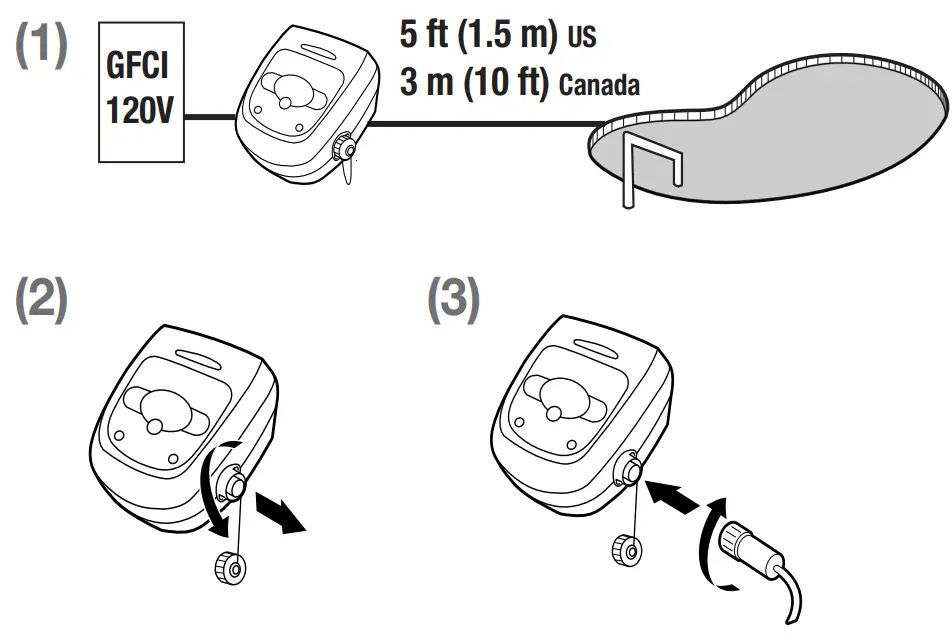
 DO NOT USE AN EXTENSION CORD.
Never turn on the cleaner unless it is fully submerged in the water. Doing so may void the warranty and may cause severe damage to the cleaner motors.
Submerge Robotic Cleaner in Pool
Wait for bubbles to stop completely, then let the cleaner sink to the bottom of the pool.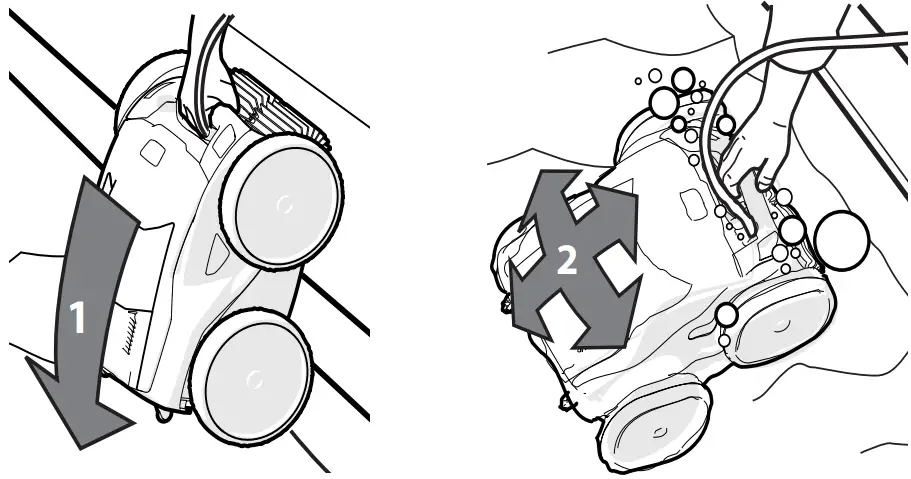
Ideal entry point in pool.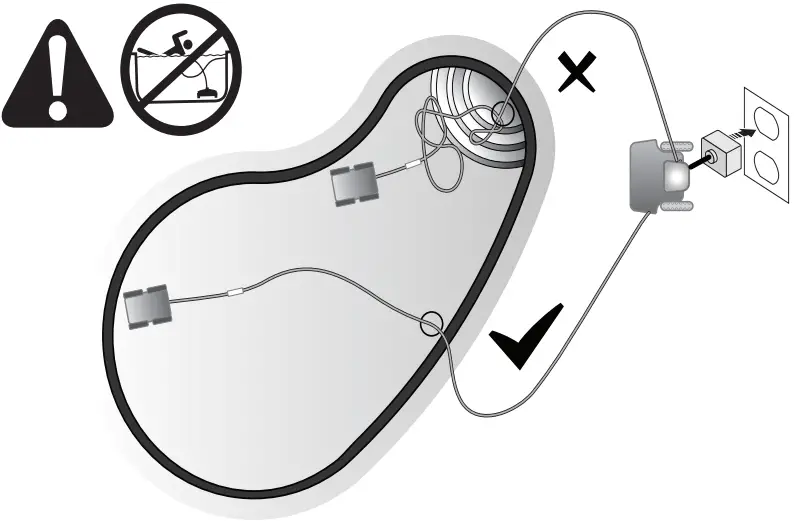
Install iAqua Link®
Before you begin installing iAqua Link, make sure you have the following:
- Robotic Cleaner submerged in the pool.
- Control Box connected and plugged into a GFCI outlet.
- Wi-Fi and Bluetooth enabled smart device (phone or tablet).
- Wi-Fi router with sufficient signal strength at the Control Box.
- IMPORTANT: Have your Wi-Fi network password available.
- Download the iAqua Link app from the App Store or Google Play.


- Open the iAqua LInk app, then Sign Up or Log In.


If you have problems connecting, the Wi-Fi signal may not be strong enough next to the pool. Try placing the Control Box in another location closer to your home router
Configure the System
 After logging into the i Aqua Link® app, press the plus icon (+) at the top of My Systems. Follow on-screen prompts to add your cleaner.
 When prompted, press the connect button on the Control Box to begin pairing
Bluetooth® light indicates status: BLINKING – searching for signal SOLID – paired with phone
 Follow the on-screen prompts to connect to Wi-Fi.
Wi-Fi light indicates status: BLINKING – connected to router SOLID – connected to the internet
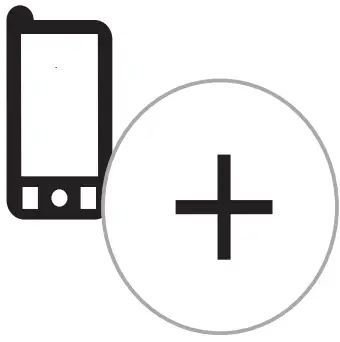 After logging into the i Aqua Link® app, press the plus icon (+) at the top of My Systems. Follow on-screen prompts to add your cleaner.
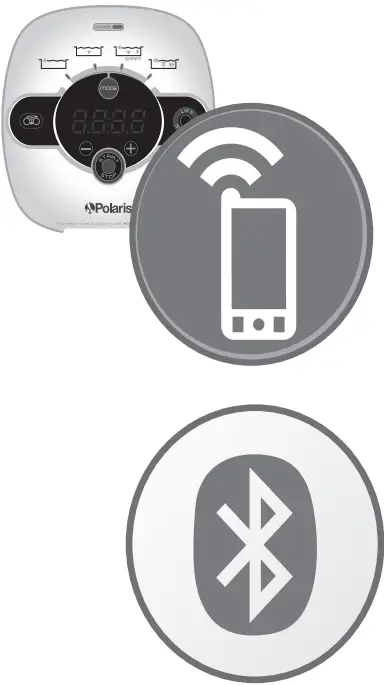 When prompted, press the connect button on the Control Box to begin pairing
 indicates status: BLINKING – searching for signal SOLID – paired with phone
 Follow the on-screen prompts to connect to Wi-Fi.
 indicates status: BLINKING – connected to router SOLID – connected to the internet
i Aqua Link® Control Home Screen
Start/Stop Cleaning
Remote
Clean Mode
Lift System
Dirty Canister Indicator
Manual Time Adjustment
Water Temperature Display
Start Cleaning
 From the App or the Control Box, press the Start/Stop button to begin cleaning.
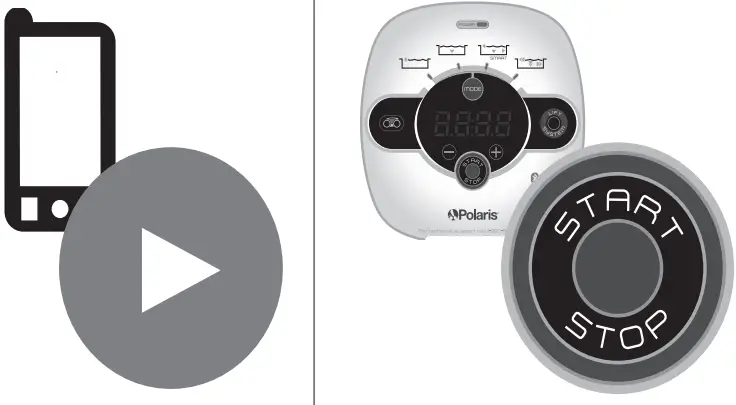 From the App or the Control Box, press the Start/Stop button to begin cleaning.
Read the complete manual for how to customize cycle time, set schedules, clean intensity, etc.
Control Box
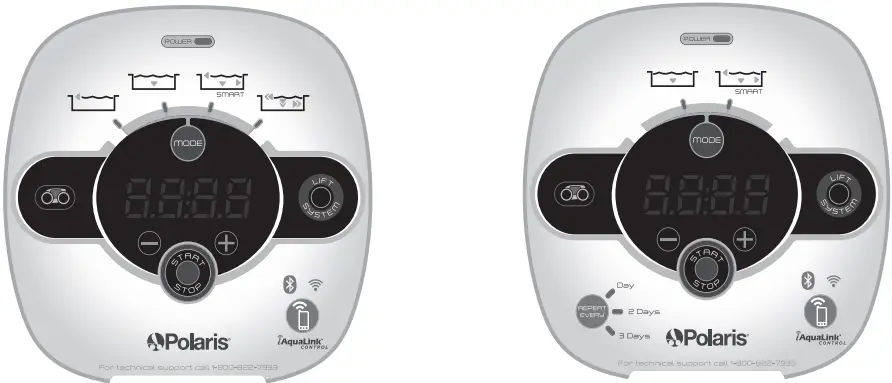
- ceaner is receiving power

- Start/Stop cleaning

- Select cleaning mode:

- Waterline only (45 min)

- Quick Clean (1h 15 min) Floor only

- SMART Cycle (Calculate custom clean duration) Floor, Wall, Waterline

- Deep Clean (2h 45 min) Floor, Walls, Waterline, High Intensity

- Dirty canister indicator

- Remove cleaner from the pool

- + / – 15 minute increments

- Initiate connection and set up iAquaLink® control

- Bluetooth connection status: BLINKING – searching for signal SOLID – paired with phone
- Wi-Fi connection status: BLINKING – connected to router SOLID – connected to the internet

- Set recurring cleaning: Every: Day, 2 Days, or 3 Days












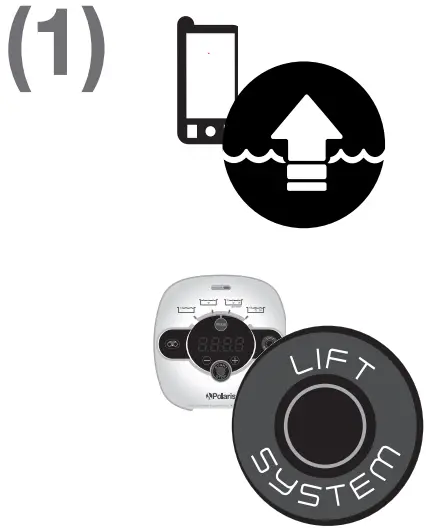
Proper Removal from Pool
- Use Lift System, from either the App or the Control Box.

Remove the cleaner from the pool using the handle.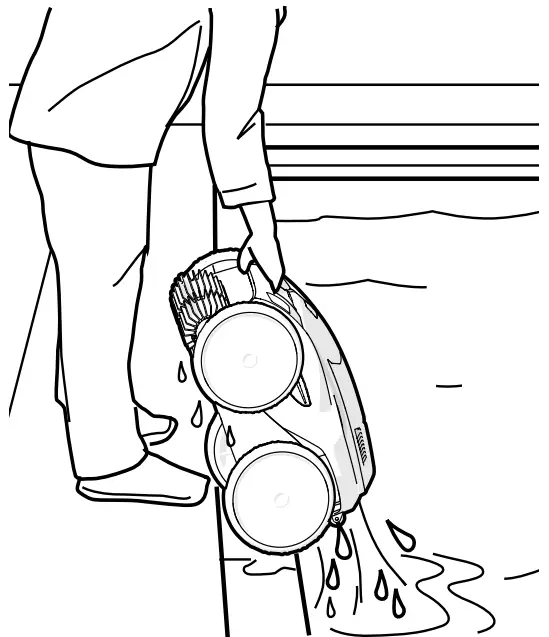
Unplug & Untangle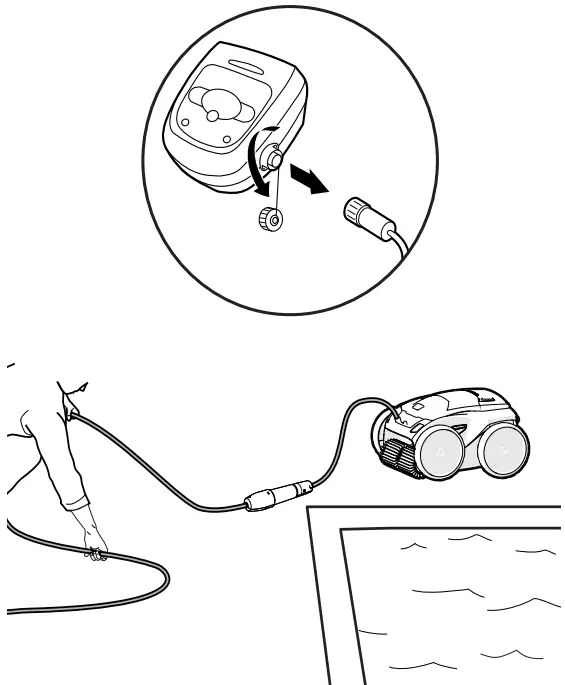
Clean Filter Canister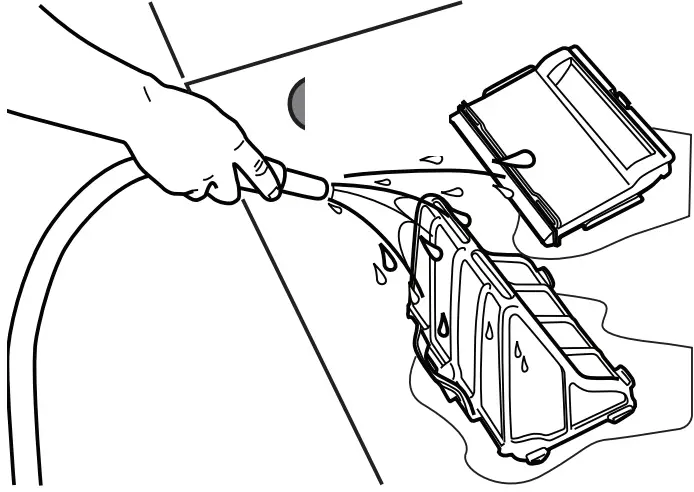
NOTE: Never lift the cleaner out of the pool by the floating cable.
- Remove
- Empty
- Rinse
Zodiac Pool Systems LLC 2882 Whiptail Loop # 100 Carlsbad, CA 92010, USA PolarisPool.com | 1.800.822.793 Zodiac Pool Systems Canada, Inc. 2-3365 Mainway Burlington, ON L7M 1A6, Canada PolarisPool.ca | 1.800.822.7933
Visit our website for additional operating and troubleshooting instructions.
A Fluidra Brand
©2023 Zodiac Pool Systems LLC. All rights reserved. Polaris® and the Polaris 3 wheeled cleaner design are registered trademarks of Zodiac Pool Systems LLC. Apple and the Apple logo are trademarks of Apple, Inc., registered in the U.S. and other countries. AppStore is a service mark of Apple, Inc., registered in the U.S. and other countries. Google Play and the Google Play logo are trademarks of Google LLC. All other trademarks referenced herein are the property of their respective owners.
Models: ALPHATM iQ+, ALPHA iQ VRXTM iQ+, VRX iQ PHENOMTM iQ+
SYMBOLS

 Home | Polaris Pool
 Home | Polaris Pool