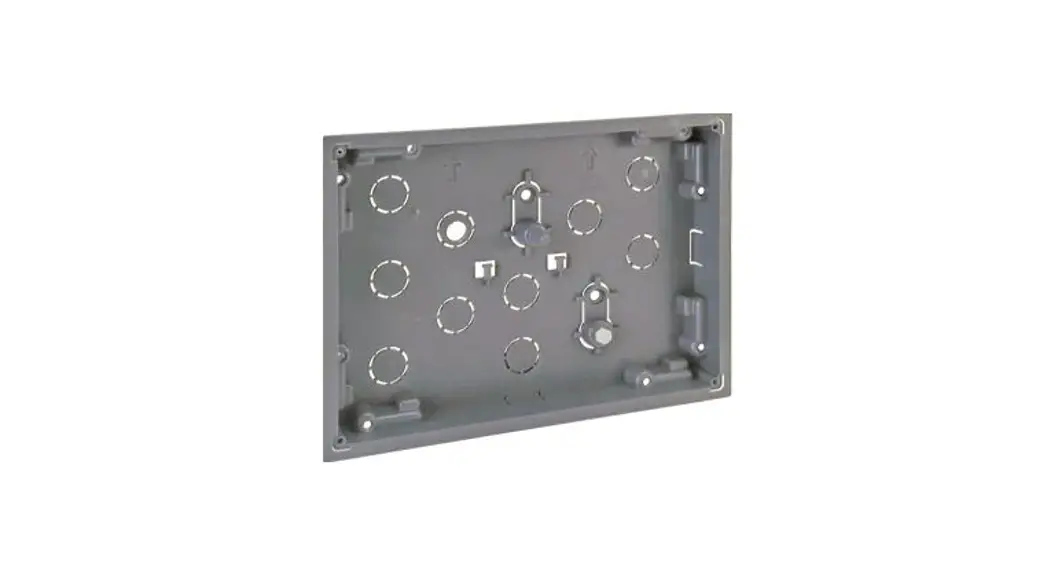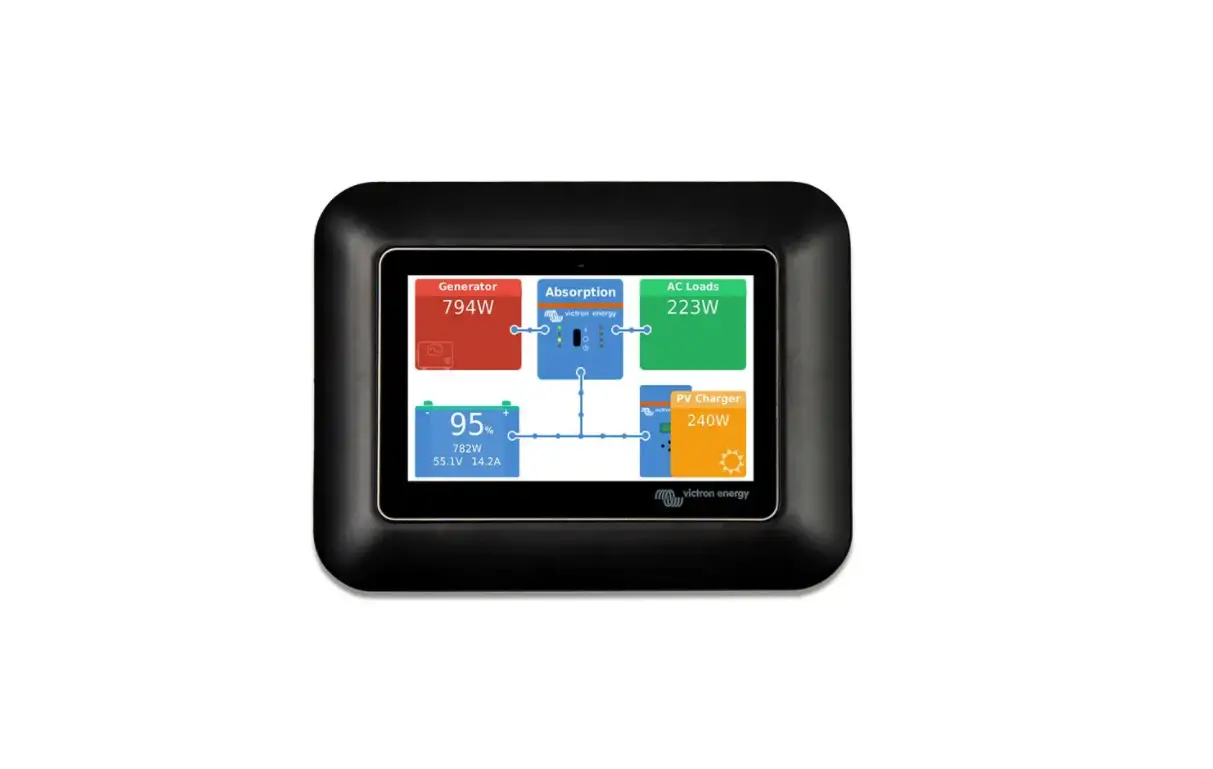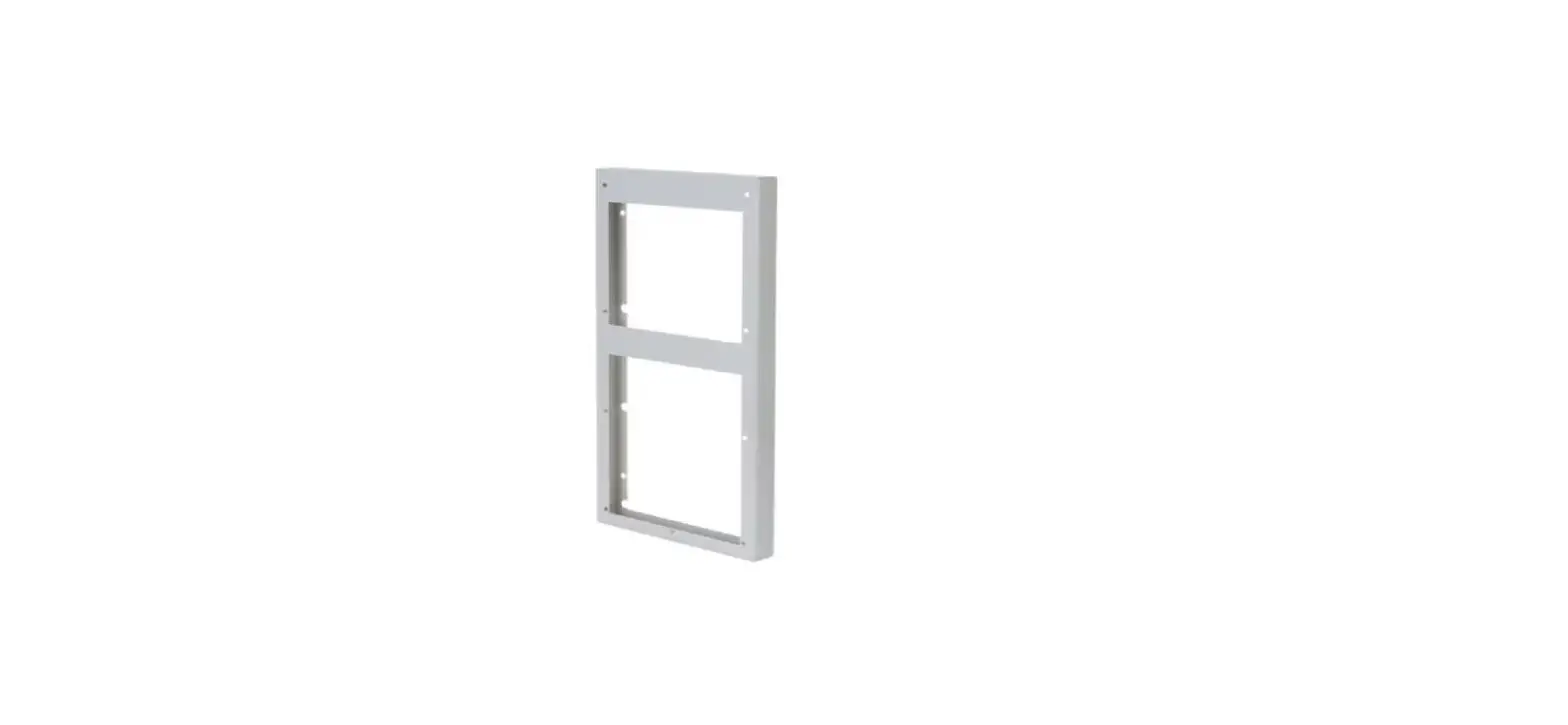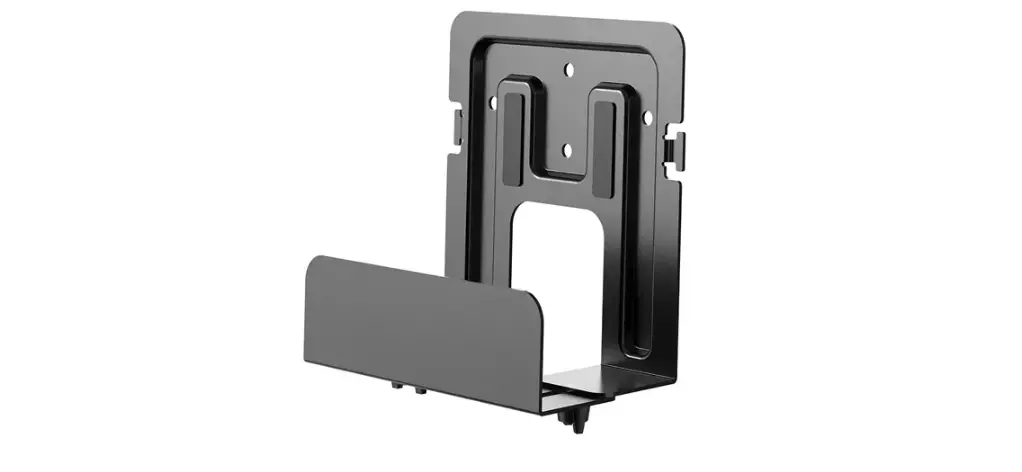
PEAK NX Adapter for the Flush-Mounted Box of the Merten Touch Panel 7
INSTRUCTIONS FOR USE
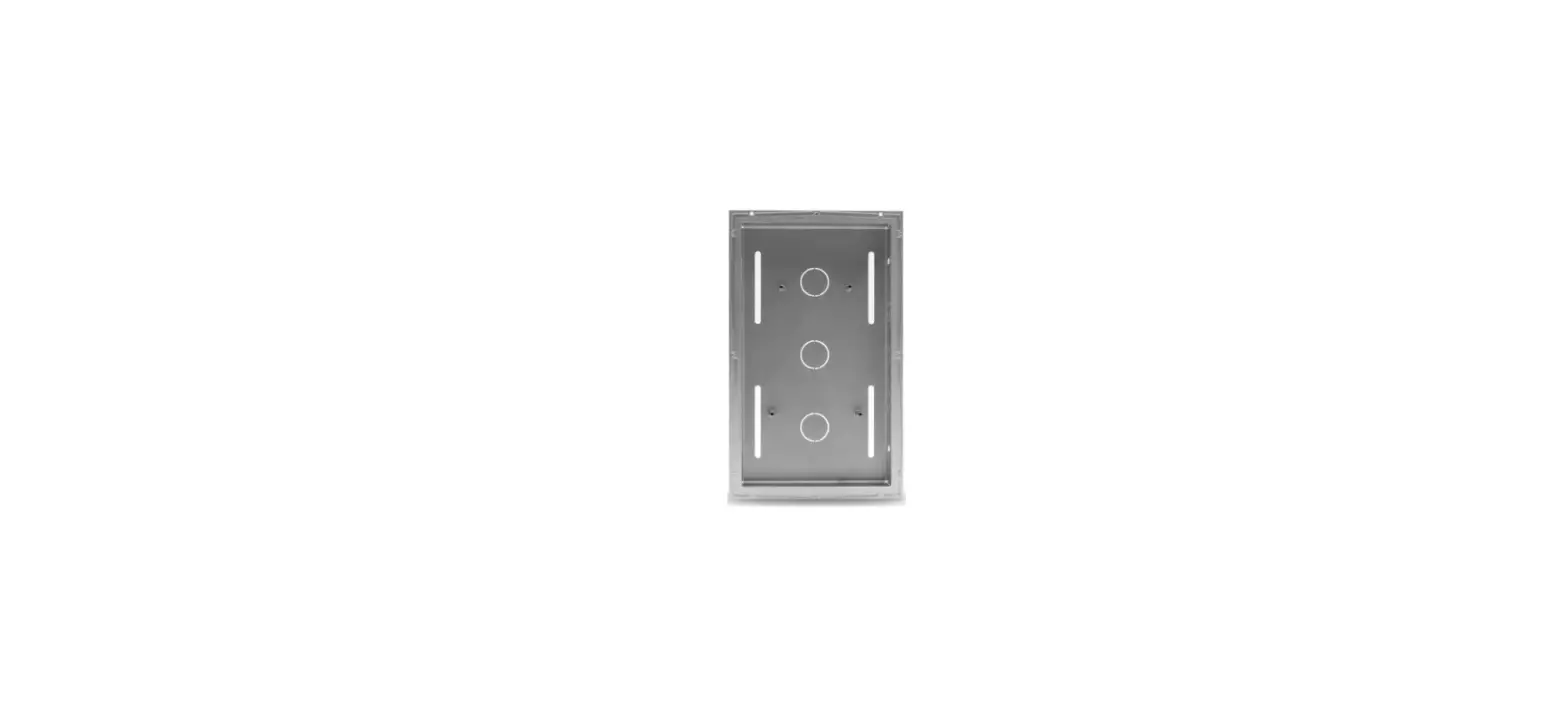
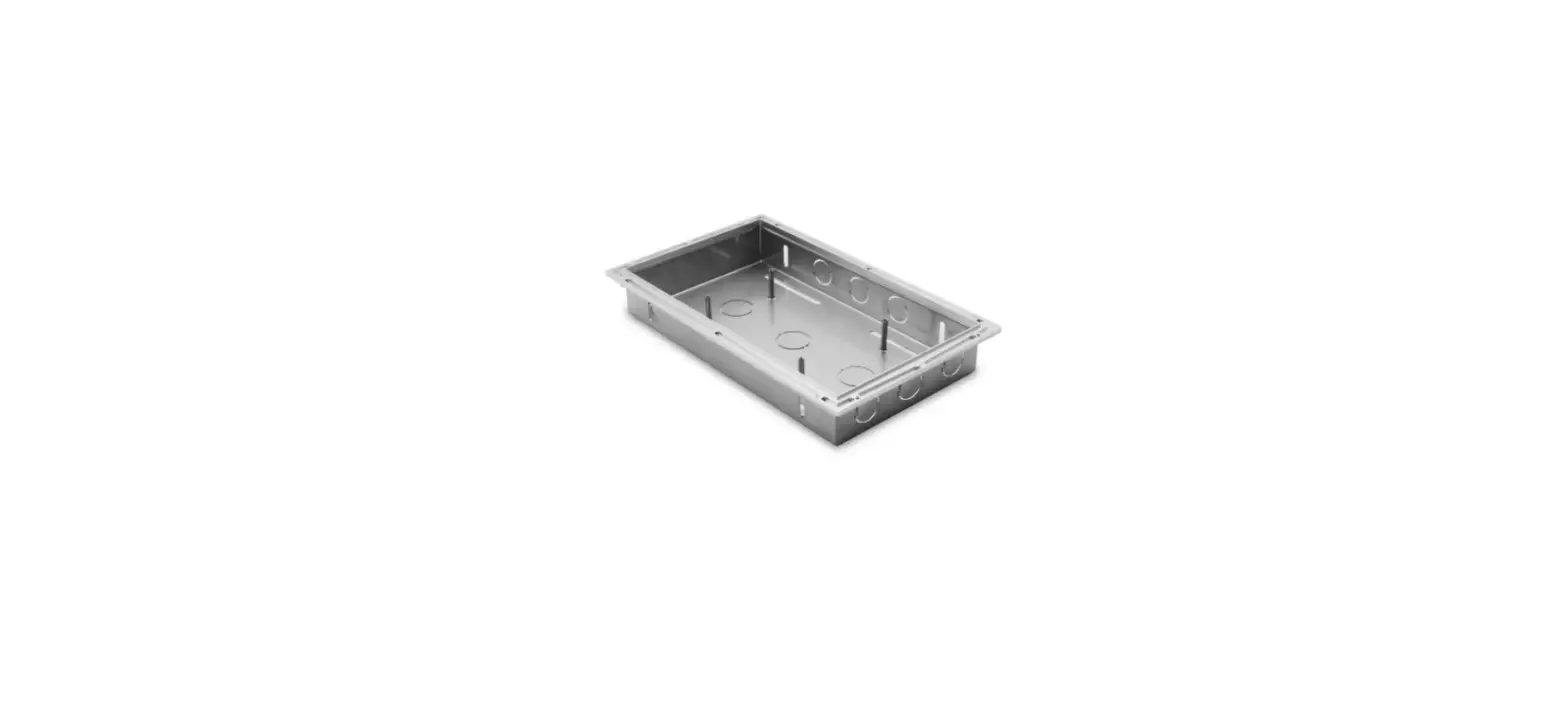
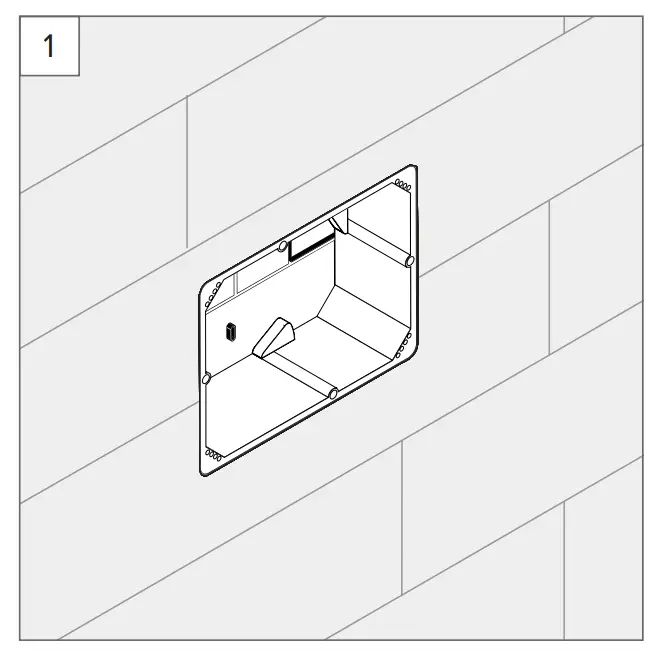
- Switch off the power supply and remove your Merten Touch Panel 7 from the flush-mounted box.

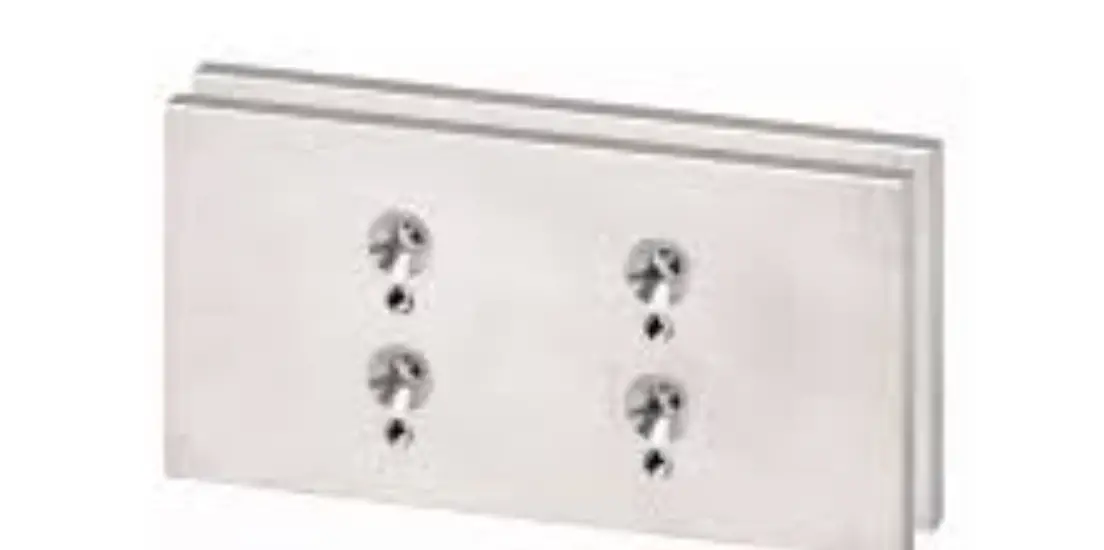
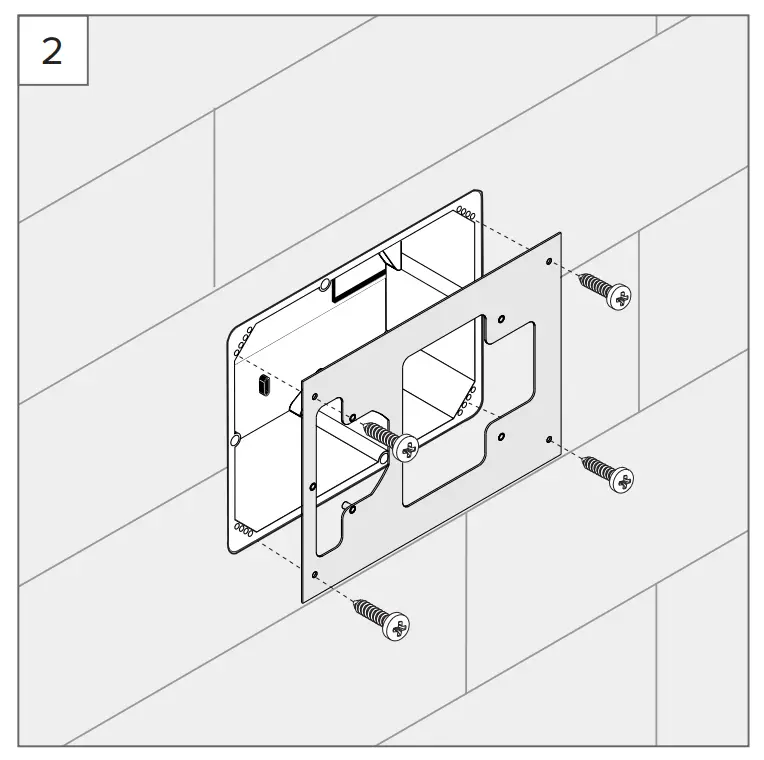
- Fasten the Merten Touch Panel 7 adapter plate to the flush-mounted box using the associated Merten mounting screws.

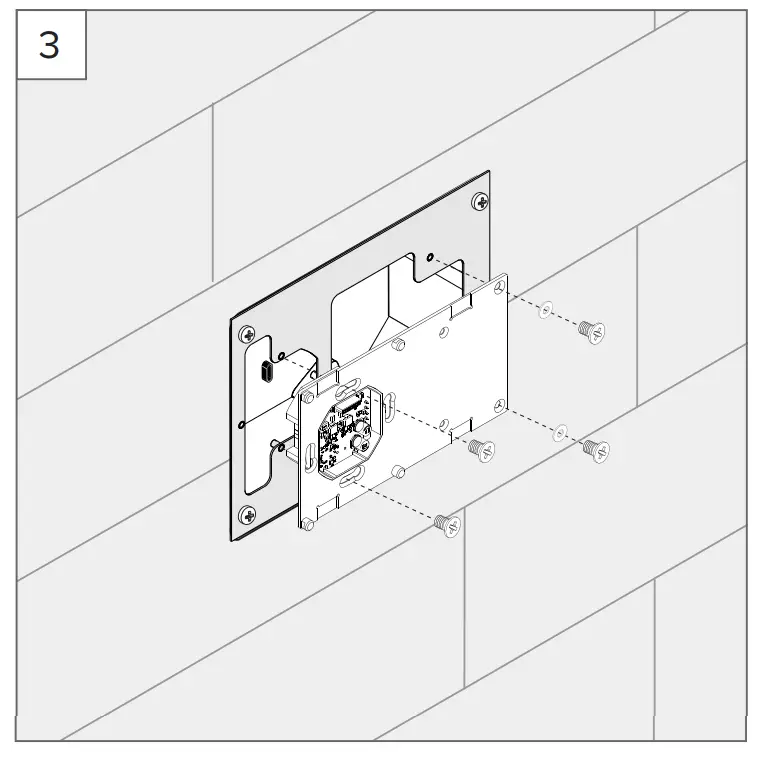
- Plug the 24 V cable wires coming from the power supply unit into the screw terminals (GND, 24 V) of the Controlmicro mounting plate. Connect the KNX and the network cable. Attach the Controlmicro mounting plate to the adapter using the screws provided.

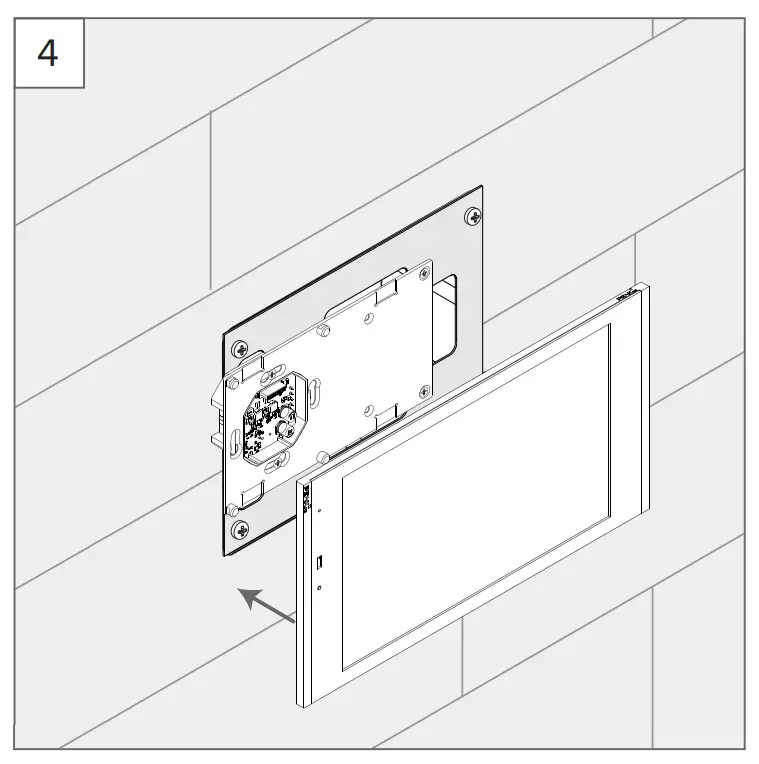
- Insert the panel into the mounting plate and, if necessary, fasten the grub screws to prevent theft.

Customer Support
PEAKnx GmbH
Otto-Röhm-Straße 69
64293 Darmstadt
www.peaknx.com
[email protected]

 PEAKnx: Hard- & Software für KNX Smart Homes