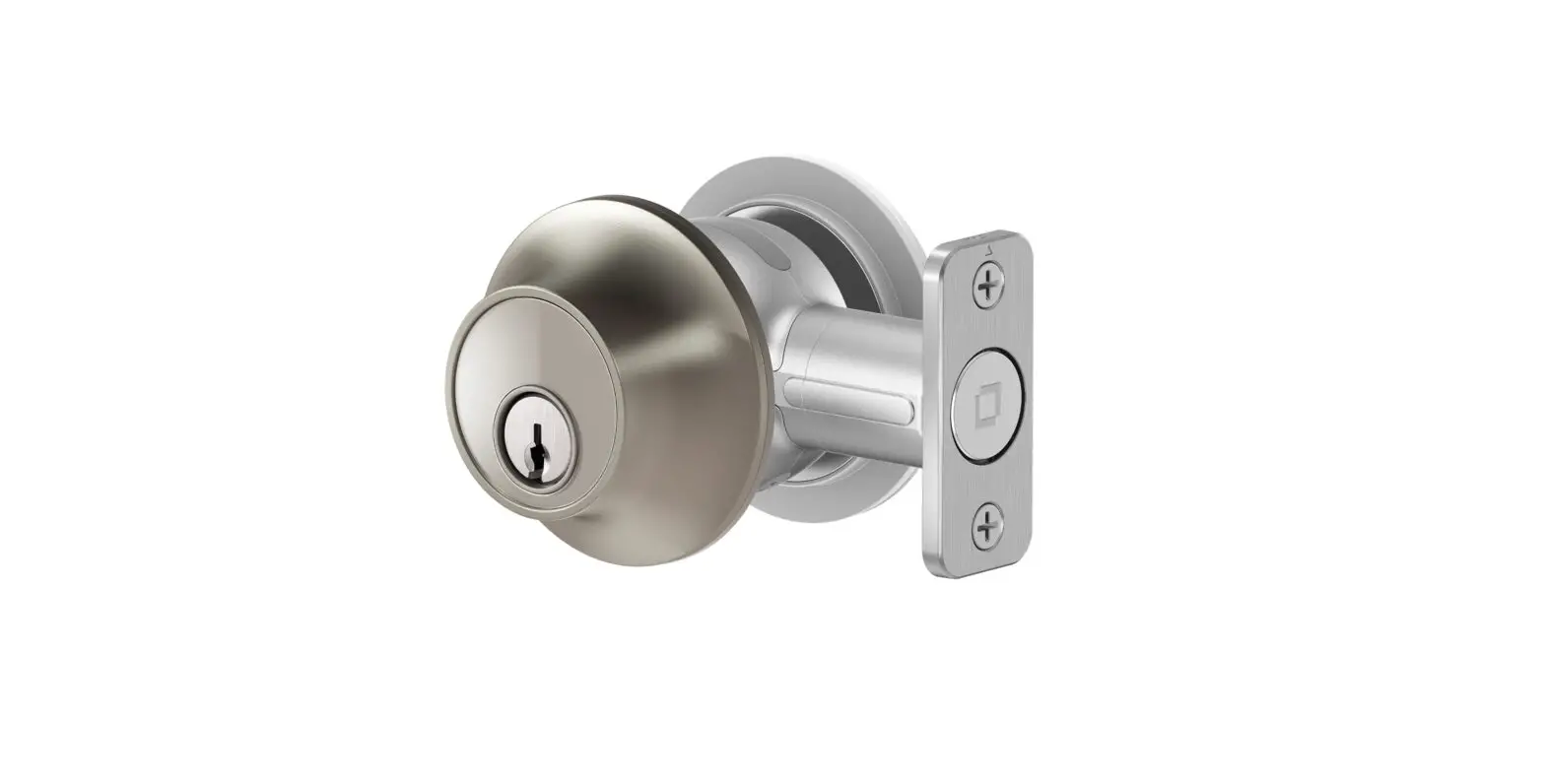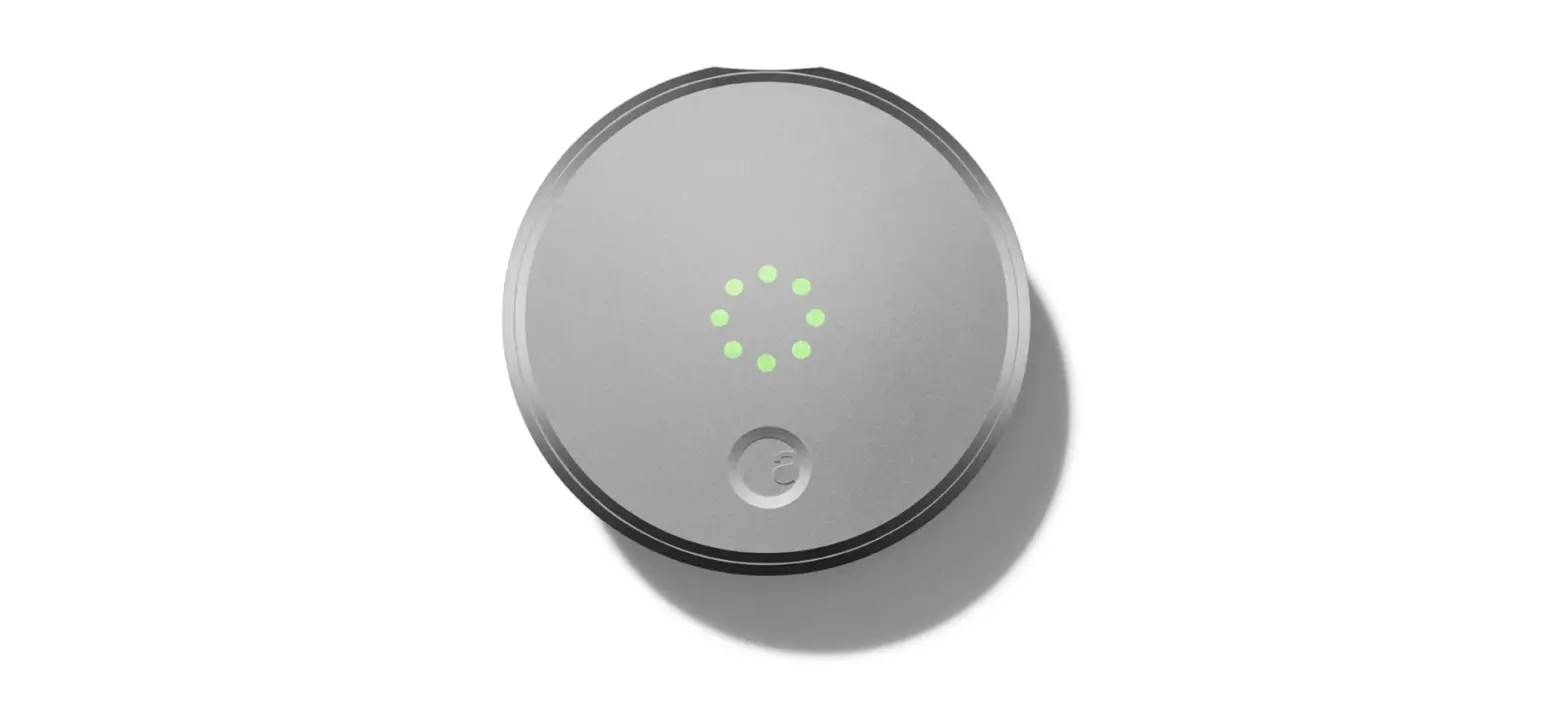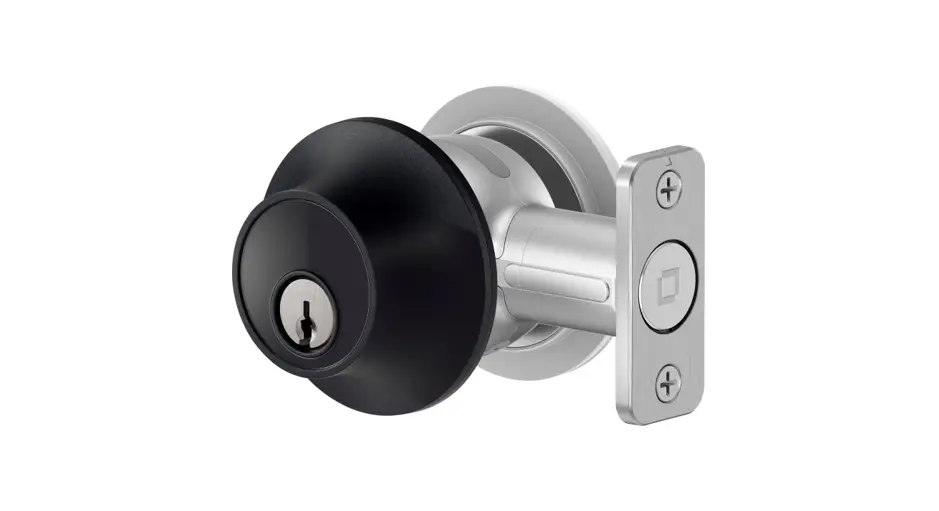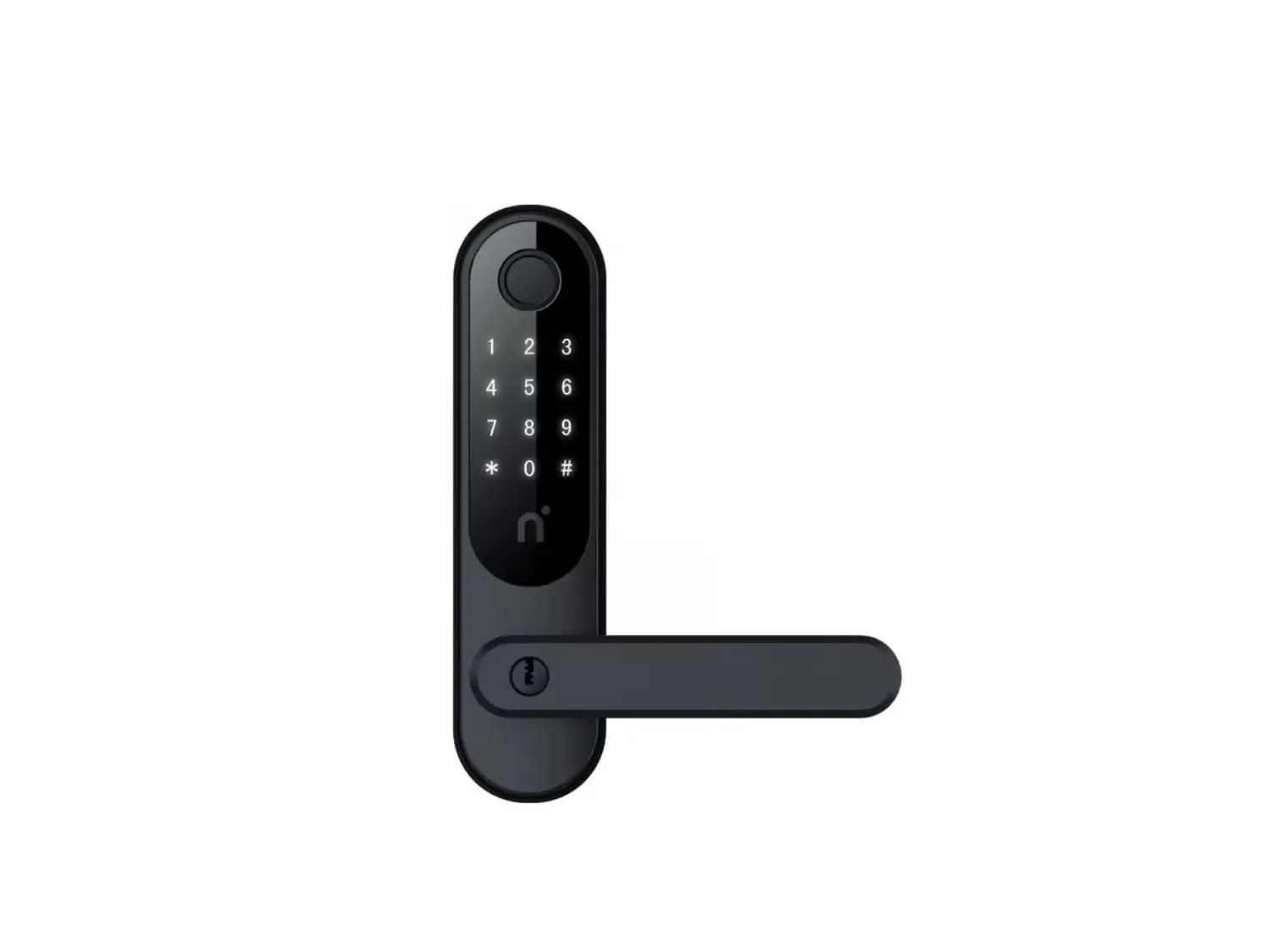
Level Home C-L14U Smart Lock Touch Edition
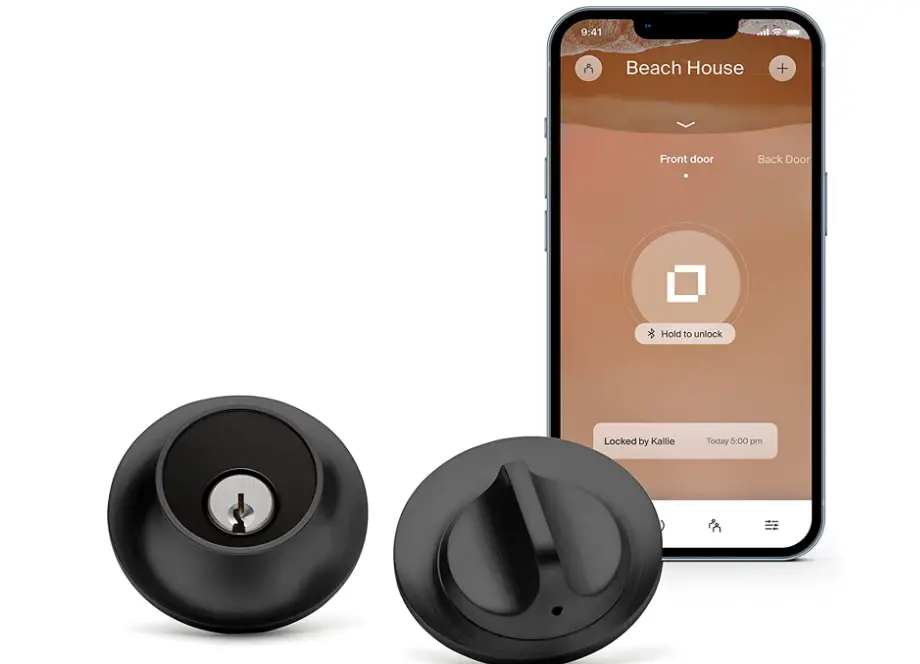
Specifications
- ITEM WEIGHT : 2.39 pounds
- PRODUCT DIMENSIONS: 4.5 x 2.75 x 2.75 inches
- BATTERIES: 1 CR2 batteries
- MATERIAL: Stainless Steel, Metal
- STYLE: Lock
- CONTROLLER TYPE: Apple Home Kit, iOS, Android
- SHAPE: Round
- CONTROL METHOD: App
- FINISH: Matte Black
- BRAND: Level Home
Introduction
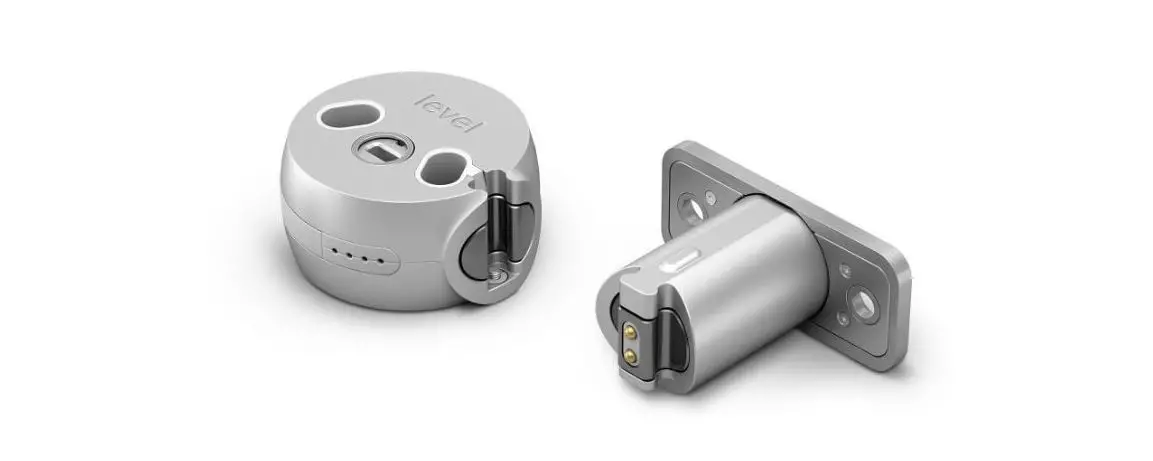
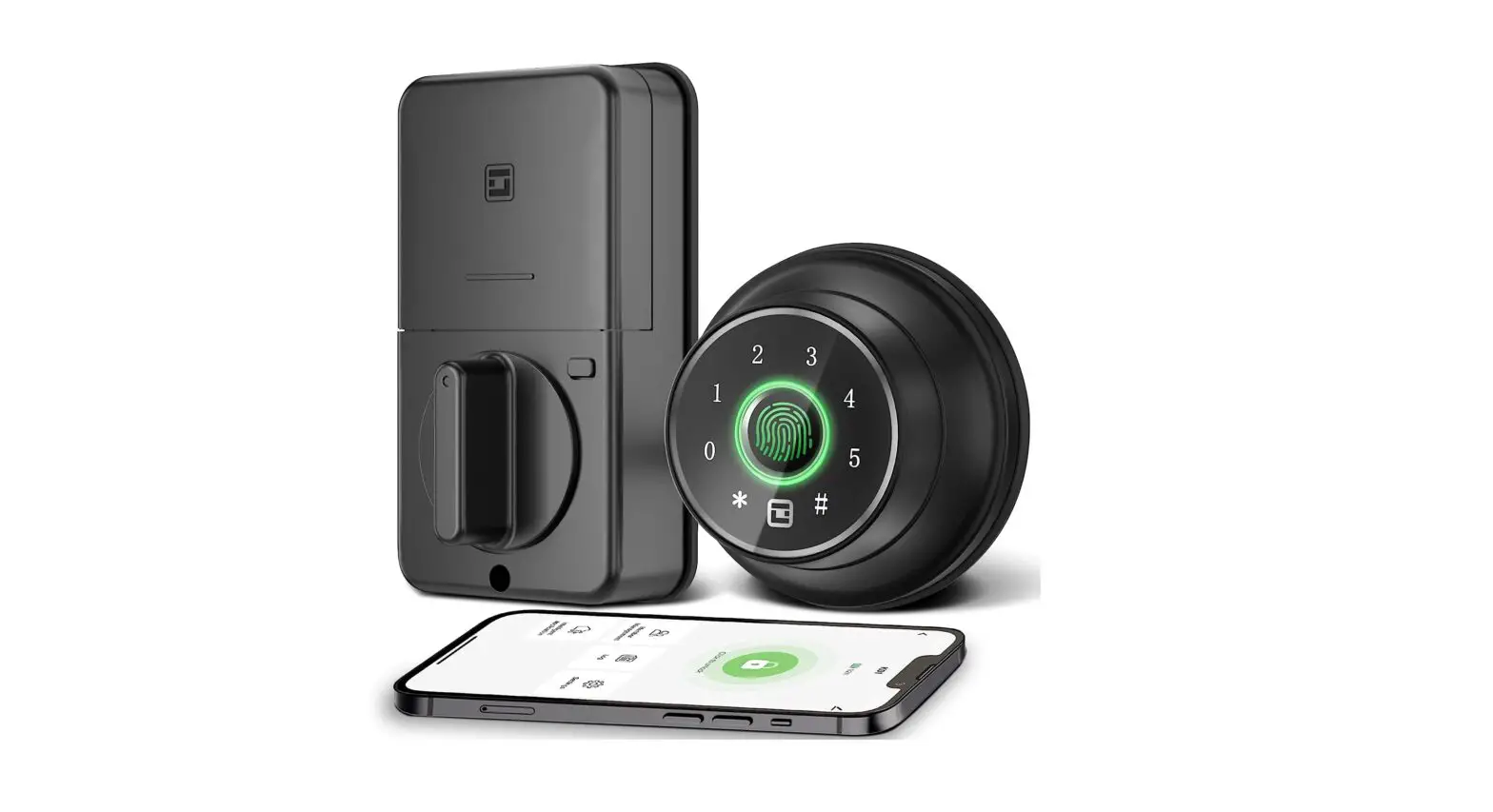
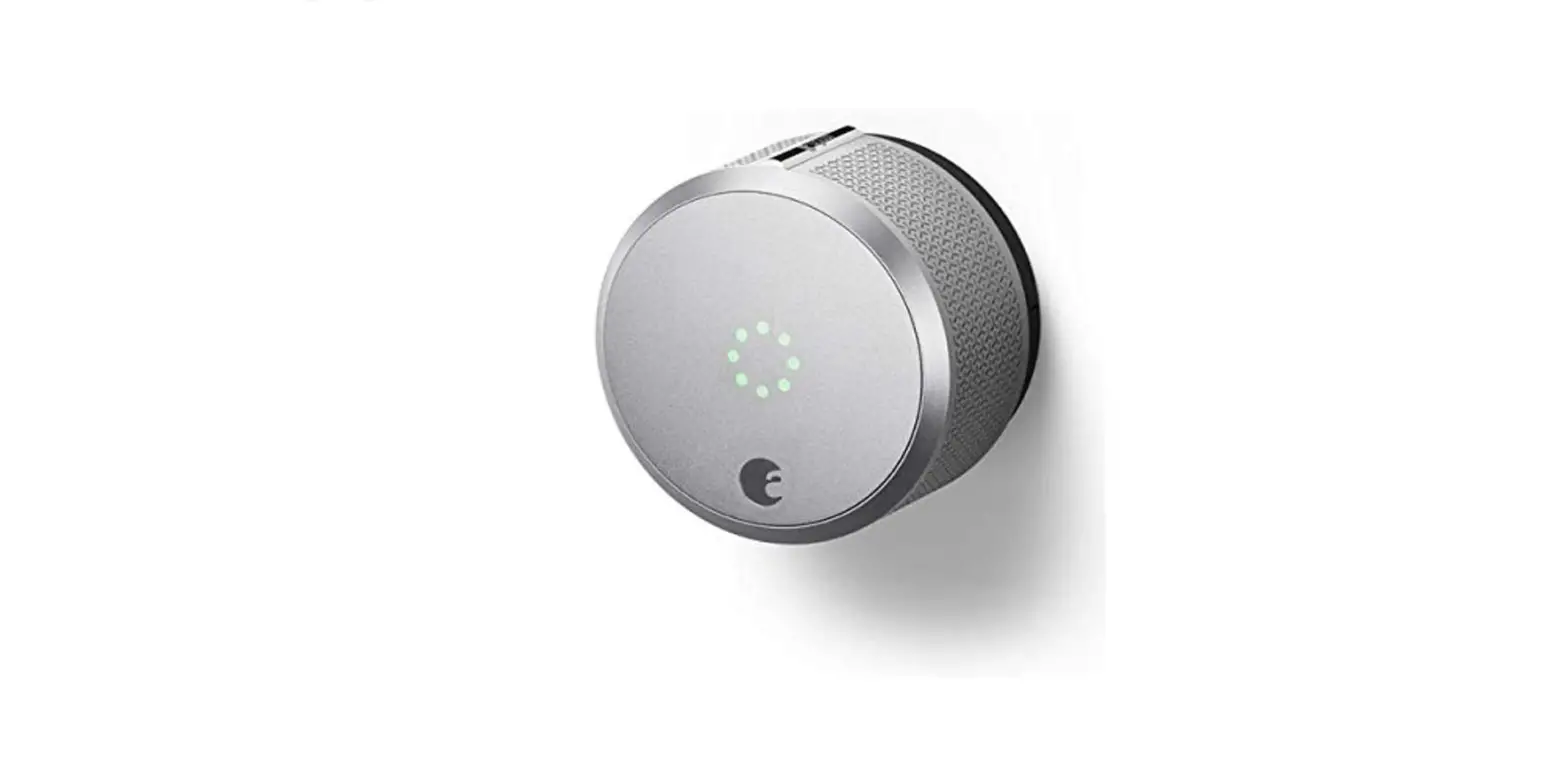
The tiniest and most technologically sophisticated smart lock ever is Level Lock Touch Edition. Without detracting from the integrity of your entranceway, our smart lock deadbolt is designed to match your front door perfectly. Level Touch is a straightforward yet lovely look that conceals its remarkable technology. It is available in four finishes that go with every room. With just a screwdriver, you can quickly and easily install the rear, side, or front door smart lock. Simply remove your old deadbolt, install Level Lock Touch Edition, configure your Level app, and enjoy peace of mind. Our smart lock deadbolt has a 6-stage stainless steel gearbox that was engineered to meet the highest industry requirements for strength and security since it was DESIGNED TO LAST. For tangible durability, the complete unit is constructed using a mix of reinforced metal alloys and 440C stainless steel. Additionally, the cleverly concealed CR2 battery provides more than a year’s worth of battery life. With this Touch Edition of Level Lock, SECURITY IS AT YOUR FINGERTIPS.
What’s In the Box?
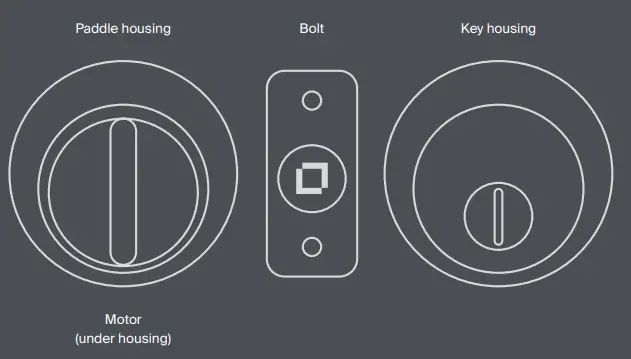
- Strike plate
- 2 Keys
- 2 Keycards
- CR2 battery
- Long cap
- 2 Strike plate screws
- 2 Bolt plate screws
- 2 Security bolts
Visit www.level.co/install for more information and tips on installing your Level Touch.
What you need
- Phillips Screwdriver
- Compatible iOS® or Android Device™
Test your deadbolt.
Make sure your current deadbolt throws smoothly without pushing or pulling the door.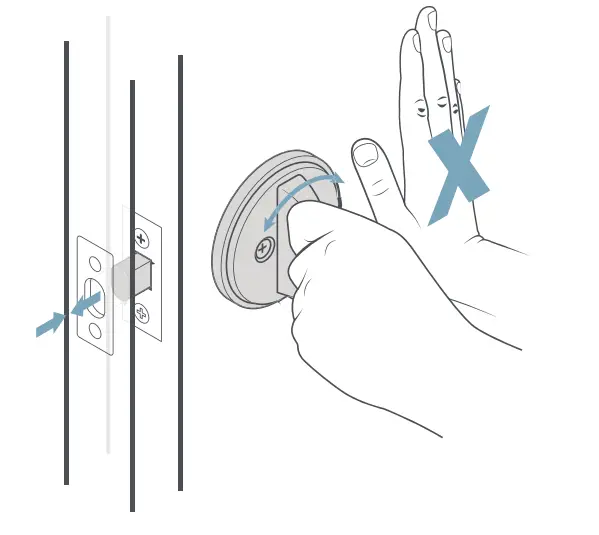
Disassemble your lock.
Unscrew your existing lock housing, deadbolt, and strike plate.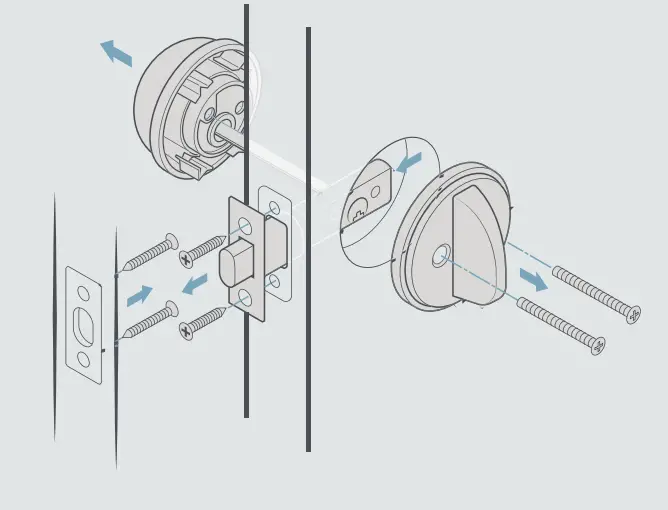
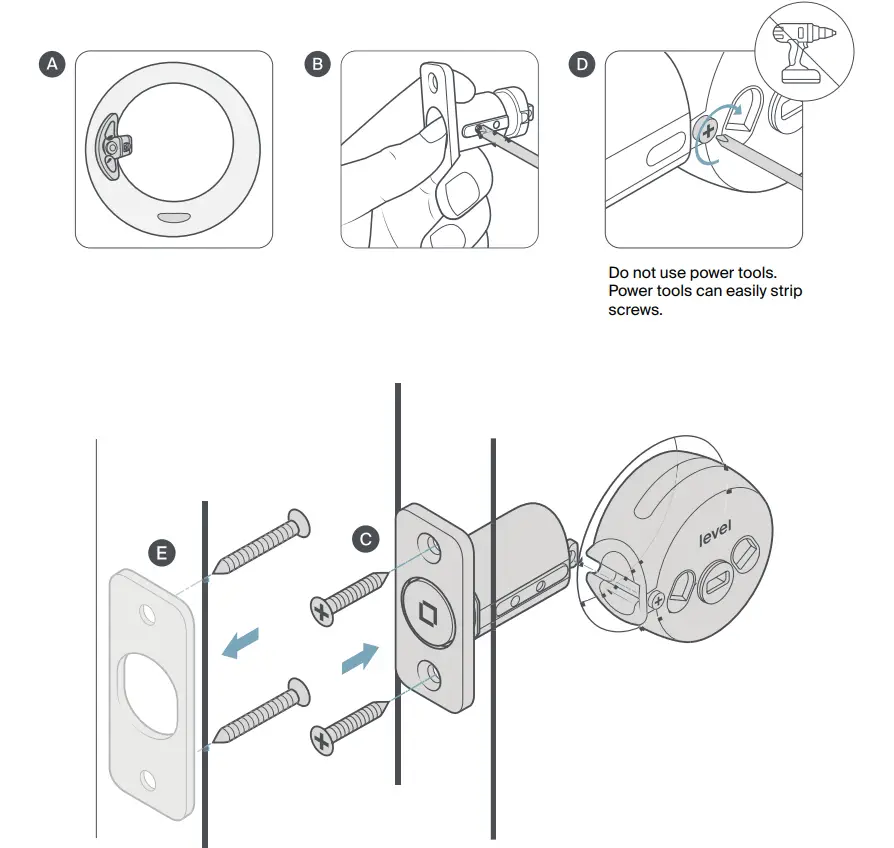
Install your Level Touch and strike plate
- Insert the included bolt into your door with the word TOP facing up. Look through the borehole— if you can see the end of the bolt sticking out, you’re good to go to step C.
- If you can’t, simply take it out of your door and use a screwdriver to extend the bolt. Ensure the bolt snaps into place and put it back in your door, with the word TOP facing up.
- Fasten the bolt with the provided bolt plate screws.
- Slide on the motor and make absolutely sure to tighten the connecting screw.
- Fasten the strike plate to your door jamb with the provided strike plate screws.

Reassemble your lock using the Level Touch housing.
Make sure the bolt is retracted (unlocked).
- Using the included housing, thread the tailpiece on the keyhole side through the center hole in the motor and screw the two sides together with the provided security bolts.
- Snap the paddle in vertically to hide the security bolts.*
To disassemble in the future, use a paperclip or pen to press the small hole on the bottom of the paddle, pulling away from the door to release it.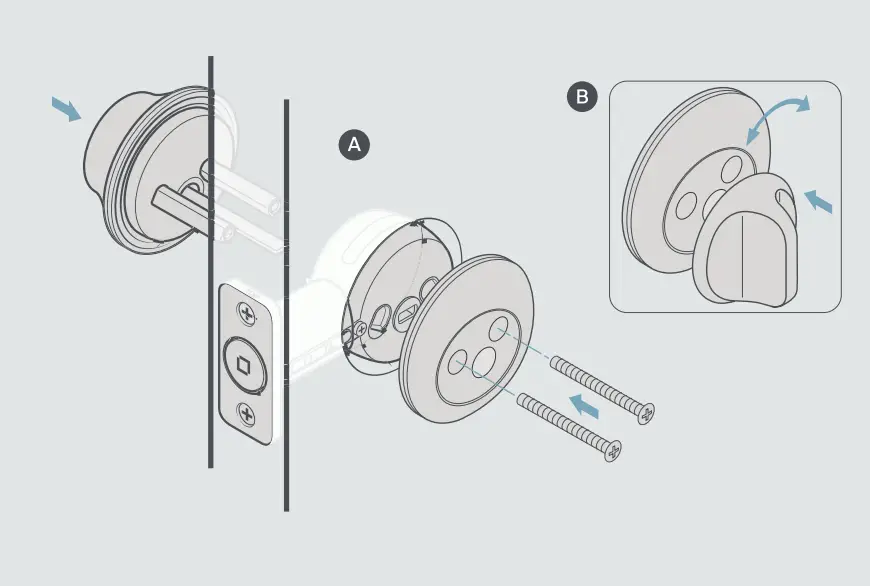
Activate your Level Touch
Unscrew the cap on the end of the bolt and insert the battery with the flat (negative) end towards the cap. If you adjusted the bolt to the long position, use the included long cap instead of the standard cap. When you screw it back in, you’ll hear a welcome chirp.
Download the Level Home app for iOS® or Android™, create an account, and connect to your Level Touch.
Scan the QR code on the back to enable HomeKit™.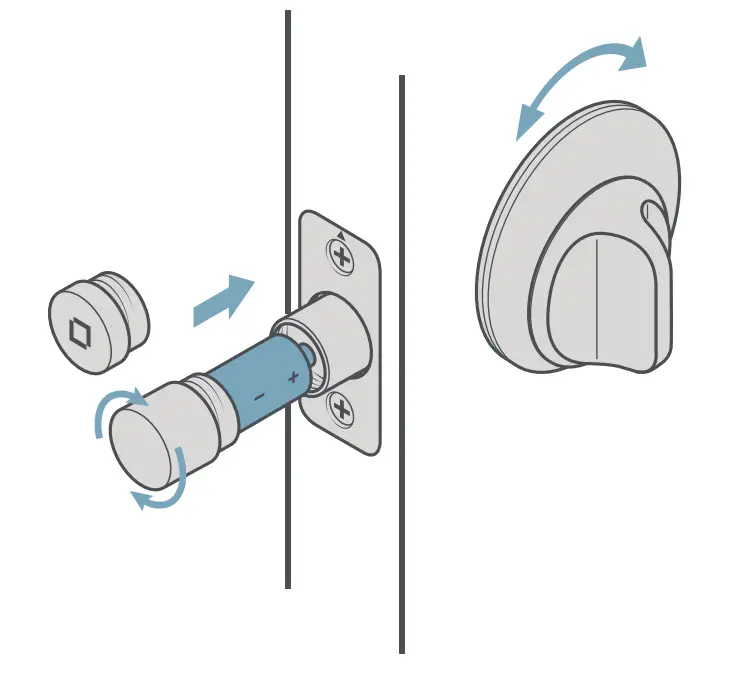
This device complies with part 15 of the FCC Rules. Operation is subject to the following two conditions:
- This device may not cause harmful interference, and
- this device must accept any interference received, including interference that may cause undesired operation.
For more information on FCC compliance, please go to www.level.co/FCC
The Level Touch Edition is BHMA Grade AAA certified. You assume all risk and responsibility in relation to the installation and performance of the lock and any third party components and services used in relation to the lock.
Please follow these suggestions and safeguards to decrease the chances of damage to your Level Touch and to lessen the risk of harm or injury:
- Use the lock for its intended purposes only.
- Keep body parts away from the lock during operation to avoid injury.
- Do not crush, perforate, drop, throw, or try to deform the lock or battery.
- Do not short external contacts or circuits, expose your lock or battery to water, liquids, or open flames or lit substances, or dispose of them in fire, solvents, or water.
Do not use the lock or battery if they aren’t working properly or have been damaged or cracked.
- Dispose of the lock and battery in accordance with local requirements.
- Do not charge CR2 lithium batteries.
Battery life varies with usage
Caution
This product comes with small parts and parts with sharp edges that may cause injury or create a choking hazard. To avoid injury or damage, keep away from children.
Frequently Asked Questions
Does Alexa support the lock?
Alexa does not support the level lock.
Can I use my current keys to access this?
Your deadbolt is entirely replaced with Level Touch, which also comes with two new physical keys. If your current lock employs a key type that is compatible with Level Touch, a licensed locksmith should be able to rekey it.
How long does the battery typically last?
A Lithium 3-volt CR2 battery, which powers Level Touch, has a typical battery life of roughly a year. Average use is defined as 10 powered lock or unlock operations per day (excluding manually retracting or extending the bolt using a key).
Ring doorbell and Level—do they work together?
You can utilize Level Touch in addition to your Ring doorbell. Be sure to sign up for our newsletter on level.co to receive updates on our home platforms integrations.
Can Level Touch accommodate a large backset?
Level Touch includes a backset that can be adjusted to fit 2 38″ and 2 34″ profiles.
Does this lock when one person leaves for work and another person is sleeping inside while their phone shows they are at home?
Yes. You can programmer your lock to automatically lock at the time you leave for work. The timer-based Auto-Lock setting works regardless of where you are. Additionally, since Touch-to-Unlock is user-specific and needs you to exit and re-enter the Home border to trigger Auto-Unlock or Touch-to-Unlock, the lock would not be armed for an event if one user remained inside the Home boundary.
Does this lock support Apple Home Key for iOS 15?
We are aware of how crucial Home Keys integration is to our clients. We are only currently Home Kit and Sidewalk/Ring compatible, but we are working on a number of innovative and exciting additional ways for you to safely access your house.
How can additional keys be made?
You can order more card keys or make extra copies as usual. Both have not been challenging for me.
Is it feasible to connect several locks for various doors? Ex. front door, back door, and side door
Yes, you can create various Locations (like your home and your Airbnb) and link multiple locks to them via the app.
Do keycards still function if the touch is turned off?
Key Cards and Key Card Minis are still functional with Touch disabled. In the Sharing > Cards section of the Level app, you may quickly disable Key Card access.