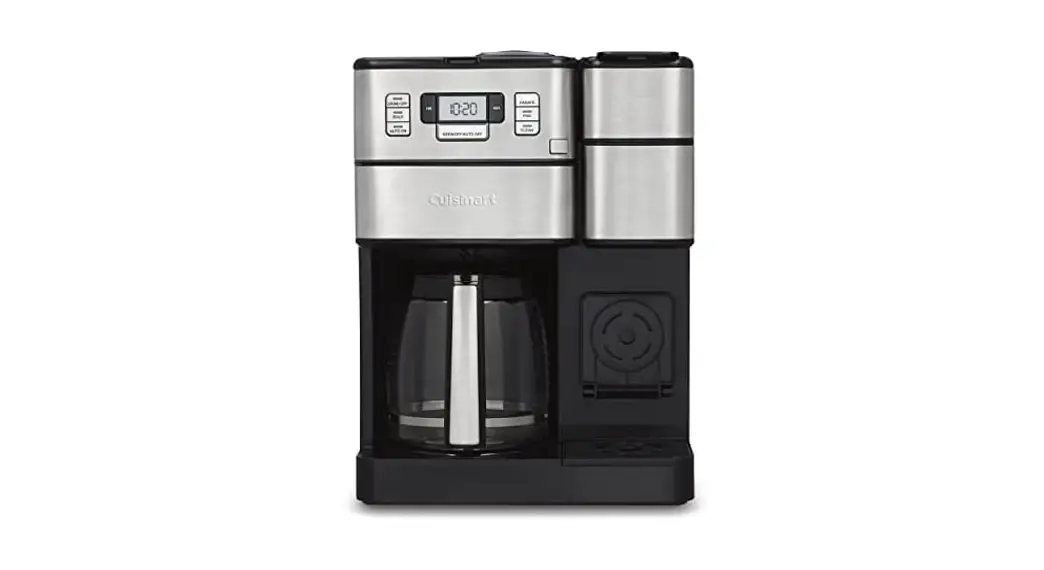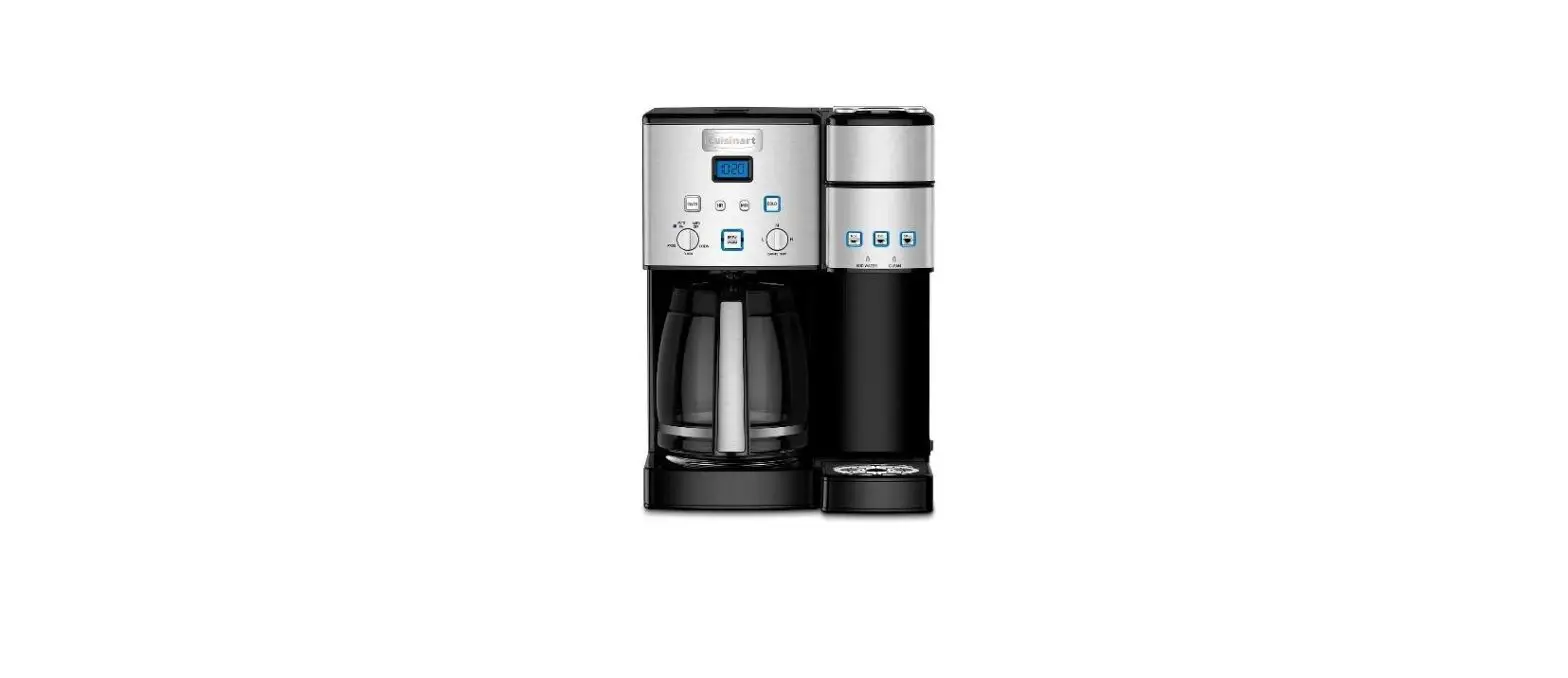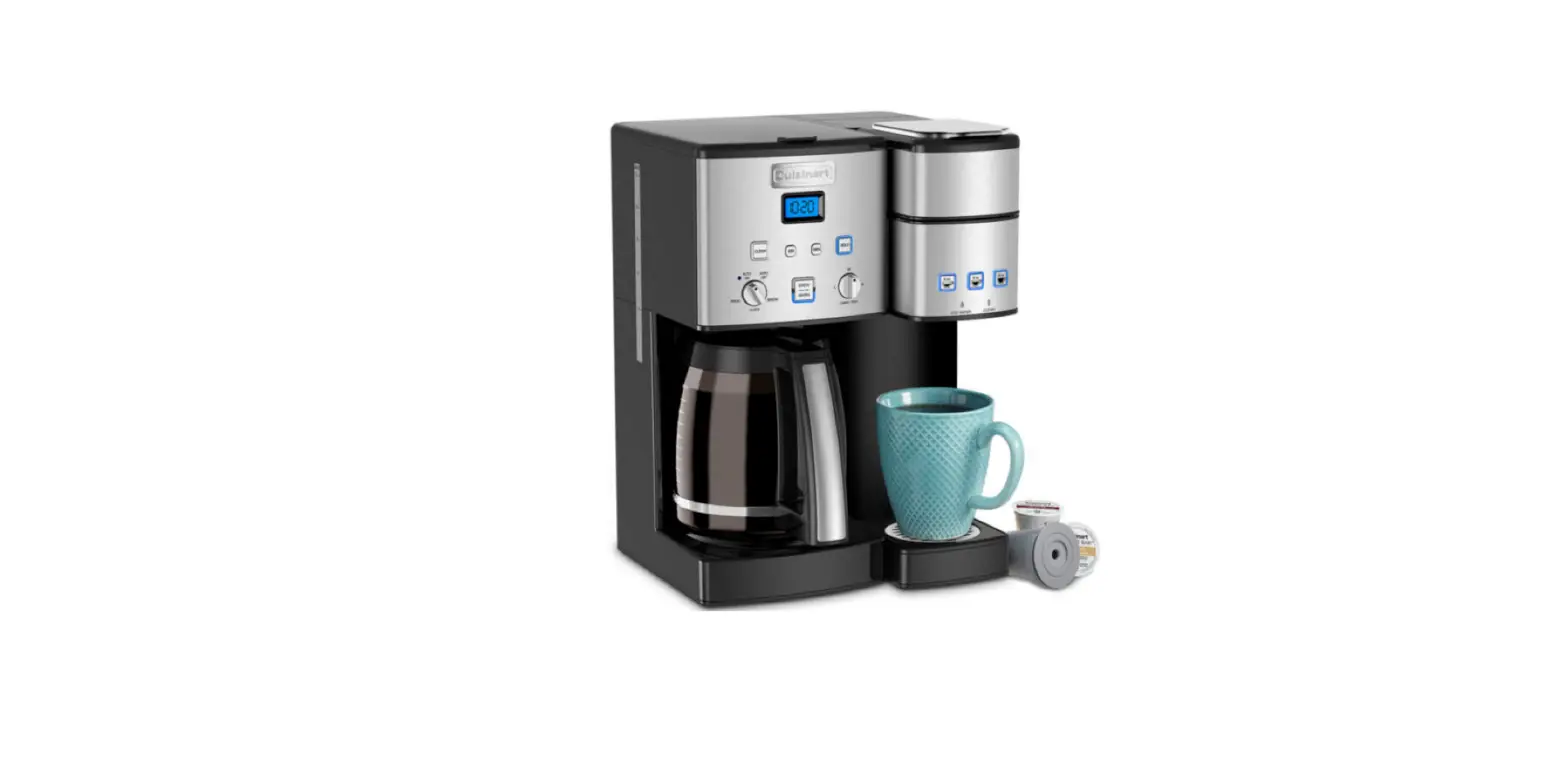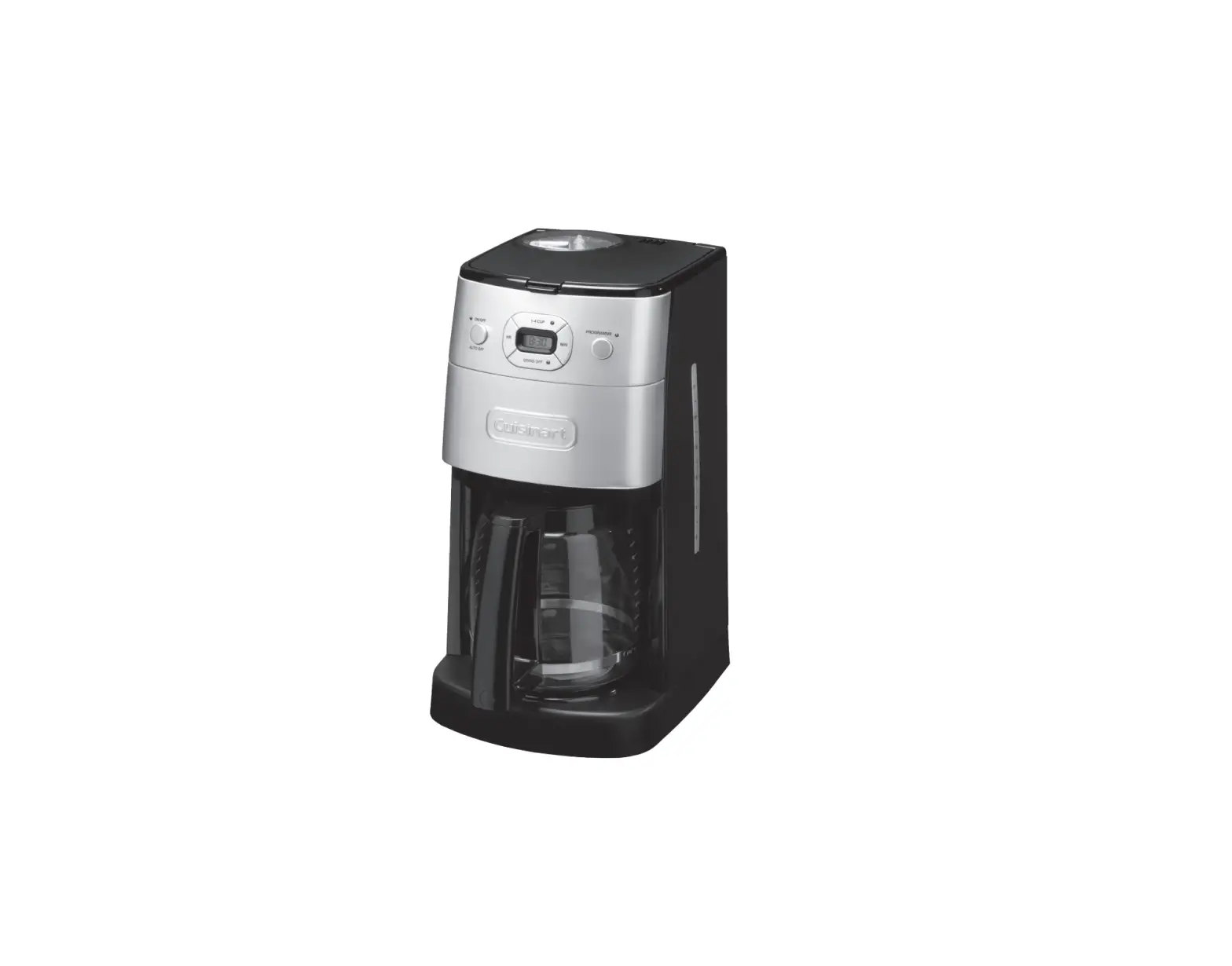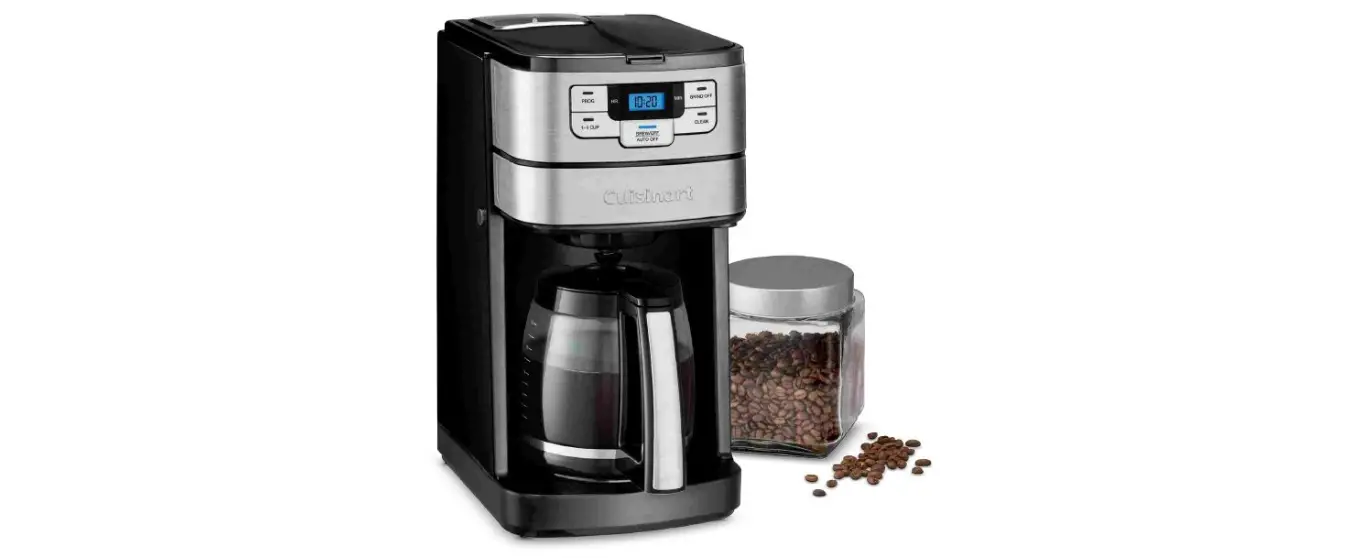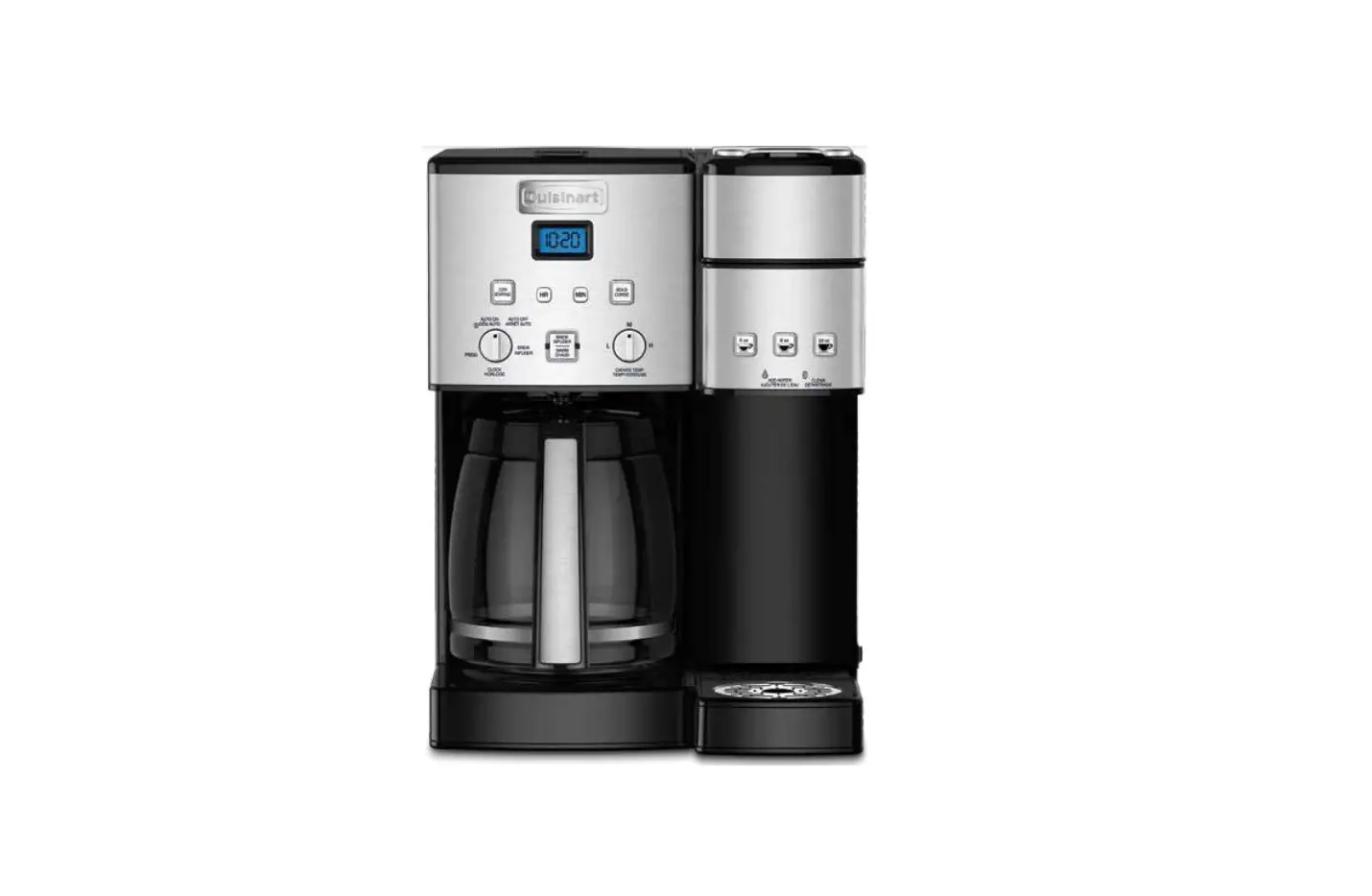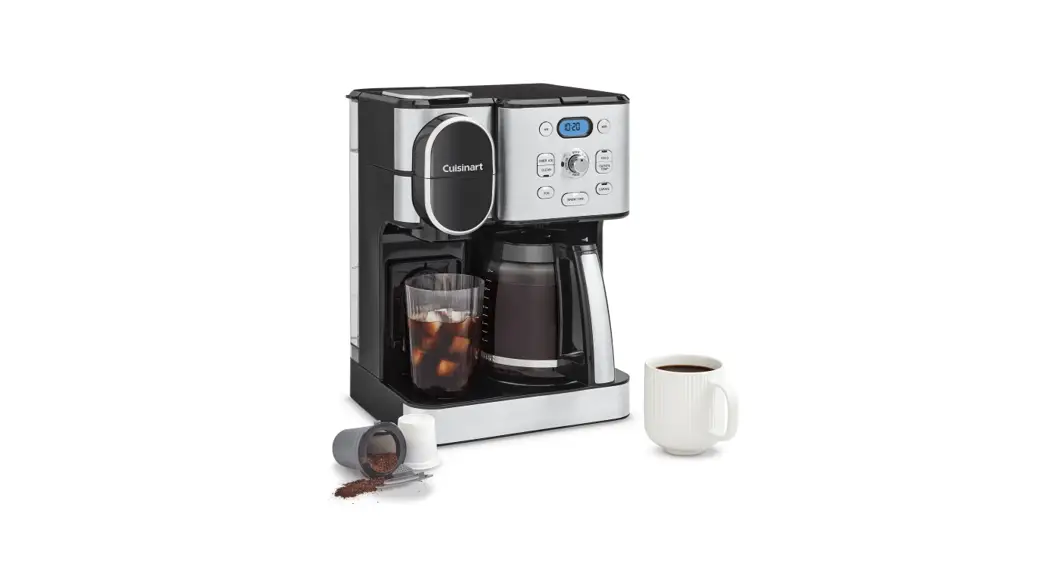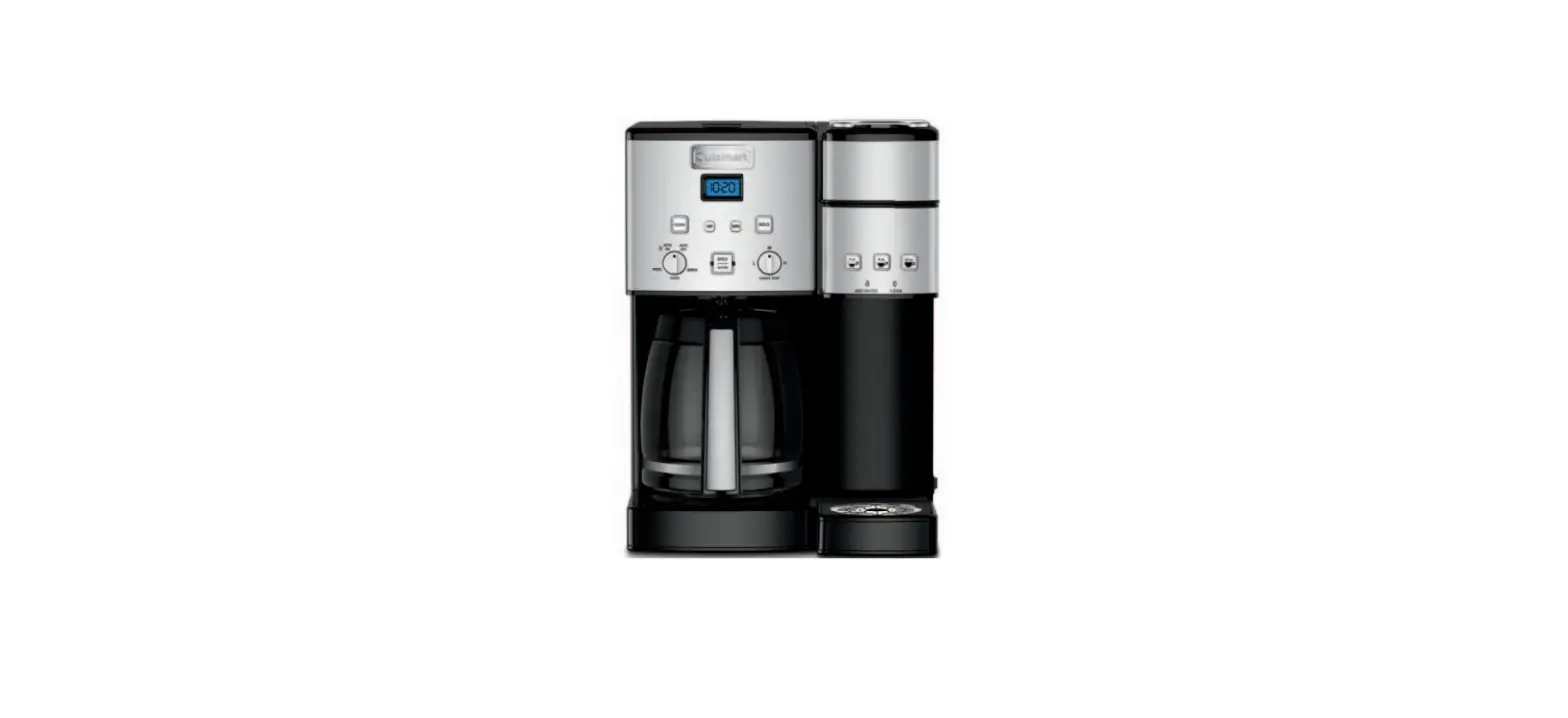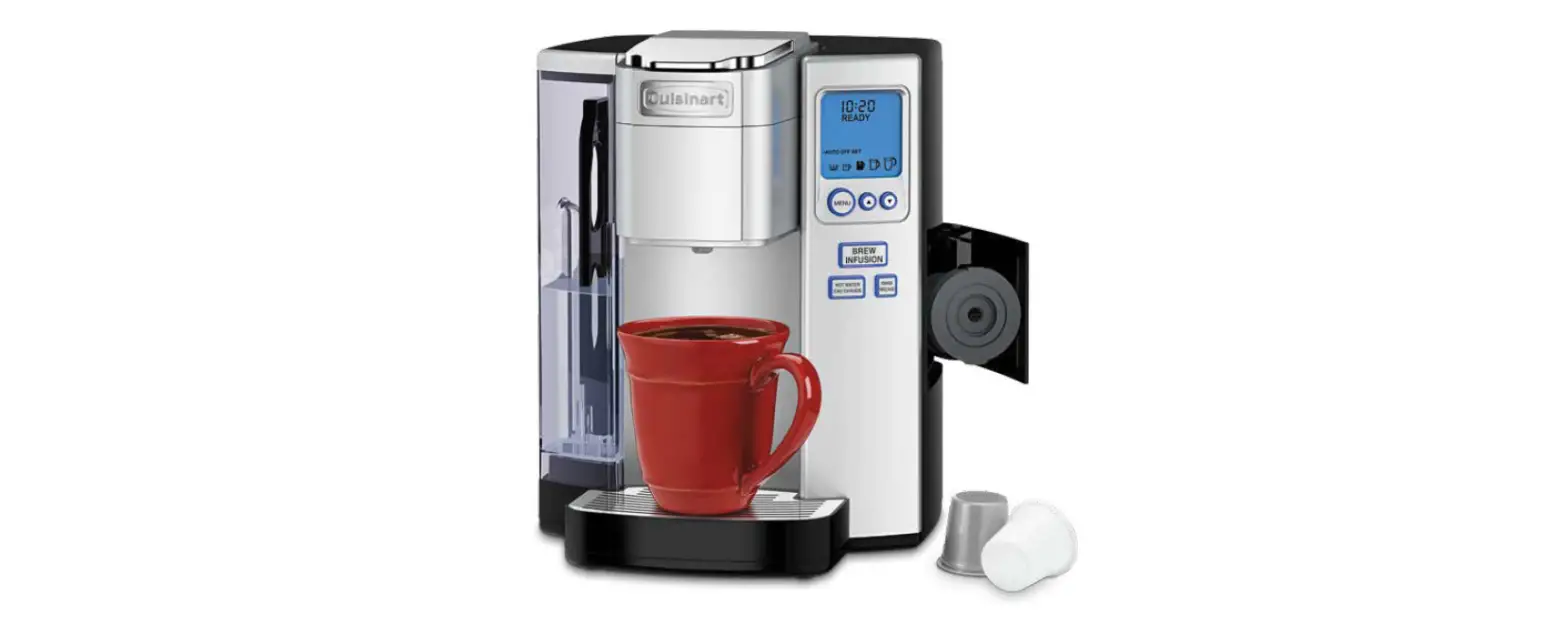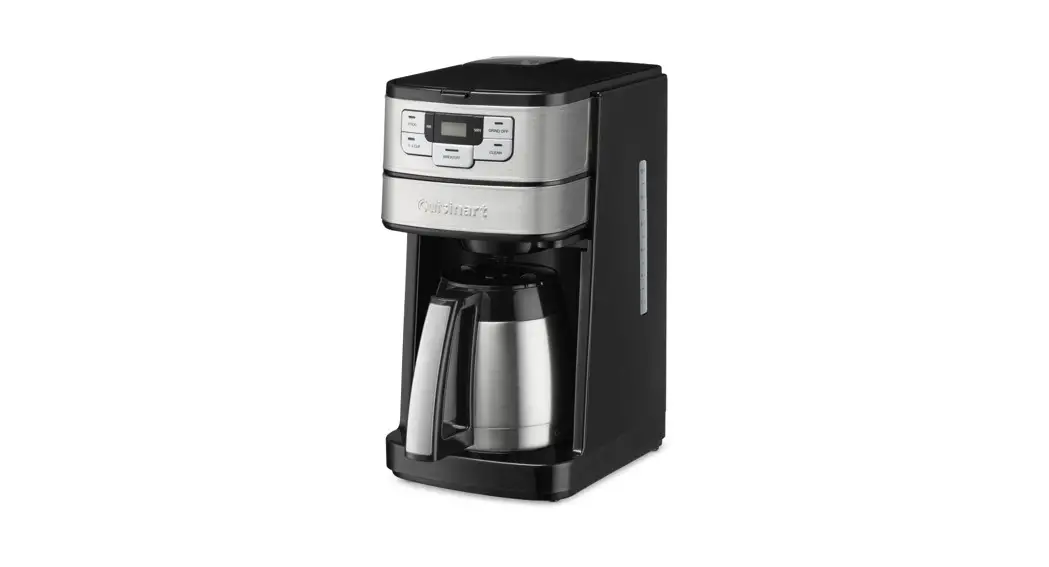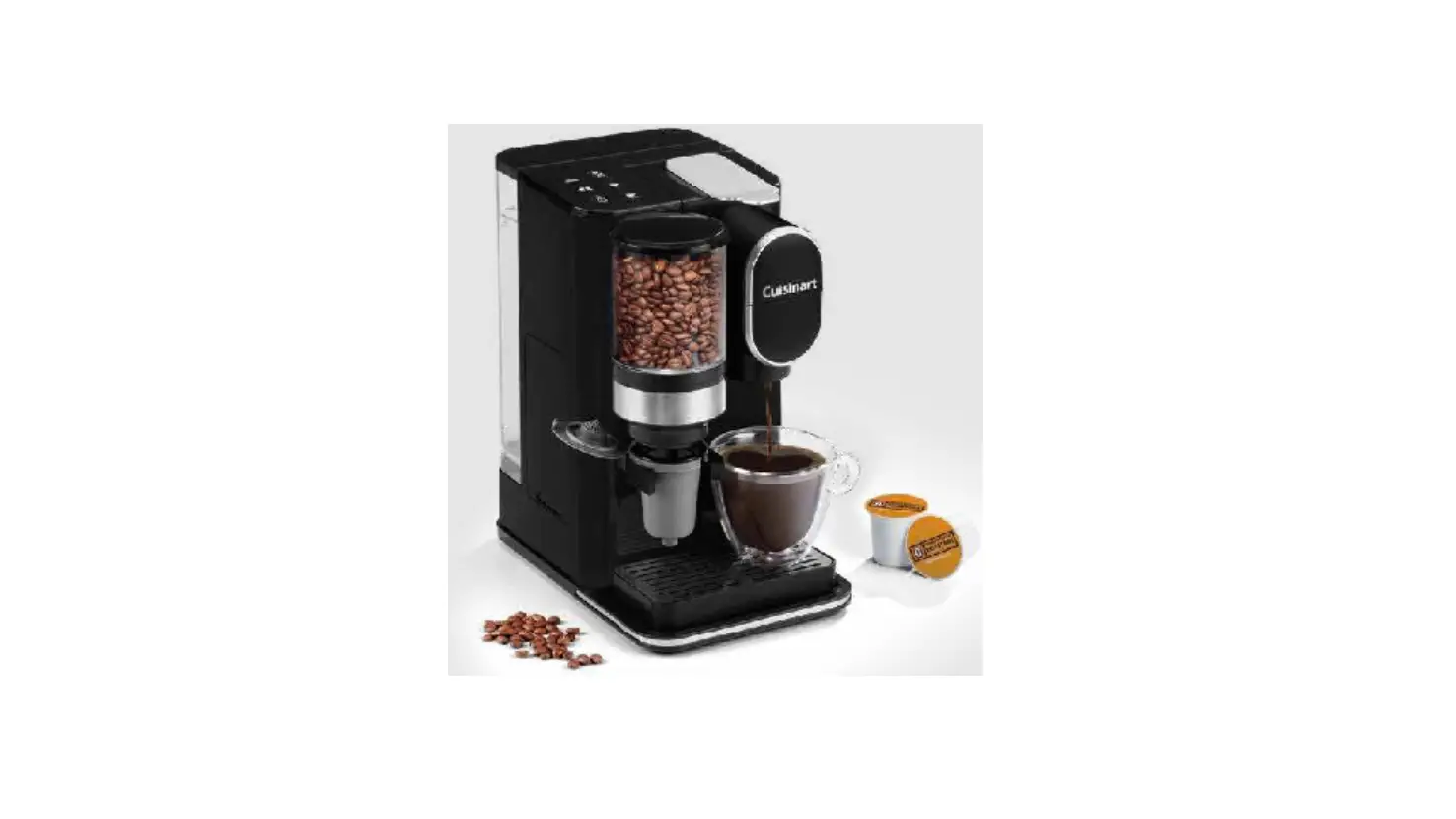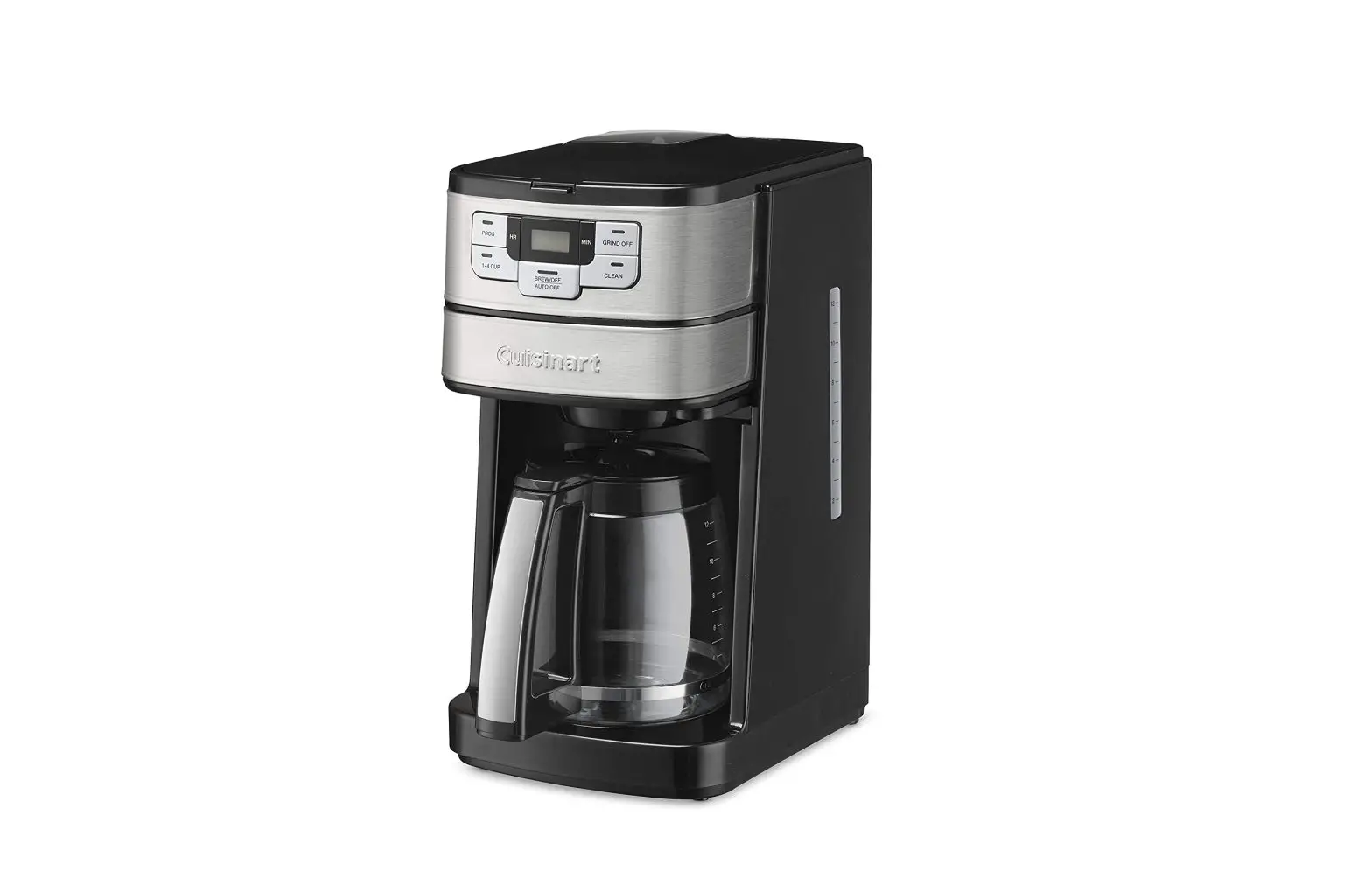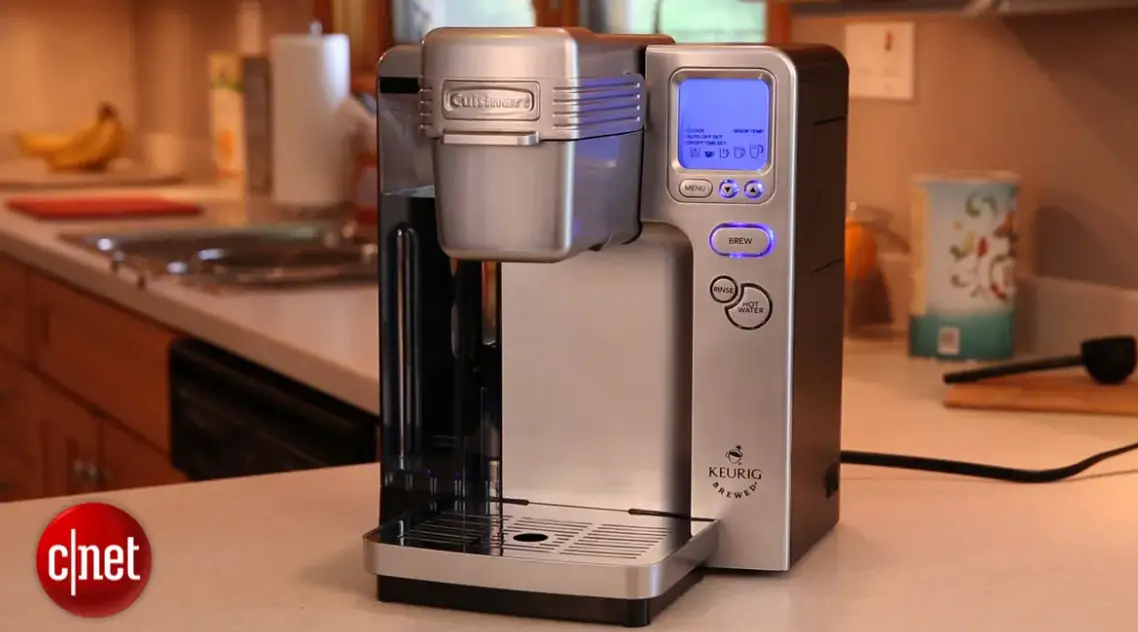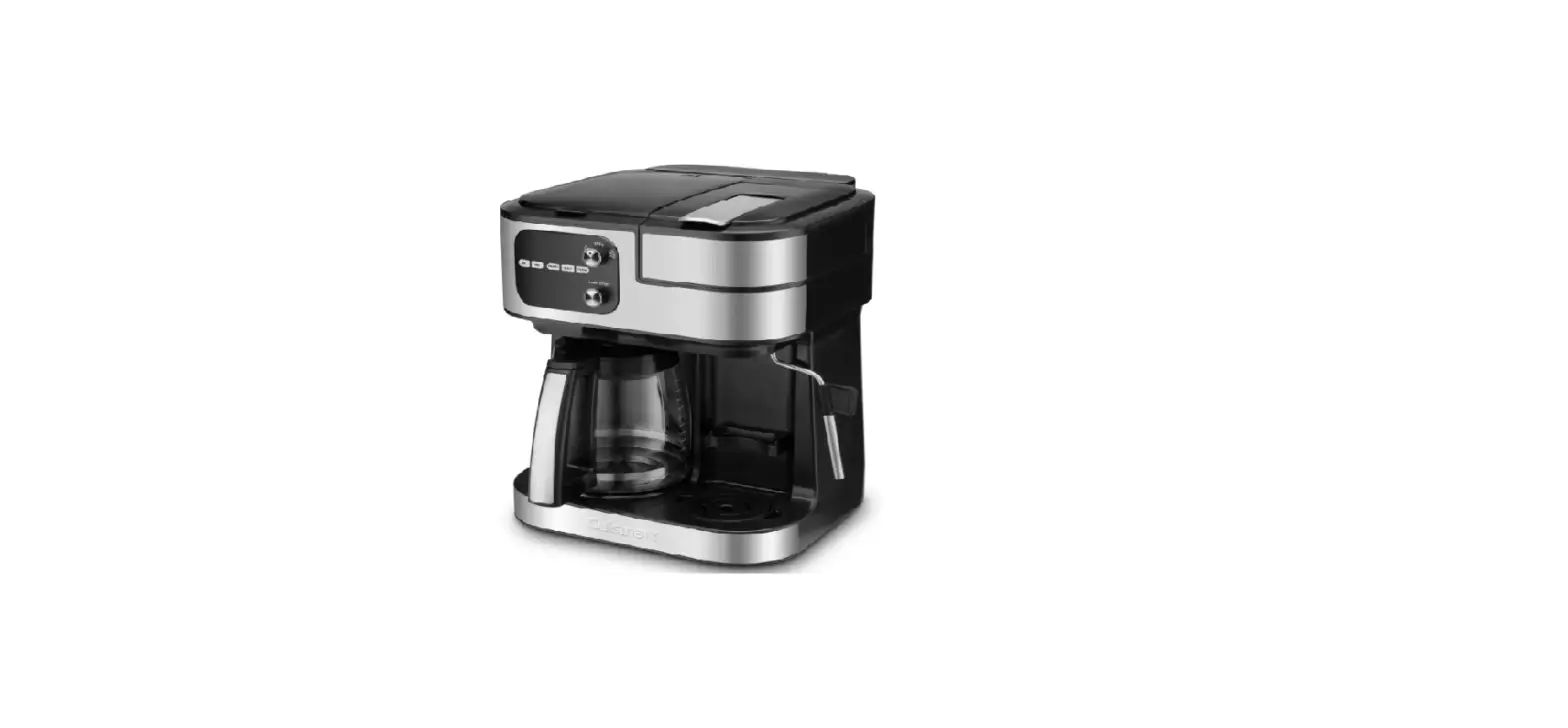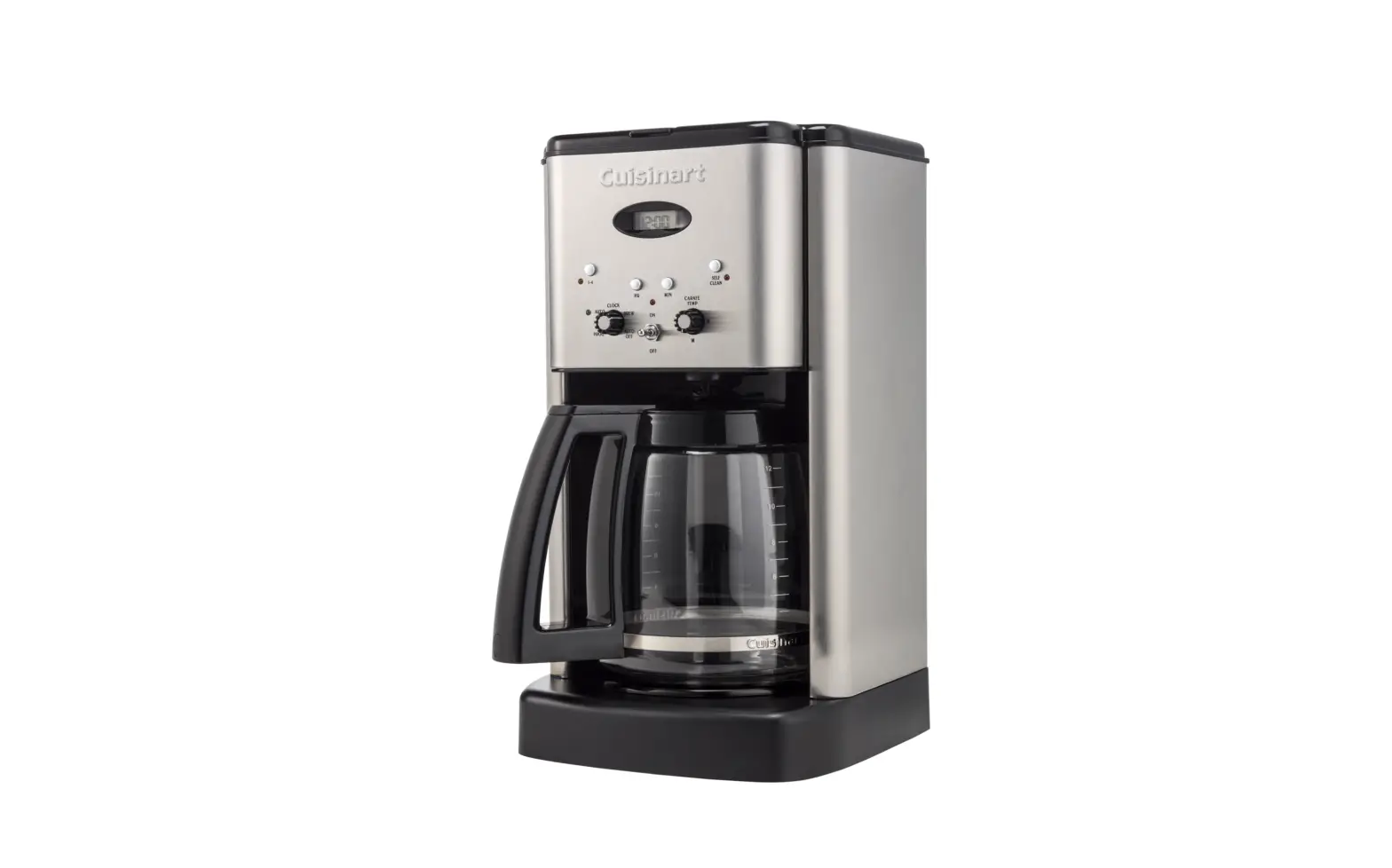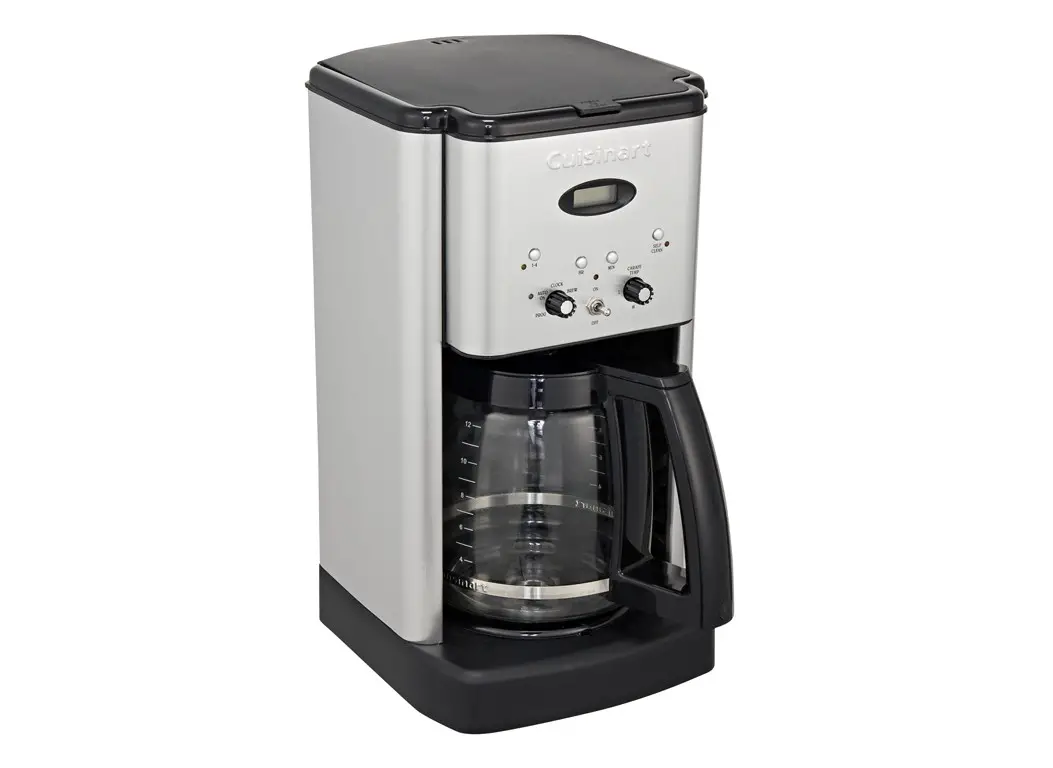

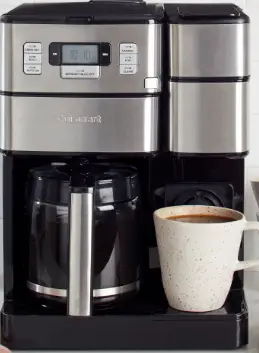
Cuisinart SS-GB1 Coffee Center Grind and Brew Plus
IMPORTANT INSTRUCTIONS
- Do not touch hot surfaces. Use handles and knobs.
- To protect against electric shock, do not place cord, plug, or base unit in water or other liquids.
- This appliance should not be used by or near children or individuals with certain disabilities.
- Unplug from outlet when either the appliance or display clock is not in use, and before cleaning.
- Allow to cool before putting on or taking off parts, and before cleaning the appliance.
- Do not operate any appliance with a damaged cord or plug or after the appliance malfunctions or has been dropped or damaged in any manner.
- Return appliance to the nearest Cuisinart Repair
- Center for examination, repair, and electrical or mechanical adjustment.
- The use of accessory attachments not recommended by Cuisinart may cause injuries.
- Do not use outdoors.
- Do not let cord hang over edge of table or counter, or touch hot surfaces.
- Do not place on or near a hot gas or electric burner, or in a heated oven.
- Always fi ll water reservoir fi rst, then plug cord into the wall outlet. To disconnect, push the OFF button, then remove plug from wall outlet.
- Do not use appliance for other than its intended use.
- Snap lid securely onto carafe before serving any beverages.
- Scalding may occur if the lid is removed during the brewing cycle.
- The glass carafe is designed for use with this appliance only. It must never be used on the range top.
- Do not set a hot carafe on a wet or cold surface.
- Do not use a cracked carafe or a carafe having a loose or weakened handle.
- Do not lift handle to open the lid of the coffeemaker while brewing is in progress.
SPECIAL CORD SET INSTRUCTIONS
A short power-supply cord is provided to reduce the risks resulting from becoming entangled in or tripping over a longer cord. Longer extension cords may be used if care is exercised. If a long extension cord is used, the marked electrical rating of the extension cord must be at least as great as the electrical rating of the appliance, and the longer cord should be arranged so that it will not drape over the countertop or tabletop, where it can be pulled on by children or tripped over.
OPERATING NOTICE
Clogging and backing up of water and/or coffee in the filter basket can occur under any or a combination of any of the following conditions: the use of too finely ground coffee; using two or more paper filters; using the gold-tone filter in conjunction with a paper filter; not properly cleaning coffee grounds from the gold-tone filter, or allowing coffee grounds to spill over the filter. Caution: Never open the filter basket during the brewing cycle, even if no water is draining from the filter basket, since extremely hot water/coffee can spill out from the filter basket and cause injury. If water/coffee is not draining from the filter basket during the brewing cycle, unplug the unit and wait 10 minutes before opening and checking the filter basket.
UNPACKING INSTRUCTIONS
- Place the box on a large, sturdy, fl at surface.
- Remove the instruction book and any other literature.
- Turn the box so that the back side of the coffeemaker is down and slide the coffeemaker from the box.
- After the coffeemaker has been removed, place the box out of the way and lift off the packing material.
- Grasp the carafe by its handle, remove it from the heating plate, and remove the polybag.
- Remove the polybag covering the coffeemaker.
12-CUP COFFEEMAKER FEATURES AND BENEFITS
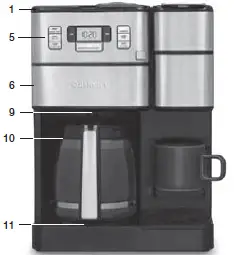
- The coffee maker Reservoir Cover Flips back for easy filling and to access to the grinder compartment.
- Coffeemaker Water Reservoir With water level indicator window.
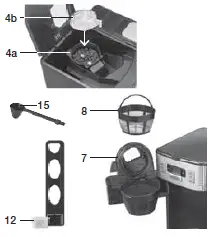
- Showerhead (not shown) Distributes water evenly over coffee, reducing temperature loss as water passes through the grounds.
- Grinder Assembly Removable for easy filling and cleaning.
- Grinder Basket with Stainless Steel Blade
- Grinder Lid Use the recess on each side of the lid to remove the lid for easy addition of beans.
- Control Panel See detailed illustration, page 7.
- Filter Basket Door with Release Button Open to access coffee filter.
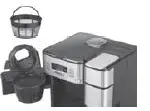
- Filter Basket Remove lid to access. Holds a paper filter or Cuisinart permanent gold-tone filter.
- Gold-Tone Cuisinart Commercial-Style Filter A note about filters When using our permanent filter, position the handle toward the front of the unit so it does not interfere with the flow of coffee into the filter basket.

- Brew Pause™ Stops the flow of coffee from the basket when the carafe is removed from the heater plate, so a cup can be poured mid-brew.
- Carafe The easy-pour, no-drip, 12-cup carafe has an ergonomic handle and brewed coffee markings.
- Heater Plate Keeps coffee warm after brewing. Scratch-resistant with nonstick coating.
- Charcoal Water Filter eliminates chlorine, bad taste, and odors from tap water. The holder keeps the filter firmly in place.
- Ready Tone (not shown) Signals at the end of the brew cycle with five beeps.
- Power Loss Backup System (not shown) One-minute protection if a breaker trips, the unit is unplugged, or power fails.
- Holds all programmed information, including time of day, Auto On time and Auto Off time.
- Measuring Scoop with Brush
- Basket Paper Filters included

SINGLE-SERVE COFFEEMAKER FEATURES AND BENEFITS
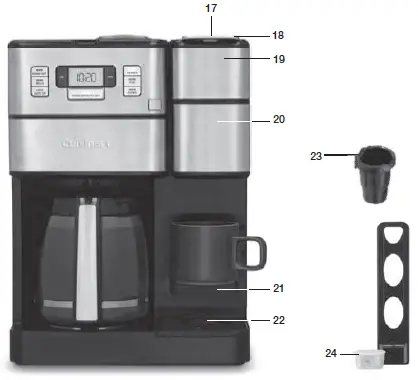
- 40-Ounce Water Reservoir
- Brew Handle
- Brew Head
- The brewing Chamber Holds a Removable Capsule Holder or reusable filter cup.
- Flip-Down Shelf To accommodate smaller brews.
- Removable Drip Tray Plate
- Removable Capsule Holder
- Charcoal Water Filter Eliminates chlorine, bad taste, and odors from tap water. The holder keeps the filter firmly in place.

GETTING TO KNOW YOUR CONTROL PANEL 12-CUP COFFEEMAKER CONTROLS
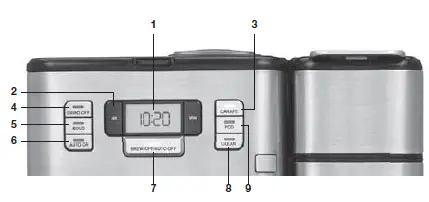
- Clock/LCD Display Displays time of day, Auto On, and Auto Off times.
- Hour and Minute Buttons Use to set hours and minutes for time of day, Auto On, and Auto Off times.
- Carafe Press to activate Carafe Brew Mode.
- Grind Off Button Select when using pre-ground coffee to turn off the grinder.
- BOLD Setting Use to select bolder coffee flavor strength.
- AUTO ON Select to program Auto On time. Press to activate Auto On feature and start brewing coffee at the programmed time.
- Brew/Off/Auto-Off Button Used to begin the brew cycle. When in carafe brew mode: Program the coffeemaker to automatically shut off 0 to 4 hours after the brew cycle is complete.
- Clean Button An indicator light appears when it is time to decalcify your coffeemaker. See page 11 for detailed descaling instructions.

SINGLE-SERVE COFFEEMAKER CONTROLS
- Pod Button Press once to activate single-serve side. Use to select desired size of single-serve brew (8, 10, 12 oz.).
- Brew/Off/Auto Off Button Press to begin single-serve brew cycle
- Clock/LCD display When in Pod Brew mode:
- Will display the last brew size selected. To change the brew size, press and hold the POD button to scroll through size options.
- The Add Water icon indicates the need to add water to brew.
SETTING UP YOUR 12-CUP COFFEEMAKER
INITIAL CLEANING
- Perform an initial cleaning before making your first beverage. Follow these instructions, without adding coffee.
- Insert charcoal water filter. Follow the directions for the preparation and insertion of the charcoal water filter on the left.
- Fill water reservoir

- Make sure carafe is in place.
- If you haven’t already, plug the power cord into an independent outlet. When the coffeemaker is plugged in, the unit will automatically turn on.
- Press the Carafe button once to enter Carafe
- Brew Mode. Press the Grind Off button to deactivate the grinder.
- Press the Brew/Off/Auto Off button once and allow the brew cycle to run until it is complete.
- The one-time cleaning process is complete. Discard hot water. Your coffeemaker is ready to use.
PROGRAMMING YOUR 12-CUP COFFEEMAKER
SETTING THE CLOCK
When the coffeemaker is plugged in, 12:00 will flash in the display for 10 seconds, indicating the unit is in Time Set mode. If 12:00 stops flashing, simply press and hold Hour or Minute button to return to flashing Time Set mode. Hold buttons down to scroll through the digits, or press and release to advance one digit at a time. When scrolling, the numbers will advance slowly and then speed up. When the number displayed approaches the desired time, press and release to advance one digit at a time. Be sure the PM indicator is on if a PM time is desired.
SETTING THE AUTO ON TIME
When you enter the AUTO ON time set mode, the previously selected AUTO ON time, or the default time (12:00) will flash.
- Press and hold the AUTO ON button until the display begins to flash. Use the Hour and Minute buttons as above to program your start-brew time.
- Press the AUTO ON button once to confirm the set time and activate the program. The white light will illuminate, indicating the AUTO ON function has been activated. LCD will display the current time.
- AUTO ON brew cycle begins and the LED will turn off. The Carafe and Brew white indicator lights will illuminate when the brew cycle begins at the time you have selected. When the brew cycle is complete, Brew indicator light will turn blue, indicating the unit is in Keep Warm mode. Lights will turn off when the Keep Warm cycle ends.
SETTING THE AUTO-OFF TIME
Press and hold the AUTO OFF button until the display is flashing. Use the Hour and Minute buttons as above to program your coffeemaker to shut off from 0 to 4 hours after the brew cycle is finished.
MAKING COFFEE WITH WHOLE BEANS
- Insert charcoal water filter Follow the directions for the preparation and insertion of the filter on page 8.
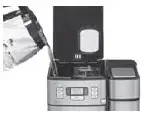
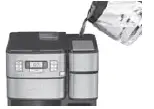
- Fill the water reservoir Open the reservoir cover and pour in water, using the water level window indicator to measure the number of cups desired.

Add Beans
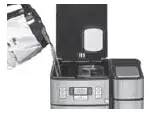
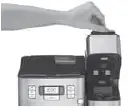
Lift the grinder basket lid, using the recess on either side. Fill the basket with the desired quantity of beans and replace lid.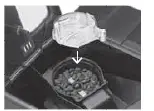
Insert Coffee Filter
- Press the filter basket door release button to open door and place either a paper filter OR a permanent filter in the basket.

- Put Filter Basket in Place and Close Filter Door
- Before brewing
Brewing coffee
Press the Carafe button to enter the carafe brew mode. Press the BREW/OFF/AUTO OFF Button to begin brewing. The white indicator light will illuminate and fl ash slowly. Or, set the Auto On function (see page 9) and the Auto On indicator will light.
After brewing
When the brewing cycle is complete, coffee will continue to stream from the fi lter for several seconds. When streaming completely stops, fi ve beeps will sound and you can now enjoy your coffee.
MAKING COFFEE WITH PRE-GROUND BEANS
- Fill the Reservoir and Insert Filter See steps #1 and #2 in “Making Coffee with Whole Beans,” page 9.
- Add Pre-Ground Coffee Press the filter basket door release button to open the door and place either a paper filter OR the permanent filter in the basket. Add ground coffee to the close fi lter door. Our recipe suggestion: Use 1 level scoop (1 tablespoon) of ground coffee per cup. Adjust the recipe according to taste.
- Press the Grind-Off Button When this function is activated, the white LED will come on.
- Follow Steps 5-8 in “Making Coffee with Whole Beans,” on pages 9-10
12-CUP COFFEEMAKER CLEANING AND MAINTENANCE
COMPLETELY CLEAN AND DRY ALL PARTS AFTER EVERY USE.
Always turn unit off and remove the plug from the electrical outlet before cleaning. Open the reservoir lid and remove the grinder basket lid by using the recessed area on each side of the lid. Then remove the grinder basket. Open the filter basket door, and remove the filter basket cover, filter basket, and filter basket holder. The grinder basket, grinder basket lid, filter basket and filter basket cover can be washed in warm, soapy water and rinsed thoroughly, or cleaned in the upper rack of the dishwasher. Dry all parts after every use. Do not put any water in the unit once the grinder basket has been removed. Wipe the area under the grinder basket with a damp cloth. If water gets into the grinder motor, the motor may become damaged and may malfunction. Once clean, reverse the above steps. Remove the carafe from the heating plate. Discard any remaining coffee. The carafe and lid can be washed in warm, soapy water and rinsed thoroughly, or placed in a dishwasher. The carafe and carafe lid should be placed on the upper rack only. Do not use any scouring agents or harsh cleansers on any part of the coffeemaker. Never immerse base unit in water or other liquids. To clean the base, simply wipe with a clean, damp cloth and dry before storing. Fingerprints and other blemishes on the housing can be washed off with soap and water or a nonabrasive cleaning solution. Wipe the heater plate with a clean, damp cloth. Never use rough, abrasive materials or cleansers to clean the heater plate. Do not dry the inside of the water reservoir with a cloth, as lint may remain.
DESCALING
Descaling refers to the removal of calcium deposits that form over time on the metal parts of the coffeemaker. To Descale Your Coffeemaker: Depending on the mineral content of water in your area, calcium deposits (scale) may build up in your coffeemaker. Though the scale is not toxic, it can affect performance. Descaling the coffeemaker when the CLEAN indicator signals it is time to do so will help protect the heating element and other parts that come into contact with water. For optimal performance, descale the coffeemaker every 3 to 6 months. If calcium deposits build up faster, the CLEAN light will illuminate, indicating a 12-cup coffeemaker should be descaled. NOTE: Before decalcifying your unit, remove the charcoal water filter from the water reservoir.
To clean
- Fill the water reservoir to capacity with a mixture of one-third white vinegar and two-thirds water.
- Press the Carafe button once to activate the carafe side. Press and hold the CLEAN button. When the CLEAN LED indicator flashes, the coffeemaker is in Clean mode.
- When the cycle is completed, 5 beeps will sound and the coffeemaker will shut off.
- If the CLEAN indicator illuminates once more, repeat the cleaning procedure with a fresh solution of vinegar and water. NOTE: One cleaning cycle is usually sufficient.
- When the CLEAN indicator remains off, run one cycle with a full reservoir of fresh, cold water to rinse the unit.
- Return the charcoal water filter to the holder inside the water reservoir and your coffeemaker is ready to brew
SETTING UP YOUR SINGLE-SERVE COFFEEMAKER
INITIAL CLEANING
Perform an initial cleaning before making your first beverage. Follow these instructions, without inserting a capsule.
- Insert a charcoal water filter if you haven’t already. Instructions on page 8.
- Fill the water reservoir dedicated to the single-serve side of the unit

- If you haven’t already, plug the power cord into an independent outlet. When the coffeemaker is plugged in, the unit will automatically turn on.
- Open and close the brew head. Do not add a capsule.

- Place mug on the drip tray.
- Press the POD button once to enter single-serve mode. The POD indicator light will turn on and the LCD display will show the default brew size 10 oz.
- Press the BREW/OFF/AUTO OFF button once. The indicator light will flash and the hot water will start to dispense momentarily.
- The one-time cleaning process is complete. Discard hot water. Your brewer is ready to use
USING THE SINGLESERVE COFFEEMAKER
BREWING
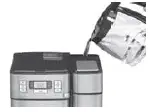
- Add water into the 40-ounce water reservoir.

- Plug the power cord into an independent outlet. When the coffeemaker is plugged in, the unit will automatically turn on.
- Place mug on the drip tray.
- Select a capsule.
- Open the brew head and place a capsule in the brewing chamber. Close brew head.

- Once fully dispensed, all of the lights will go off and the LCD will display the current time.
- Enjoy your cup of coffee!
- Lift the handle, then remove and dispose of the used capsule. Close the brew head and your brewer is ready to use again!
CLEANING THE CAPSULE HOLDER
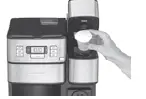
- The capsule holder is top-shelf dishwasher safe (use low temperature cycle). To remove, lift the handle to open the brewing chamber. Grasp the top of the capsule holder and pull up.
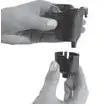
- Cleaning the Funnel – To remove funnel from capsule holder, hold funnel in left hand, twist bottom away from you slightly and pull away from capsule holder. The funnel is top-rack dishwasher safe.

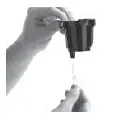
- Cleaning the Exit Needle – The exit needle is located on the inside bottom of the capsule holder assembly. Should a clog arise because of coffee rounds

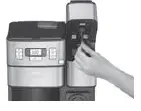
- Cleaning the Piercing Needle – The piercing needle is located on the inside of the brewing chamber.

DESCALING
Mineral content in water varies from place to place. Depending on the mineral content of the water in your area, calcium deposits or scale tend to build up in most coffeemakers. Though scale is non-toxic, it can hinder
Step 1: First Vinegar Rinse
- Fill water reservoir with 13 oz. of white vinegar and 26 oz. of water.
- Place the ceramic mug or container on the drip tray.
- Press the POD button to enter single-serve mode and select the 12 oz. brew size setting. Press the BREW/OFF/AUTO OFF button once to start.
- Discard the contents of the mug into the sink.
- Repeat until ADD WATER light comes on.
- When descaling is complete, all LED lights will turn off.
- Discard any remaining diluted vinegar into sink.
Step 2: Fresh Water Rinse
- Repeat Step 1 three times, using fresh water in place of vinegar.
- This will clean the coffeemaker plumbing and remove any residual vinegar taste
WARRANTY
Limited Three-Year Warranty
This warranty is available to U.S. consumers only. You are a consumer if you own a Cuisinart® Coffee Center® Grind & Brew Plus that was purchased at retail for personal, family or household use. Except as otherwise required under applicable law, this warranty is not available to retailers or other commercial purchasers or owners. We warrant that your Cuisinart® Coffee Center® Grind & Brew Plus will be free of defects in materials and workmanship under normal home use for 3 years from the date of original purchase. We recommend that you visit our website, www.cuisinart.com for a fast, efficient way to complete your product registration. However, product registration does not eliminate the need for the consumer to maintain the original proof of purchase in order to obtain the warranty benefits. In the event that you do not have proof of purchase date, the purchase date for purposes of this warranty will be the date of manufacture.
CALIFORNIA RESIDENTS ONLY California law provides that for In-Warranty Service, California residents have the option of returning a nonconforming product (A) to the store where it was purchased or (B) to another retail store that sells Cuisinart products of the same type. The retail store shall then, according to its preference, either repair the product, refer the consumer to an independent repair facility, replace the product, or refund the purchase price less the amount directly attributable to the consumer’s prior usage of the product. If neither of the above two options results in the appropriate relief to the consumer, the consumer may then take the product to an independent repair facility, if service or repair can be economically accomplished. Cuisinart and not the consumer will be responsible for the reasonable cost of such service, repair, replacement, or refund for nonconforming products under warranty. California residents may also, according to their preference, return nonconforming products directly to Cuisinart for repair or, if necessary, replacement by calling our Consumer Service Center toll-free at 800-726-0190. Cuisinart will be responsible for the cost of the repair, replacement, and shipping and handling for such nonconforming products under warranty.
FAQS
How do you use Cuisinart Coffee Center Grind & Brew Plus?
Just insert any single-cup pod into the brew chamber, select an 8-, 10-, or 12-ounce cup and, in minutes, and enjoy hot, fresh coffee. Single Serve: Brew Sizes: 8 oz., 10 oz.
What grind is best for Cuisinart coffee maker?
If it’s not ground enough, the water will pass through too quickly, resulting in weak coffee. Cuisinart suggests the following guidelines for selecting your grind based on the coffeemaker:
Do Keurig pods work in Cuisinart?
If you’re looking for a versatile and easy-to-use coffee maker, the Cuisinart Coffee Maker with K-Cup is a great option.
Can you use both sides of the Cuisinart coffee center at the same time?
No. You can not do both at the same time. A: This coffee center does have charcoal filters in each of it’s two separate water reservoirs.
How much coffee grounds do you put in a Cuisinart coffee maker?
Add 1 level scoop of ground coffee per cup. Adjust the amount according to taste. NOTE: The maximum capacity for ground coffee is 15 tablespoons for this coffeemaker
What’s the difference between fine grind and coarse grind coffee?
Coffee is affected by how quickly water can extract flavor compounds from your grounds and by the duration of the brewing.
Which brand is better Keurig or Cuisinart?
Cuisinart is the best option for variety, large capacity, and working with traditional beans, ground or whole.
Do you have to replace the charcoal filter in Cuisinart coffee maker?
Requires replacing every 60 days or after 60 uses.
You should typically change your reusable coffee filter every two months or so, according to factors like whether you’re using distilled water or not
Paper filters reduce the amount of cafestol, a coffee oil that’s been implicated in raising cholesterol levels, that makes it into your cup
Don’t Reuse Coffee Grounds. Overall, we don’t normally recommend reusing coffee grounds to make another cup or pot of coffee as it dilutes the flavor and can make the coffee taste more bitter than what is intended
The 1-4 button should be activated when you are making less than 4 cups of coffee. By pressing this function it will slow down the brewing process so you are receiving a strong cup of coffee.
Cuisinart (/ˈkwiːzɪnɑːrt/ kwee-zin-art) is an American home appliance brand owned by Conair Corporation. The company was started in 1971 by Carl Sontheimer to bring an electric food processor to the U.S. market.
Most of the Cuisinart coffee makers are manufactured in China. However, the Cuisinart CHW-12 Coffee Plus is still an American-made coffee maker.
yes, a Cuisinart coffee maker can take a reusable filter. In fact, many Cuisinart coffee makers come with a reusable filter included.
You can use paper filters if desired as well. A: Found the following information on line: China Most of the Cuisinart coffee makers are manufactured in China.