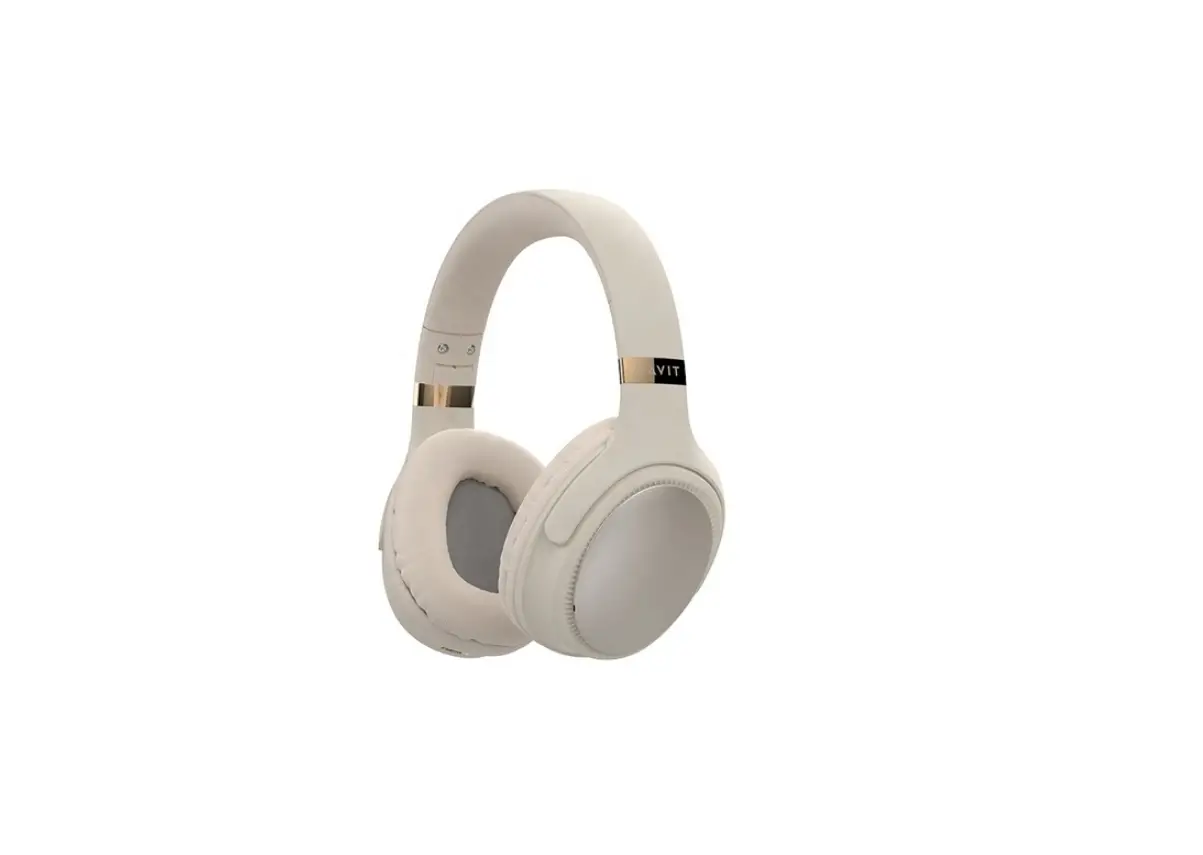
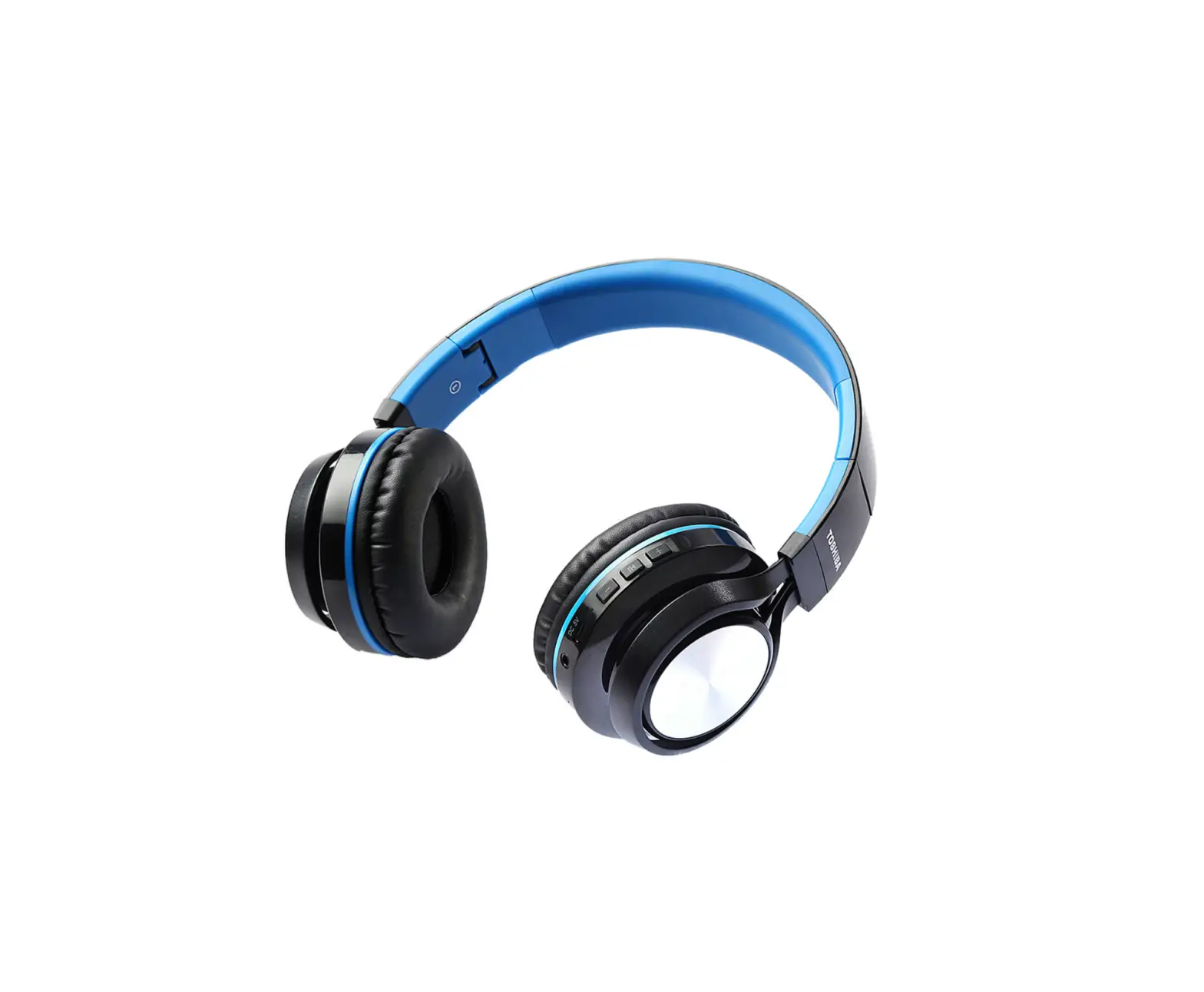
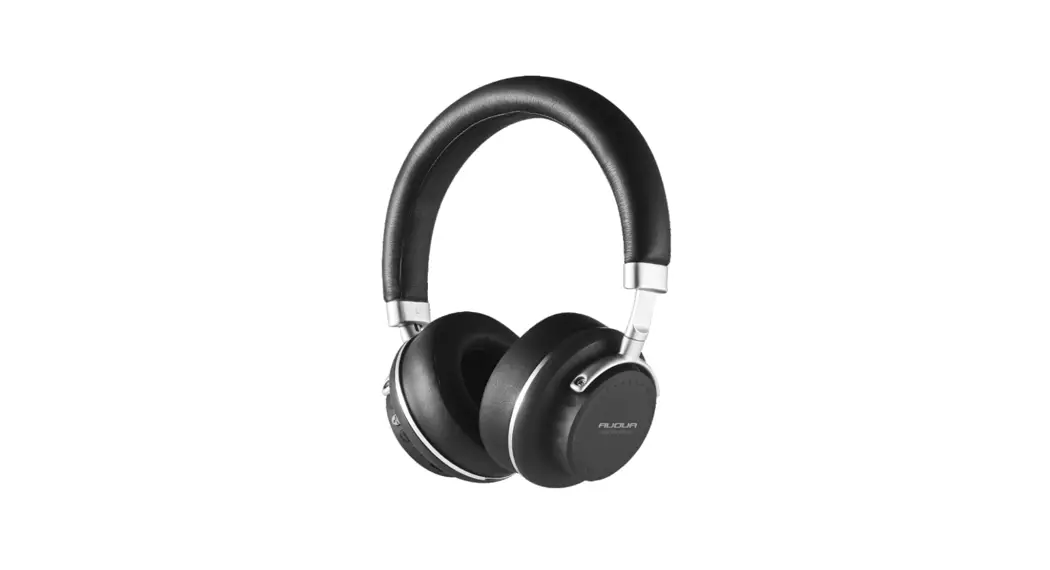
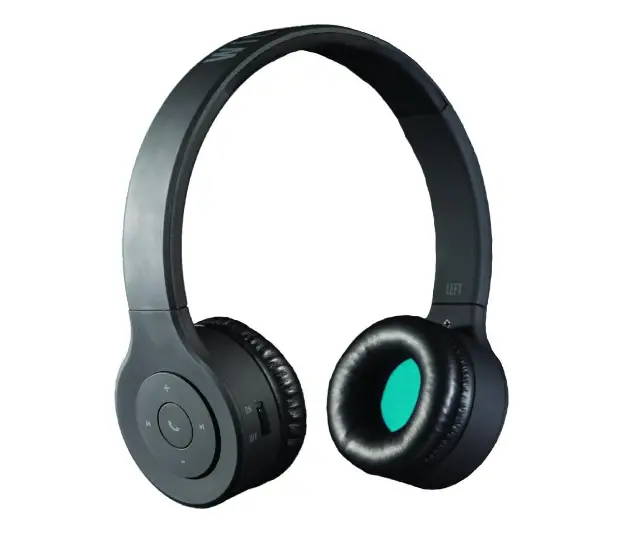
BT06 Wireless Foldable Headphone
Product Information
The product is a wireless headphone with Bluetooth version V5.0.
It has a built-in non-removable and rechargeable battery with a
capacity of 300mAh. The headphone provides a play time of 9 hours
at 60% volume and a talk time of 8 hours at 60% volume. It takes
approximately 2 hours to fully charge the headphone using the
provided Type-C charging cable. The headphone has a DC 5V/1A input
voltage/current.
Production Structure
- Power key
- Microphone hole
- LED indicator
- Type-C charging port
- AUX port
- Mode key
- Multi-function button
- V+/Next track button
- V-/Previous track button
Packing List
- 3.5mm audio cable x 1
- Headphone x 1
- Charging cable x 1
- User’s Manual x 1
- Certificate of quality x 1
Warnings
- Please follow the instructions provided.
- Charge the headphone with an input power below 300mA to protect
the battery. - Store or use the headphone in a normal temperature
environment. - Avoid exposing the headphone to heat sources.
- Avoid jamming the ports of the headphone.
- Avoid adjusting the volume to the maximum level for a long time
to protect your hearing and extend the headphone service life. - Contact our after-sales staff for any damage or issues rather
than attempting self-repair.
Product Usage Instructions
- To end the current call, click the Multi-function button (MFB)
once. - To reject incoming calls, long press the MFB for 2 seconds when
a call comes in. - To redial the last calling number, double press the MFB.
- Music control:
- Play/Pause: Short press the MFB.
- Previous track: Long press the V+ button to select the next
track. - Next track: Long press the V- button to select the previous
song. - Volume increase: Short press the V+ button.
- Volume decrease: Short press the V- button.
- To answer incoming calls, click the MFB once.
- To switch to child mode, click the mode key. In this mode,
there is a volume limit of 85 dB. - To charge the headphone:
- Use the provided Type-C charging cable.
- Fully charge the product before the first use.
- The LED indicator will be red while charging and will turn off
when fully charged.
front side
USER MANUAL
back side
refer to the instructions of your phone and set on your phone.
End the current call Click MFB once to end the current call.
Reject incoming calls Long press MFB for 2 seconds when there comes a call.
Last number redial Double press MFB to redial the last calling number.
Music control 1.Play/Pause: Short press MFB ; 2.PREV: Long press V+ to select the next track; 3.NEXT: Long press V- to select the previous song; 4.VOL: Short press V+ to increase volume; 5. VOL: Short press V- to decrease volume.
4
Packing list:
3.5mm audio cable*1
Headphone*1
Charging Cable*1
Product Warranty
please keep this document for reference
USER MANUAL
User’s Manual*1
Certificate of quality*1 1
Wired mode: Dual 3.5mm Audio Cable connecting To Audio Jack 1. Plug and play: Connecting the headphone to a music player with the provided dual 3.5mm audio cable, the headphone can be used as wired headphone without starting. 2. In this mode, you can’t use any function of the headphone, including pause playback, volume adjustment, microphone and so on.
Mode switching Click the mode key to select child mode. In this mode: 85 dB volume limit.
To charge the headphone 1.As product is built-in non-removable and rechargeable battery, PLS use the provided Type-c charging cable to charge; 2.Fully charge the product before the first use; 3.The LED indicator is red when charging. When fully charged, the LED indicator goes out.
Notes a.Please choose the charger that is certified by the regular manufacturer.
5
Production structure
1.Power key 2.Microphone hole 3.LED indicator 4.Type-c charging port 5.AUX
6. Mode key 7. Multi-function button 8.V+/Next track 9.V-/Previous track
2
b.The battery performance may decrease as repeating charging and using the product. It’s a normal phenomenon for all rechargeable batteries.
Specification Bluetooth Version: V5.0 Headphone Battery: 300mAh Play Time: 9H(60% Vol.) Talk Time: 8H(60% Vol.) Charging Time: 2H Input Voltage / Current: DC 5V/1A
Warnings 1. Please follow the instruction to operate 2. Please charge the headphone with input power below 300mA, in order to protect the battery; 3. Please store or use the headphone in a normal temperature environment. 4. Please keep the headphone from heat source, such as radiators, hot air regulators, stoves, or other heat generating instruments. As it is not anti-high temperature. 5. Don’t jam the ports of the headphone, such
6
Bluetooth pairing Follow the steps(ensure Bluetooth function of music player device is on and able to be search) 1.Power on: switch on the headset by fluctuating the power button. The LED indicator remains blue, then the green and blue lights flash alternately, and the headset enters the pairing state. (Note: The headphone can automatically enter pairing status after power on if there is no re-connection. As the headphone can automatically reconnect with the last device that you had paired. To re-connect, you just need to turn it on.) 2.Activate the Bluetooth function and search for “BT06” referring to your phone instructions. 3.Manually click “BT06” to connect. Once paring successfully, the blue light blinks once every 5 seconds.
Answering incoming calls Click MFB once to answer incoming calls. Tip: Since some mobile phones default to answer calls via their own receiver, please
3
as charger port, LED port and microphone etc.. 6. In order to protect your hearing and extend the headphone service life, it is not recommended to adjust the volume to the maximum level for a long time. 7. Whatever reasons damage the headphone, please feel free to contact our after-sales staff in time rather than repair by yourself. Otherwise, you will accept without after-sales service.
7
128g, Material 128g double copper paper Matt finish + 2 sides printing Accordion fold
(Printing color number): C:0 M:0 Y:0 K:70 (Size)55 X 77 mm