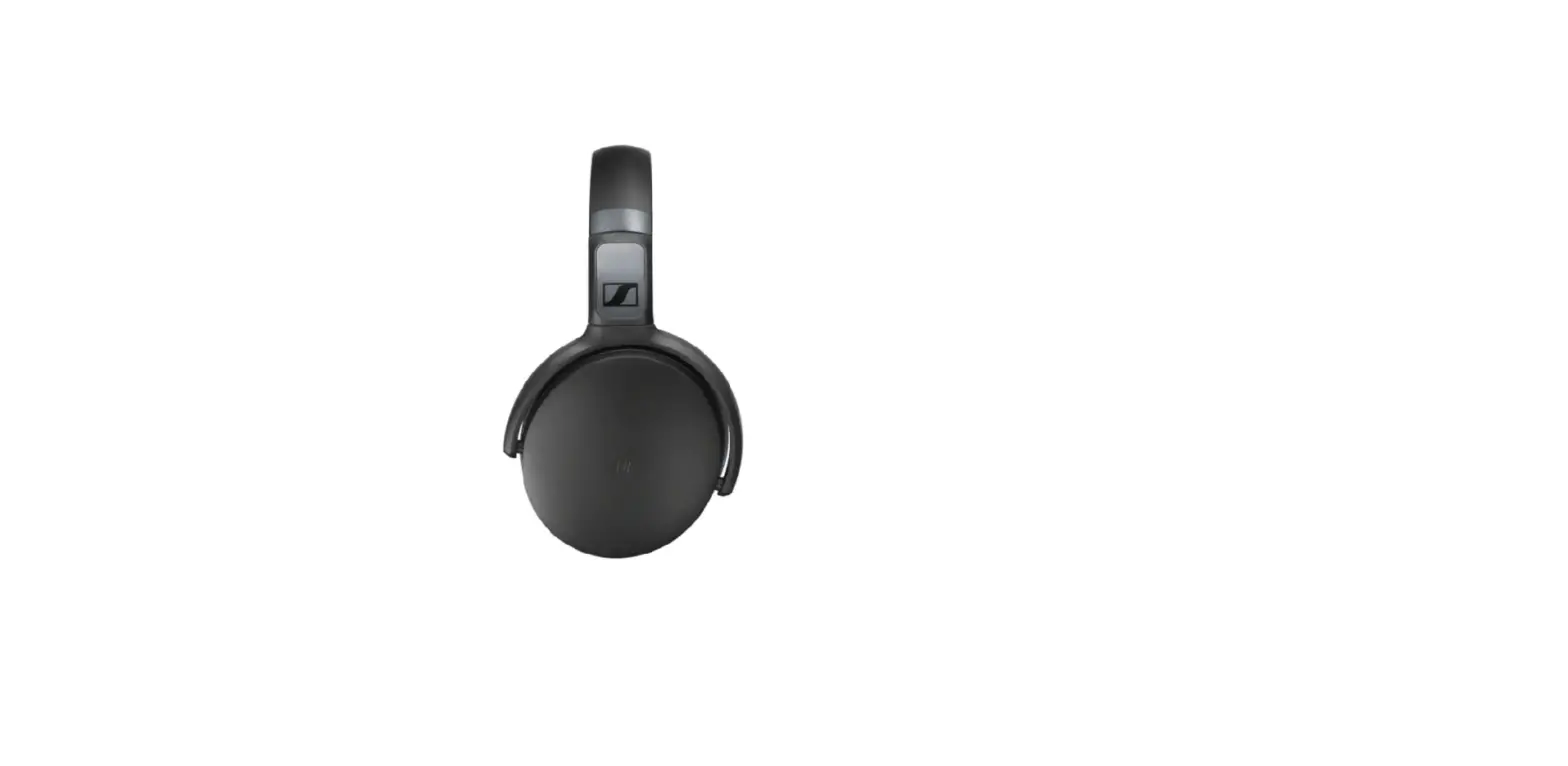
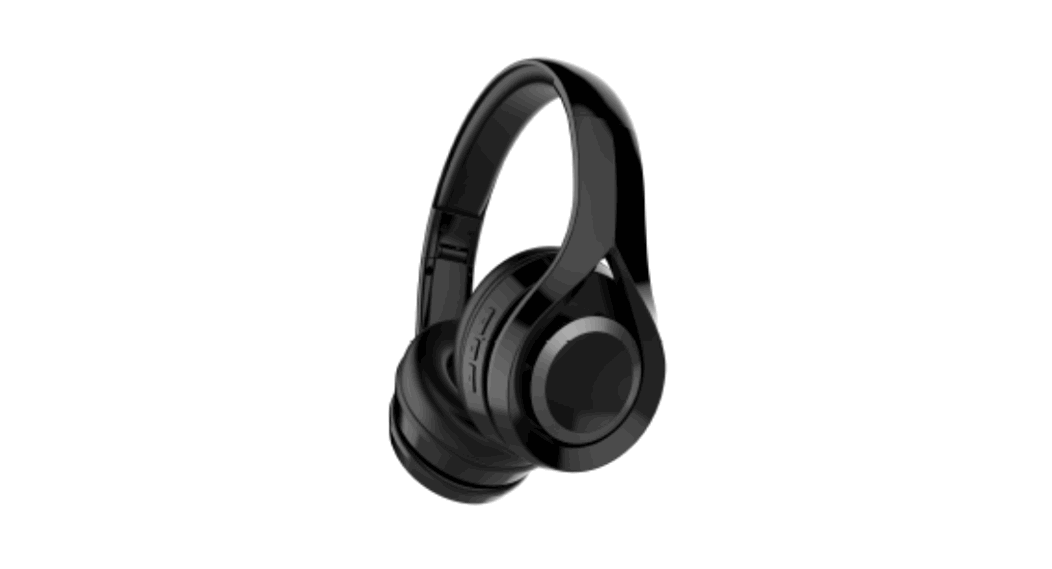
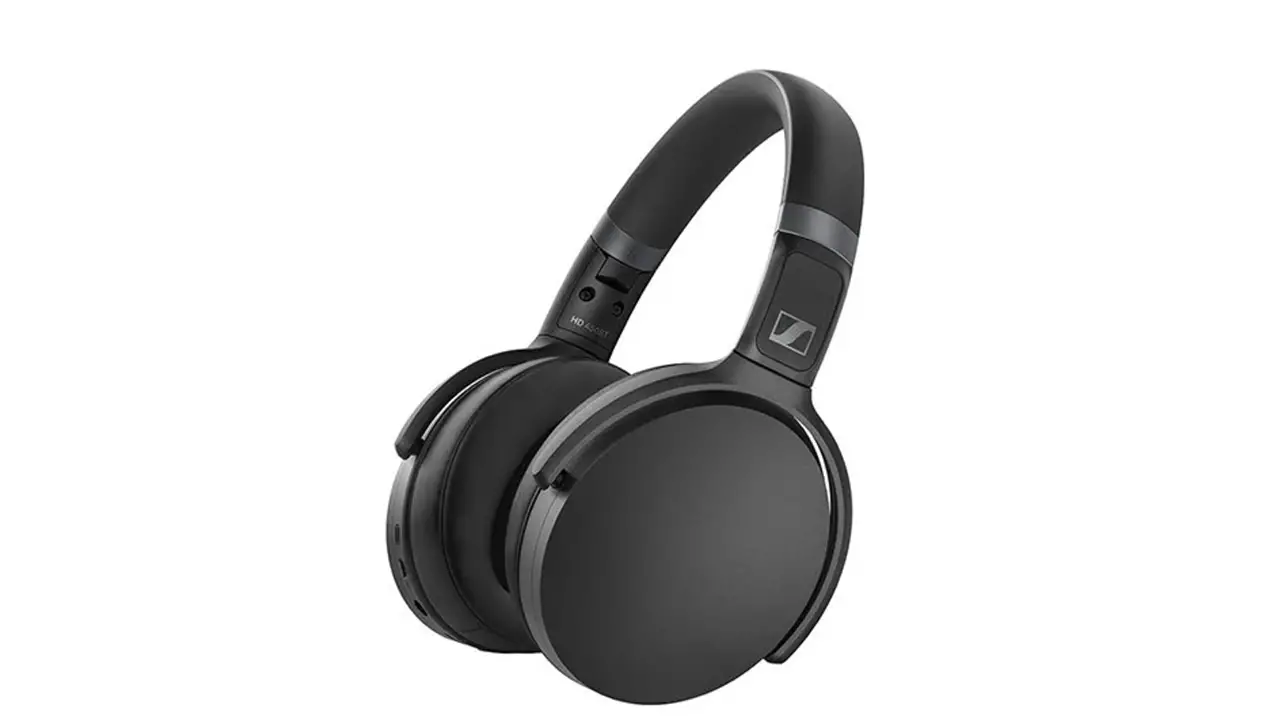
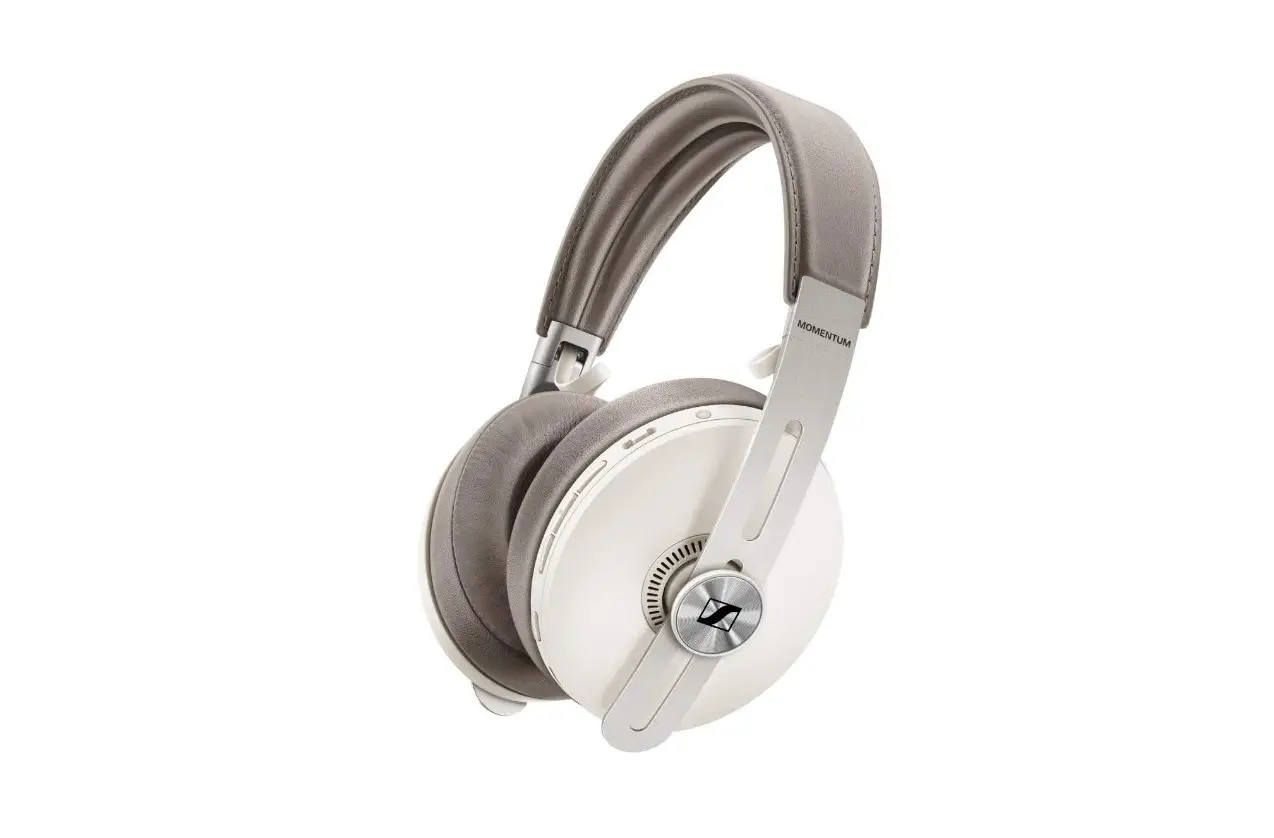
HD 350BT Wireless Foldable Headphones
Product Information:
The headphones have a reset function that allows you to restore
their normal functioning if there are any disturbances. This reset
does not delete individual settings such as pairing settings.
Additionally, there is an option to delete the Bluetooth pairing
list of the headphones, which can be useful when you want to pair
them with new devices.
Resetting the Headphones:
- Connect the USB-C cable to the headphones and ensure they are
being charged (refer to the section on “Charging the Headphones’
Rechargeable Battery”). - Press and hold the power button (on/off) and the rear part of
the volume button (Volume +) simultaneously for at least 5
seconds. - The reset process is completed, and you can continue using the
headphones as normal.
Deleting the Bluetooth Pairing List:
- Switch off the headphones by pressing and holding the power
button (on/off) for 2 seconds. - Enter pairing mode by pressing and holding the power button
(on/off) for 4 seconds (refer to the section on “Switching the
Headphones Off and Pairing the Headphones with a Bluetooth
Device”). - Simultaneously press and hold the power button (on/off) and the
3-way multi-function button for 3 seconds. - The LED on the headphones will flash purple three times,
indicating that the pairing list has been deleted. - The headphones will remain in Bluetooth pairing mode, allowing
you to pair them with a new device.
Resetting the headphones
If the function of the headphones is disturbed, perform a reset. Individual settings such as the pairing settings are not deleted. 1.Connect the USB-C cable to the headphones and make sure that the headphones are being charged (> Charging the headphones’ rechargeable battery). 2.Simultaneously press and hold the one/off button and the rear part of the volume button (Volume +) for at least 5 seconds. The reset is completed. Continue to use the headphones as normal.
Deleting the Bluetooth pairing list of the headphones
1.Switch off the headphones (press and hold the on/off button for 2 seconds) and then start pairing mode (press and hold the on/off button for 4 seconds) (> Switching the headphones off and Pairing the headphones with a Bluetooth device). 2.Simultaneously press and hold the on/off button and the 3-way multi-function button for 3 seconds. The LED on the headphones flashes purple 3x. The pairing list is deleted. The headphones then stay in Bluetooth pairing mode.
 Switching the headphones off