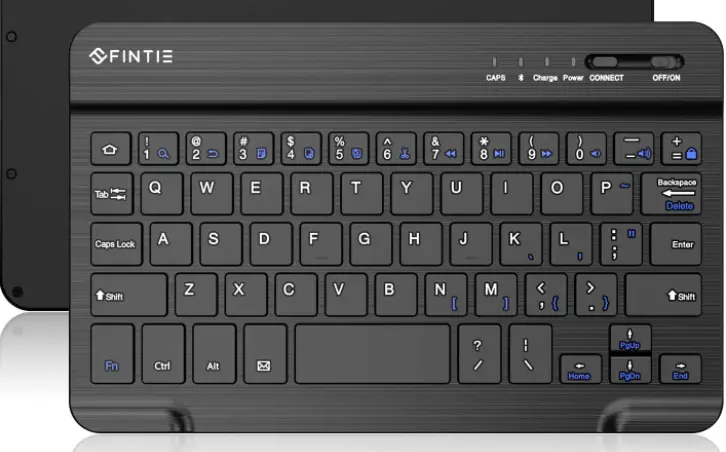
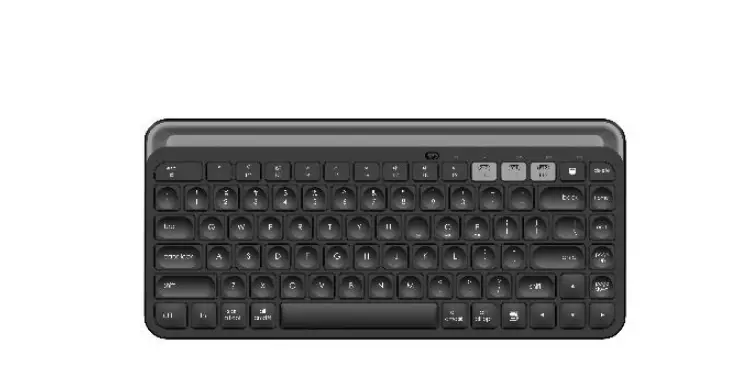
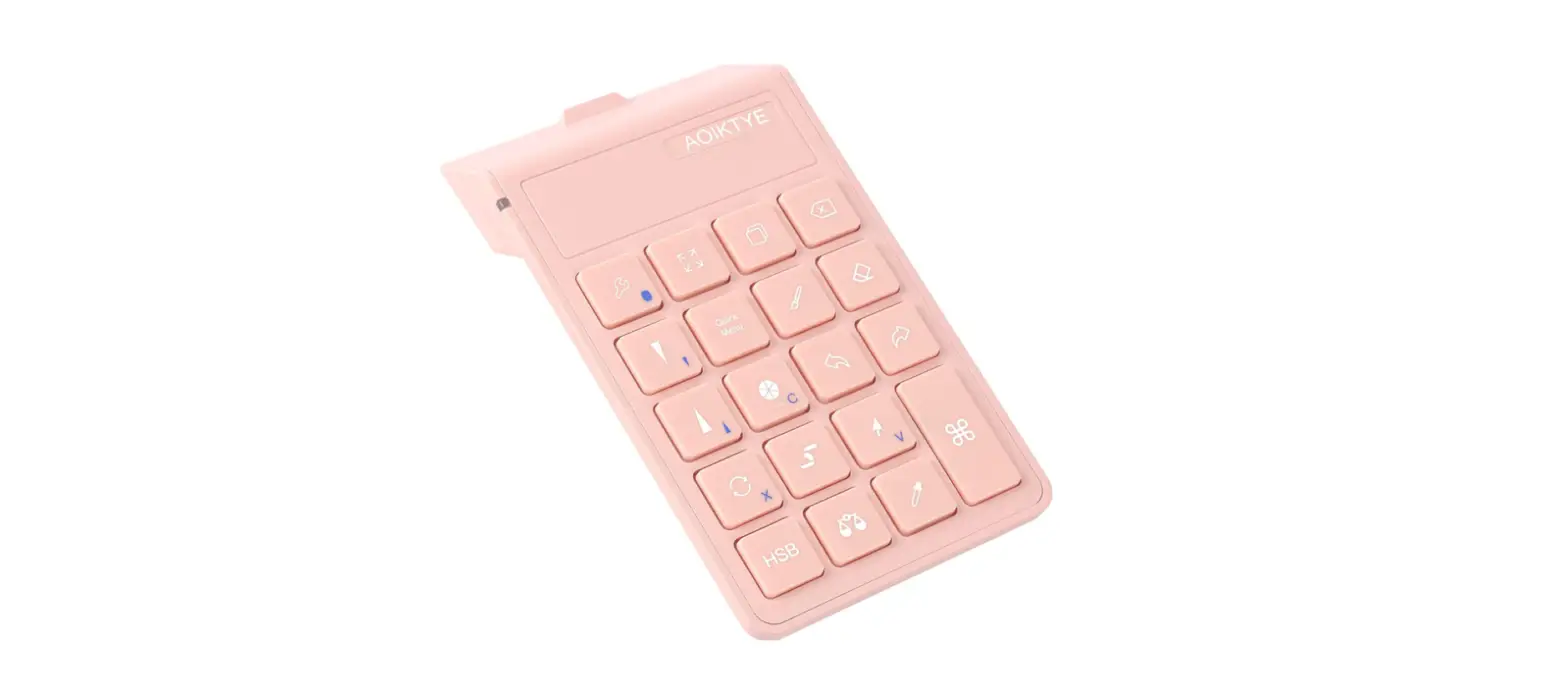
FKB1 Wireless Shortcut Keyboard for Procreate
Product Information
Product Name: RubensKBD FKB1
Bluetooth Version: 5.1
Series: RubensKBD
Model: FKB1
Manufacturer: Shenzhen Frunsi Technology Co.,
LTD
Website: http://Frunsi.com
Email: [email protected]
Product Usage Instructions
To use the RubensKBD FKB1 wireless shortcut keypad, please
follow the instructions below:
1. Compatibility
The keyboard is compatible with the following devices:
- Ipad – For more information, refer to https://zhuanlan.zhihu.com/p/376614884
- Procreate – When using Procreate, ensure you have an Apple
pencil. For more information, refer to https://zhuanlan.zhihu.com/p/371933865
2. Charging
The keyboard has a built-in battery. When the battery is low, a
red light will flash. Once fully charged, the red light will go
out.
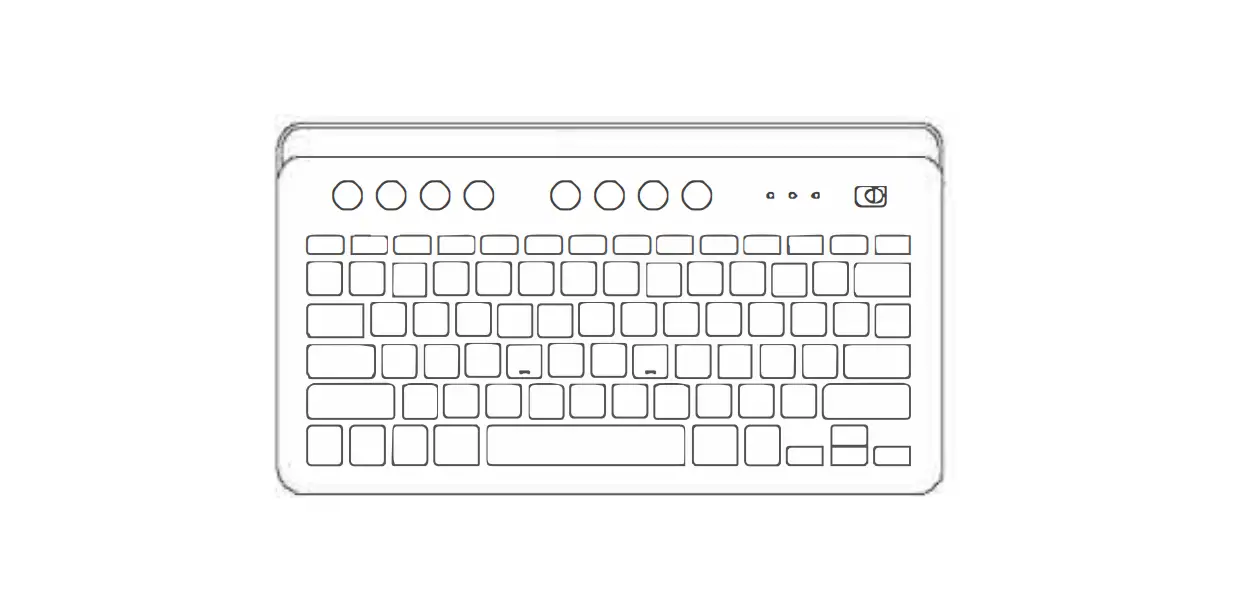
The keyboard features various buttons and combinations. For
detailed information on the function of each button and
combination, refer to the user manual.
4. Troubleshooting
If you encounter any issues, refer to the common problems and
solutions section in the user manual for assistance.
5. Language Input Method
The keyboard supports American English input method only. For
more information, refer to https://zhuanlan.zhihu.com/p/376614884
6. Eyedropper Key in Procreate
If the eyedropper key does not work in your Procreate app,
follow these steps:
- Open the Action menu in Procreate.
- Navigate to Prefs.
- Select Gesture Eyedropper.
- Ensure you have an Apple pencil connected. For more
information, refer to https://zhuanlan.zhihu.com/p/376630542
7. Activating Onscreen Keyboard in iPad
To activate the onscreen keyboard in your iPad, follow these
steps:
- Go to iPad settings.
- Select Accessibility.
- Tap Touch.
- Enable AssistiveTouch.
- Under AssistiveTouch options, enable Show Onscreen Keyboard and
unselect Mouse Keys. For more information, refer to https://zhuanlan.zhihu.com/p/376620219
For more shortcuts and art-related features, explore the
wireless shortcut keypad for Procreate.
RubensKBD FKB1
Bluetooth 5.1
SeriesRubensKBD ModelFKB1
Red light flashes,while low battery The red light goes out after fully charged
1.Ipad https://zhuanlan.zhihu.com/p/376614884
2.Procreateprocreate ” +Apple pencil” https://zhuanlan.zhihu.com/p/371933865
3 “””” https://zhuanlan.zhihu.com/p/371935898
Shenzhen Frunsi Technology Co., LTD Web: http://Frunsi.com Mail: [email protected]
The function of each button and combination
Common problems & solutions
1. The keyboard only can be used under American English input method Reference link: https://zhuanlan.zhihu.com/p/376614884
2.If the eyedropper key can not work in your Procreate app. please do the followings in Procreate:Action menu Prefs Gesture Eyedropper ” +Apple pencil” Reference link: https://zhuanlan.zhihu.com/p/376630542
3.How to active your onscreen keyboard.please do the followings in Ipad settings: SettingsAccessibility TouchAssistiveTouchShow Oncreen Keyboard Mouse Keys select “Mouse Keys” unselect “Mouse Keys” Reference link: https://zhuanlan.zhihu.com/p/376620219
More shortcut,more art
Wireless Shortcut Keypad for Procreate
Shenzhen Frunsi Technology Co., LTD Web: http://Frunsi.com Mail: [email protected]
References
 Frunsi - Online shopping for affordable digital art supplies
 Procreate蓝牙快捷键盘(YesWord)滴管无效设置 - 知乎
-
Procreate蓝牙快捷键盘(YesWord)链接后无法调出软键盘的解决方法 - 知乎
-
what should you do if your YesWord keypad doesn't work with some keys - 知乎
-
How to active the soft keyboard after your iPad connects with YesWord keypad. - 知乎
-
What should you do if the eyedropper key can not work in your Procreate app - 知乎
 Frunsi - Online shopping for affordable digital art supplies
 Procreate蓝牙快捷键盘(YesWord)滴管无效设置 - 知乎