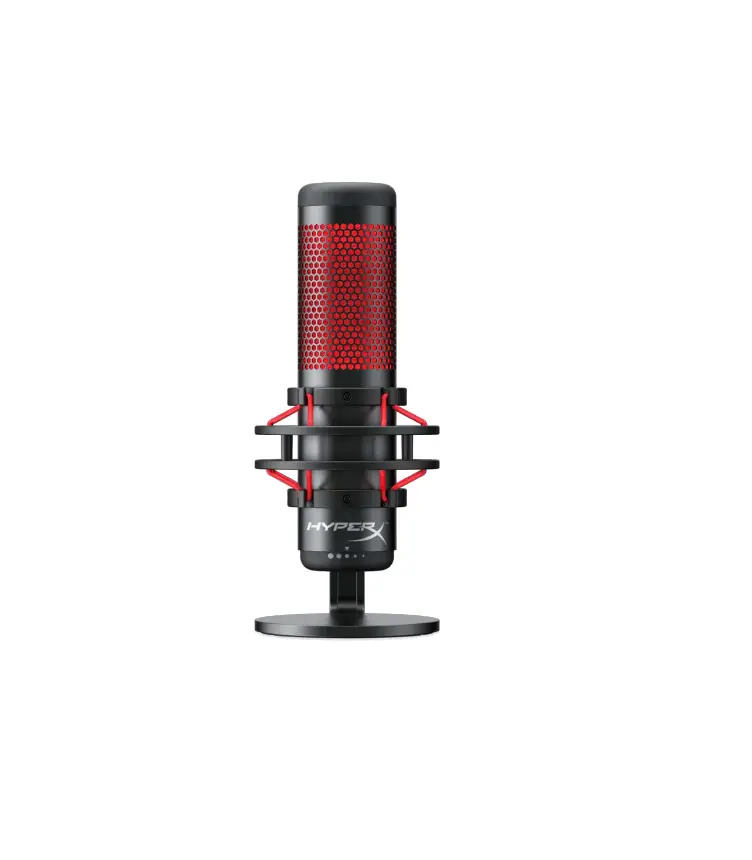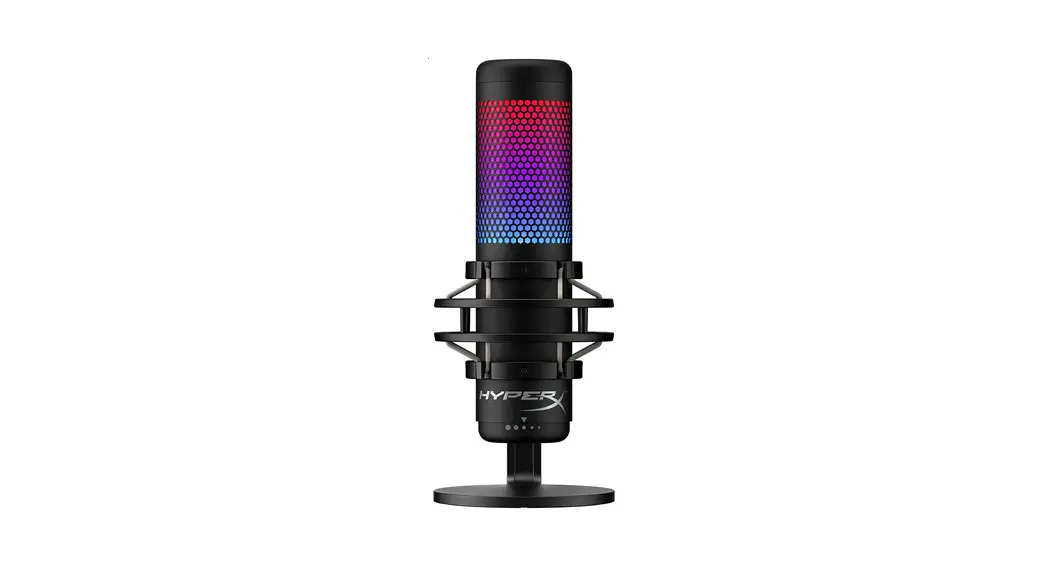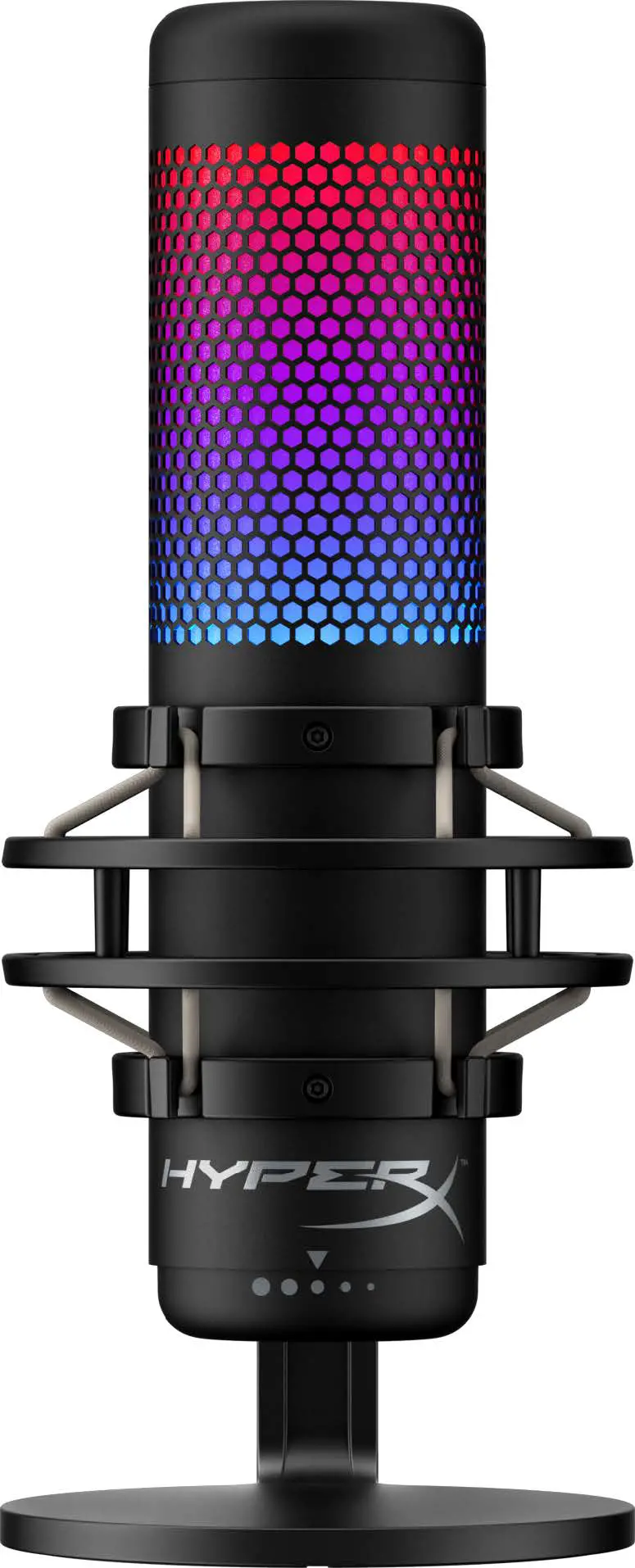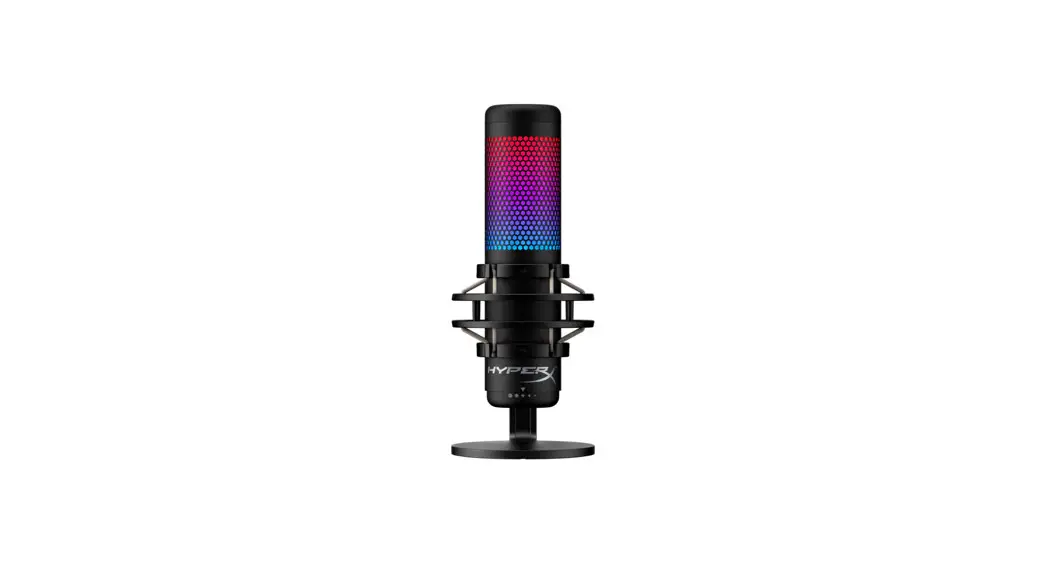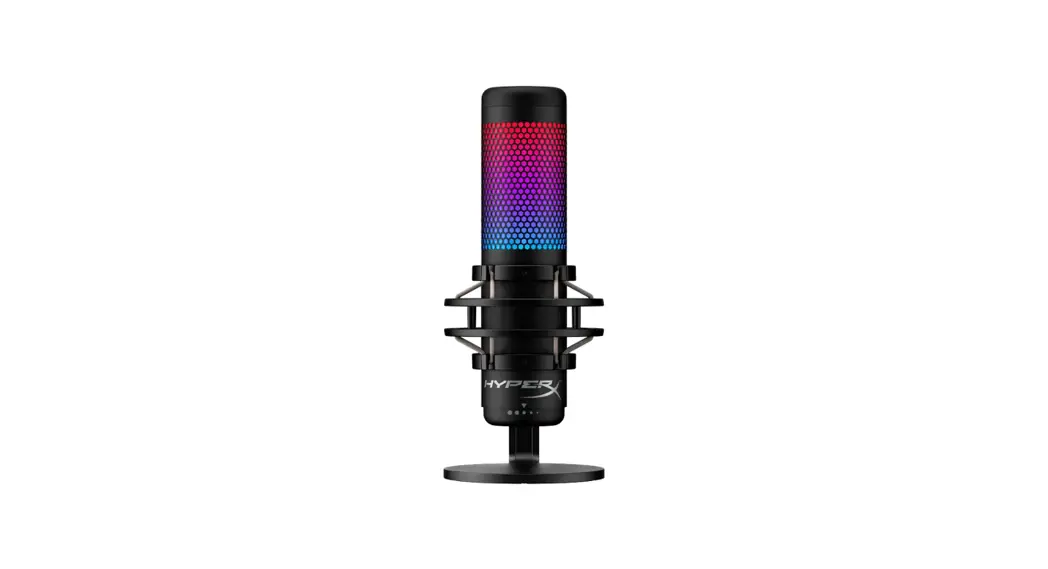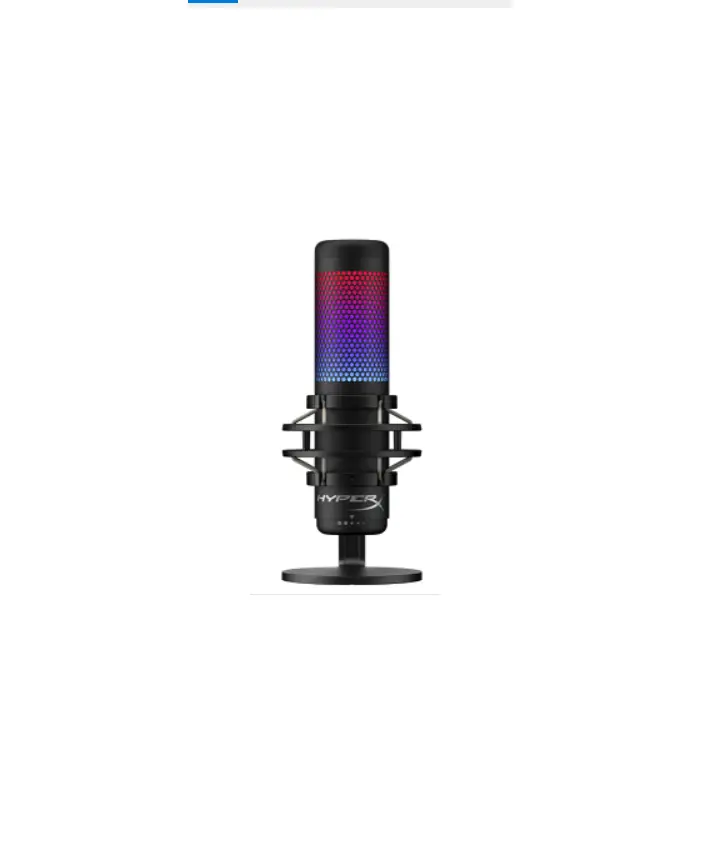
HyperX QuadCast S User Manual

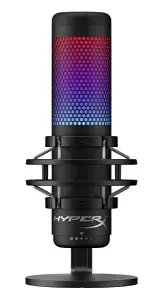
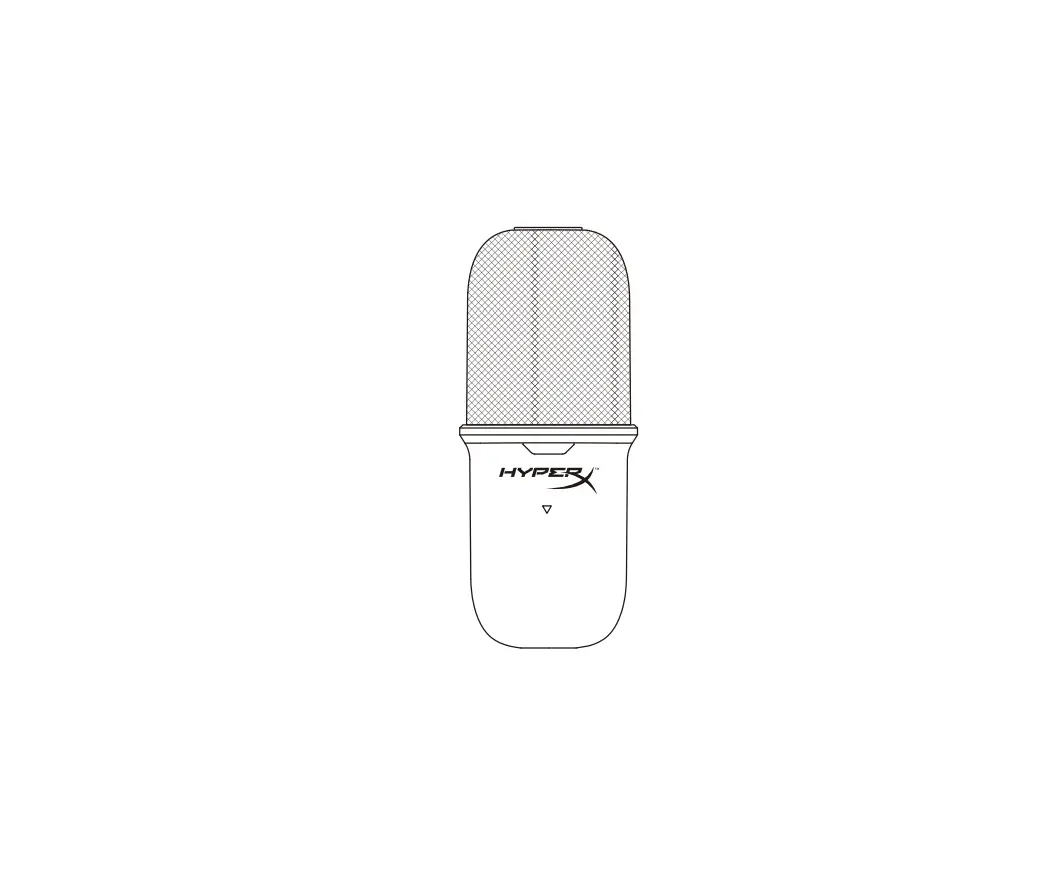
Overview
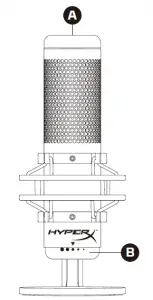
A Tap-to-mute sensor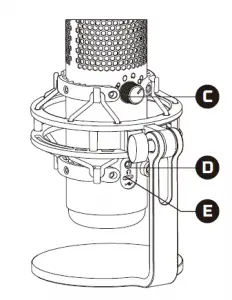
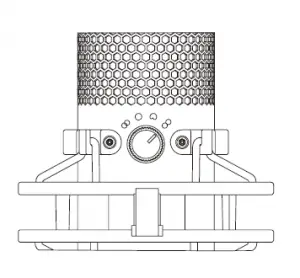
B Gain control knob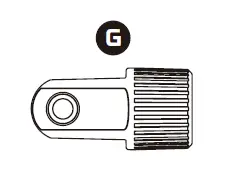
C Polar pattern knob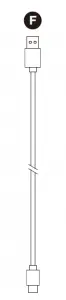
D Headphone jack
E USB-C port
F USB cable
G Mount adapter*
* Supports both 3/8” and 5/8” thread sizes
Selecting a Microphone Polar Pattern
| POLAR PATTERN SYMBOL | SOUND DIRECTION | POLAR PATTERN |
 | 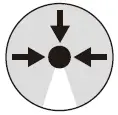 | Stereo |
 | 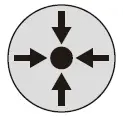 | Omnidirectional |
 | 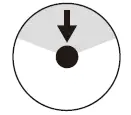 | Cardioid |
 | 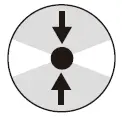 | Bidirectional |
Adjusting Microphone Gain
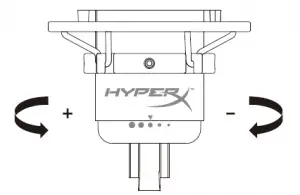
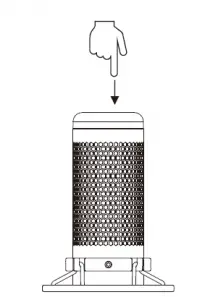
Tap-to-Mute sensor
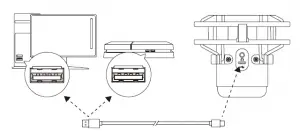
Using on PC or PS4
Connecting Headphones

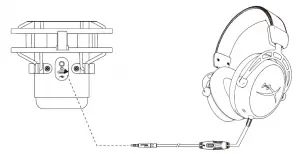
Connect headphones to the headphone jack on the microphone for microphone monitoring and playback audio
Overview
A – Tap-to-mute sensor
B – Gain control knob
C – Polar pattern knob
D – Headphone jack
E – USB-C port
F – USB cable
G – Mount adapter*
*supports both 3/8” and 5/8” thread sizes
Selecting a Microphone Polar Pattern
| POLAR PATTERN SYMBOL | SOUND DIRECTION | POLAR PATTERN |
|
| Stereo |
|
| Omnidirectional |
|
| Cardioid |
|
| Bidirectional |
Adjusting Microphone Gain
Tap-to-Mute sensor
Using on PC or PS4
Connecting Headphones
Connect headphones to the headphone jack on the microphone for microphone monitoring and playback audio.
HyperX NGENUITY Software
To customize lighting, download the HyperX NGENUITY software at: hyperxgaming.com/ngenuity
Questions or Setup Issues?
Contact the HyperX support team or see user manual at: hyperxgaming.com/support/microphones
 HyperX | High Quality Gaming Gear