KEYCC02BK Key Safe
User Manual
Preface
Thank you for purchasing the Nedis KEYCC02BK.
This document is the user manual and contains all the information for correct, efficient and safe use of the product.
This user manual is addressed to the end user. Read this information carefully before installing or using the product.
Always store this information with the product for use in the future.
Product description
Intended use
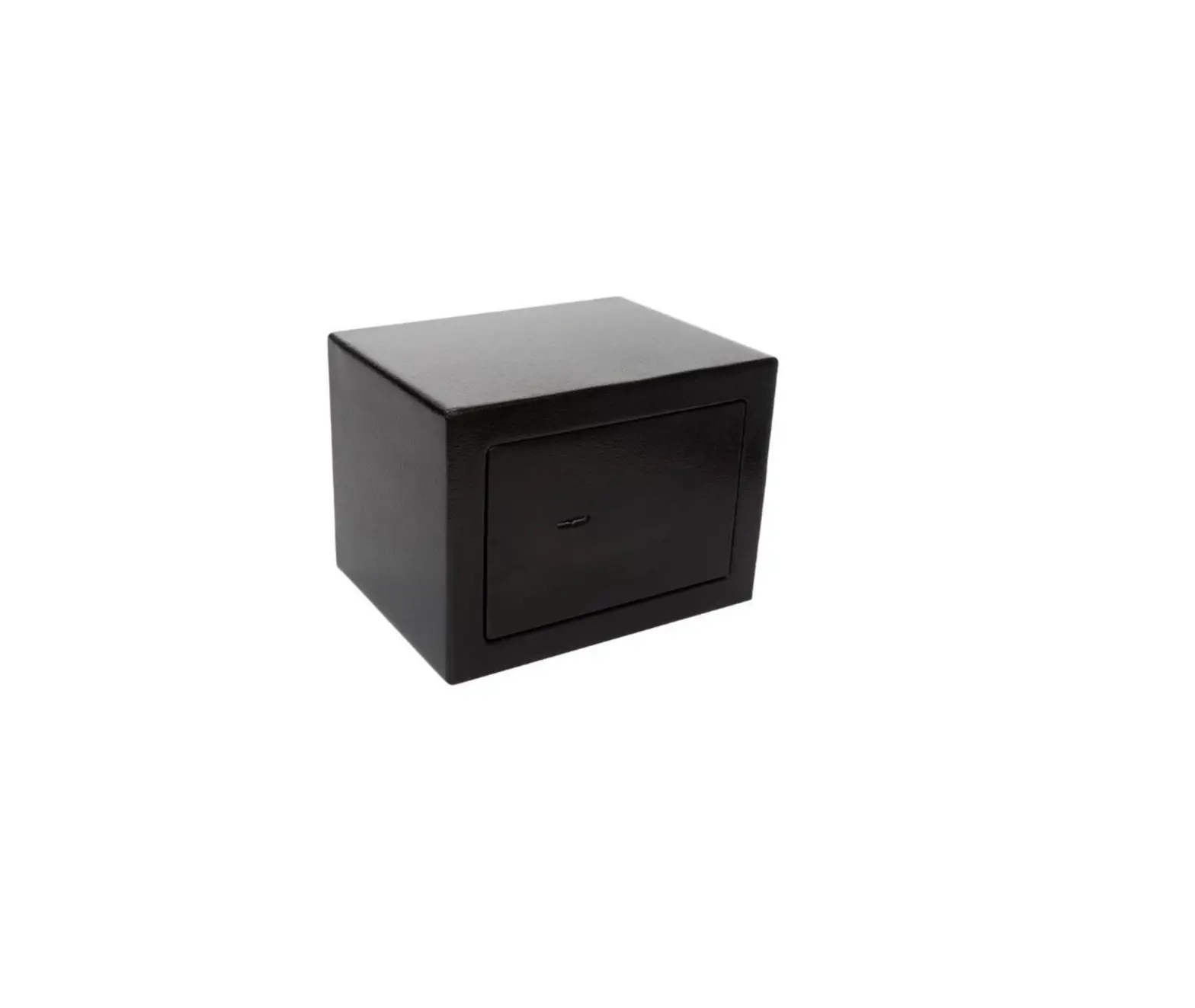
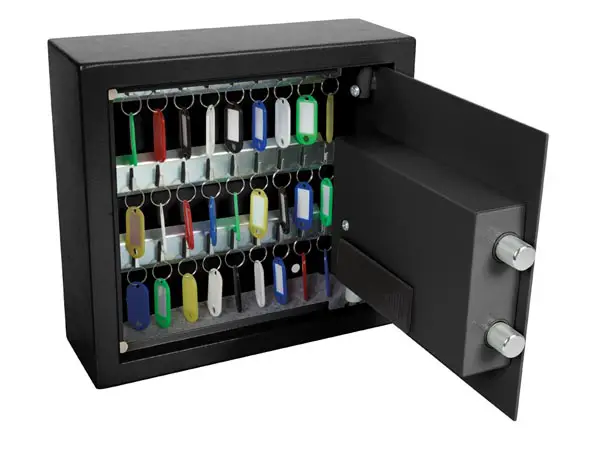
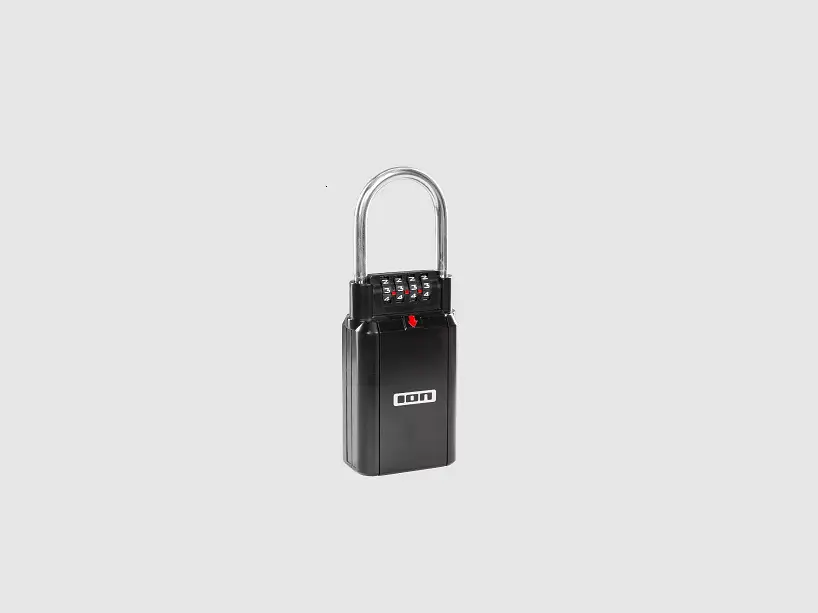
The KEYCC02BK is intended to be used as a combination lockable storage box.
The combination lock can be programmed to 9999 unique codes with the ten-digit dials.
The storage box offers enough space to store your keys or other small valuables.
The rubber cover offers water and dust resistance.
Mount the Key Safe with the screws supplied.
Any modification of the product may have consequences for safety, warranty and proper functioning.
Specifications
Product | Key Safe |
Article number | KEYCC02BK |
Inner dimensions (W x H x D) | 70 x 95 x 22 mm |
Dimensions (W x H X D) | 85 x 125 x 42 mm |
Weight | 462 g |
Lock type | Combination dial lock |
Safe material | Aluminium Alloy |
Safety instructions
WARNING
- Only use the product as described in this manual.
- Keep the product out of reach from children, infirm persons or animals.
- Do not use a damaged product.
Safety symbols on the product
Icon | Description |
 | Indication that the producer of the packaging material complies with the Packaging Law and has contributed to the costs of the ‘Green Dot’ waste separation and recycling system. |
 | Indication to explain that the product can be recycled. |
 | Indication to explain that the product should be recycled appropriately. |
Installation
Unlocking the safe
 |  |
1. Open the cover.
2. Rotate the dials to the factory standard code combination: 0000.
Setting a code combination
 |  |  |
1. Open the safe door.
2. Push the reset lever on the back of the door to the right and upward (from A to B).
3. Rotate the dials to your desired combination.
Note: ensure the dials are correctly aligned so that the code is entered accurately.
Note: Do not program a code that can easily be guessed, such as 1-2-3-4 or 1-1-1-1.
4. Push the lever back down and left to save the new combination (from B to A).
Locking the safe
 |  |  |
1. Insert the items you want to lock into the safe.
2. Close the safe door.
3. Realign the combination dials to lock the door and to conceal your combination.
4. Close the cover.
Note: Keep the rubber case closed to increase weather resistance.
Maintenance
- Clean the product regularly with a soft, clean, dry cloth. Avoid abrasives that can damage the surface.
- Rotate the dials weekly to keep them moving freely.
- Do not use aggressive chemical cleaning agents such as ammonia, acid or acetone when cleaning the product.
Warranty
Any changes and/or modifications to the product will void the warranty. We accept no liability for damage caused by improper use of the product.
Disclaimer
Designs and specifications are subject to change without notice. All logos, brands and product names are trademarks or registered trademarks of their respective owners and are hereby recognized as such.
Disposal
 | This symbol indicates that this product should not be thrown away with other household waste throughout the EU. To prevent possible harm to the environment or human health by uncontrolled waste disposal, you are responsible for recycling it so that it can promote the sustainable reuse of raw materials. To return your used product, you can use the regular return and collection systems or contact the store where the product was purchased. They can recycle this product for the environment. |