User Manual
Video Projector
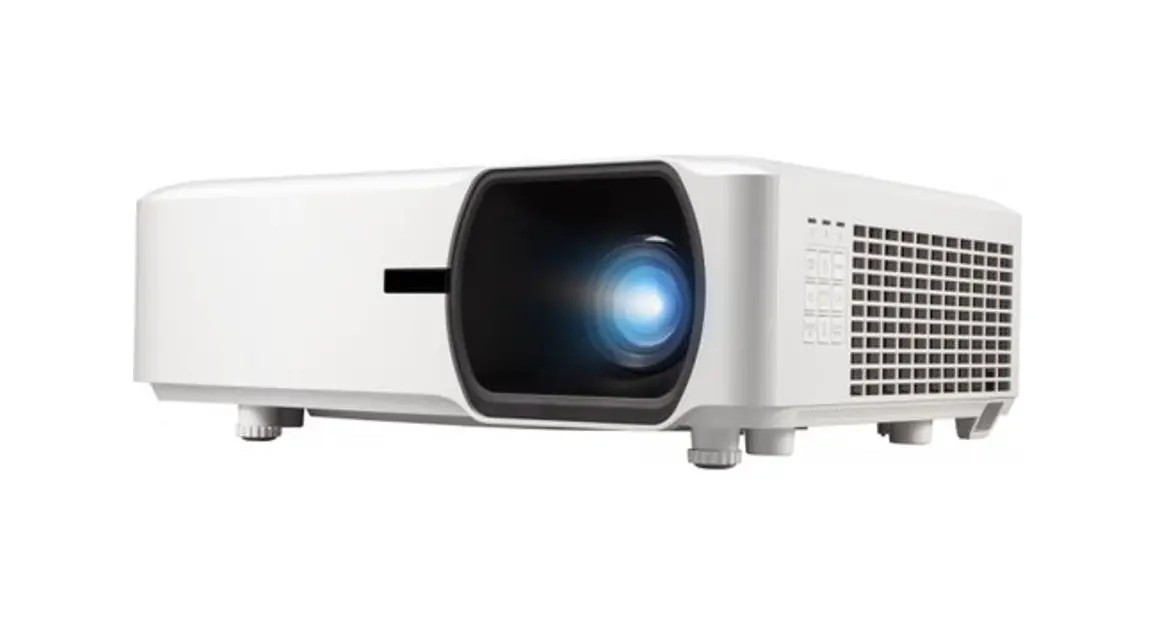
LC500
Thanks for your choosing Apeman!
Thank you for purchasing this product from Apeman. Please read and follow this user manual carefully and keep it in a safe place for future reference.
Apeman consistently attaches great importance to product quality and high customer satisfaction. We sincerely hope you can make a few suggestions during your use to help us improve our products. Your precious suggestions will help us shape our business to perfectly fit your standards. We’ll soon introduce series of new products for our valued customers, you can share it with your friends.
Just let us know if you encounter any problem during using. Our after-sale team will provide best solution to you without any delay. And all items purchased from Apeman are covered by 1-year warranty.
You can find our contact information below:
Looking forward to bringing more great products to you in the future.
Kind regards,
Apeman Support Team
Important Safety Consideration
The following safety instructions ensure the long service life of the projector to avoid fire or electric shock. Make sure to read them carefully and pay attention to all the following warnings.
- Do not install the projector in sites with improper ventilation. Keep the back of the projector well ventilated so it can cool the system without problem. Do not block the ventilation holes.
- Do not install the projector in dust and smoke sites. Do not install the projector near the temperature and smoke transducer. It may cause a sensor failure.
- Do not install the projector in sites with direct blowing of warm and cool air—condition wind. Otherwise it may cause the project failure due to moisture condensation or temperature increment.
- No water—proof function for this projector, Apparatus like vase or cup should not be put around the projector.
- No peeking into the lens while projectors is working.
- Please turn off the projector and cut off the power supply, if it is not used for a long time.
- To avoid risk of electronic shock, do not disassemble or repair the device. Incorrect repair may cause risk of electronic shock or injury to people during operating. If projector is defected, please contact our after—sale service team: [email protected]
Packing List
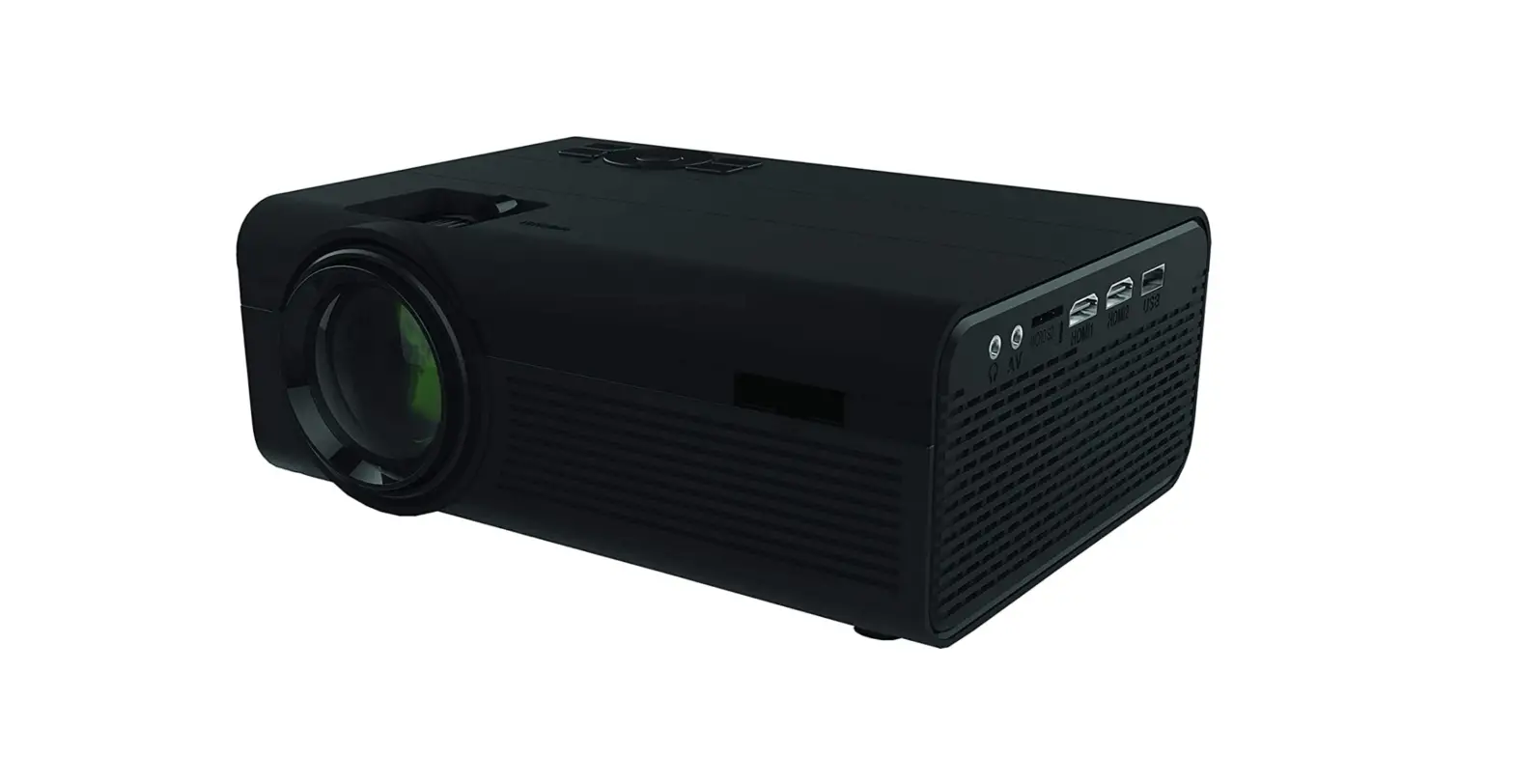
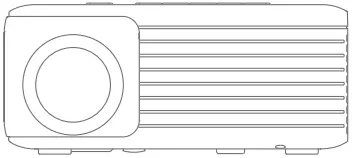 Projector LC500
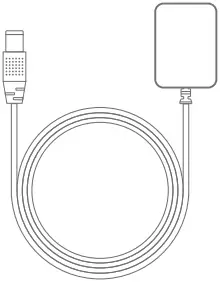
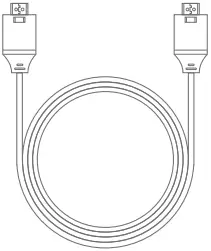
Power Cable HDMI Cable


User Manual Remote
Introduction
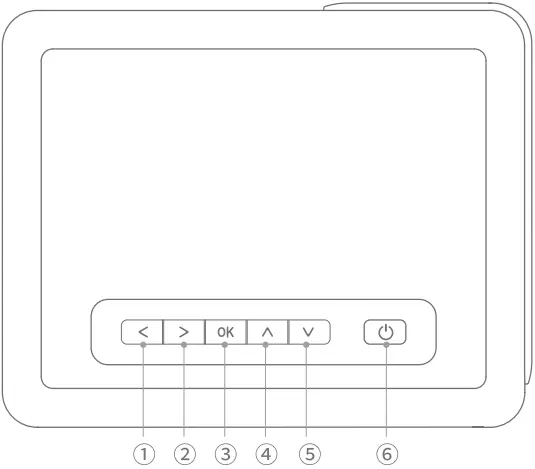
- Left
- Right
- Ok
- Up/menu
- Down/signal
- Power
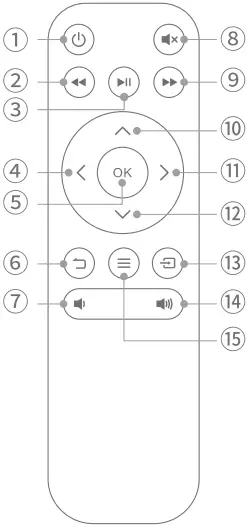
- Power
- Fast reverse
- Play/Pause
- Left
- OK
- Back
- Volume Down
- Mute
- Fast forward
- Up
- Right
- Down
- Signal
- Volume Up
- Menu
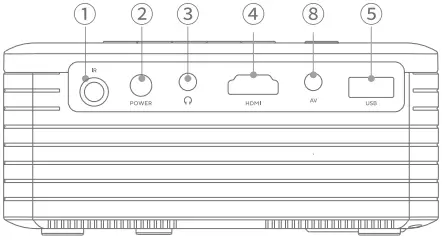
- IR
- Power Supply
- Audio out
- HDMI
- USB
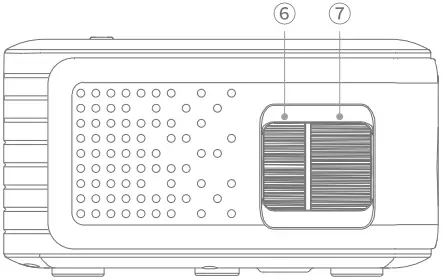
- Keystone correction
- Focus Wheel
- AV
Quick Start
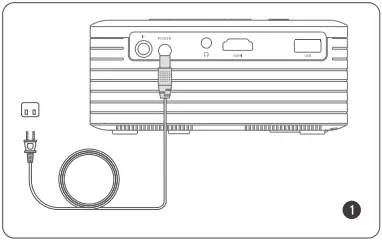
Plug the power cord into an outlet.
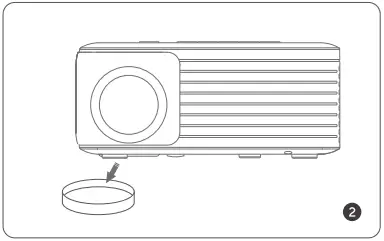
Take off the lens cover.
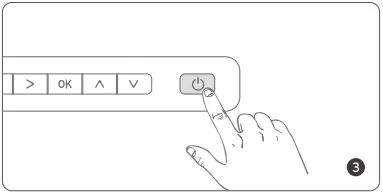
Press the power button to turn on the projector.
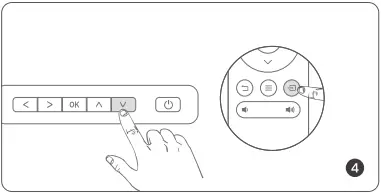
Press the button  or
or  to select the input source.
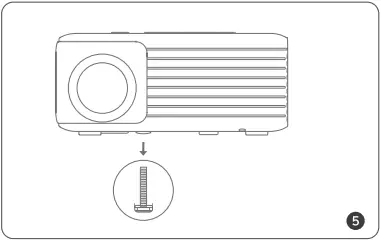
Adjust the srew bracket.
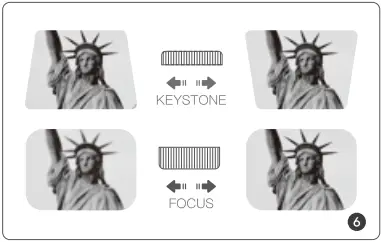
Adjust the keystone and focus wheel to get clear image.
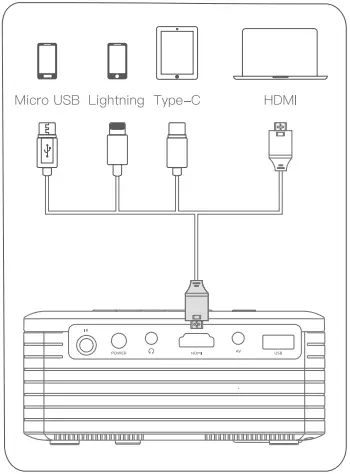
Connect your device to the projector.
iPhone/iPad: An official Lightning Digital AV adapter is Required (not include).
Android: An USB C to HDMI Adapter/ Miracast/Dongle for projector is Required (not include).
Projection Distance and Screen Size
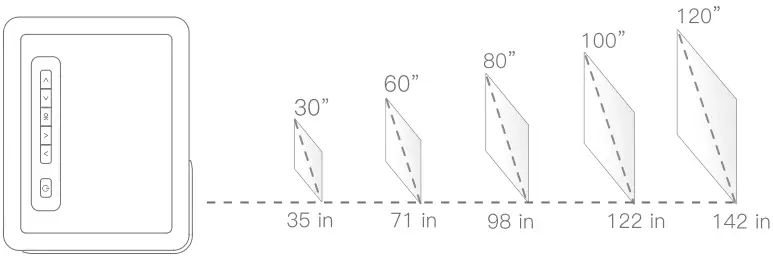
Projection Distance=1.184 * Projection Size
Projection Size = Projection Distance / 1.184
Specification
| Imaging Technology | LCD |
| Light Source | LED |
| Native Resolution | 1280 x 720 |
| Supported Resolution | 1080p, 1080i, 720p, 576i, 480p and 480i |
| Aspect Ratio | 4:3/16:9 |
| Throw Ratio | 1.48:1 |
| Projection Distance | 1-4.5m |
| Screen Size | 30-120 inch |
| Focus | Manual |
| Keystone | ±15° |
| Input | HDMI/AV/USB/AUX |
| Built-In Speaker | 3W4Ω |
| Projector Input Voltage: | DC 2W 1.8A |
| Power Adapter Voltage: | AC 100V-240V, 50/60HZ |
| Net Weight | 0.93Ib |
| Dimension | 5.4 x 3.5 x 2.8 inch |
| Image Format | BMP/JPG/JPEG/PNG |
| Audio Formats | MP2/MP3/PCM/FLAC/WMA/AAC |
| Video Formats | AVI/MP4/MKV/MOV/3GP/MPEG1 / |
| Installation Type | MPEG2/H.264/XVID Front/Rear/Ceiling |
| Mounting Screw Size | M4 |
Troubleshooting
1. How to get a clear image quality?
A. Recommended using the projector in a relatively dark environment.
B. Place it horizontally, adjust the focus wheel.
C. If use keystone correction, there might be some slight edge blur.
2. What if there is no sound?
All projectors in the market cannot support Dolby audio. If there is no sound, you can turn off Dolby audio on video website like Nefflix. (Settings > Display & Sounds > Audio > Dolby Digital Output > Dolby Digital (OFF))
And some files which are coded by Dolby/AC3/DTS may not be able to play sound because of copyright issue. This is the characteristic for all projectors.
3. Can the projector be used outdoors to watch movies?
LC500 can be used outdoors, but please make sure there is a socket, because the video projector needs a power cable to work (included).
4. The remote control does not work.
Make sure the remote points at the IR receiver directly, and do not cover IR receiver.
Make sure you have inserted the battery (not included) into the remote control.
5. There is no icons on desktop/the screen is black when I connect to my computer.
Please press “Win+P” and choose “Duplicate”. Do not choose other modes like “Computer only”.
6. Any other confusion
Please contact us for the following email address if you got any confusion about this projector.
[email protected]

Made in China
Version 1.0