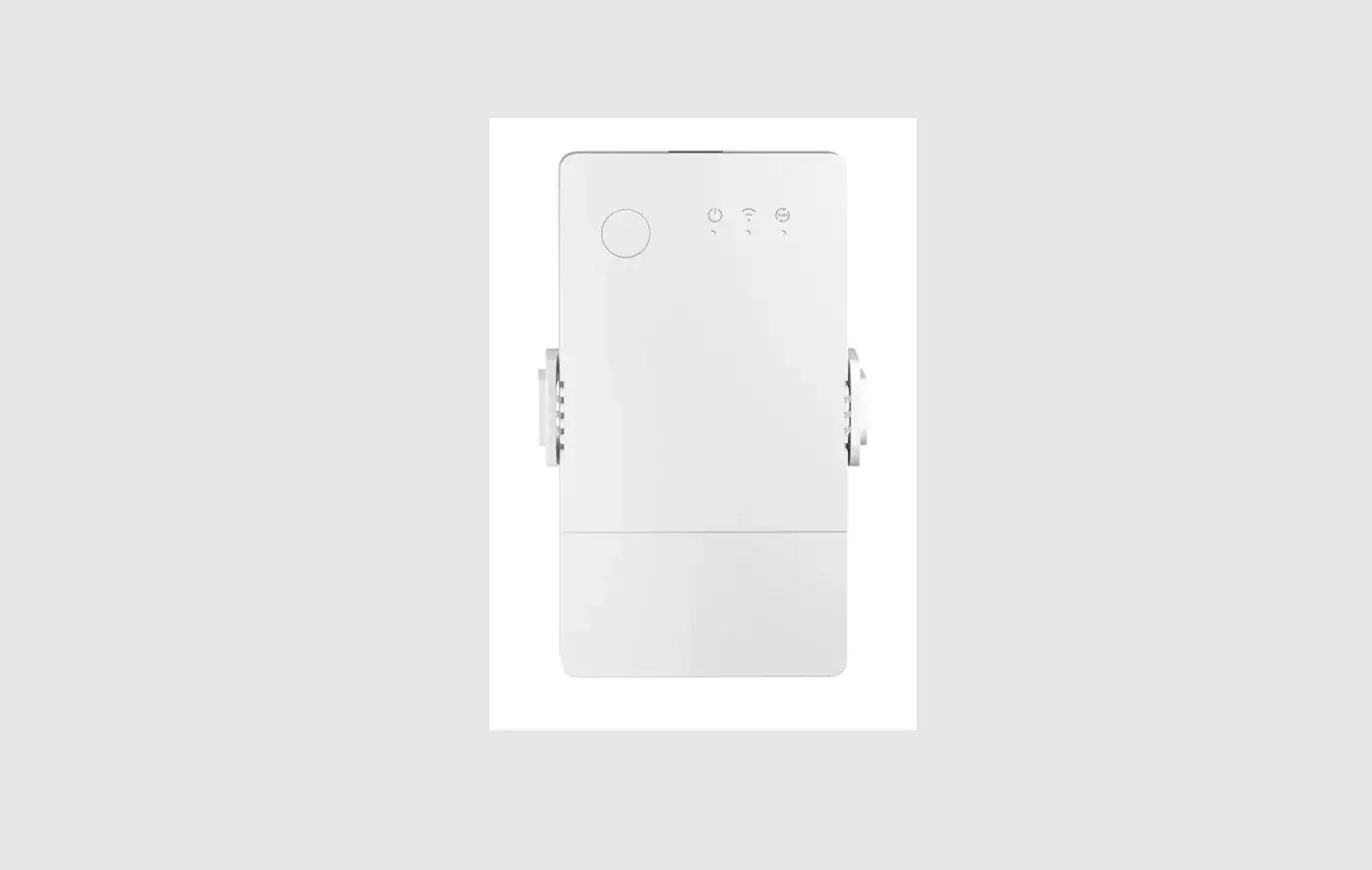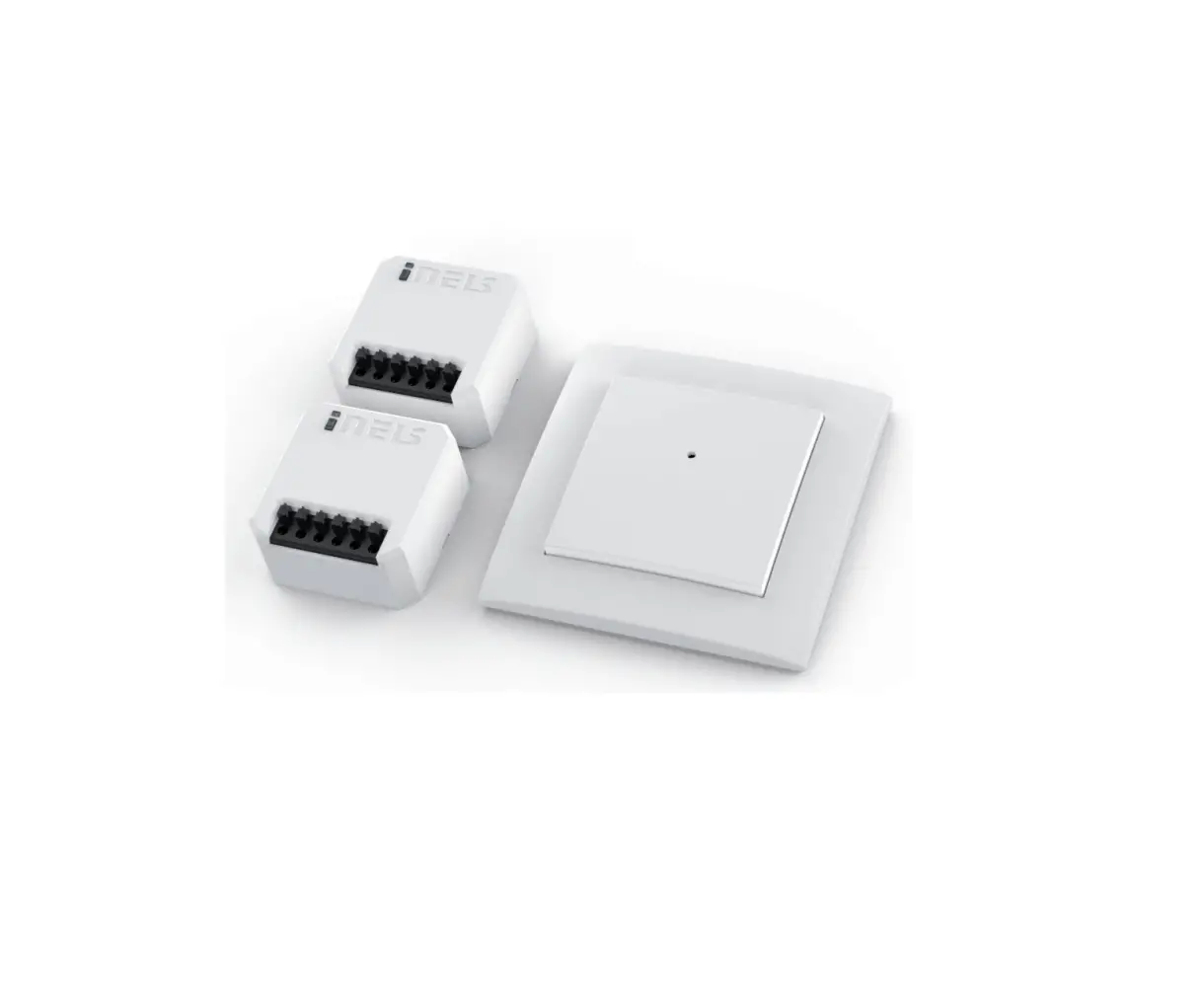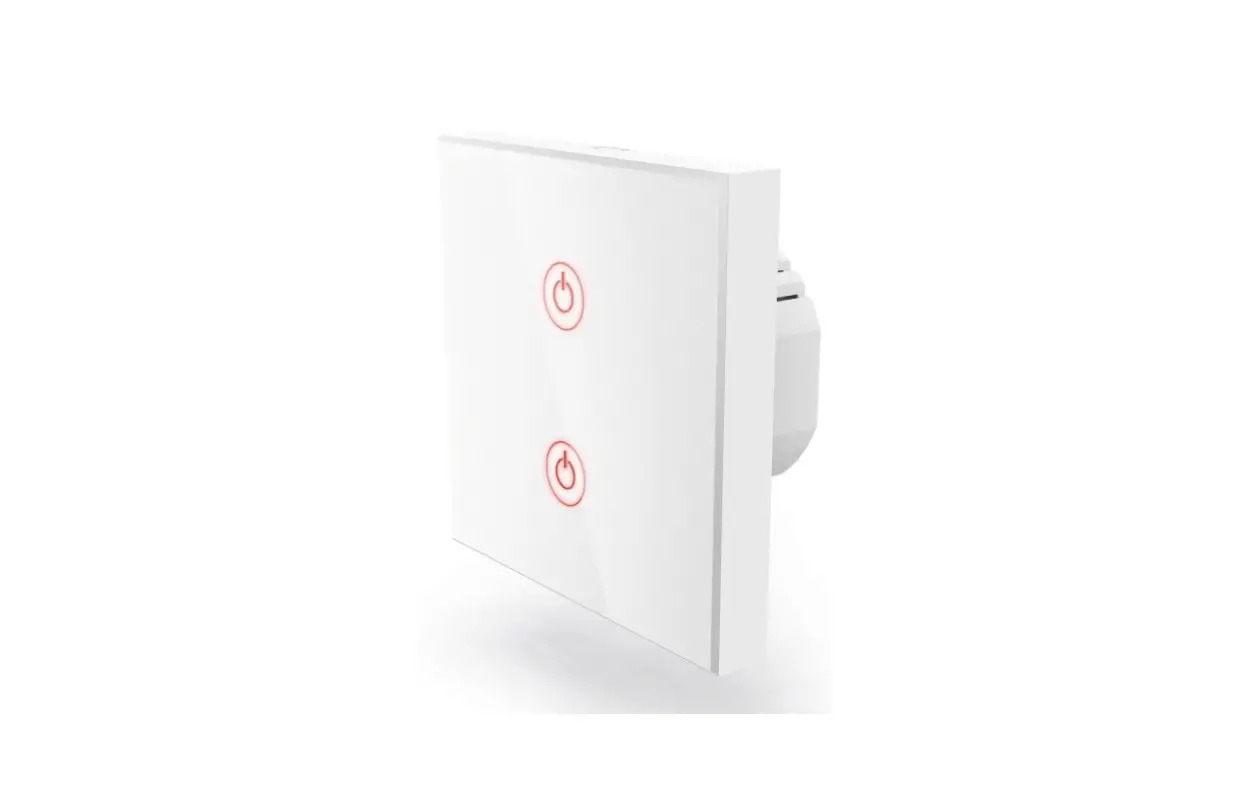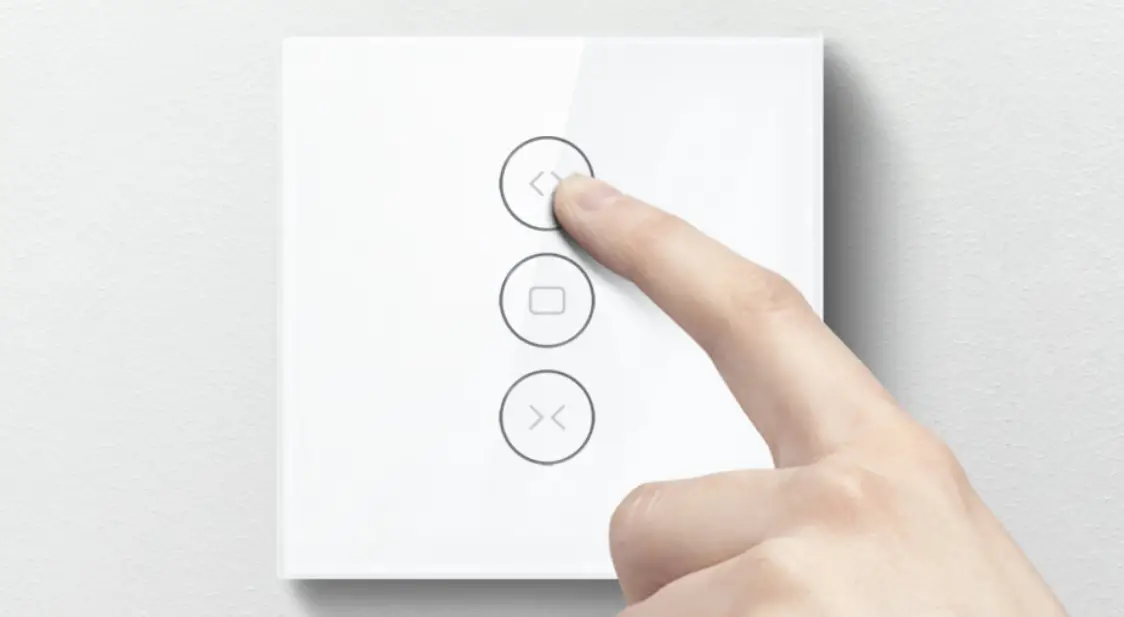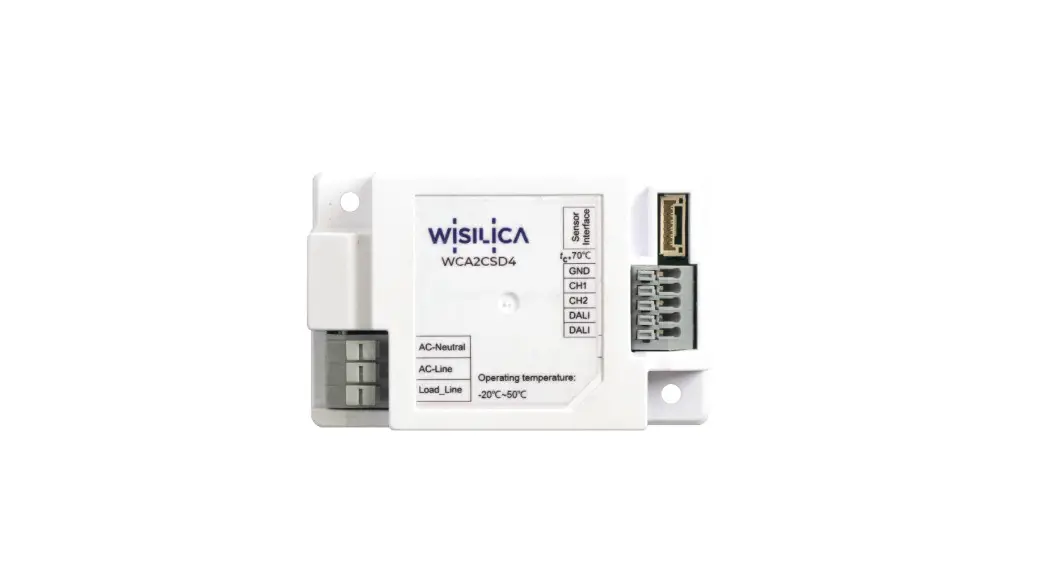
 WIA4BR Catron AI Switch
User Manual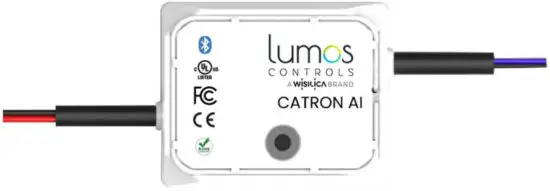
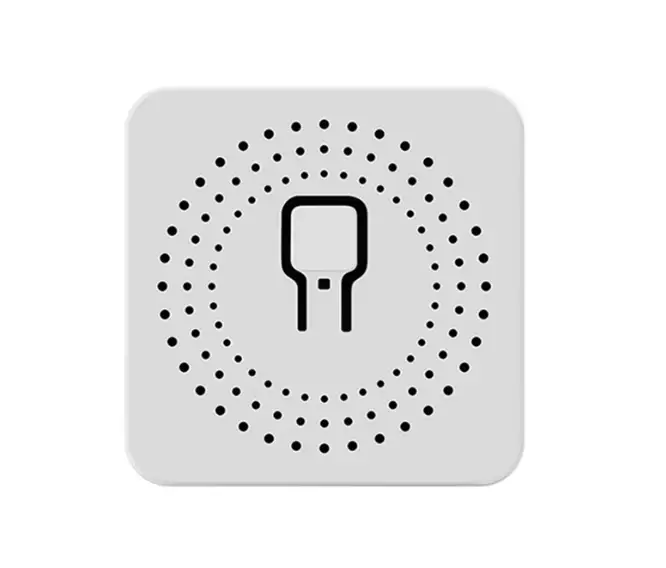
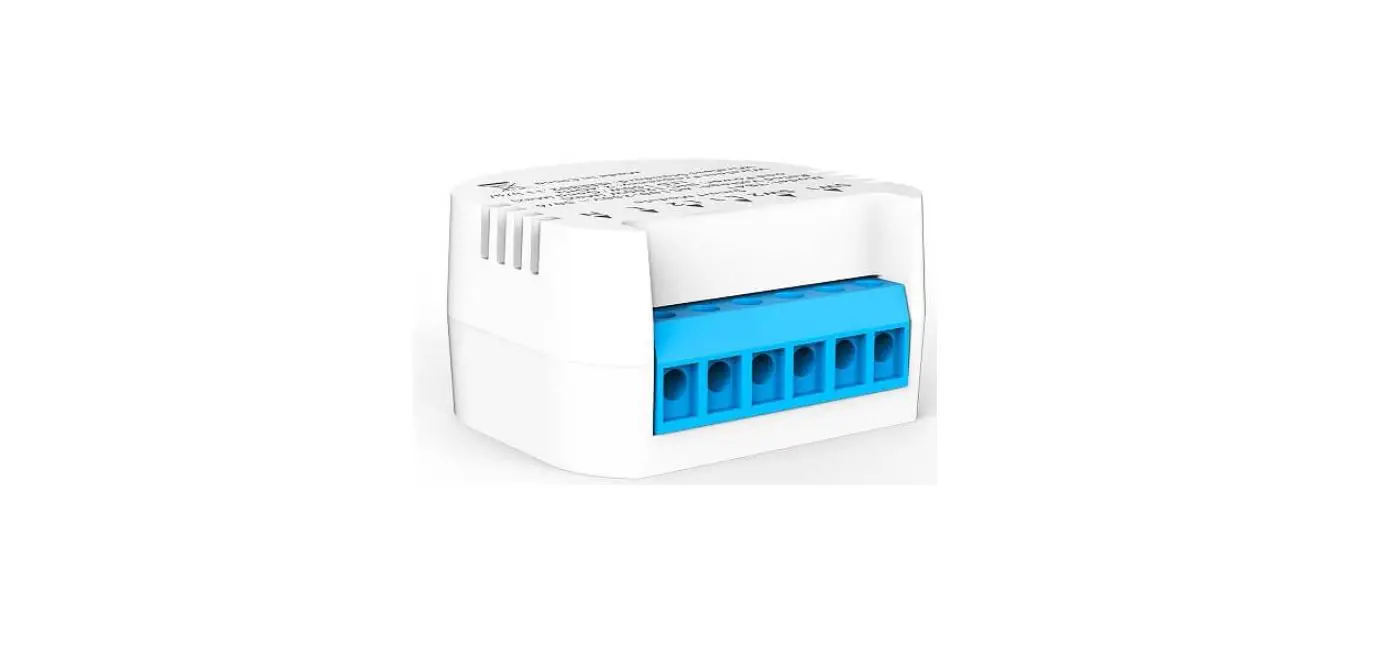
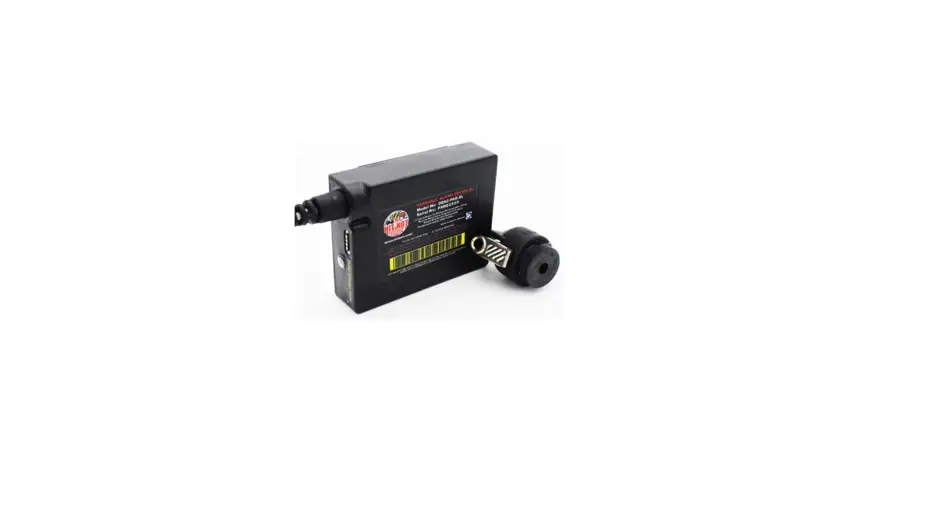
Catron Al is a switch interface that may be connected to 4-toggle switches or push-button switches and a dimmer switch, for control of light devices/groups/scenes/animations. This compact device also has a built-in Bluetooth Module which enables it to communicate with the lighting network wirelessly.
Features
- Connect any 4-toggle switch or push-button switch and a dimmer
- Control ON/OFF and intensity of luminaires
- BLE5.2 based non-flooding intelligent communication
- The compact form factor for easy and clean integration within a junction box
- Provision for custom configuration of switches using LUMOS Controls Mobile App
Specifications
| Electrical | Min. | Typ. | Max. | Unit | Remarks |
| Input Voltage | 90 | 277 | Vac | Rated Input voltage | |
| Input Current | 10 | mA | @ 230V | ||
| Power Consumption | 2 | W | Active Power | ||
| Input Frequency | 50 | _ | 60 | Hz | |
| Inrush Current | 4 | A | |||
| Surge Transient Protection | 4 | kV | @Line to Line: Bi-Wave | ||
| Stand By Consumption | 9 | mA |
| Output | Min. | Typ. | Max. | Unit | Remarks |
| Switch Input Voltage | 3.3 | V | Applicable for toggle/push-button switches | ||
| Switch Input Current | mA | ||||
| Dimmer Input Voltage | 0-10V | Applicable for slider/rotary dimmer switches | |||
| Dimmer Input Current | mA | ||||
| Dimming Range | 0 | 100 | % |
| Bluetooth | Min. | Typ. | Max. | Unit | Remarks |
| Frequency Range | 2400 | 2483 | MHz | ||
| TX Power | 8 | dBm | Conductive | ||
| RX sensitivity | -92 | dBm |
| Mechanical | Min. | Typ. | Max. | Unit | Remarks |
| Dimensions | 43 x 35 x 20 | mm | L x W x H | ||
| Dimensions | 1.7 x 1.4 x 0.8 | inch | L x W x H | ||
| Net Weight | 30.0 | g | In gram | ||
| Net Weight | 1.06 | oz | In ounce |
Device Dimensions
Catron AI Top View: 43mm x 35mm x 20mm (L x W x H).
Case Material: White-coloured V0 PC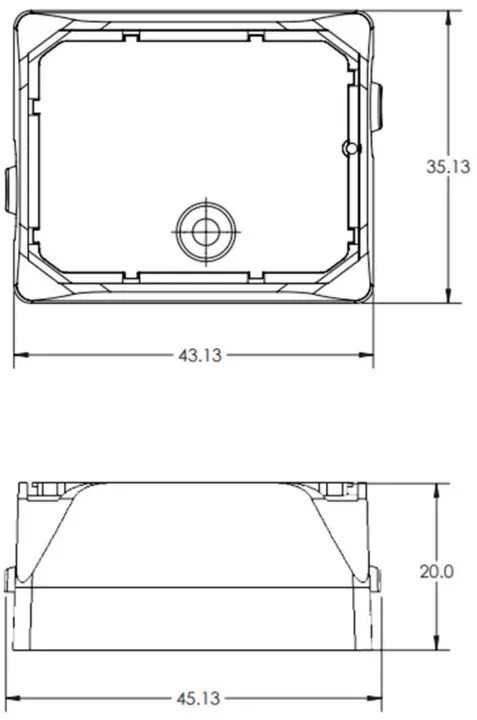
Wire Description
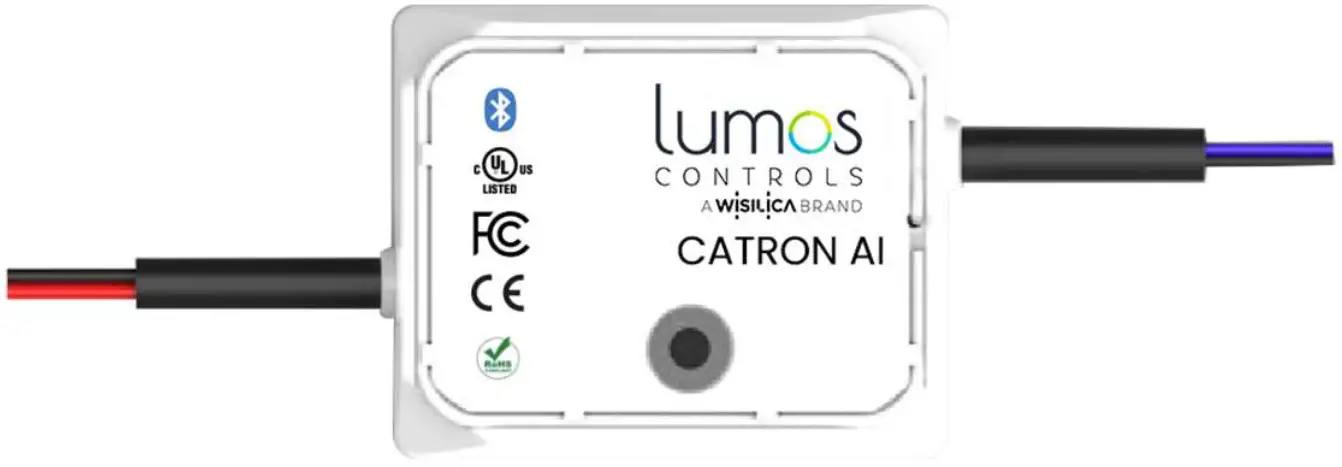
| SI.NO | NAME | COLOR | GAUGE | RATING | DESCRIPTION |
| 1 | Line | Black | 20 AWG | 600V | 100-277VAC |
| 2 | Neutral | White | 20 AWG | 600V | Common neutral |
| 3 | Switch Input-1 | Orange | 28 AWG | 300V | 3.3V Switch input |
| 4 | Switch Input-2 | Yellow | 28 AWG | 300V | 3.3V Switch input |
| 5 | Switch Input-3 | Green | 28 AWG | 300V | 3.3V Switch input |
| 6 | Switch Input-4 | Red | 28 AWG | 300V | 3.3V Switch input |
| 7 | 0-10V input | Purple | 28 AWG | 300V | 0-10V dimming input |
| 8 | Common Ground | Pink | 28 AWG | 300V | Common ground |
Antenna Information
150mm wire antenna

| Antenna Properties | |
| Frequency range | 2.4 GHz-2.5GHz |
| Impedance | 50 Ω Nominal |
| VSWR | 1.92:1 Max |
| Return loss | -10 dB Max |
| Gain(peak) | 1.5 dBi |
| Cable loss | 0.3 dBi Max |
| Polarization | Linear |
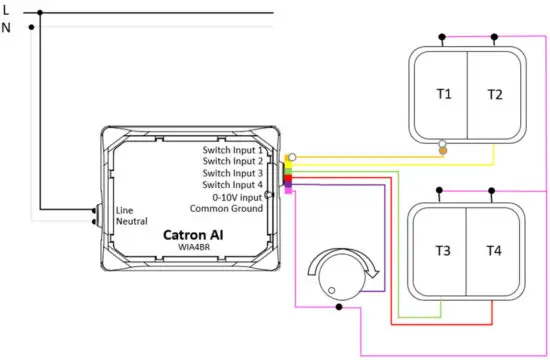
Wiring Diagram
Warning
- To prevent the device from any defect, please handle and store it with care.
– Do not drop or give a shock.
– Do not store in a very humid location or at extreme temperatures.
– Do not open or disassemble the product. - Static electricity or surge voltage may damage the components inside the device, as such please observe the proper anti-electrostatic working process.
– People handing the device should be well-grounded (e.g. using an ESD wrist band) and wear antistatic working clothes and gloves.
– All related devices and instruments in the production line should be well-grounded (e.g. working table, measuring equipment, assembly jigs). - Observe the correct polarity of the output terminal.
- Avoid input voltage exceeding the maximum rating, which will cause damage to the circuit and result in malfunction.
- Do not block any ventilation openings. Install in accordance with the manufacturer’s instructions.
- Refer all servicing to qualified personnel. Servicing is required when the apparatus has been damaged in any way, such as a power supply cord or plug is damaged, liquid has been spilled or objects have fallen into the apparatus have been exposed to rain or moisture, do not operate normally, or has been dropped.
- To reduce the risk of fire or electric shock, do not expose this apparatus to rain or moisture. The apparatus shall not be exposed to dripping or splashing and objects filled with liquids, such as vases, shall not be placed on the apparatus.
- To prevent injury, this apparatus must be securely attached to the floor/wall in accordance with the installation instruction.
| Product Code | Product Name | Product Description | Communication | Voltage Rating | Output Channels |
| WIA4BR | Catron AI | The wireless switch interface device | BLE5.2 | 100-277V AC | 3.3V switch input, 0-10V dimming |
Compatible Devices

- iOS – iPhone & iPad (version 9.0 and above)
- Android- almost all device (version 6.0 and above)
Visit the link for commissioning and control information
Link – https://wisilica.com/help/wca2csd4/PreconfigurationWCA.htm
Download our mobile application in the following link
- Search Lumos Controls App on the App Store / Play Store for iOS / Android device or use the below link
- Android: https://play.google.com/store/apps/details?id=com.wisilica.Home&hl=en_US
- iOS: Lumos Controls on the App Store (apple.com)
FCC Statement
This equipment has been tested and found to comply with the limits for a Class B digital device, pursuant to part 15 of the FCC Rules. These limits are designed to provide reasonable protection against harmful interference in a residential installation. This equipment generates, uses and can radiate radio frequency energy and, if not installed and used in accordance with the instructions, may cause harmful interference to radio communications. However, there is no guarantee that interference will not occur in a particular installation. If this equipment does cause harmful interference to radio or television reception, which can be determined by turning the equipment off and on, the user is encouraged to try to correct the interference by one or more of the following measures:
- Reorient or relocate the receiving antenna.
- Increase the separation between the equipment and receiver.
- Connect the equipment into an outlet on a circuit different from that to which the receiver is connected.
- Consult the dealer or an experienced radio/TV technician for help.
Caution: Any changes or modifications to this device not explicitly approved by manufacturer could void your authority to operate this equipment.
This device complies with part 15 of the FCC Rules. Operation is subject to the following two conditions: (1) This device may not cause harmful interference, and (2) this device must accept any interference received, including interference that may cause undesired operation.
RF Exposure Information
This equipment complies with FCC radiation exposure limits set forth for an uncontrolled environment. This equipment should be installed and operated with minimum distance 20cm between the radiator and your body.
CONNECTING THINGS TO LIFE
WiSilica Inc
23282 Mill Creek Dr #340, Laguna Hills, CA 92653
United States of America
[email protected] www.wisilica.com
 [email protected]
Version 1.0