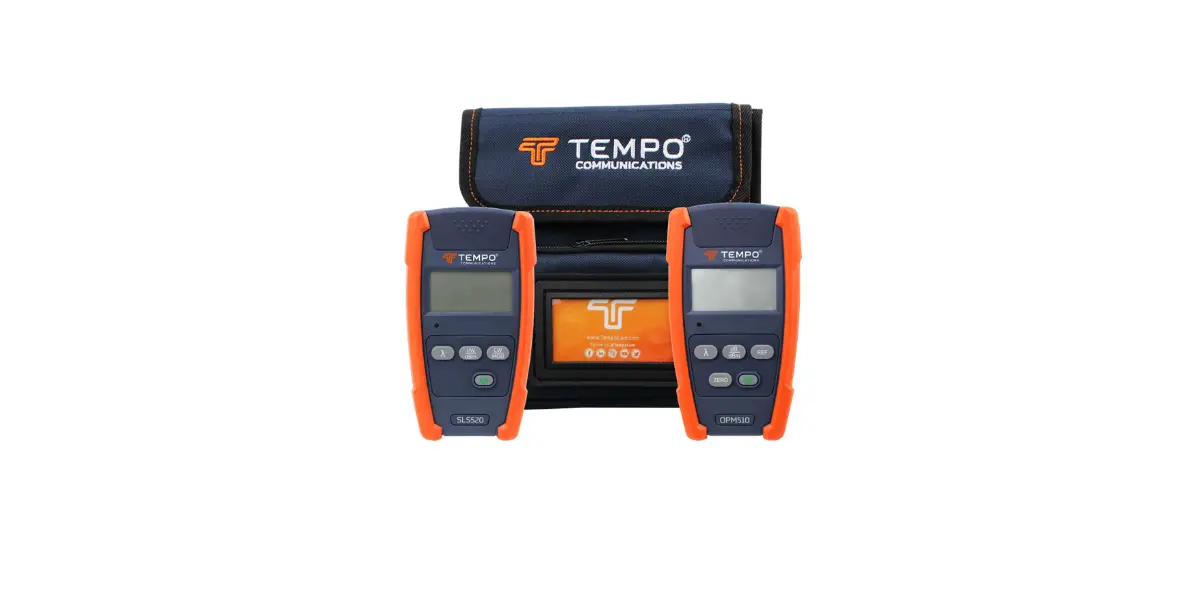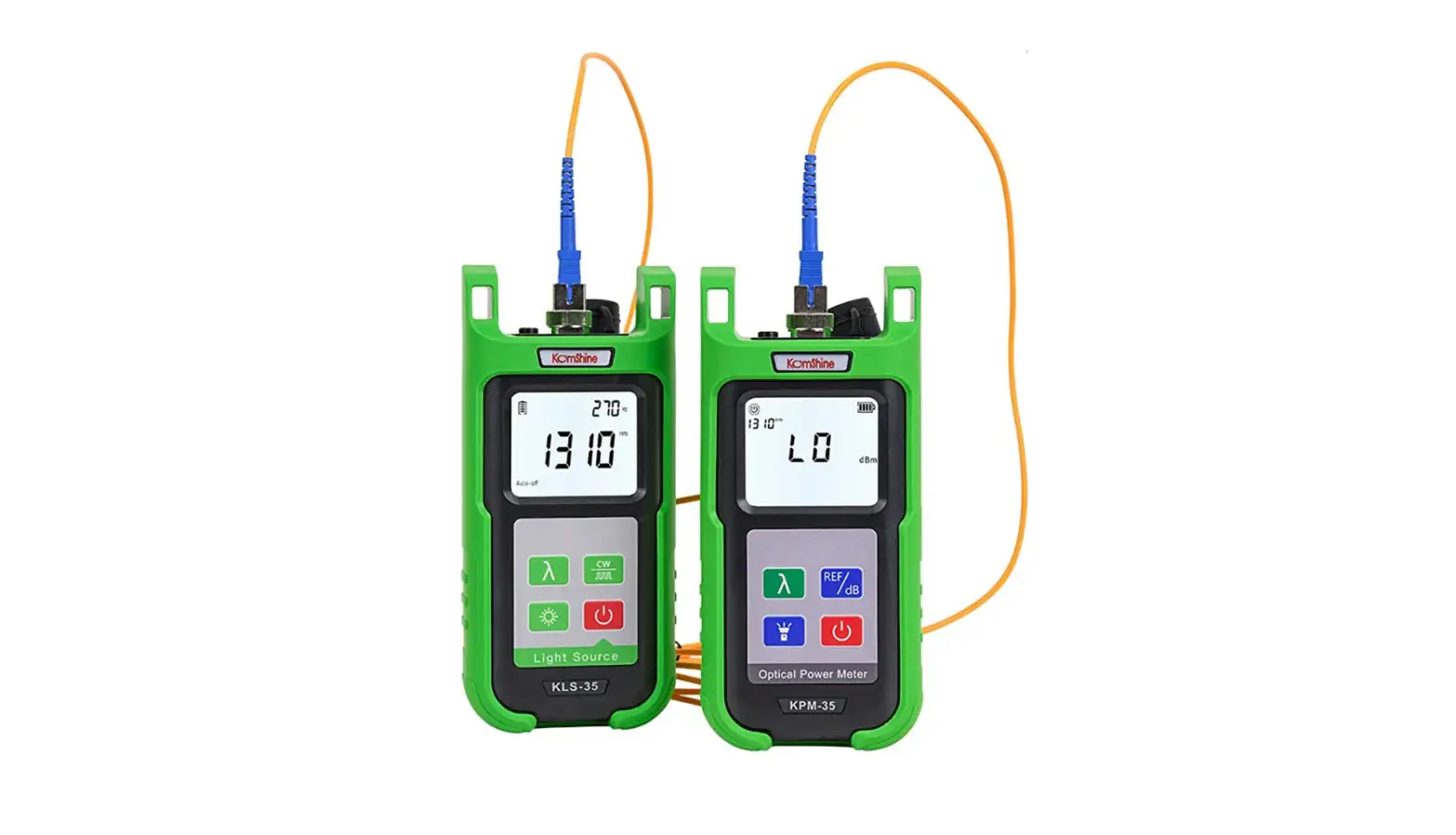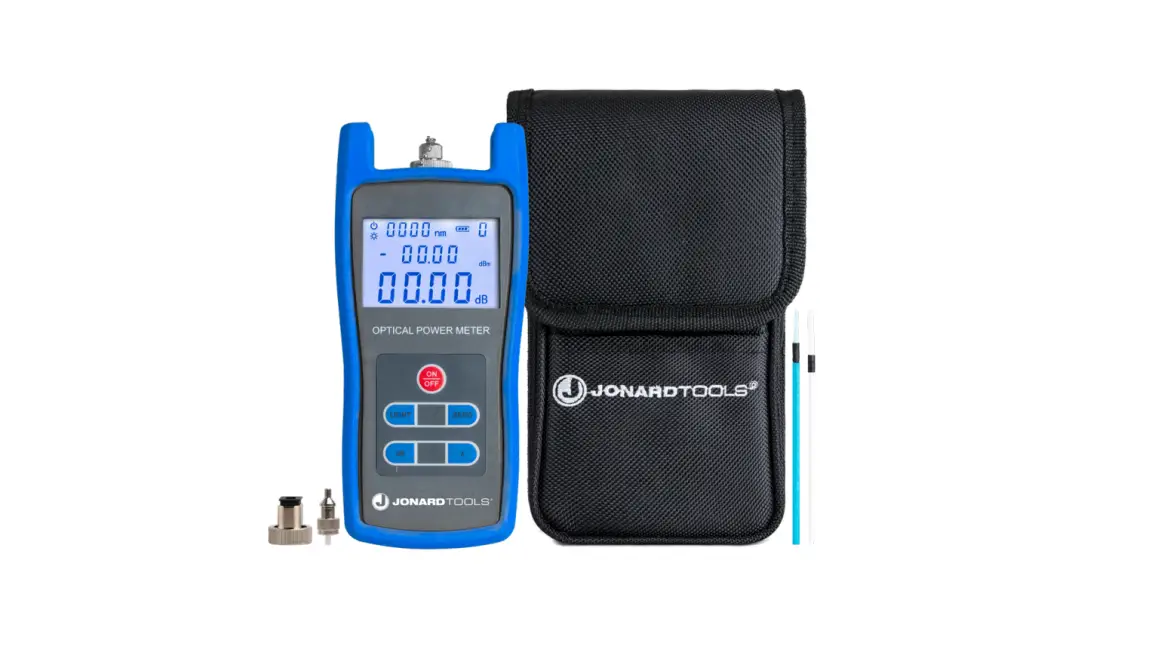
 OPM5XX Optical Power Meter User Guide
OPM5XX Optical Power Meter
Printing Details:
Pages 2-3 are for printing, this information is NOT to be printed.
Font Type: Prometo Bold (Headings & Subheadings), Saira Regular (Body Text)
Format:
Page size: 150 mm x 85 mm Artwork printed on both sides
Paper/Ink Details:
20 lb. standard paperweight, printed Black and White on both Front and Back, laminated.
| NAME | OPM QUICK REFERENCE CARD |
| Part # | 55500039 |
CONFIDENTIAL Proprietary information property of Tempo Communications Inc.,not to be disclosed, copied or reproduced without permission.
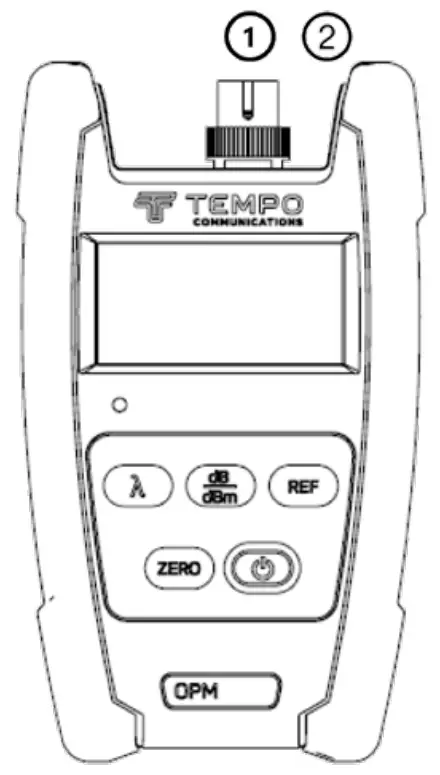
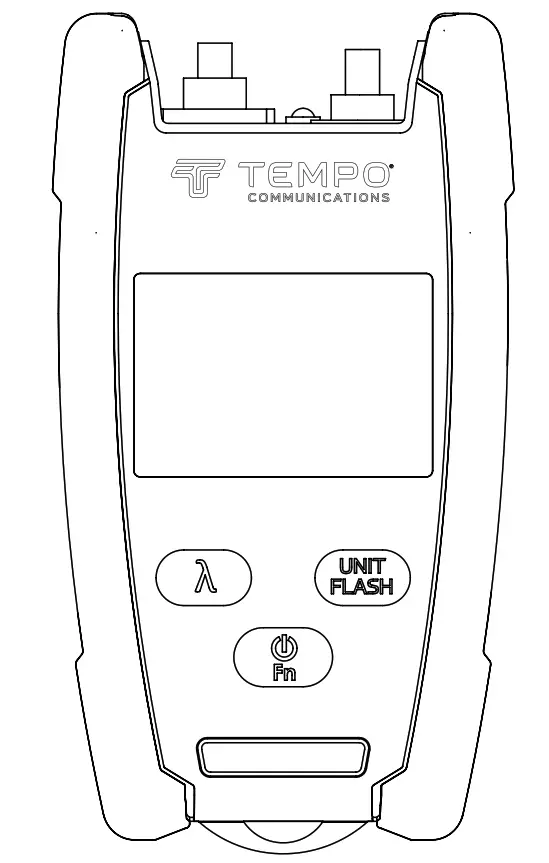
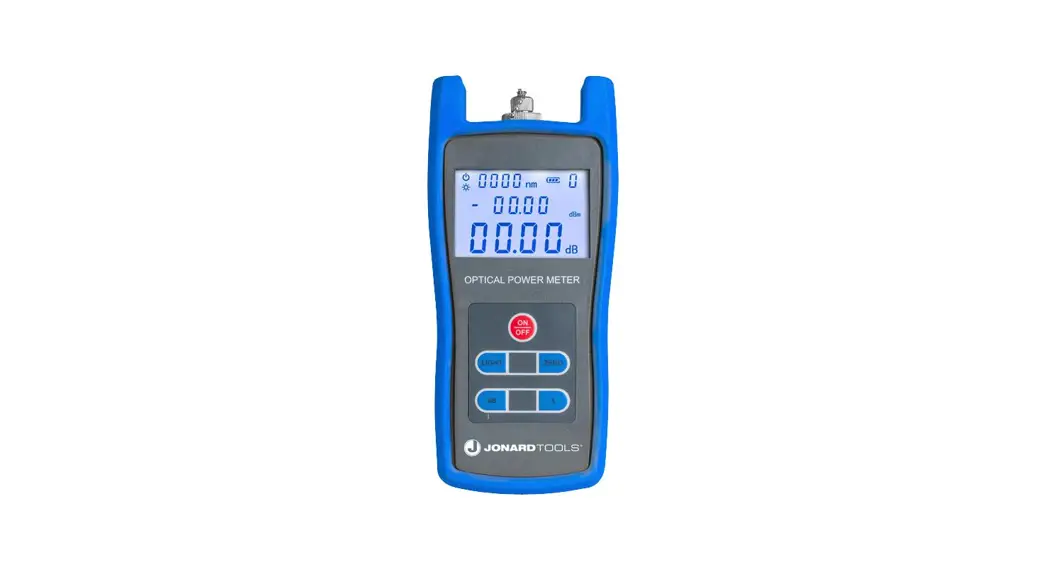
- Optical Bulkhead
- External Power Input
Keypad
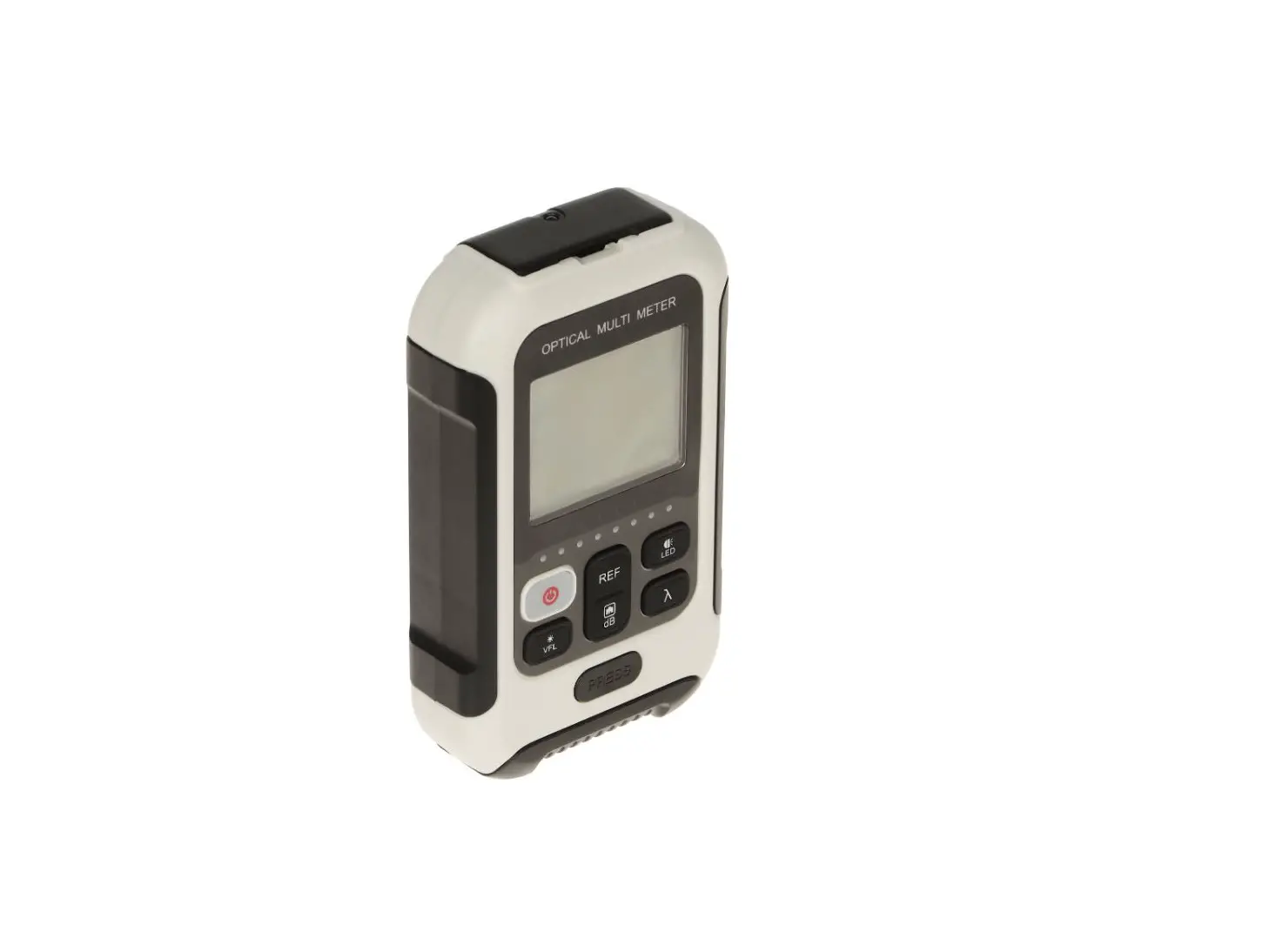
[ ] Push the power button to turn the OPM on or off. Hold the power button for two seconds to place the OPM into a constant on mode. Holding the power button again for two seconds will revert to the auto off mode.
dB/dBm ] Press this key to toggle between dB and dBm. [ Zero ] Press the Zero key to zero the OPM with the input port protected from ambient light [ REF ] Press this key to set a 0dB reference. [  ] Press this key to select the desired wavelength. Visit www.tempocom.com for full instruction manual.
1390 Aspen Way Vista, CA • 92081
Latin America Phone : 1 760 510 0558 | EMEA Phone: +44 (0) 1633 927 050
India and SAARC Region Sales: [email protected]
EMEA: Tempo Europe Limited • Brecon House
William Brown Close • Cwmbran • NP44 3AB • UK
©2022 Tempo Communications Inc. • An ISO 9001 Company
QR-OPM © 2022 Tempo Communications Inc.
 Tempo Communications – Industry-leading Test and Measurement Solutions