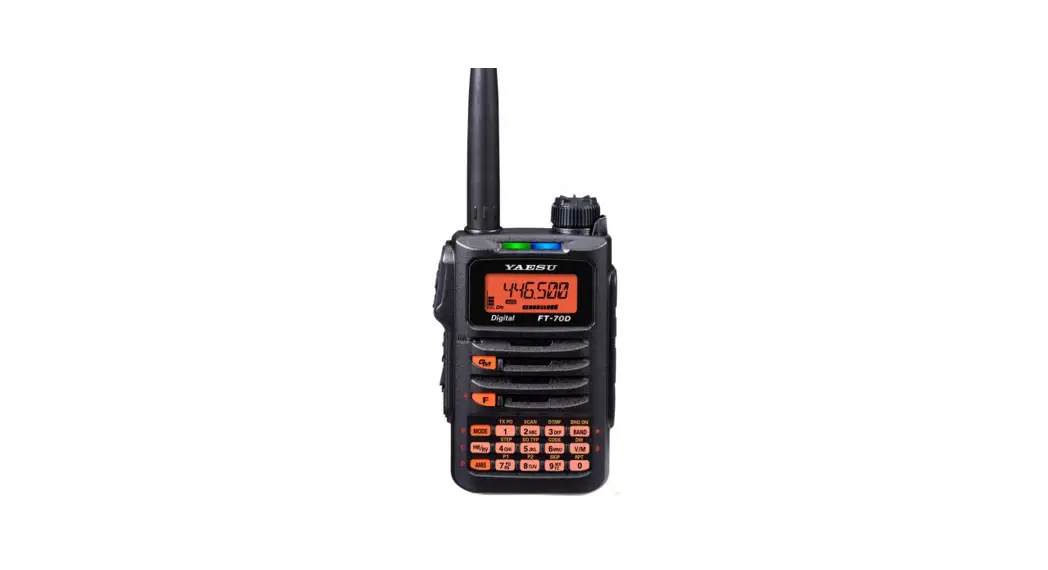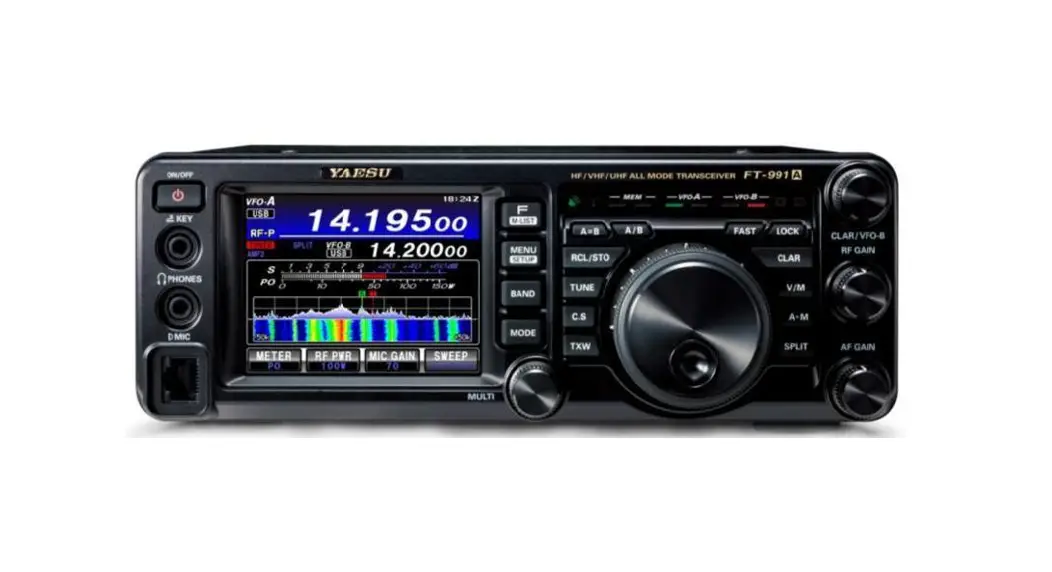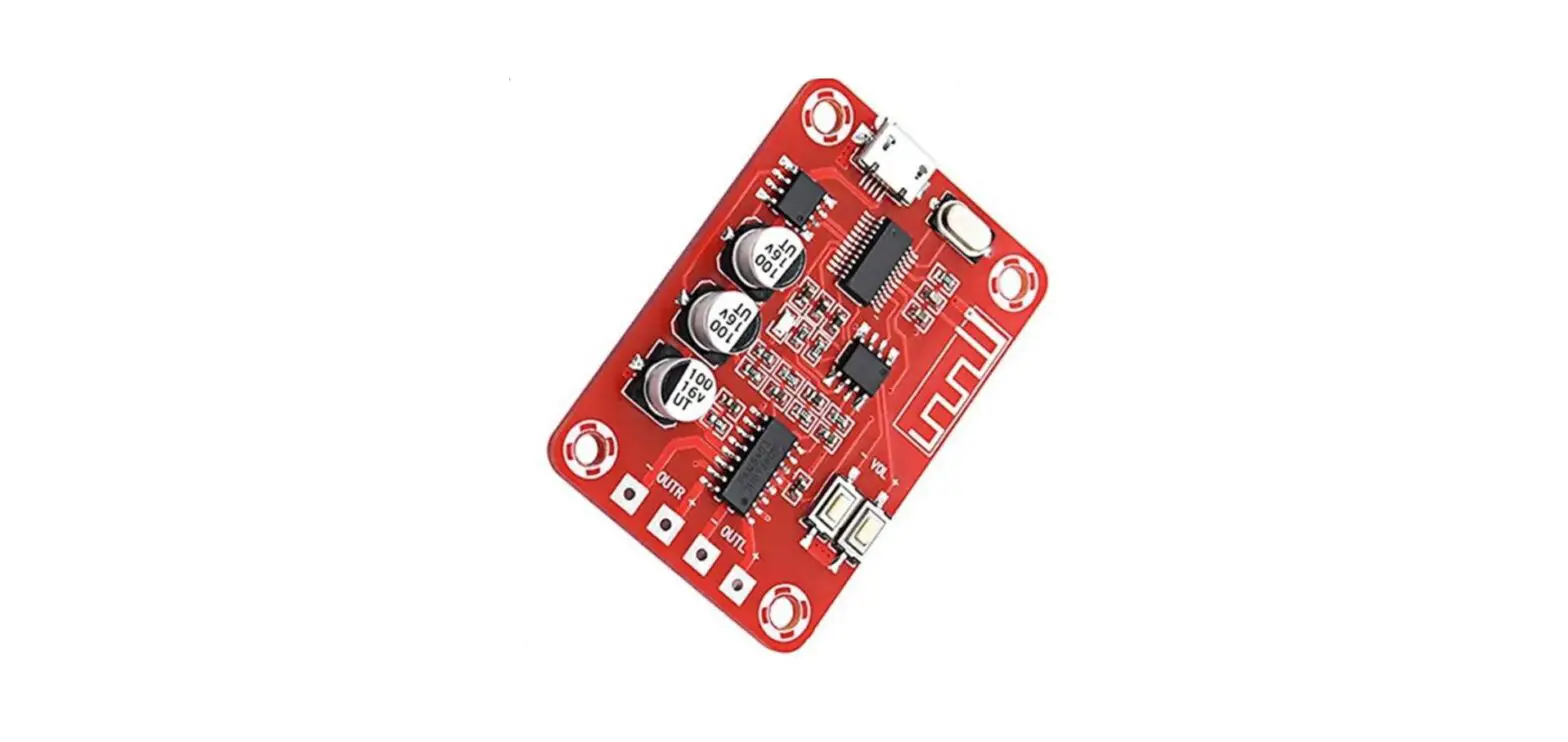
51-WG5/WG6/WG7 APRS Bluetooth for YAESU radios
Features
Basic feature:
As long as radio supports and enables the APRS function when your radio receives the APRS beacon it will display the sender’s location on the mobile phone/pad map! (51-WG7) Advance feature: WiFi and external GPS inputs added to 51-WG5 and 51-WG6, which allows to send location data to APRS server; 51-WG5 can be used for the radios that no DATA jack available, such as FT1907 etc.
Wiring
Please follow the instructions marked on the panels of the devices.
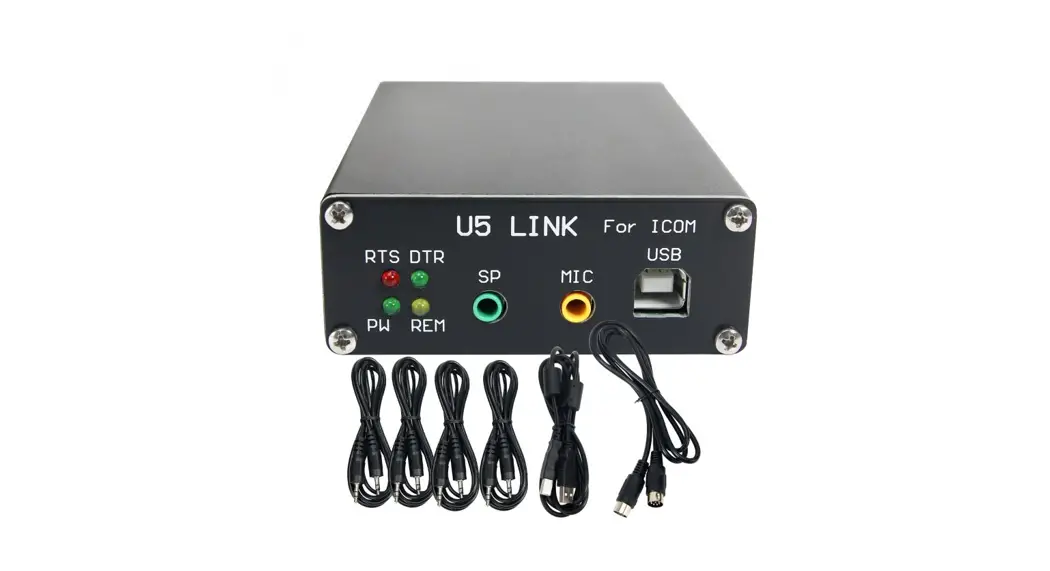
A power cord and a specific radio cable are included. You may prepare the external GPS and cable for 51-WG5 and 51-WG6.
Setting
The default Bluetooth pairing code is 1234. Please refer to following settings of FT-100DR (others may vary)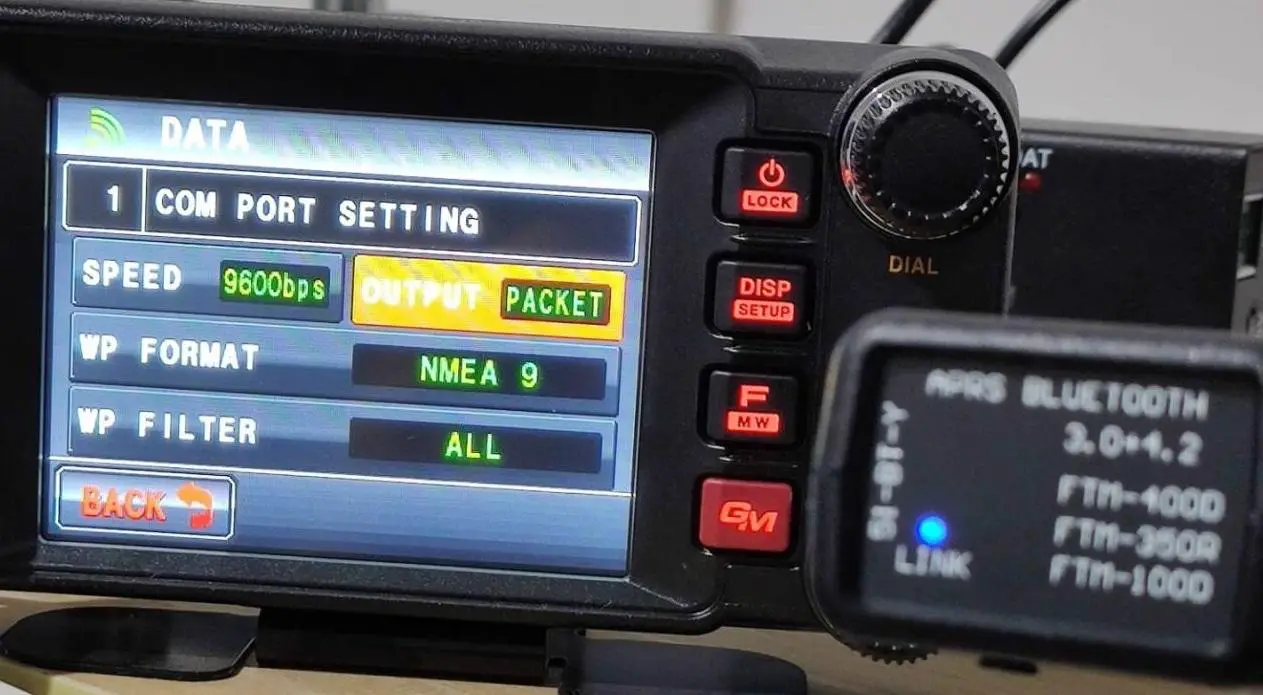 Make the appropriate setting for your application on moble phone/pad.
(Note you need to download the offline map before use)
Programing
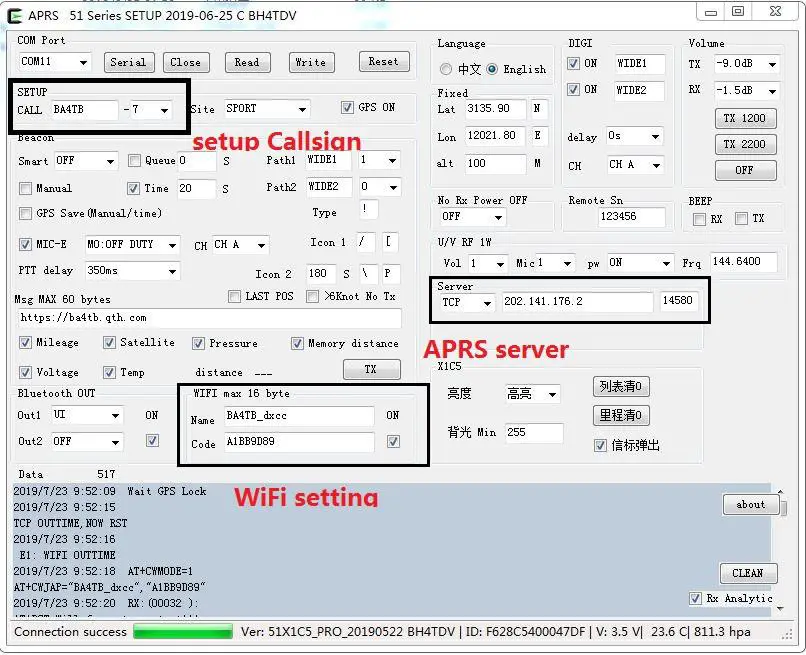
A micro USB cable can be used to program the APRS settings using APRS_51Serial_xxxxxxxx