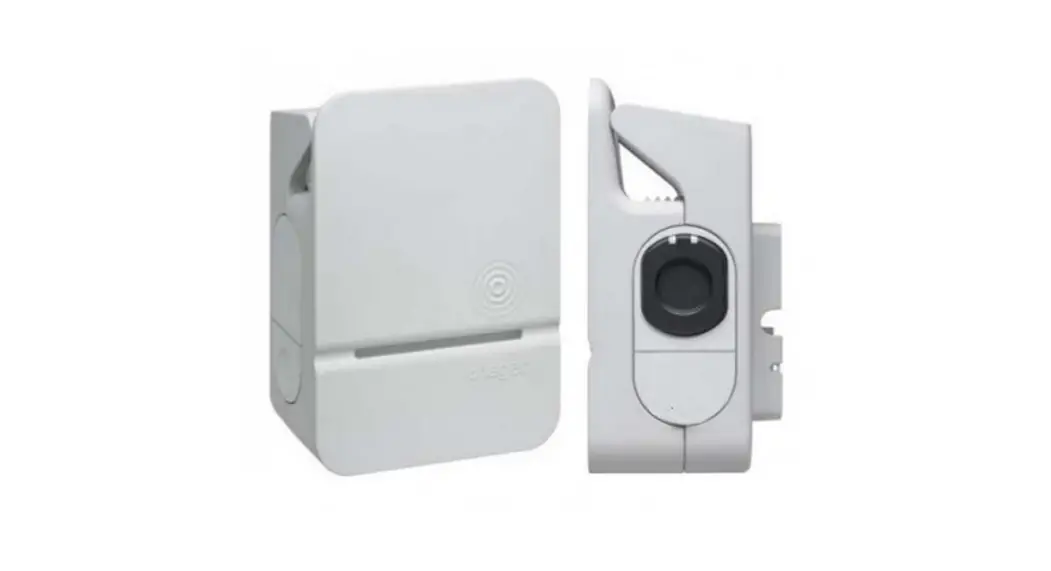
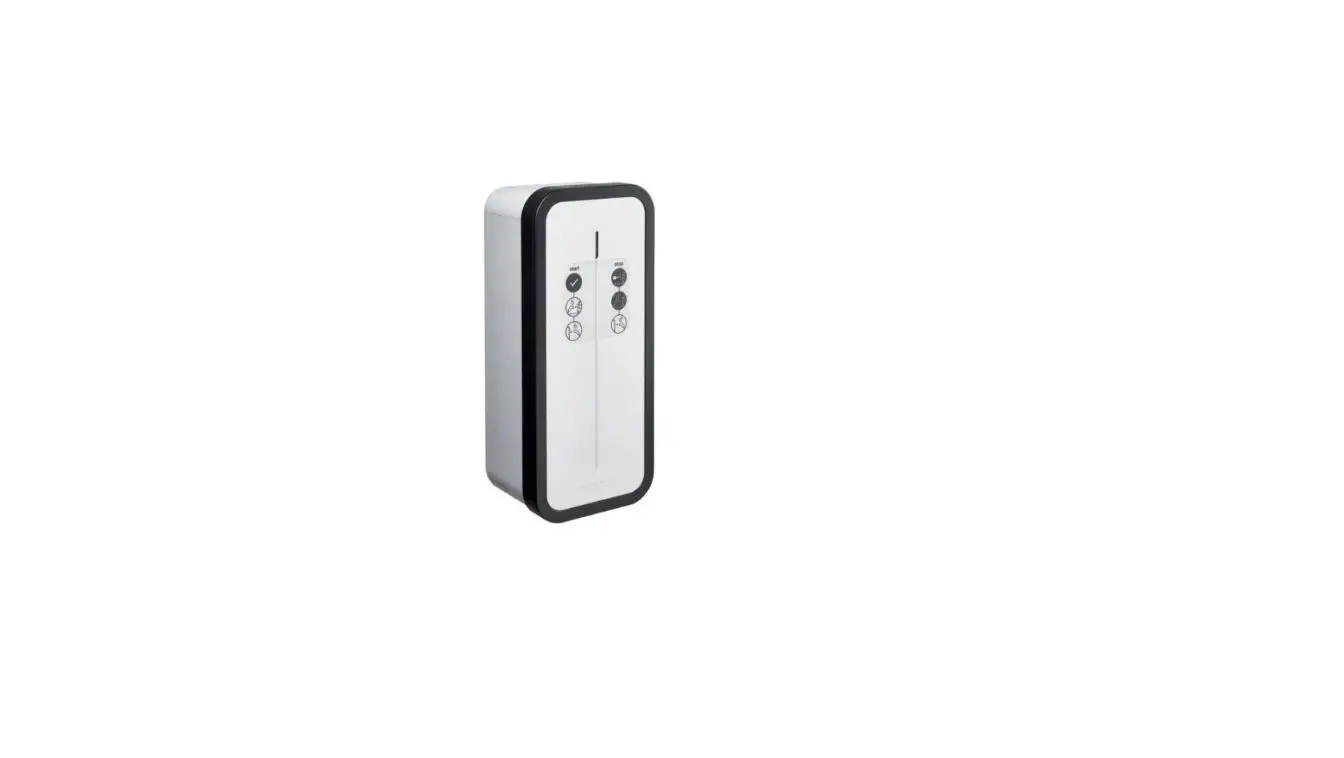
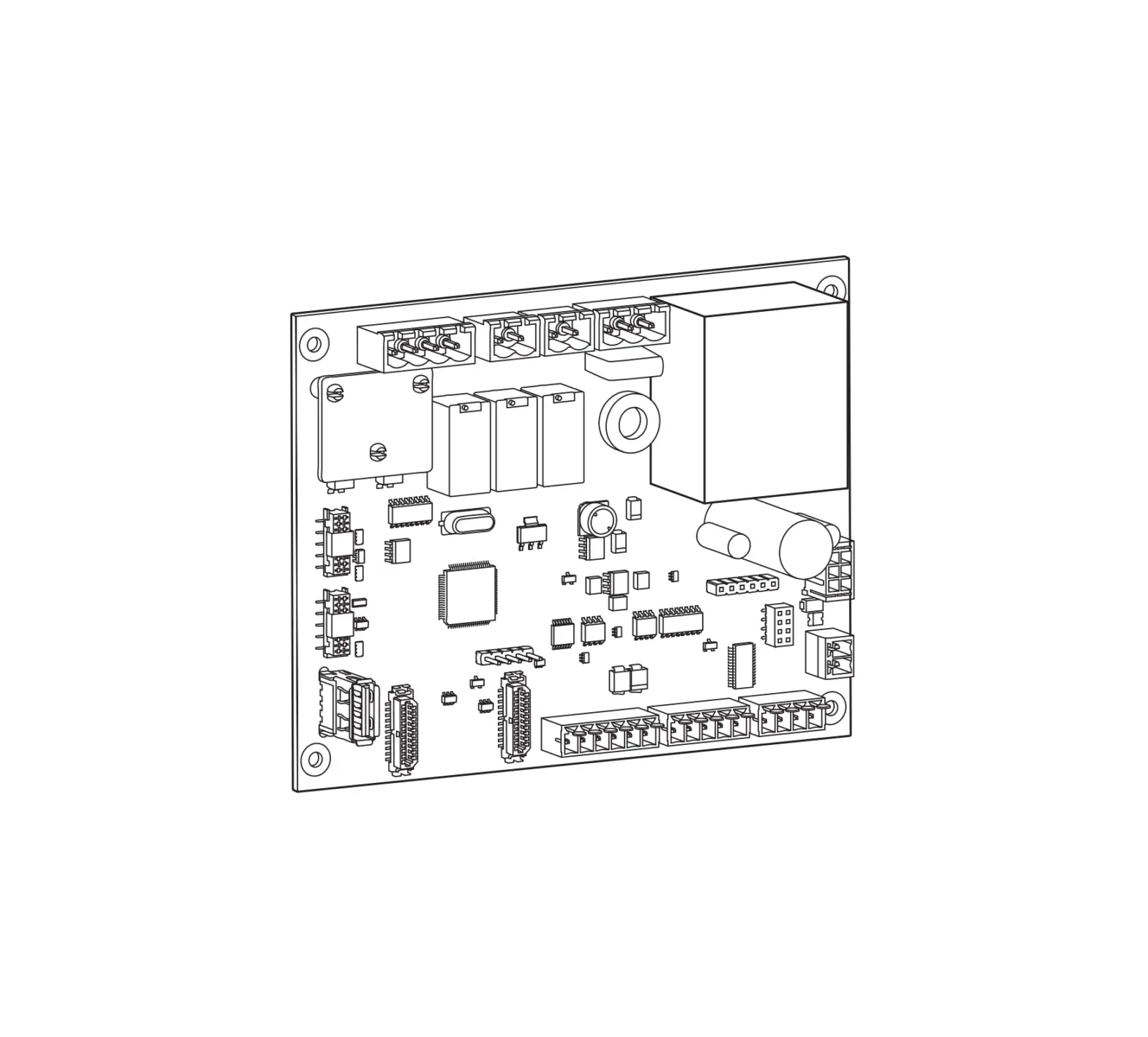
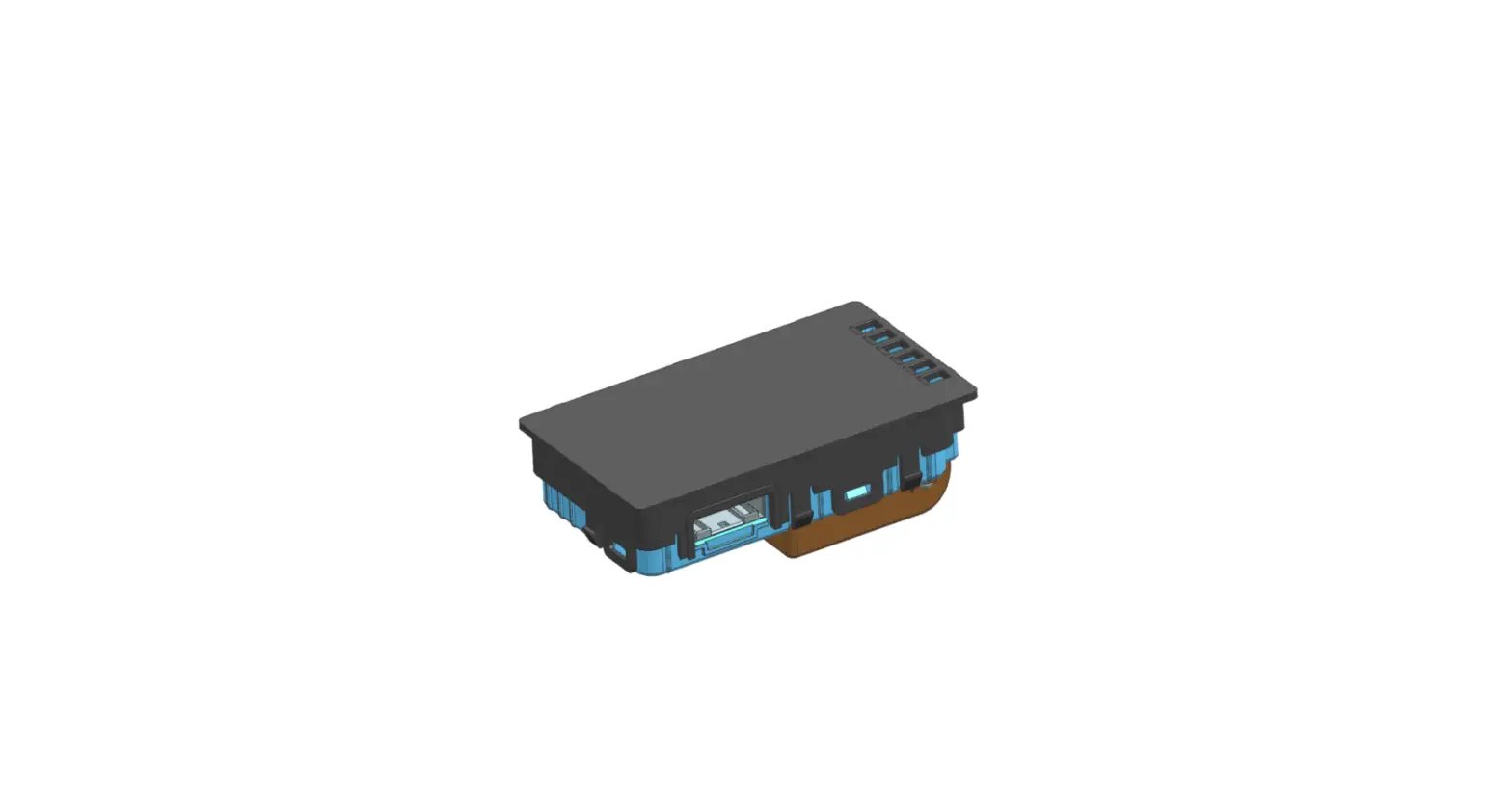
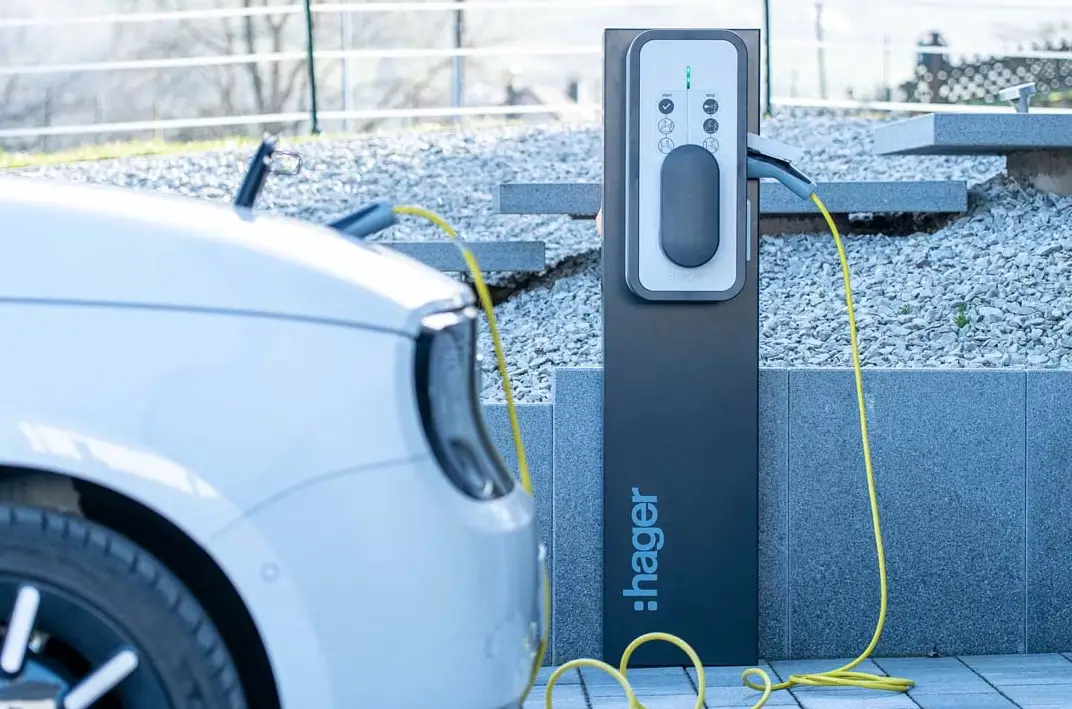
XEVA220 WiFi Card for XEV1Kxxx Witty Charging Station
Product Information: Product Name: Wi-Fi card for XEV1Kxxx witty
charging station Model Number: XEVA220 Installation Manual: Notice
d’installation / Installation manual / Installationsanleitung /
Manuale di installazione Product Usage Instructions: 1.
Installation: – Ensure that the power supply to the witty charging
station is switched off. – Locate the Wi-Fi card slot on the witty
charging station. – Insert the Wi-Fi card (XEV1Kxxx) into the slot
carefully. – Make sure the card is securely inserted. 2. Connection
Setup: – Power on the witty charging station. – Access the Wi-Fi
settings of your device (phone, tablet, computer). – Look for the
network named “HagerChargingStationXXXX” (XXXX represents a unique
identifier). – Connect to the “HagerChargingStationXXXX” network.
3. Configuration: – Open a web browser on your device and enter
“192.168.8.1” in the address bar. – You will be directed to the
configuration page of the witty charging station. – Follow the
on-screen instructions to set up the Wi-Fi connection. – Select the
appropriate network from the available options. – Enter the
password if required. – Save the settings. 4. Network
Compatibility: – The Wi-Fi card operates only on the 2.4 GHz
frequency band. – Ensure that your router or switch supports 2.4
GHz connectivity. 5. Resetting: – In case you need to reset the
Wi-Fi card settings, press and hold the reset button for 10
seconds. – The reset button is located on the witty charging
station. Note: For any further assistance or troubleshooting,
please refer to the complete installation manual provided with the
product. Please let me know if you need any further assistance.
6LE009082B
XEVA220
a Notice d’installation
Carte Wifi pour Borne de charge witty XEV1Kxxx
z Installation manual
Wi-Fi card for XEV1Kxxx witty charging station
e Installationsanleitung
WLAN-Karte für Witty-Ladestation XEV1Kxxx
y Manuale di installazione
Scheda Wi-Fi per Stazione di ricarica witty XEV1Kxxx
XEV1Kxxx: 7.0.4.3
01
02
T25S PZ0
T25S
03
01
04
05
T25S
B
x 8
A B
Clac !
01
B
02
03
T25S
2Nm max
x 8
A
60 s
A B
T25S
max. 2 Nm
B
or
01
10 s or
02
02
03
HagerChargingStationXXXX
#Hagerwitty67
01
192.168.8.1
02
03
2,4 GHz only
Router / Switch
Reset:
10 s
Hager witty
Available on
Available on
10 s or
03
a
Consignes de sécurité
L’installation et le montage d’appareils électriques doivent être effectués uniquement par un électricien qualifié.
Les prescriptions de prévention contre les accidents en vigueur dans le pays doivent être respectées.
Le non-respect des consignes d’installation peut entraîner des dommages sur l’appareil, un incendie ou présenter d’autres dangers.
· Veuillez observer les prescriptions et les normes en vigueur pour les circuits électriques TBTS lors de l’installation et de la pose des câbles. Avant toute intervention sur l’appareil ou la charge, mettre l’installation hors tension.
· Ne pas oublier de prendre en compte tous les disjoncteurs qui délivrent des tensions potentiellement dangereuses à l’appareil ou à la charge.
· Risque de choc électrique.
Précautions d’installation de la carte WiFi
Les composants électroniques tels que la carte Wifi peuvent être endommagés par des décharges électrostatiques (ESD) lors de leur sortie de l’emballage.
Pour vous assurer de monter correctement votre carte WiFi, il est recommandé de :
· Tenir la carte par les bords pour éviter de toucher les composants sensibles.
· Porter un bracelet antistatique lors de la manipulation de la carte pour prévenir tout dommage. Si vous n’avez pas de bracelet antistatique, toucher un point métallique relié à la terre avant de manipuler la carte afin de vous décharger de votre électricité statique. Toucher régulièrement l’objet métallique pendant toute la manipulation.
· Conserver la carte WiFi dans son emballage protégé contre les décharges électrostatiques ou sur un support antistatique tant que la carte n’est pas installée.
Présentation
La fonction première de la carte WiFi XEVA220 est de connecter votre borne sur votre téléphone mobile. Elle vous permet le suivi des consommations de l’habitat et du véhicule en fonction des tarifs au travers d’une application sur votre téléphone mobile. L’utilisation de cette carte WiFi nécessite le rajout, dans la borne de charge, d’une carte de communication TIC Hager référencée XEVA200 (Télé Information Client).
Caractéristiques techniques
Conditions environnementales: Température d’utilisation ………….-25 °C à +70 °C Température de stockage…………-25 °C à +70 °C Humidité relative………………………….. 5 % à 95 % Altitude maximale de fonctionnement…… 2000 m Caractéristiques fonctionnelles: Alimentation de la carte……… 12 V s par la carte
contrôleur B1280 Fréquence radio…………………………2.4 GHz selon
IEEE 802.11 b/g/n Puissance d’émission………………………. <100 mW
Si la puissance d’émission radio de la carte WiFi est insuffisante (trop de murs ou de dalles), rajouter dans l’installation un répéteur WiFi Hager TKH181.
Recommandations Tout accès aux zones internes, au-delà des zones décrites dans la présente notice sont à proscrire et annulent la garantie et toute autre forme de prise en charge. En effet, ces manipulations peuvent être dommageables aux parties et/ou aux composants électroniques. Ces produits ont été définis afin de ne pas avoir à y accéder dans le cadre de la mise en oeuvre et des opérations de maintenance du produit.
Déclaration UE de conformité simplifiée : Le soussigné, HagerEnergy GmbH, déclare que l’équipement radioélectrique du type XEVA220 est conforme à la directive 2014/53/UE. Le texte complet de la déclaration UE de conformité est disponible à l’adresse internet suivante: hager.com
Document non contractuel, soumis à modifications sans préavis.
z
Safety instructions
Electrical devices must only be installed and assembled by a qualified electrician.
The accident prevention recommendations applicable in the country must be followed.
Failure to follow the installation instructions may result in damage to the device, fire or other dangers.
· Please follow the recommendations and standards applicable for SELV electrical circuits during installation and when laying cables. Before any work on the device or the load, switch off the power to the installation.
· Do not forget all the circuit breakers that deliver voltages which are potentially dangerous to the device or the load.
· Risk of electric shock.
Wi-Fi card installation precautions
Electronic components such as the Wi-Fi card may be damaged by electrostatic discharges (ESD) when they are removed from their packaging.
To ensure you correctly install your Wi-Fi card, we recommend:
· Holding the edges of the card only, to avoid touching the sensitive components.
· Wearing an antistatic bracelet when handling the card to prevent any damage. If you do not have an antistatic bracelet, touch a metal object connected to the earth before handling the card to remove any static electricity from your body. Regularly touch the metallic object when handling the card.
· Until the Wi-Fi card is installed, store it in its packaging to protect it from electrostatic discharges, or on an antistatic support.
04
Presentation
The primary function of the XEVA220 Wi-Fi card is to connect your station to your mobile phone. It allows you to monitor the dwelling and vehicle consumptions based on rates through an application on your mobile phone. The use of this Wi-Fi card requires the addition, in the charging station, of a TIC Hager communication card referenced XEVA200 (Customer Tele-Information).
Technical features
Environmental conditions: Operating temperature ………….. -25 °C to +70 °C Storage temperature……………… -25 °C to +70 °C Relative humidity …………………………5 % to 95 % Maximum operating altitude………………… 2000 m Functional specifications: Card power supply ……………. 12 V s by the card
controller B1280 Radio frequency ……………………… 2.4 GHz as per
IEEE 802.11 b/g/n Emission power ………………………………. <100 mW
If the radio emission power of the Wi-Fi card is insufficient (too many walls or tiles), add a Hager TKH181 Wi-Fi repeater to the installation.
Recommendations Do not access or tamper with any internal sections of the device beyond those mentioned in these instructions. Doing so will void the warranty and any other assistance. Indeed, this kind of tampering may cause damage to electrical components and/or parts. These products have been designed so that there is no need to access these areas as part of set-up and maintenance.
Simplified EU declaration of conformity: Hereby, HagerEnergy GmbH declares that the radio equipment type XEVA220 is in compliance with Directive 2014/53/EU. The full text of the EU declaration of conformity is available at the the following internet address: hager.com
This document is not contractually binding and is subject to change without notice.
e
Sicherheitshinweise
Installation und Montage von Elektrogeräten dürfen nur von Elektrofachkräften durchgeführt werden.
Die in den jeweiligen Ländern geltenden Unfallverhütungsvorschriften müssen eingehalten werden.
Bei Nichtbeachtung der Installationshinweise können Schäden am Gerät, Brände oder andere Gefahren entstehen.
· Bitte beachten Sie bei Installation und Einbau der Kabel die Vorschriften und geltenden Normen für SELV-Stromkreise (TBTS). Schalten Sie die Anlage vor jedem Eingriff am Gerät oder an der Last aus.
· Denken Sie auch an alle Leistungsschalter, die potentiell gefährliche Spannungen für das Gerät oder den Ladevorgang liefern.
· Stromschlaggefahr.
Vorsichtsmaßnahmen für die Installation der WLAN-Karte
Elektronische Bauteile wie die WLAN-Karte können bei der Entnahme aus der Verpackung durch elektrostatische Entladungen (ESD) beschädigt werden.
Für das korrekte Einsetzen Ihrer WLAN-Karte empfehlen wir, wie folgt vorzugehen:
· Halten Sie die Karte am Rand, damit Sie die empfindlichen Bauteile nicht berühren.
· Tragen Sie während der Handhabung der Karte ein Antistatikband, um Beschädigungen an dieser zu vermeiden. Sollten Sie kein Antistatikband besitzen, berühren Sie vor Handhabung der Karte eine geerdete Metalloberfläche, um die statische Elektrizität Ihres Körpers zu entladen. Berühren Sie die Metallfläche während der gesamten Handhabung in regelmäßigen Abständen.
· Bewahren Sie die WLAN-Karte in ihrer ESD-Verpackung oder auf einer antistatischen Fläche auf, solange sie nicht installiert ist.
Produktbeschreibung
Die WLAN-Karte XEVA220 dient in erster Linie dazu, Ihre Ladestation mit Ihrem Mobiltelefon zu verbinden. Über eine Handy-App ermöglicht sie die Überwachung des im Haushalt und für das Aufladen des Fahrzeugs verbrauchten Stroms zu den jeweiligen Tarifen. Um die WLAN-Karte verwenden zu können, muss die Ladestation mit einer kabelgebundenen Hager Schaltkarte, Bestellnummer XEVA200 (Kunden-Ferninformation) ausgerüstet werden.
Technische Daten
Umgebungsbedingungen: Betriebstemperatur……………….-25 °C bis +70 °C Lagertemperatur…………………..-25 °C bis +70 °C Relative Luftfeuchtigkeit …………….. 5 % bis 95 % Maximale Betriebshöhe………………………. 2000 m Funktionsmerkmale: Stromversorgung der Karte …….. 12 V s über die
Controller-Karte B1280 Funkfrequenz …………………………..2.4 GHz gemäß
IEEE 802.11 b/g/n Sendeleistung…………………………………. <100 mW
Falls die Funkleistung der WLANKarte nicht ausreichend ist (zu dicke Mauern oder Platten), der Installation einen Hager WLANRepeater TKH181 hinzufügen.
Empfehlungen Jeglicher Zugang zu geräteinternen Bereichen, die über die in dieser Anleitung beschriebenen Bereiche hinausgehen, ist untersagt und führt zum Erlöschen der Garantie sowie jeder anderen Form der Gewährleistung. Derartige Eingriffe können die Elektronik und/oder elektronischen Bauteile beschädigen. Diese Produkte wurden so konzipiert, dass im Rahmen der Inbetriebnahme und der Wartungsarbeiten nicht auf diese Bereiche zugegriffen werden muss.
Vereinfachte EU-Konformitätserklärung: Hiermit erklärt HagerEnergy GmbH, dass der Funkanlagentyp WLAN-Karte XEVA220 der Richtlinie 2014/53/EU entspricht. Der vollständige Text der EU- Konformitätserklärung ist unter der folgenden Internetadresse verfügbar: hager.com
Nicht vertragliches Dokument. Änderungen ohne Vorankündigung vorbehalten.
05
HagerEnergy GmbH, Ursula-Flick-Straße 8, 49076 Osnabrück, Germany
y
Istruzioni di sicurezza
L’installazione e il montaggio dei dispositivi elettrici devono essere effettuati esclusivamente da un elettricista qualificato.
Rispettare le indicazioni per la prevenzione degli incidenti vigenti nel paese di utilizzo.
Il mancato rispetto delle indicazioni relative all’installazione può causare danni all’apparecchiatura, incendi, o altri pericoli.
· Durante l’installazione e la posa dei cavi, rispettare tutte le prescrizioni e le norme in vigore in materia di circuiti elettrici SELV. Mettere l’impianto fuori tensione prima di eseguire qualunque intervento sull’apparecchiatura o sul carico.
· Non dimenticare di abbassare tutti gli interruttori differenziali che forniscono tensioni potenzialmente pericolose al dispositivo o al carico.
· Rischio di elettrocuzione.
Precauzioni per l’installazione della scheda Wi-Fi
I componenti elettronici come la scheda Wi-Fi possono essere danneggiati da scariche elettrostatiche (ESD) quando vengono tolti dall’imballaggio.
Per assicurarsi di installare correttamente la scheda Wi-Fi, si raccomanda di:
· Tenere la scheda dai bordi per evitare di toccare i componenti sensibili.
· Indossare un braccialetto antistatico quando si maneggia la scheda per evitare possibili danni. Se non si possiede un braccialetto antistatico, toccare un punto metallico collegato a terra prima di maneggiare la scheda, per scaricare la propria elettricità statica. Toccare regolarmente l’oggetto metallico mentre si maneggia la scheda.
· Conservare la scheda Wi-Fi nell’imballaggio originale protetto dalle scariche elettrostatiche oppure su un supporto antistatico finché la scheda non è installata.
Presentazione
La funzione principale della scheda WiFi XEVA220 è quella di connettere la stazione di ricarica al proprio smartphone. La scheda consente così di monitorare i consumi dell’abitazione e del veicolo a seconda delle tariffe applicate tramite un’app per smartphone. Ove non già presente, per l’uso della scheda Wi-Fi è richiesta l’aggiunta, nella stazione di ricarica, di una scheda di comunicazione TIC Hager codice XEVA200 (Teleinformazione Cliente).
Caratteristiche tecniche
Condizioni ambientali: Temperatura di utilizzo…………..da -25°C a +70°C Temperatura di magazzinaggio …………………….da -25°C a +70°C Umidità relativa……………………… dal 5 % al 95 % Altitudine massima di funzionamento …… 2000 m Caratteristiche funzionali: Alimentazione scheda ……… 12 V s dalla scheda
di controllo B1280 Frequenza radio…………………… 2.4 GHz secondo
IEEE 802.11 b/g/n Potenza di trasmissione ……………………<100 mW
Se la potenza di trasmissione radio della scheda Wi-Fi è insufficiente (troppi muri/solai), aggiungere all’impianto un ripetitore Wi-Fi Hager TKH181.
Consigli L’accesso alle parti interne della stazione diverse da quelle descritte nel presente manuale è vietato e invalida la garanzia o qualsiasi altro diritto di assistenza. Simili interventi possono infatti danneggiare le parti e/o i componenti elettronici. I presenti prodotti sono progettati per non richiedere l’accesso alle parti interne degli stessi per la messa in opera e per l’esecuzione degli interventi di manutenzione.
Dichiarazione di conformità UE semplificata: Con la presente, HagerEnergy GmbH dichiara che il tipo di apparecchiatura radio XEVA220 è conforme alla Direttiva 2014/53/UE. Il testo completo della dichiarazione di conformità UE è disponibile al seguente sito Internet: hager.com
Documento non contrattuale soggetto a modifiche senza preavviso.
06
T +49 541 760268-0 F +49 541 760268-199 [email protected] hager.com 12.2022
 Hager worldwide