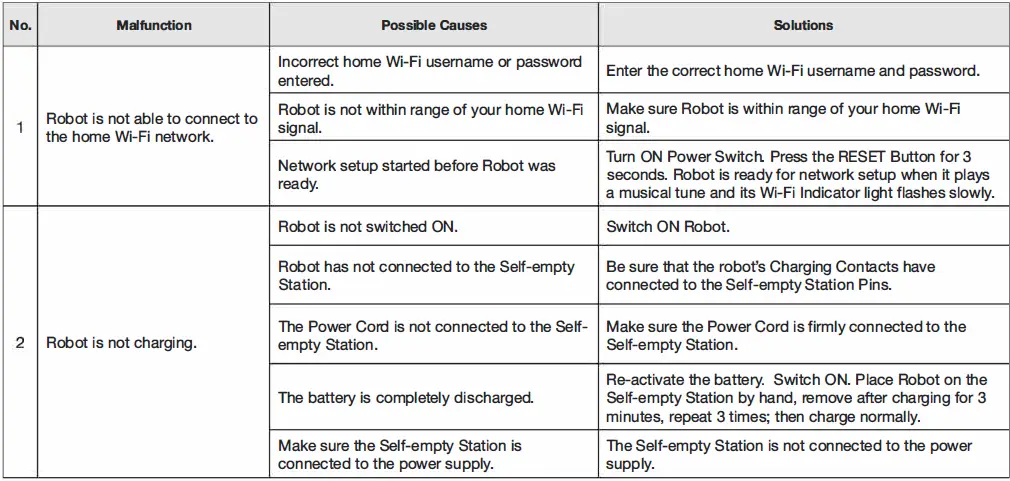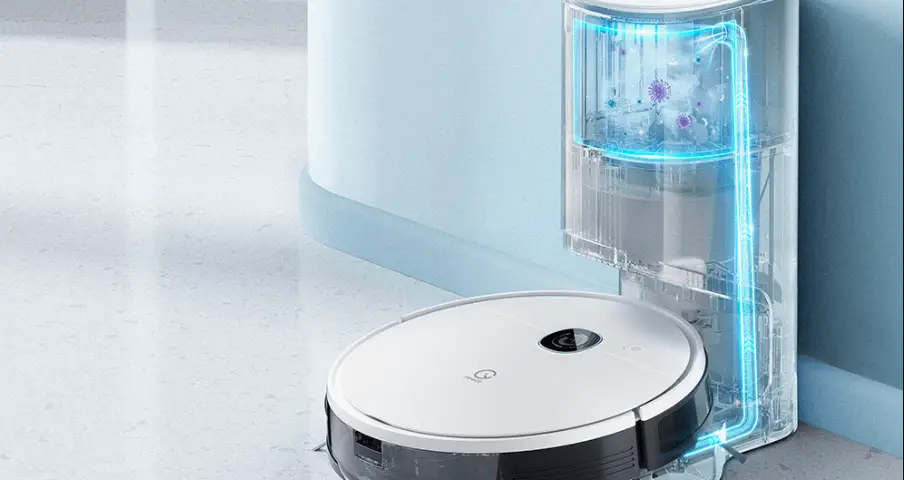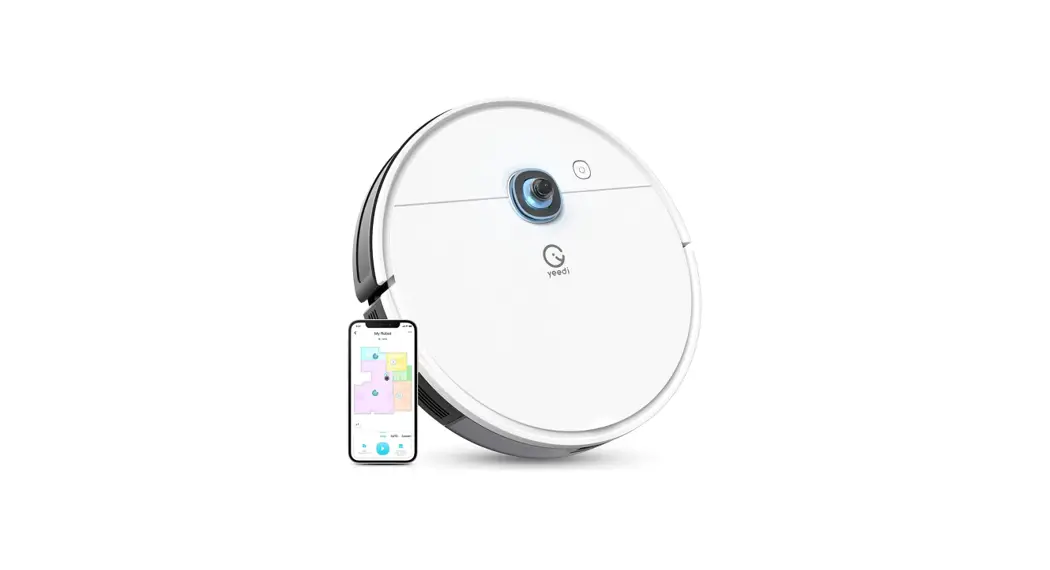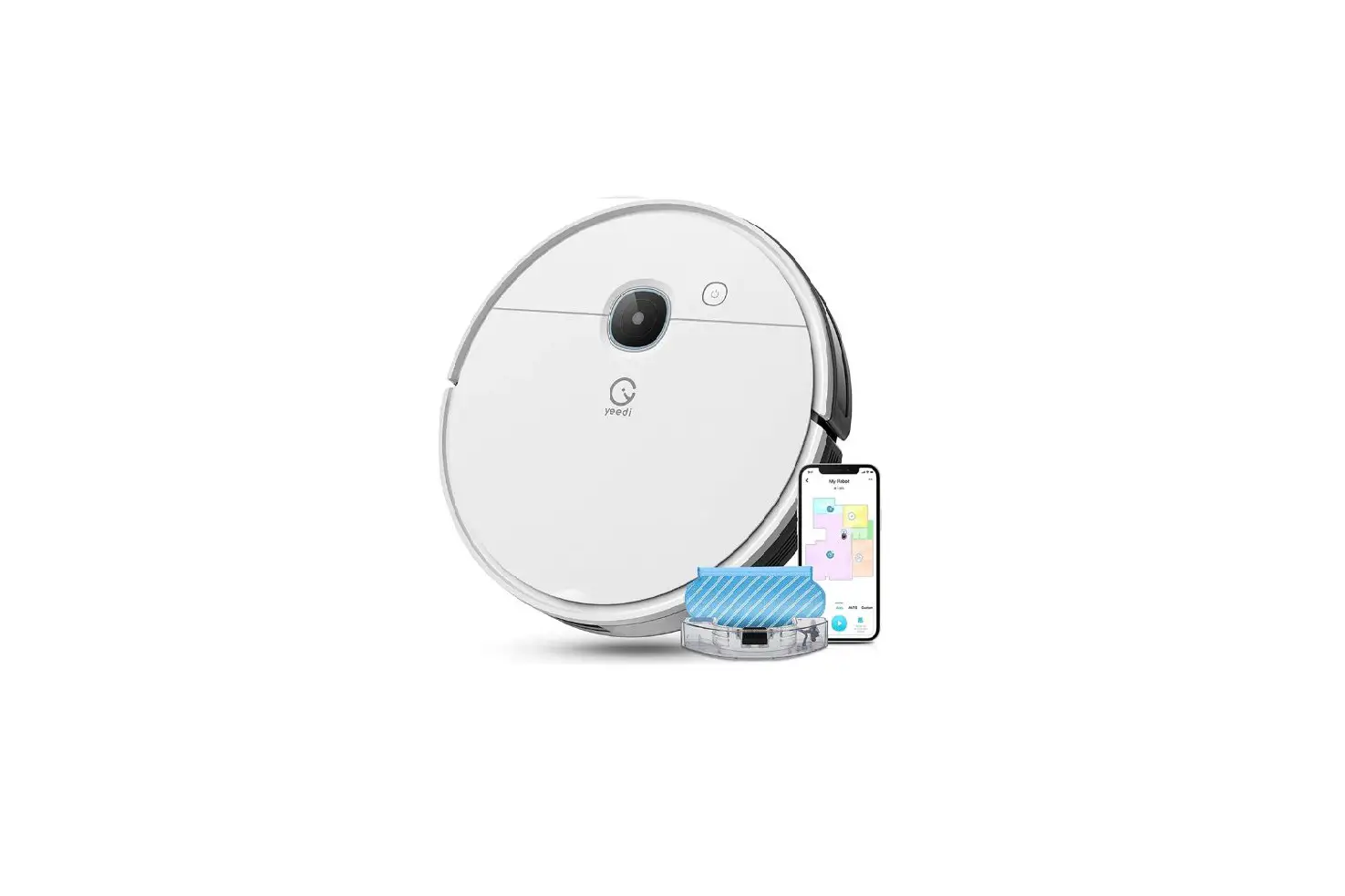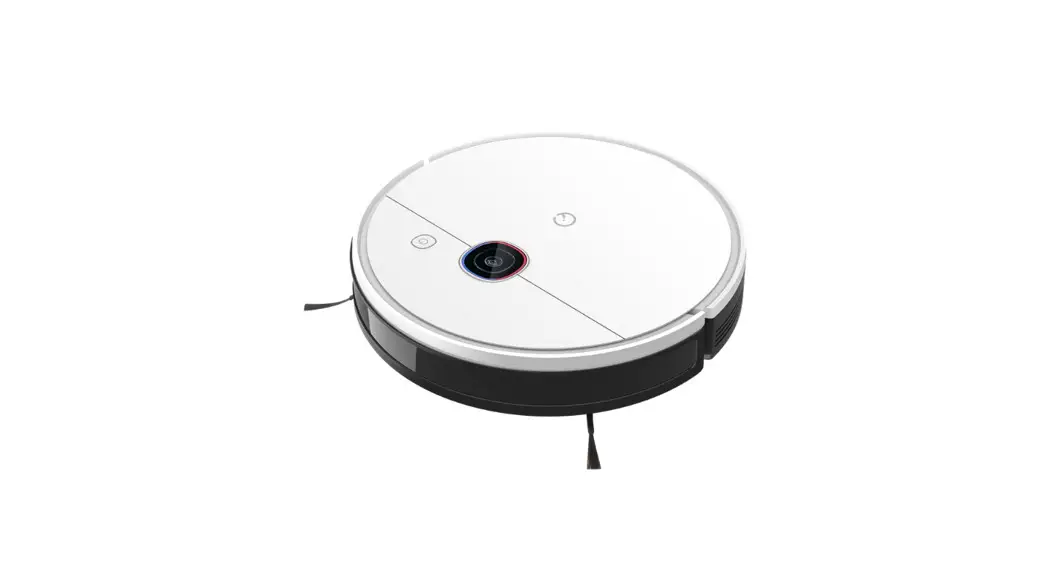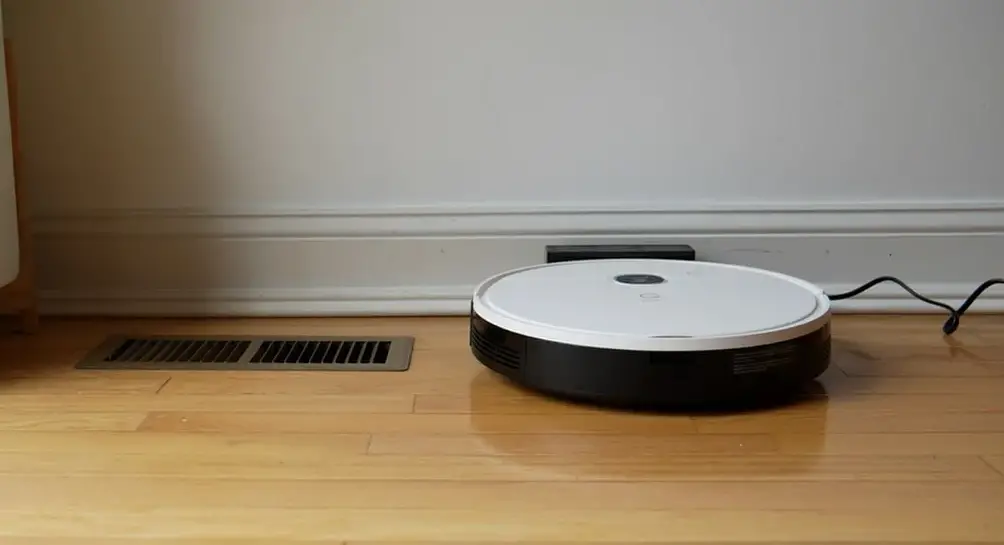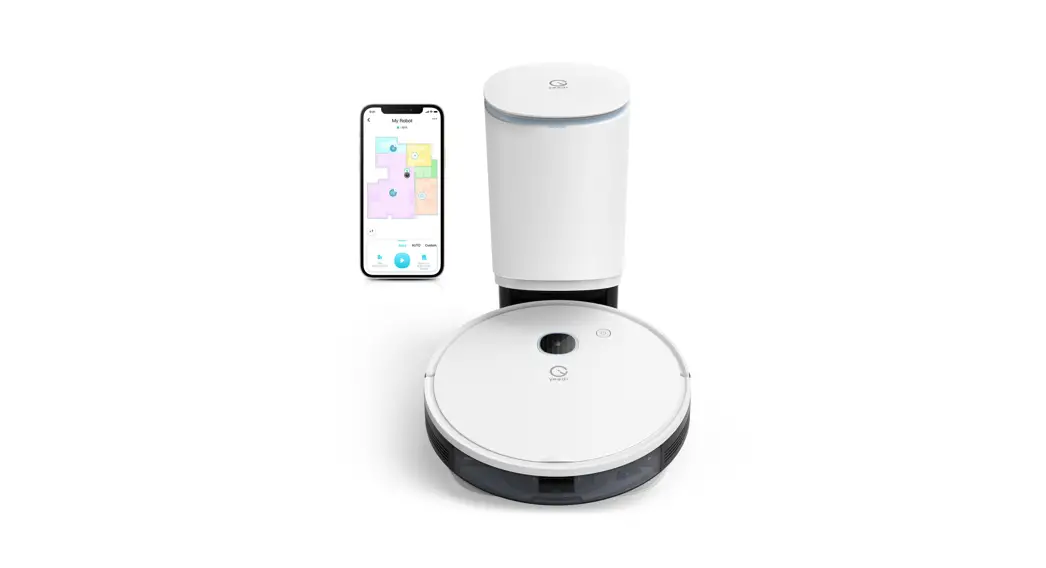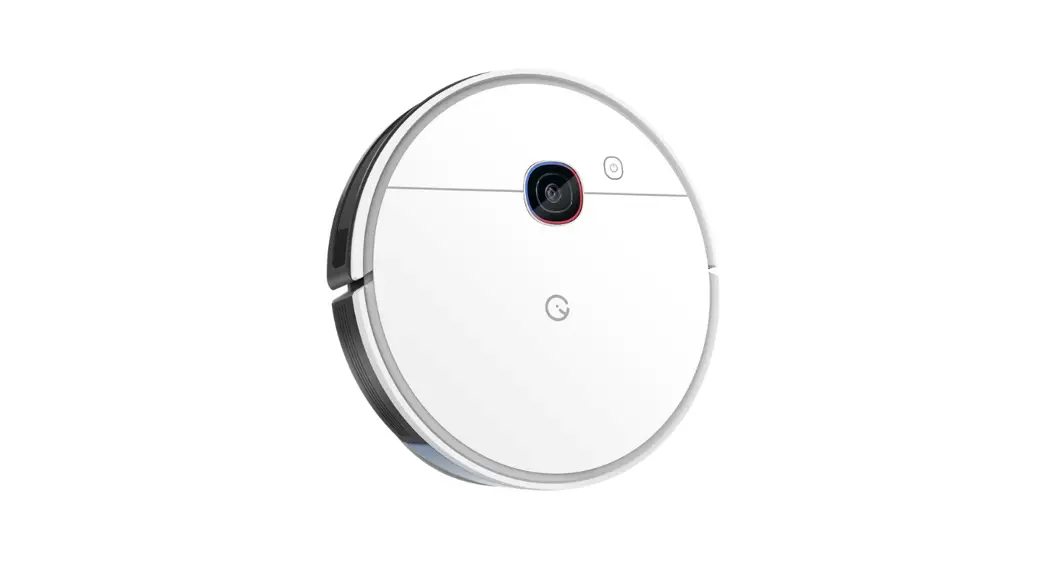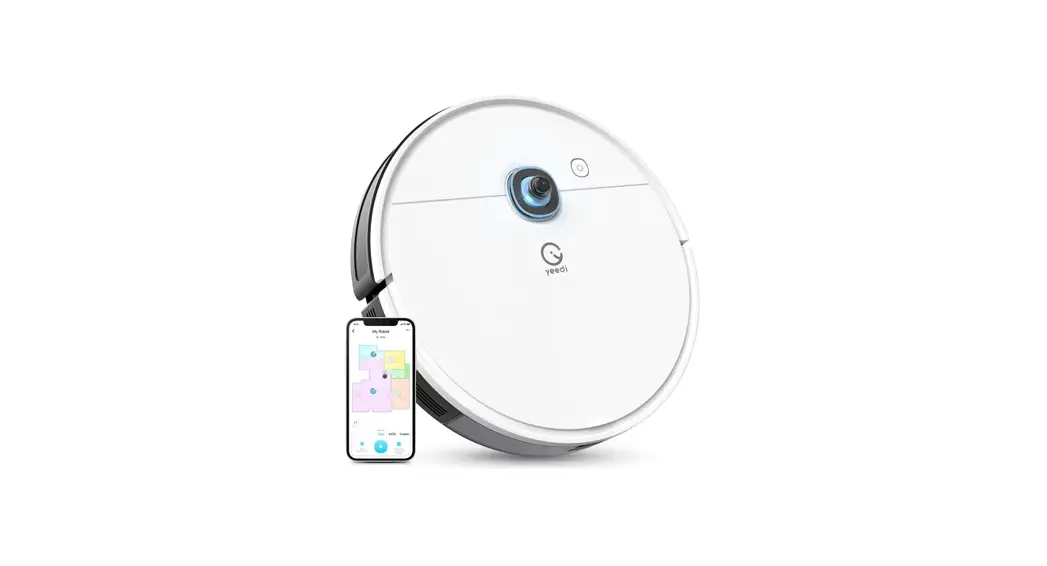

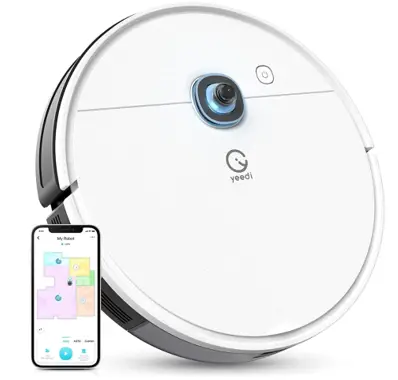
yeedi DVX34 Automatic Battery Powered Vacuum Cleaner
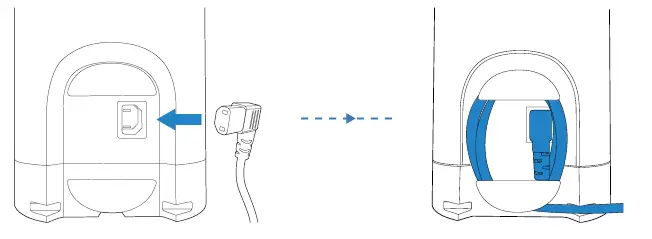
Assemble Self-empty Station
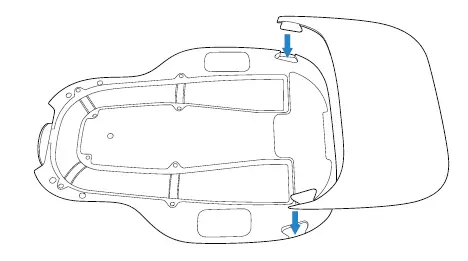
Install the Ramp Extension 
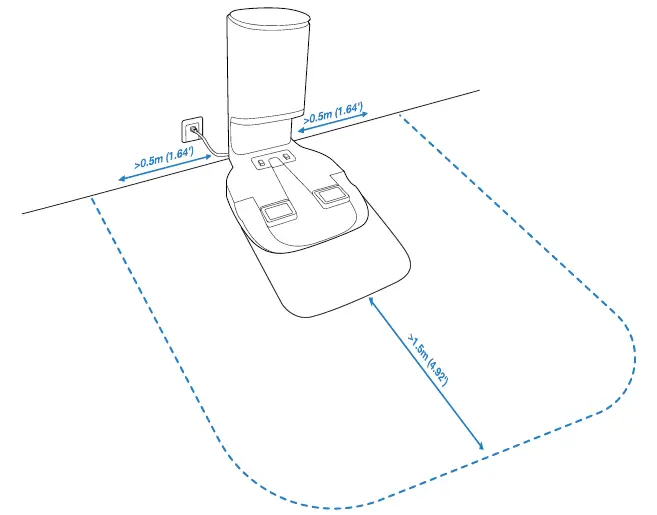
Self-empty Station Placement 
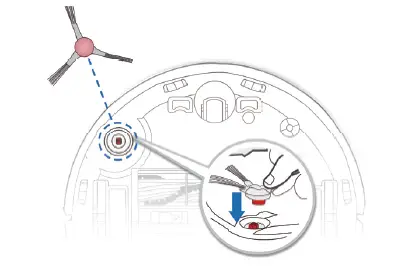
Install Edge Brush
PowerON 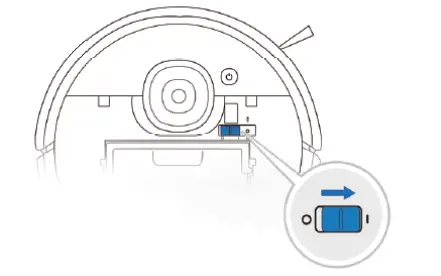
Charge Robot 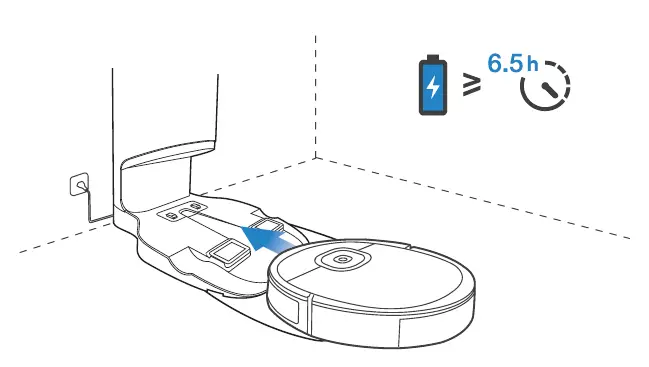
Note: When Robot completes the cleaning cycle or when the battery gets low, Robot automatically returns to the Self-empty Station to
recharge itself. Robot can also be sent back to the Self-empty Station at any time by using the yeedi App or by pressing the AUTO Button on the robot for 3 seconds.
Empty remaining water from the Reservoir and remove the Mopping Pad Plate before charging Robot.
Operating and Programming/2.3 yeedi App
To enjoy all available features, it is recommended to control your Robot via the yeedi App.
Before you start, make sure that:
- Your mobile phone is connected to a Wi-Fi network.
- The 2.4GHz band wireless signal is enabled on your router.
- The Wi-Fi indicator light on Robot is slowly flashing.
Wi-Fi Indicator Light 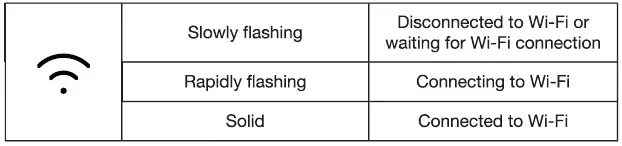
Tips: If you have any problems during the Wi-Fi setup process, refer to the Troubleshooting > Wi-Fi Connection section in this manual.
Operating and Programming/2.4 Start, Pause, Wake Up, Power Off
- start

- Pause

- wake Up
Press the AUTO button on Robot to wake it up - PowerOFF

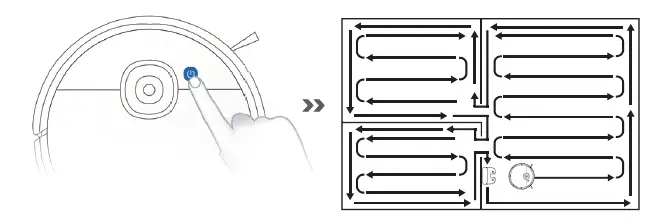
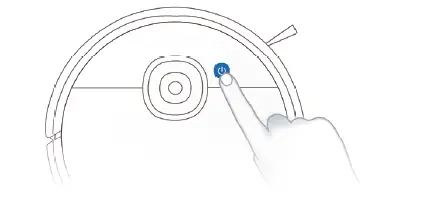
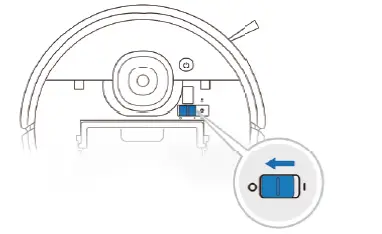
Note: When Robot is not working, it is recommended to keep it switched ON and charging.
2.5 Mopping System
Note:
- To prolong the service life of the reservoir, it is recommended to use purified water or softened water for the mopping system.
- If you need to clean the carpet, please uninstall the Mopping Pad Plate first.
- Empty the reservoir after Robot finishes mopping.

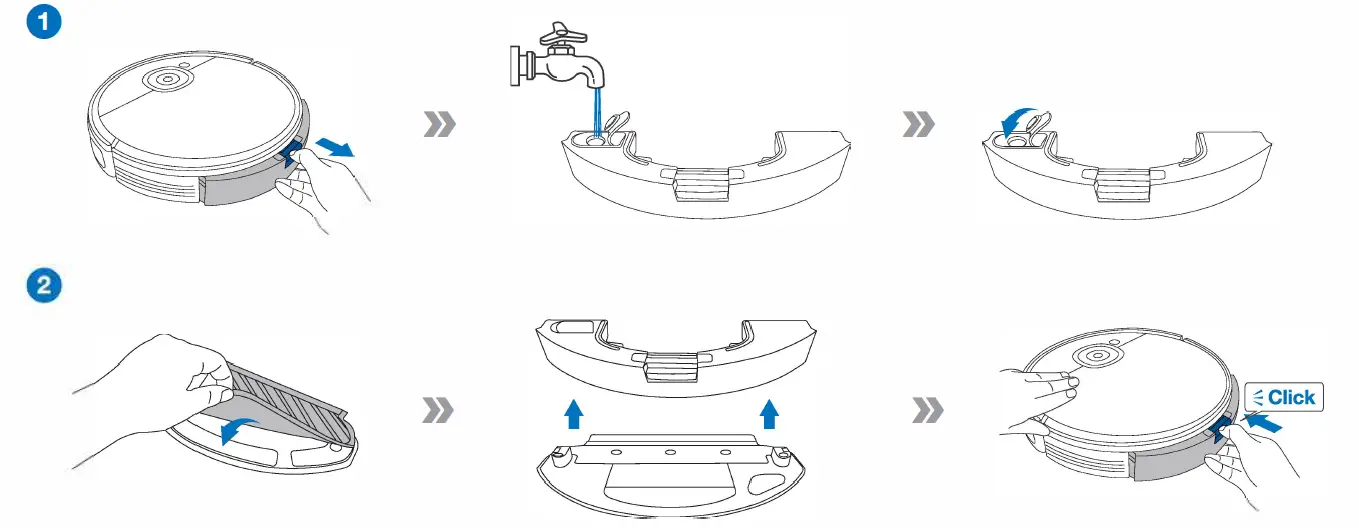
Maintenance/3.1 Mopping System
Before performing cleaning and maintenance tasks on Robot, turn the robot OFF and unplug the Self-empty Station. 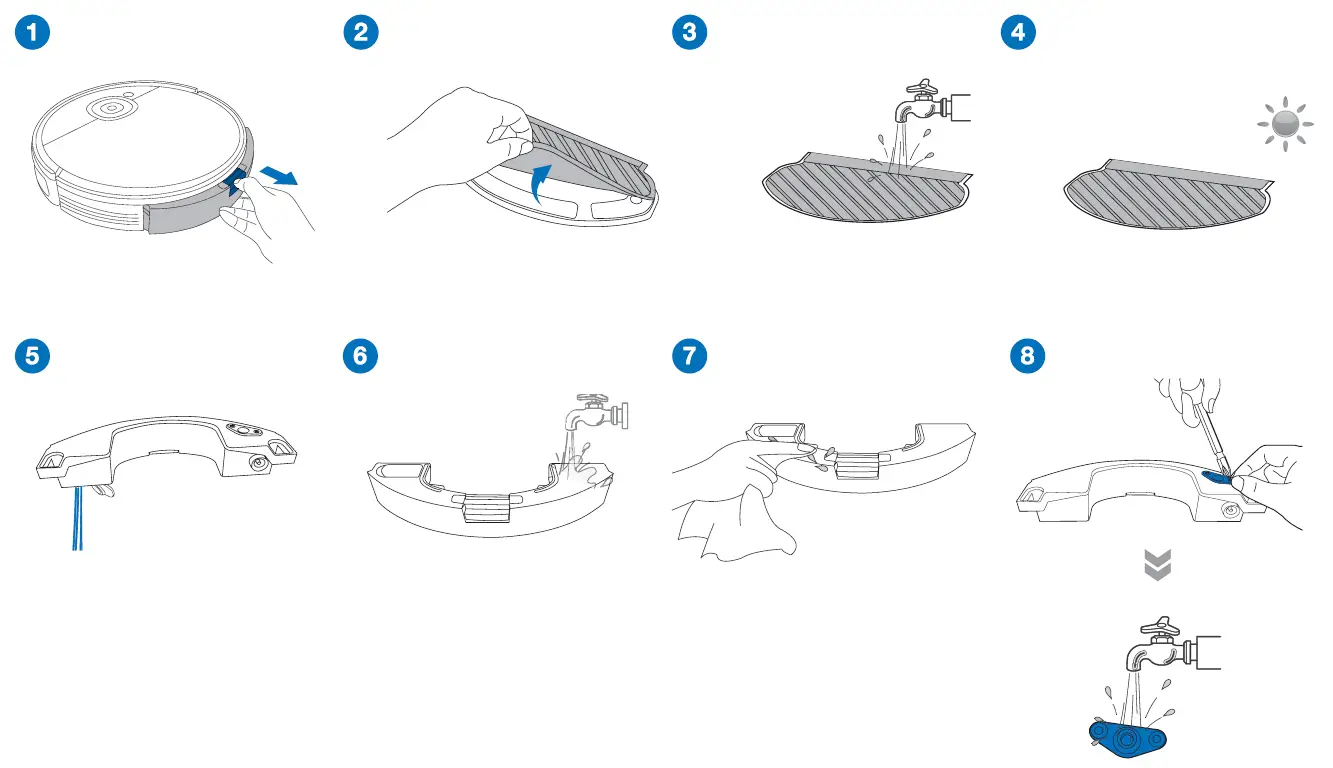
Maintenance/3.2 Dust Bin and Filters
Dust Bin 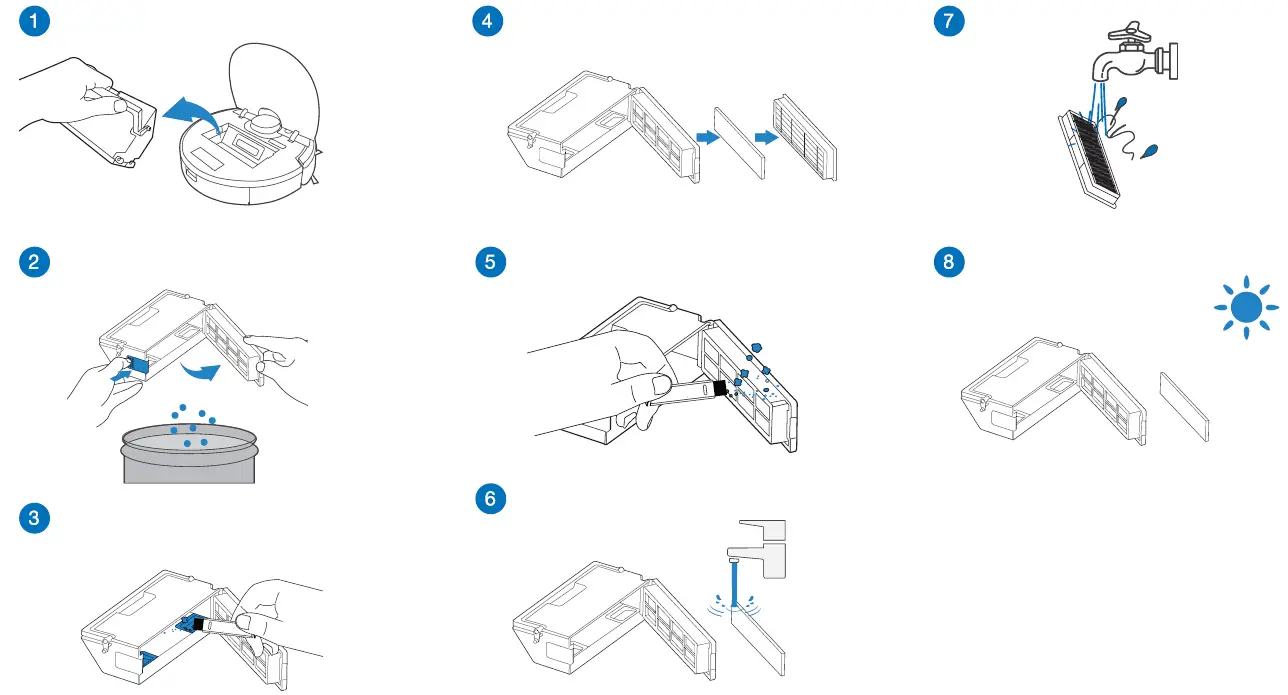
Note
- Please rinse the filter with water as shown above.
- Do not use finger or brush to clean the filter.
- Be sure to dry out the filter for at least 24 hours after washing.
Maintenance/3.3 Main Brush, Edge Brush and Mapping Sensor
Note: A Multi-Function Cleaning Tool is provided for easy maintenance. Handle with care, this cleaning tool has sharp edges.
Main Brush 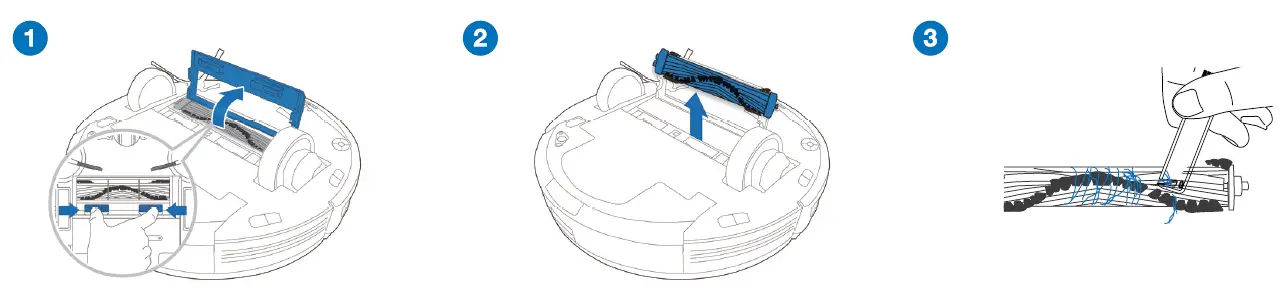
Edge Brush 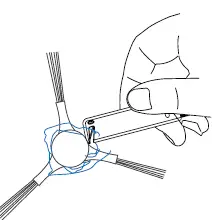 Mapping Sensor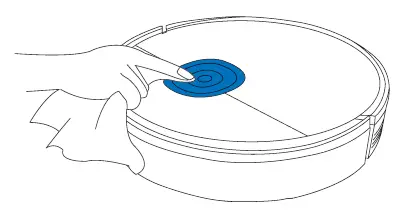
Maintenance/3.4 Other Components 
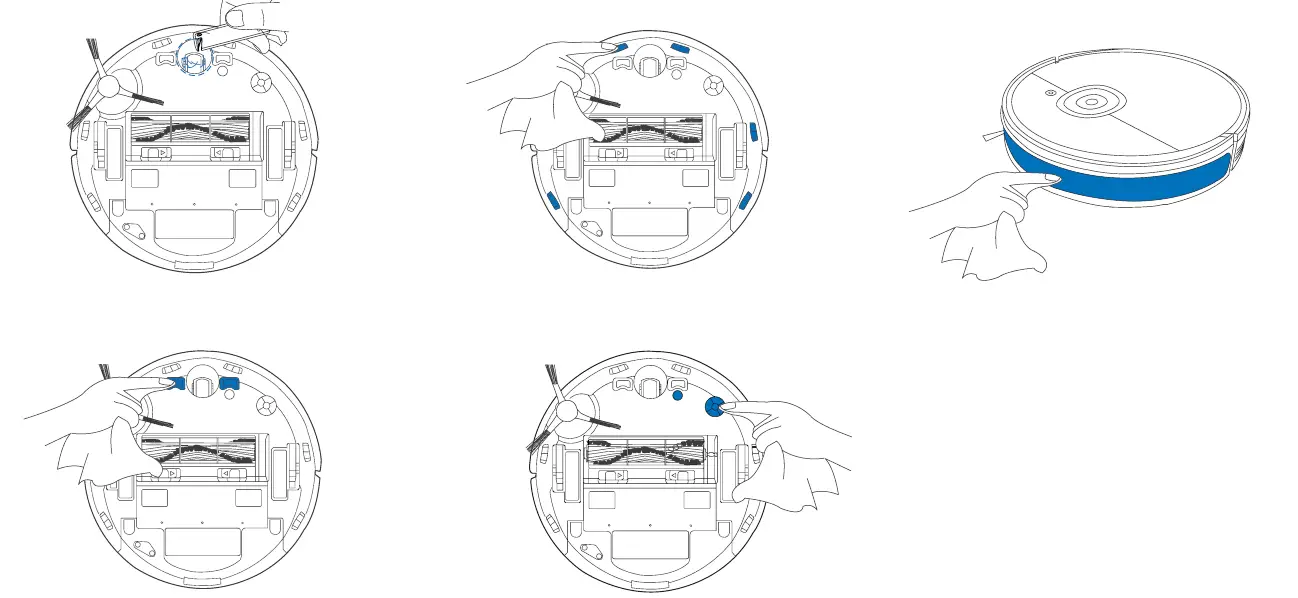
Note: Before cleaning the robot’s Charging Contacts and Self-empty Station Pins, turn the robot OFF and unplug the Self-empty Station.
Maintenance/3.5 Self-empty Station
Note: Before performing cleaning and maintenance on Self-empty Station, unplug it first.
- For a proper maintenance, wipe with a clean dry cloth, and avoid using any detergent or cleaning spray.
Self-empty Station Pins 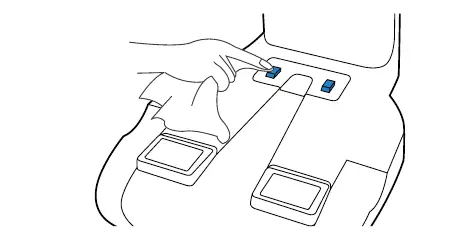
Infrared Signal Emitter 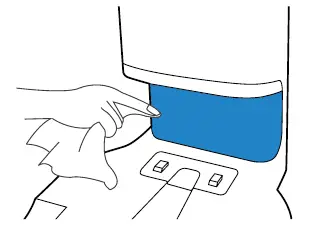
Dust Bag
- Dispose the Dust Bag

The Dust Bag will be sealed by the handle so the dust will not leak. - Clean the Blower Cover

- Install the Dust Bag

- Close the Dust Container Lid

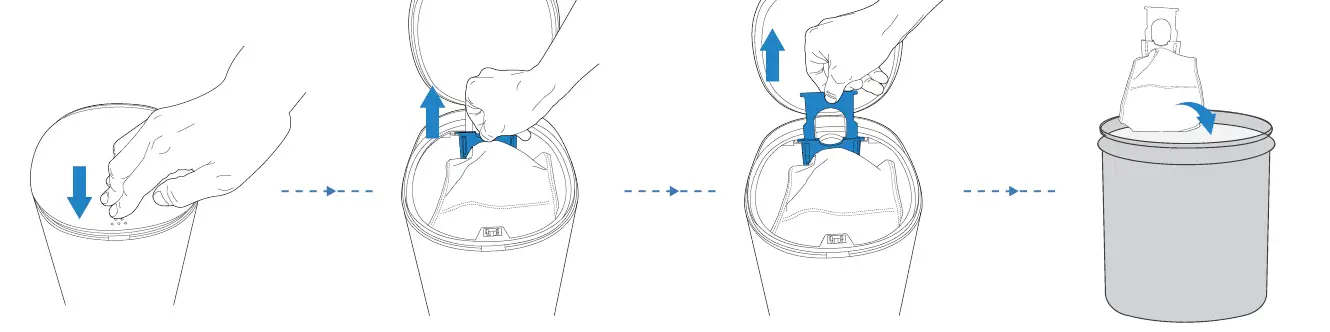
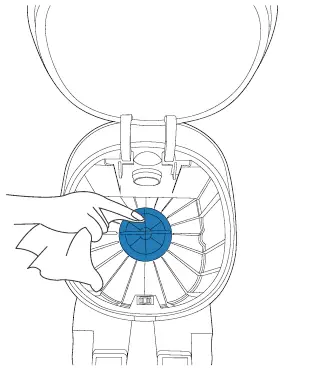
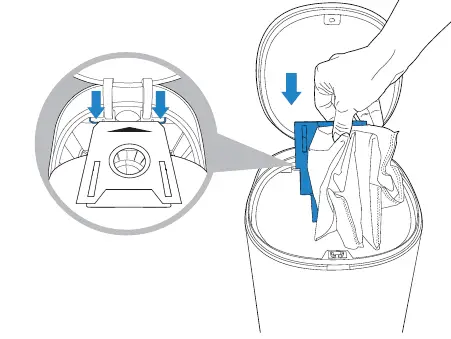
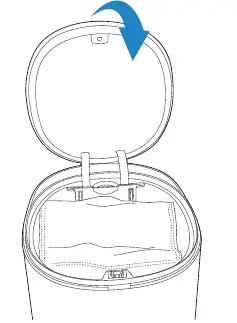
Dust Evacuation Tube 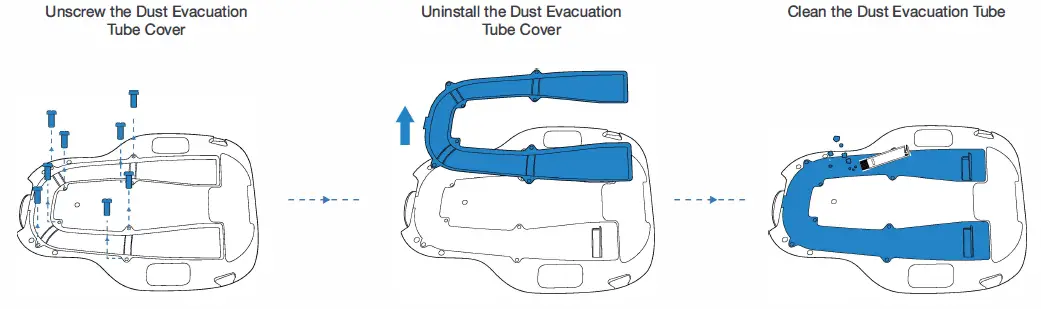
Maintenance/3.6 Regular Maintenance
To keep Robot running at peak performance, perform maintenance tasks and replace parts with the following frequencies:
| Robot Part | Maintenance Frequency | Replacement Frequency |
| Washable Mopping Pad | After each use | Every 50 washings |
| Reservoir/Mopping Pad Plate | After each use | |
| Edge Brush | Once every 2 weeks | Every 3-6 months |
| Main Brush | Once per week | Every 6-12 months |
| Sponge Filter/High Efficiency Filter | Once per week | Every 3-6 months |
| Universal Wheel Anti-Drop Sensors Bumper Mapping Sensor Charging Contacts Self-empty Station Pins |
Once per week |
A multi-function Cleaning Tool is provided for easy maintenance. Handle with care, this cleaning tool has sharp edges.
Note: yeedi manufactures various replacement parts and fittings. Please contact Customer Service for more information on replacement parts.
Indicator Light
Robot
Robot will tell you something is wrong with an indicator light and voice report. More detailed support is available through the yeedi app and online website.
| Indicator Light | Scenario |
| AUTO Mode Button glows a solid WHITE. | The robot is cleaning. |
| The robot is paused while cleaning. | |
|
AUTO Mode Button flashes WHITE. | The robot is charging. |
| The robot is starting. | |
| The robot is relocating. | |
| AUTO Mode Button glows a solid RED. | The robot has low battery. |
| AUTO Mode Button flashes RED. | The robot has a problem. |
Self-empty Station
The light effect of the Status Indicator on Self-empty Station corresponds to different conditions and solutions. For more support, please refer to yeedi App or the Troubleshooting Section of this manual.
| Light Effect | Status | Solutions |
| Indicator light off | The Self-empty Station is in standby. | I |
| Robot is in Do Not Disturb Mode. | I | |
|
Glowing a solid WHITE | Robot returns to the Self-empty Station and starts to self-empty. | I |
| Robot is self-emptying. | I | |
| The Self-empty Station’s suction power decreased. | Please check the Dust Bag. | |
|
Glowing a solid RED | The Dust Bag is not installed. | Please install the Dust Bag. |
| The Self-empty Station failed to self-empty the dust. | Please check the solution in the App. | |
| The Dust Container Lid is not closed. | Please make sure the Dust Container Lid is firmly closed. |