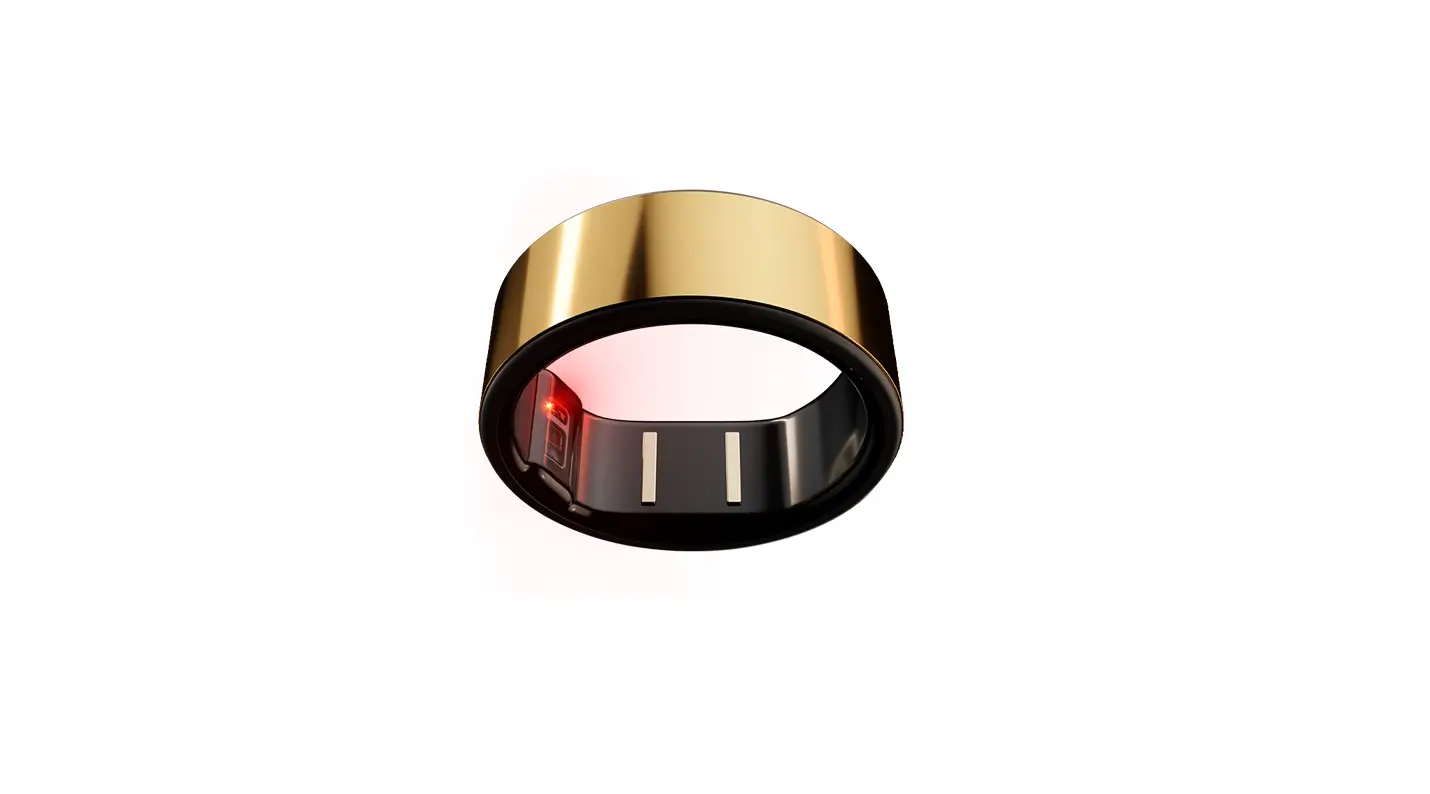
QuzzZRing Mental Energy Ring
Product Information
- Product Name: QuzzZ Ring
- Manufacturer: Shenzhen Fenghe Do Qi Shi Technology Co.,
LTD - Address: Room 205, Building 11, Maker Town, No. 4109, Liuxian
Avenue, Pingshan Community, Taoyuan Street, Nanshan District,
Shenzhen - Zip Code: 518000
- Website: www.quzzzring.com
Packing List
- QuzzZ Ring (Mental energy ring)
- Wireless charging chip
- Heart rate and blood oxygen sensor
- Temperature sensor
- Wireless charging base (including charging cable)
Product Usage Instructions
Initial Startup
- Place the QuzzZ Ring on the charging base to charge it for the
first time.
Charging
- Align the three convex points of the ring with the concave part
of the charging base. - Place the ring on the charging base.
- Plug in the power supply.
- The indicator light of the charging base will flash, indicating
that the ring is charging. - Once the battery is fully charged, the indicator light of the
charging base will turn off.
Operation Guide
- Please read the user manual carefully before using the QuzzZ
Ring. - Keep the user manual for future reference.
Connect to Your Phone
- Download the QuzzZ App by scanning the QR code on the right or
searching for “QuzzZ App” in your phone’s app store.
Ring
Mental energy ring
Overview and packing list Wireless charging chip
Heart rate, blood oxygen sensor
Temperature sensor
Initial startup For the first time, place the ring on the charging base to charge and turn it on.
charging Align the three convex points of the ring with the concave part of the charging base, place the ring on the charging base, plug in the power supply, the indicator light of the charging base flashes, and the ring starts charging. After the battery is fully charged, the indicator light of the charging base is off.
O
peration Guide
Please read this guide carefully before
d
it for later
(Wireless charging base * including charging cable)
Connect to your phone Download the APP Scan the QR code on the right or search for “QuzzZ” App in the app store of your phone.
FCC Statement This device complies with part 15 of the FCC rules. Operation is subject to the following two conditions: (1) this device may not cause harmful interference, and (2) this device must accept any interference received, including interference that may cause undesired operation. Changes or modifications not expressly approved by the party responsible for compliance could void the user’s authority to operate the equipment. NOTE: This equipment has been tested and found to comply with the limits for a Class B digital device, pursuant to part 15 of the FCC Rules. These limits are designed to provide reasonable protection against harmful interference in a residential installation. This equipment generates uses and can radiate radio frequency energy and, if not installed and used in accordance with the instructions, may cause harmful interference to radio communications. However, there is no guarantee that interference will not occur in a particular installation. If this equipment does cause harmful interference to radio or television reception, which can be determined by turning the equipment off and on, the user is encouraged to try to correct the interference by one or more of the following measures: ·Reorient or relocate the receiving antenna. ·Increase the separation between the equipment and receiver. ·Connect the equipment into an outlet on a circuit different from that to which the receiver is connected. ·Consult the dealer or an experienced radio/TV technician for help. The device has been evaluated to meet general RF exposure requirement. The device can be used in portable exposure condition without restriction.
Product model: QuzzZ Ring
Shenzhen Fenghe Do Qi Shi Technology Co.,
LTD
Address: Room 205, Building 11, Maker Town,
No. 4109, Liuxian Avenue, Pingshan
Community, Taoyuan Street, Nanshan District,
Shenzhen
Zip Code: 518000 Website: www.quzzzring.com
Pairing and Connecting 1. Put the ring on the charging base, and the indicator light of the charging base flashes. 2. Open the “QuzzZ” App on the mobile terminal and log in or register your account. 3. Click “Start adding” in the “QuzzZ” App, select the device to be connected, and click “Connect” to add the device. * Please keep the ring battery higher than 20% before pairing to avoid pairing failure due to insufficient battery. During the pairing and connection process, please ensure that the Bluetooth and positioning functions of the mobile phone are enabled, and the distance between the phone and the ring is within the effective connection range. Wear a ring Please wear the ring on your finger in a comfortable size, not loose or tight. It is recommended to wear it on the index finger, middle finger and ring finger of the non-dominant hand to better monitor data. Caution: Wearing too much pine can affect heart rate and oxygen data collection.
Product parameters Product model: QuzzZ Ring Main size: 2.98mm thick 8mm wide (without local bulge) Battery Type: Rechargeable polymer lithium-ion battery Battery capacity: 15mAh~22mAh Charging time: 30~60min Input: 5V 500mA (min) Bluetooth: BLE5.0 Waterproof classification: 5ATM Device requirements: Only devices running Android5.0 or ios11.0 and above are supported Sensor: triaxial acceleration sensor, optical heart rate sensor, optical blood oxygen sensor, temperature sensor Software version: go to “QuzzZ” App> Click Device Update to view the information The battery capacity and charging time were measured by the QuzzZ R&D team at room temperature (25), using a CCC certified 5V 500mA DC power adapter and QuzzZ standard charging base. Due to different product specifications, the corresponding battery capacity is different. The actual data may vary due to the use environment and individual charger differences and other factors. All specifications are laboratory test data. The manual is for reference only, the specific functions and product pictures may be slightly different from the actual products, please refer to the actual products.
 QuzzZ
QuzzZ