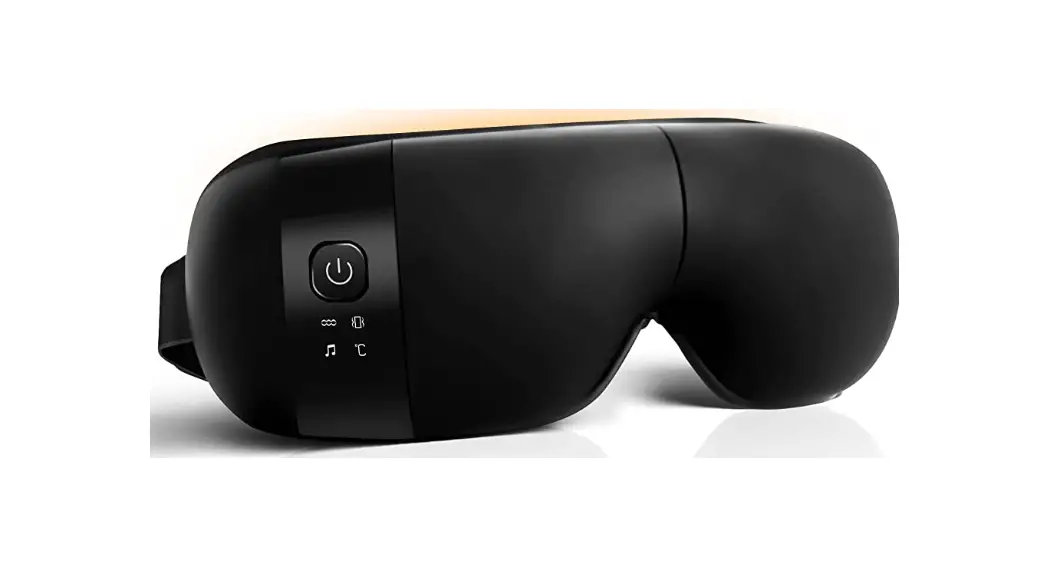
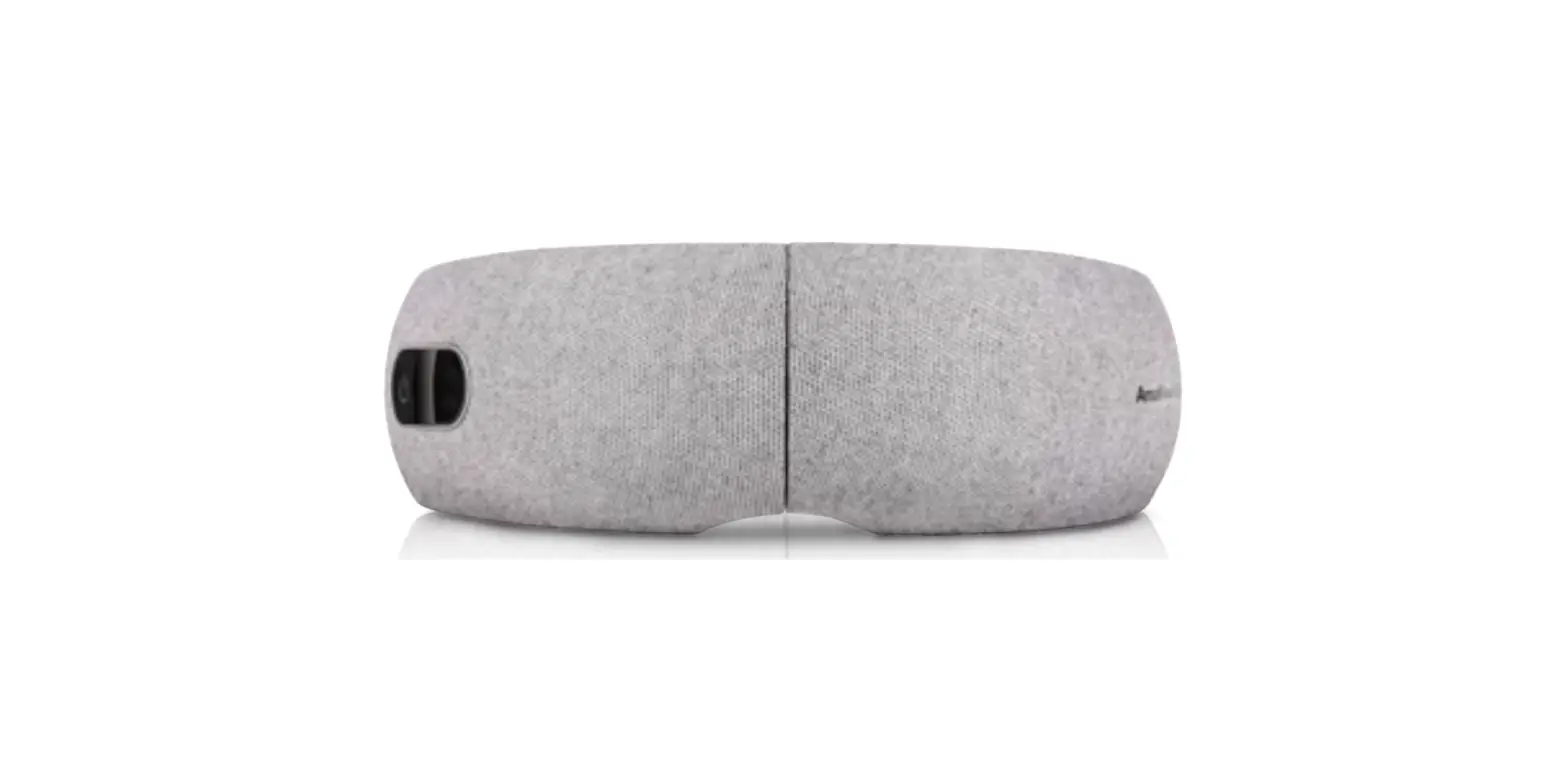
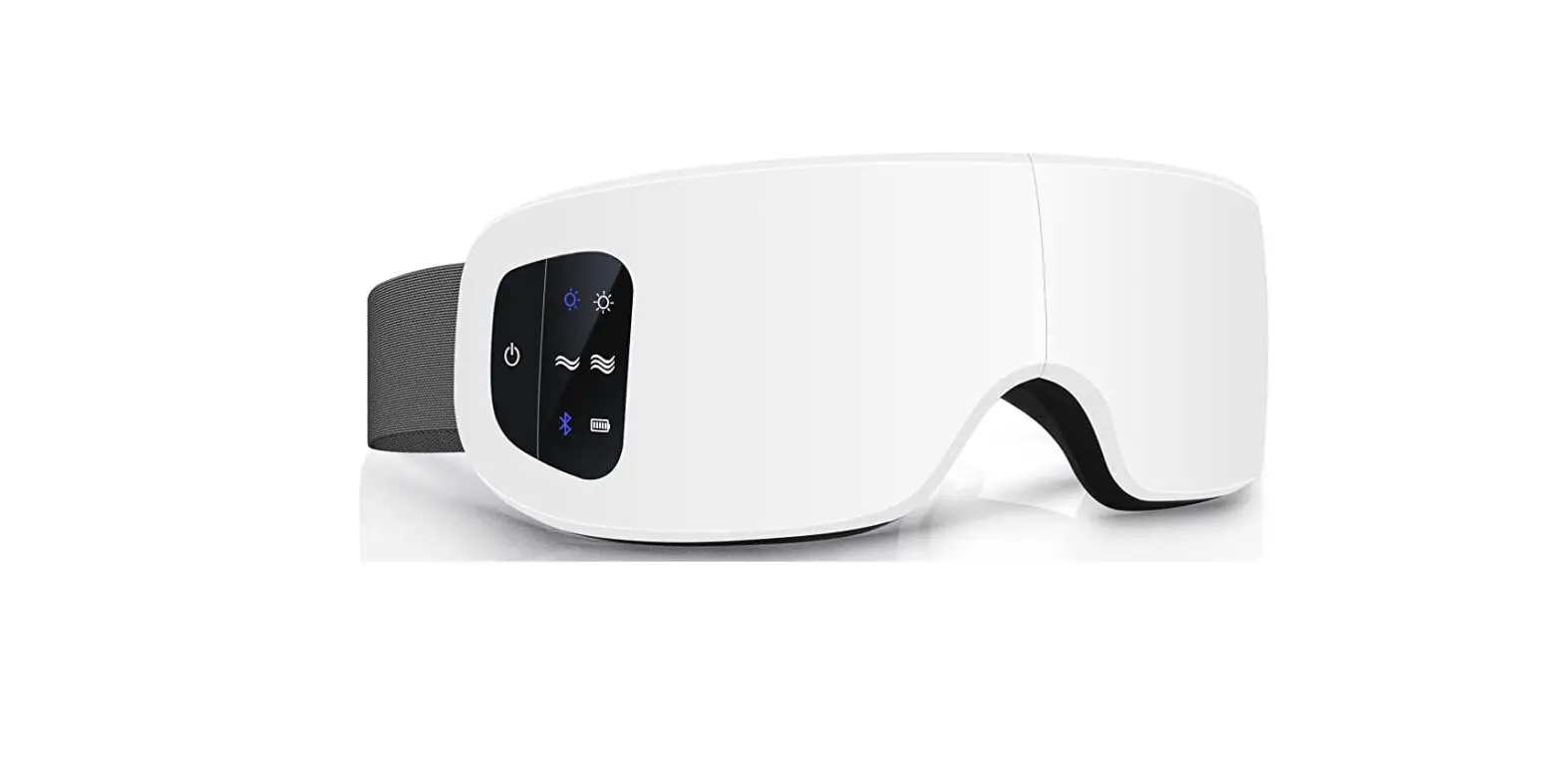
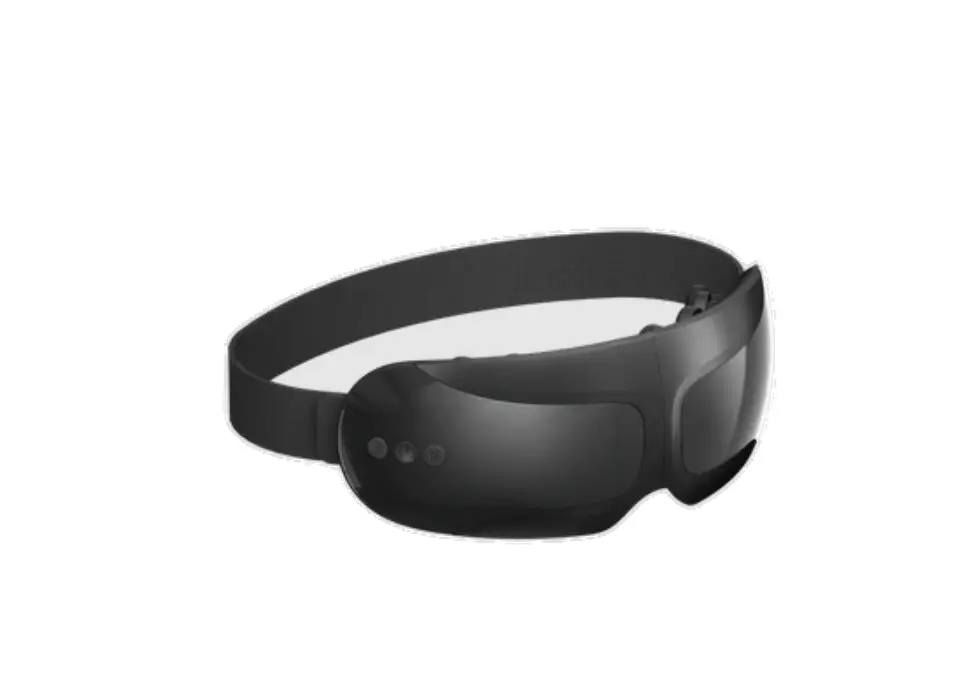
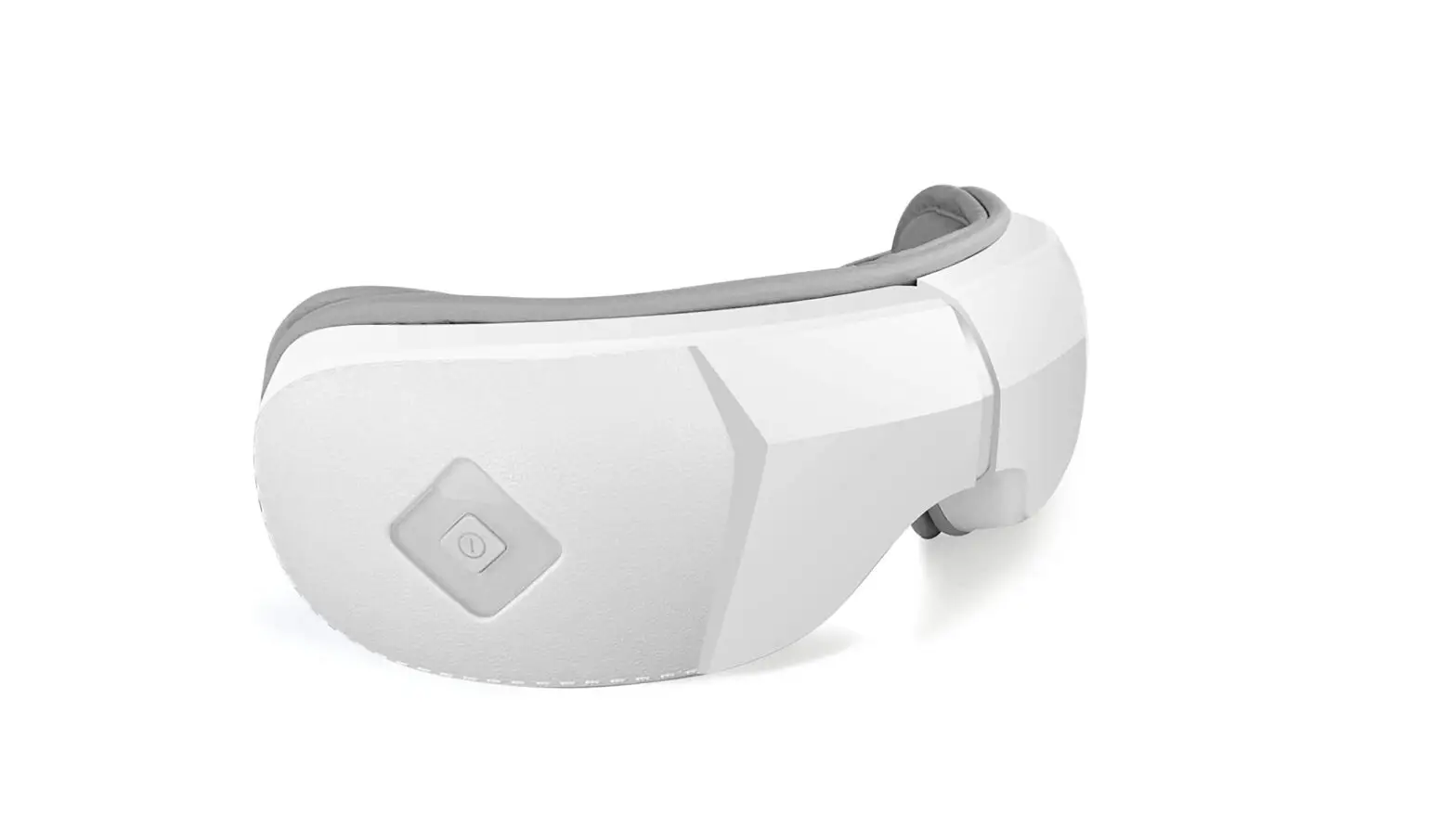
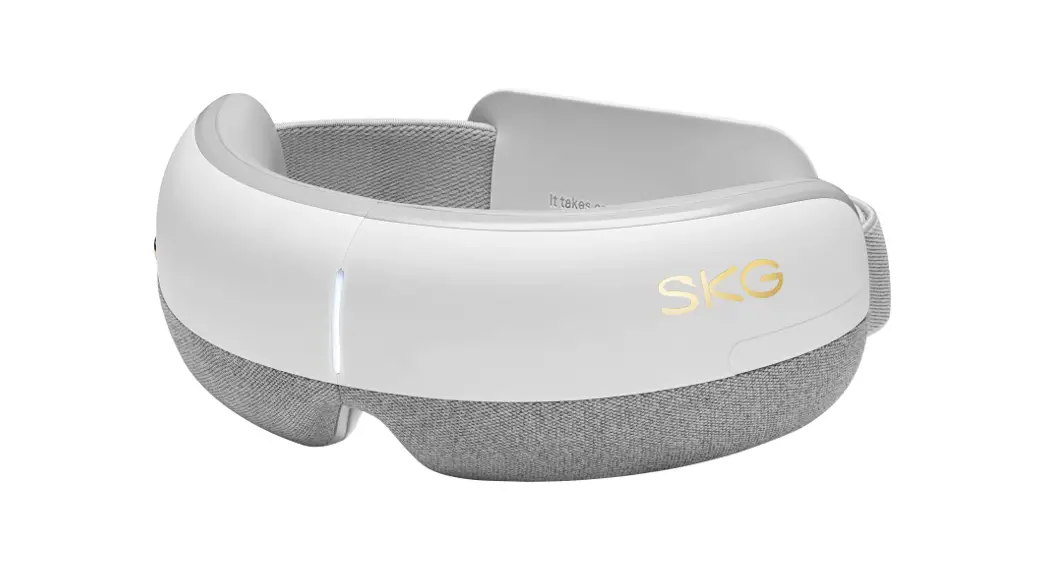
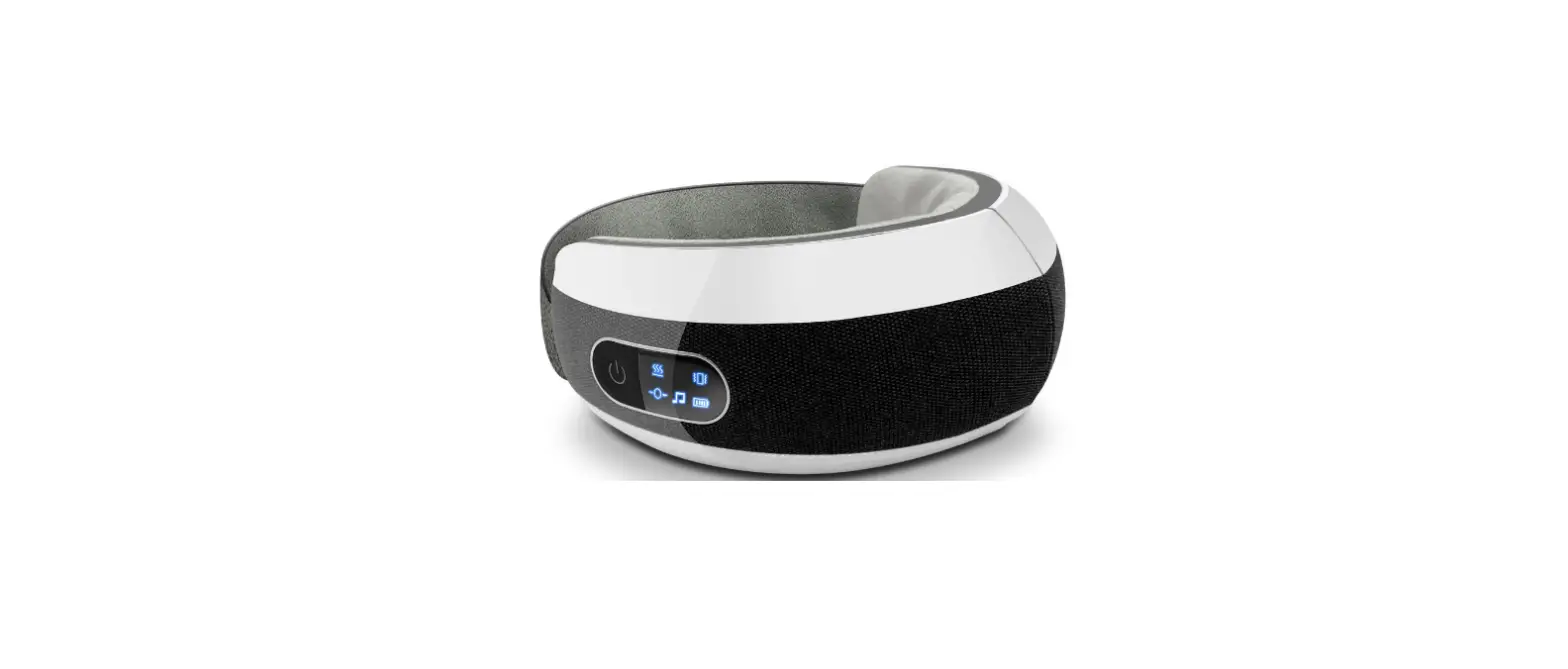
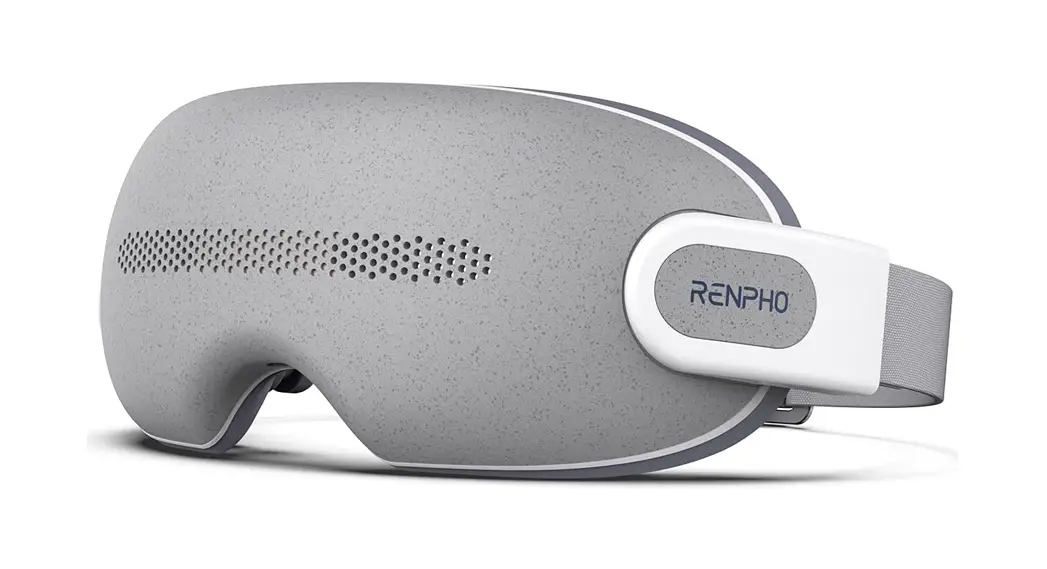
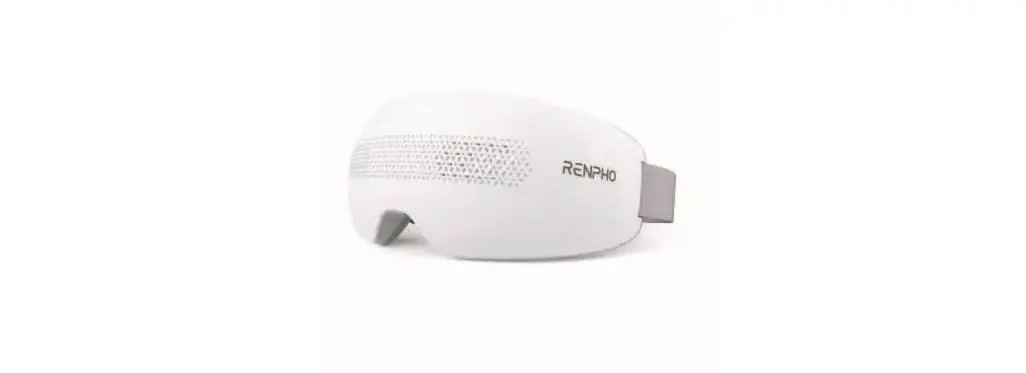
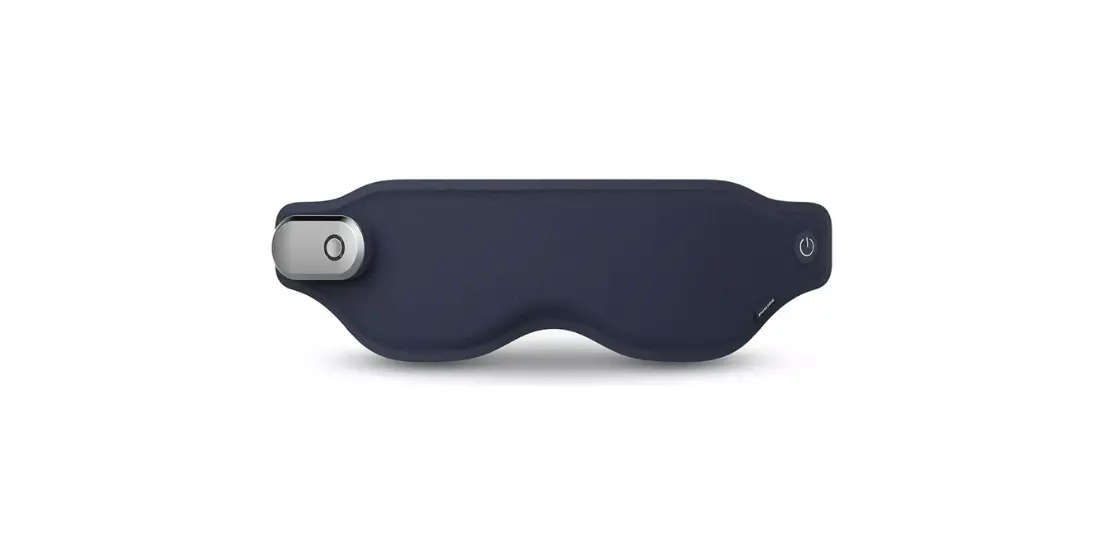
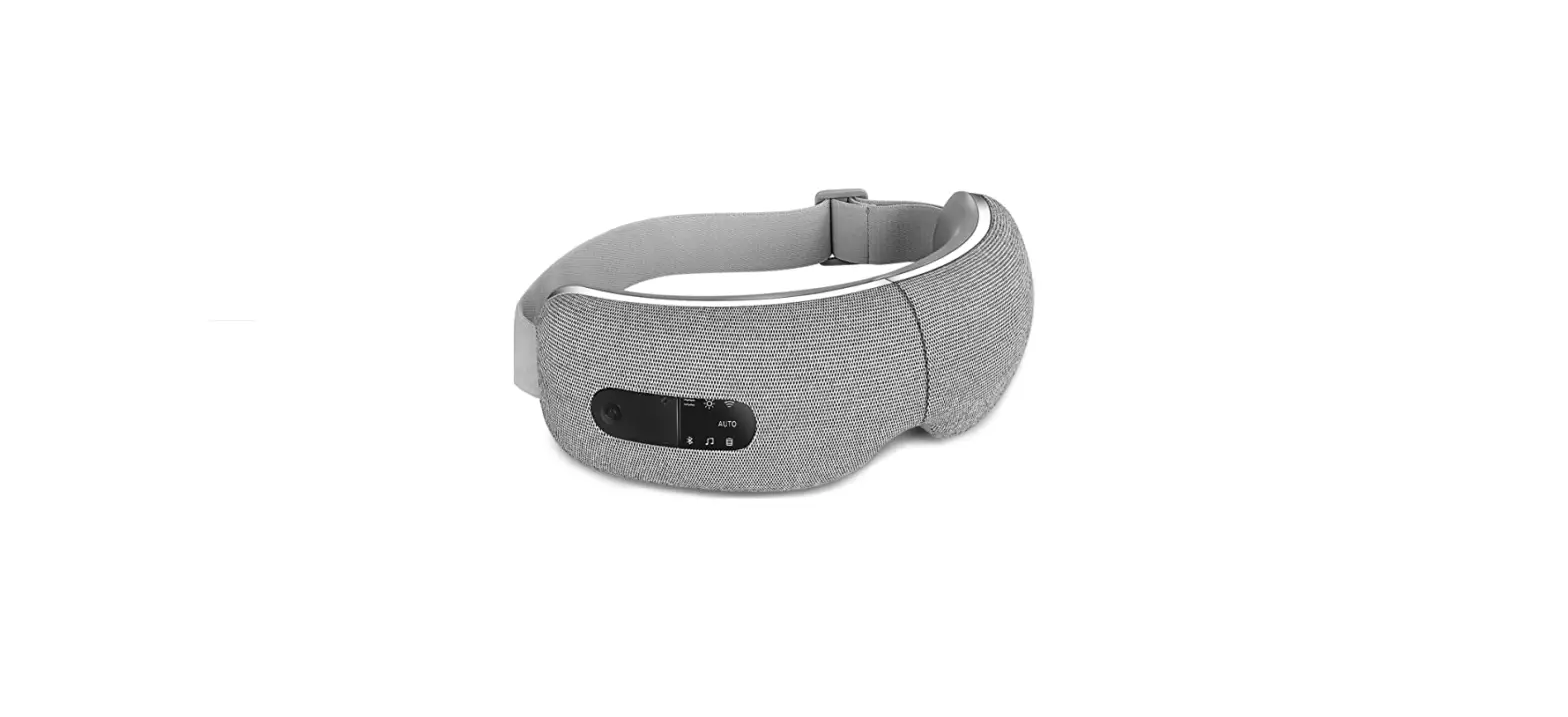
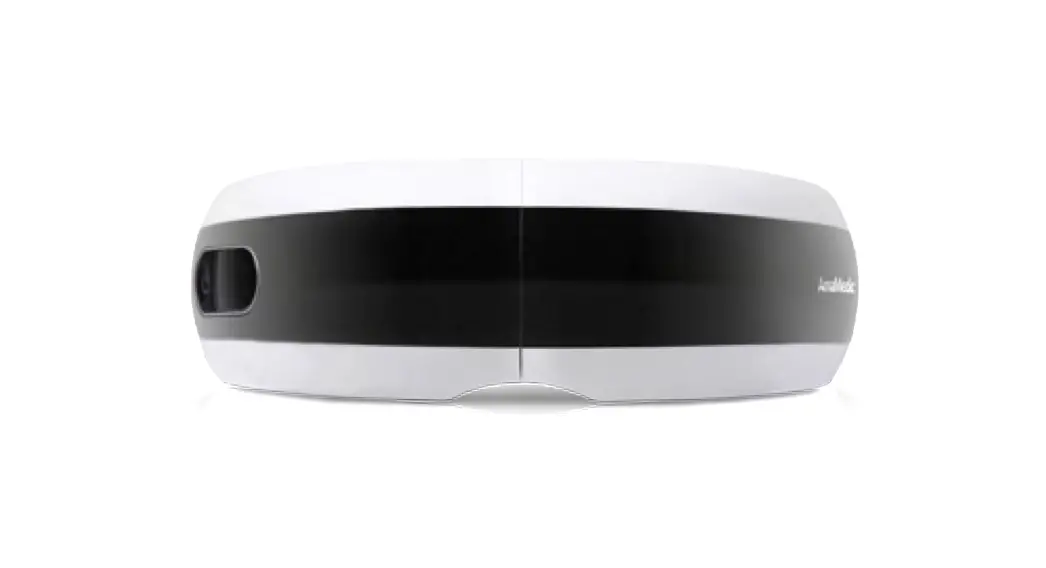
EyeFit PH-G02 Eye Massager
Product Information
- Model: PH-G02
- Dimensions: 90*130mm
- Weight: 105g
- Ink Colors: C0 M90 Y82 K21, C0 M30 Y32 K39
Product Usage Instructions
Important Safety Instructions
- This device is intended for personal care use only and not for
medical or commercial purposes. - Children over 8 and persons with reduced physical, sensory or
cognitive capabilities should only use the device under supervision
and after receiving instructions on safe use. - Children should not play with the device.
- Cleaning and maintenance should not be made by children.
Danger
- Never use pins or other metallic fasteners with this
device. - Do not use the device with wet hands or submerge the device
into water or other liquid.
Warning
- Please consult your doctor before use if you are any of the
following persons:- Persons who had undergone eye surgery or eye conditions such as
glaucoma, cataract and retinal detachment - The elderly
- Pregnant or postpartum women
- Persons allergic to leather material
- Persons with skin infections, sensitivity, redness and/or burns
on the skin - Persons with any swelling or wound around the eye area
- Persons using a pacemaker or other implantable medical
devices - Persons with a heart condition, malignant tumors, or other
serious health conditions - Persons undergoing medical treatment
- Persons with high or abnormal blood pressure
- Persons who had undergone eye surgery or eye conditions such as
- If you experience any discomfort, stop using the device
immediately. - Remove contact lenses, glasses, false eyelashes, hairpins, and
any other accessories before use. - Do not use the device under blankets, pillows, or any other
object that can cause excessive heating. - Do not use the device if it is not working properly, has been
damaged, or dropped into water. Return it to the service center for
examination and repair. - Do not use the device while driving, walking or running.
- Only use the charger (DC 5V 1A, not included) to recharge the
device. - Avoid contact with sharp objects.
- Use heated surfaces carefully, as they may cause serious burns.
Do not use over insensitive skin areas or on persons with poor
circulation. Children or incapacitated persons should not use heat
unattended. - High temperature may cause burns to occur regardless of the
control setting. Do not use the device on infants, persons who are
with disabilities, or sleeping or unconscious. Check frequently
where the skin is in contact with the heated area to reduce the
risk of blistering.
What’s Included
- EyeFit x 1
- Charging Cable x 1
- User Manual x 1
- Quick Guide x 1
Charging Your EyeFit
Fully charge the device before the first use.
- Charging Time: approx. 3 hours
- DC 5V 1A Charger (Not Included)
- Provided Charging Cable
- Charging Port Note: Do not use the device while charging.
Wearing Your EyeFit
- Remove any eye accessories (e.g. eyeglasses, false eyelashes,
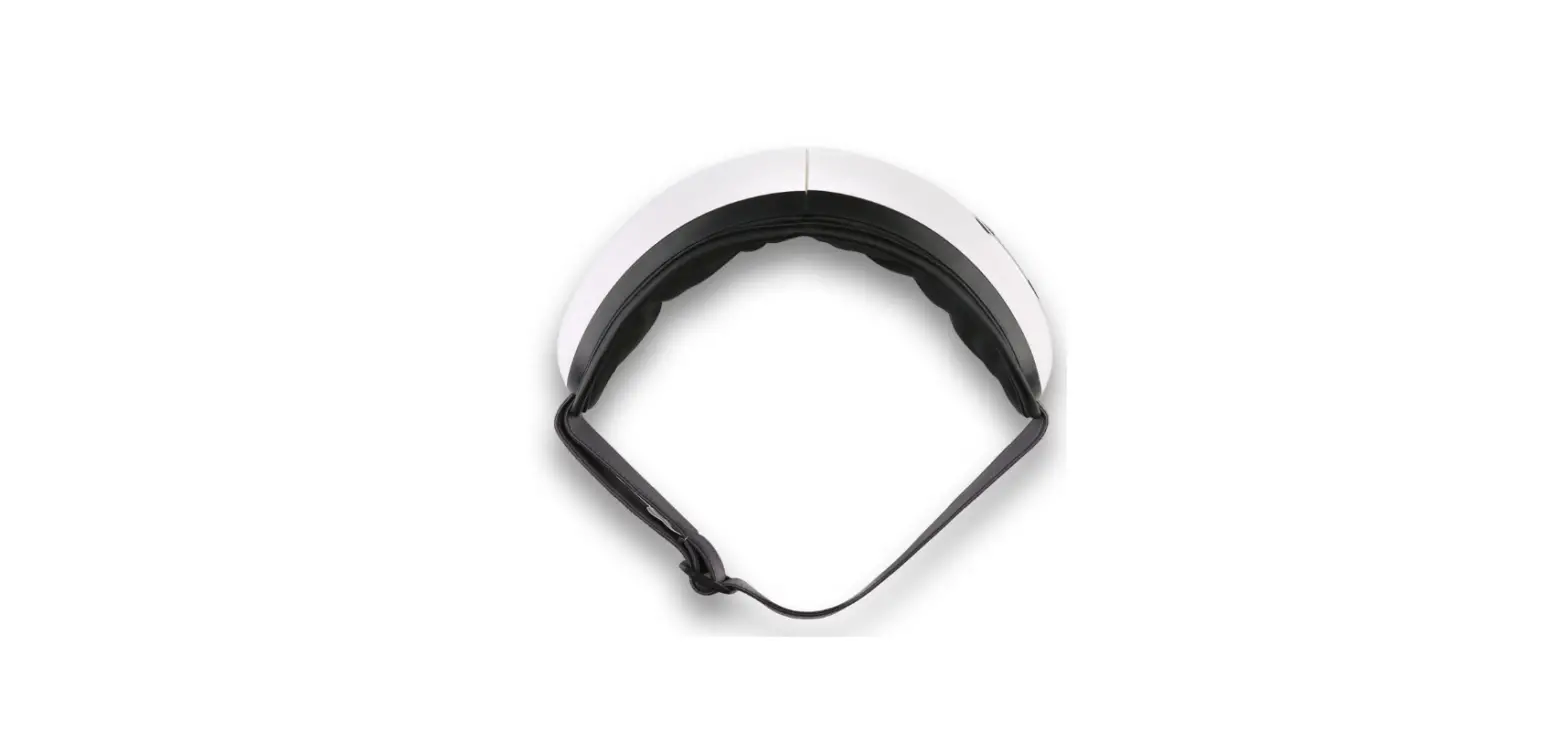
etc.) before wearing. - Wear the device and adjust the elastic band for a proper fit
using the adjustable buckle.
90*130mm105g
C0 M90 Y82 K21
C0 M30 Y32 K39
User Manual
EyeFit
Gentle pressure applied to your eyes and temples to relieve tension whenever you feel the need to ease into comfort.
Model: PH-G02
IMPORTANT SAFETY INSTRUCTIONS
READ ALL INSTRUCTIONS CAREFULLY BEFORE USE. 1. This device is intended for personal care use only and not for medical or
commercial purposes. 2. Children over 8 and persons with reduced physical, sensory or cognitive
capabilities should only use the device under supervision and after receiving instructions on safe use. 3. Children should not play with the device. 4. Cleaning and maintenance should not be made by children.
DANGER – To reduce the risk of electric shock: 1. Never use pins or other metallic fasteners with this device. 2. Do not use the device with wet hands or submerge the device into water or
other liquid.
WARNING – To reduce the risk of burns, fire, electric shock, or injury to persons: 1. Please consult your doctor before use if you are any of the following
persons: – Persons who had undergone eye surgery or eye conditions such as
glaucoma, cataract and retinal detachment – The elderly – Pregnant or postpartum women – Persons allergic to leather material – Persons with skin infections, sensitivity, redness and/or burns on the skin – Persons with any swelling or wound around the eye area – Persons using a pacemaker or other implantable medical devices – Persons with a heart condition, malignant tumors, or other serious health
conditions – Persons undergoing medical treatment – Persons with high or abnormal blood pressure If you experience any discomfort, stop using the device immediately. 2. Remove contact lenses, glasses, false eyelashes, hairpins, and any other
accessories before use. 3. Do not use the device under blankets, pillows, or any other object that can
cause excessive heating. 4. Do not use the device if it is not working properly, has been damaged, or
dropped into water. Return it to the service center for examination and repair.
01
5. Do not use the device while driving, walking or running. 6. Only use the charger (DC 5V 1A, not included) to recharge the device. 7. Avoid contact with sharp objects. 8. Use heated surfaces carefully, as they may cause serious burns. Do not use
over insensitive skin areas or on persons with poor circulation. Children or incapacitated persons should not use heat unattended. 9. High temperature may cause burns to occur regardless of the control setting. Do not use the device on infants, persons who are with disabilities, or sleeping or unconscious. Check frequently where the skin is in contact with the heated area to reduce the risk of blistering.
SAVE THESE INSTRUCTIONS
WHAT’S INCLUDED
EyeFit x 1 Charging Cable x 1 User Manual x 1 Quick Guide x 1
CHARGING YOUR EYEFIT
Fully charge the device before the first use.
Charging Time: approx. 3 hours
DC 5V 1A Charger (Not Included)
Provided Charging Cable
Charging Port Note: Do not use the device while charging.
02
Power Source
WEARING YOUR EYEFIT
1. Remove any eye accessories (e.g. eyeglasses, false eyelashes, etc.) before wearing.
2. Wear the device and adjust the elastic band for a proper fit using the adjustable buckle.
USING YOUR EYEFIT
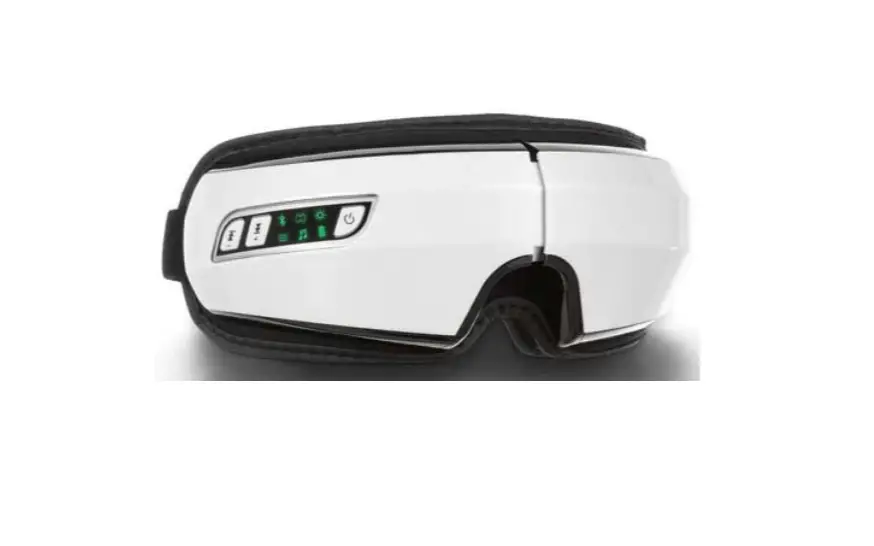
Power / Mode Button Adjustable Buckle
Elastic Band 03
Indicator
Eye Cushion Charging Port
Power / Mode Button
1. Press and hold to turn on/off the device. After power on, mode 1, built-in music and Bluetooth will be enabled by default, and the indicator turns white.
2. Short press to switch between 5 modes. M 1: Soft Pressure + Heat M 2: Strong Pressure + Heat M 3: Heat M 4: Soft Pressure M 5: Strong Pressure
3. Press twice to switch between voice mode and silent mode. In silent mode, the voice broadcast and music will be disabled, and you can resume the Bluetooth music via your mobile device.
Note: · For optimal results, it is recommended to use the device for 15 minutes
every day. · This device features a 15mins auto-off timer that automatically shuts the
device off after 15 minutes of continuous use.
Indicator
Status Device turned on / Bluetooth disconnected Bluetooth connected
Indicator Turns solid white Turns solid blue
Low battery / Charging
Flashes red slowly
Fully charged
Charging at a voltage higher than 5V
Turns solid red
Keeps flashing red quickly for 1 minute and then turns off, indicating an improper charger is used.
04
US Importer: JOICOM CORPORATION 14129 The Merge Street, Building 3 Unit A, Eastvale, CA 92880
Manufacturer: Shenzhen Ruiyi Business Technology Co., Ltd. No. 810-C063, 8th Floor, Xiangbin International Financial Centre, No.18,
West Free Trade Street, China Special Economic Zone, Qianhai Bay, Shenzhen, Guangdong Province, 518000 China
Made in China
NA1
CONNECTING TO BLUETOOTH
1. Turn on your device and enable Bluetooth on your mobile device. 2. Search for “PH-G02” via your Bluetooth settings and connect to play your
music playlist through the device.
Note: Once paired successfully, the device will be automatically connected to Bluetooth each time turned on, followed by a voice prompt “Bluetooth connected”.
CARE AND MAINTENANCE
1. Turn off the device and allow it to cool down before cleaning or storing. 2. Wipe the device surface with a soft cotton cloth slightly dampened with
mild detergent. Do not use abrasive cleaners or solvents. 3. Always keep the device dry. 4. Store the device in a cool, dry place. Do not expose it to direct sunlight,
moisture, heat, and corrosive gases. 5. If the device has not been used for over 3 months, charge it from time to
time to prolong its lifespan. 6. Do not disassemble or repair the device by yourself as this may cause
damage and void the manufacturer’s warranty.
SPECIFICATIONS
Product Name: Eye Massager Model: PH-G02 Input: 5V 1A Rated Power: 5W Battery Capacity: 1200mAh
05
TROUBLESHOOTING GUIDE
Problem
Possible Cause
Solution
Power-on failure
Out of power Short press the Power button
Charge the device
Long press the Power button to turn on the device
Low air pressure
Low battery
The mode with soft pressure is selected
Charge the device
Select the mode with strong pressure
No air pressure
The mode without air pressure is selected
Select the mode with pressure
The device shuts off suddenly
Out of power
The built-in auto-off timer is activated
Charge the device
Restart the device for another massage session if needed
Charging failure
Fail to play Bluetooth music through the device
There is work noise
Use other types of charging cables
Use the provided charging cable only
Use a charger with a voltage higher than 5V
Use a DC 5V 1A charger (not included)
Bluetooth is not connected or disconnected
Silent mode is activated
Connected to another mobile device
Enable Bluetooth on your mobile device and connect to “PH-G02”
Tap on your phone to play music or double press the Power button on the device to switch to voice mode
Ensure the device is disconnected from another mobile device
For this type of massager, the consistent work noise is considered normal
No action is necessary
If you encounter any other problems, please contact our customer service.
06
WARRANTY POLICY (1-YEAR PERIOD)
The manufacturer’s warranty is void under the following circumstances but not limited to: · Improper or inadequate maintenance or modification. · Accident, misuse, abuse, contamination, or other external causes. · The use of unspecified accessories. · Loss or damage in transit. · Damages that occur as a result of one’s failure to follow the instructions.
CUSTOMER SERVICE
We have an award-winning warranty, exchange, and customer service team that guarantees hassle-free solutions to any issue you might have within business hours.
+1(844) 417 0149 Monday-Friday 9:00AM-4:30PM [email protected]
* For defective products or the return of items, please contact us with your order number within the specified warranty period. DO NOT dispose of any product parts as they may be required for inspection/repair.
07
FCC Regulatory Compliance
This device complies with part 15 of the FCC Rules. Operation is subject to the following two conditions: (1) This device may not cause harmful interference, and (2) this device must accept any interference received, including interference that may cause undesired operation. Warning: Changes or modifications not expressly approved by the party responsible for compliance could void the user’s authority to operate the equipment. Note: This equipment has been tested and found to comply with the limits for a Class B digital device, pursuant to Part 15 of the FCC Rules. These limits are designed to provide reasonable protection against harmful interference in a residential installation. This equipment generates, uses and can radiate radio frequency energy and, if not installed and used in accordance with the instructions, may cause harmful interference to radio communications. However, there is no guarantee that interference will not occur in a particular installation. If this equipment does cause harmful interference to radio or television reception, which can be determined by turning the equipment off and on, the user is encouraged to try to correct the interference by one or more of the following measures: – Reorient or relocate the receiving antenna. – Increase the separation between the equipment and receiver. – Connect the equipment into an outlet on a circuit different from that to which the receiver is connected. – Consult the dealer or an experienced radio/TV technician for help.
RF Exposure Compliance This equipment complies with FCC radiation exposure limits set forth for an uncontrolled environment. This transmitter must not be co-located or operating in conjunction with any other antenna or transmitter.
ISED Regulatory compliance This device contains licence-exempt transmitters that comply with Innovation, Science and Economic Development Canada’s licence-exempt RSS(s). Operation is subject to the following two conditions: (1)This device may not cause interference. (2)This device must accept any interference, including interference that may cause undesired operation of the device.
Le présent appareil est conforme aux CNR d’Industrie Canada applicables aux appareils radio exempts de licence. L’exploitation est autorisée aux deux conditions suivantes: (1) l’appareil ne doit pas produire de brouillage, et (2) l’utilisateur de l’appareil doit accepter tout brouillage radioélectrique subi, même si le brouillage est susceptible d’en compromettre le fonctionnement. This equipment complies with IC RSS-102 radiation exposure limits set forth for an uncontrolled environment. Cet équipement est conforme aux limites d’exposition aux radiations IC CNR-102 établies pour un environnement non contrôlé.
08
 Heal - Primary care in the comfort of your home, covered by Medicare.