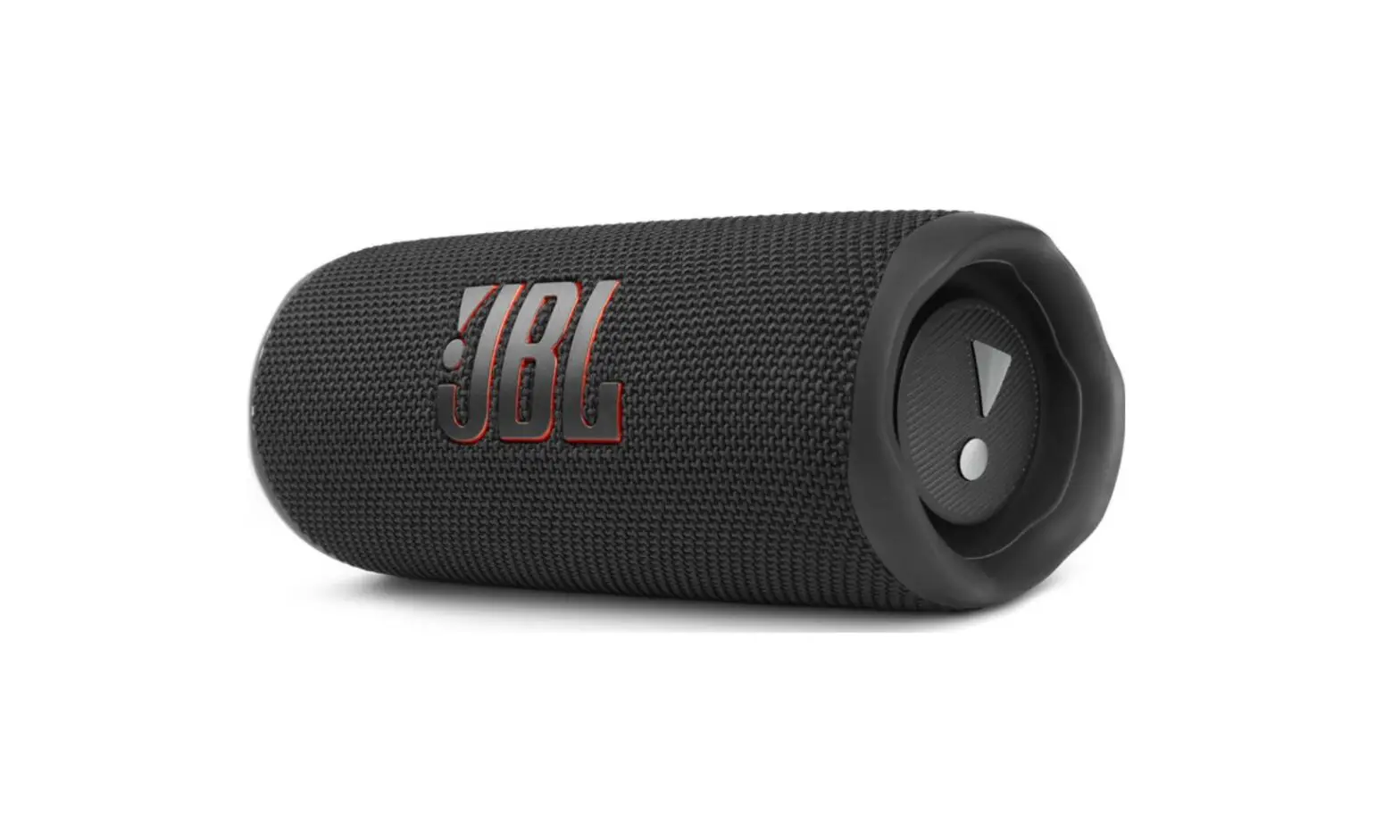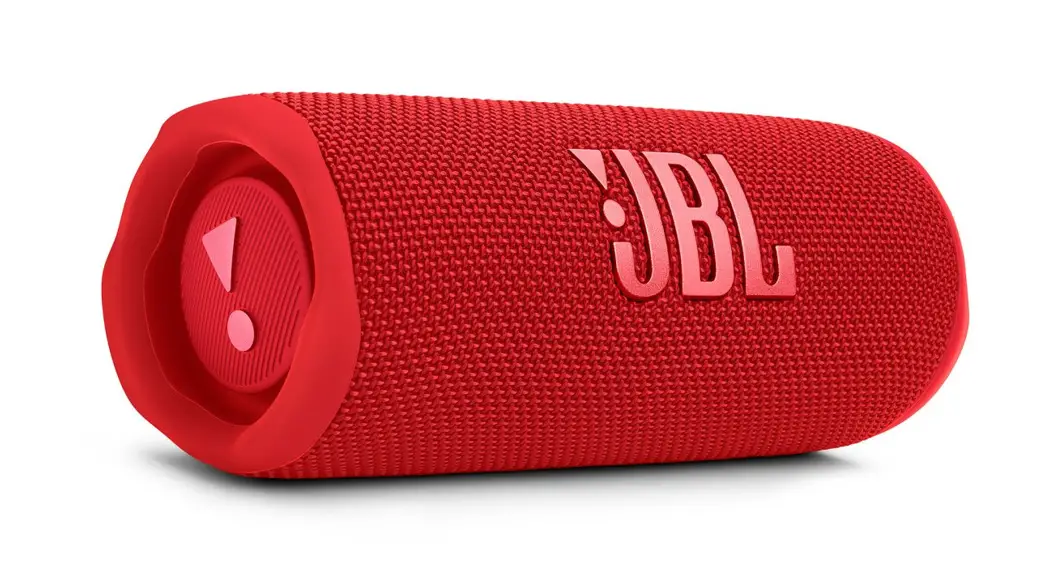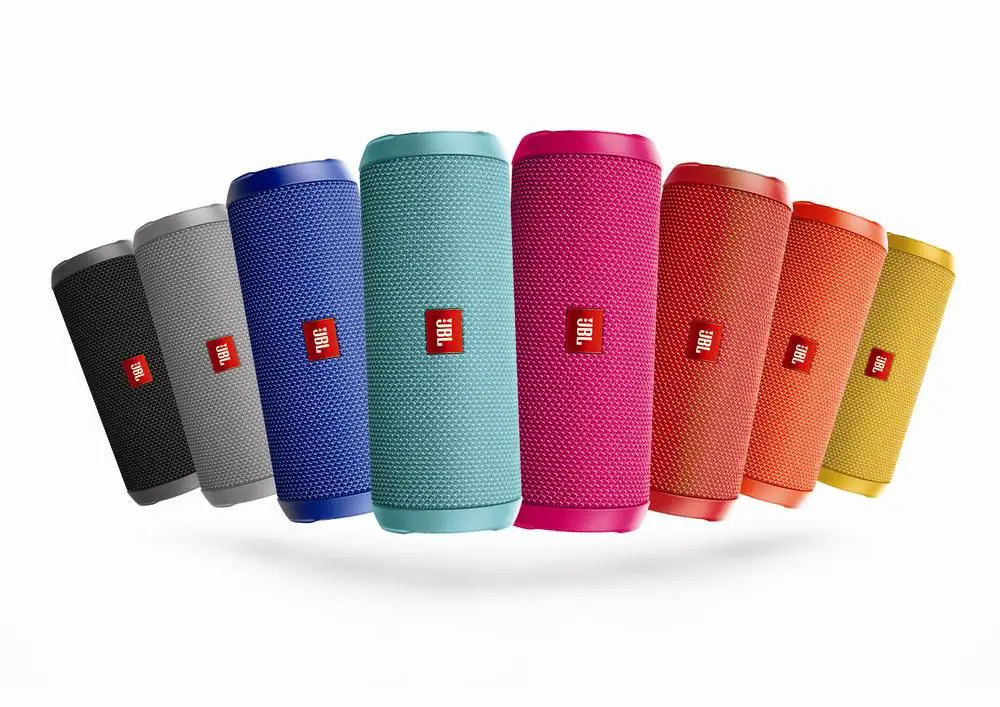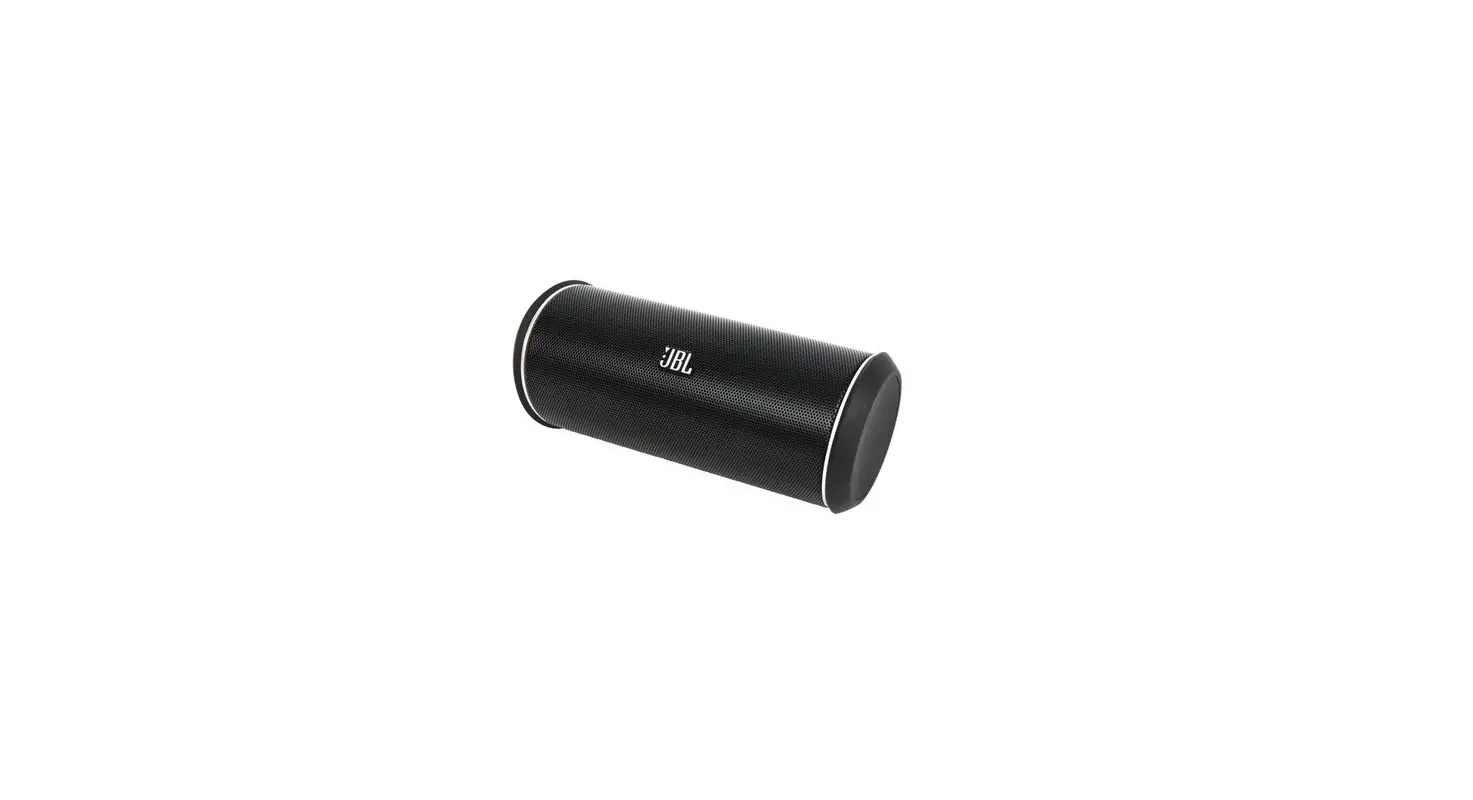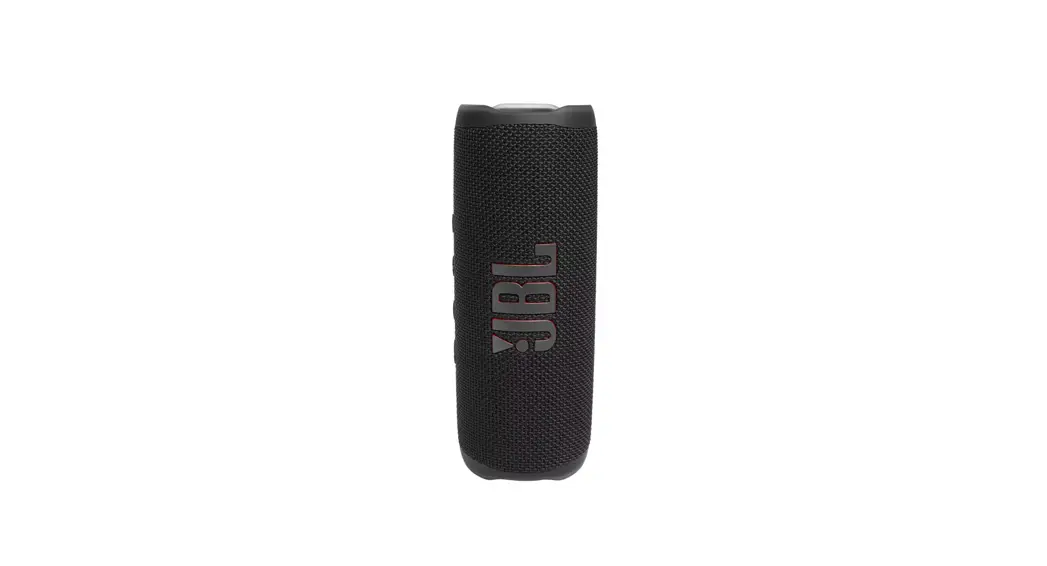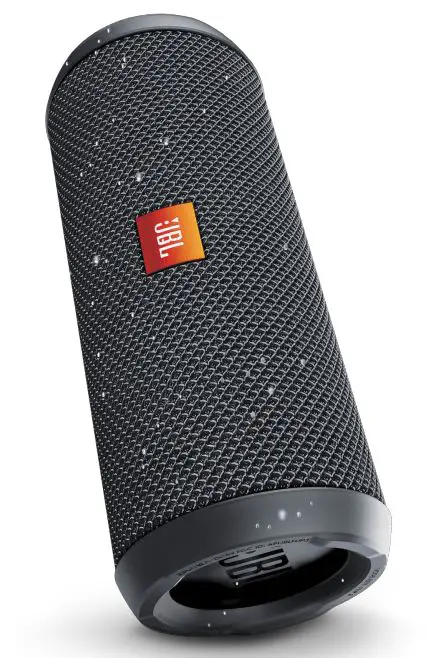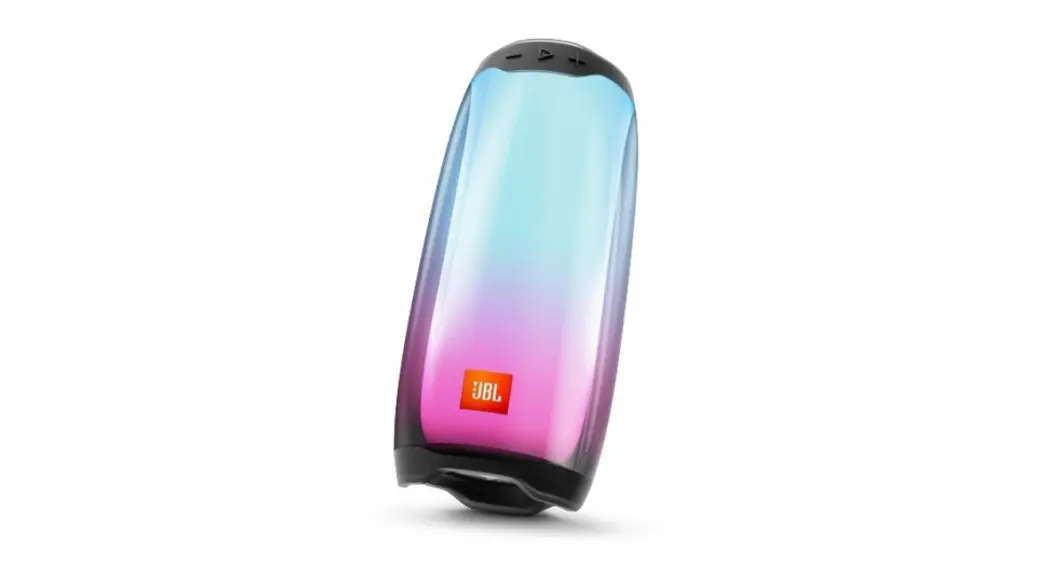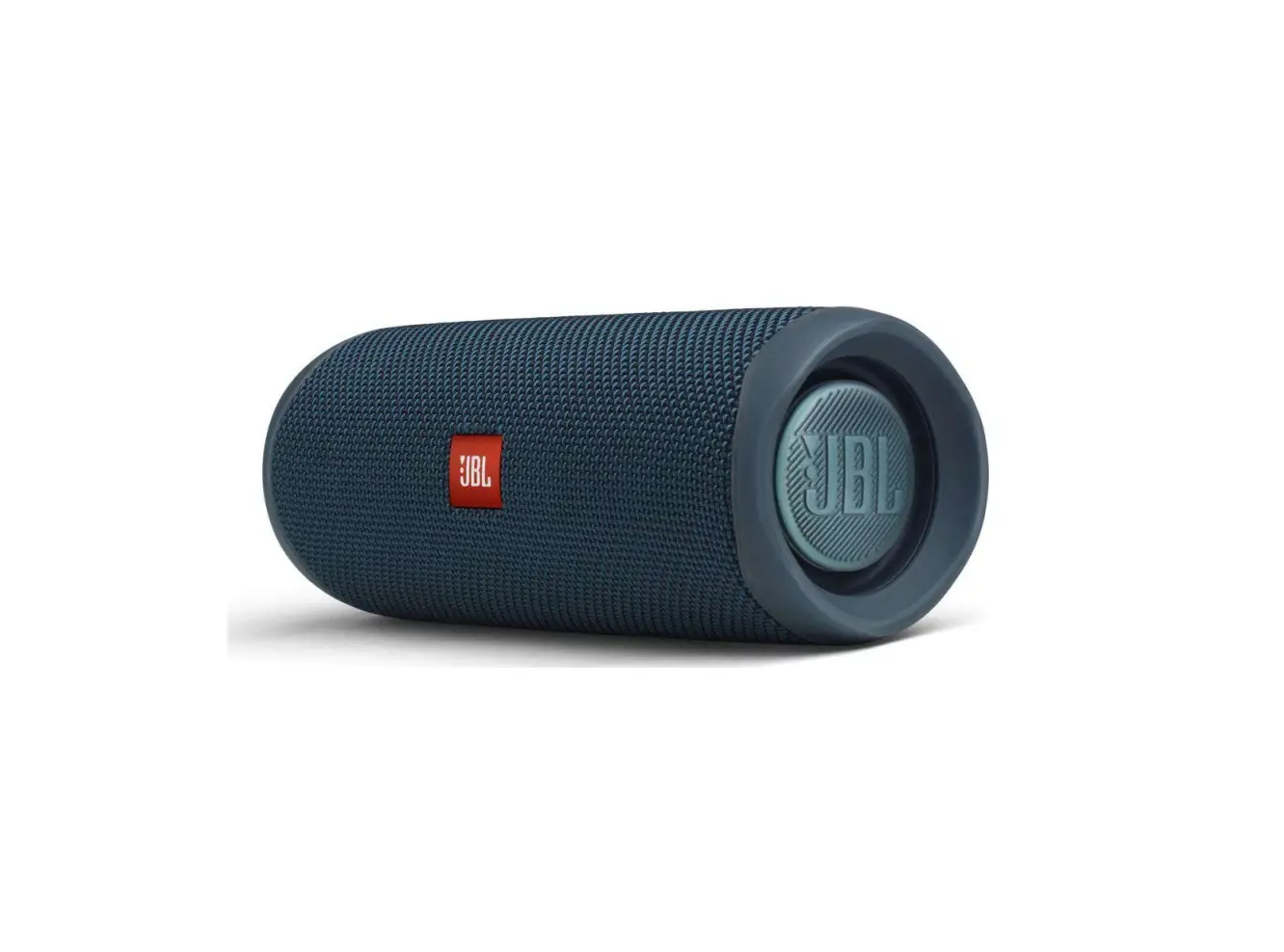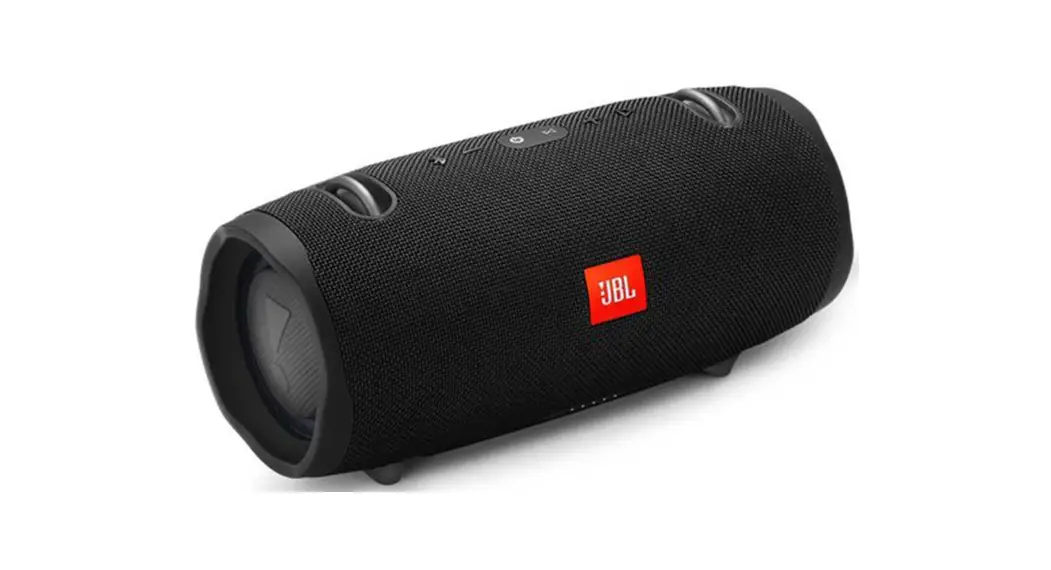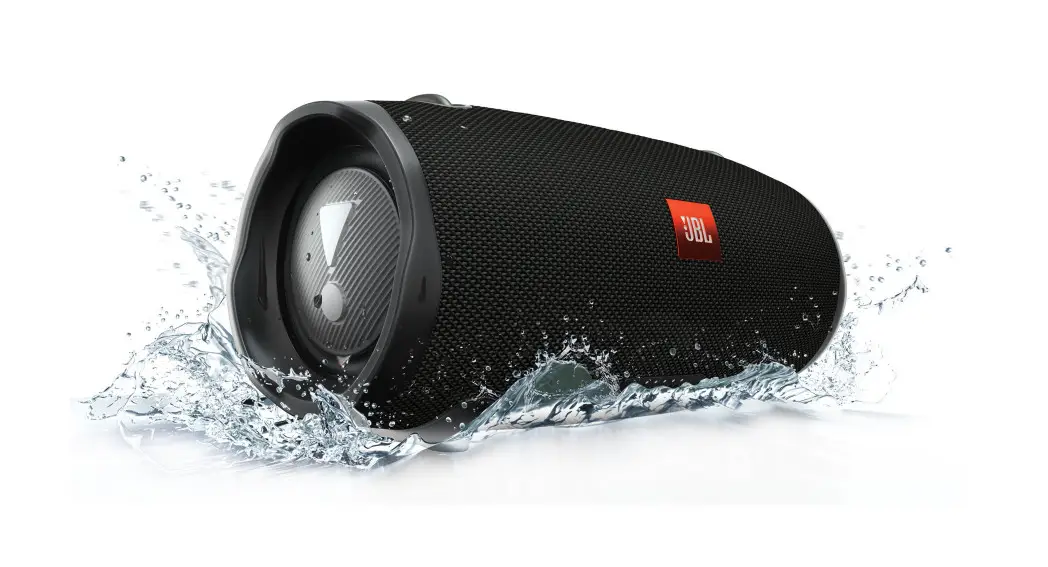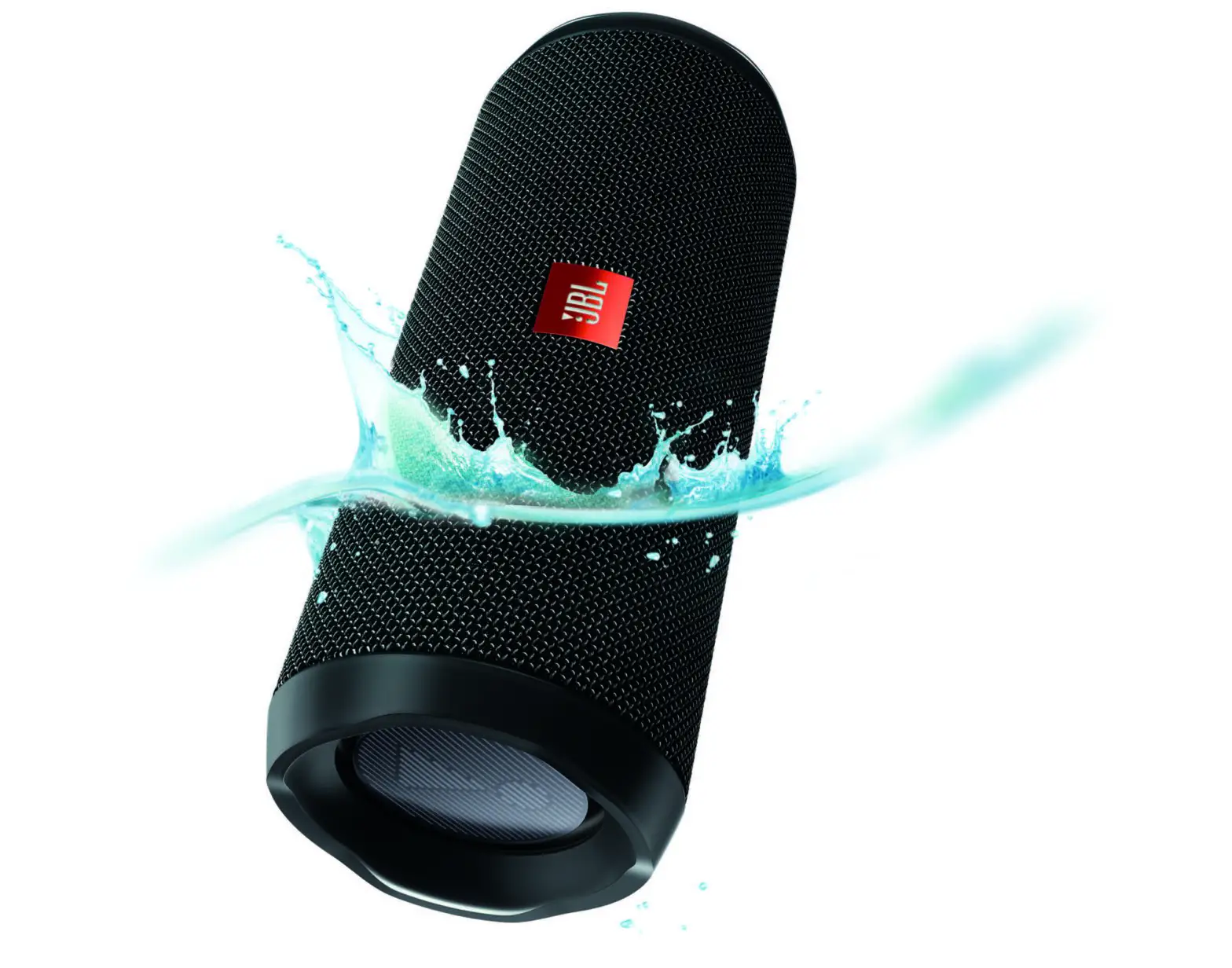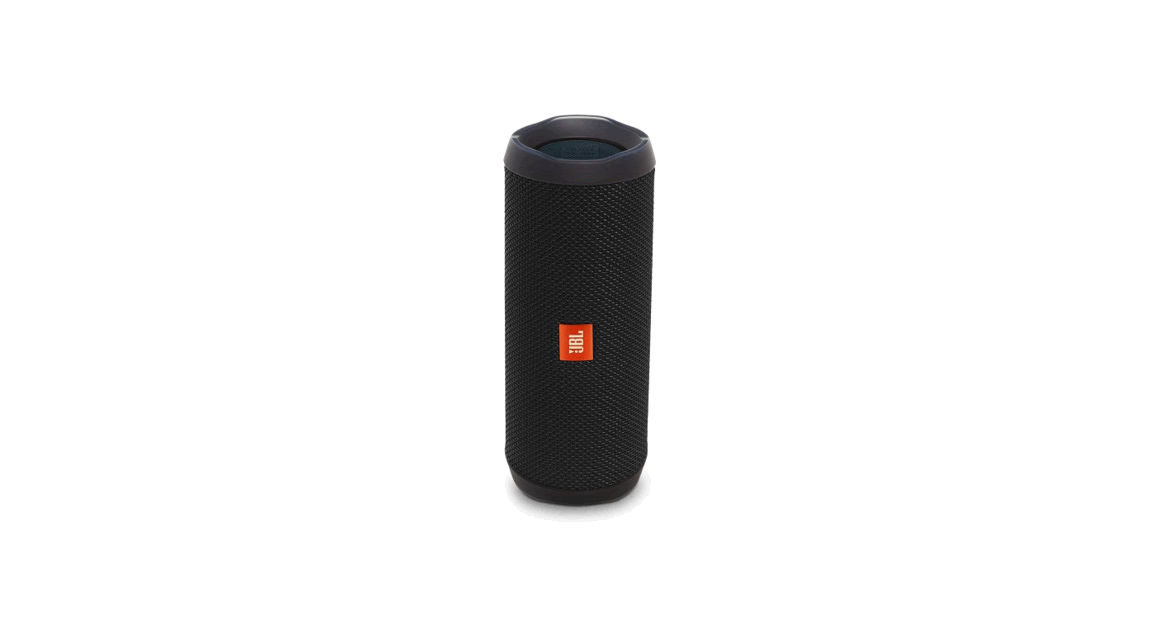
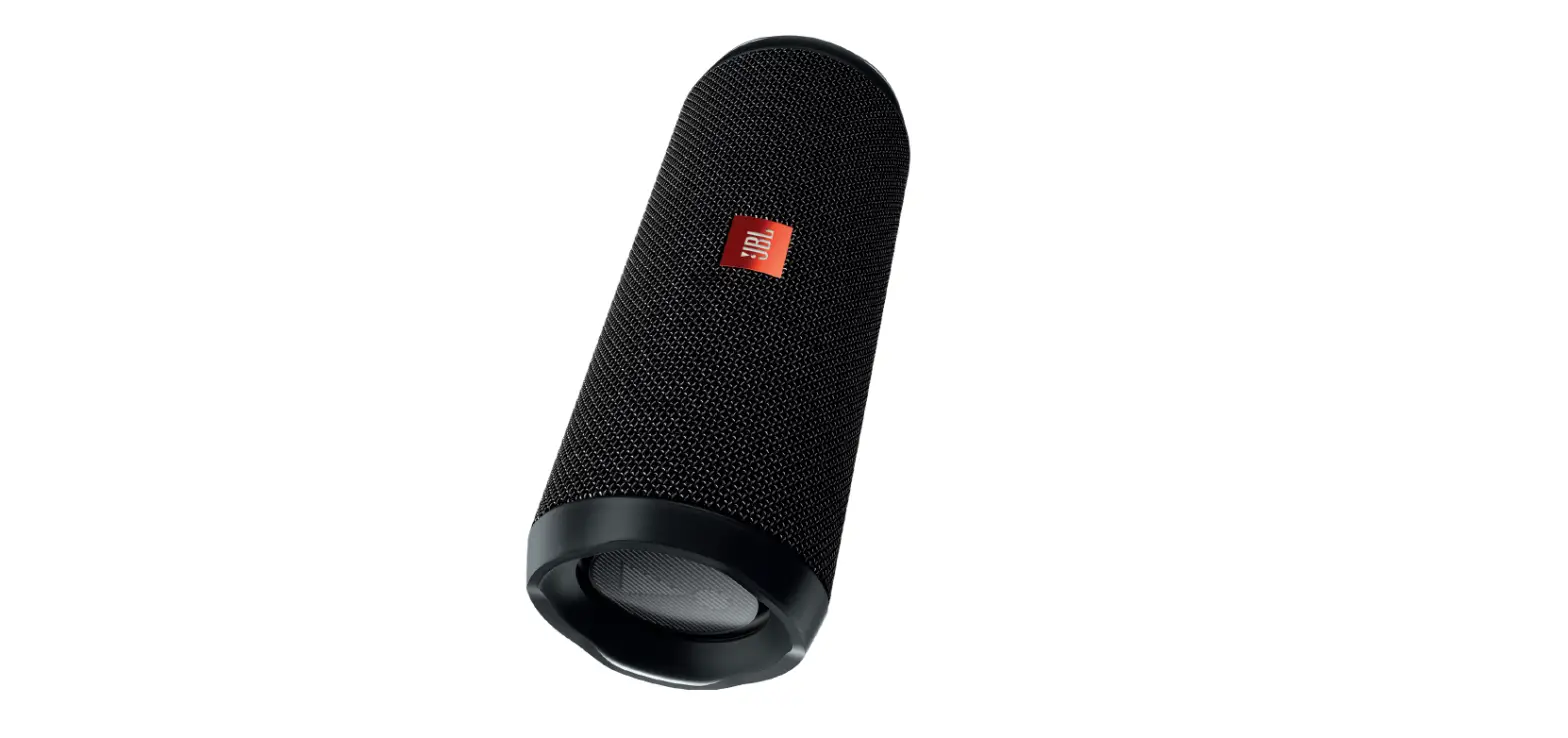
 Flip 4 Bluetooth Speaker
User Guide
Flip 4 Bluetooth Speaker
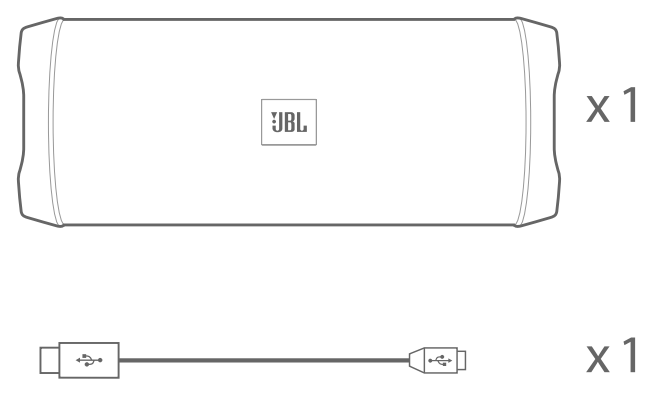
What’s in the box
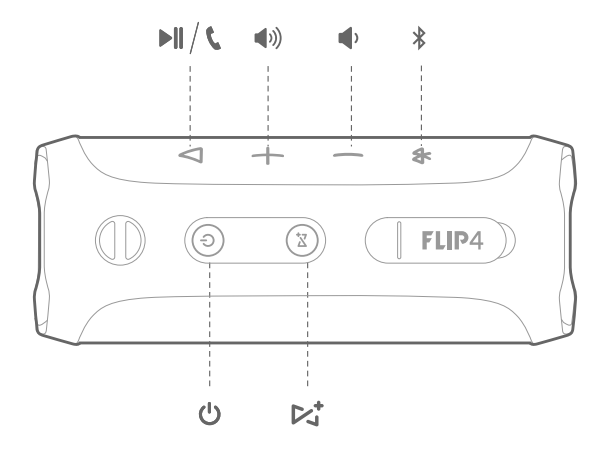
 Buttons
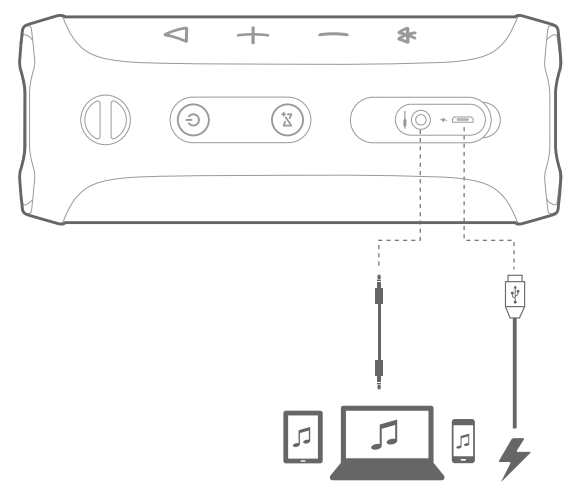
  Connections
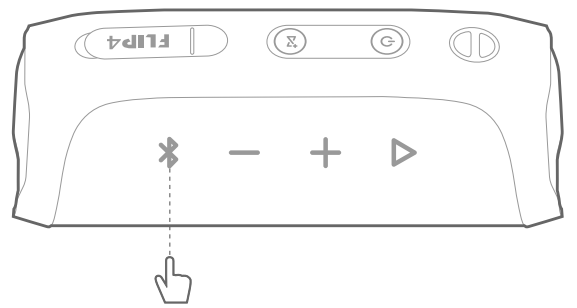
  Bluetooth®
- Bluetooth connection

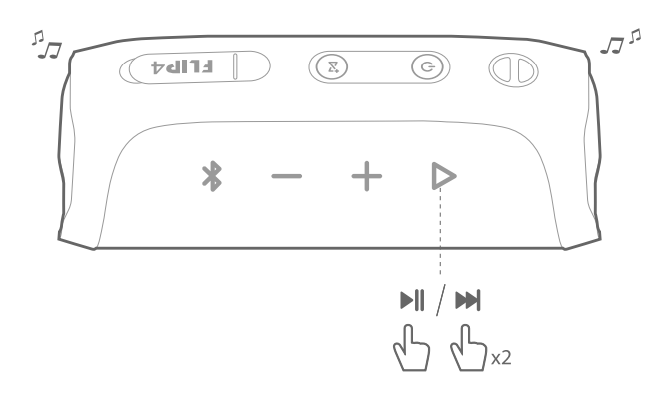
- Music control

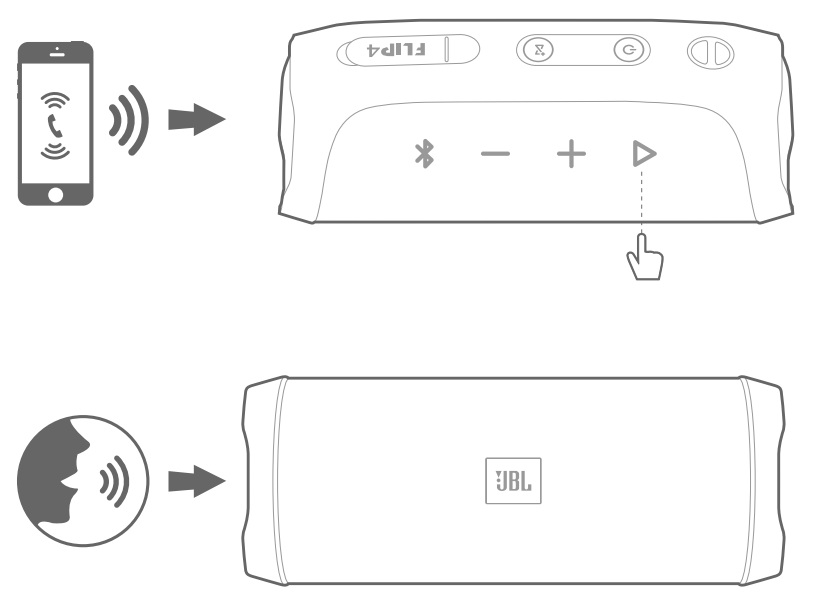
- Speakerphone
Voice assistant
Tap “Voice Assistant” in the JBL Connect app, to make the “(>” button as the activation key of Siri or Google Now on your phone. 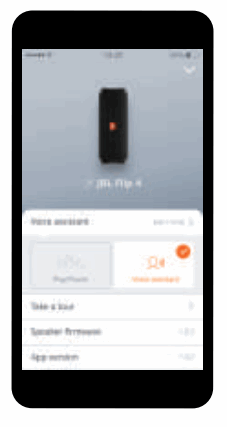 Press the “
 ” button on the speaker to activate Siri or Google Now on your phone. Please make sure the Siri or Google Now is enabled on your phone.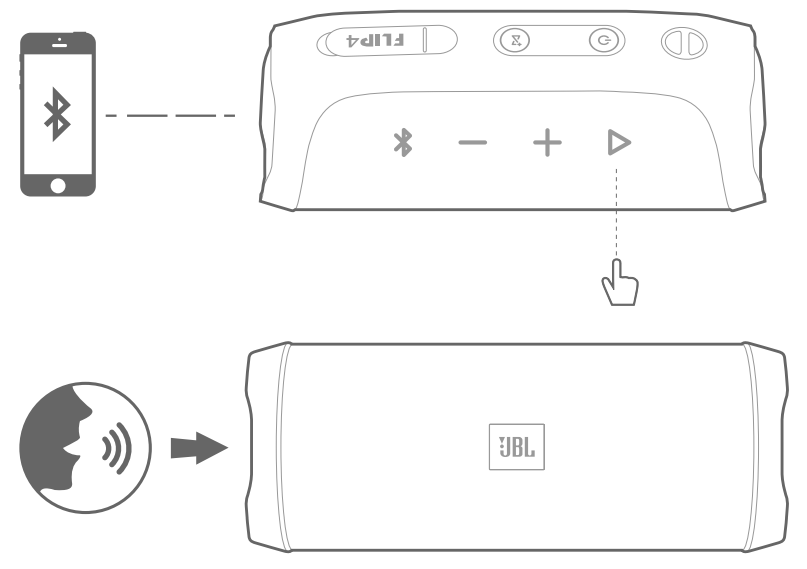
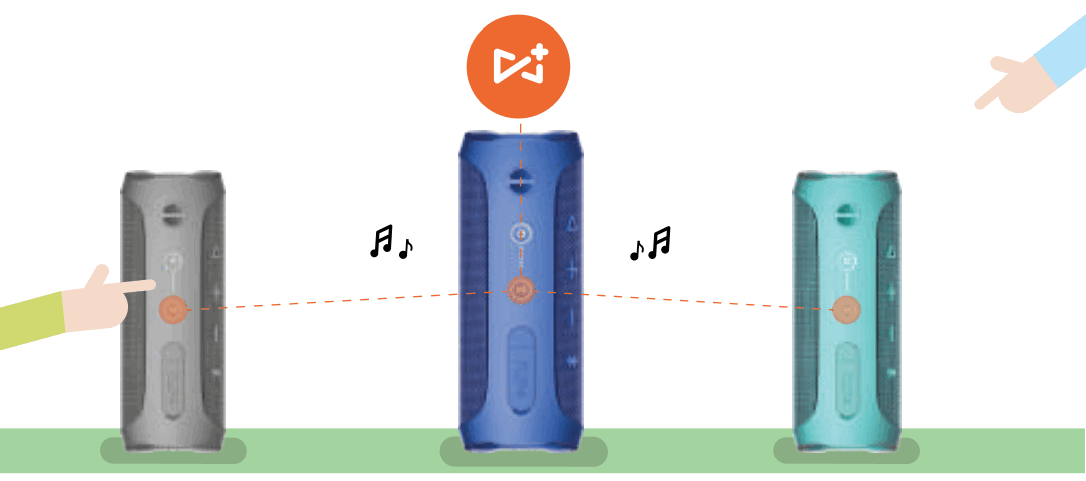
JBL Connect+
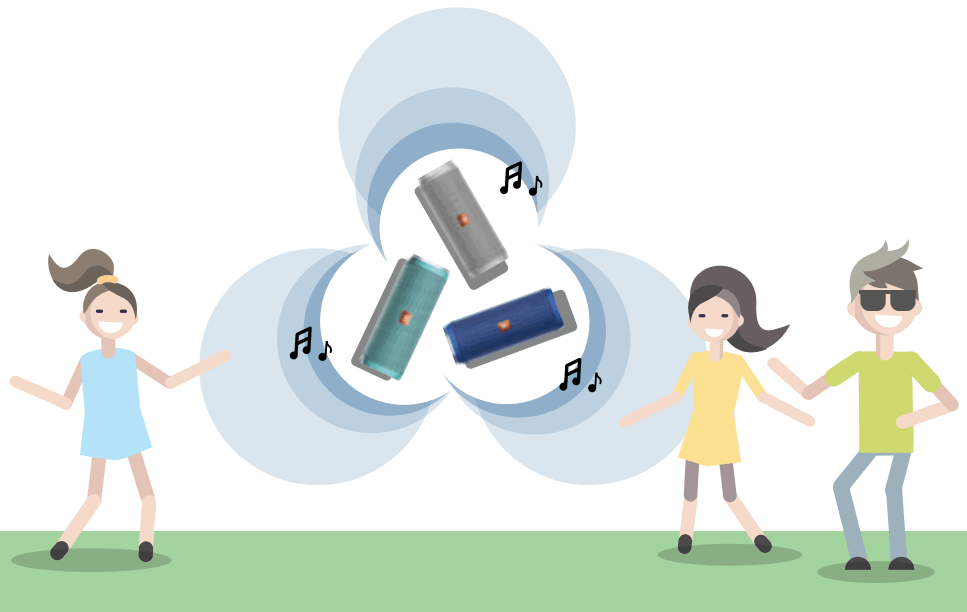
Wirelessly links 100+ JBL Connect+ compatible speakers together. 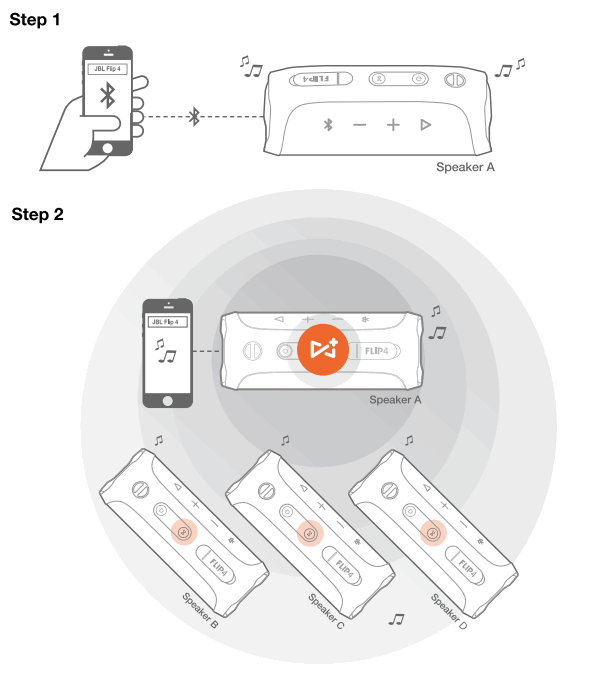 Play music on one of you JBL speakers and then press the JBL Connect+ button on all desired speakers to start pairing. All the other JBL speakers will play same music from the music source.
  Download the JBL Connect app for the following features: stereo setup, firmware upgrade, and device renaming.
LED Behavior
 Power Power | |
| On |  White on White on |
| Stand by |  White Flash White Flash |
| Bluetooth pairing mode |  White fiash White fiash |
| Bluetooth connected |  Blue on Blue on |
| Connect + | |
| Broadcasting mode | White on |
Waming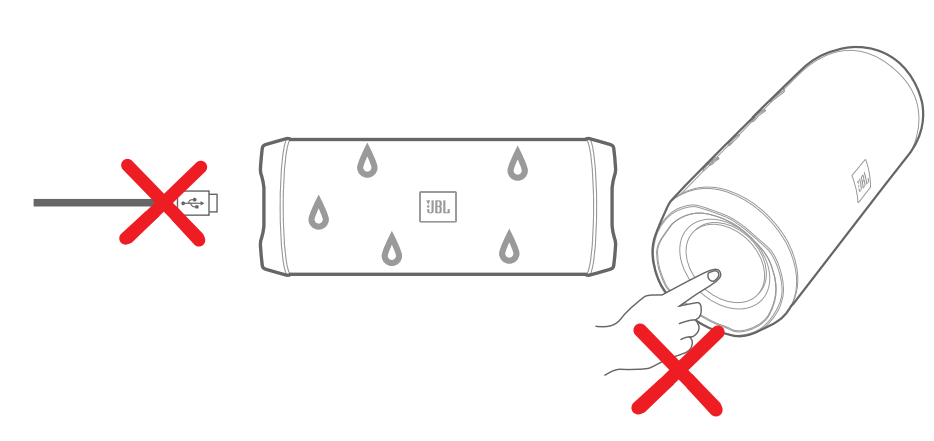 JBL Flip 4 is IPX7 waterproof.
IMPORTANT: To ensure that the JBL Flip 4 is waterproof, pleass remove all cable connections and tightly close the cap; exposing the JBL Flip 4 to liquids without doing so may result in Permanent damage to the speaker. And do not expose JBL Flip 4 to water while charging, as doing so may result in permanent damage to the speaker or power source. IPX7 waterproof is defined as the speaker can be immersed in water up to 1m for up to 30 minutes.
- Bluetooth version: 4.2
- Support: A2DP V1.3, AVRCP V1.6, HFP V1.6, HSP V1.2
- Transducer: 2 x 40mm
- Output power: 2 x 8W
- Frequency response: 7OHz – 20KHz
- Signal-to-noise ratio: 280dB
- Battery type: Lithium-ion polymer (3.7V, 3000mAn)
- Battery charge time: 3.5 hour @ 5V1A
- Music playing time: up to 12 hours (varies by volume level and audio content)
- Bluetooth transmitter power: Q-9dBm
- Bluetooth transmitter frequency range: 2.402 – 2.480GHz
- Bluetooth transmitter modulation: GFSK, r/4-DQPSK, 8DPSK
- Dimensions (H x W x D): 68 x 175 x 70 (mm)
- Weight: 515g
Bluetooth
The Bluetooth® word mark and logos are registered trademarks owned by Bluetooth SIG, Inc. and any use of such marks by HARMAN International Industries, Incorporated is under license. Other trademarks and trade names are those of their respective owners.
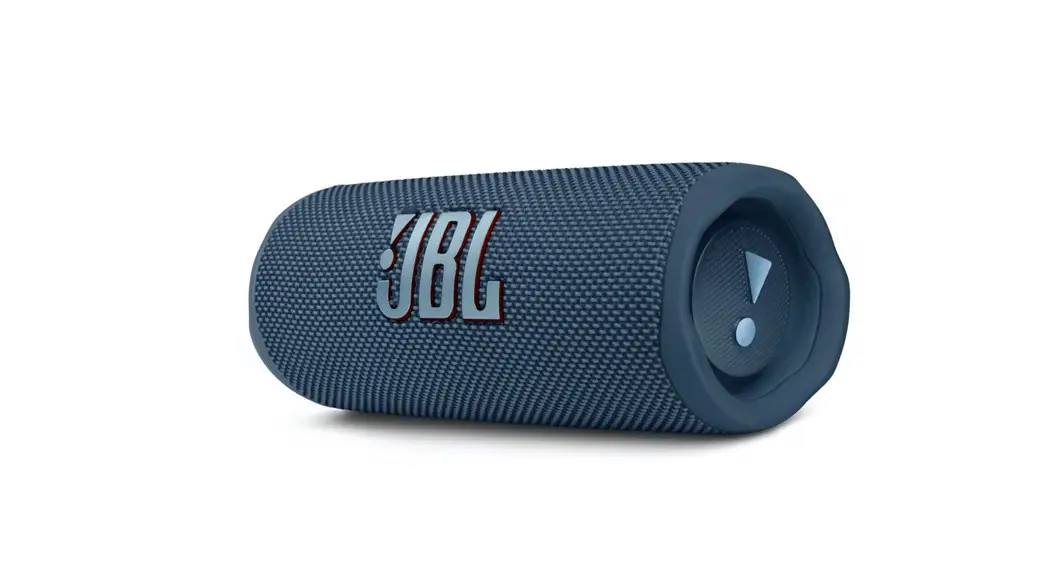
![JBL Flip 4 [Bluetooth Speaker] User Manual](https://manualsee.com/img/455/4004/2019/03/JBL-Flip-4-Bluetooth-Speaker-FEATURED.png "JBL Flip 4 [Bluetooth Speaker] User Manual")