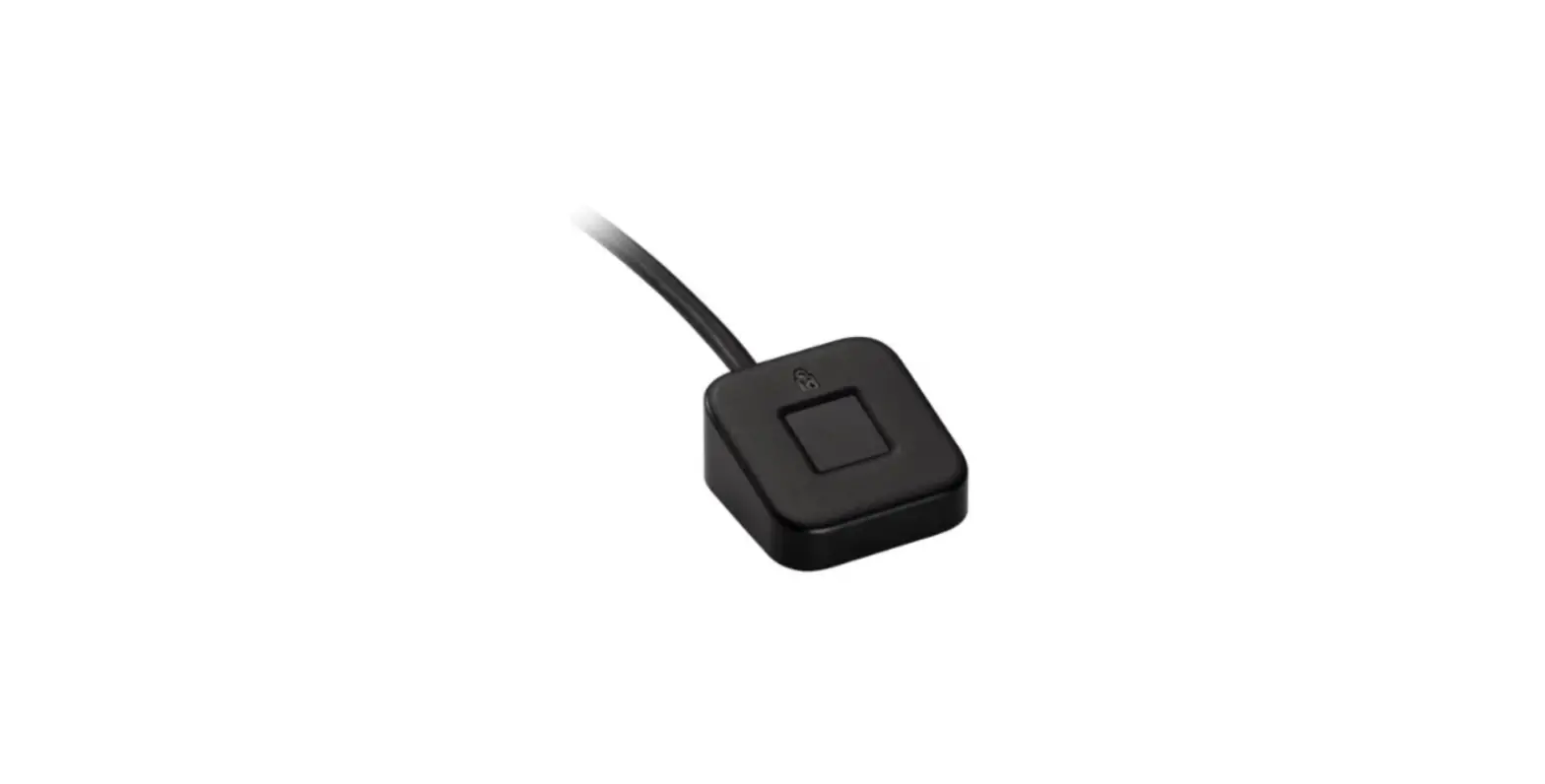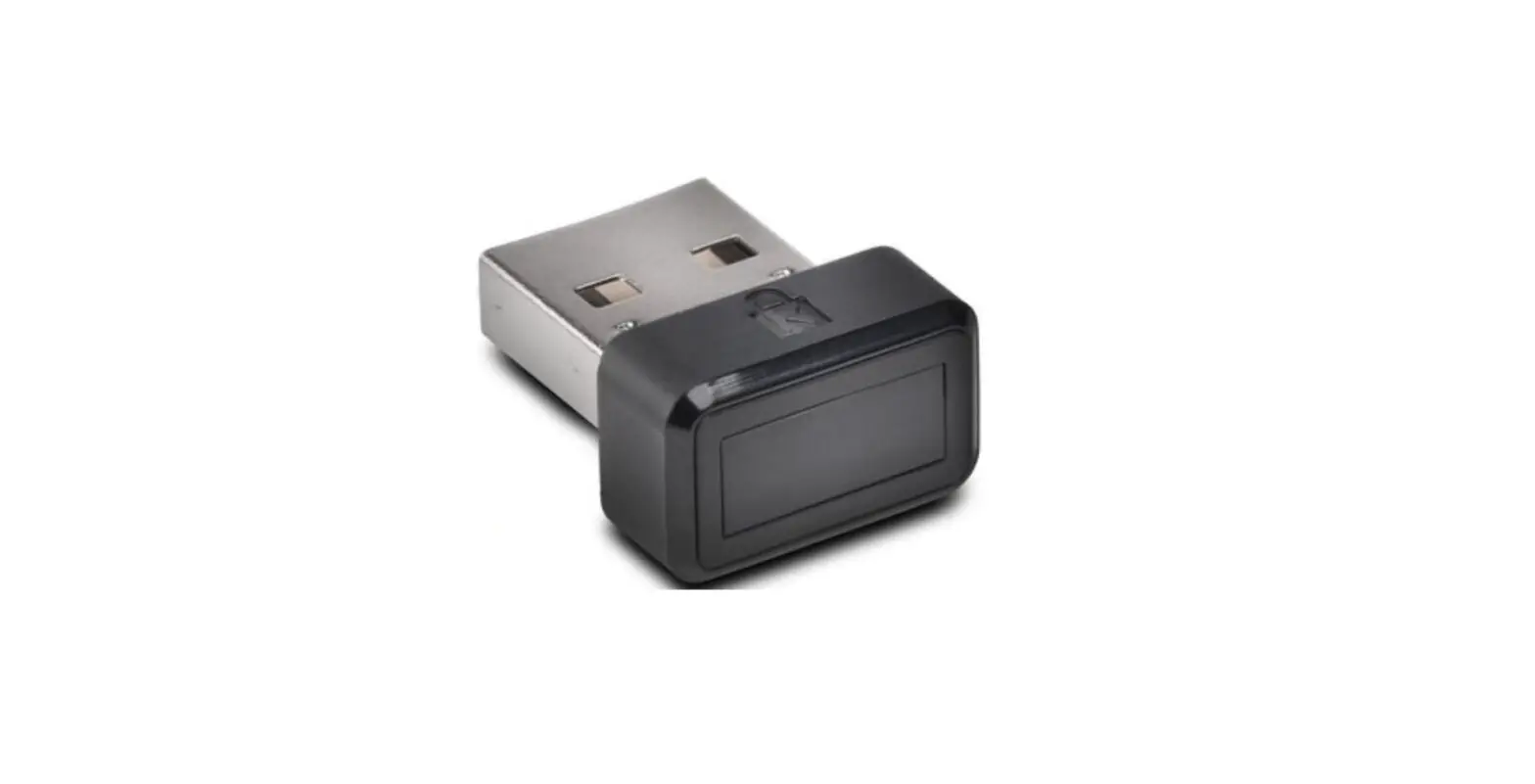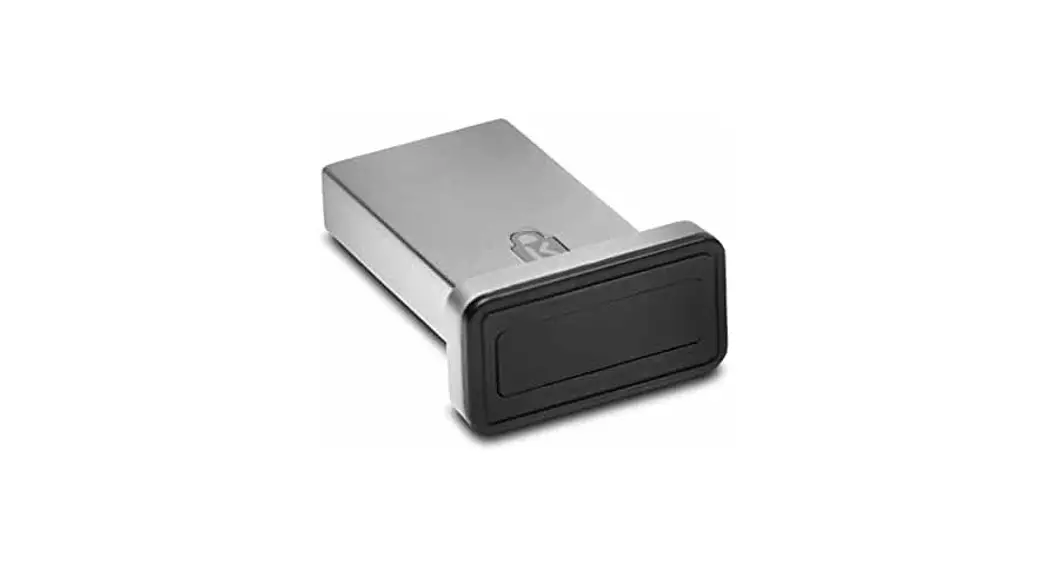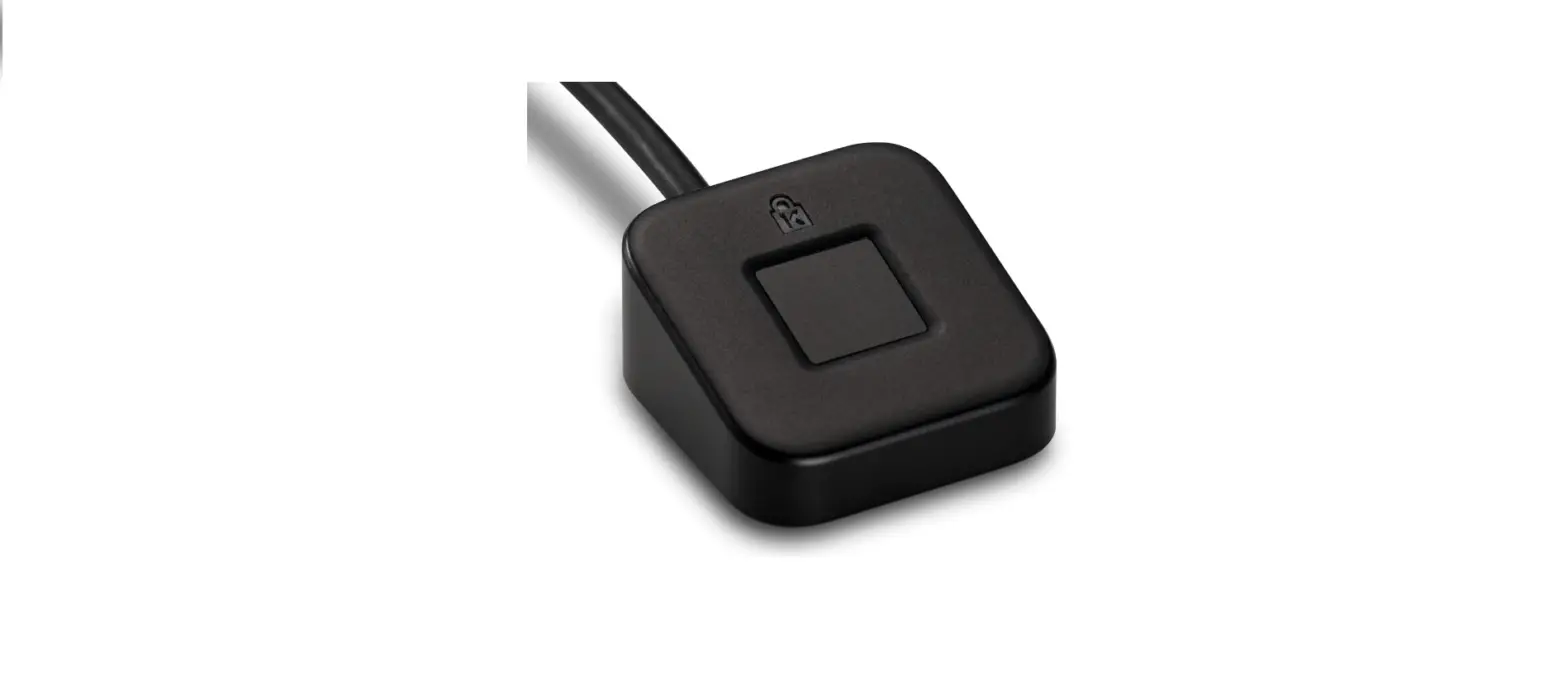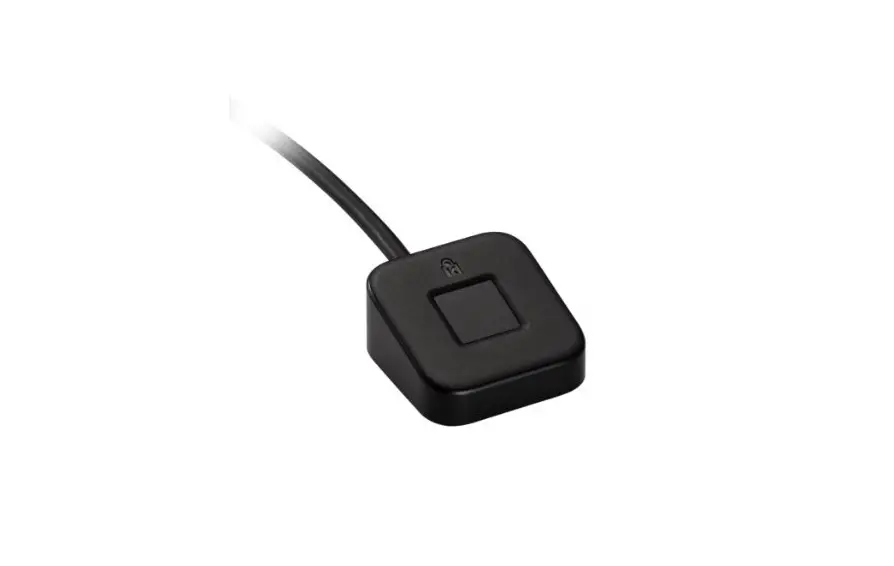
VeriMark Windows 10 Manual Driver
VeriMark Windows 10
Manual Driver Install.
Install the driver through Windows 10 Manual driver install.-
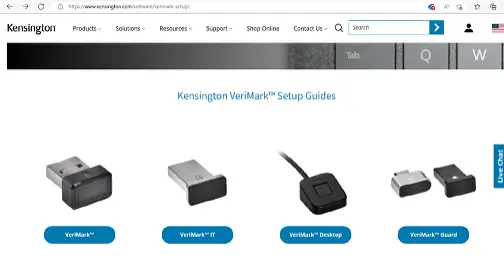
1. On the VeriMark support page, select VeriMark to go to the setup guides and driver download.–
2. Download the driver from the VeriMark support page by clicking on the “Manual driver install button”.–
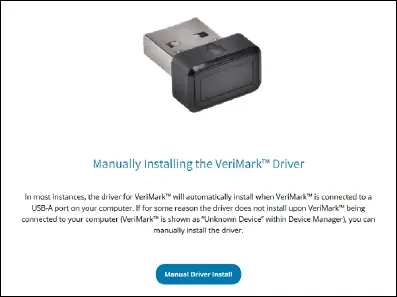
3. The compressed folder will be downloaded to your specified location.–
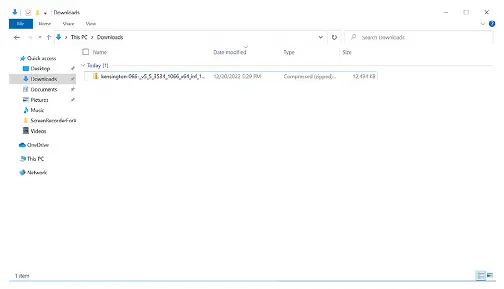
4. Extract the files of the compressed folder to a selected destination.–
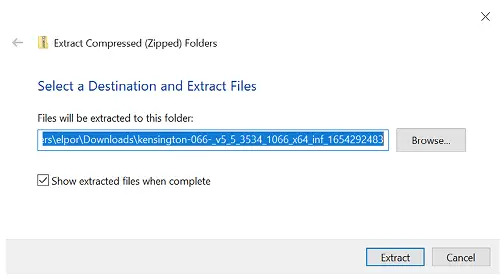
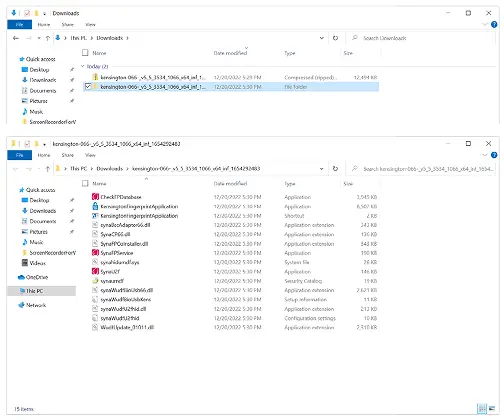
5. A folder with the extracted files will be created.–
6. Go to Device Manager and right click on the unknown device and select Update driver.– 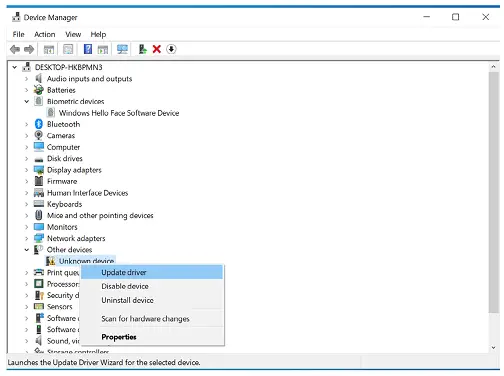
7. Click on “Browse my computer for drivers”.–
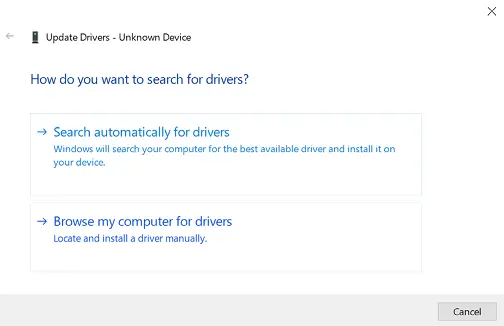
8. Select Browse to select a folder on your machine.–
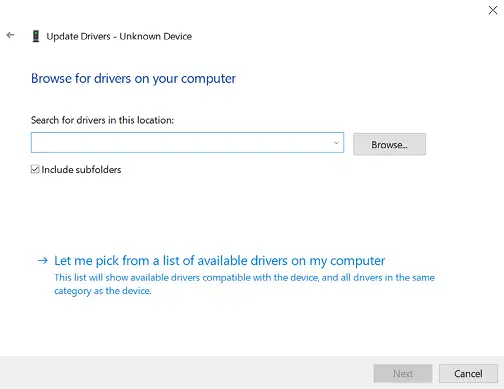
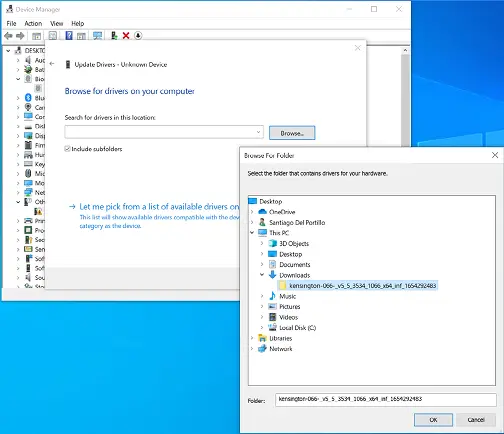
9. Choose the extracted folder location on Step 4.–
10. Click Next to install the driver.–
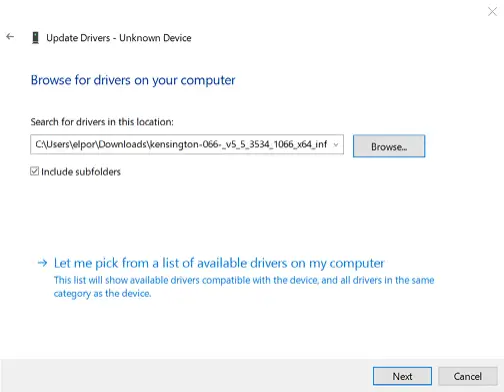 11. Driver install will take a couple of minutes.–
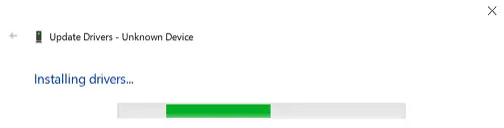 12. Once successfully installed click close.–
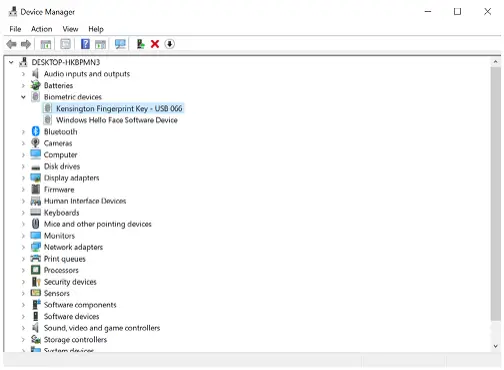
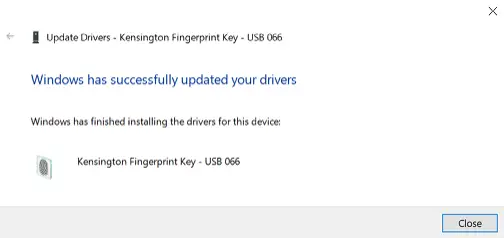 13. Kensington fingerprint key will show on device manager.–
VeriMark™ Windows 10
(Windows Hello) Setup Guide
1. Select and click the START icon and select Settings.
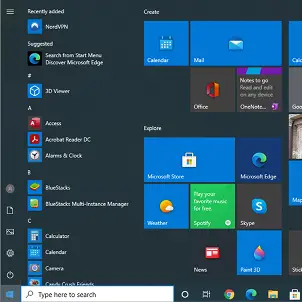
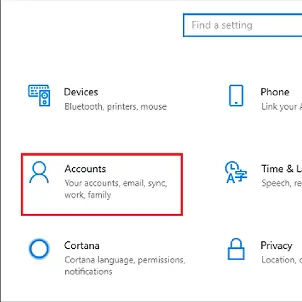
2. Select Accounts.
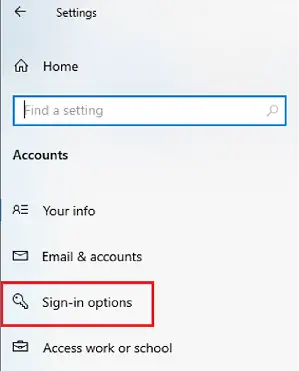
3. Click on the Sign in options tab.
4. Click on the Windows Hello fingerprint option.
5. Then click Set up button.
6. Click Get Started.
7. Touch the sensor multiple times, follow the scanning instructions.
8. When prompted to try another angle click next and continue scanning and follow instructions.
9. Click on set up PIN.
10. Type password to verify account and click OK.
11. Type a PIN and click ok.
12. If you want the PIN to contain letters and symbols, select the option.
How to Remove your Fingerprint.
1. To remove finger print click Remove under Windows Hello Fingerprint options.
All specifications are subject to change without notice. Products may not be available in all markets. Kensington and the ACCO
name and design are registered trademarks of ACCO Brands. Kensington The Professionals’ Choice is a trademark of ACCO Brands.
All other registered and unregistered trademarks are the property of their respective owners. © 2023 Kensington Computer
Products Group, a division of ACCO Brands. All rights reserved.
FOR MORE INFORMATION CONTACT: 1-855-692-0054 | [email protected]