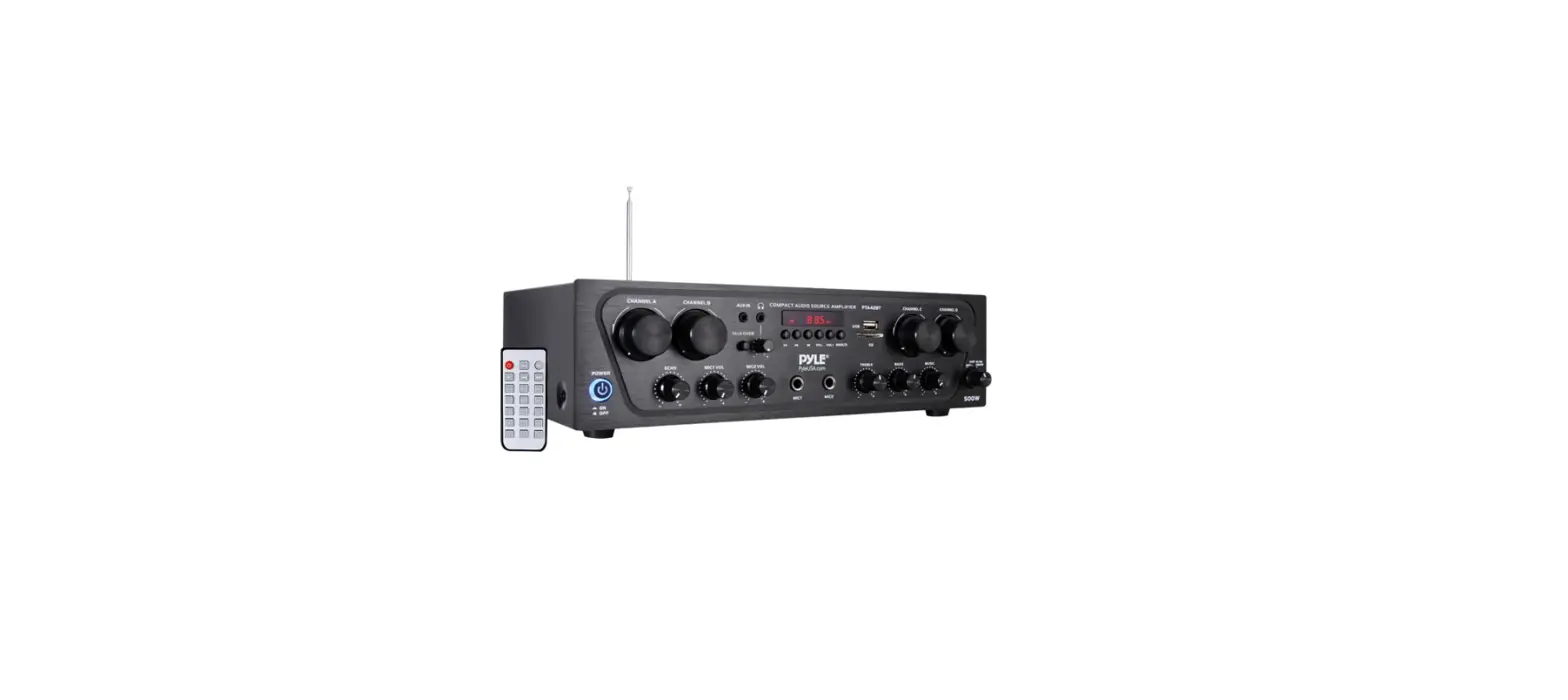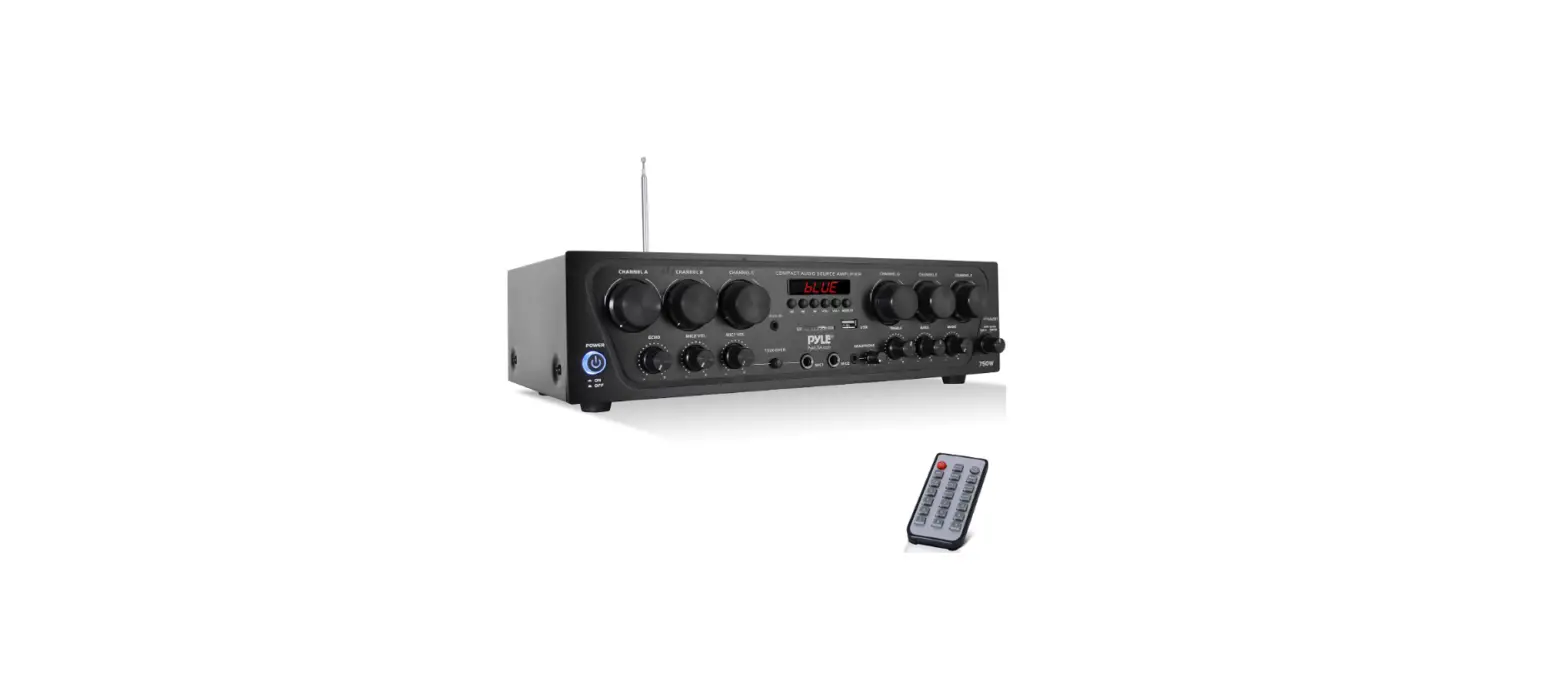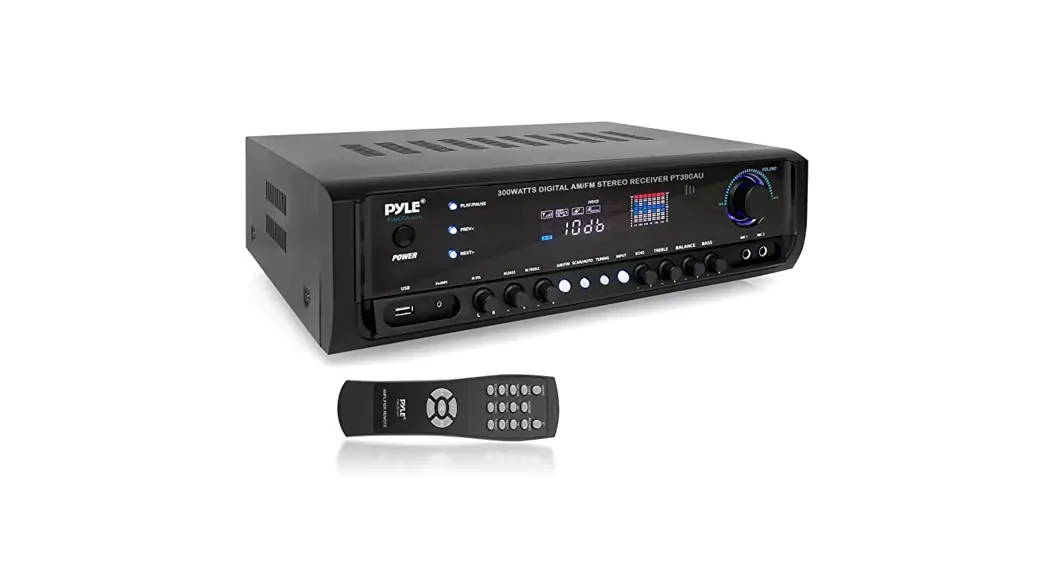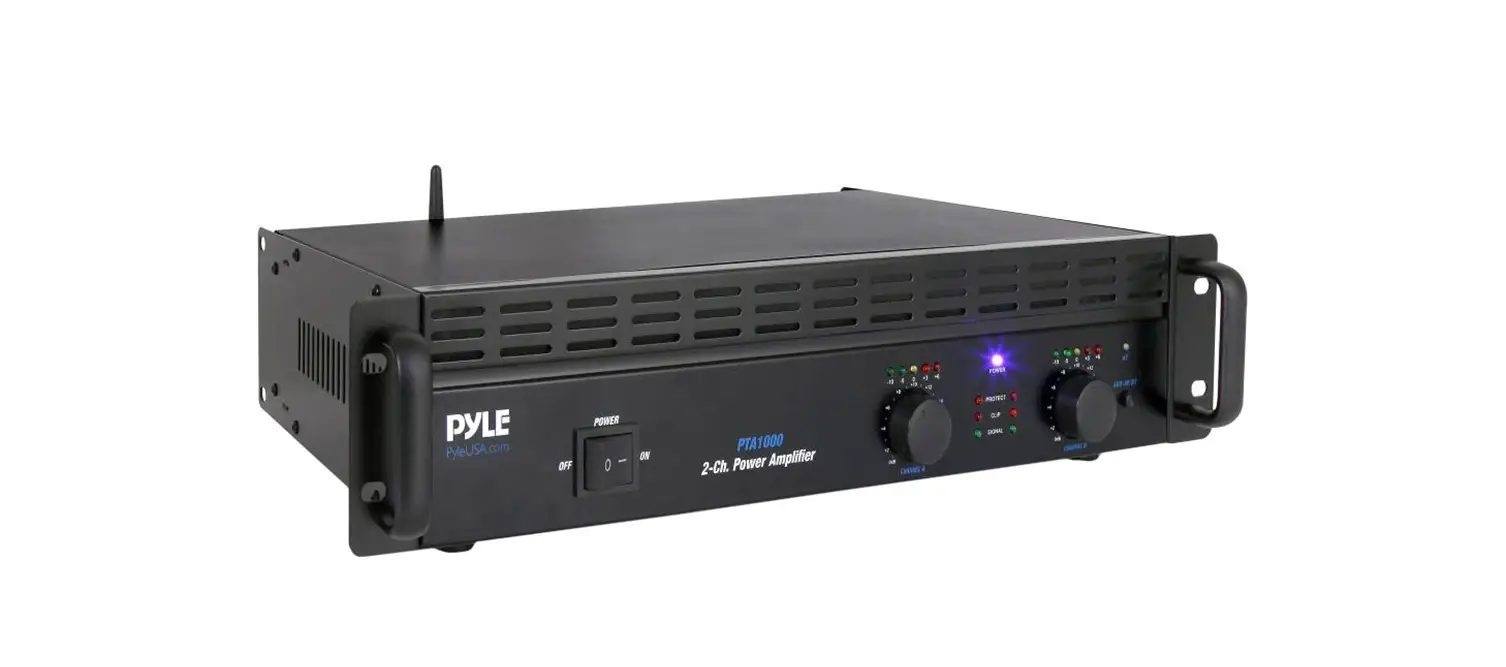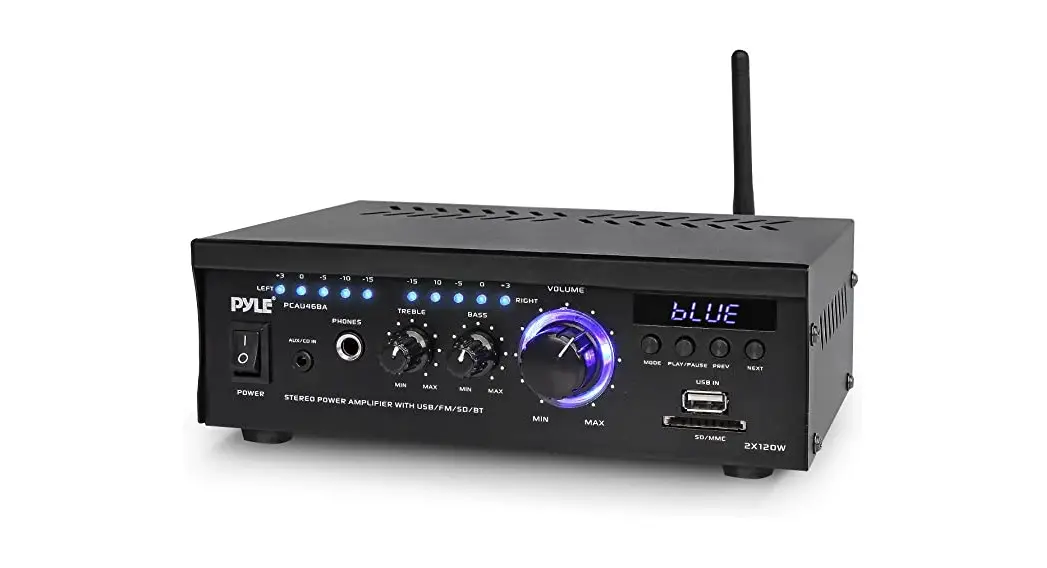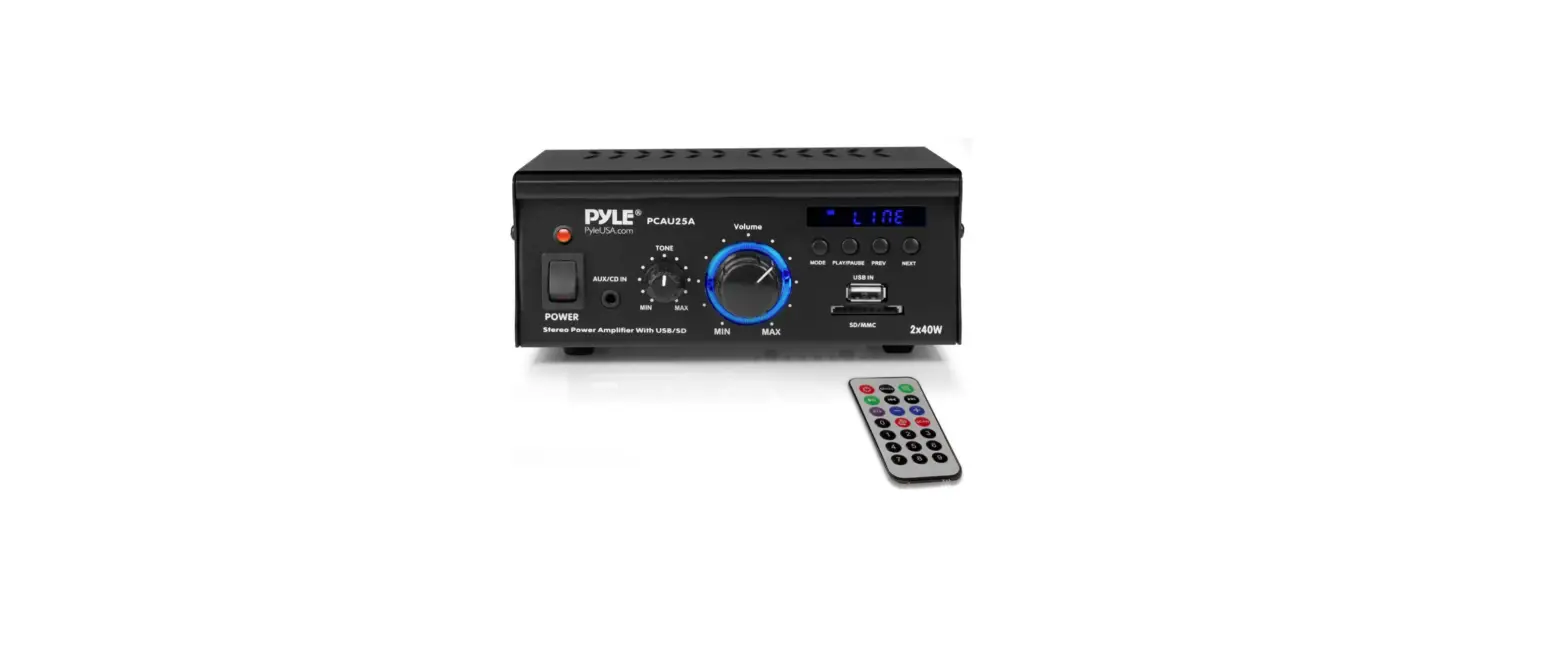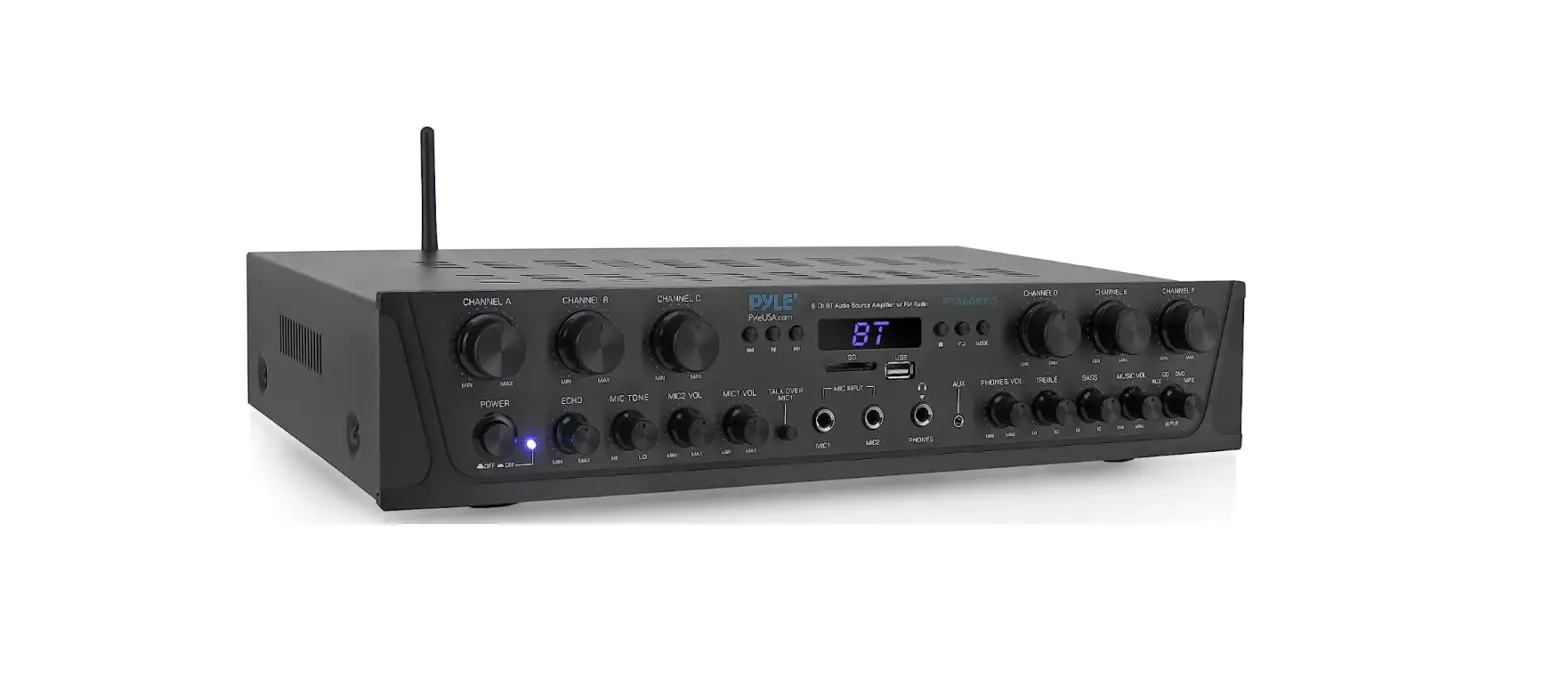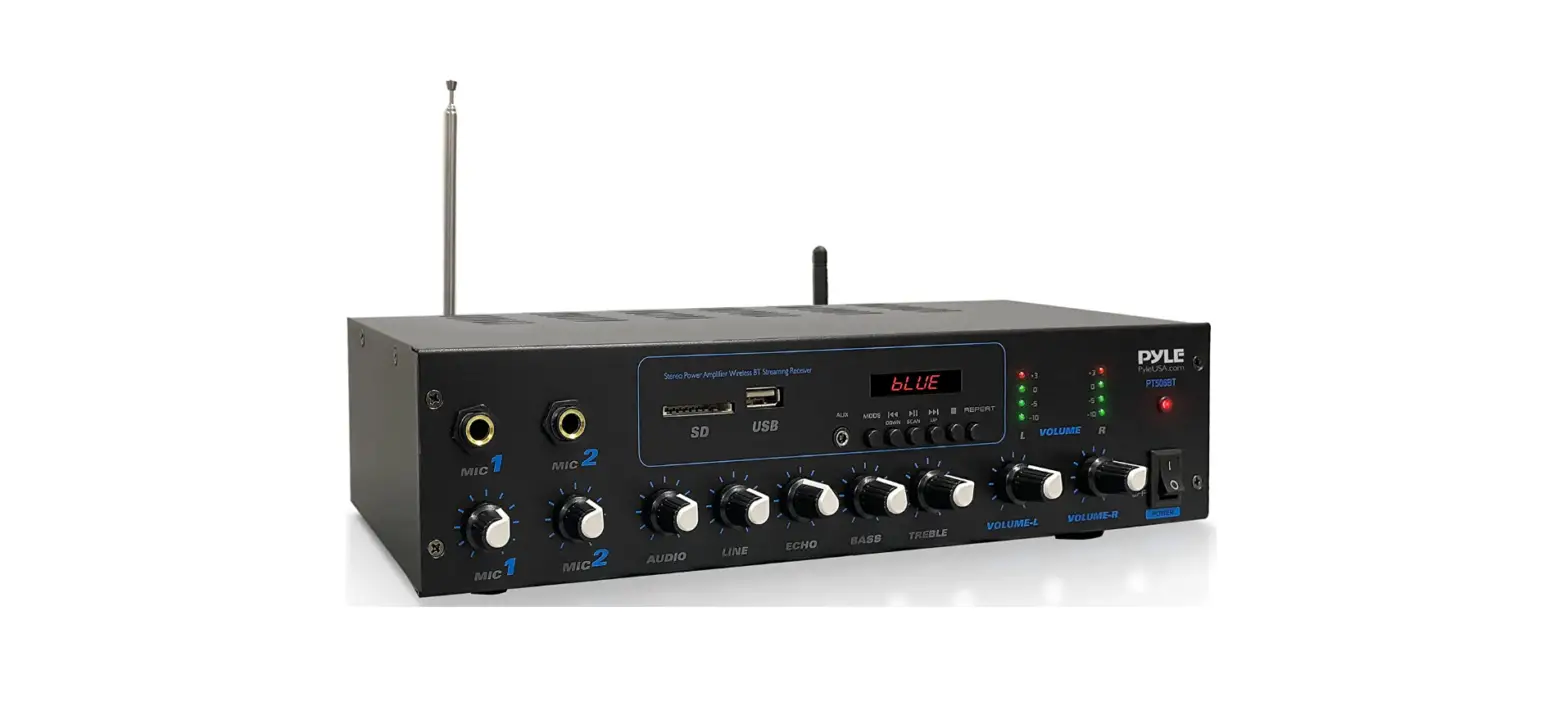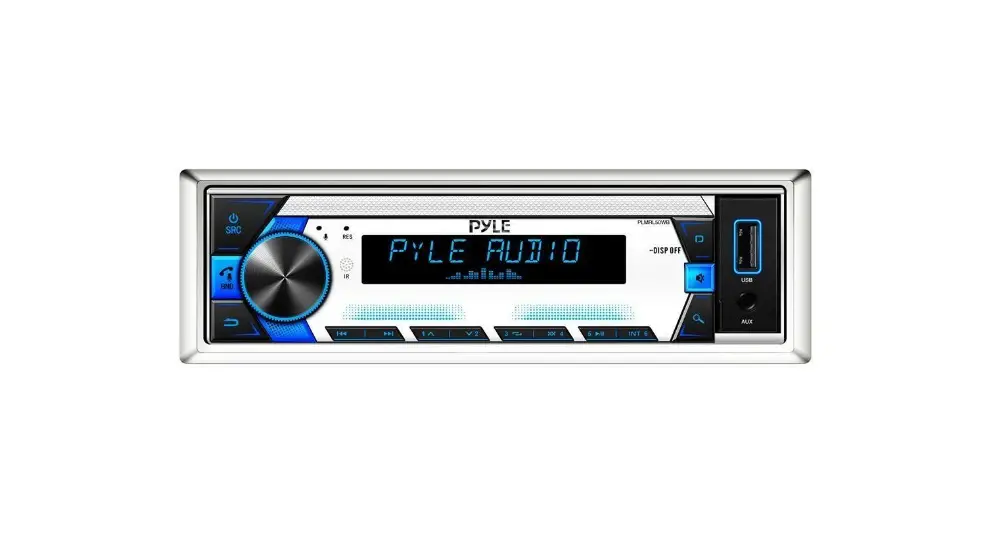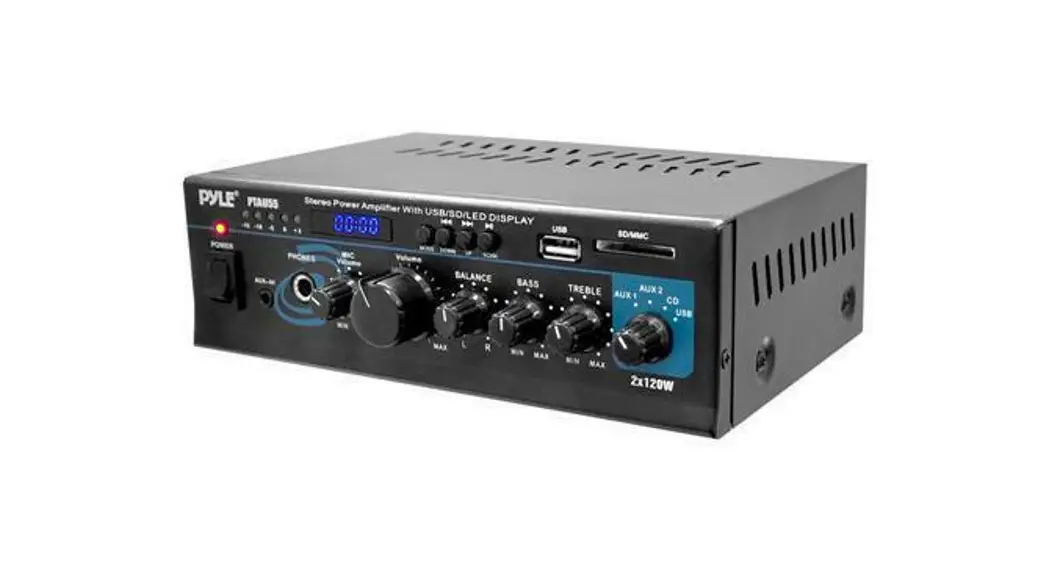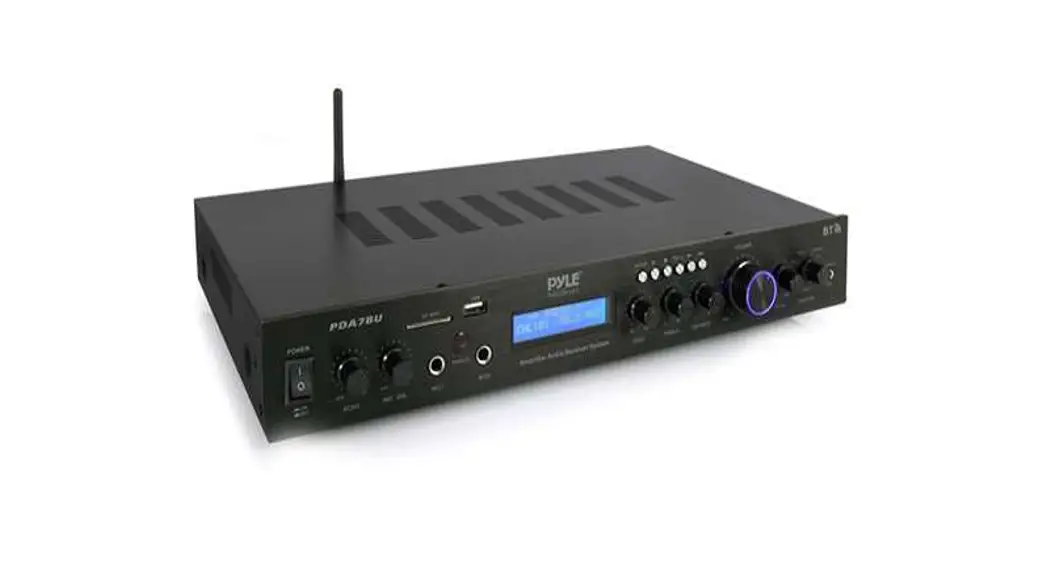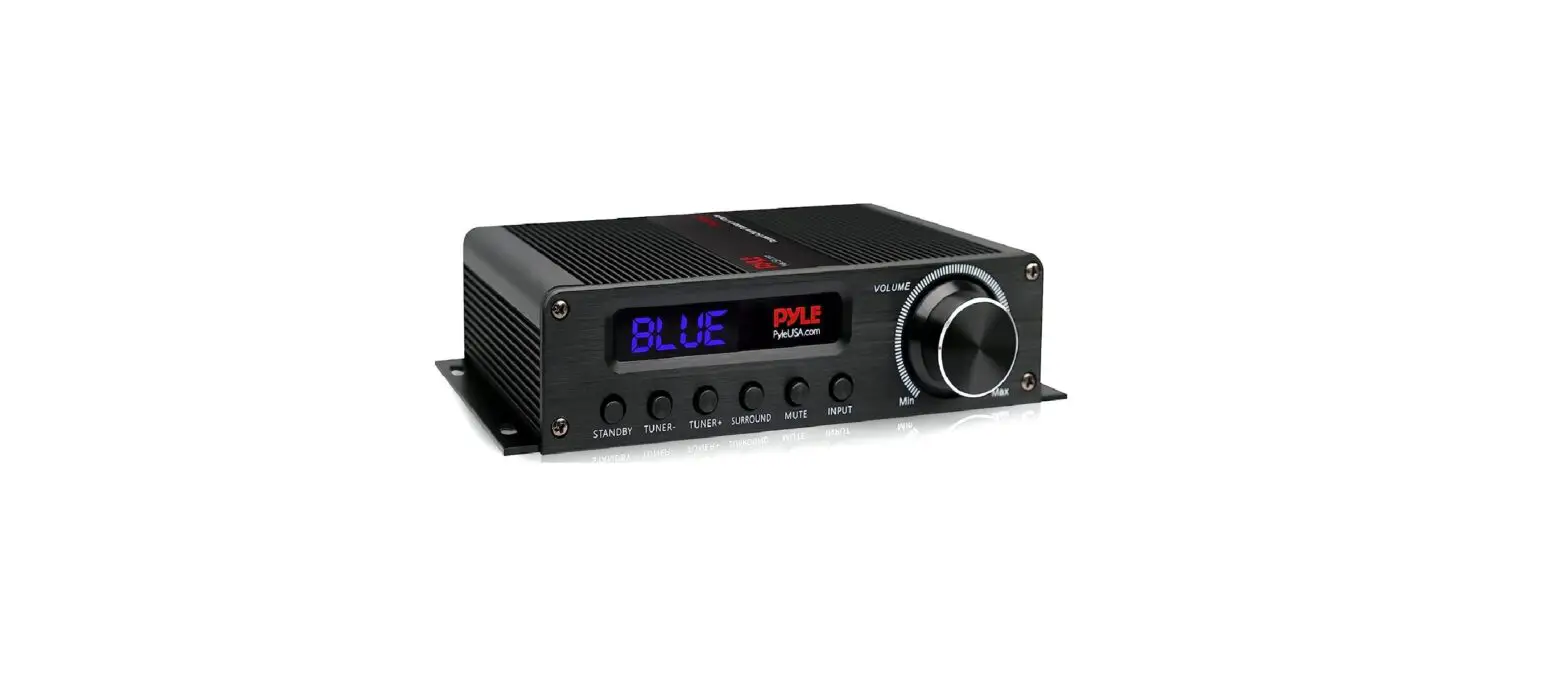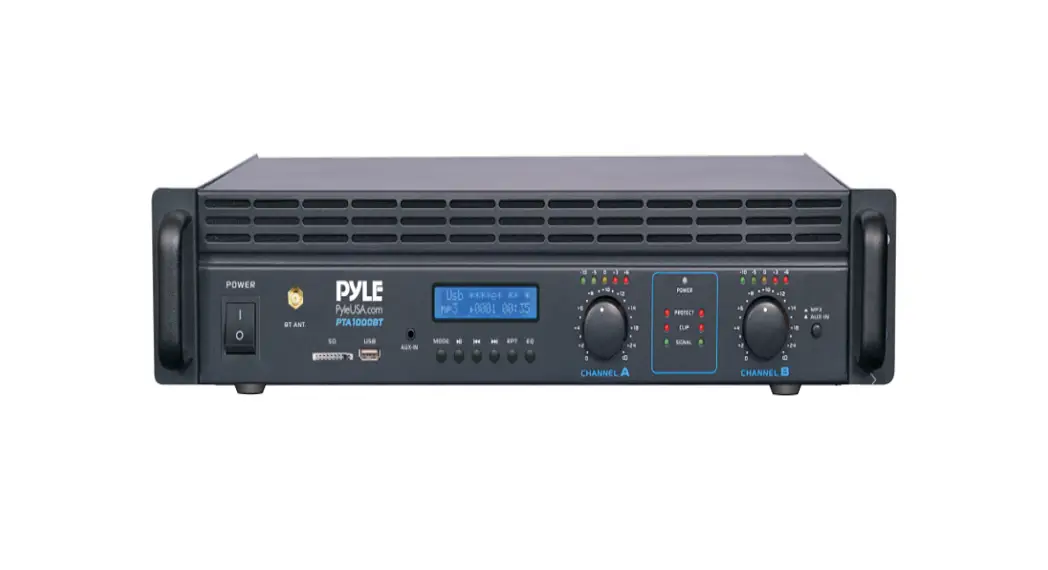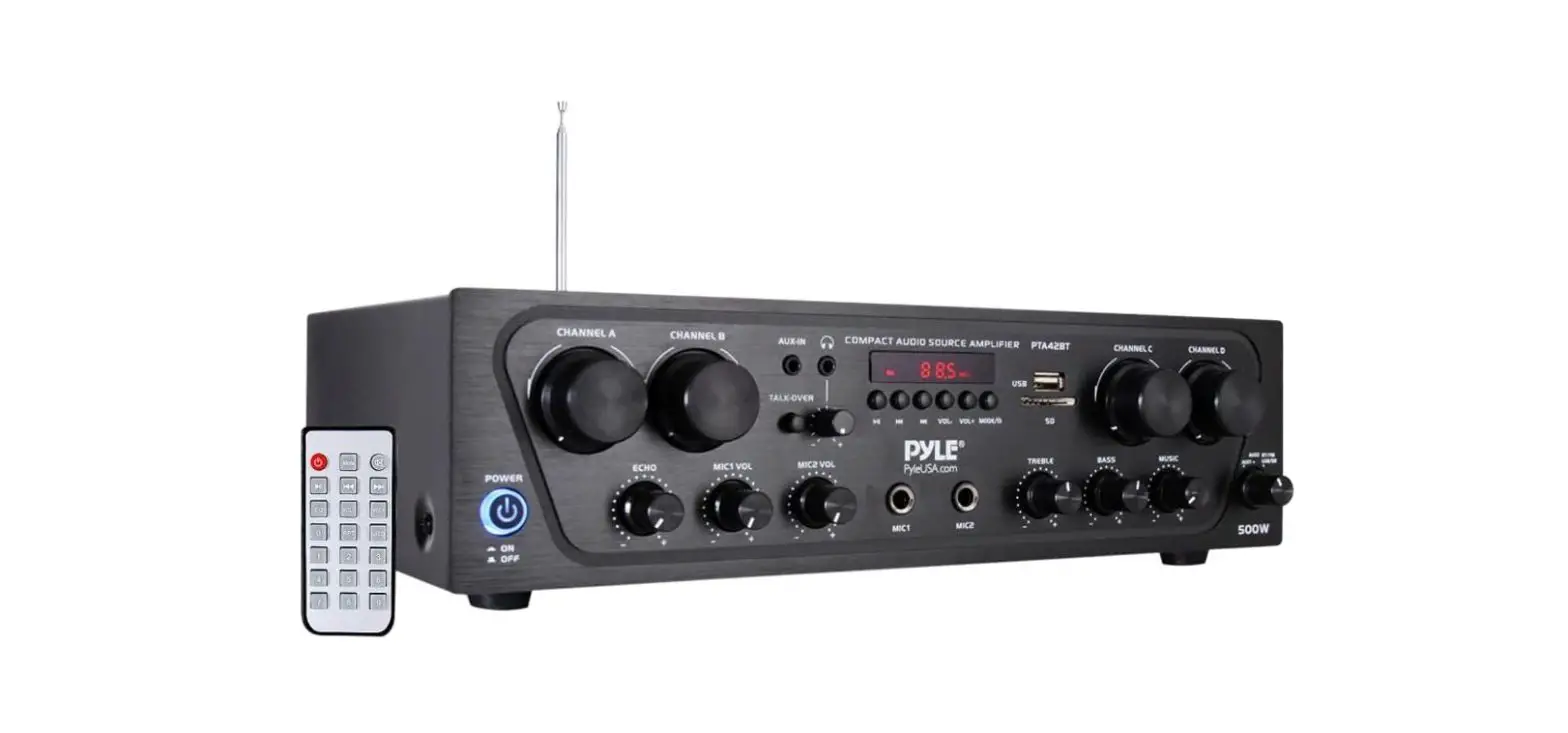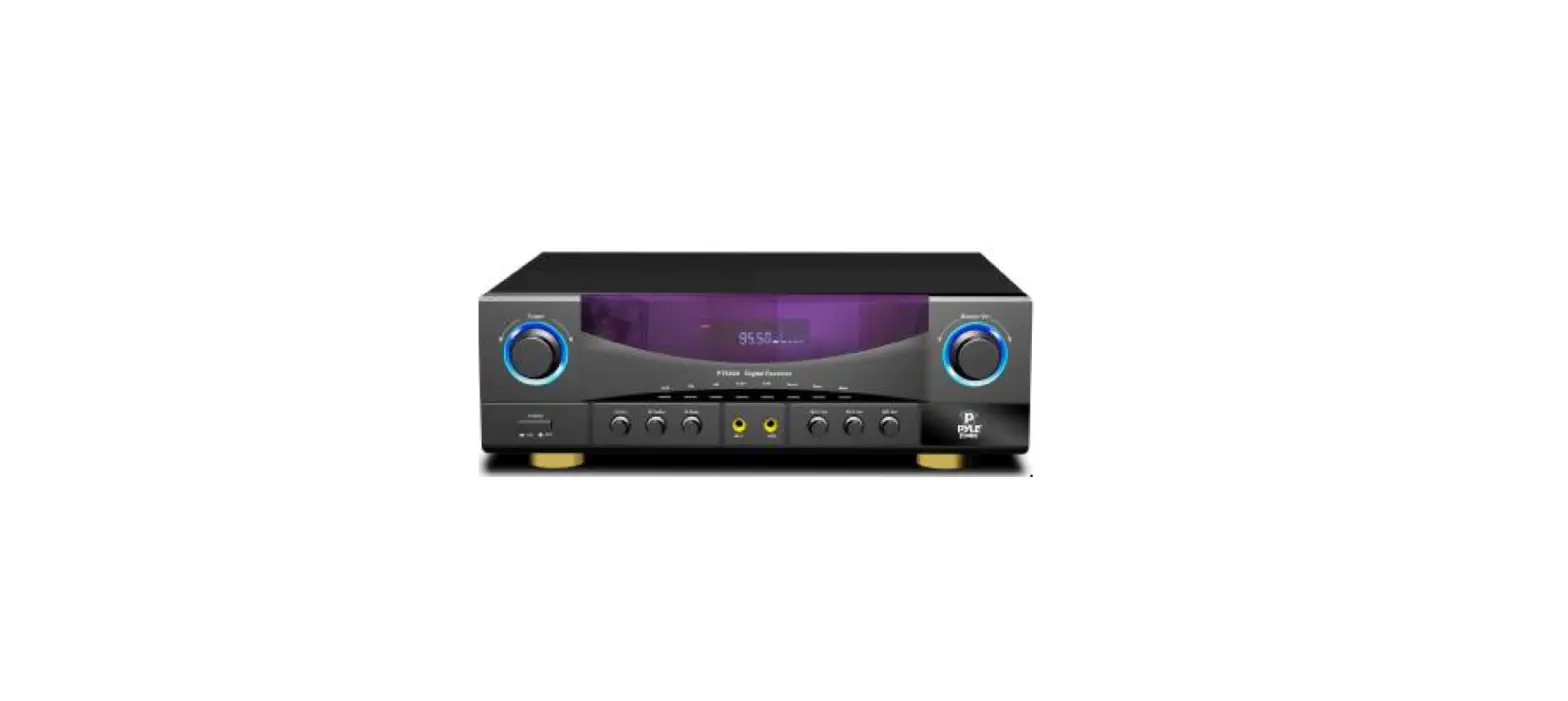

Pyle PT530A Home Audio Stereo Receiver Power Amplifier
Important Safety Information
For Customers
Thank you for purchasing the receiver. We strongly recommend that you carefully study the operating instructions before attempting to operate the unit and that you note the listed safety information.
Caution
- You are cautioned that changes or modifications not expressly approved in this manual could void your authority to operate this equipment.
- To reduce the risk of fire or electric shock, do not expose this apparatus to rain or moisture.
- To prevent fire, do not cover the ventilation of the apparatus with newspapers, table-cloths, curtains and etc.
- Do not place lighted candles on the apparatus.
- To prevent fire or shock hazard, do not place objects filled with liquid, such as vases, on the apparatus.
- Do not install the appliance in a confined space, such as a bookcase or built-in cabinet.
- Install this systemso that the power cord can be unplugged fromthe wall socket immediately in the event of trouble.
- Batteries or batteries installed apparatus shall not be exposed to excessive heat such as sunlight or fire.
Battery Installation
- On the back of the remote control, push the tab and lift off the battery cover.
- Obtain two (2) fully-charged AAAbatteries. Match the + and – marks on the batteries to the + and – marks in the battery case, then insert the new batteries.
- Align the cover keys with the case holes and press the cover back into place. The tab should click when the cover is locked.
- Test the unit by pressing POWER or any mode key. If the batteries are inserted correctly, the selected mode key will blink once.
System Features
- 2.0 Channel Amplifier.
- Built-In AM/FMRadio.
- 2 MIC Input, Treble and Bass of MICAdjustable, Independent MIC Volume Control.
- Over Current Protection, Short Circuit Protection And Over Voltage Protection.
- 12 Preset Radio Station.
- Full Remote Control.
- VFD Display.
- Power Input: AC115V 60Hz/230V50Hz.
- Power Output: 350 Watts L,R Channel (4 Ohm).
- In-out Selector: 3 Stereo RCASelector, 1AM/FMRadio, 2 Microphone Input.
- Output: 2 Channel Speaker Output Terminal for L, R.
- Total Power Consumption: 350W.
Front Panel DisplayWindow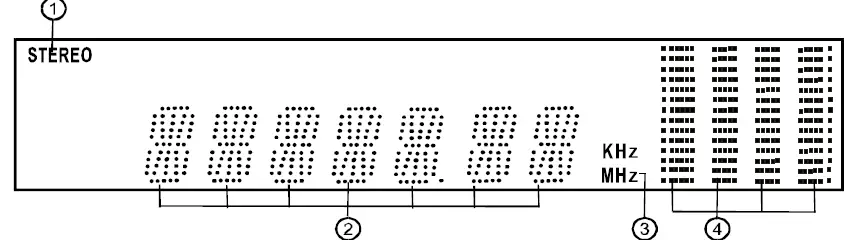
Front Panel Function
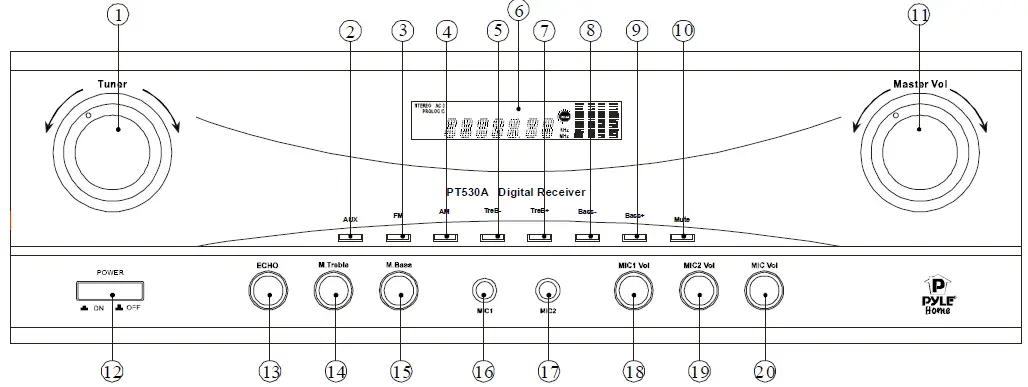
- Tuner band adjustment knob.
- AUX input selector.
- FM input selector.
- AMinput selector.
- Treble volume decrease selector.
- VFD display window.
- Treble volume increase selector.
- Bass volume decrease selector.
- Bass volume increase selector.
- Mute control selector.
- Master volume adjustment knob.
- Power on/off selector.
- Mic echo adjustment knob.
- Mic treble adjustment knob.
- Mic bass adjustment knob.
- Mic1 input socket.
- Mic2 input socket.
- Mic1 volume adjustment knob.
- Mic2 volume adjustment knob.
- Mic volume adjustment knob
Real Panel Connectors.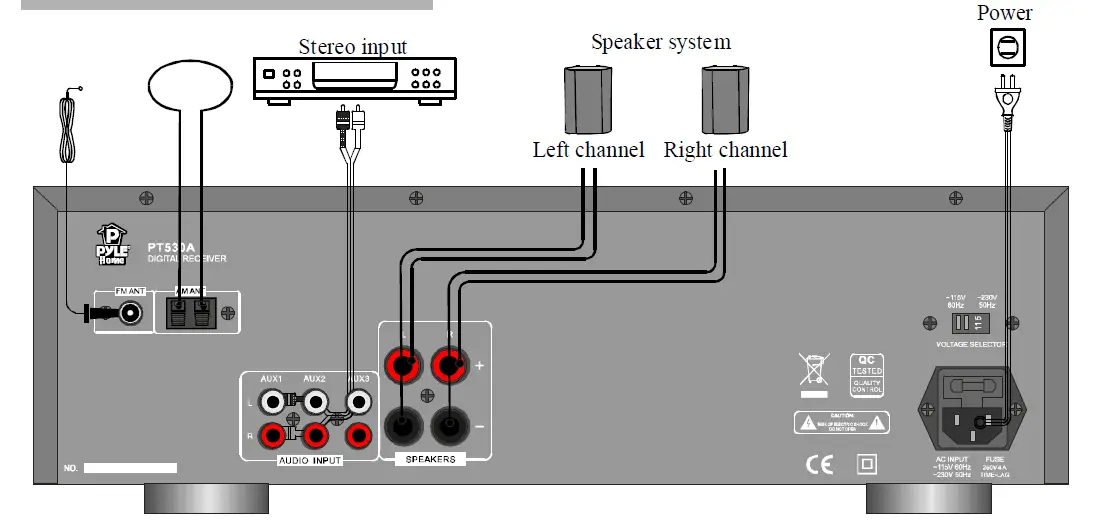
Using the Remote Control
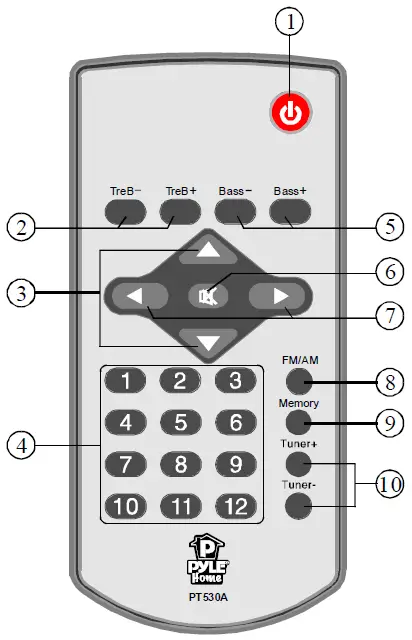
Basic Operation
Turn on/off the Power
- Press
 key to control the power on and off.
 key to control the power on and off.
Master Volume Control
- Press the or Key to adjust
 the main channel volume.
 - Press the
 key to adjust the treble output of the main channel.
 the main channel volume.
 key to adjust the treble output of the main channel.
How to Adjust Bass
- Press key to adjust the bass output of the main channel.
How to PlayAUX
- Make sure AUX1/2/3 connection lines are correct, Press the
 key to play AUX.
 key to play AUX.
How to Play Tuner
- Select Program
- Use
 key to select FM/AMband. Press the
 key to adjust the band of tuner. Press the key for 2 seconds, the FMwill search automatically. You can press the key once to stop the function
 - Listen to the Preset Program
- Press the
 number keys screen will display the radio program’s frequency in the memory area. to select the radio programthat you already saved. Once selected,
 - Memory Program
- When you receive a clear radio program, press the key first, and then the screen displays the Memory icon. Press one of the 12 number key on the remote control to select the memory station. If you want to extract the channel you saved, just press the number key you selected.
 key to select FM/AMband. Press the
 key to adjust the band of tuner. Press the
 number keys screen will display the radio program’s frequency in the memory area.
 How to Mute
- Press
 key to turn sound off/on.Press again to restore the audio to the original level.
 key to turn sound off/on.Press again to restore the audio to the original level.
Trouble Shooting
| Problem | Possible Reasons | Solutions | ||
| Can•t get through power supply | The plug is not inserted properly. | Check power supply and plug. | ||
| The socket has no power. | Check socket and power supply. | |||
| Display can’t be turned on | ||||
| The fuse is broken. | Replace the fuse. | |||
| Have not pressed “POWER” butlon. | Press the “POWER” button again. | |||
| “”o sound at all | Incoffect selection of input signal. | Read the manual carefully again. | ||
| The wire and lead are not connected
correctly. | Check the wire and lead. | |||
| The mute state is turned on. | Tum off the mute state. | |||
| Sound source machine is not powered. | Tum on the power of sound source. | |||
| “”either of the main channels have sound | The speaker line is not connected properly. | Read the manual. | ||
| The signal plug is connected incorrec.11y or
lines are short-circuited. | Check the conncc.,1:ion of the signal plug. | |||
| Sound from speakers is out of order | Speakers arc located inappropriately. | Read the manual. | ||
| The lines are not connected properly or the
Disc is defoctive. | ||||
| Can’t operate or display normally | Affected by exterior strong disturbance. | Tum otr first then tum on again. | ||
| Avoid direct sunlight/heat. | ||||
| Radio | ||||
| The FM reception is poor. | Need outdoor antenna. | Stretch the FM antenna of the receiver in the rear panel. But please don’t connect the receiver to an outdoor FM a111enna on
raining days. | ||
| Radio stations cannot be tuned in. | Check that the ante1mas are c01mected
securely. | Adjust the antennas and com1ect an
external antenna, if necessary. | ||
| The signal strength of the stations is too weak (when tuning in with
automatic tuning). | Adjust manually | |||
| No stations have been preset or the
preset stations have been cleared (tuning by scanning preset stations). | Make sure you set the tuning interval conectly. | |||
| The remote contro] does not function. | Obstacles exist between the remote and
the receiver. | Remove any obstacles in the path between
the remote and the receiver. |
| The remote batteries are weak. | Replace all batteties in the remote control
with new ones. | |
| Incorrect input sdectio’-.on the remote
control. | Make sure you select the correct input on
the remote control. | |
| Error messages | 1f appears a message, there may be a
malfunction. | You can check the condition of the system
by the message. |
| Should any problems persist. | Consult your nearest dealer. | |
| Protect | lrret,’lllar current is output to the spe::1kers. The receiver will automatically tum off after a few
seconds. | Check the speaker connection then tum on the power again. |
FAQS
Don’t buy it. A real piece of junk, I wish I would have spend more $$$ and get something that works better.
Pyle is owned by a parent company, Sound Around Incorporated, which is also over the Pyramid, 5 Lanzar, and Legacy audio brands.
yes it has 2 connections per chanel
Not sure what you mean by “hook” but the product that I got from Pyle didn’t work at all, no matter what I did or how many times I plugged it in or different ways that plugged it in all that happened was pretty blue lights came on
networking through the ac power line “house wiring”
The back can accommodate three aux hookups so the record player should be no issue if using standard RCA jacks. Good receiver by the way, I use it in my office area and very pleased with the quality for the cost.
I have looked into doing wireless with the same system. It is not easy to do not is it cheap. To be frank it will be cheaper the get wireless speakers and a new receiver. If you don’t want to go that route. You have to get a transmitter for the radio and receiver for the speakers.
150 watts per channel
No this run separate audio form 2 sources to 2 pair of speakers at the same time
Some may fear that adding an external amp will in a sense “waste” the unused internal amplifiers of the AV Receiver. Our answer to that is to simply reroute them. Most modern AV Receivers allow you to reroute them to power speakers in another zone or to add height channels to do a full 9.1 speaker configuration.
An amplifier is just a device that takes an audio signal and amplifies it so that your speakers can use it to play the audio
Any AV receiver can be utilized as an external power amplifier (via another unit’s preouts) even if it does not have multichannel inputs, but only for two channels. Use any analog source input (left and right channel jacks), such as CD or auxiliary (but not phono).
A stereo receiver typically has only two built-in amplifiers, which provide a two-channel speaker configuration (left and right). Surround sound decoding or processing isn’t provided. A stereo receiver may only have analog audio connections.
In order to hook up a wired amp, your home stereo will need audio output jacks. These would traditionally be used for connecting a second deck, for example, but this time, the output jacks will be used to connect the amp.
The short, simple answer to “do amplifiers improve sound quality?” is no. An amplifier is designed to increase the audio signal levels.