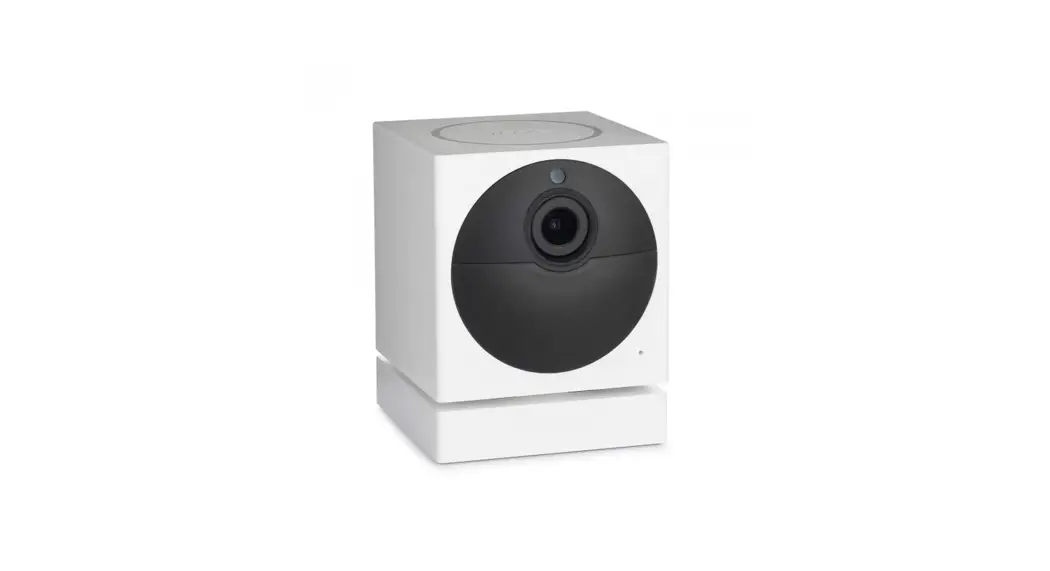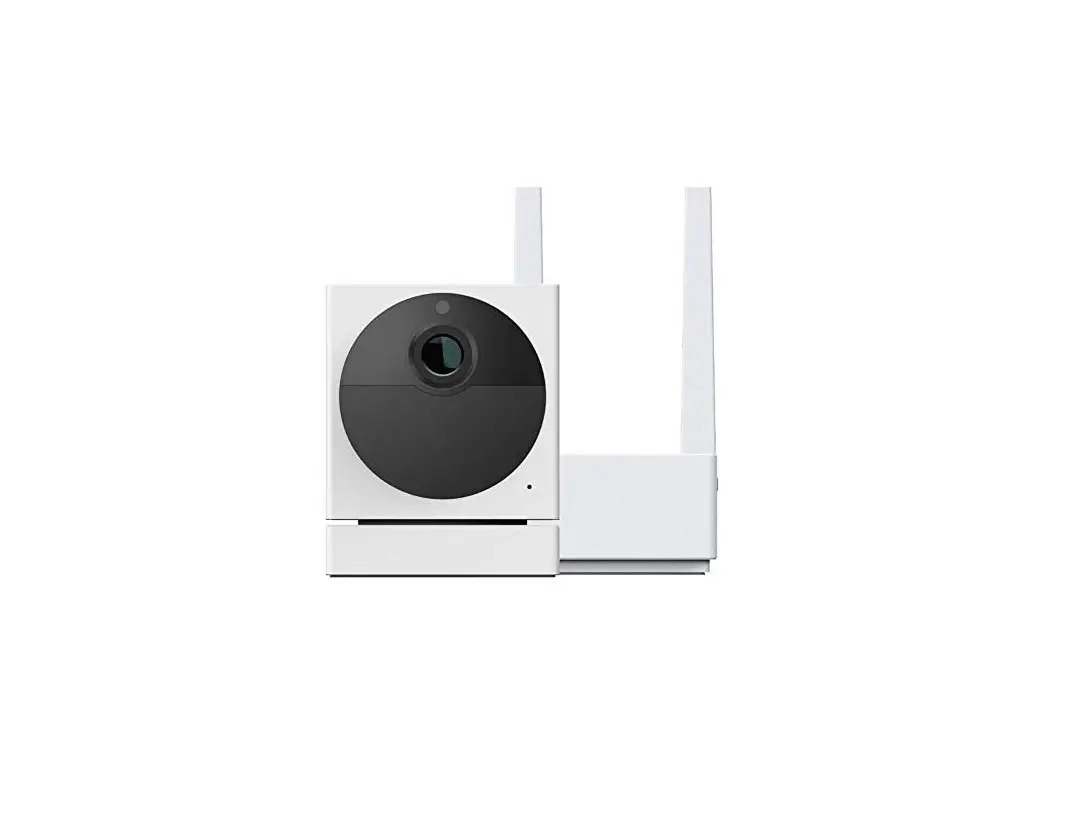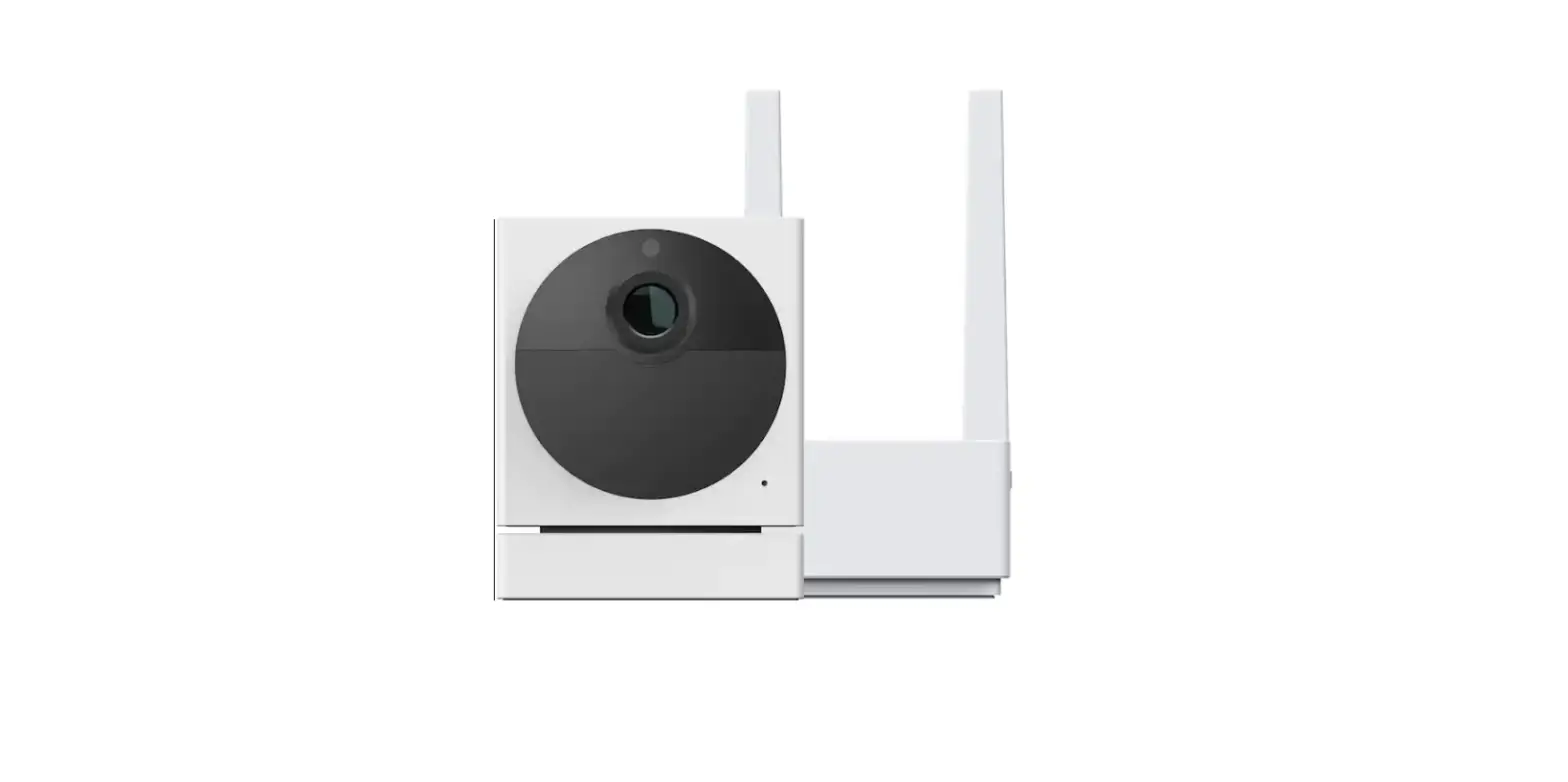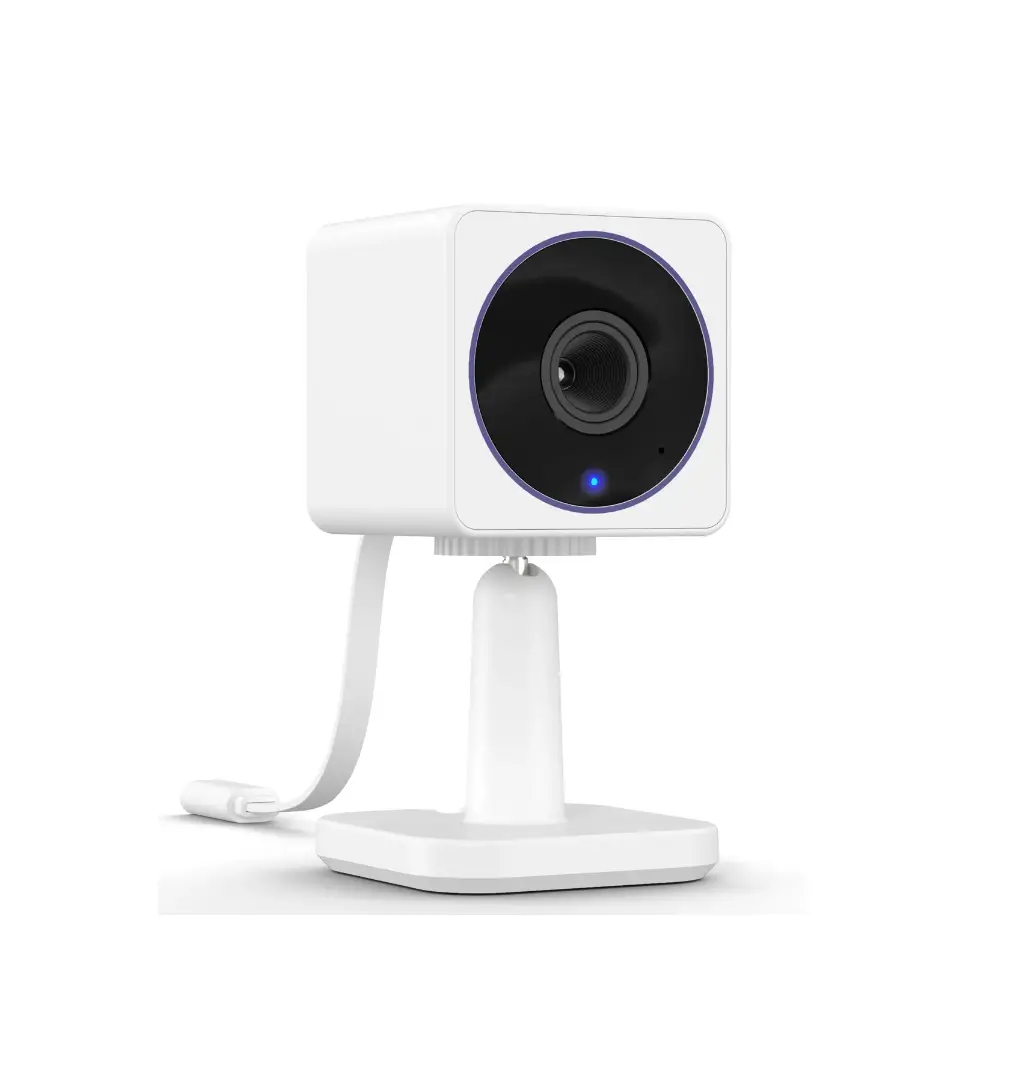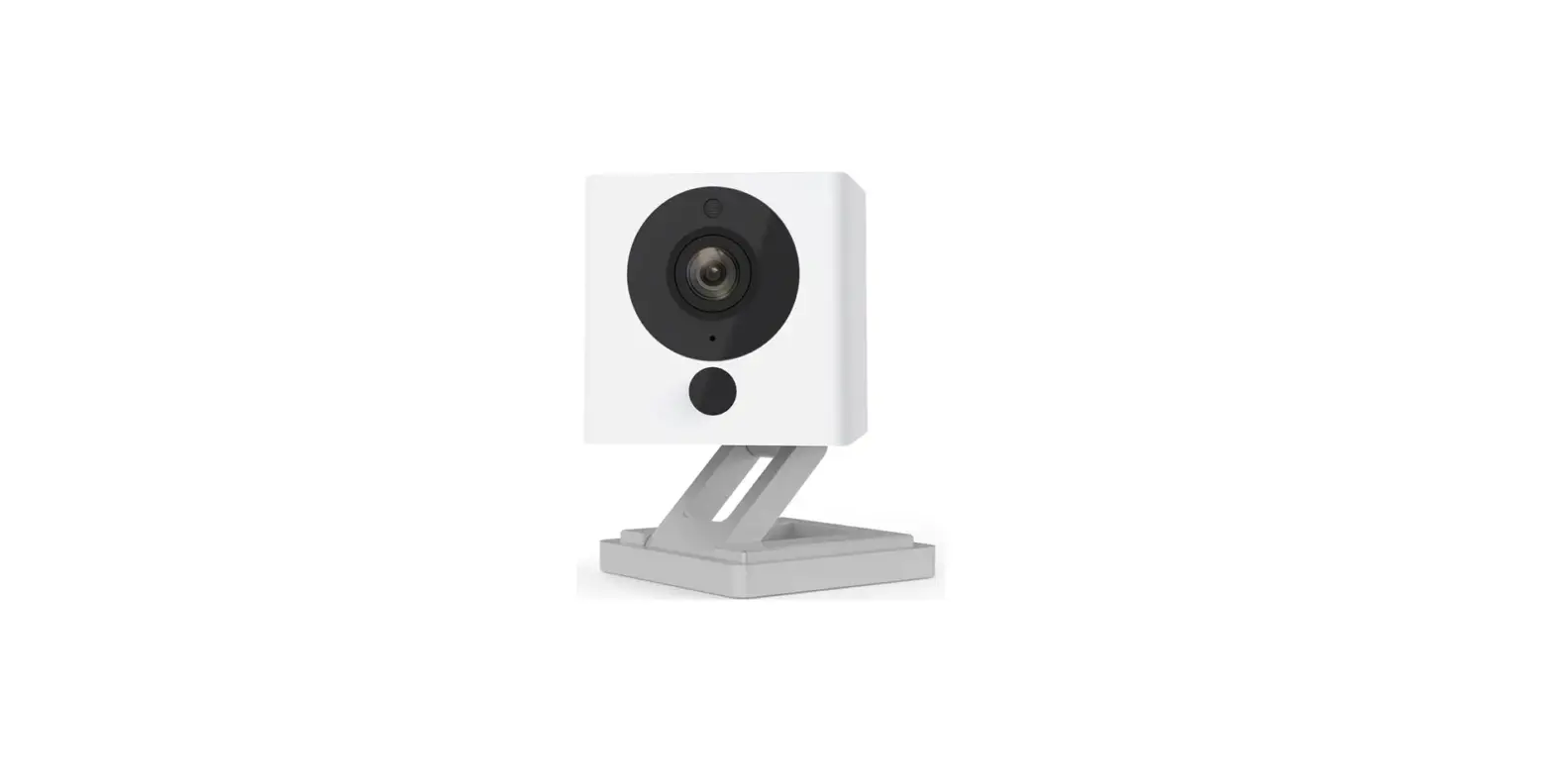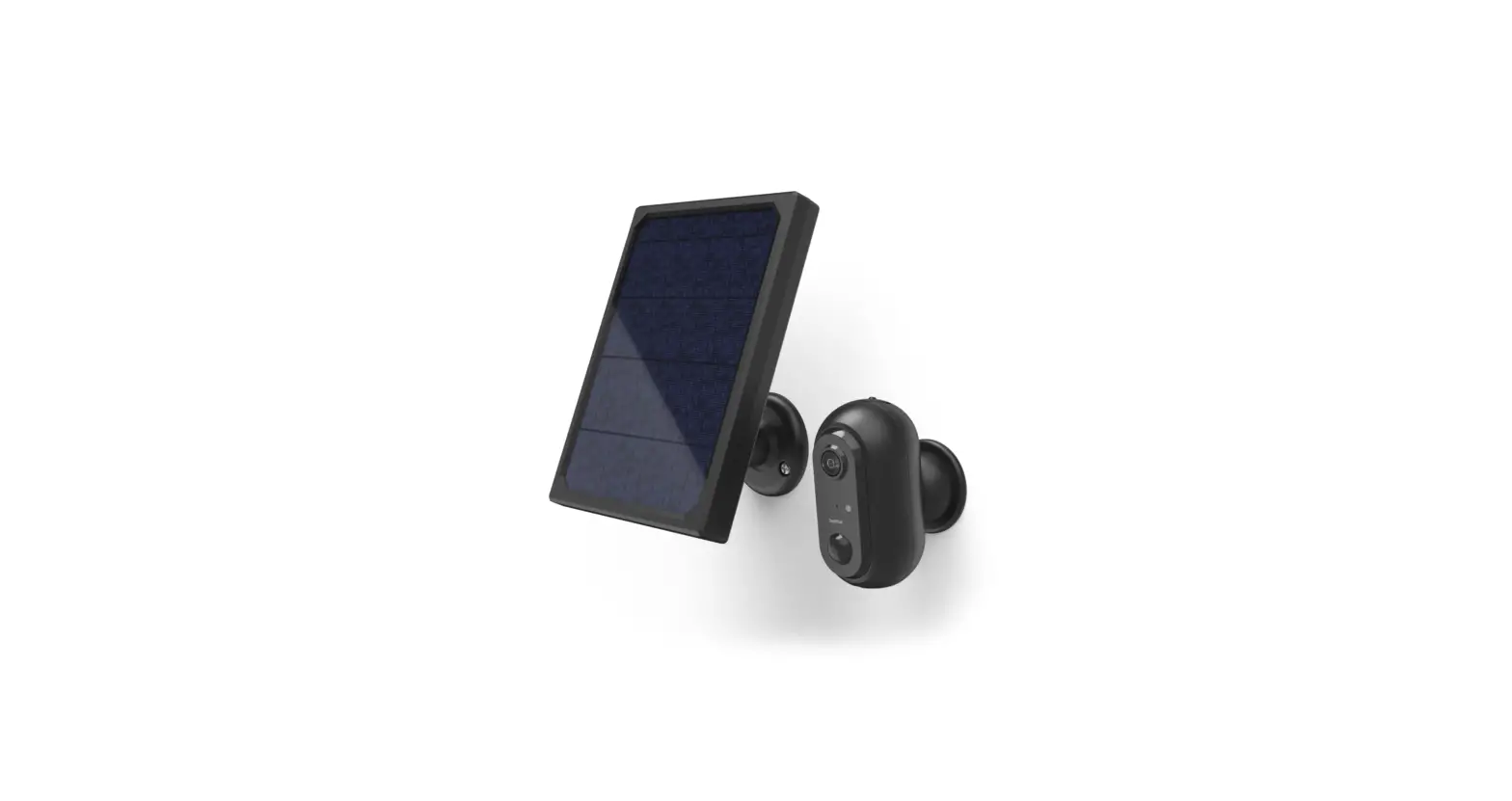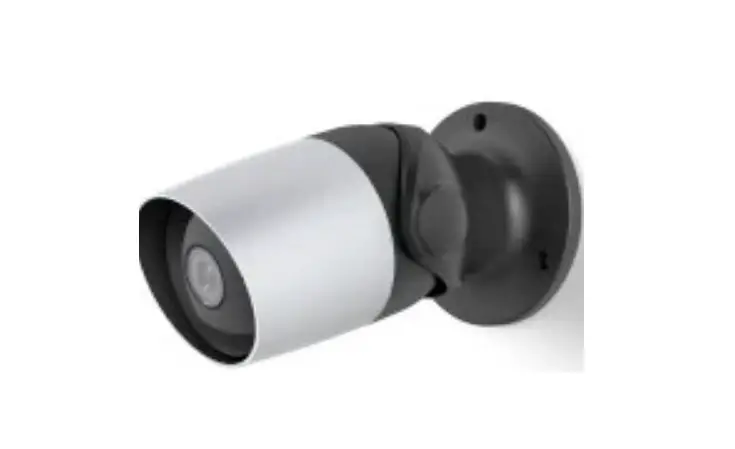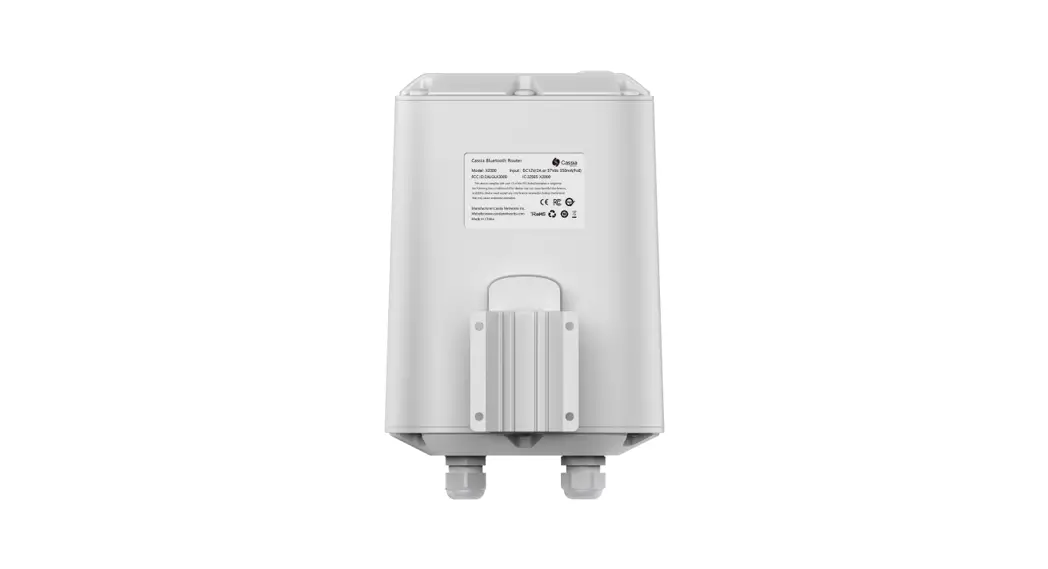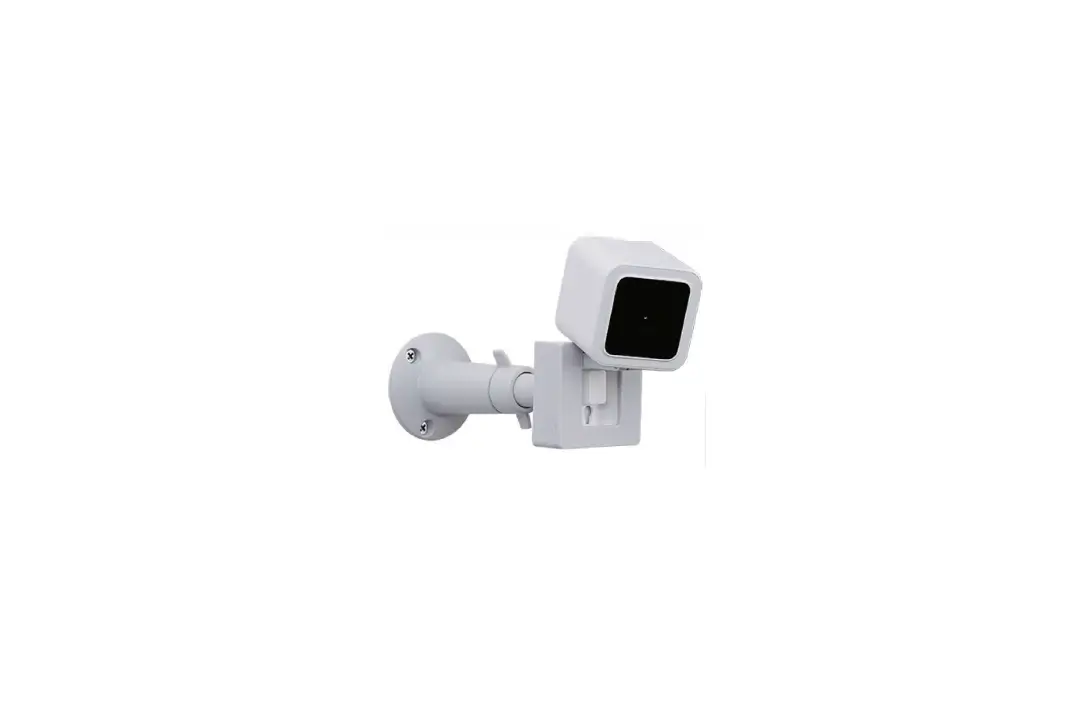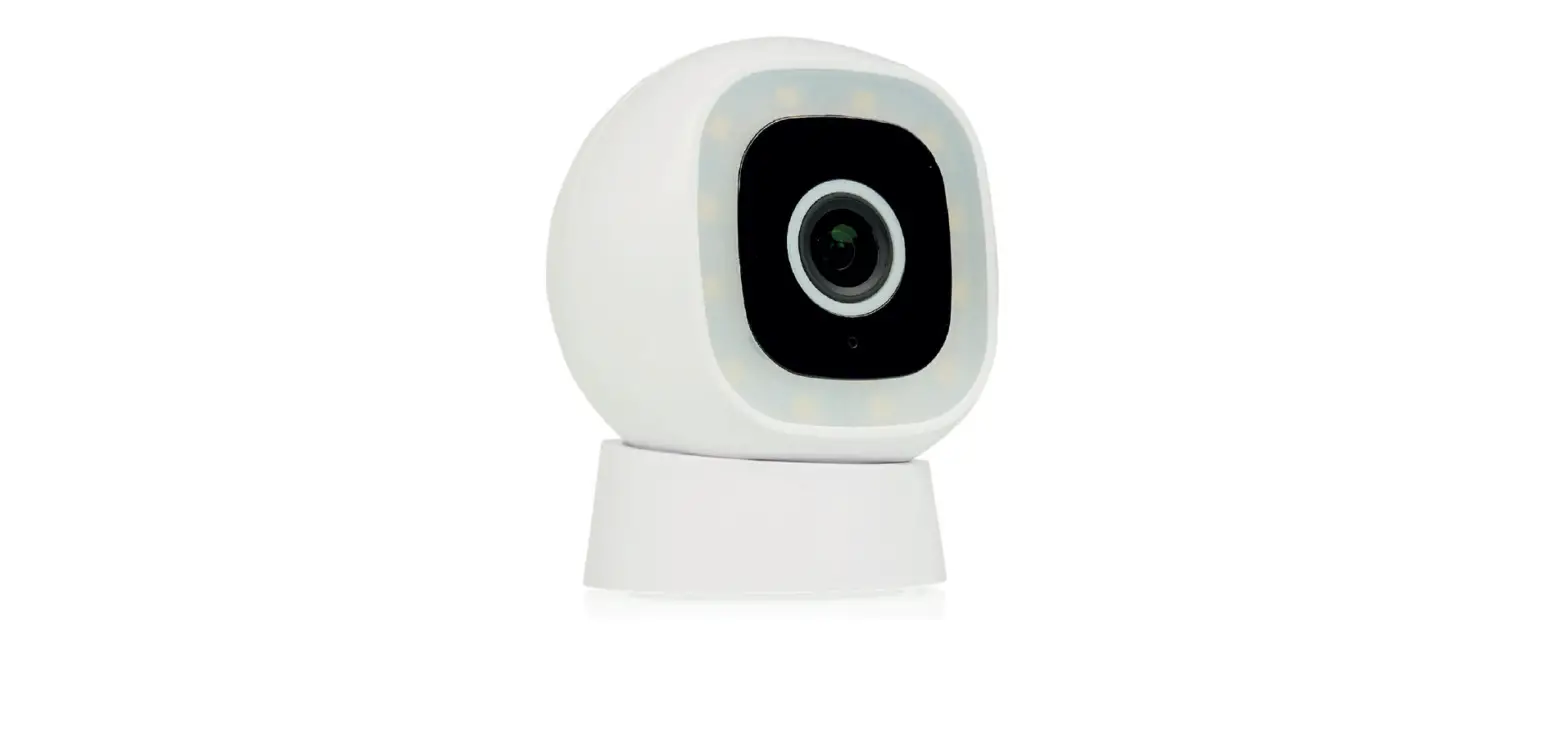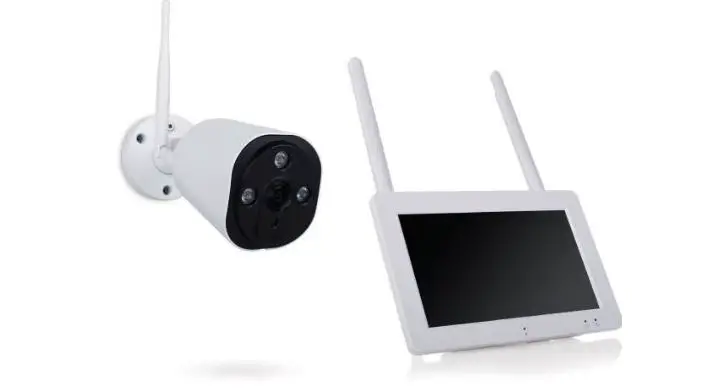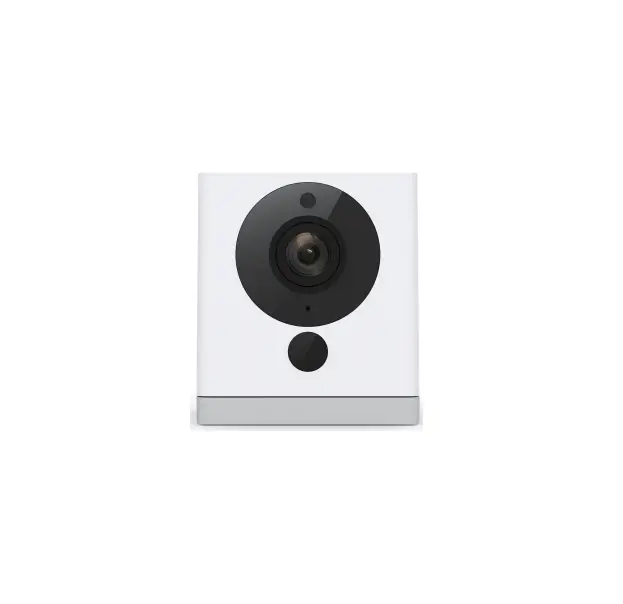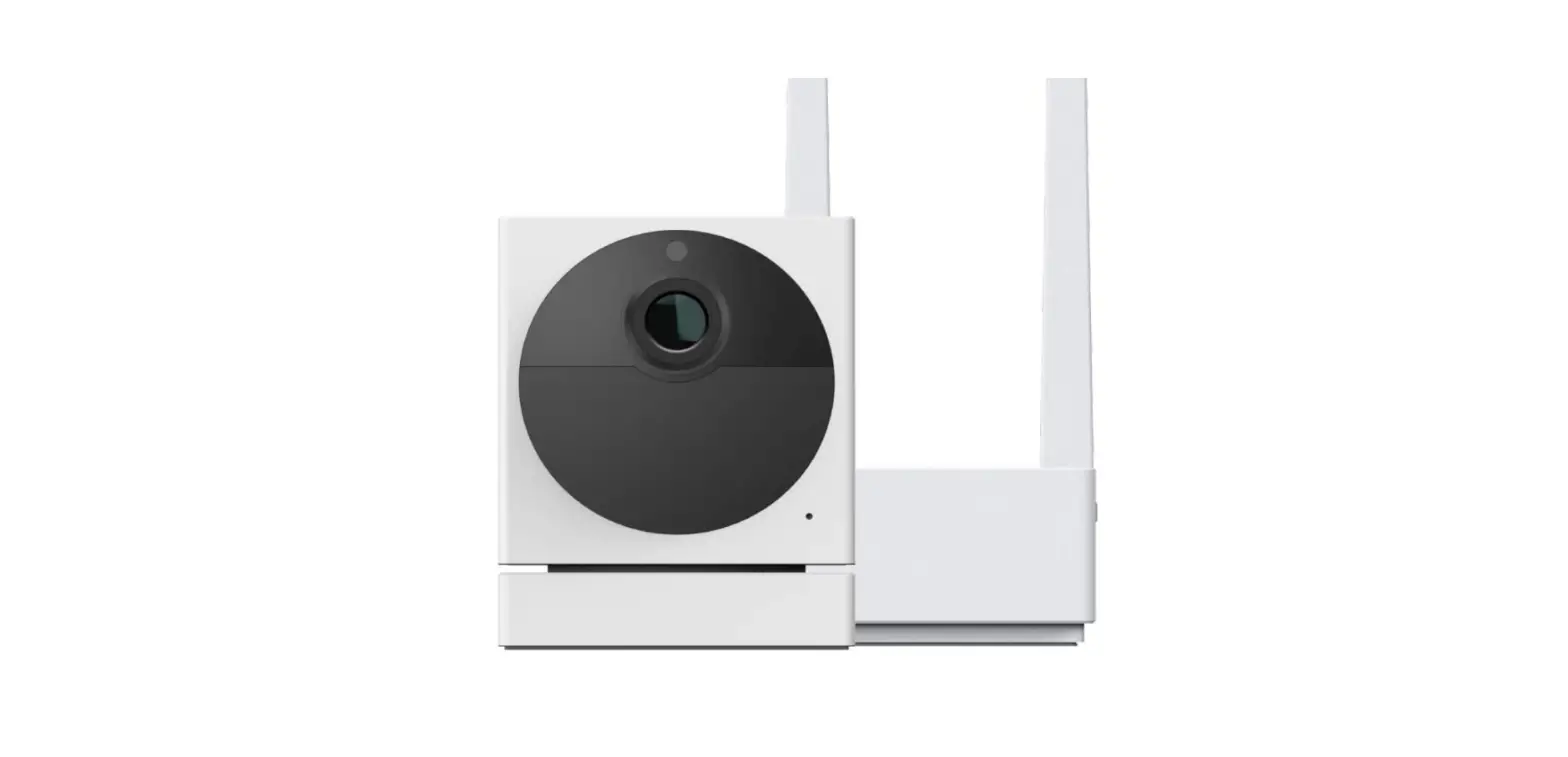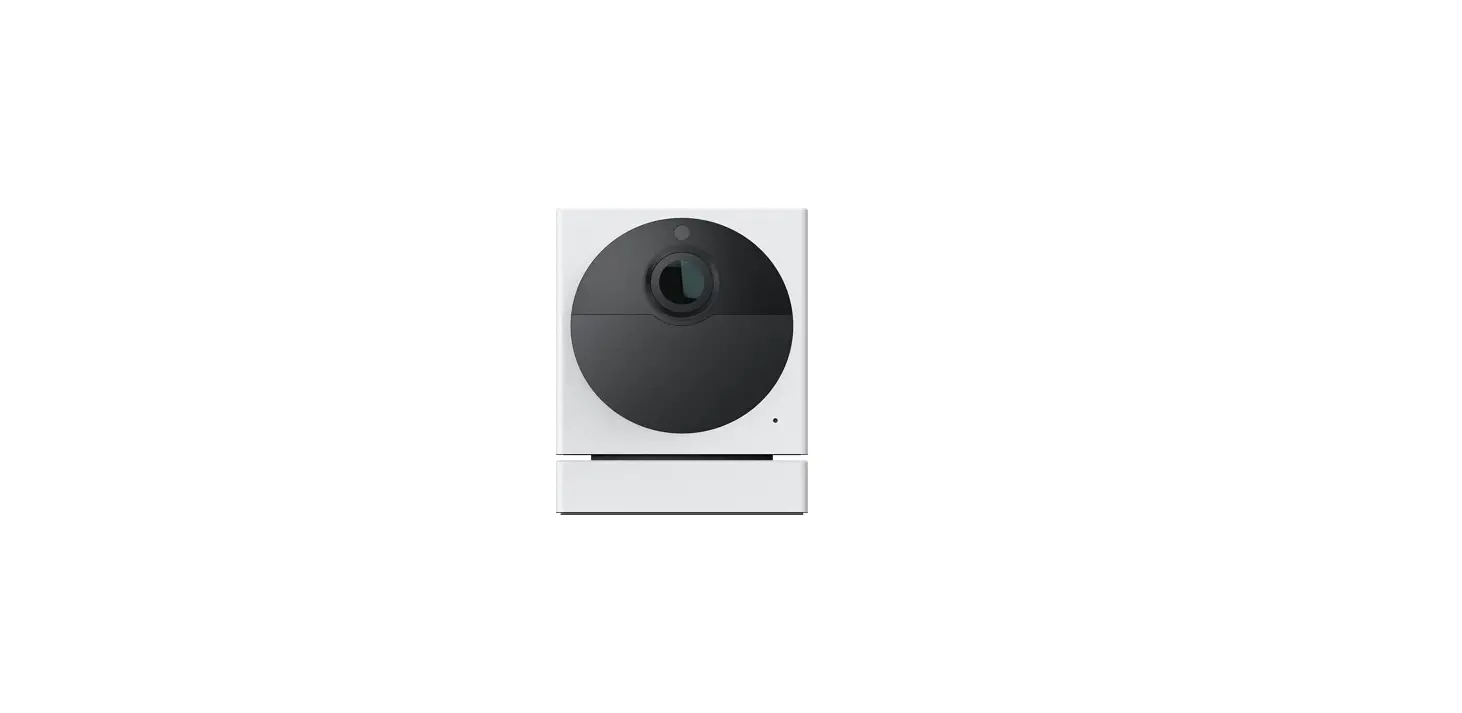

WYZE WVOD1 Outdoor Add-on Camera
LIGHT INDICATIONS
- Base Station
- Solid yellow light
- The device is powered on and initializing
- Flashing blue light
- The device is connecting to the network
- Solid blue light
- The device is working properly
- Flashing yellow & blue lights
- The device is paired with a camera
WYZE Cam Outdoor
- Solid yellow light
- The device is powered on and initializing
- Flashing blue light
- The device is connecting the network
- Solid blue light
- The device is working properly
- Flashing yellow & blue lights
- The device is paired with a base station Flashing red light
- The device is charging
- Solid red light
- The device is fully charged
- No indicator light
- The device is powered off or sleeping
PRECAUTIONS
Using the camera in the car under direct sun exposure could exceed the operating temperature of the battery, resulting in irreversible damage to the battery.
IN THE BOX
- Wyze Cam Outdoor
- Base Station
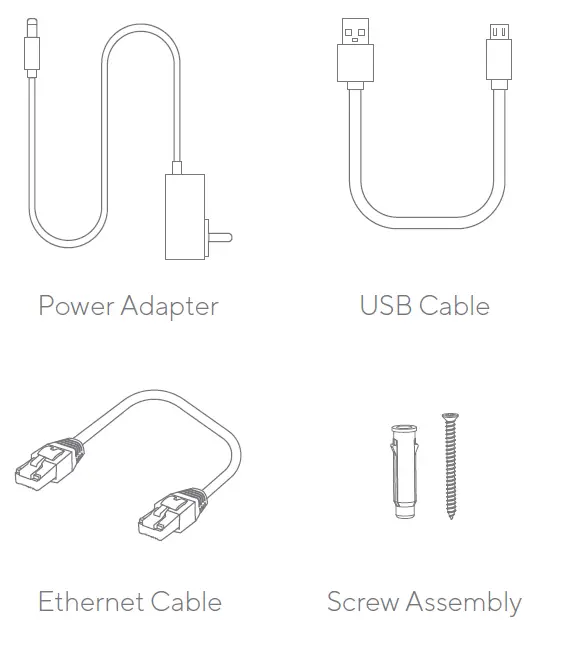
- Base Station Power Adapter
- Base Station Ethernet Cable
- Camera Charging USB Cable
- Quick Start Guide
- Screw Assembly
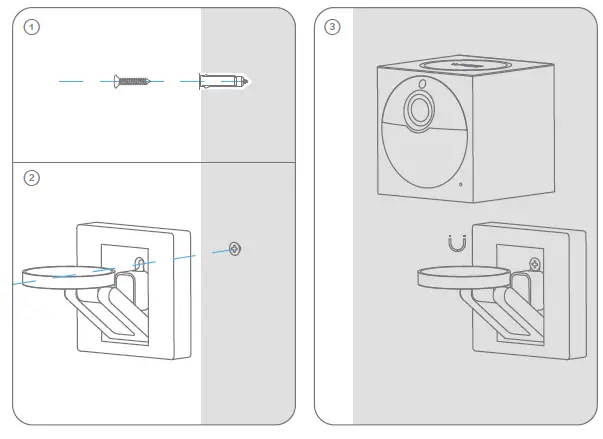
WALL MOUNTING
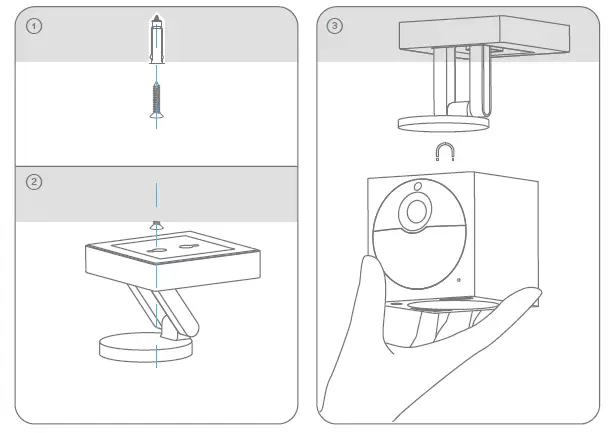
CEILING MOUNTING
SETUP
- Download the WYZE app and create an account.

- Follow the WYZE app to set up base station.

- Follow the WYZE app to set up the camera.

- Follow the WYZE app to mount the camera.

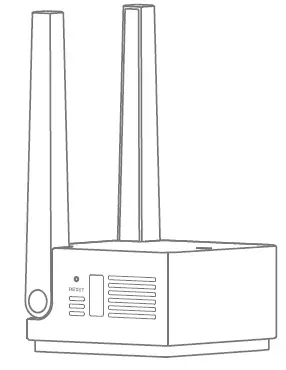
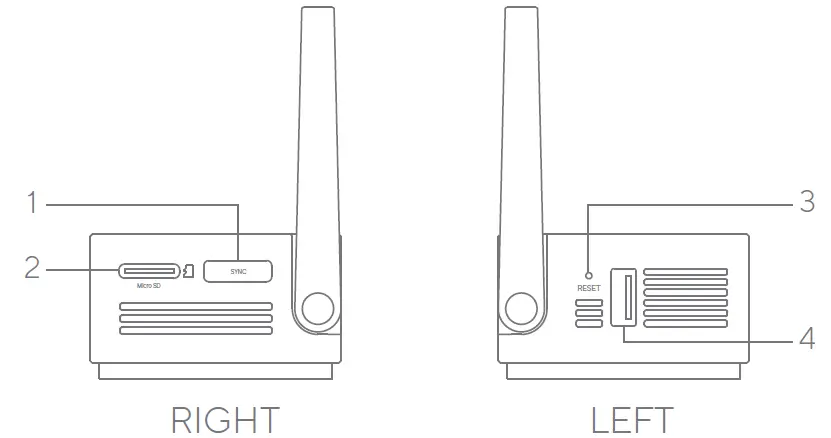
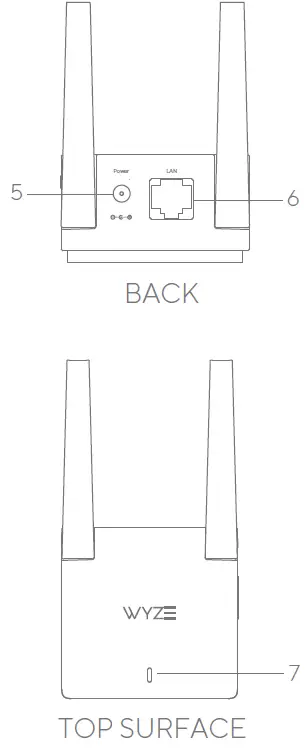
PRODUCT LAYOUT
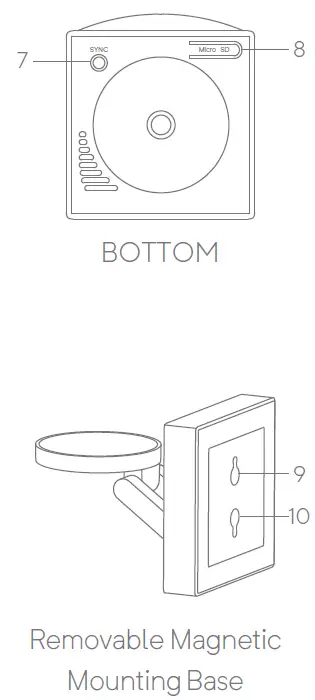
- SYNC Button
- MicroSD Slot (MicroSD not included)
- Reset
- USB Charging port
- Power Input
- LAN Port
- Status Light
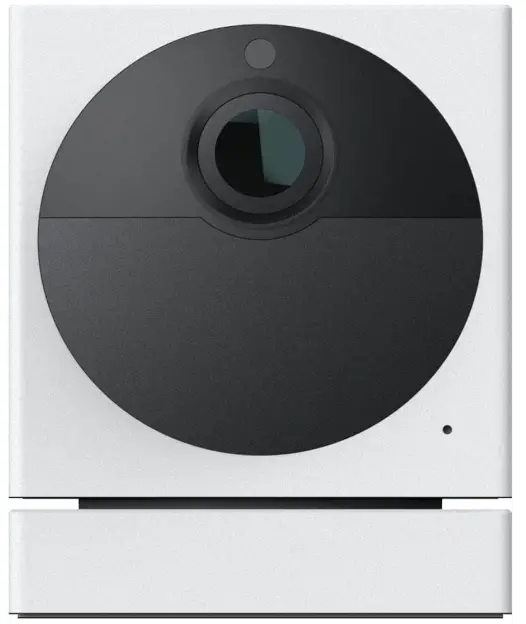
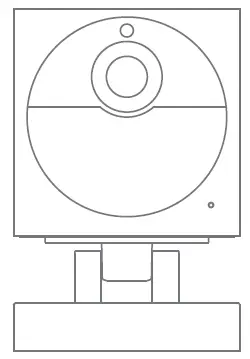
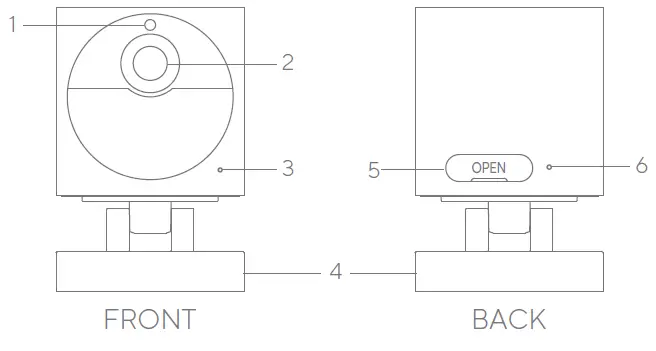
CAM DESCRIPTION
- Light Sensor
- Lens
- Microphone
- Removable Magnetic Mounting Base
- On-Off Switch USB Charging Port
- Status Light
- SYNC Button
- MicroSD Slot (SD card not included)
- Wall Mounting Hole
- Ceiling Mounting Hole
FCC Warning
Any changes or modifications not expressly approved by the party responsible for compliance could void the user’s authority to operate the equipment.
This device complies with part 15 of the FCC Rules. Operation is subject to the following two conditions:
- This device may not cause harmful interference, and
- This device must accept any interference received, including interference that may cause undesired operation.
FCC Radiation Exposure Statement
This equipment complies with FCC radiation exposure limits set forth for an uncontrolled environment. This equipment should be installed and operated with a minimum distance of 20cm between the radiator & your body.
This transmitter must not be co-located or operating in conjunction with any other antenna or transmitter.
ISEDC RSS warning
This device complies with ISEDC licence-exempt RSS standard (s). Operation is subject to the following two conditions:
- this device may not cause interference, and
- this device must accept any interference, including interference that may cause undesired operation of the device.
ISEDC Radiation Exposure Statement
This equipment complies with ISEDC RF radiation exposure limits set forth for an uncontrolled environment. This transmitter must not be co-located or operating in conjunction with any other antenna or transmitter.
This equipment should be installed and operated with a minimum distance 20cm between the radiator& your body.
NEED HELP?
Tutorial Videos
www.youtube.com/wyzelabs Troubleshooting & FAQs support.wyze.com Community forums.wyze.com
Contact Us at [email protected] at 1-844-WYZECAM
FAQs
Yes, wireless cameras can function without an internet connection, but you won’t have access to all of their functions. Of course, the type of camera, how it was set up, and how it stores video all affect whether or not the camera would function without an internet connection.
The majority of home security cameras are motion-activated, which means that when they notice motion, they will start recording and informing you. Some people have the ability to continuously record video (CVR). A fantastic tool for ensuring home security and the peace of mind that comes with it is a security camera.
A wireless camera’s range can go up to 500 feet or more if there is a direct line of sight. The range is often 150 feet or less within a house, however, this isn’t always the case.
There are surveillance cameras available without WiFi. Security camera footage is typically sent to the cloud over WiFi so that it may be seen on an app. However, the “No-WiFi” options save the video locally. While some people will save their video to a DVR, others will preserve their film on a memory card.
With the right maintenance and attention, outdoor security cameras may endure for at least five years.
A light source that can illuminate the space beneath the camera is necessary for it to attempt to see in the dark. The night vision illuminators that go with consumer cameras, however, are exclusively meant for close-range use and have a fixed brightness.
Although the maximum distance between the camera and base station varies, in a wide, open field, they can be as far apart as 300 feet. The ideal range will be less if there are many doors, walls, and other structures between each device.
In the winter, external security cameras do indeed function. However, the performance of security camera systems in the winter varies. While some goods can operate in temperatures between minus 22 and minus 40 degrees Fahrenheit (about -30 and -40 degrees Celsius), others can only function at 14 degrees Fahrenheit.
You only need to install the batteries in wire-free security cameras. Install the power cable into an electrical socket if you purchase a wireless security camera. Additionally, simply connect an Ethernet wire to a router for PoE security cameras.
The absolute minimum needed to watch a security camera system remotely is an upload speed of 5 Mbps. Remote viewing of the lower quality or sub-stream is adequate but unrefined at 5 Mbps. We advise having an upload speed of at least 10 Mbps for the best remote viewing experience.
One WiFi extender installed outside would prevent the choking effect of walls on WiFi signals in order to give powerful WiFi outside for the outside cameras. To provide WiFi outside the home, there are two types of products: Powerline WiFi extenders and outdoor WiFi access points.
Security cameras can’t prevent all crime, of course, but most academic studies have established that they generally reduce and deter crime.
Unwired security cameras do indeed require power. All electrical devices, including security cameras, require some form of power. Power is typically delivered to security cameras via a plug-in transformer. Other security cameras, however, support power over Ethernet (PoE).
At most, wireless security camera batteries have a lifespan of one to three years. They are far simpler to replace than a watch battery.
In “steady-state,” some security cameras can use as little as 5 Kbps, while others can use up to 6 Mbps and more. 1-2 Mbps is the typical bandwidth use of an IP cloud camera (assuming 1080p using H. 264 codec at 6-10fps).