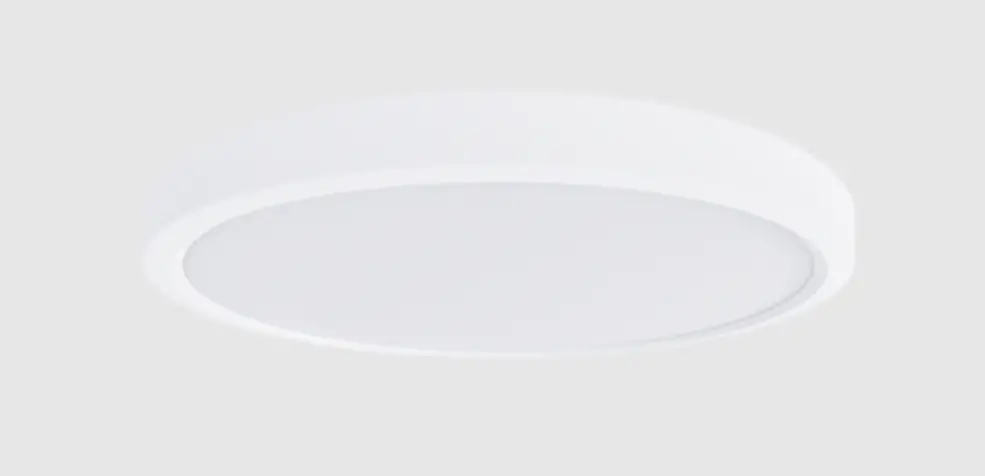
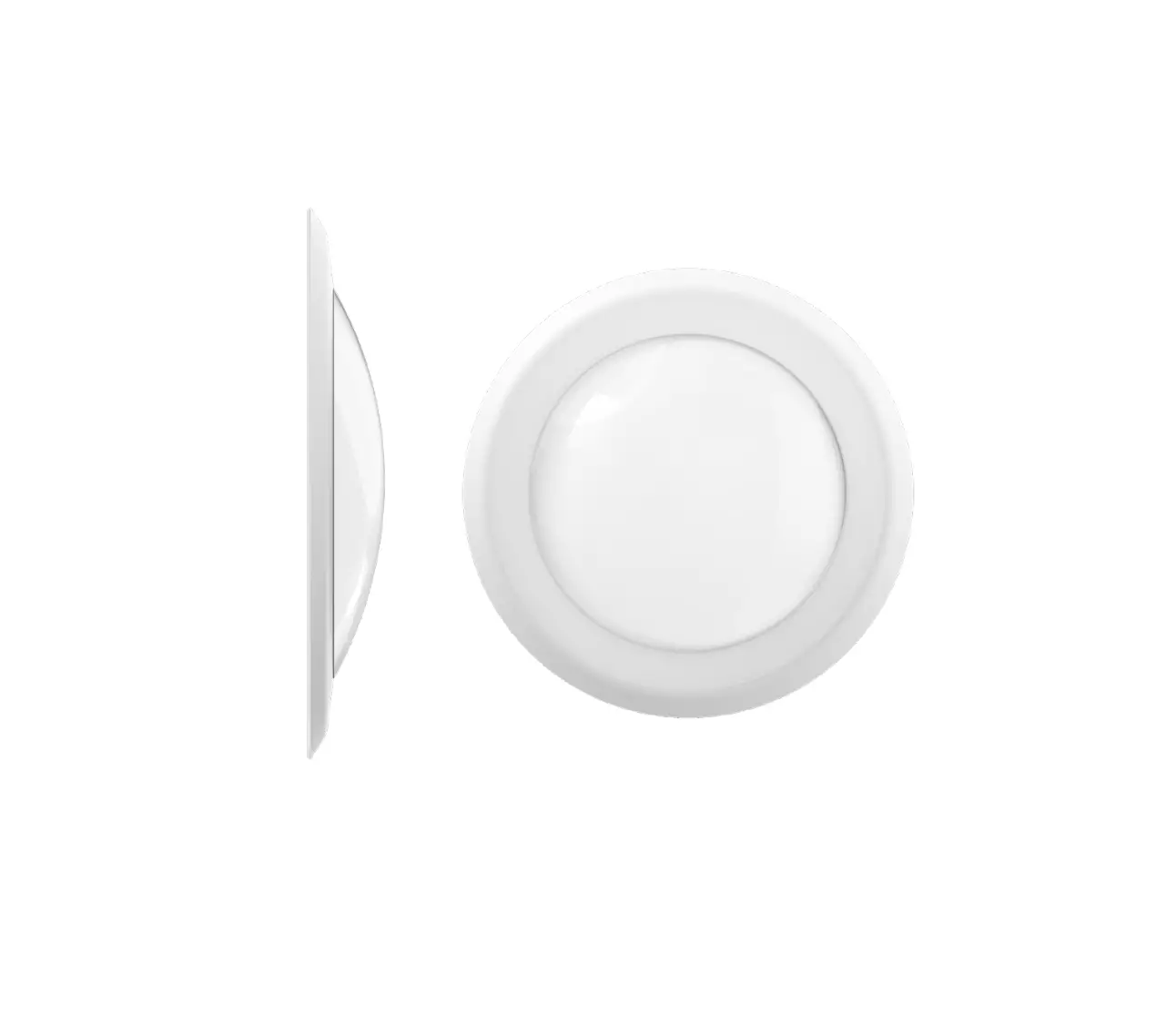
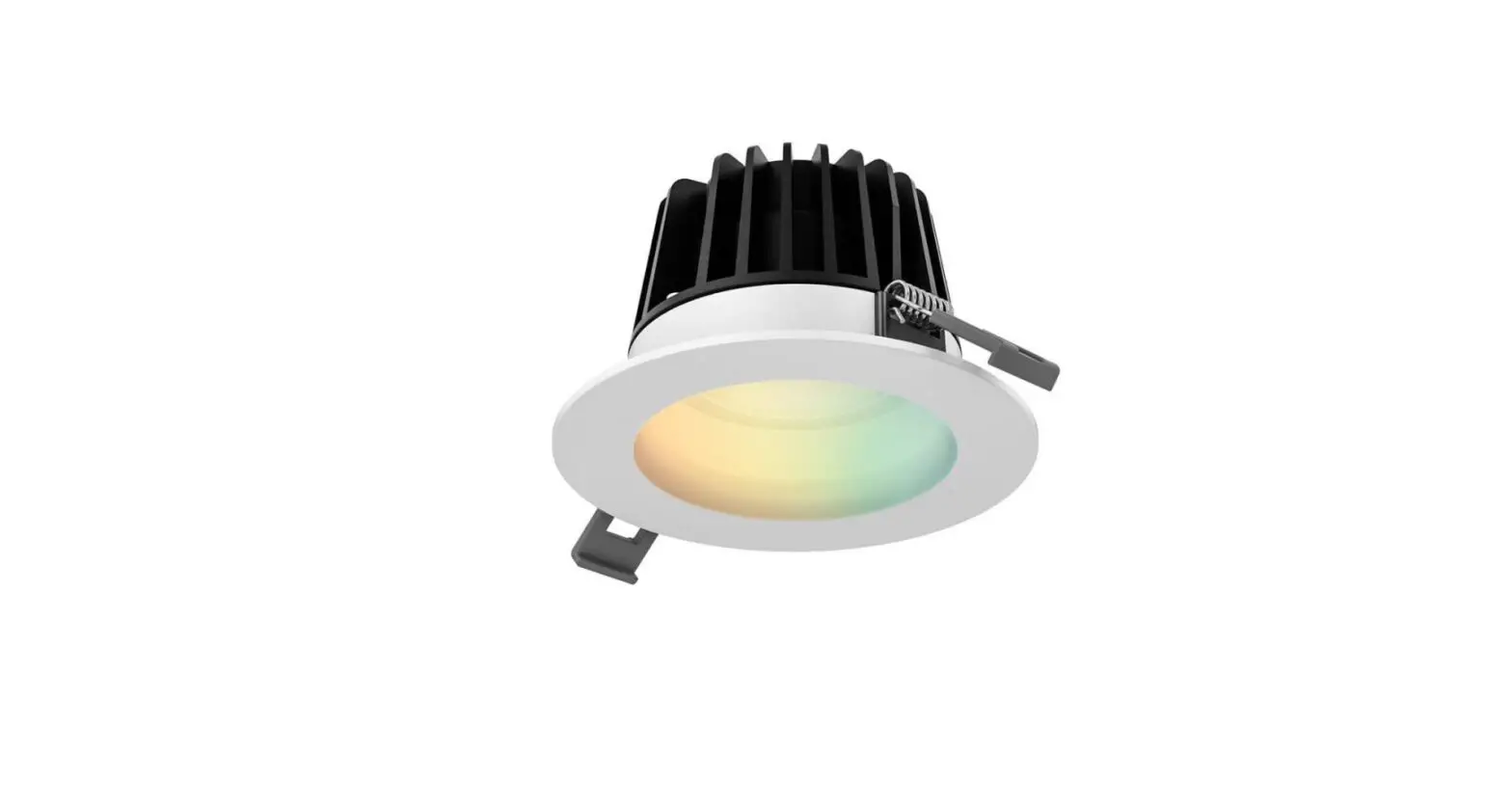
PT-DDL2 Series LED Disk Light
Product Information: PT-DDL2 SERIES
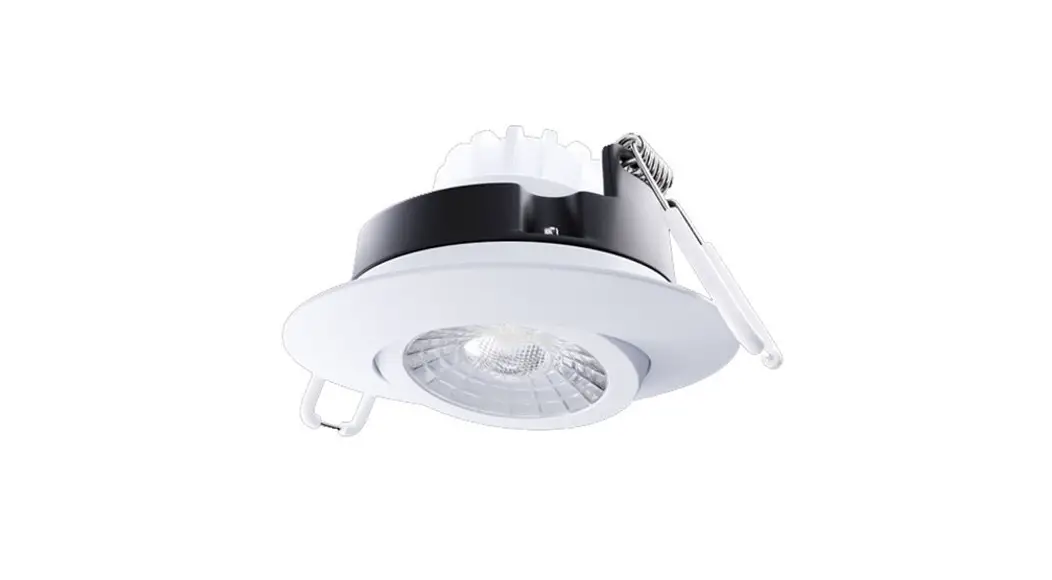
The PT-DDL2 SERIES is a LED Disk Light that comes with a set of
mounting screws and wire nuts. The model PT-DDL2-4I-10W-5CCT is
compatible with a 2.75 Junction Box. It can be surface mounted with
a junction box or non-combustible surface above 4 feet (1.2 meters)
high.
Package Contents:
- A LED Disk Light
- 1 pc mounting screw
- 2 pcs mounting screws
- 3 pcs wire nuts
Safety Precautions:
Before starting the installation, it is important to read and
understand the instructions completely. Ensure that electricity is
turned off at the fuse or the circuit breaker box before installing
the fixture. All electrical connections must be in accordance with
N.E.C. or your local code.
Assembly Instructions:
- Disconnect electrical power before installing or servicing any
part of this fixture. - This product should be surface mounted with a junction box or
non-combustible surface above 4 feet (1.2 meters) high. Users
should prepare necessary accessories and spare parts (not provided)
including junction box and screws.
Installation Instructions:
Consult a qualified electrician before installing the
fixture.
- Ensure that power is off and the Junction Box is securely
mounted before installation. (This disk light is compatible with
2.75 Junction Box) - Remove lens by twisting clockwise.
- Remove the two stickers at the disk light back that read as
2.75 Junction Box installation hole to reveal the screws lots.
Select lamp color desired with the CCT switch. - Connect the supply wires to the wires of disk light by using 3
wire nuts. Attach white to white, black to black, green to the
ground wire. - Arrange the wires into the Junction Box. Align appropriate
slots in the disk light with the holes in the Junction Box. Use 2
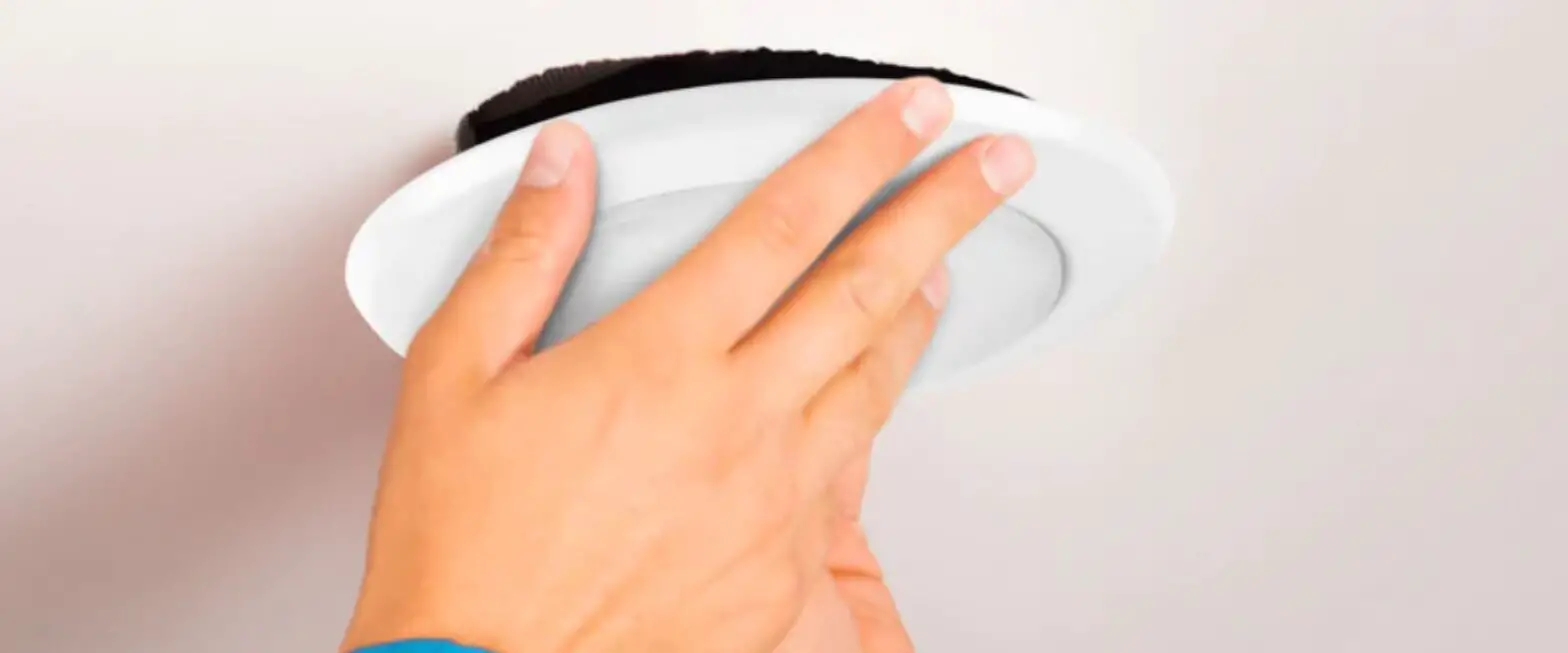
screws to attach the disk light, flush with the ceiling. - Place the lens back into its original position by twisting it
in a counterclockwise direction.
For more information, visit www.portorlighting.com
INSTALLATION INSTRUCTIONS
PT-DDL2 SERIES
PT-DDL2-4I-10W-5CCT
PACKAGE CONTENTS
A
LED Disk Light
B
Mounting screws
( 1 pc )
( 2 pcs )
LED
C
Wire nuts ( 3 pcs )
WARNING
FOR YOUR SAFETY READ AND UNDERSTAND INSTRUCTIONS COMPLETELY BEFORE STARTING INSTALLATION. BEFORE WIRING TO POWER SUPPLY, TURN OFF ELECTRICITY AT THE FUSE OR CIRCUIT BREAKER BOX.
CAUTION: RISK OF FIRE
SUPPLY CONDUCTORS (POWER WIRES) CONNECTING THE FIXTURE MUST BE RATED MINIMUM 90°C IF UNCERTAIN, CONSULT AN ELECTRICIAN.
CAUTION: RISK OF ELECTRIC SHOCK
DISCONNECT POWER BEFORE OR CIRCUIT BREAKER BEFORE INSTALLING OR SERVICING.
SAFETY PRECAUTIONS
FOR SAFETY, READ AND UNDERSTAND INSTRUCTIONS COMPLETELY BEFORE STARTING INSTALLATION. ELECTRICITY SHOULD BE TURNED OFF AT THE FUSE OR THE CIRCUIT BREAKER BOX BEFORE INSTALLING THE FIXTURE. ALL ELECTRICAL CONNECTIONS MUST BE IN ACCORDANCE WITH N. E. C. OR YOUR LOCAL CODE.
ASSEMBLY INSTRUCTIONS
1. PREPARING FOR INSTALLATION: DISCONNECT ELECTRICAL POWER BEFORE INSTALLING OR SERVICING ANY PART OF THIS FIXTURE.
2. THIS PRODUCT SHALL BE SURFACE MOUNTED WITH JUNCTION BOX OR NON-COMBUSTIBLE SURFACE ABOVE 4 FEET (1.2 METER) HIGH. USER SHOULD PREPARE NECESSARY ACCESSORIES AND SPARE PARTS (NOT PROVIDED) INCLUDING JUNCTION BOX AND SCREWS.
INSTALLATION ( CONSULT A QUALIFIED ELECTRICIAN BEFORE INSTALLING )
1. Make sure power off and the Junction Box is
securely mounted before installation. (This disk light is compatible with 2.75″ Junction Box)
2. Remove lens by twisting clockwise.
3. Remove the two stickers at the disk light back that
read as 2.75″ Junction Box installation hole to reveal the screws lots. Select lamp color desired with the CCT switch.
J-box
4. Connect the supply wires to the wires of disk light
by using 3 wire nuts. Attach white to white, black to black, green to the ground wire.
5. Arrange the wires into the Junction Box. Align
appropriate slots in the disk light with the holes in the Junction Box. Use 2 screws to attach the disk light, flush with the ceiling.
6. Placing the lens back into it’s original position by
twisting it in counter clockwise direction.
Black Ground White
www.portorlighting.com
Specification subject to change without notice
1/1