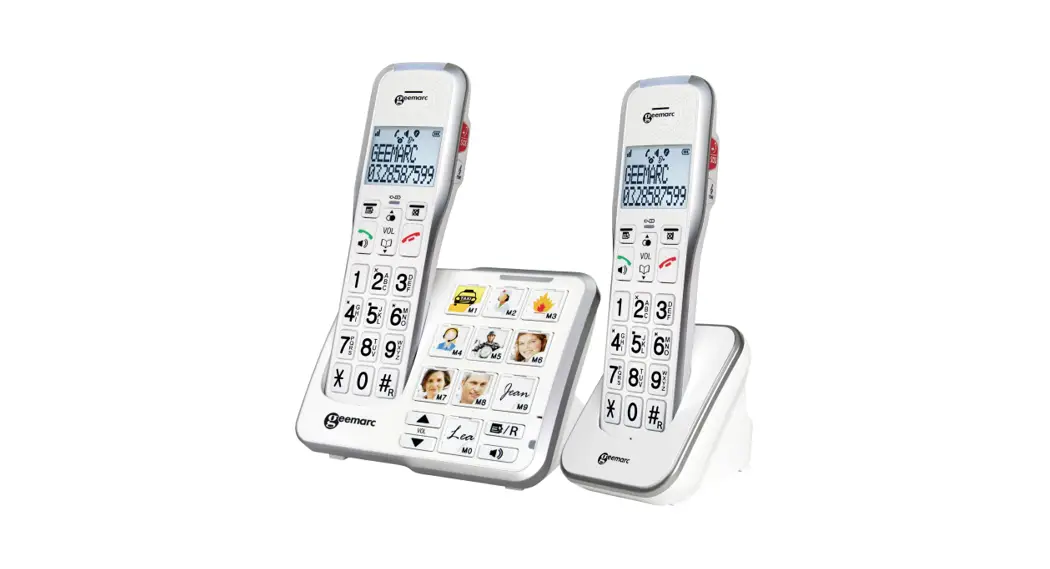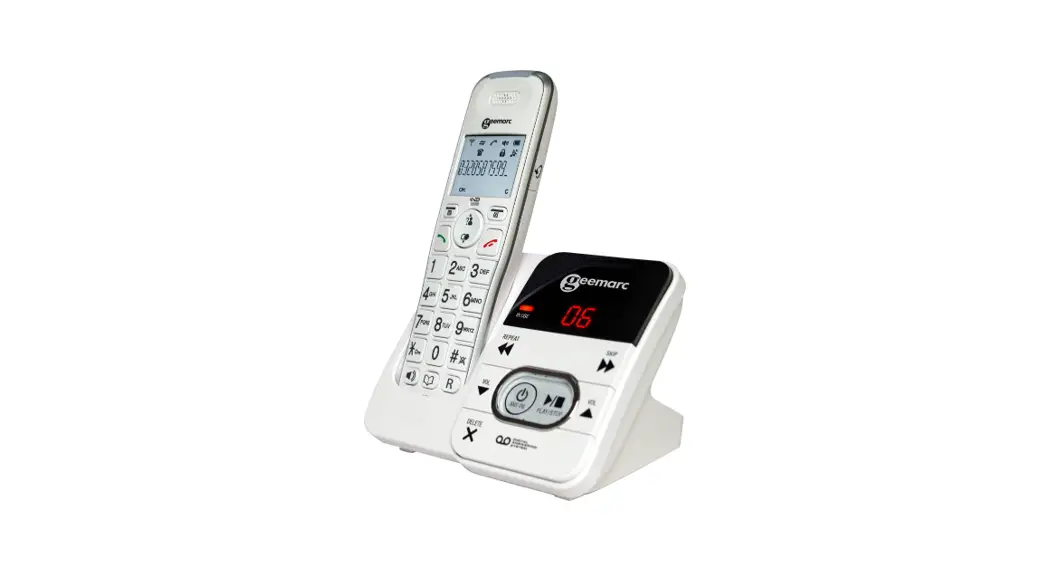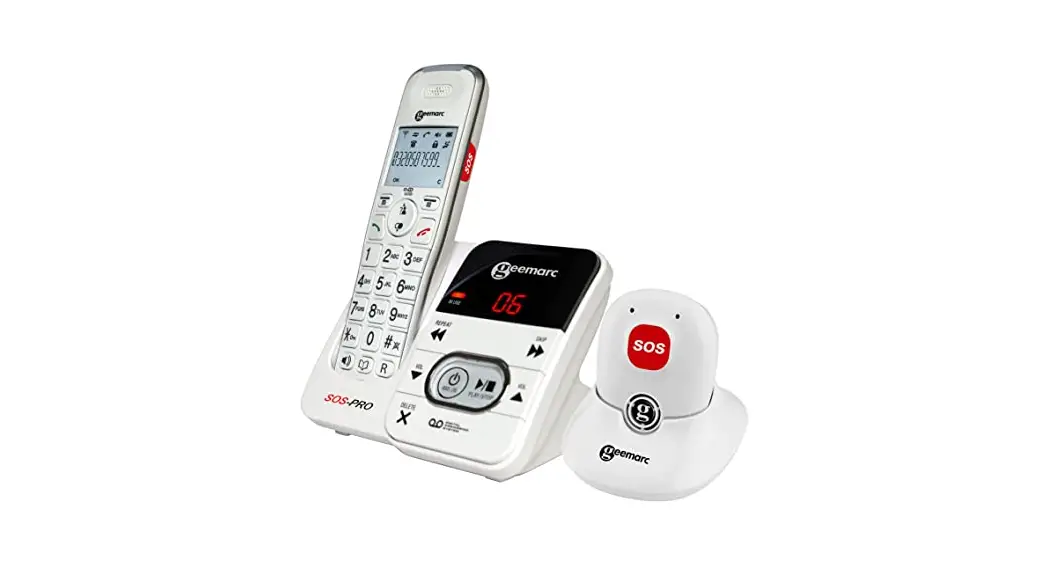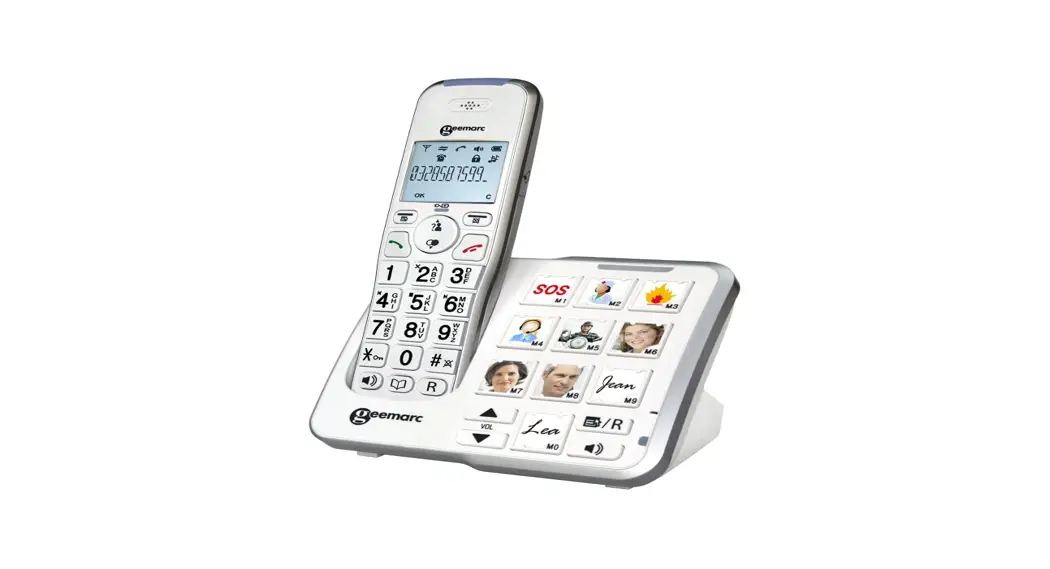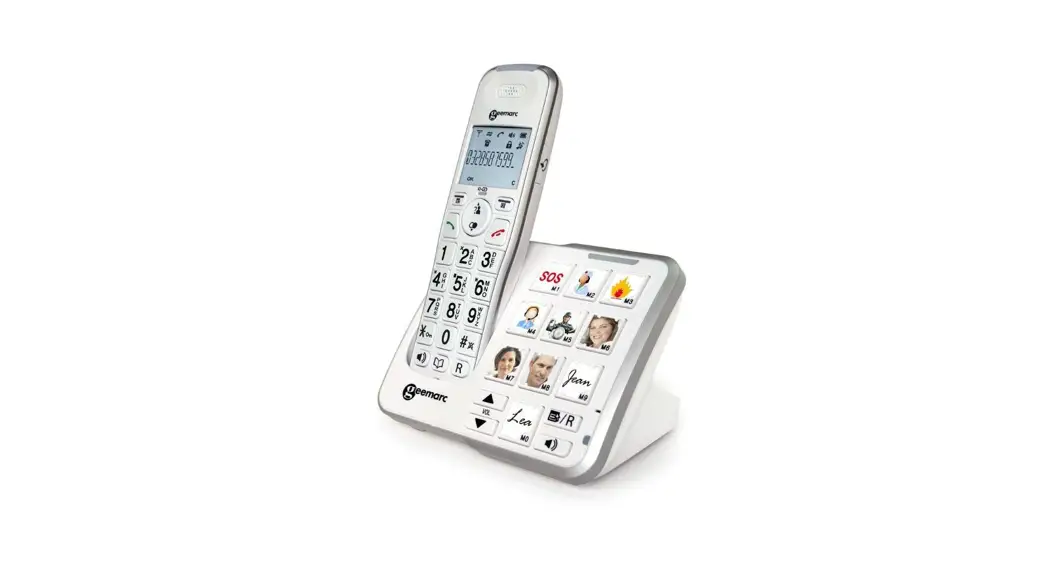
 QUICK USER GUIDE
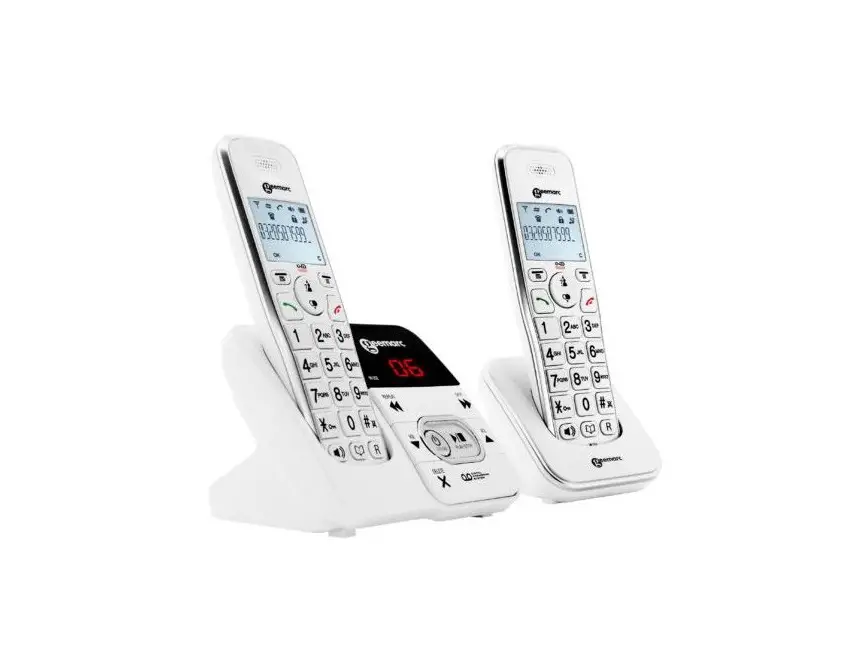
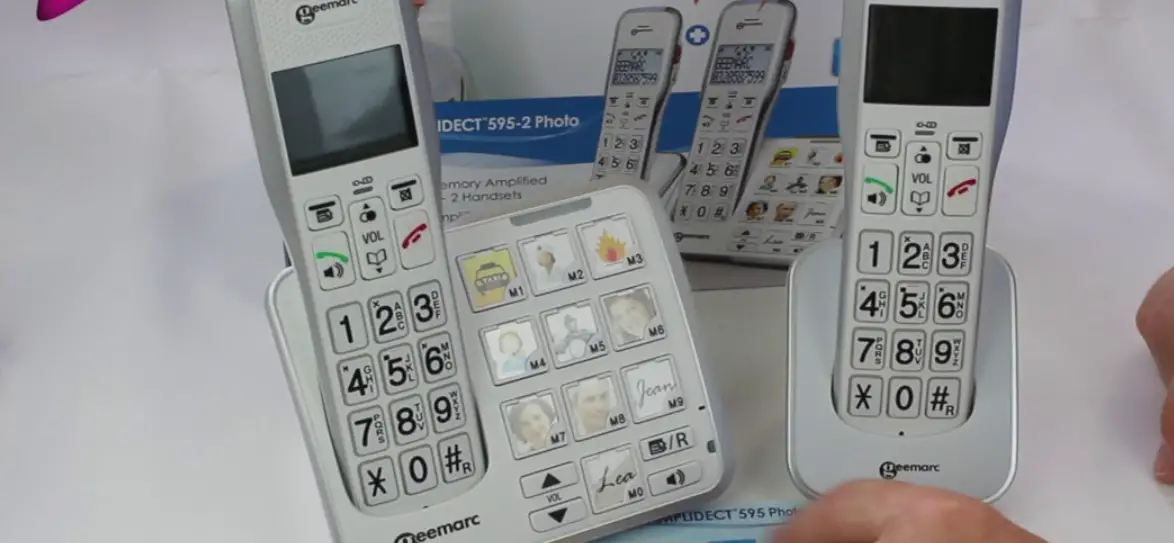
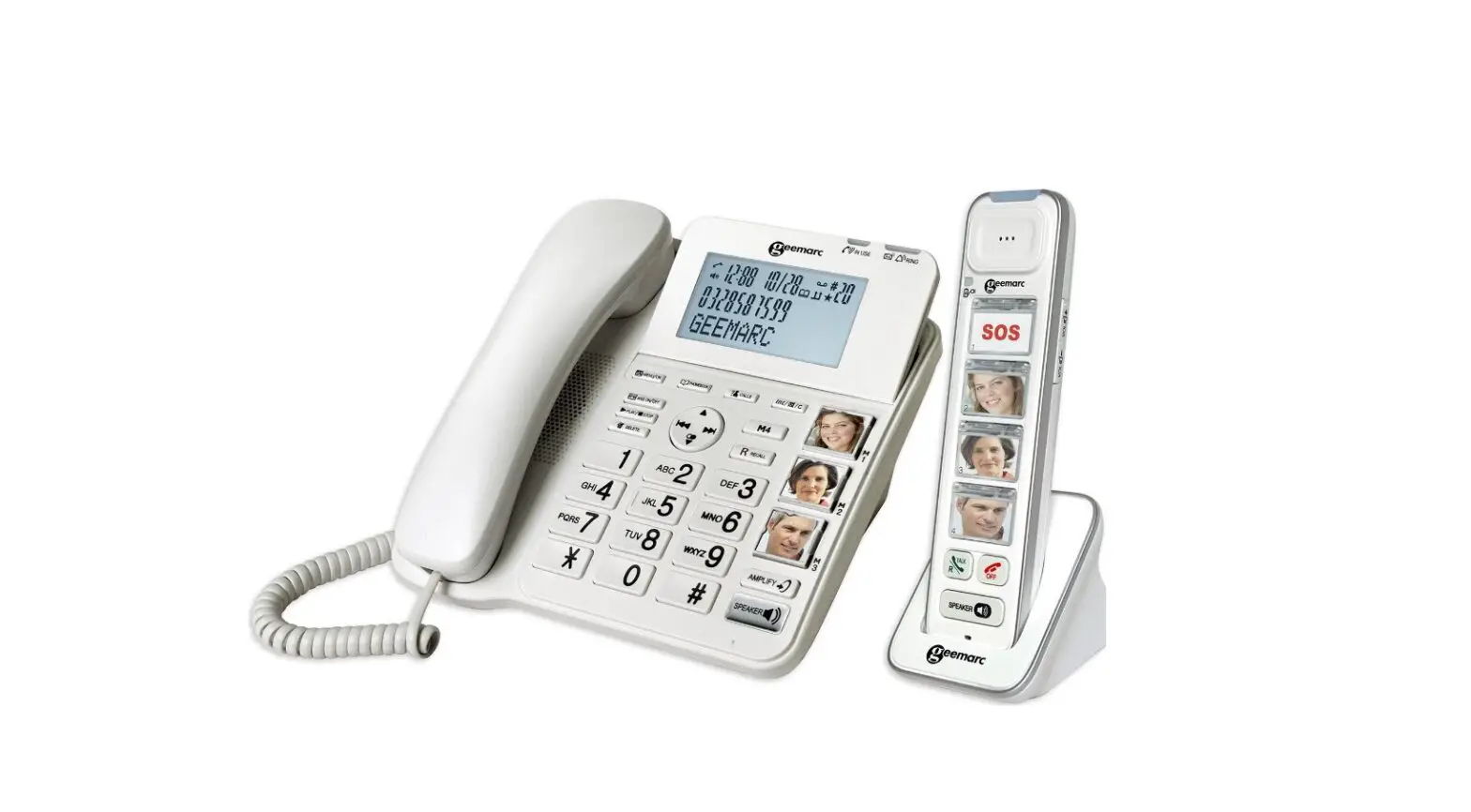
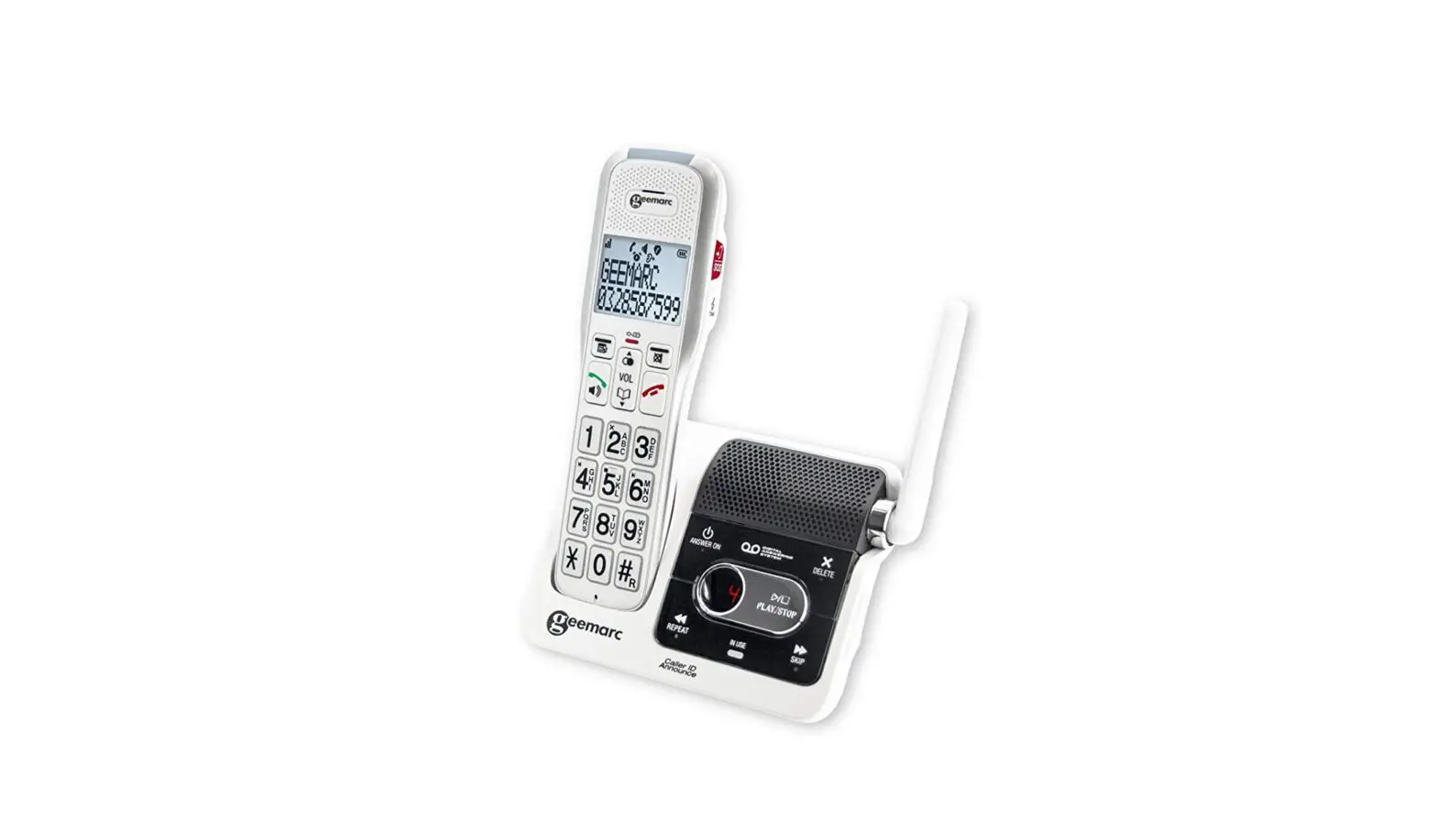
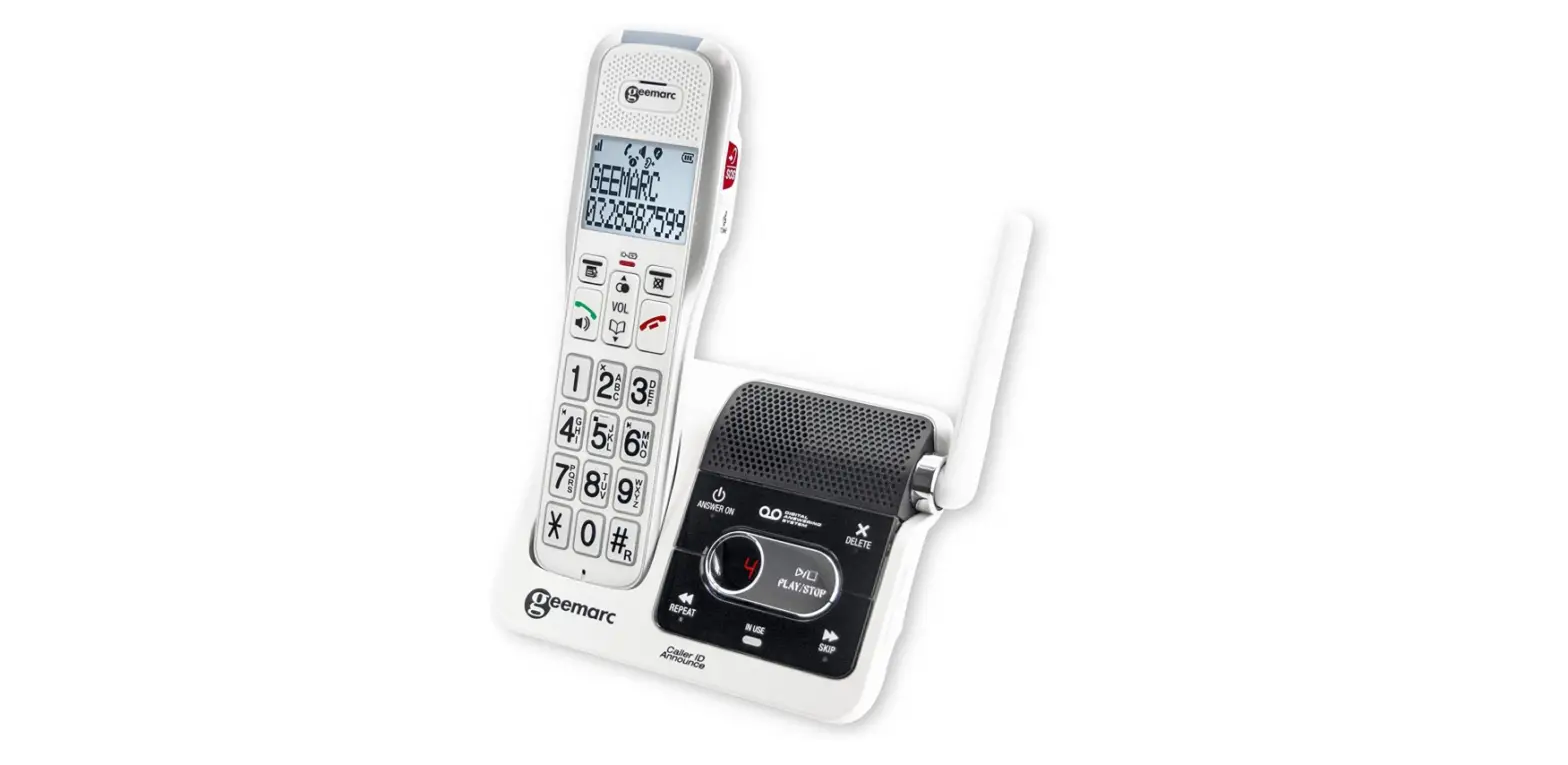
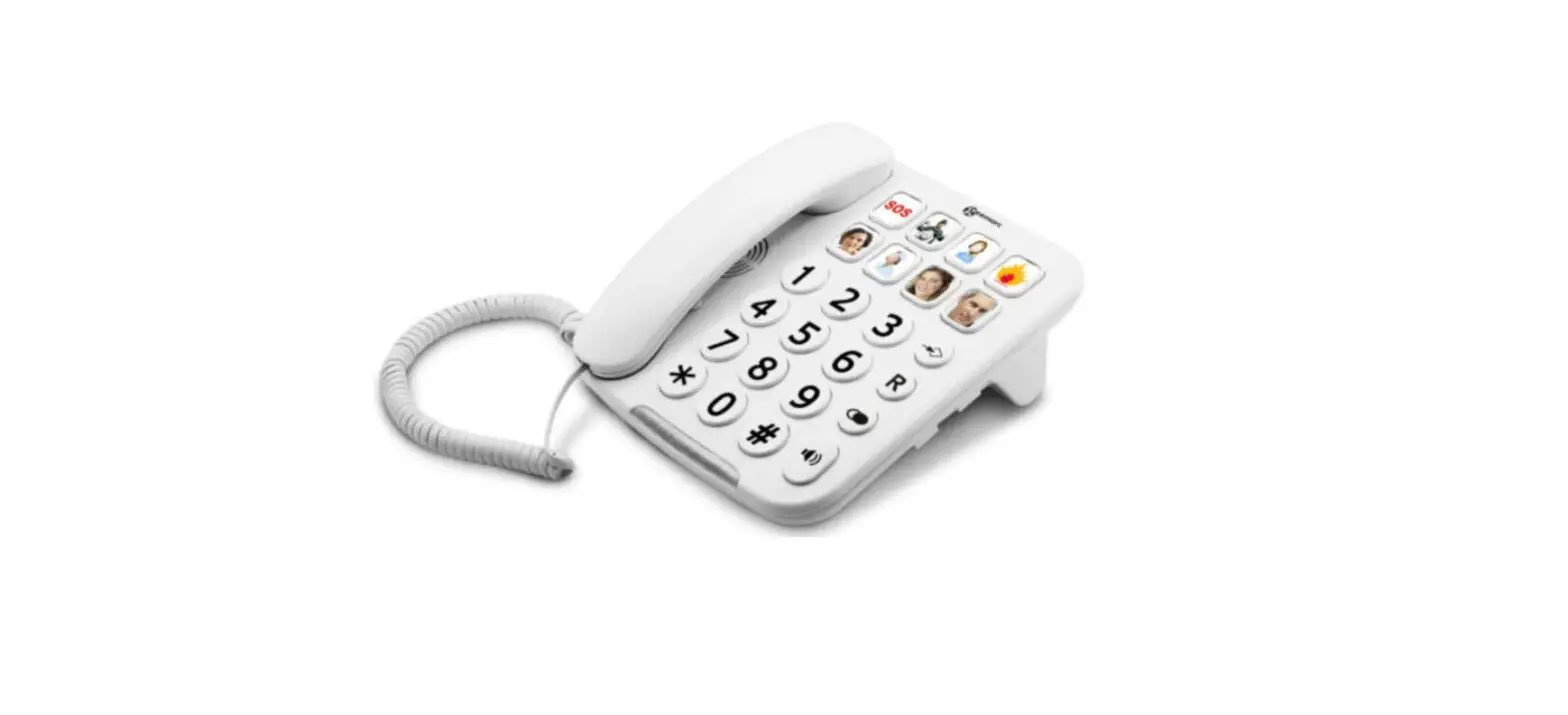
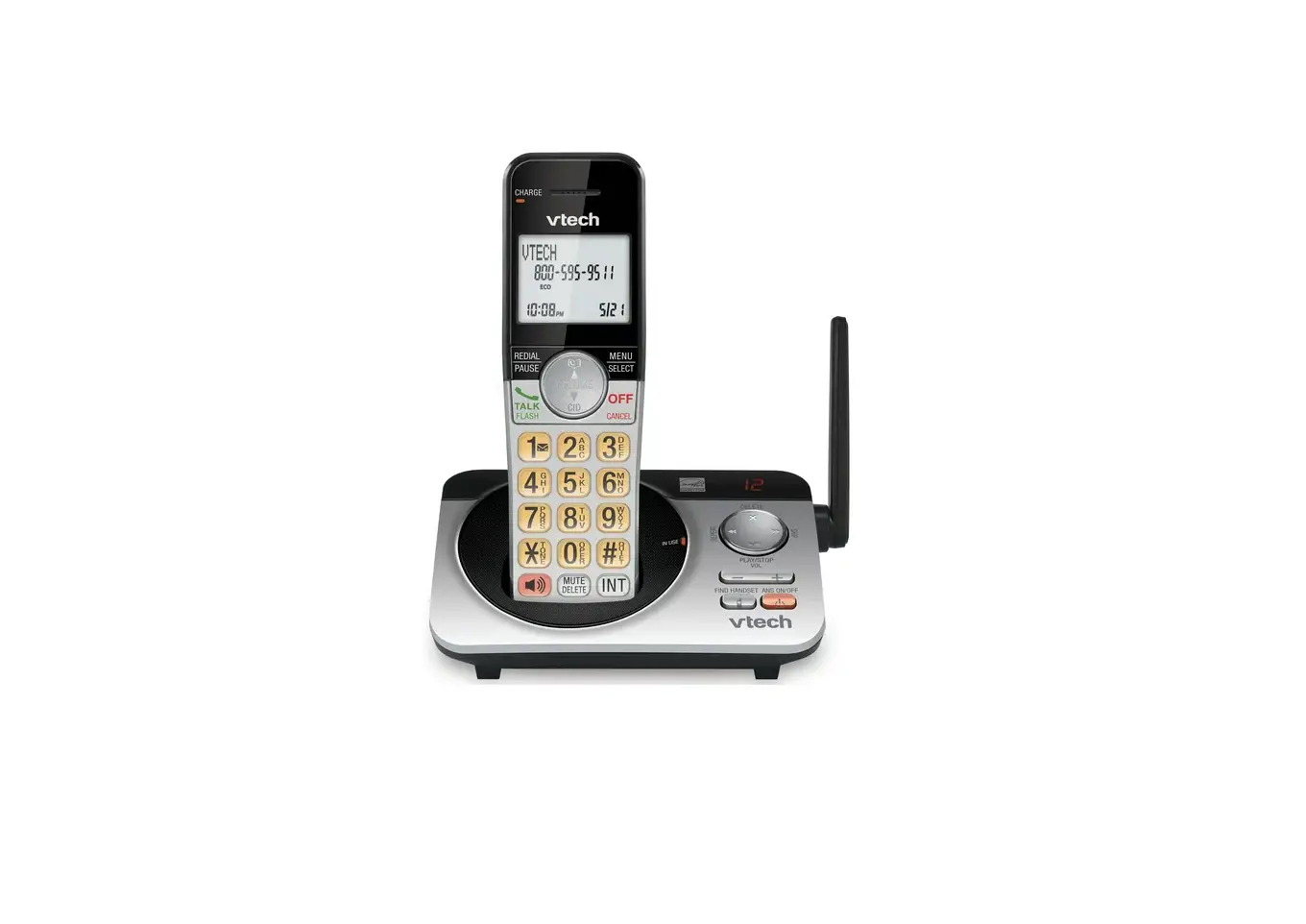
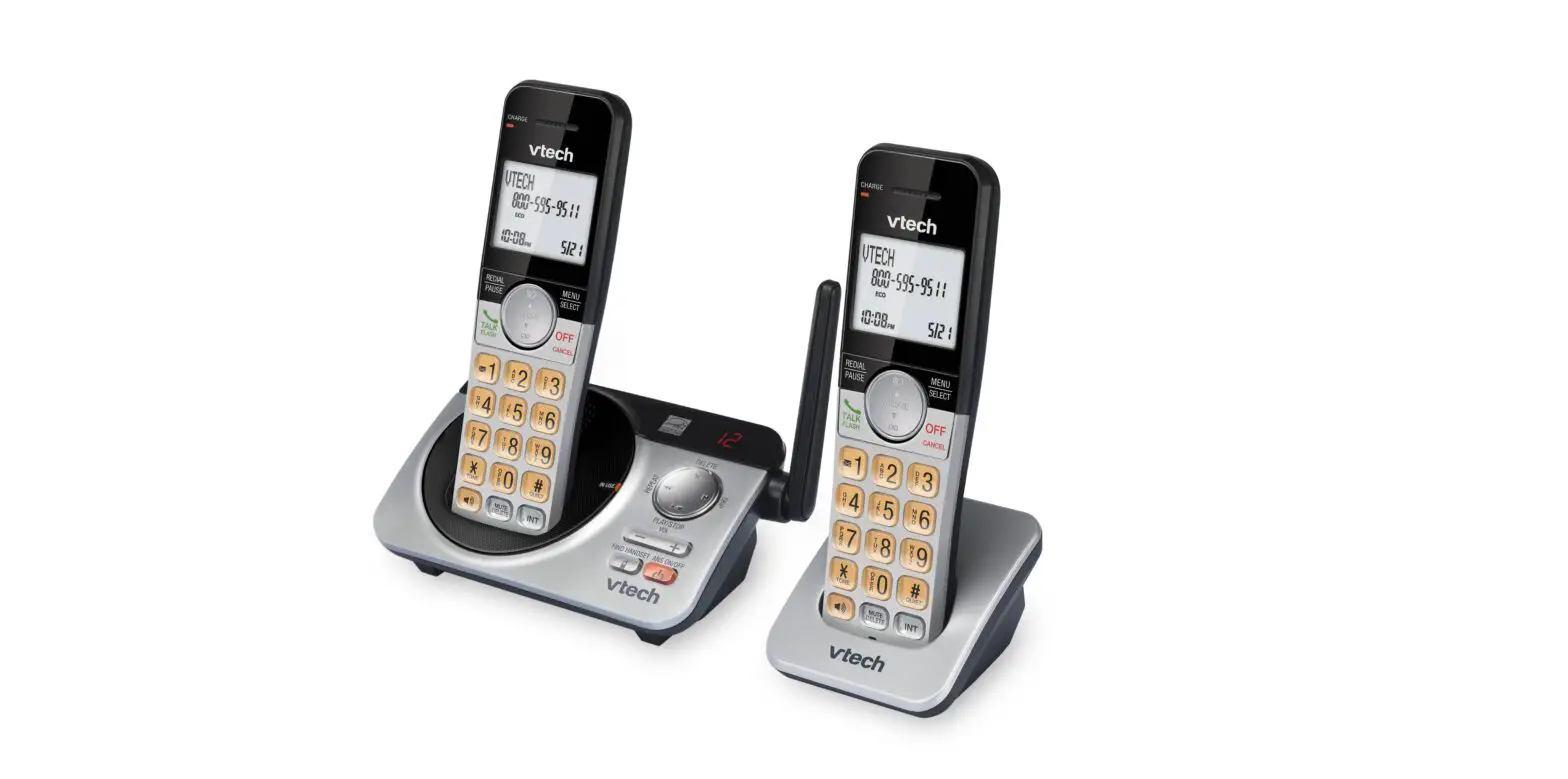
Base
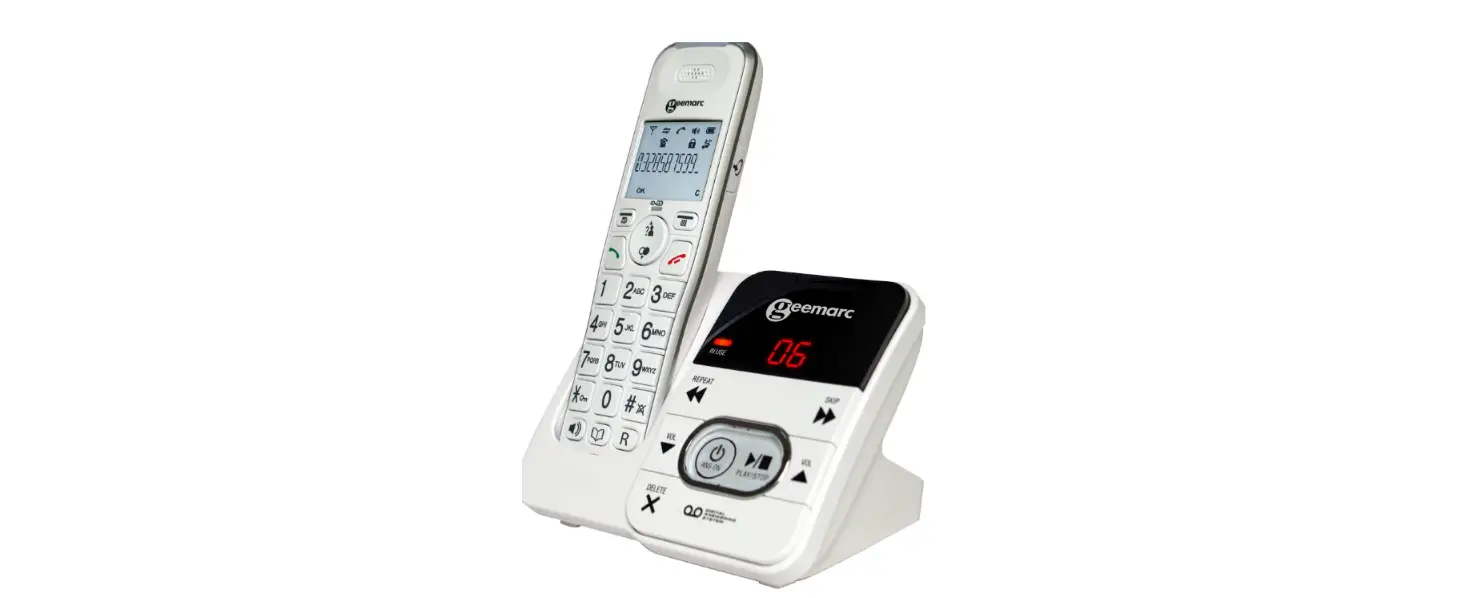
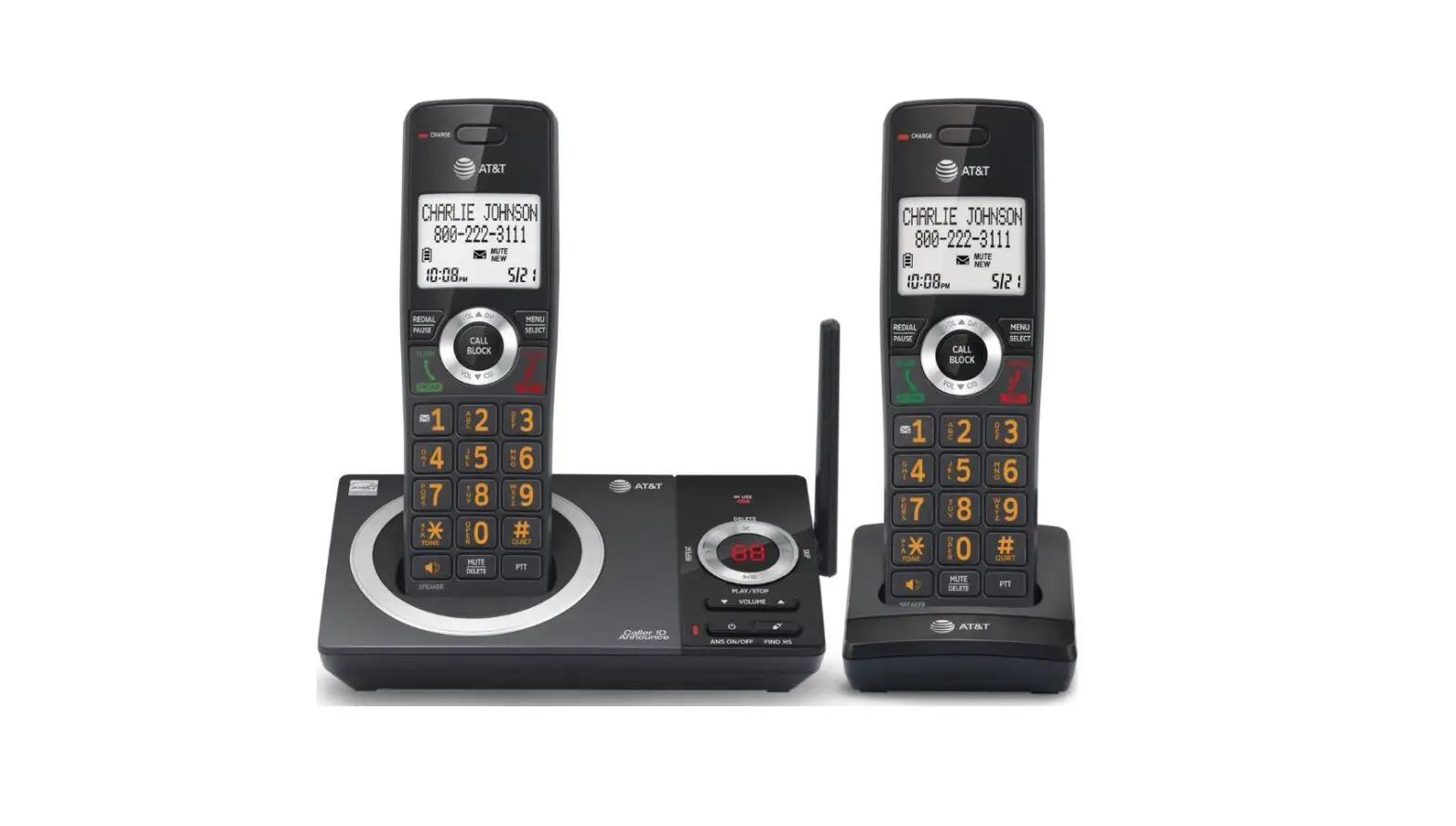
Handset
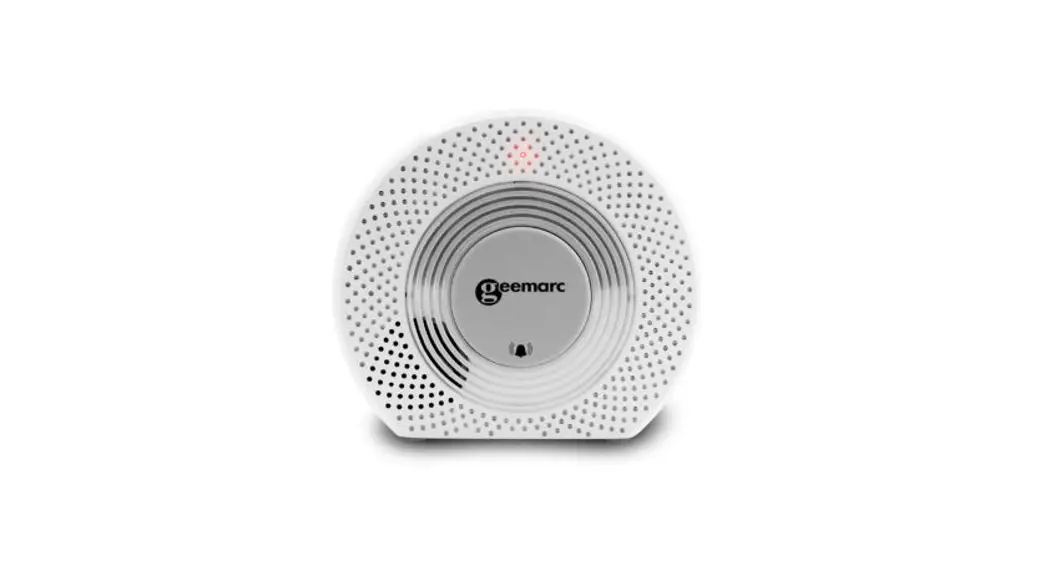
Connection base
Please refer to our website: www.geemarc.com for an up-to-date user guide, as there may be important updates and changes you need to be aware of !!!
PACKAGE CONTENTS
- 1 Telephone base,
- 1 cordless Handset,
- 1 power adapter,
- 1 Telephone line cord,
- 1 NiMh battery pack,
- 1 Quick user guide.
INSTALLATION
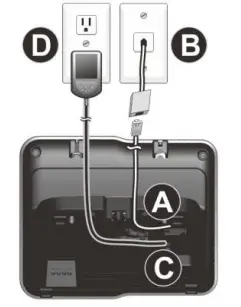
Connecting the telephone
Connect the telephone cable to the telephone line socket (A) and to the telephone wall socket (B).
Connect the power adapter jack to the base (and DC charger) (C) then connect the power adapter plug-in mains power (D).
Note: Use only the power adapters supplied with the phone.
Connecting the battery
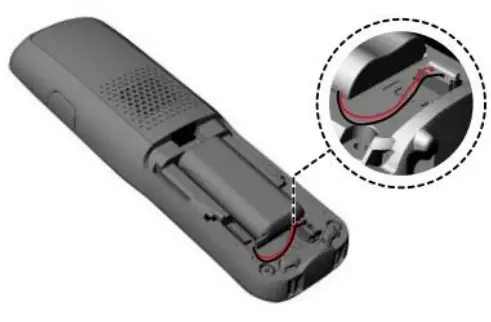 Plug the battery connector securely into the socket inside the handset battery compartment.
Insert the supplied battery as indicated.
Align the cover flat against the battery compartment, and then slide it upwards until it clicks into place.
Charging the batteries
Charge the batteries for at least 16 hours when charging for the first time.
OVERVIEW
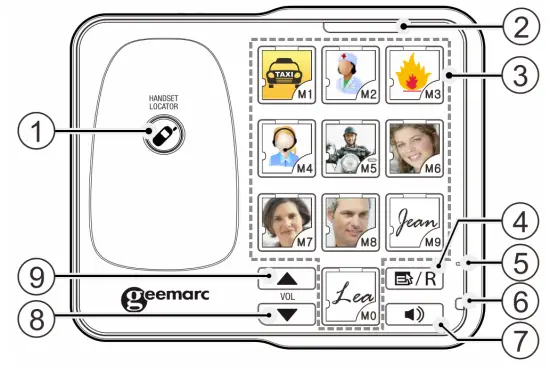
Base
 HANDSET LOCATOR
While the phone is idle, press to page all handsets.- IN USE
ON when handsets are in use, or when the answering system is answering an incoming call.
ON when a handset is being registered.
Flashes when there is an incoming call or when handsets are being deregistered. - PICTURE BUTTONS
10 big picture memory buttons for storing numbers to or dial. - FLASH / PROG

On line: Press the key to make a recall.
In idle mode: Press this key to program the picture memory buttons. - MICROPHONE
- SPEAKER MODE INDICATOR
On when the speaker is on. - SPEAKERPHONE KEY

NOTE: wait 2 seconds before dialing the phone number. - VOL

During speaker mode, press to decrease the speaker volume.
While in idle mode, press to decrease the base ringer volume. - VOL

While in idle mode, press to increase the base ringer volume. During speaker mode, press to increase the speaker volume.
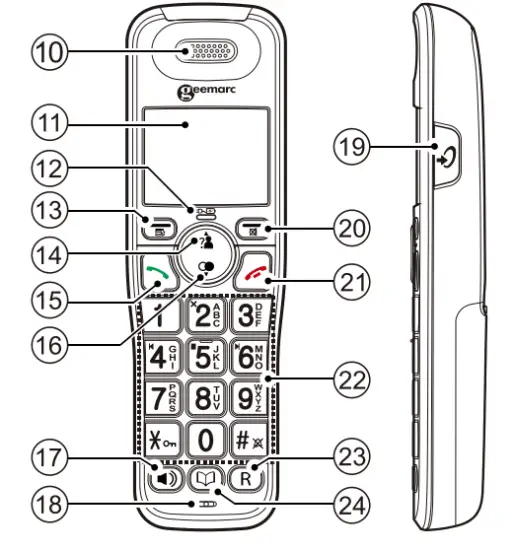
Handset - EARPIECE
- LCD DISPLAY
- CHARGE LIGHT
 Steadily on when the handset is charging in the charger.
 - MENU/OK

In idle mode: Press to access the main menu.
In sub-menu mode: Press to confirm the selection.
During a call: Press to access Intercom / Phonebook / Redial list / Call list. - UP/CALL LIST

In idle mode: Press to access the call list.
In menu mode: Press to scroll up the menu items.
In phonebook list/redial list/call list: Press to scroll up the list.
In editing mode: Press to move the cursor one character to the left.
During a call: Press to increase the listening volume.
During ringing: Press to increase the ringer volume. - TALK ON

In idle/pre-dial mode: Press to make a call in earpiece mode.
In phonebook/redial list/call list: Press to make a call to the selected entry in the list in earpiece mode.
During ringing: Press to answer a call in earpiece mode. - DOWN/REDIAL LIST

In idle mode: Press to access the redial list.
In menu mode: Press to scroll down the menu items.
In phonebook list/redial list/call list: Press to scroll down the list.
In editing mode: Press to move the cursor one character to the right.
During a call: Press to decrease the listening volume.
During ringing: Press to decrease the ringer volume. - SPEAKERPHONE

In idle/pre-dial mode: Press to make a call in speakerphone mode. Press again to switch to earpiece mode.
In phonebook list/redial list/call list: Press to make a call to the selected entry in the list in speakerphone mode. Press again to switch to earpiece mode.
During ringing: Press to answer a call in speakerphone mode. Press again to switch to earpiece mode. - MICROPHONE
- VOLUME BOOST

During a call: Press to activate/deactivate the VOLUME BOOST function. - CANCEL/MUTE

In main menu mode: Press to go back to the idle screen.
In sub-menu mode: Press to go back to the previous menu.
In sub-menu mode: Press and hold to go back to the idle screen.
In editing/pre-dial mode: Press to delete a character/digit.
In editing/pre-dial mode: Press and hold to delete all the characters/digits.
During a call: Press to mute/resume the microphone.
During ringing: Press to silence the handset ringer.
In idle mode: Press to intercom another handset. - TALK OFF

During a call: Press to end a call and go back to the idle screen.
In menu/editing mode: Press to go back to the previous menu.
In menu/editing mode: Press and hold to go back to the idle screen.
In idle mode: Press and hold to power off the handset. Press and hold to power on when it is off. - ALPHANUMERIC KEYPAD, STAR
 HASH
HASH In predial or editing mode: Press to insert a digit/character
 key in idle mode: Press and hold to enable or disable the keypad lock.key in idle mode: Press and hold to turn on/off the ringer.
0 key in idle/pre-dial mode/number editing mode: Press and hold to insert a pause. - R
During a call: Press to answer a new call if you subscribed to the Call Waiting service from your service provider. - PHONEBOOK

In idle mode: Press to access the phonebook.



 Steadily on when the handset is charging in the charger.





 HASH
HASH In predial or editing mode: Press to insert a digit/character

The phone settings are always set in the same manner:
Press Menu/OK ) button to open the main menu. Then use the ▼▲buttons to select an entry and confirm it by pressing the Menu/OK button.
The factory preset PIN code is 0000
Example: Set the language on the handset
Press MENU / OK then select ▼▲HS settings, press MENU / OK then select ▼▲language, press MENU / OK then select ▼▲desired language, and then press MENU / OK to confirm.
Handset
PHONEBOOK
►VIEW LIST under an entry: ►ADD ►VIEW ►EDIT ►DELETE
►DELETE ALL ►PB STATUS ►FAST DIAL
CALL LIST
►VIEW LIST under an entry: ►ADD TO PB ►DELETE ►DELETE ALL
►DETAILS ►CATEGORY
BS SETTINGS
►BS RINGER ►RING VOLUME ►DELETE HS ►DIAL MODE ►FLASH TIME ►CHANGE PIN
HS SETTINGS
►RING SETUP ►TONE SETUP ►SELECT BASE
►LANGUAGE ►RENAME HS ►HS DISPLAY ►AUTO
ANSWER
DIRECT MEM: ►M1-M2-M3-M4…
DATE & TIME: ►DATE FORMAT ►TIME FORMAT ►SET TIME ►SET DATE
ALARM: ►ON-OFF
REGISTRATION: ►BASE 1, 2, 3 or 4
DEFAULT: ►PIN? 0000 by default
ANS. MACHINE
►MSG PLAYBACK ►DELETES ALL ►MEMO ►TAM ON/OFF
►TAM SETTINGS (ANSWER MODE, TAM LANGUAGE, OGM SETTINGS, ANSWER DELAY, RECORD TIME, COMPRESSION, BS SCREENING, REMOTE ACC, CHANGE PIN)
HANDSET REGISTRATION
Note: Handset and base station are pre-registered.
Up to four handsets can be registered to a single base station.
In the case of re-registration, the PIN code is 0000.
Registering a handset
On Base: press and hold  the HANDSET LOCATOR on the base unit to hear a beep to enter the registration mode.
At the same time on Handset: Press MENU/OK and select ▼▲ REGISTRATION. Press MENU/OK to select ▼▲ BASE(1-4), press MENU/OKto enter 4 digits PIN for the base PIN.
After a short delay, if the registration is successful, there will be a confirmation beep, and the handset display will go back to idle mode with the new handset number shown. The base display will also go back to idle mode.
De-Registration
On Handset: Press MENU/OK to select ▼▲BS SETTINGS, press MENU/OK to select ▼▲DELETE HS, press MENU/OK to enter PIN 0000, press MENU/OK select ▼▲one of the handsets that you want to de-register, press MENU/ OK to confirm.
INTERCOM
Internal Call
Press C/MUTE  Enter the desired handset number on the keypad.
If you receive a call on the base in speaker mode, the call is automatically transferred to the handset if the handset is removed from the charger.
Call All Handsets Press C/MUTEEnter “9” on the keypad.
Transfer an External Call Press MENU/OK select ▼▲ INTERCOM, Press MENU/OK
Enter the desired handset number on the keypad.
After the connection ends the call is on the handset.
Conference Call
Press MENU/OK select ▼▲ INTERCOM, Press
MENU/OK
Enter the desired handset number on the keypad.
After connection press and hold until CONFERENCE is shown.
NOTE: Any party who hangs up during a conference call will leave the other party still connected with the external call.
PHONEBOOK
Your phone can store up to 50 private phonebooks in the cordless handset and the telephone base with names and numbers.
Each phonebook entry can have a maximum of 20 digits for the phone number and 12 characters for the name. You can also select different ring tones for your phonebook entries.
Phonebook entries are stored alphabetically by name.
To add a new entry
In idle mode :
Press MENU/OK select ▼▲PHONEBOOK to access the phonebook list (or empty),
Press MENU/OK to select ADD.
Press MENU/OK to select NAME, and enter the name.
Press MENU/OK to select NUMBER, and enter a number.
Press MENU/OK ▼▲ to select the desired ringtone for your phonebook entry.
Press MENU/OK to save.
DIRECT MEM
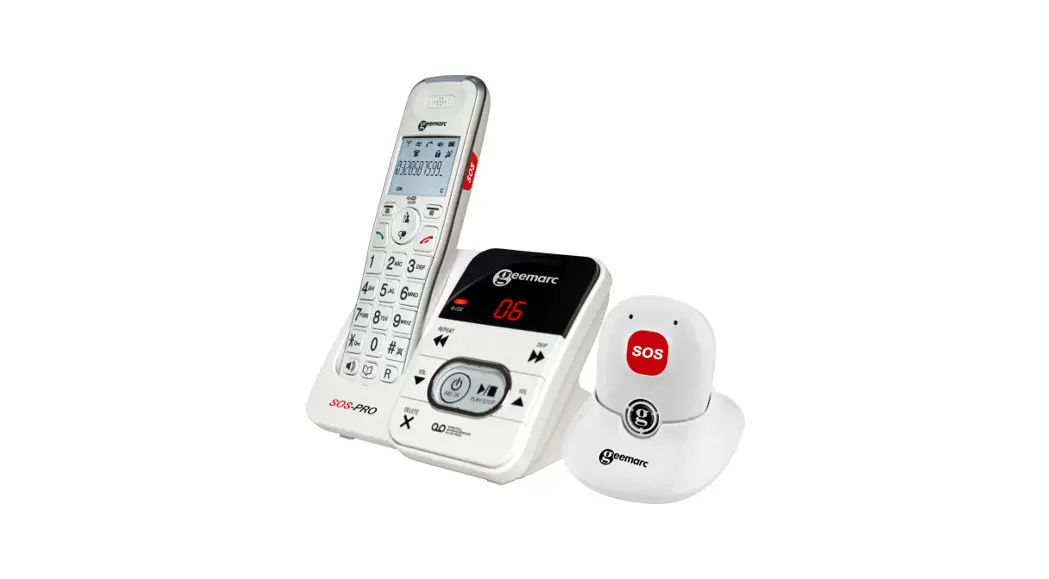
Your AMPLIDECT™ 295 base can also be paired as additional handsets with some specific handset/device like ourPhotoDECT295 or SOS-PRO 295 which need direct memory numbers programed in the base, and these numbers (4 maxi)have to be added through the regular handset.
On Handset: Press MENU/OK select ▼▲DIRECT MEM,
Press MENU/OK select ▼▲M1-M2-M3-M4,
Press MENU/OK enter the number then OK.
You can store up to 10 picture memories.
In idle mode: Press  enter the phone number with the picture keys(eg. M0 for the digit 0), Press and press the picture memory button that you have chosen.
NOTE: To use a picture big button memory in idle mode, press and hold the picture until the LED turns on, on the base. If you want to pass the number from the base to the handset, lift the handset off the base to make the call.
ANSWERING MACHINE
Your telephone base includes a telephone answering machine that records unanswered calls when it is on. The answering machine can store up to 59 messages within the maximum recording time of approximately 15 minutes. As well as recording incoming messages, you can record memos for other users of your phone.
Switching Answering Machine On/Off
Using the handset:
- Press LEFT SOFTKEY and ▼/▲ to select ANS.MACHINE.
- Press LEFT SOFTKEY and ▼/▲ to select TAM ON/OFF.
- Press LEFT SOFTKEY and ▼/▲ to select ON or OFF.
- Press LEFT SOFTKEY to confirm.
Play Messages on TAM
If you have new messages, the display will show e.g. 02/05 MSGS, which means you have 2 new messages out of a total of 5 messages. New messages are played first, and then are saved as old messages, until they are deleted. Old messages are played again after all new messages are played completely.
- Press LEFT SOFTKEY and ▼/▲ to select ANS. MACHINE.
- Press LEFT SOFTKEY to show MSG PLAYBACK.
- Press LEFT SOFTKEY again to start the message Using the handset: playback and the screen displays the date of the message received.
- During message playback, press ▼/▲ to adjust the message playback volume respectively.
NOTE: After the new message is played, the new message will be saved as an old message automatically unless it is deleted. - Press LEFT SOFTKEYand ▼/▲ to select STOP,
FORWARD, PREVIOUS or DELETE to perform the following functions during message playback.
• STOP: Stop the current message playback and return to the ANS. MACHINE menu.
• FORWARD: Skip playing the next message. The date information of the next message will display if there is text message.
• PREVIOUS: Skip to repeat playing the current message from the beginning. The date information of the current message will display.
• DELETE: Delete the current message and the next message will be played. - Press LEFT SOFTKEYto confirm the setting.
Set the Answer Delay
You can set the number of rings before the answering machine answers and starts playing your OGM. You can set the answering machine to answer after two to eight rings or TIME SAVER.
The TIME SAVER function answers call after 6 ring signals until the first new message has been registered – then the answering machine switches to answering after approximately 2 signals. This is useful when using remote access; if you call up the answering machine and there is no reply after four rings it means there are no messages recorded and you can hang up before you are charged for the call.
Using the handset:
- Press LEFT SOFTKEY and ▼/▲ to select ANS. MACHINE.
- Press LEFT SOFTKEY and ▼/▲ to select TAM SETTINGS.
- Press LEFT SOFTKEY and ▼/▲ to select ANSWER DELAY (Available options: 2 RINGS, 4 RINGS, 6 RINGS, 8 RINGS or TIME SAVER).
- Press LEFT SOFTKEY and ▼/▲ to select your desired answer delay.
- Press LEFT SOFTKEY to confirm.
REMOTE OPERATIONS
If you are away from your home, you can call your answering machine to switch on or off the answering machine and listen to your messages remotely using another tone-dialing phone.
- Place a call from a tone-dialing phone.
- When the answering machine answers the call and starts playing OGM, press
 .
. - Enter the 4-digit Remote Access PIN (default PIN is 0000).
- Press the following keys to carry out your desired function.
key | Functions | |
| While message is not playing | While message is playing | |
| 2 | Delete the current message playback | |
| 4 | Repeat playing the current message from the beginning. Press twice to skip backward to the previous message. | |
| 5 | Play the message | Pause the current message playback |
| 6 | Skip forward to play the next message | |
| 7 | Turn on the answering machine | |
| 9 | Turn off the answering machine | |
| * | Enter the 4-digit remote access PIN | |
NOTE. When your answer ng machine memory is full and the answer mode is in ANS & RECORD, the answer mode will change to ANSWER ONLY automatically.
It will change to ANS & RECORD mode automatically after some messages have been deleted.
You cannot delete new messages before they have been listened to.
TECHNICAL SPECIFICATIONS
Basic Information | |
| Valid Range | Indoor: 50m Outdoor:300m |
| Handset Operating time | Standby time : 100 hours Talk time : 10 hours approx. |
RF Parameter | |
| Frequency | 1.88 GHz to 1.9GHz |
| Nb Channels | 10 |
| RF power | < 250mW |
Power Supply | |
| Base | Input 100-240V 50/60Hz; Output DC6V  0.45A 2.7W adapter 0.45A 2.7W adapter |
| Handset | 2.4V; 500mAH rechargeable NiMh battery pack |
MAINTENANCE
Clean the surface of the housing with a soft, fluff-free cloth.
Do not use any cleaning agents or solvents.
GUARANTEE
From the moment your Geemarc product is purchased, Geemarc guarantee it for the period of two years. During this time, all repairs or replacements (at our discretion) are free of charge. Should you experience a problem then contact our help line or visit our website at www.geemarc.com.
The guarantee does not cover accidents, negligence or breakages to any parts. The product must not be tampered with or taken apart by anyone who is not an authorized Geemarc representative.
The Geemarc guarantee in no way limits your legal rights.
IMPORTANT: YOUR RECEIPT IS PART OF YOUR GUARANTEE AND MUST BE RETAINED AND PRODUCED IN THE EVENT OF A WARRANTY CLAIM.
Please note: The guarantee applies to the United Kingdom only.
DECLARATIONS:
CE Directives
Geemarc Telecom SA hereby declares that this product is in compliance with the essential requirements and other relevant provisions of the Radio Equipment Directive 2014/53/UE.
The CE declaration of conformity may be consulted at www.geemarc.com
Electrical connection: The apparatus is designed to operate from a 230V 50Hz supply only. (Classified as hazardous voltage according to EN62368-1 standard). The apparatus
does not incorporate an integral power on/off switch. To switch off the apparatus, disconnect the power adaptor.
When installing the apparatus, ensure that the mains power socket is readily accessible.
Telephone connection: Voltages present on the telecommunication network are classified TNV-3 (Telecommunication Network Voltage) according to the EN62368-1 standard.
Recycling Directives
The WEEE (Waste Electrical and Electronic Equipment) has been put in place for the products at the end of their useful life are recycled in the best way.
When this product is finished with, please do not put it in your domestic waste bin. Please use one of the following disposal options:
- Remove the batteries and deposit them in an appropriate WEEE skip.
Deposit the product in an appropriate WEEE skip. - Or, hand the old product to the retailer. If you purchase a new one, they should accept it.
Thus if you respect these instructions you ensure human health and environmental protection.
 For product support and help visit our website at
www.geemarc.com
2 rue Galilée, 59791 GRANDE-SYNTHE CEDEX, FRANCE
E-mail : [email protected]
telephone 01707 387602
lines are open 09h00 to 16h00 Mon to Fri
This product is made in China To Geemarc Telecom
QUGAMPLIDECT295-Photo
En_A3_V1.6
 Home - Geemarc UK