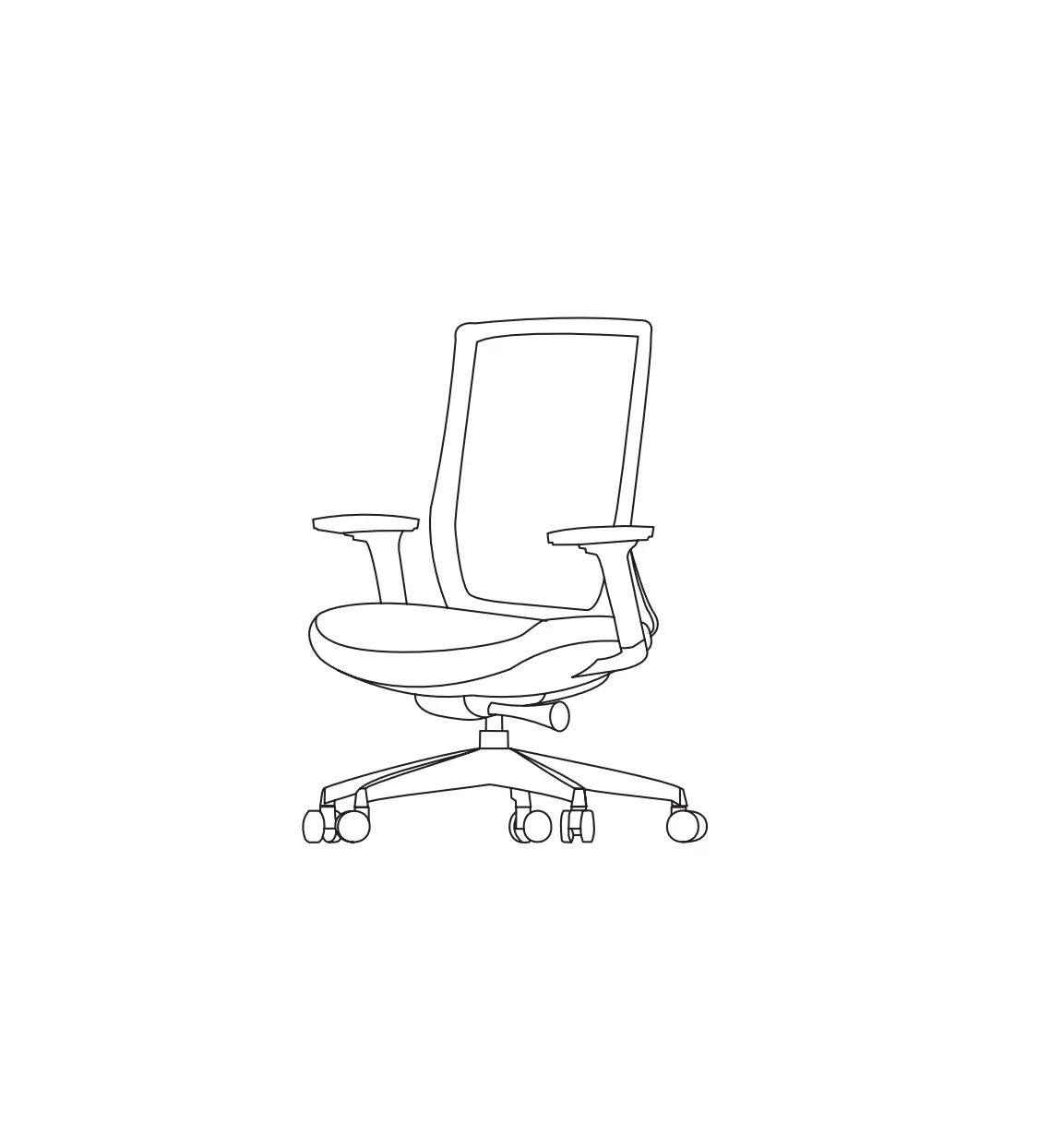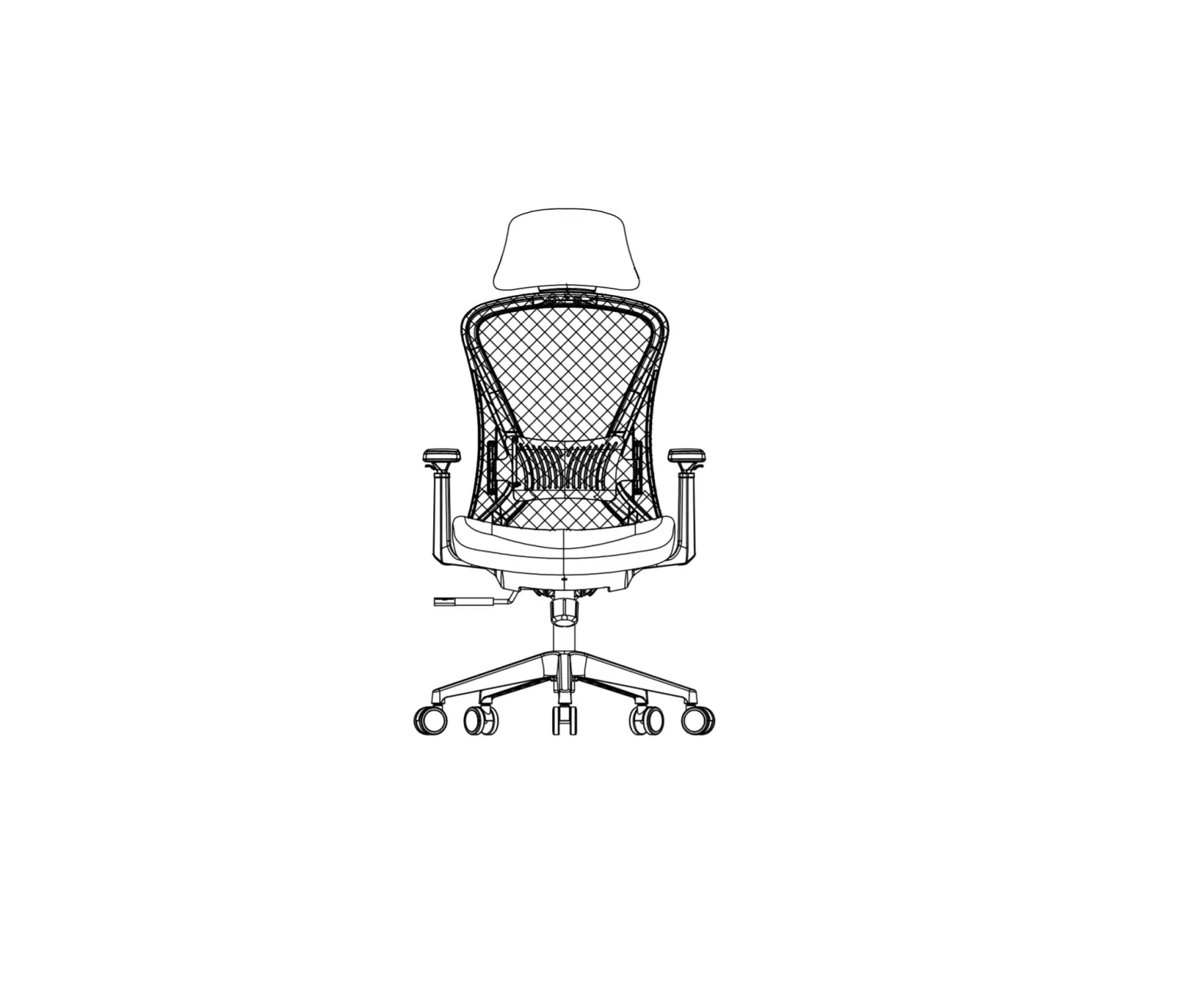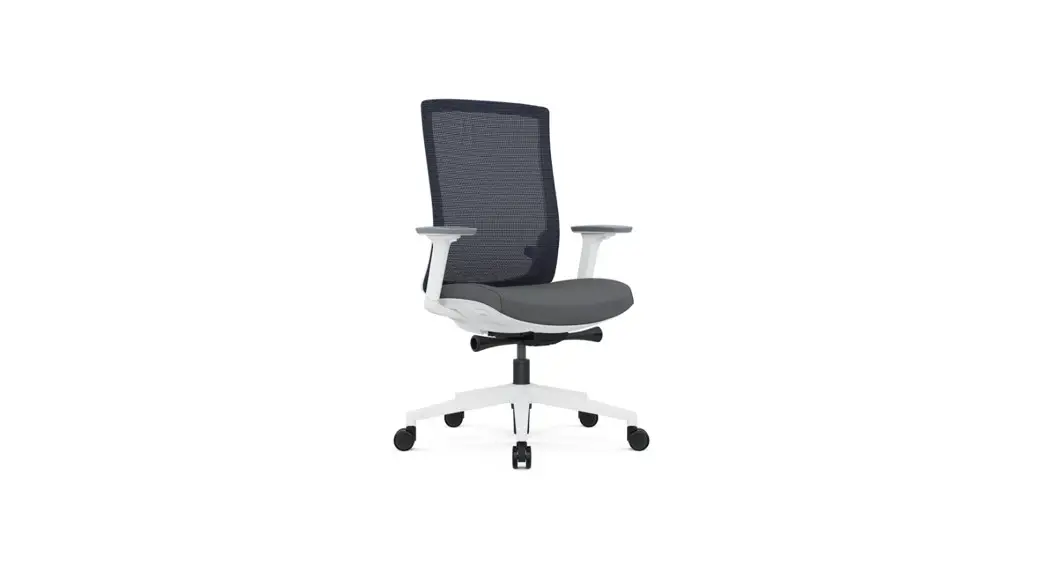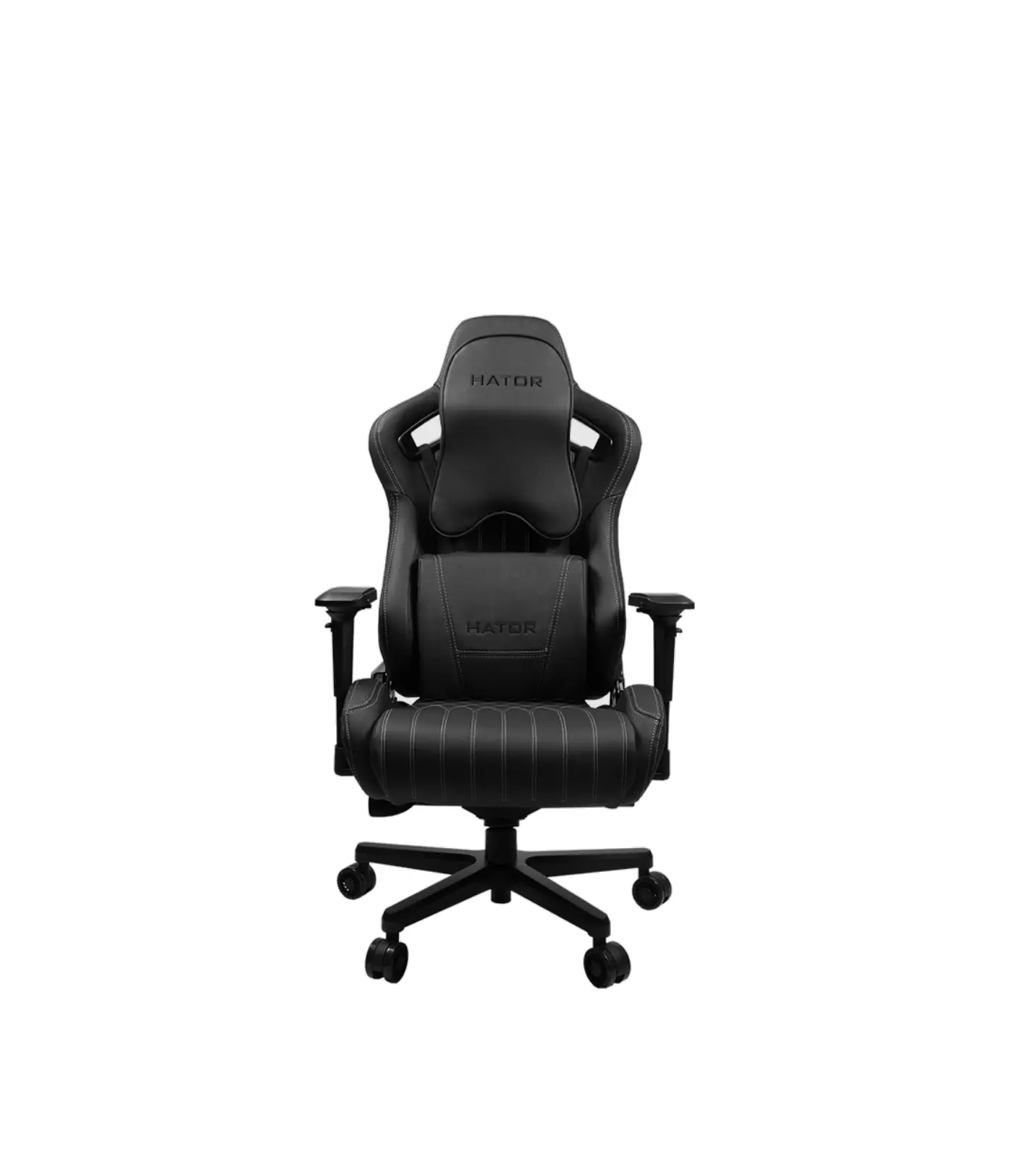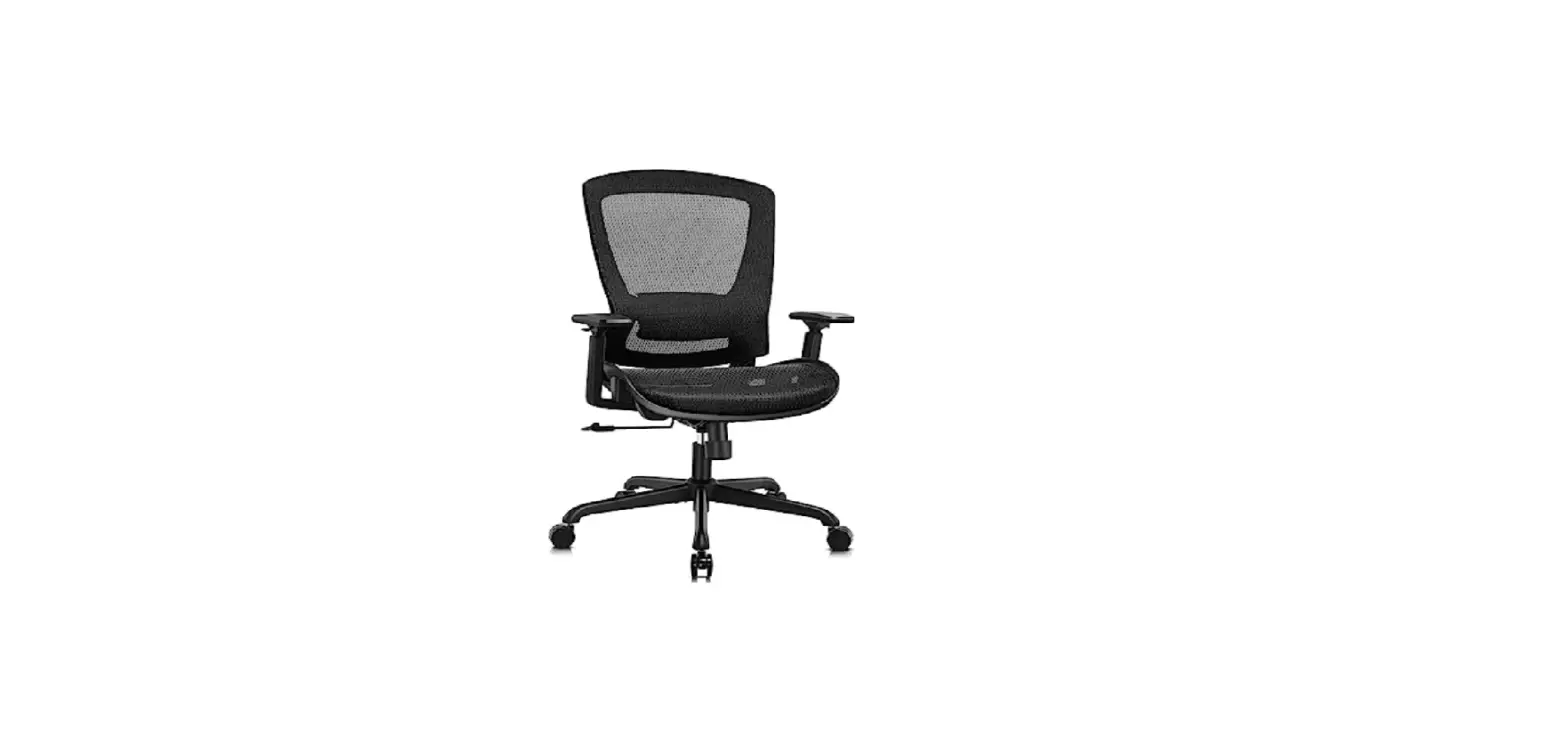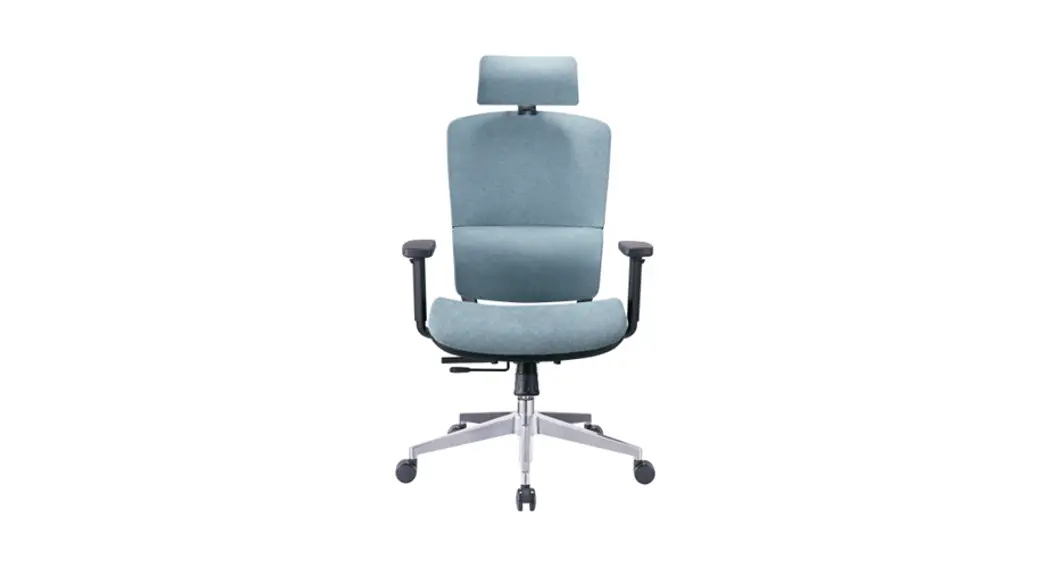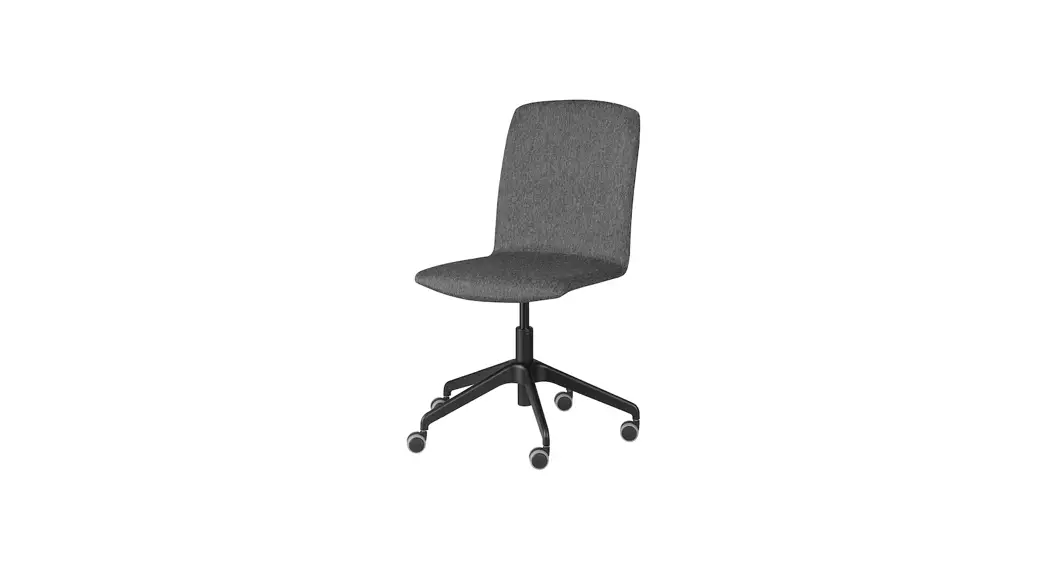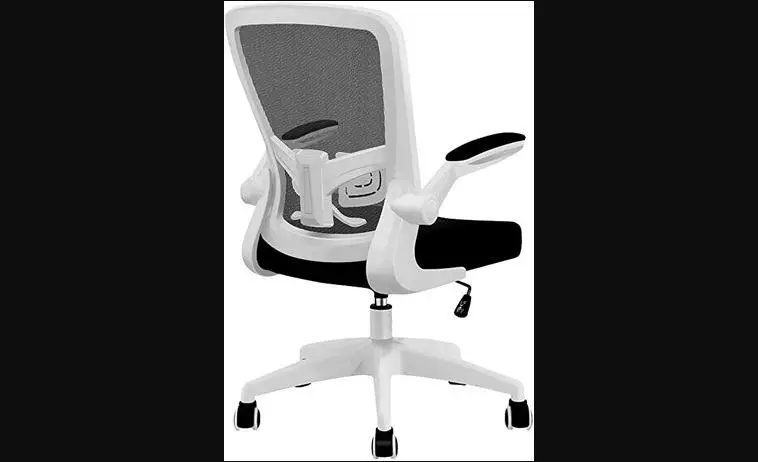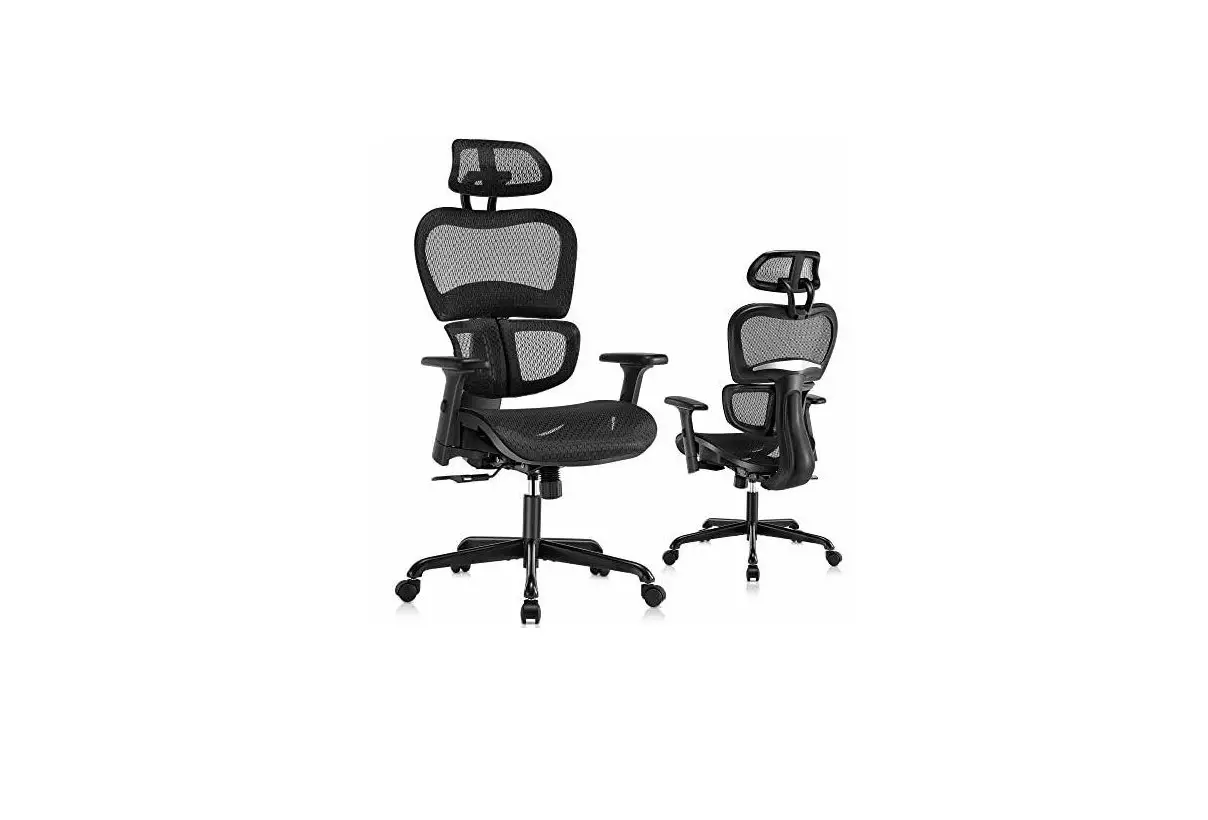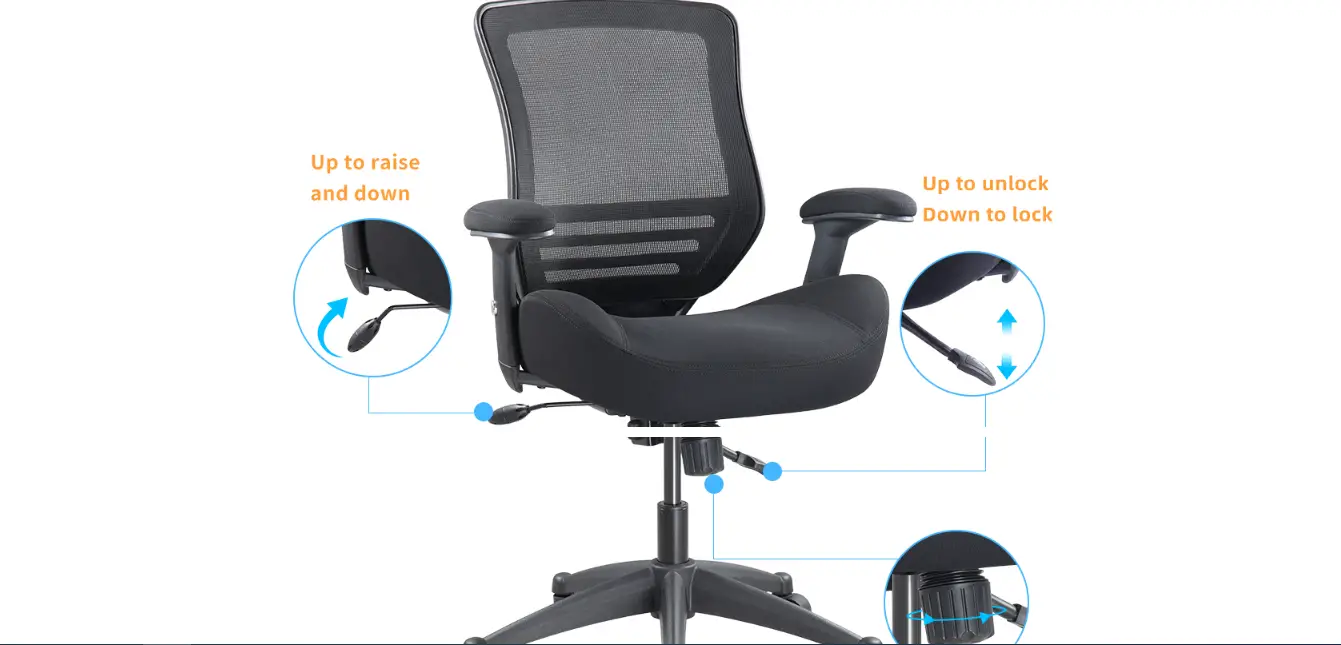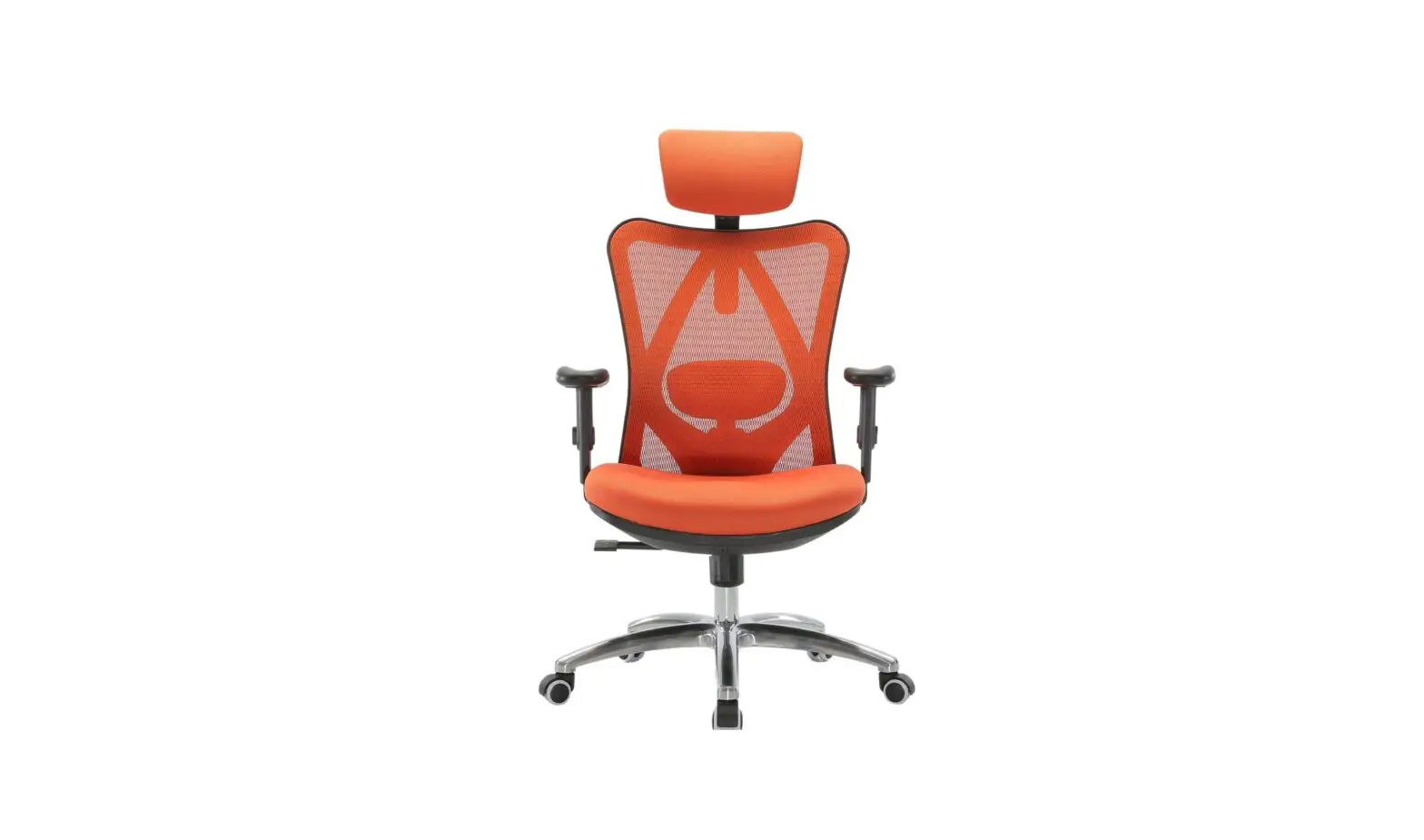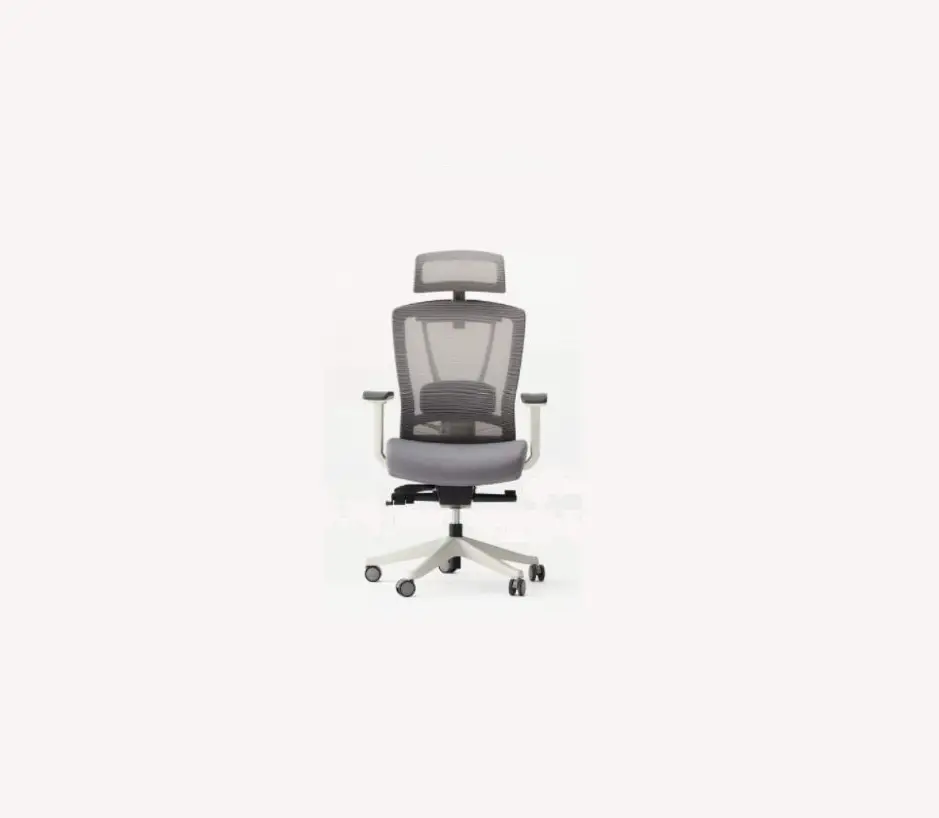
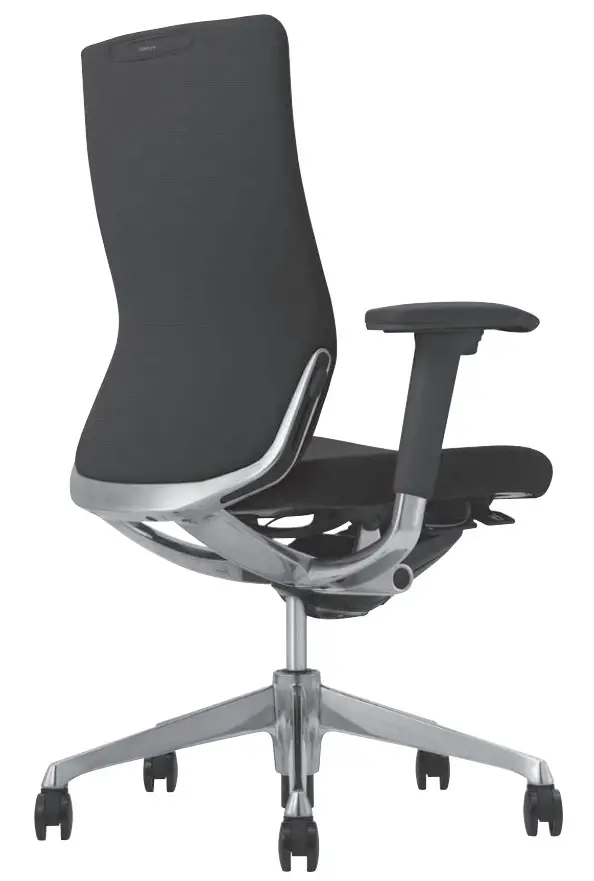
 Choral Ergonomic Office Chair
Instruction Manual
Safety Instruction (Keep this operation manual)
Symbol indications
Various symbol marks are used in this instruction manual and displayed on the products to show correct and safe usage and to avoid harm to you and others or damage to property. Please understand those before reading the main text of this manual.
 Caution
Users must follow this instruction to prevent accidents and injuries, or damages to their property.
Caution
- Do not handle roughly, or use improperly.
• Do not use it as a carrier. Do not stand on the chair or sit on the front side of the seat or armrest.
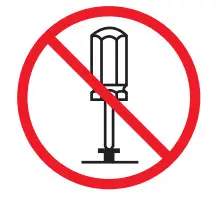
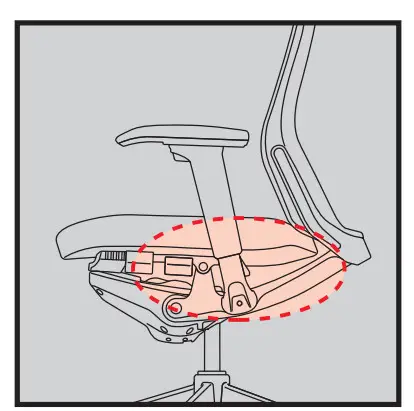
- Do not disassemble or repair on your own. Please contact our official dealers when needed.

- No remodeling. Okamura will have no responsibility for any disadvantage caused by remodeling.
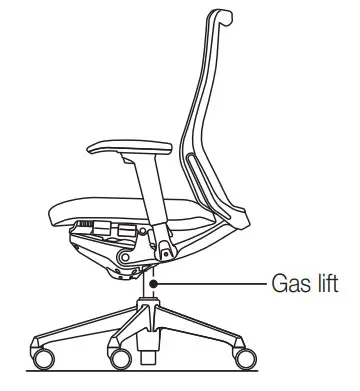
- Gas lift replacement and handling should only be carried out by trained personnel.

- Be careful not to put fingers, hands, or clothes caught in gaps between moving parts or under armpad when adjusting the armrest position.

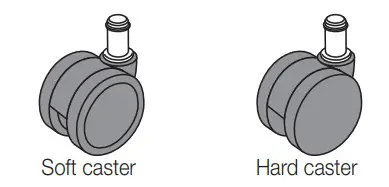
- Casters
For hard floors made of ceramic, stone, tile, or wood, use soft.
For soft floors using carpet or rug, use hard casters.
- Adjustable arm
Be careful not to get your fingers, hand or clothes caught in the gaps between the moving parts or the back of the pad when adjusting the position of the arm. Also, make sure that the arms are fixed tightly before use.
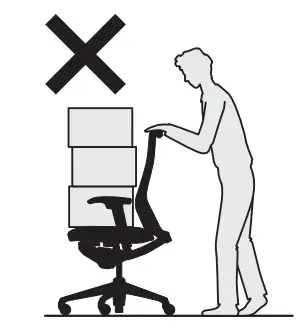 Do not stand on the chair or sit on the front side of the seat or armrest.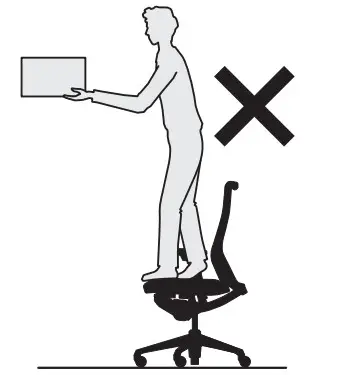

Installation
Please follow the instructions below. Failure may cause serious damage to the product.
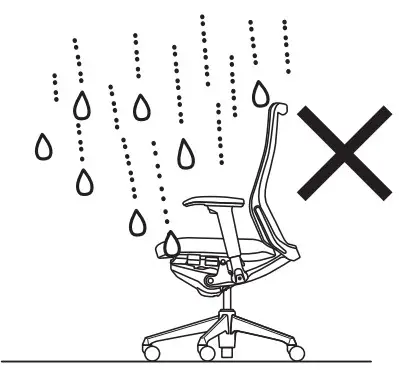
Indoor use only.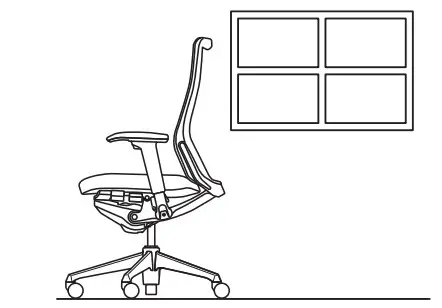 No outdoor or waterfront use.
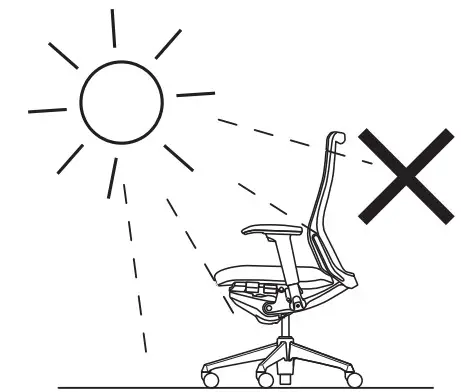
 Avoid direct sunlight.
 Do not place on uneven floor.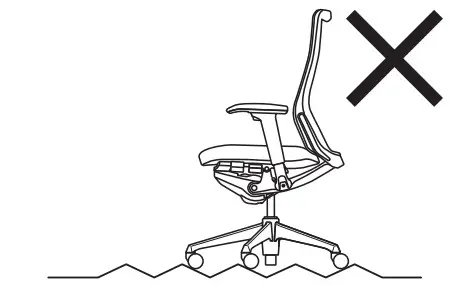
When placing alongside windows, use a curtain or blind to avoid direct sunlight.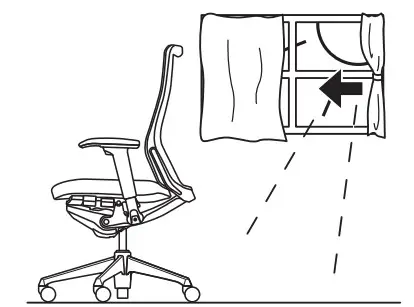
Avoid high temperature, high humidity, or extraordinary aridity.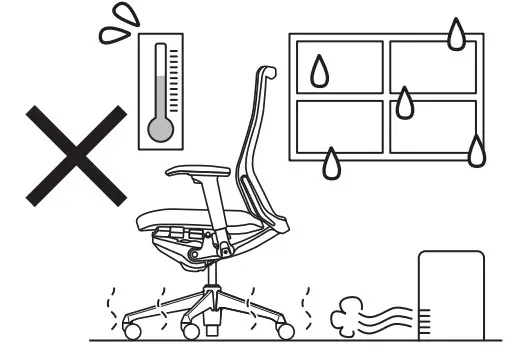
Do not place the product under a heater or air-conditioner exhausting high-temperature air. 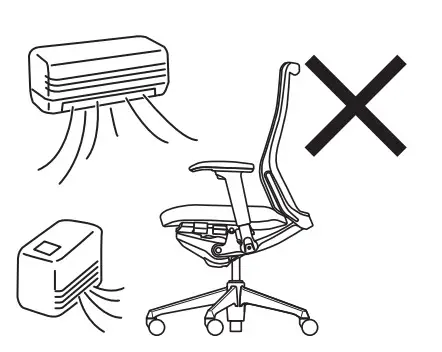
For maintenance
- Regular maintenance is a tip for long-life use.
- If found unstable due to loose bolts and screws, tighten them.
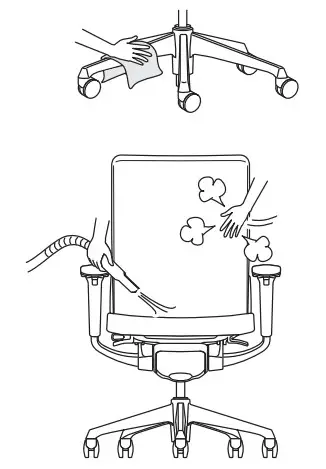
- For daily care, use a well-wrung soft cloth.
- For the stained part, use neutral detergent (1-3%) and completely remove the detergent with a dry soft cloth.
- For mesh and cushion parts, remove dust by tapping the cloth surface with a brush or using a vacuum cleaner.
- The cushion part cannot be dry-cleaned so replacing is recommended if exceptionally dirty.

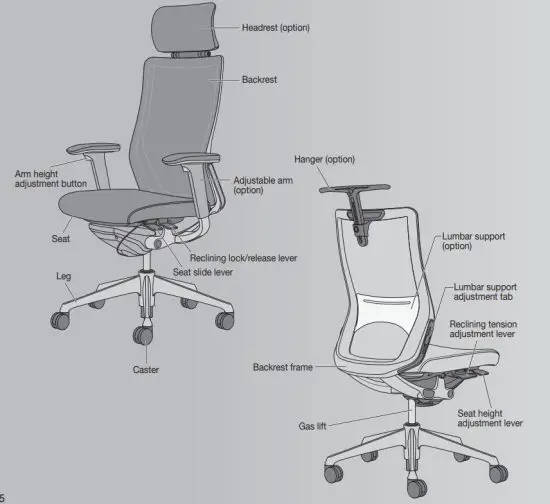
Part names
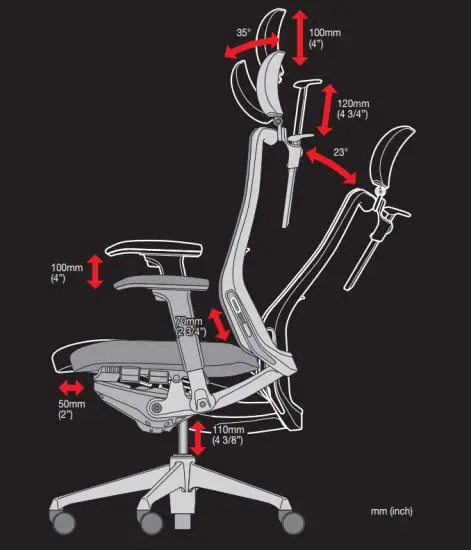
Adjustable range
Operation guide
Seat height adjustment
Adjust the seat height using the seat height adjustment lever on the bottom right of the seat. The seat will be lowered if you lift the lever while seated, and it will stop at any position you release the lever at. The seat will be raised if you lift the lever while not seated on the seat.
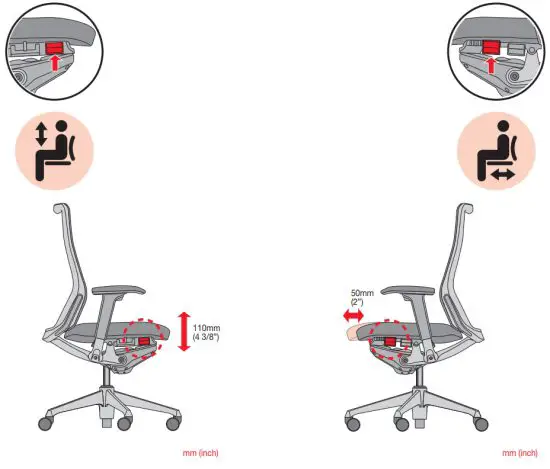 Seat depth adjustment
Adjust the seat depth by sliding the seat forward or back within a range of 50 mm (2”) using the seat slide lever on the bottom left of the seat. This allows for maintaining an appropriate distance between the back and the front edge of the seat, reducing pressure on the back of the knees and providing reliable support for the lower back.
Reclining adjustment
Adjust the backrest recline using the reclining lock/release lever on the bottom left of the seat. Click the lever in the tilted position to lock reclining. To release the lock, click the lever once again. When releasing the lock, slightly lean against the backrest.
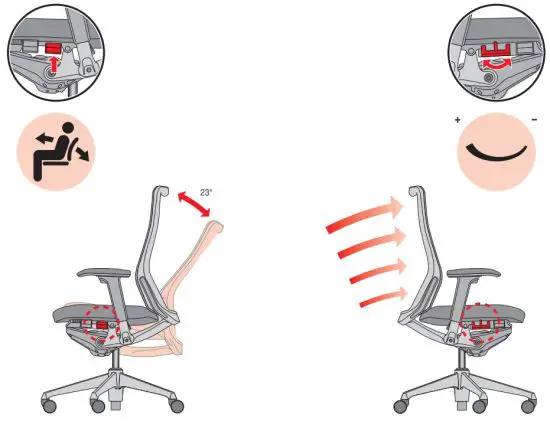
Reclining tension adjustment
Adjust the reclining tension by using the reclining tension adjustment lever on the bottom right of the seat. The tension to the backrest will be increased if you slide the lever back (+), and the tension will be decreased if you slide the lever forward (-). Adjust it so that it is comfortable.
Note
To operate, verify that the reclining lock is released, and move your back away from the backrest before using the reclining tension adjustment lever. The lever will not move when reclining is locked.
Adjustable arm height adjustment
(only for models with moveable arms)
Push the arm height adjustment button on the bottom of the arm pad. The arm height can be adjusted up and down within a range of 100 mm (4”) by pushing and holding the button. Lock again by releasing the button. Holding the arm pads and rotating them left and right allows for adjustment of their angles (20°inside, 10°outside). They can also be adjusted forward and back within a range of 50 mm (2”), or left and right within a range of 25mm (1”).
Note
Before using this product, make sure that the position is securely locked after making the adjustment.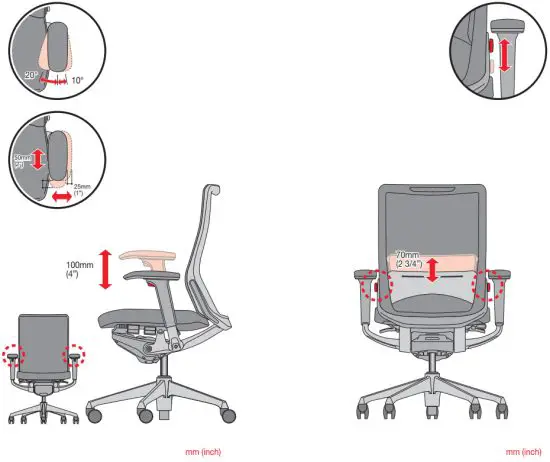
Adjusting Lumbar support (option)
(only for models with lumbar support)
Adjust the height of the lumbar support by using the lumbar support adjustment tab on both sides of the backrest. The Lumbar support can be moved up and down within a range of 70 mm (2 3/4”).
Hanger (option) height adjustment
Adjust the hanger by pushing the button. The hanger can be moved up and down within a range of 120 mm (4 3/4”). The hanger can also be set in a position where it is out of the way when not in use, allowing for a clean appearance.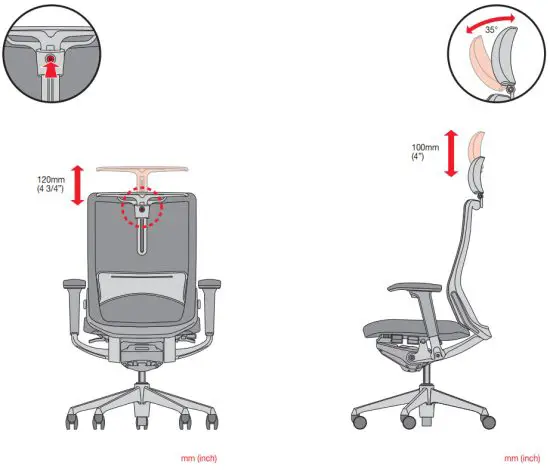
Headrest (option) height adjustment
Adjust the headrest height by pulling the main part of the headrest. The headrest can be moved up and down within a range of 100 mm (4”), and the angle can be adjusted to a comfortable position within a range of 35° by moving the main part of the headrest forward.
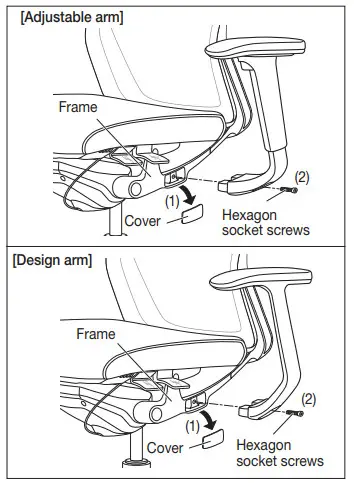
Adjustable arm (option) / Design arm (option) attachment and replacement
- Remove the covers on the frame by using a flathead screwdriver or other appropriate tool.
- Attach the arms to the frame arm attachment locations by using hexagon sockets screws.
Tools: 6mm hexagonal wrench (Allen wrench)
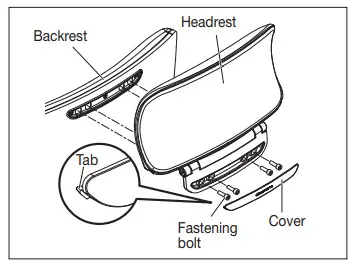
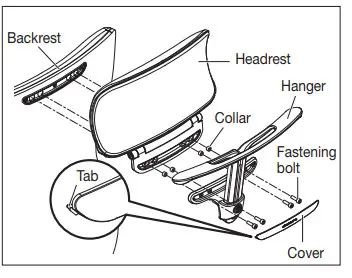
Headrest (option) attachment and replacement
- Attach the headrest on the backside of the backrest by securing it with fastening bolts.
- Attach the cover on the attachment by using the tabs.
Make sure that the Headrest is secured completely before using it.
Hanger (option) attachment and replacement
- Attach the hanger on the backside of the backrest by securing it with fastening bolts.
- Secure it with a fastening bolt.
Make sure that the hanger is secured completely before using.
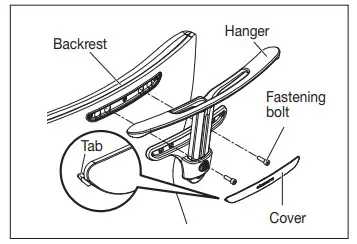
Attaching and Replacing a Headrest (option) and Hanger (option)
The Headrest and Hanger can be attached at the same time as shown in the illustration. Attach the Headrest first, and then attach the Hanger. Then, attach the cover to the attachment by using the tabs.
Materials
| Part | Materials | ||
| Structural parts | Mesh type | Backrest | Glass-reinforced polyamide >PA-GF< |
| Lumbar support | Polycarbonate resin >PC< | ||
| Cushion type | Backrest inner shell | Polypropylene resin >PP< | |
| Lumbar support | Polypropylene resin >PP< | ||
| Backrest frame | Die-cast aluminum >ADC< | ||
| Seat inner shell | Recycled polypropylene resin >PP< | ||
| Seat frame | Recycled glass reinforced polyamide >PA-GF< | ||
| Legs | Die-cast aluminum >ADC< | ||
| Design arm | Thermoplastic polyurethane resin >TPU< | ||
| Die-cast aluminum >ADC< | |||
| Adjustable arm | Thermoplastic polyurethane resin >TPU< | ||
| Glass-reinforced polyamide >PA-GF< | |||
| Die-cast aluminum >ADC< | |||
| Headrest | Polypropylene resin >PP< | ||
| Glass-reinforced polyamide >PA-GF< | |||
| Hanger | Polyamide resin >PA< | ||
| Covering material | Mesh | Polyester | |
| Cloth | Polyester | ||
| Cushion material | Backrest | Molded urethane | |
| Seat | Molded urethane | ||
| Headrest | Molded urethane | ||
*> XX < indicates the materials of the parts. This information is useful for recycling.
*Please understand that product specifications might change without prior notification due to improvements made to the product.
Troubleshooting
| Problem | Check | Solution | Page |
| The seat cannot be lifted up. | Are you sitting on the seat when adjusting the seat height? | Adjust the seat height while not seated on the seat. | 7 |
| Is the seat height in its highest position? | The seat cannot be lifted up beyond the highest position. | 7 | |
| The seat cannot be lowered. | Are you sitting on the front edge of the seat? | Sit in the center of the seat while adjusting. | 7 |
| Is the seat height in the lowest position? | The seat cannot be lowered beyond the lowest position. | 7 | |
| The seat slide lever does not work. | you sitting Are y on the seat when adjusting the seat depth? | Adjust the seat depth while not seated on the seat. | 8 |
| The backrest does not recline. | The lever on the bottom left of the seat is locked. | Lift the lever to release the lock, and then lean against the backrest. 9 | |
| The reclining tension adjustment lever is set to the strong (back) position. | Turn the reclining tension adjustment lever to the weak (front) position. | 10 | |
| Casters do not move smoothly. | Are you using rubber casters on a rug or carpet? | Use urethane casters. | = |
| Are they tangled with lint or wool? | Remove lint or wool or replace the casters. | ||
| Casters are slippery. | Are you using urethane casters on hard floors such as a plastic tile floor? | Use rubber casters. | = |
| Chair makes noise. | – | Visit a retail shop or the nearest branch. | = |
*Please contact an official dealer.
 okamura