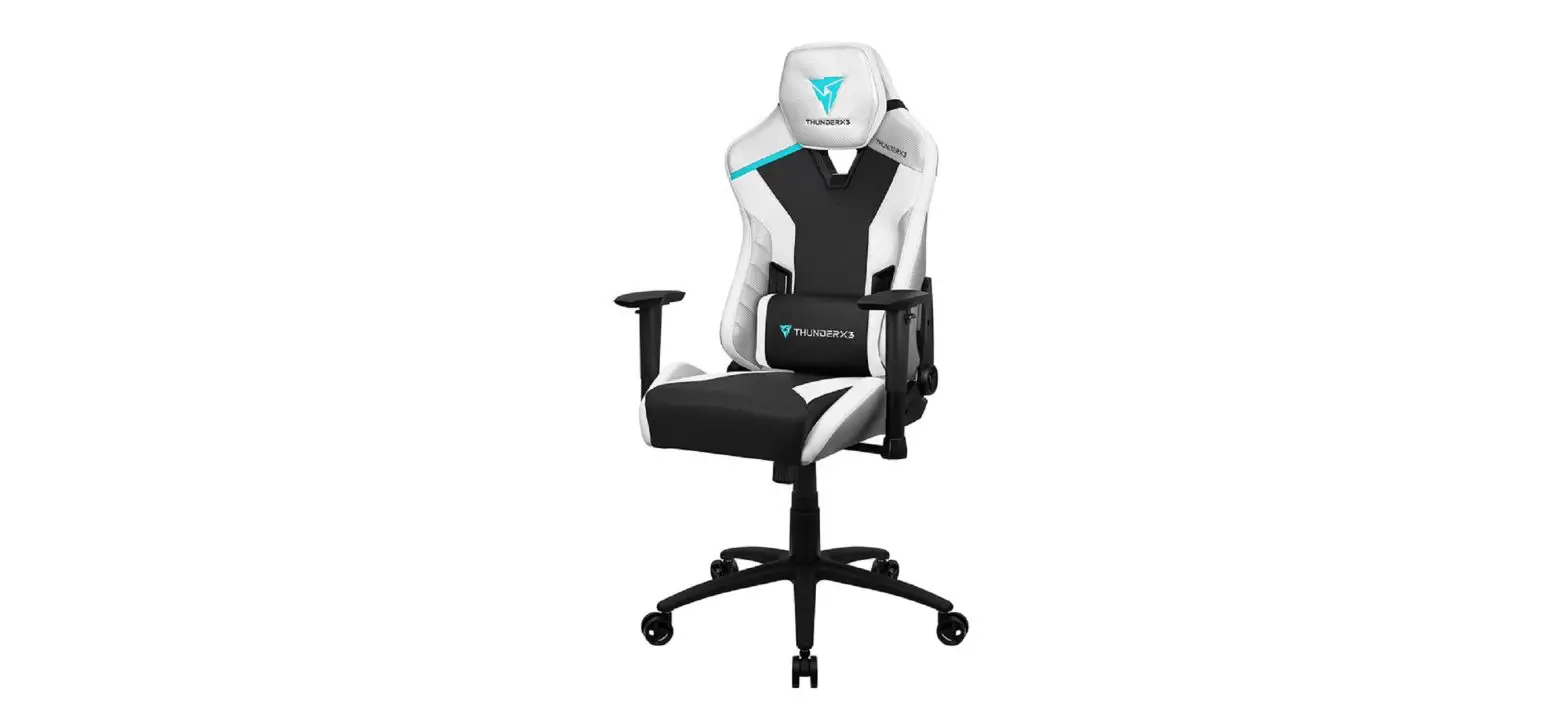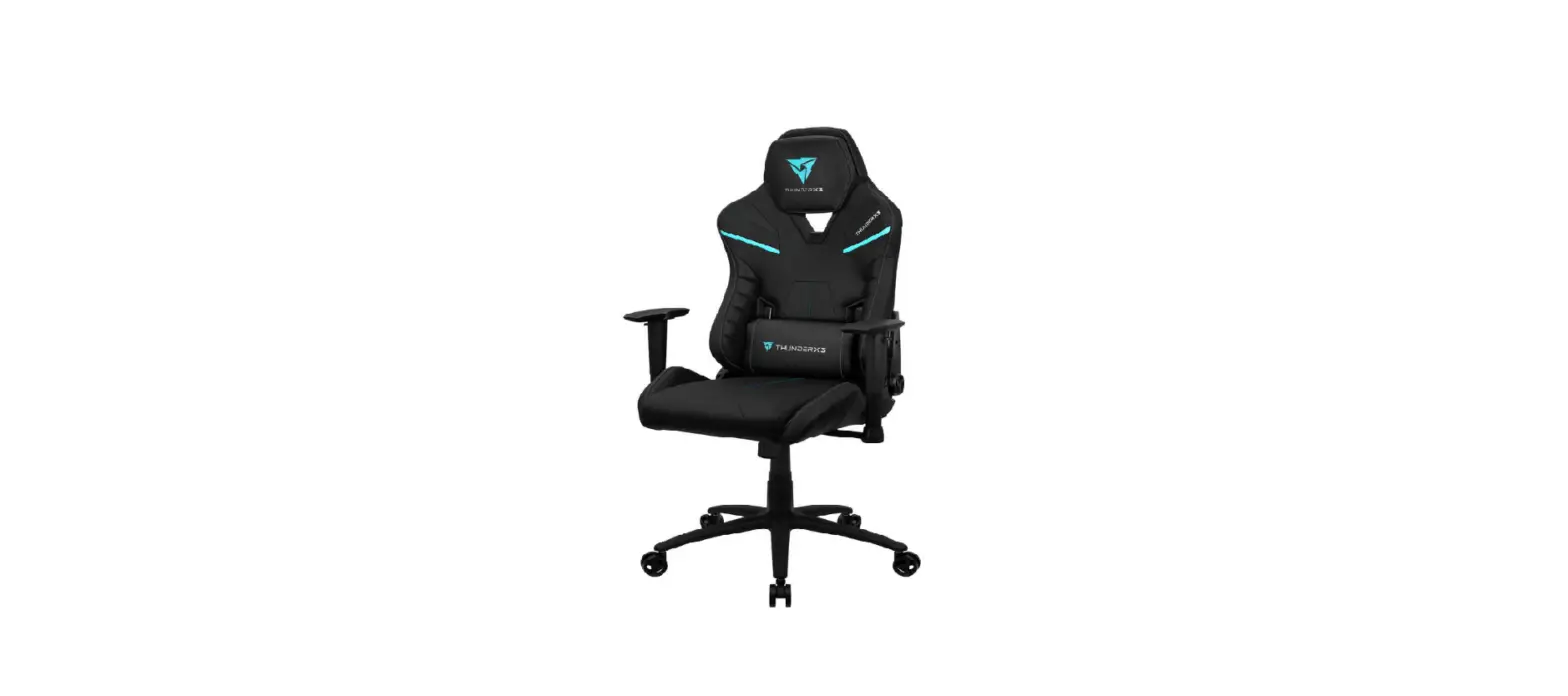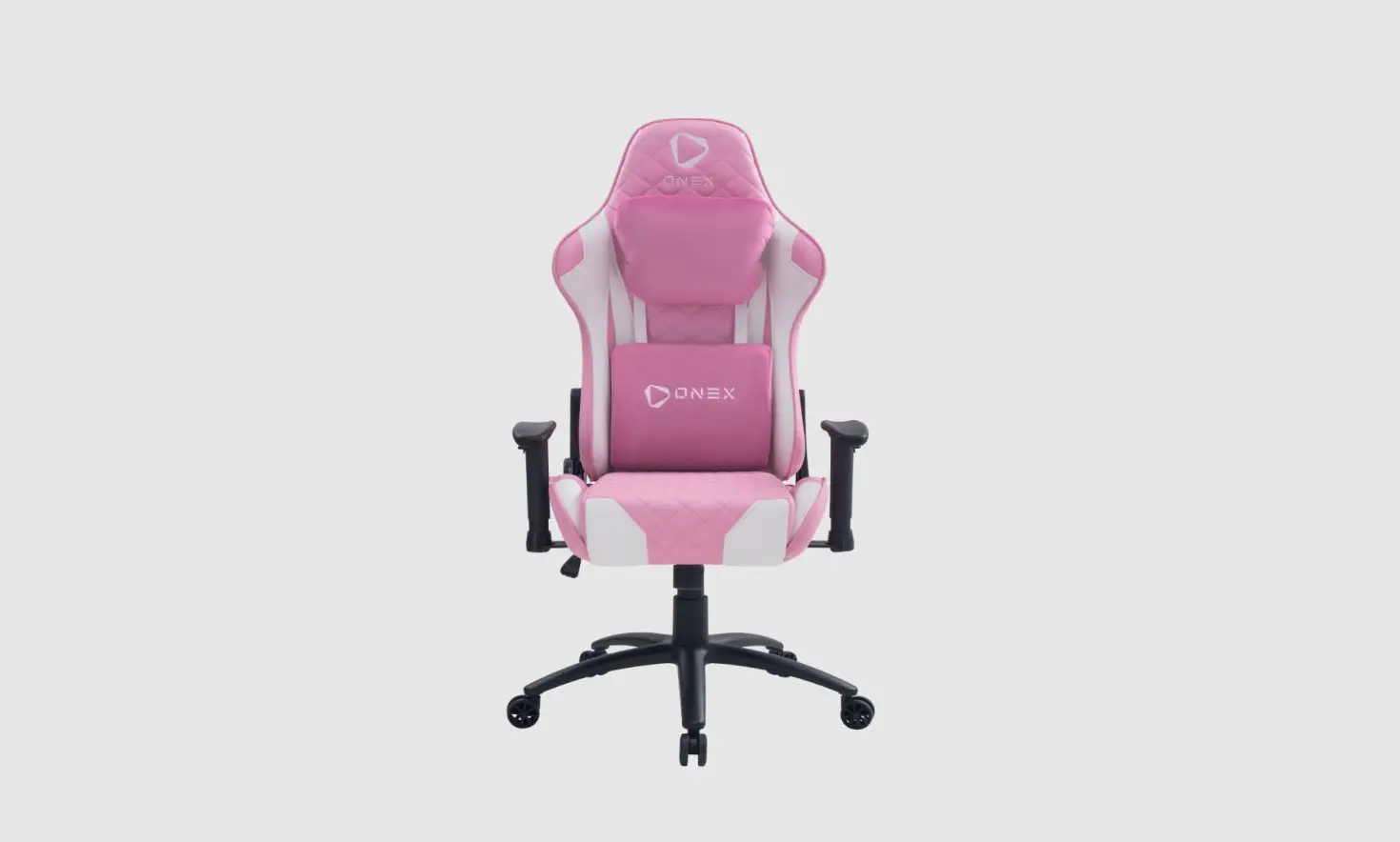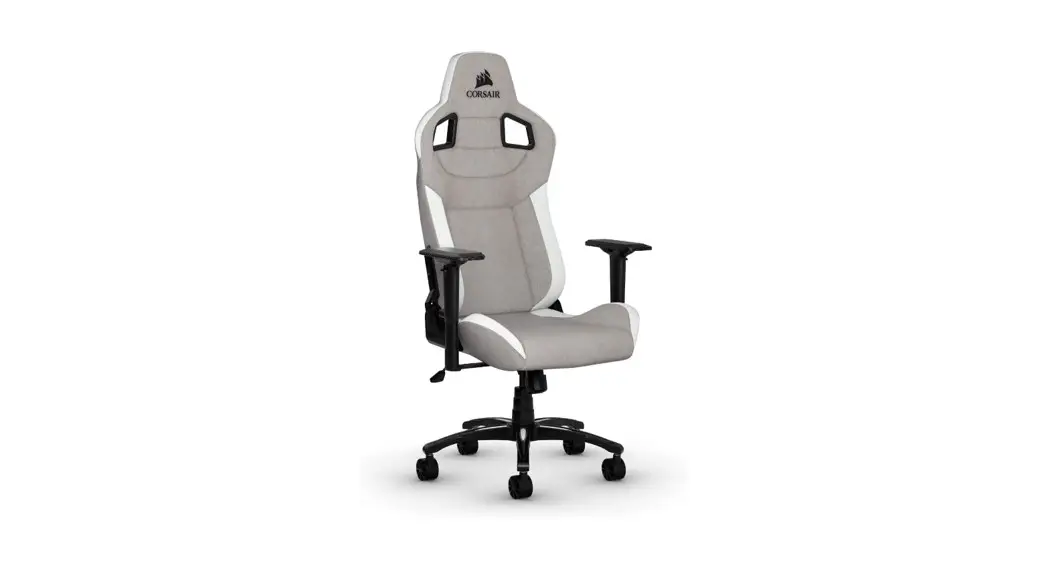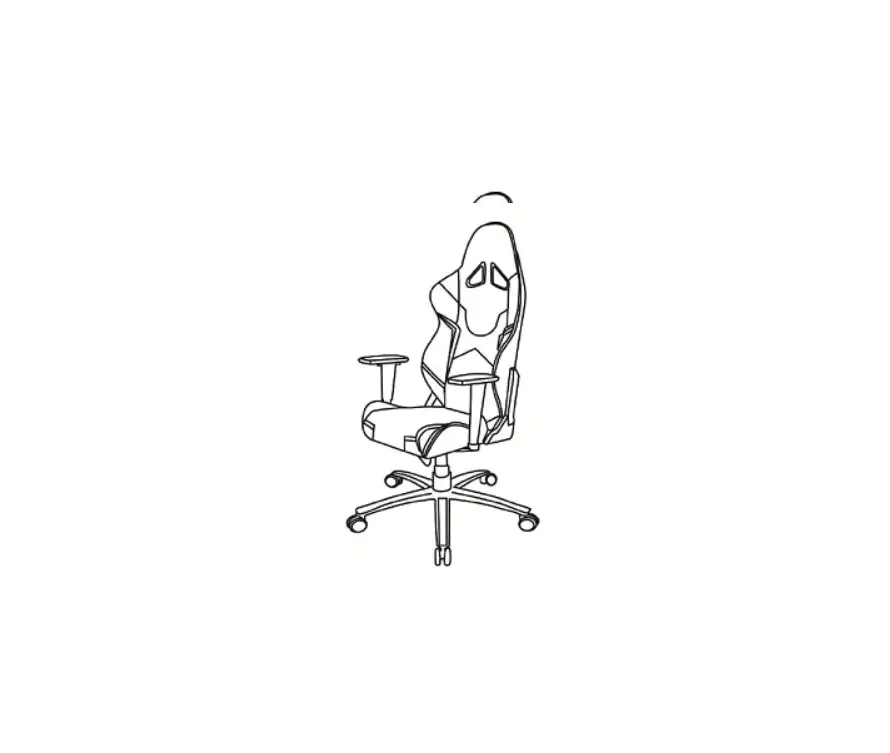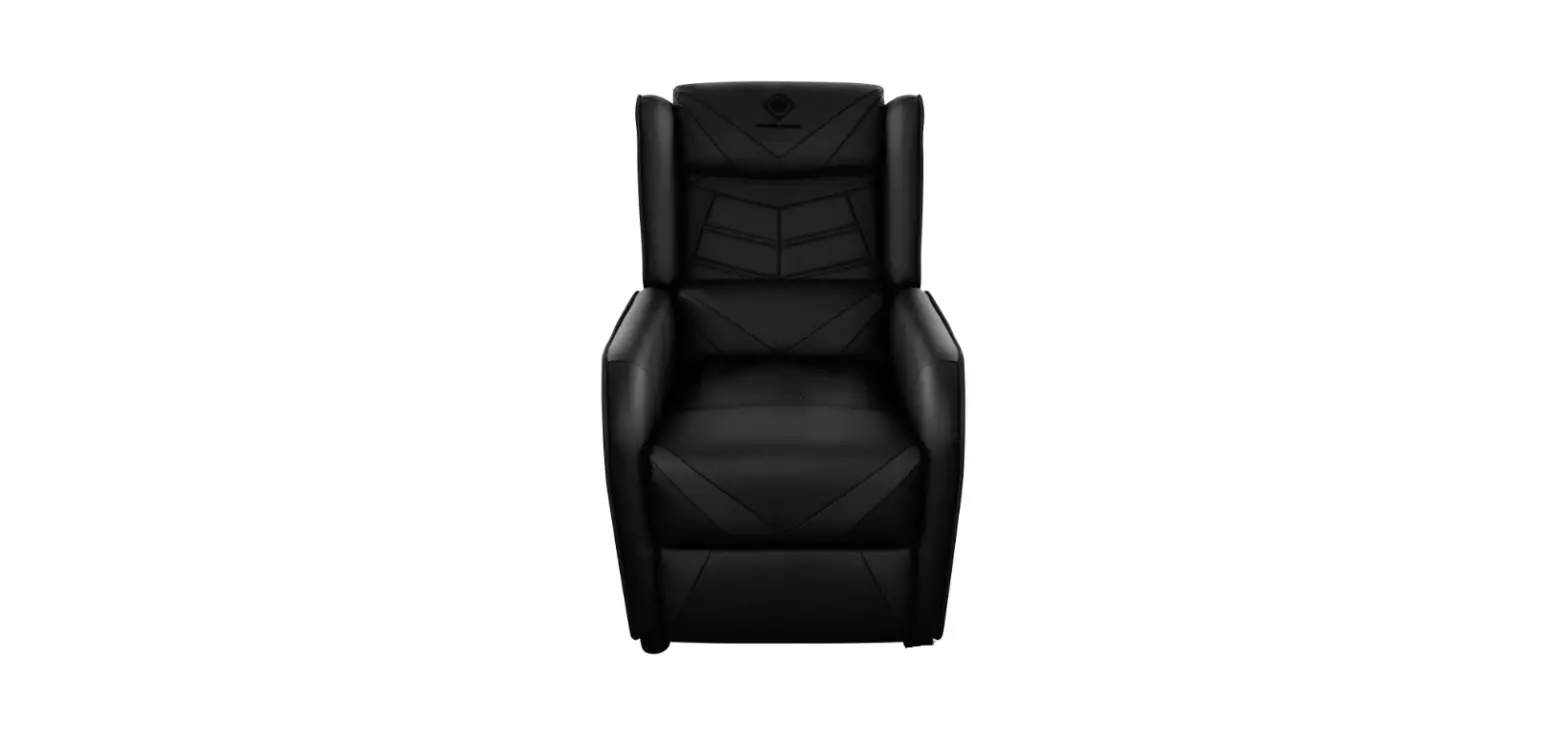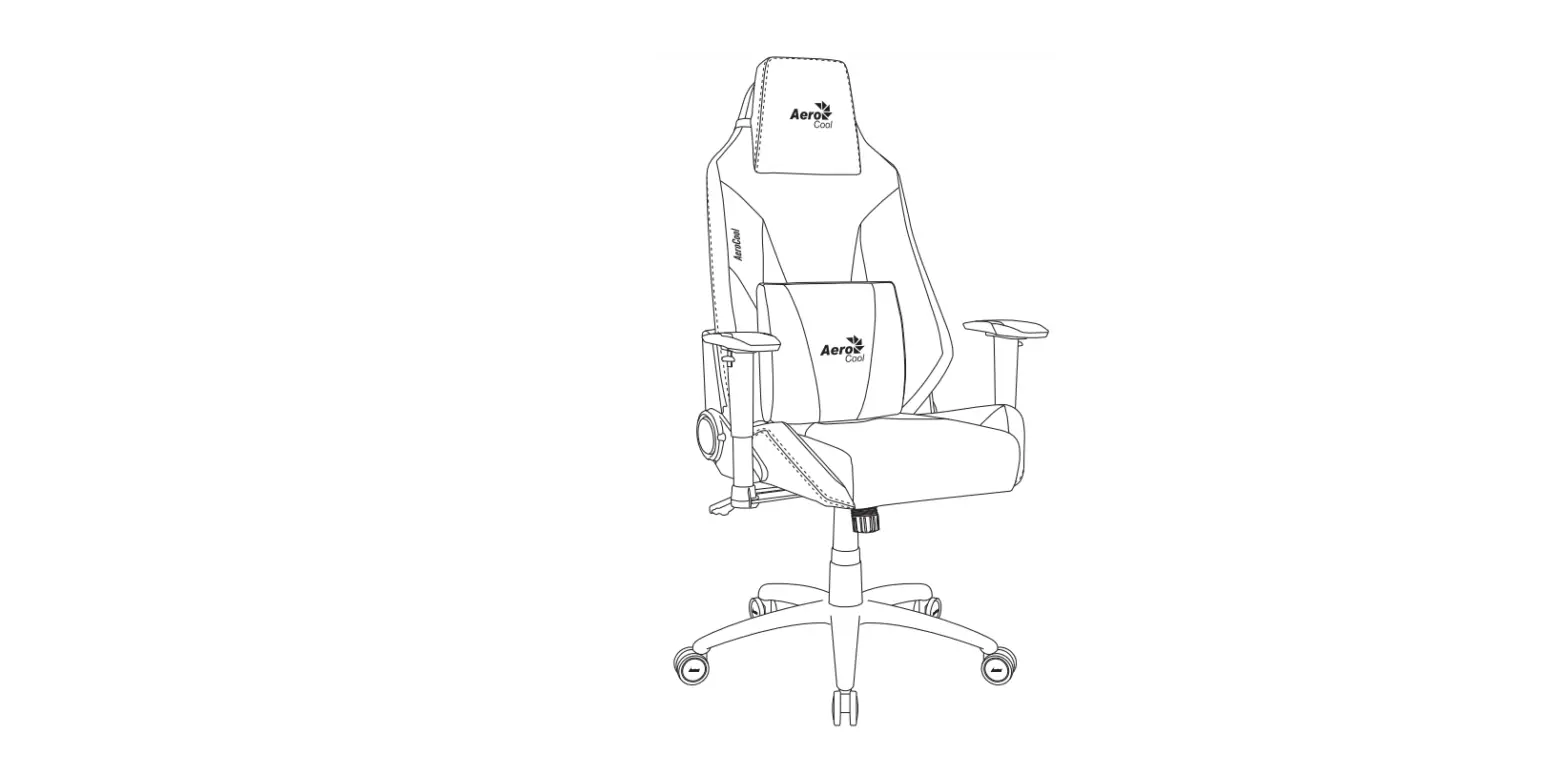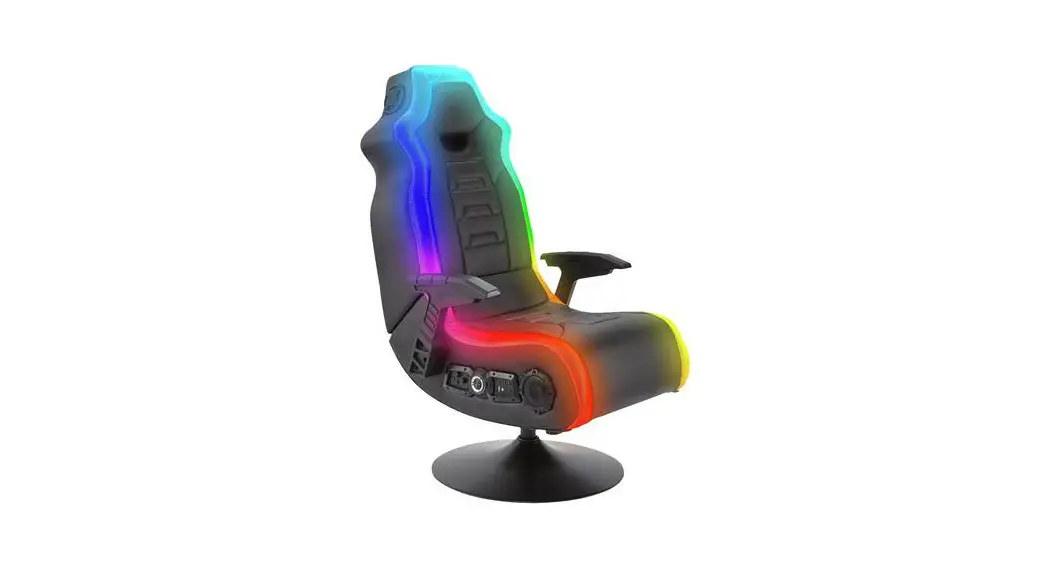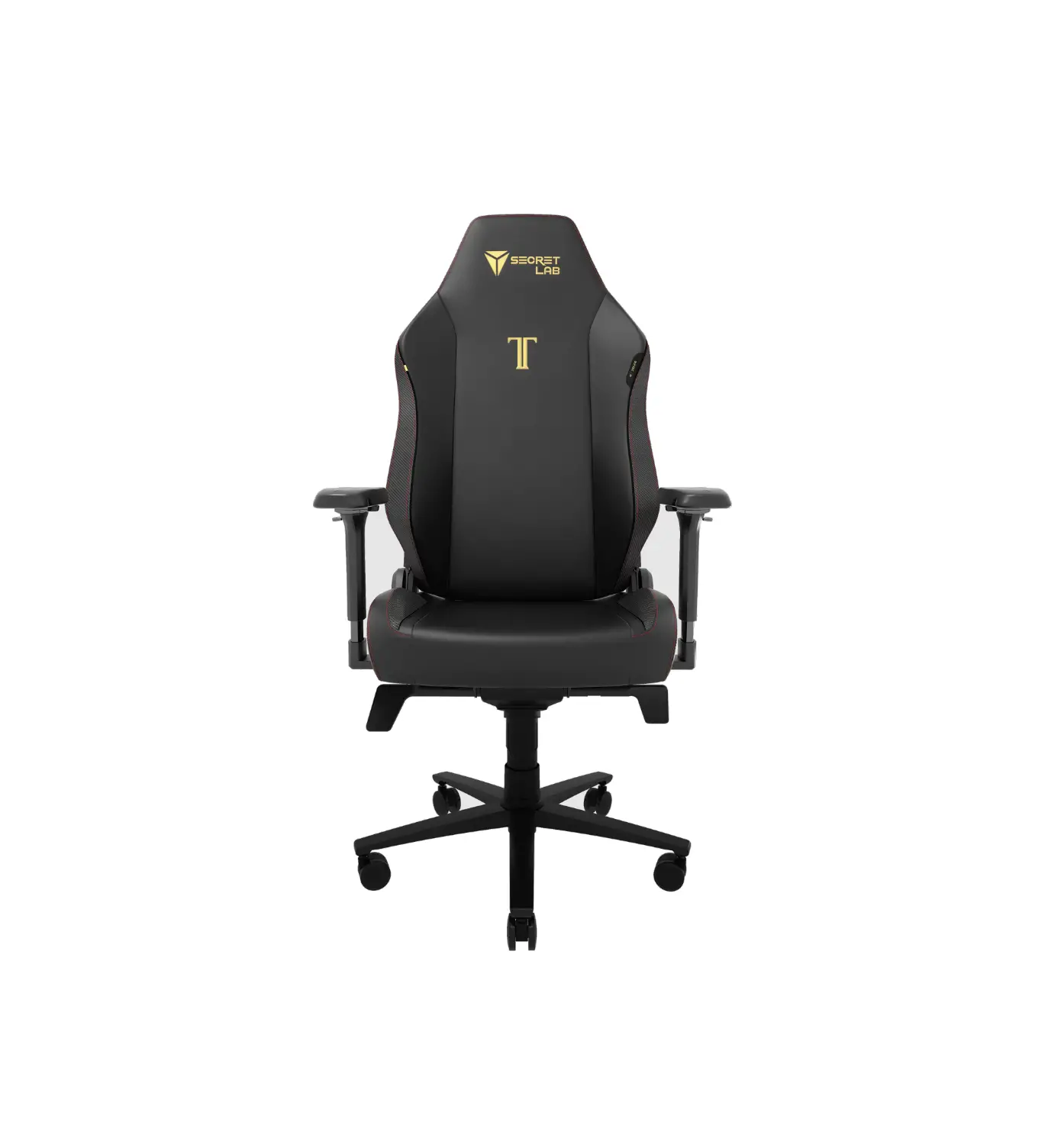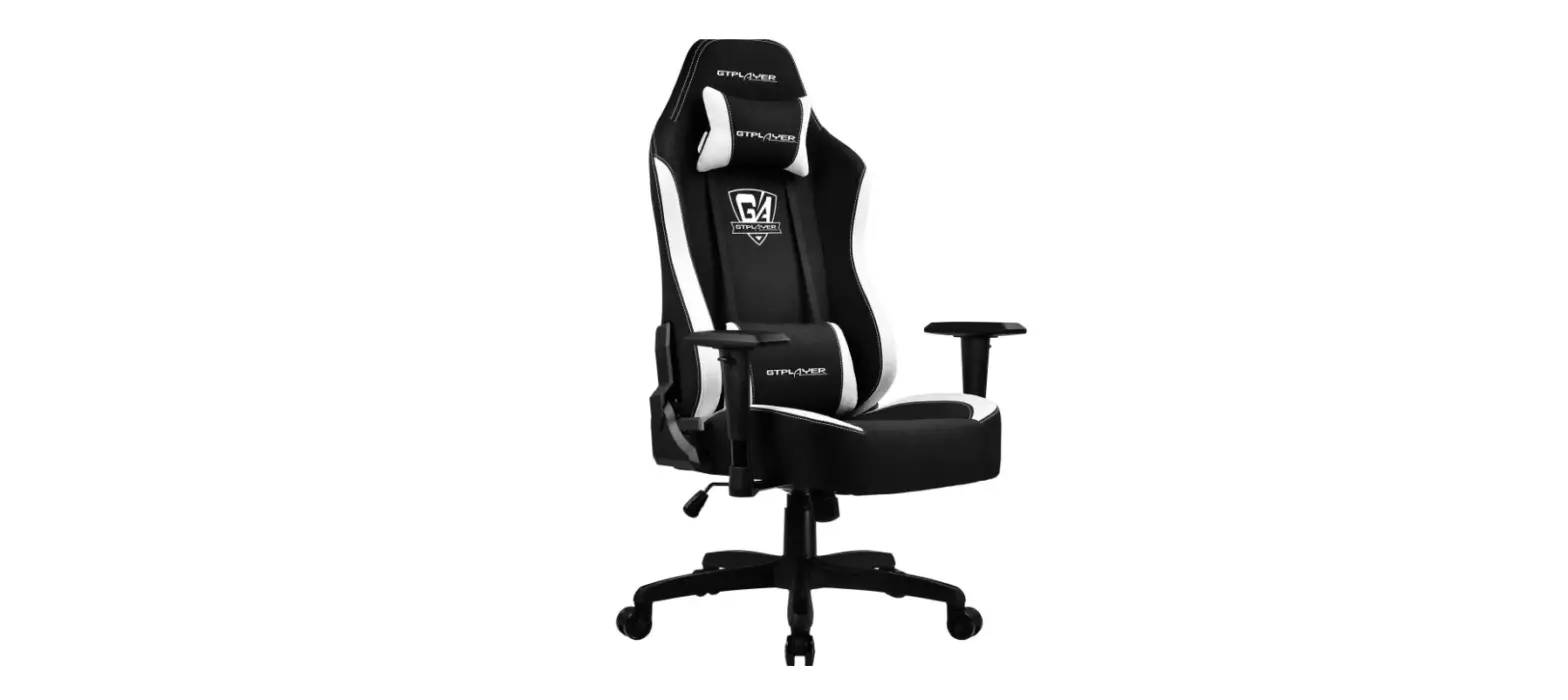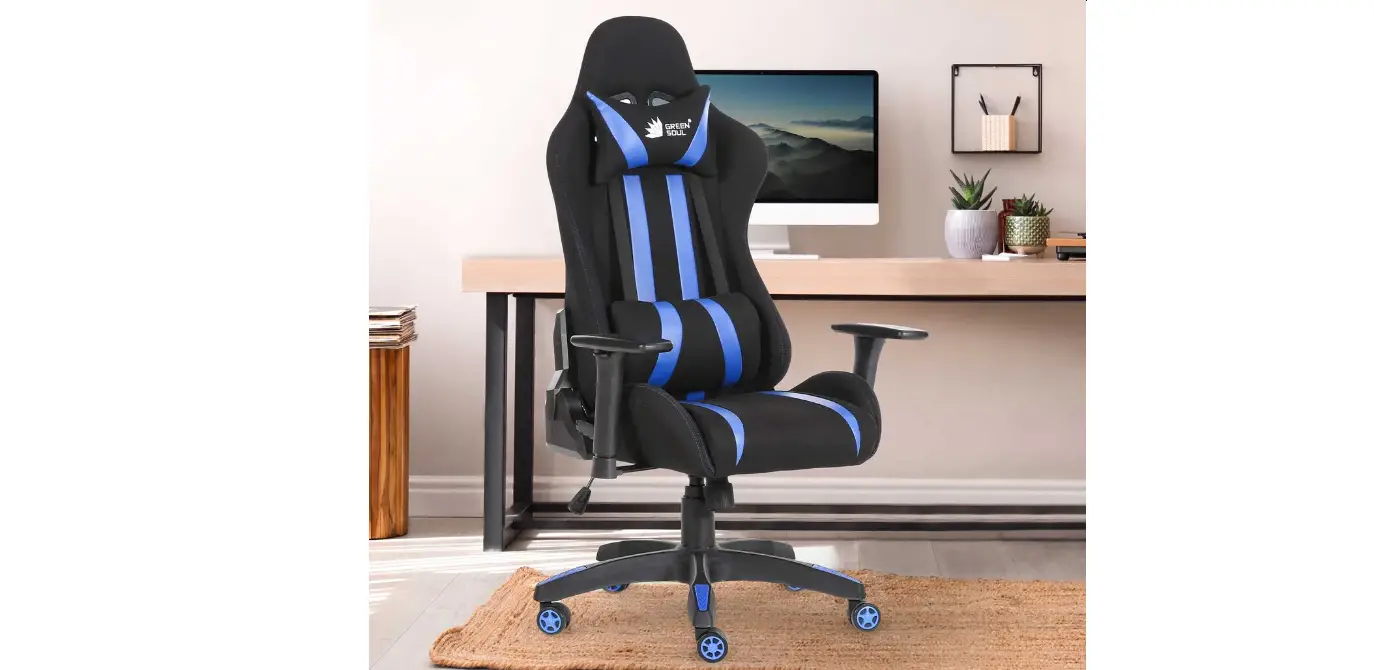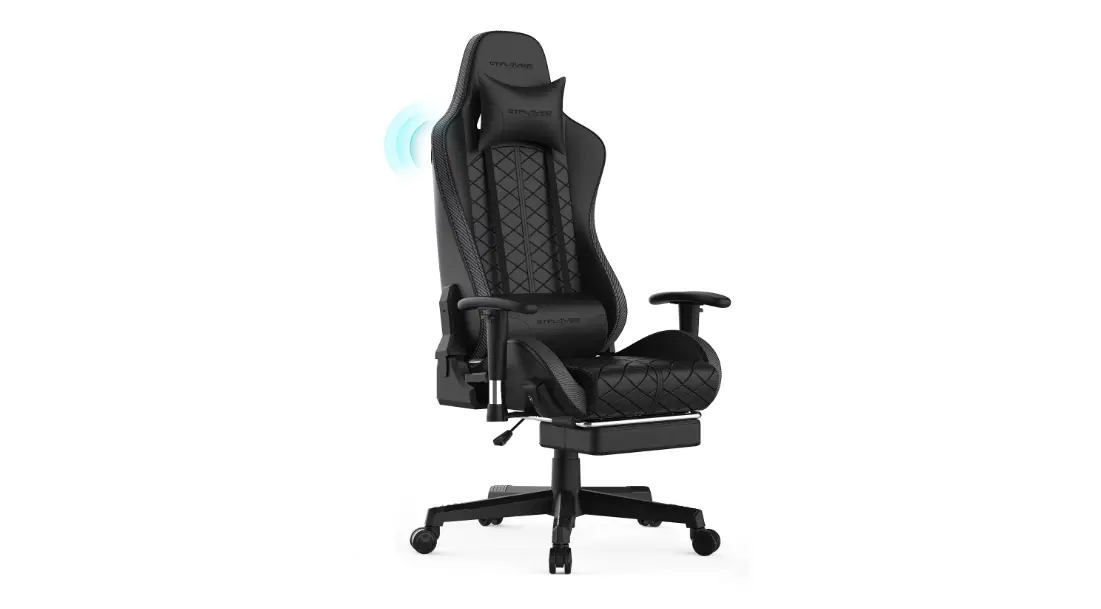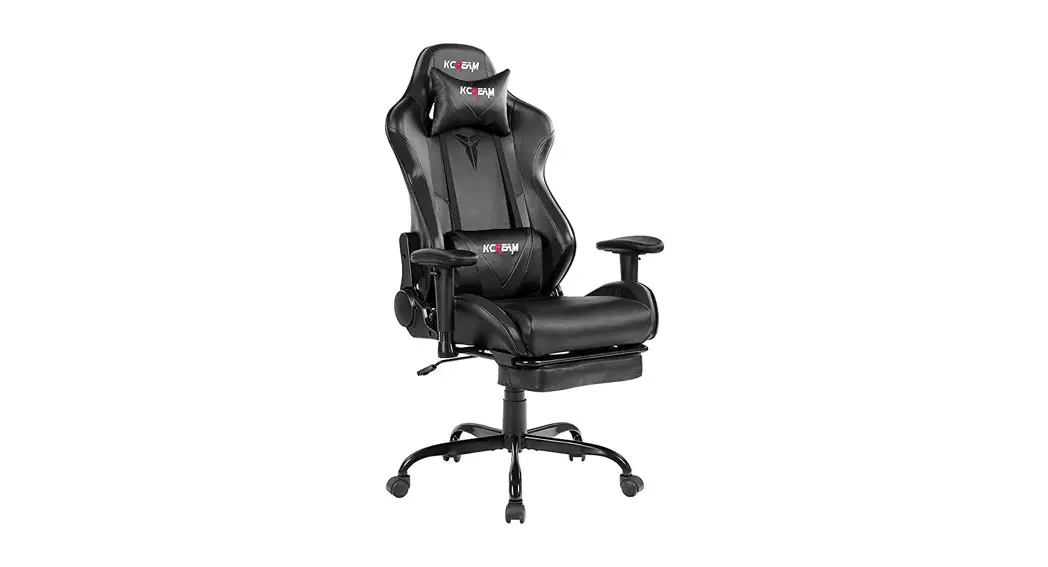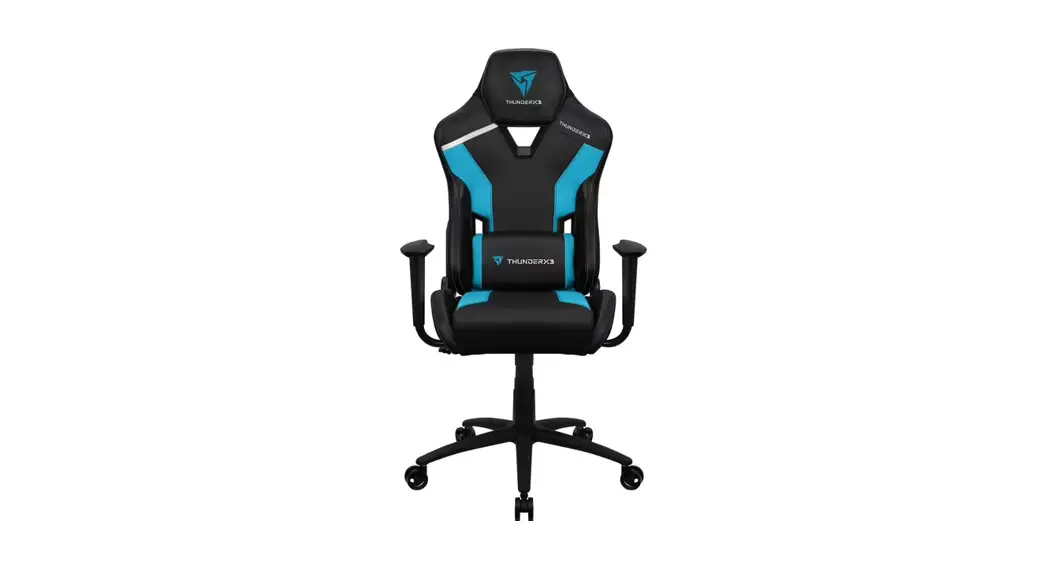
 TC3 Gaming Chair
User Manual


TC3 Gaming Chair
How to Assemble
- Pictures are for reference only. Chair parts, accessories, and assembly steps are the same as indicated in the manual.
- To ease installation, some parts of the chair (lift, lever, screws, washers) may be covered with grease and oil. Please be sure to wash your hands thoroughly after handling these parts to avoid accidentally staining the chair.
Chair Parts
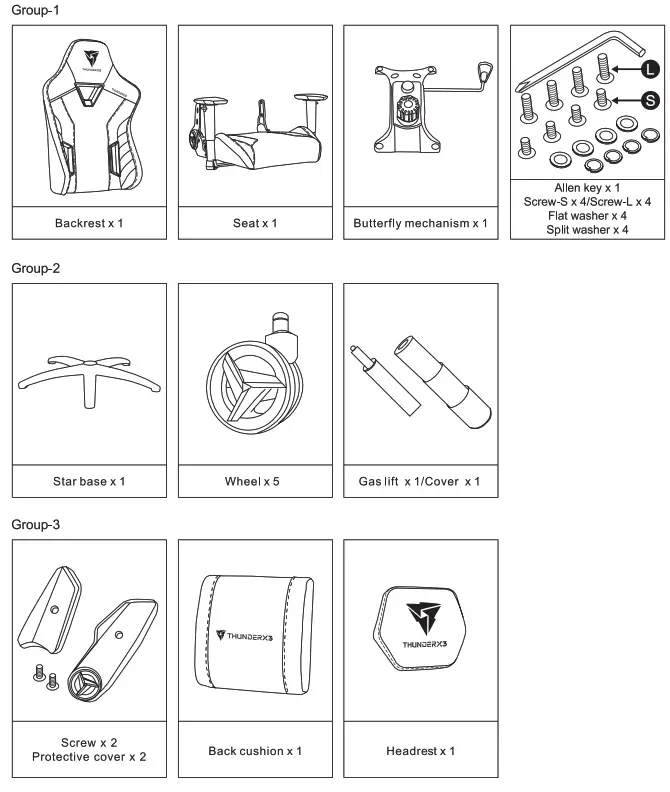
Please check and ensure the following parts are in the package. If any parts are missing or not included, please call the local distributor for assistance. Local distributor information can be obtained from ‘Where to Buy’ on thundenc3.com
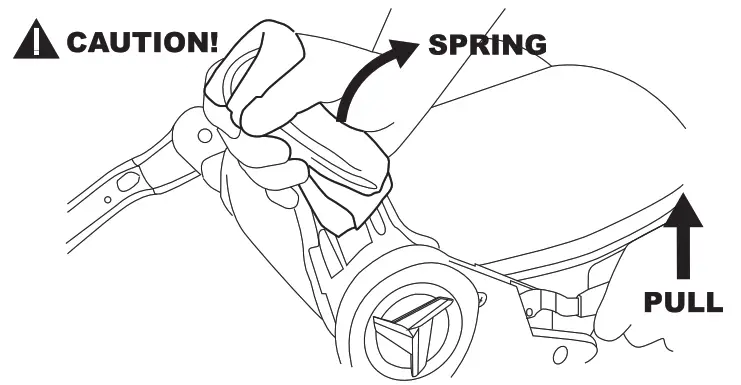
Caution: Use protective gloves for this step.
Work Gloves are Required! Using bare hands may cause serious injury.
A. Assemble the Seat: Parts of Group 1
Hold the metal bracket down firmly before pulling the lever. When the lever is pulled, it causes the metal bracket to spring into an upright position almost immediately.
- Attach the backrest to the seat.

- Fasten with screws provided.

- Fasten the protective covers with provided screws.

- Align the butterfly mechanism with the screw holes at the bottom of the seat as shown in the image below.
 NOTE: Place the screws by hand before tightening them in an X-Pattern with the alien key.
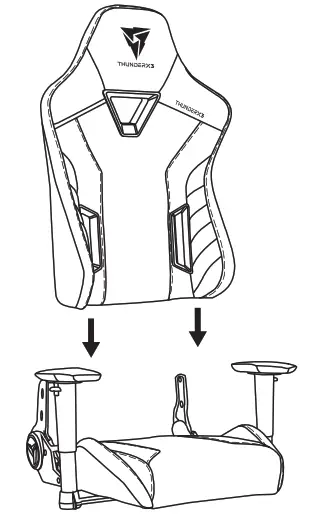
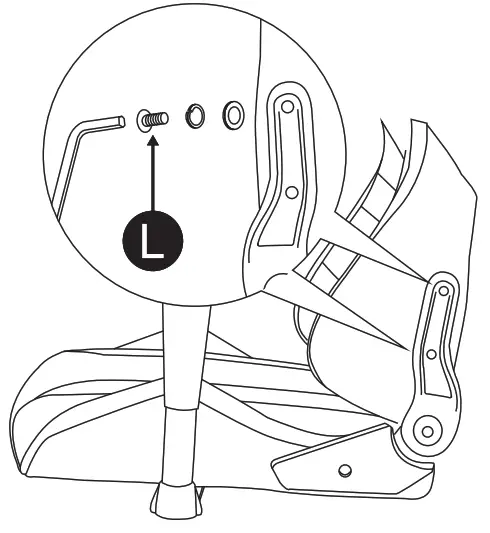
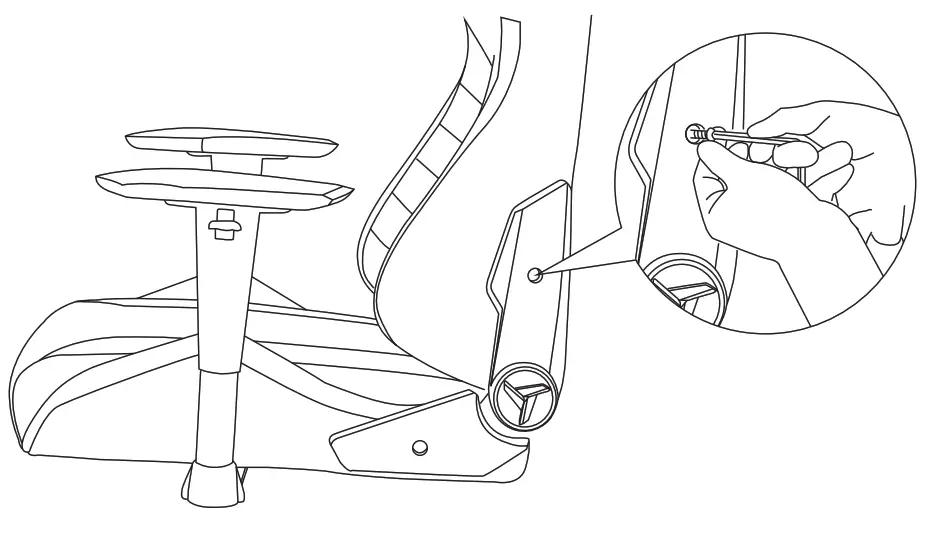
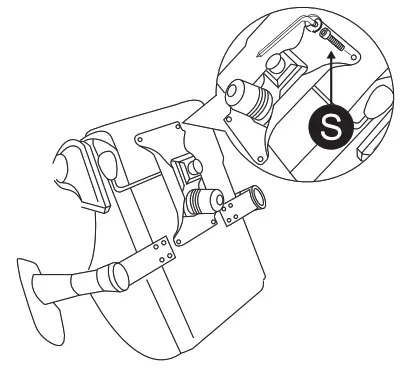 NOTE: Place the screws by hand before tightening them in an X-Pattern with the alien key.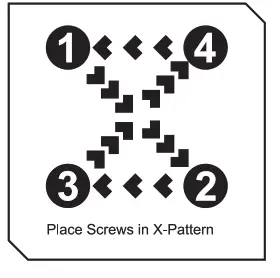
B. Assemble the Wheel Base: Parts of Group 2
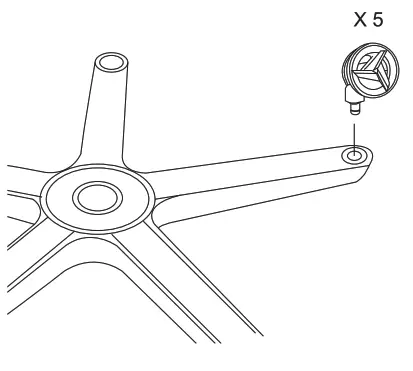
- Push and twist the wheels into the star base.

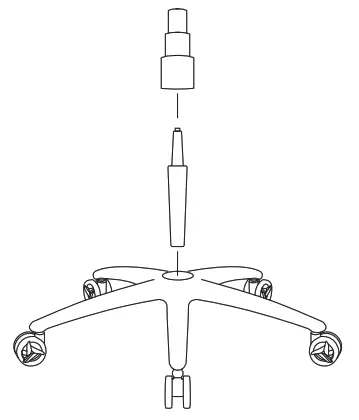
- Place the cylinder cover over the gas lift.

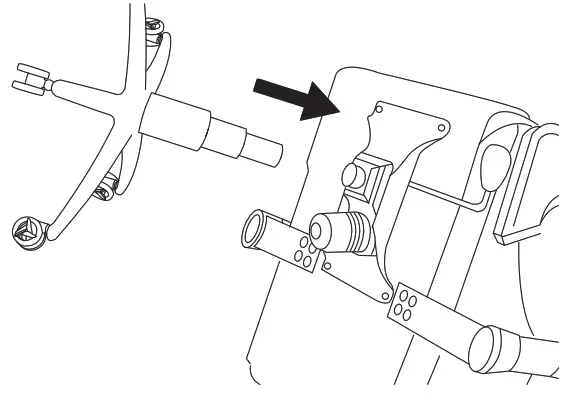
- Place the chair face down and insert the star base into the butterfly mechanism.

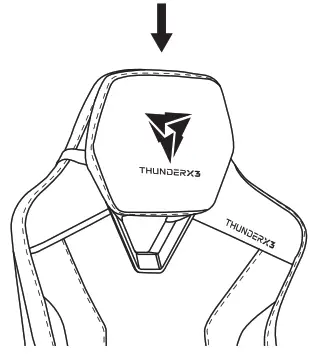
A. Attach Headrest Cushion
- Put a headrest cushion on the backrest.

- Pull the straps through the shoulder belt hole and click them into place.

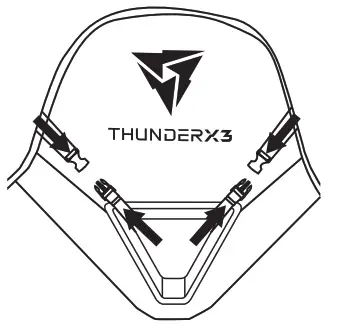
B. Attach Back Cushion
Pull the straps through the Waist belt holes and click them into place.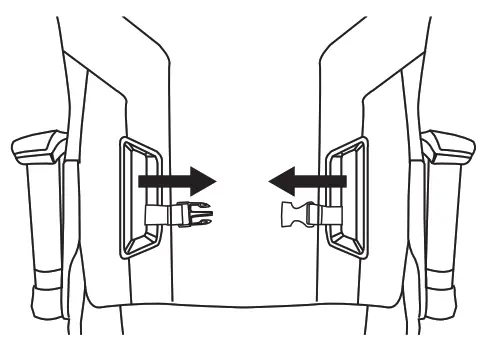
Warranty
Please prepare the following information before contacting the point of purchase or local agent.
- Invoice/receipt.
- Photo of serial number starting with SN (can be found underneath product).
- Photos or videos of products illustrating the problem/issue.
- Photo of the complete product.
Safety information
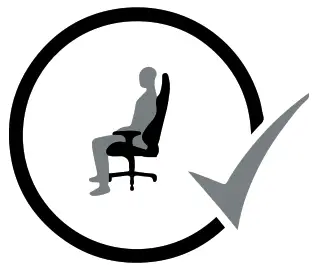
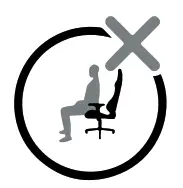
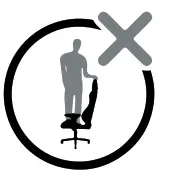
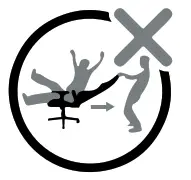
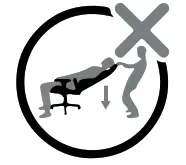
| 1. Please sit in the center of the chair. | 2. Do NOT sit at the front edge of the chair. | 4. Do NOT push the chair around while in use by another person. | 3. Do NOT stand on the chair. | 5. Do NOT push or pull down on the backrest while someone is reclined. |
 |  |  |  |  |