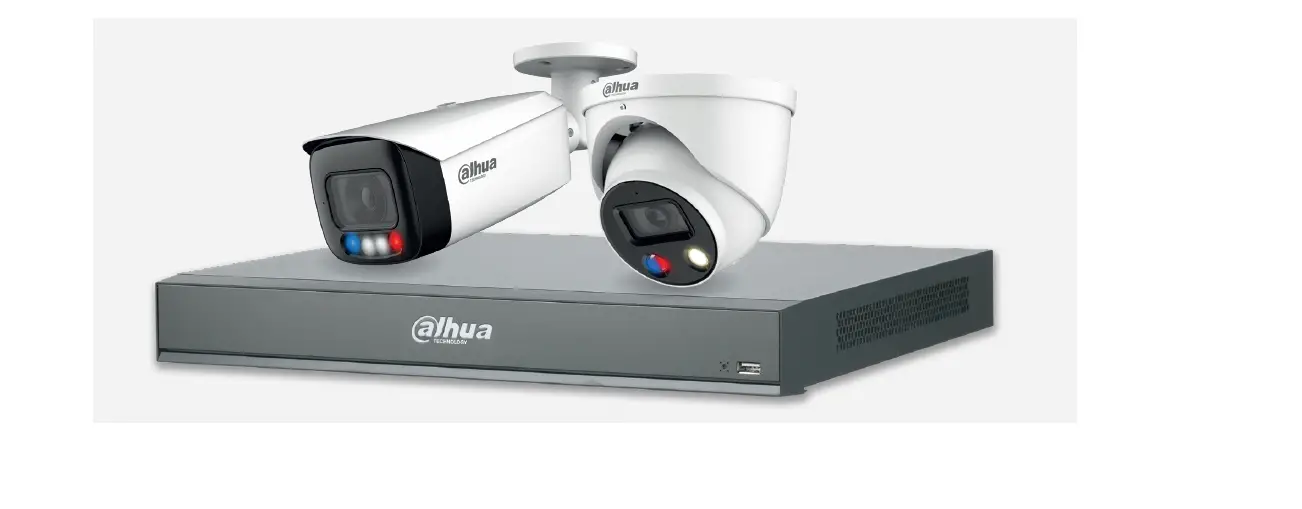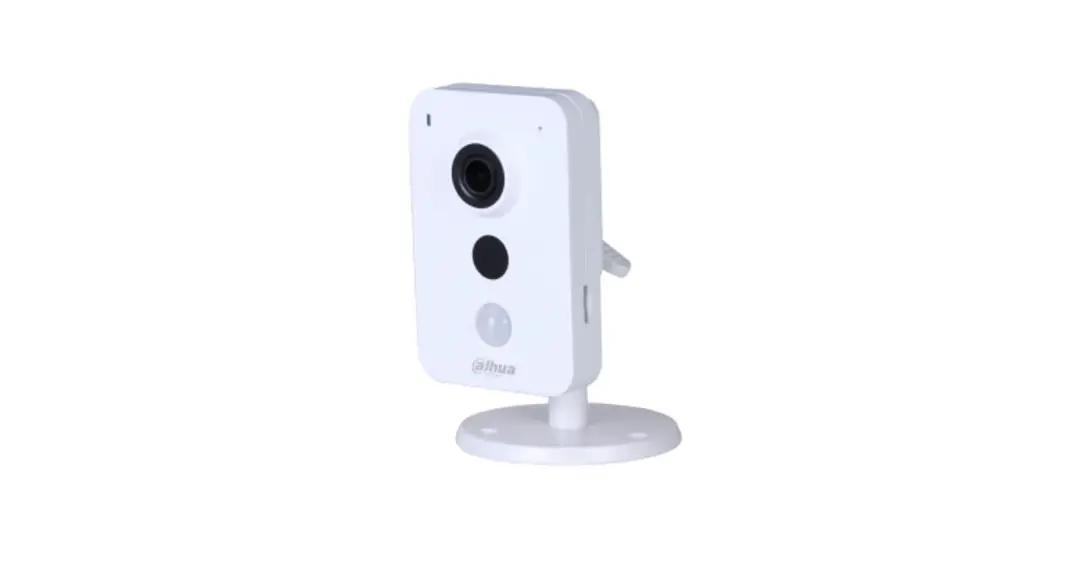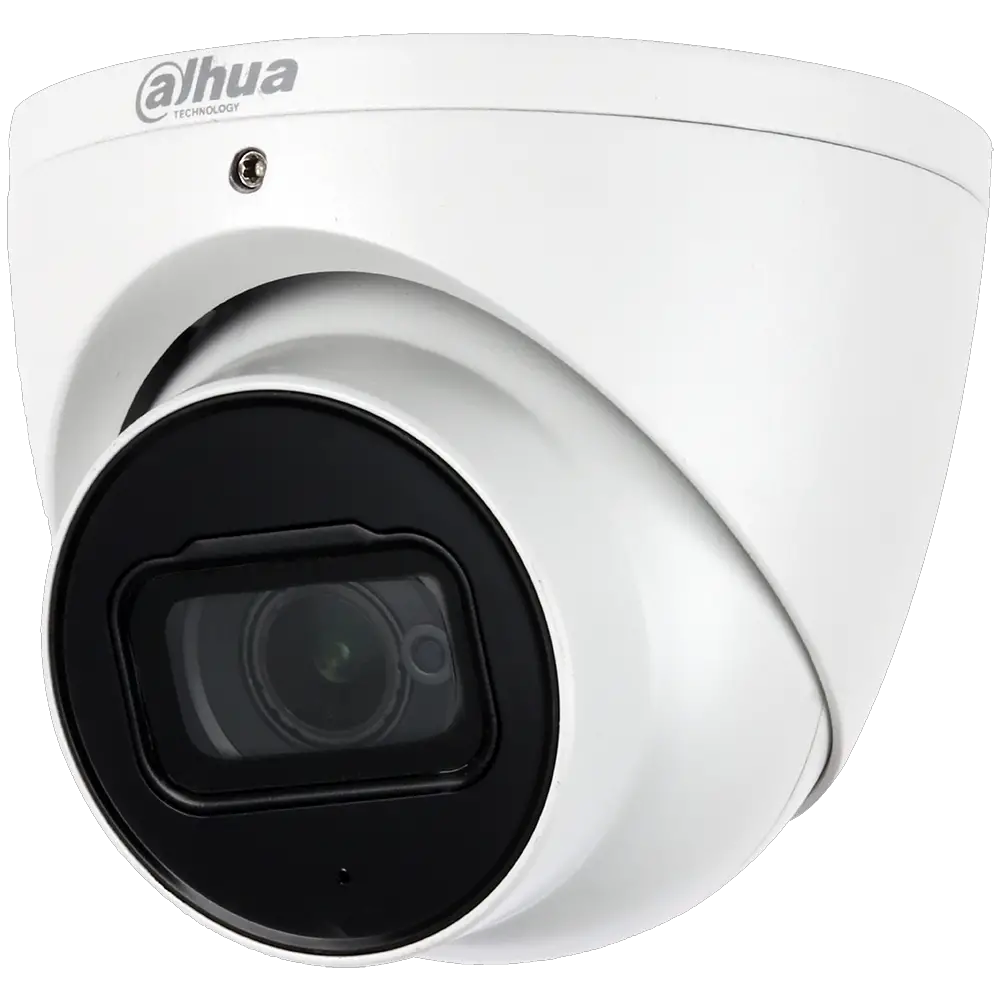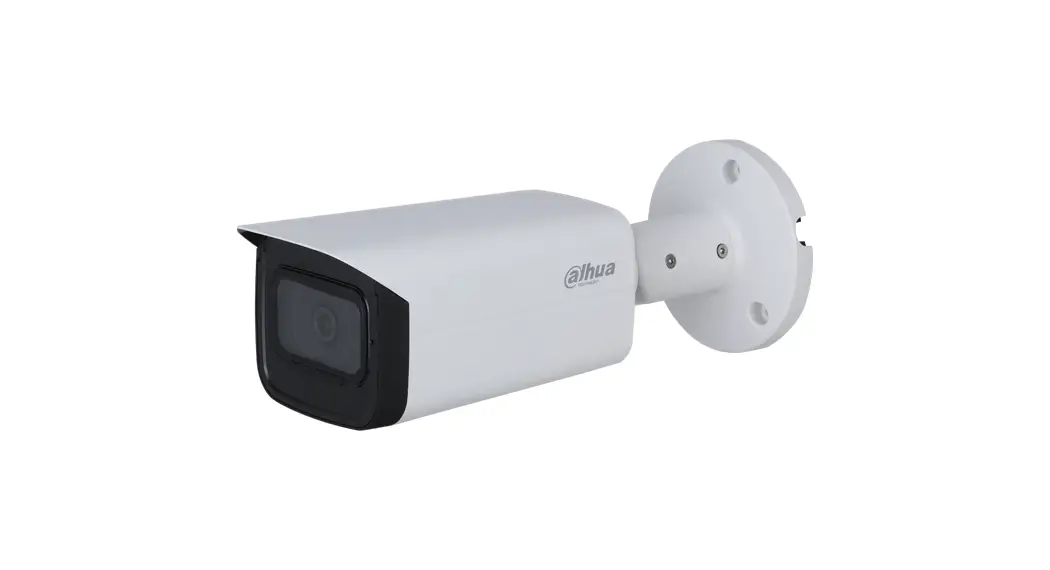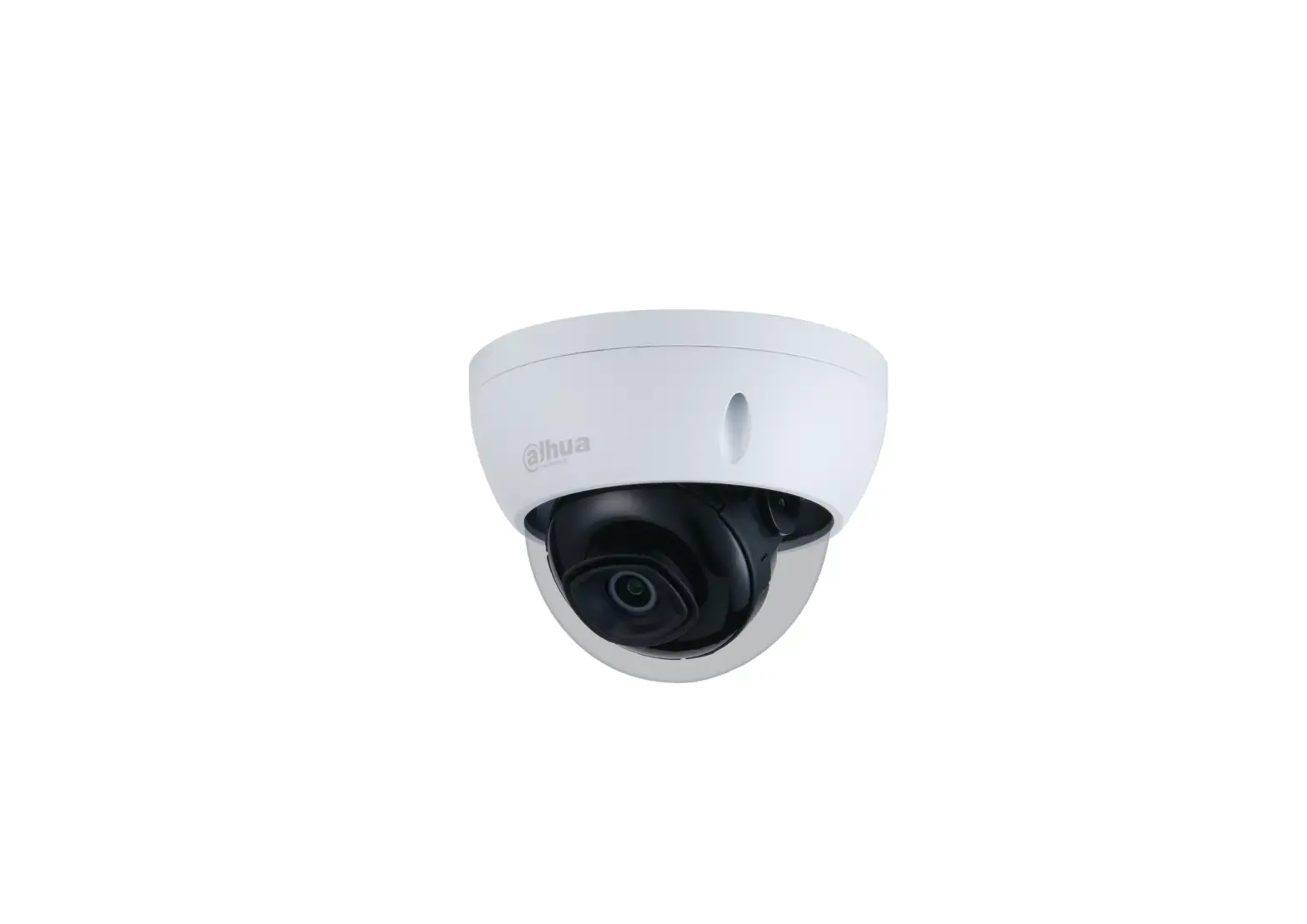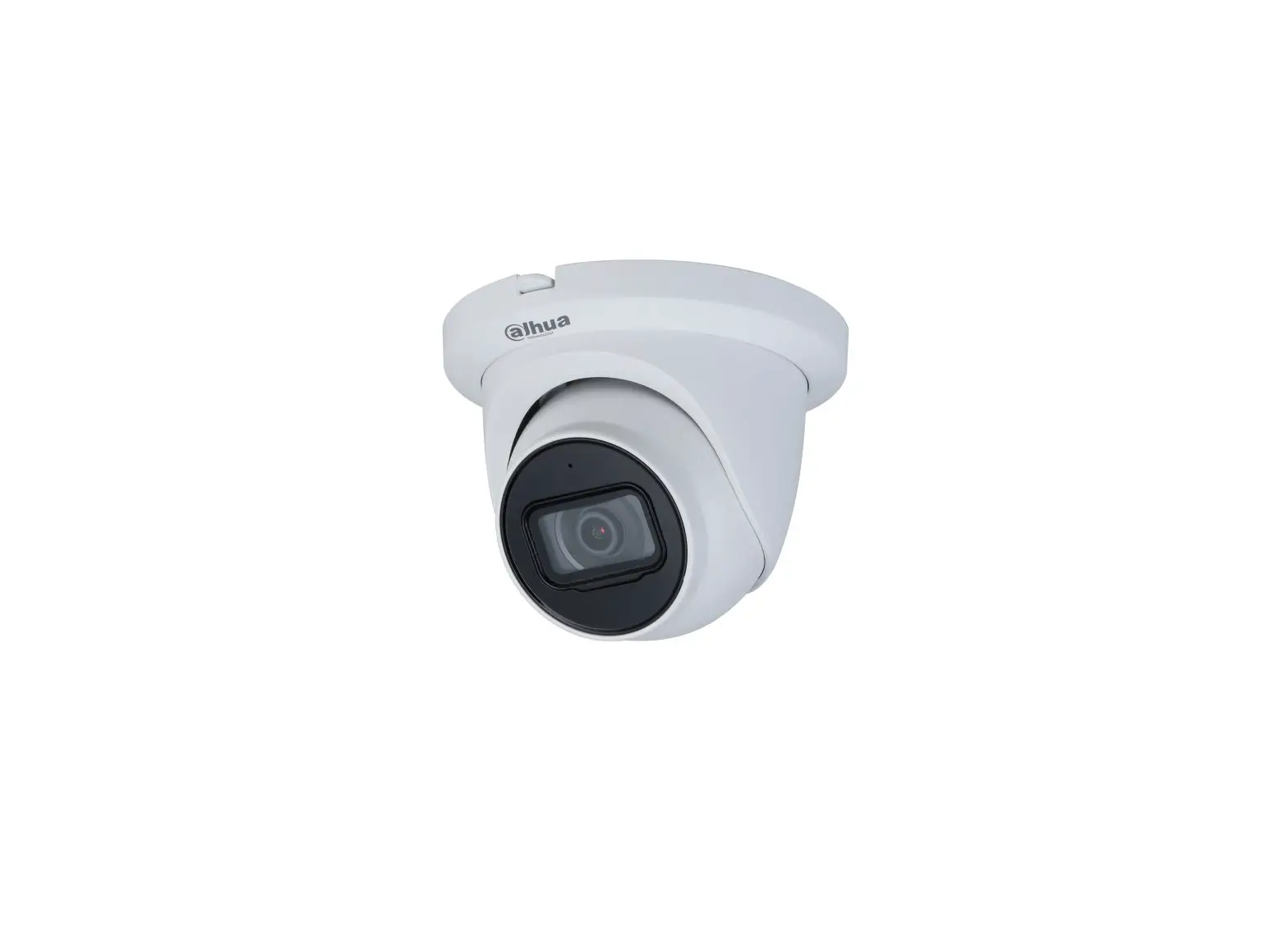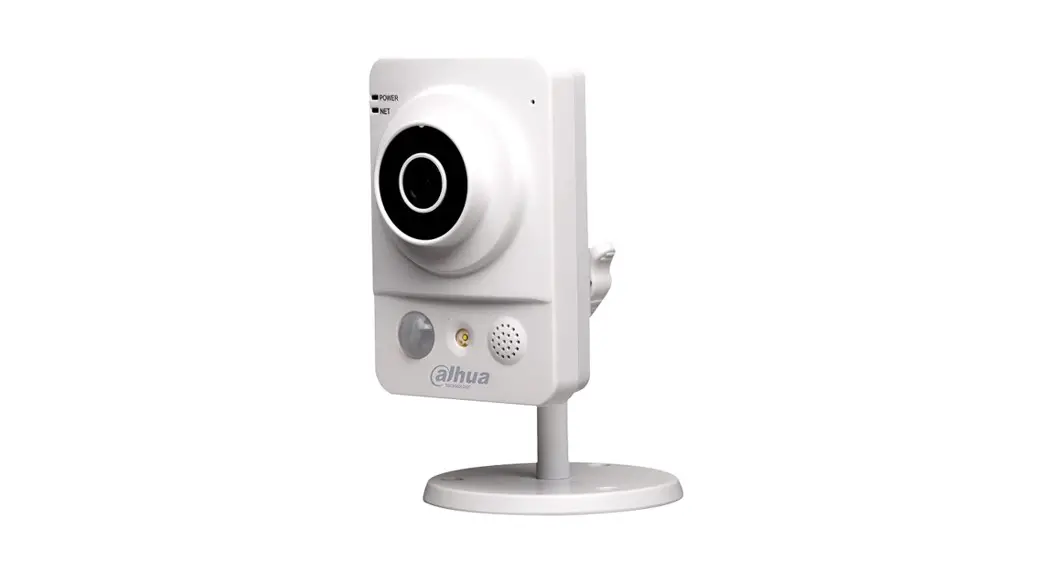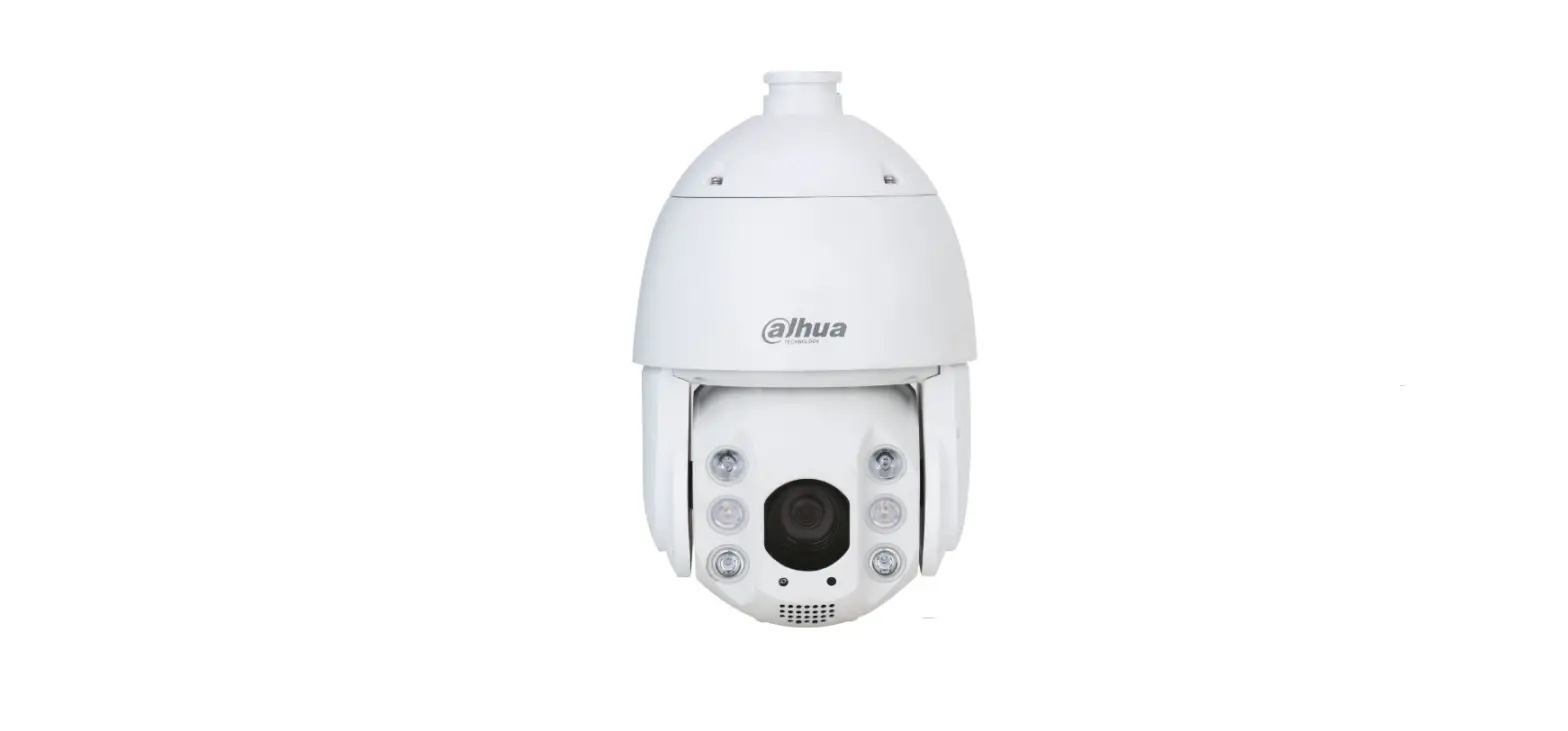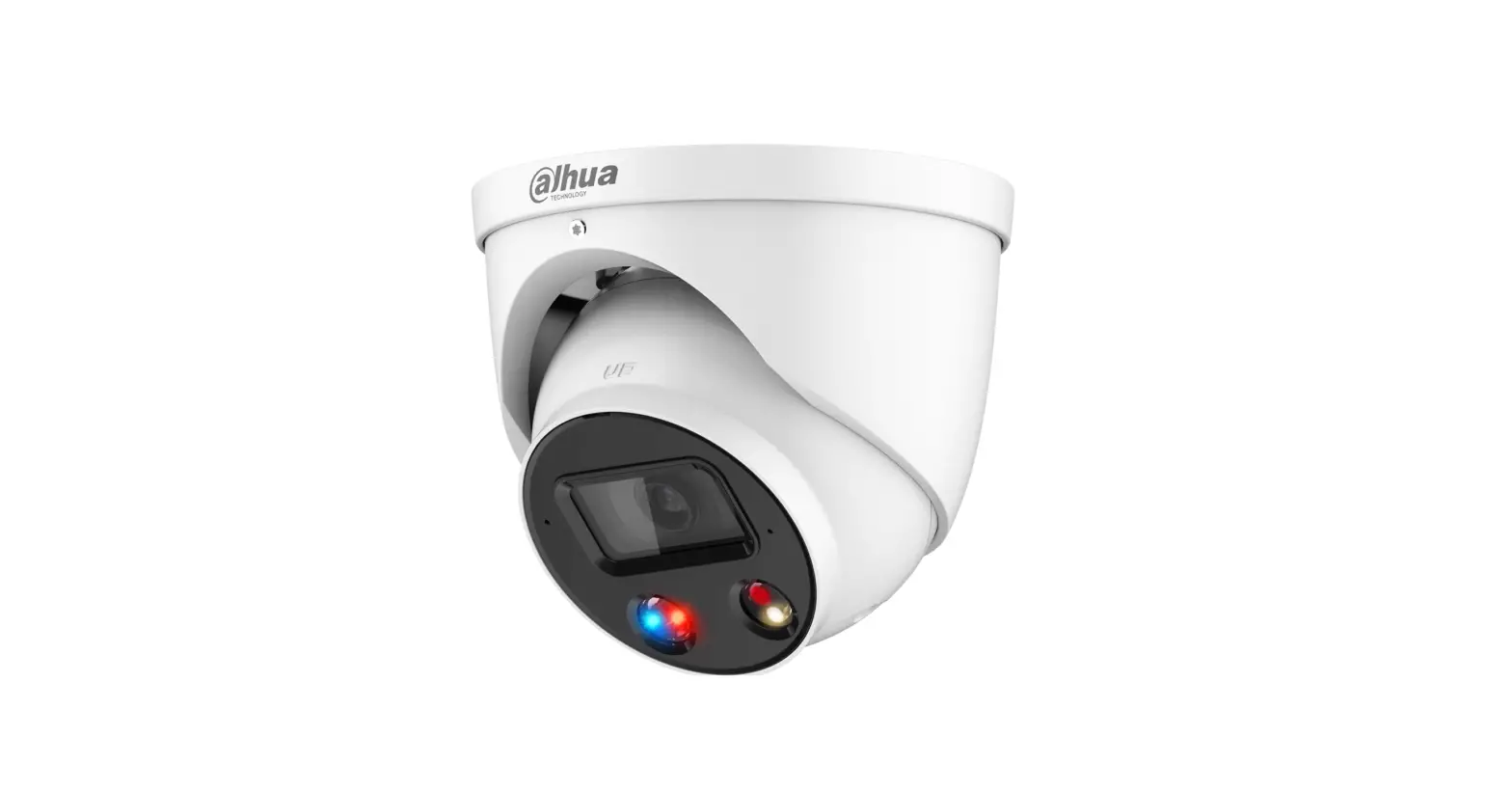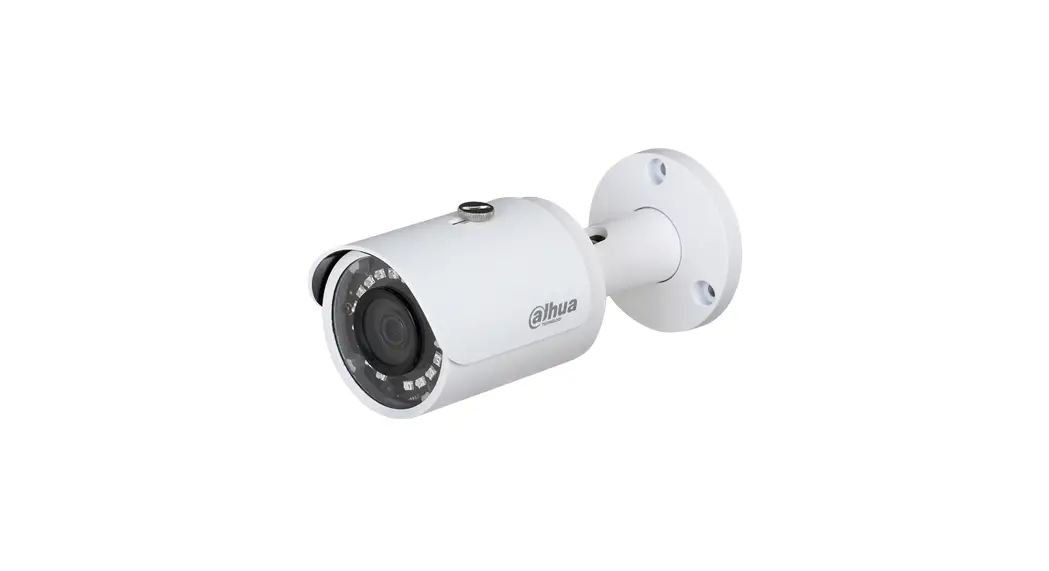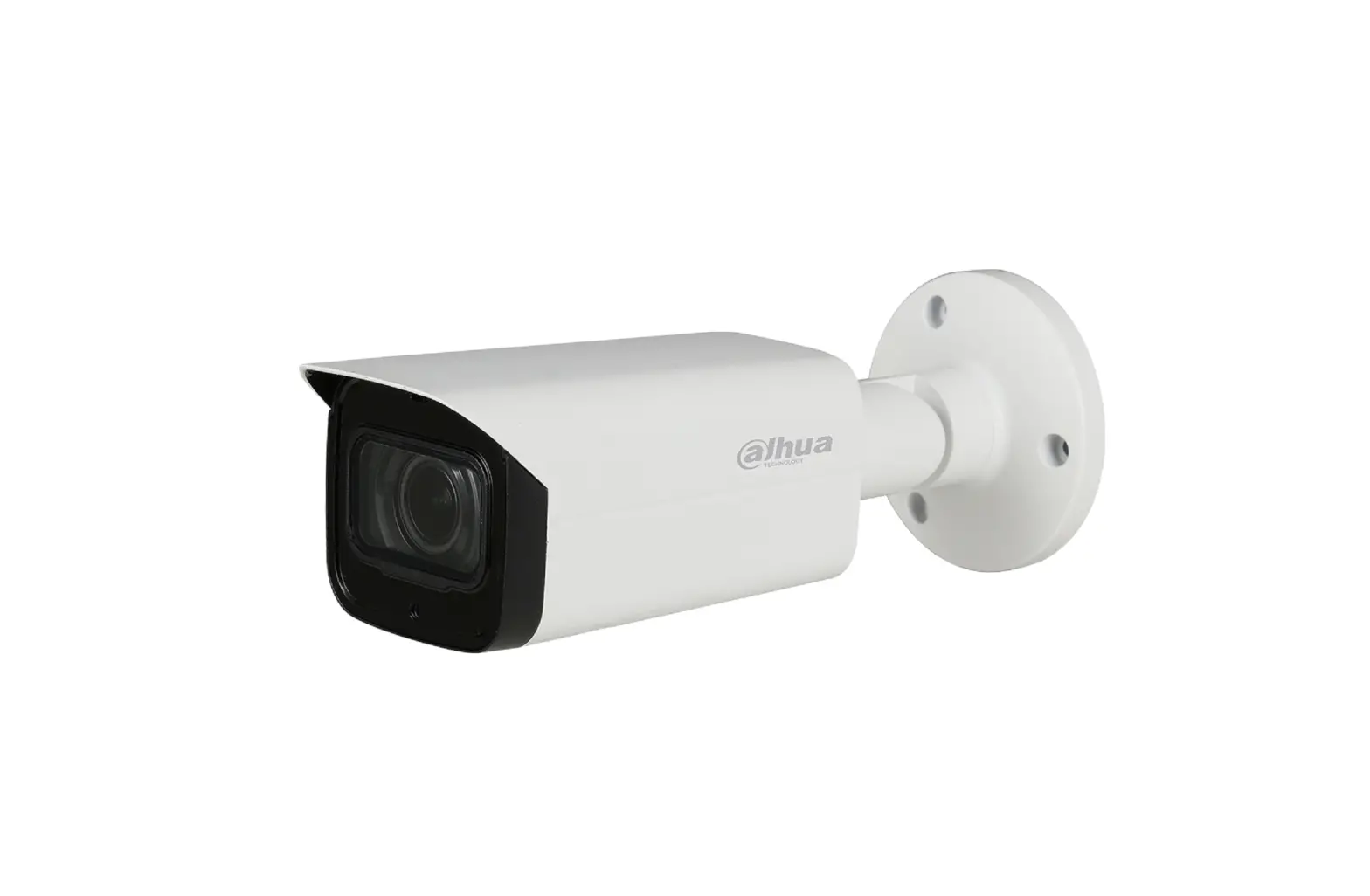

dahua TiOC Camera
How to trigger an e-mail when an event has occurred
For a Camera-only System
The following guide enables you to trigger an e-mail when an event has occurred on (Series 3) and (Series 5 & 7) camera-only systems.
Series
- DH-IPC-HF/HFW/HDW/HDBW3X4X Series
- DH-IPC-HF/HFW/HDW/HDBW5X4X Series
- DH-IPC-HF/HFW/HDW/HDBW7X4X Series
Examples
- HFW3549T1-AS-PV
- HDW5241TM-ASE
- HFW5242H-ZE
- HDBW7442H-Z
System Version: V2.800.00AD000.0.R Build
NB: The firmware version is based on the latest version when this document was created and may slightly differ from future versions, however this will not affect any of the functionality.
Instructions
Step 1: Connect to your email.
Log in to the camera, go to Setting > Network > SMTP (Email) . Then complete the settings based on your email service and click Test until it shows it has successfully connected.
Then, click Save to save your settings.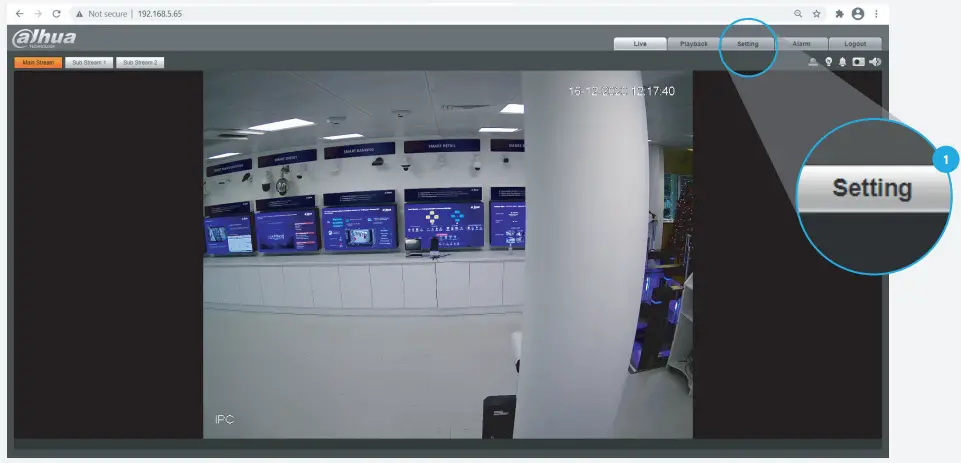
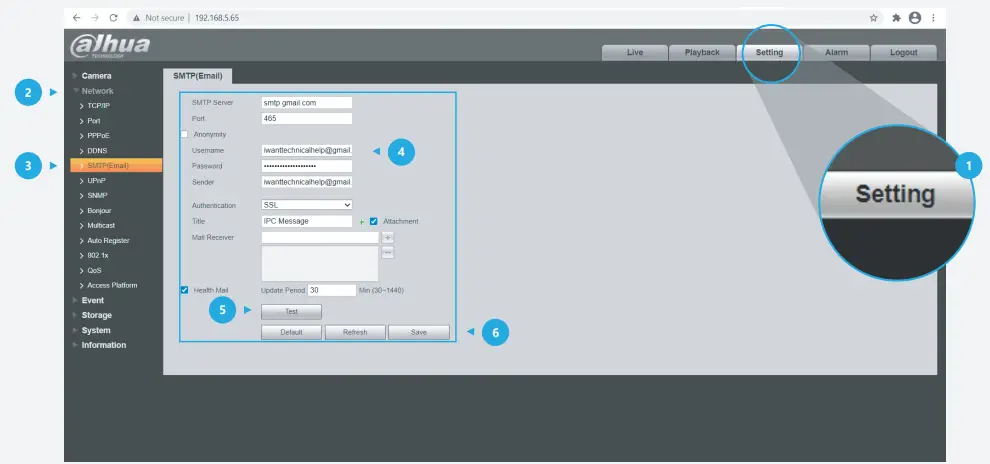
Note: Details for Email settings.
- Firstly, you need to prepare two email addresses – one for sending alarms and one for receiving alarms.
- Secondly, you need to search and find the name and port of the email address for sending email.
Examples
- [email protected]
- [email protected]
- Gmail SMTP server: smtp.gmail.com
- Gmail Port:
- Port for SSL: 465
- Port for TLS: 587
Here is a summary: 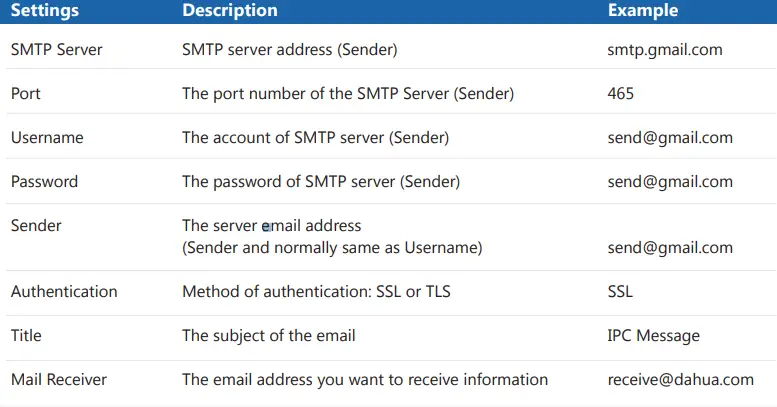
For details and reference: https://support.google.com/mail/answer/7126229?hl=en-GB
Note: You may need to adjust your settings to avoid emails ending up in your spam folder.
Step 2:
Activate corresponding functions in each interface.
Here is an example for IVS function: Go to Setting > Event > IVS , check at least one rule has been activated like this on the top right corner.
Click Draw rule on the left side, and use the mouse to draw a line or shape for the target on the scene, and set the parameter accordingly.
Then, click Save to save your settings.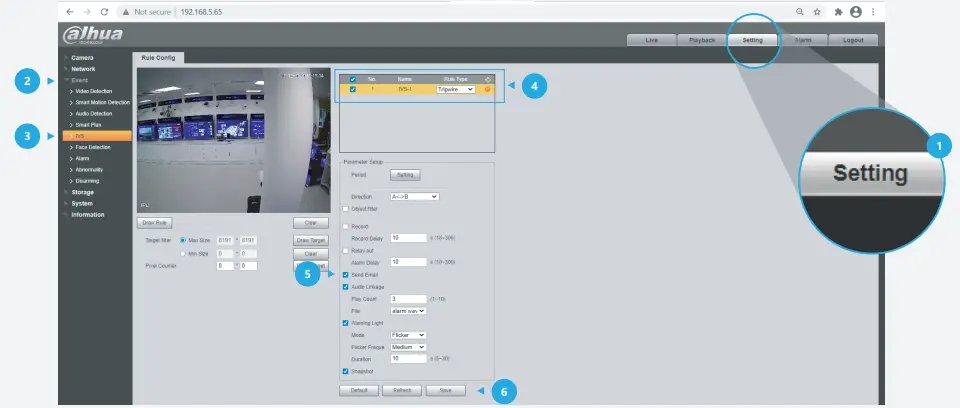
Step 3: Check the email.
If an alarm has been activated you will receive an email with the event snapshot attached – when it started and when it ended. The following logs are an example.
- Alarm Event: Tripwire
- Alarm Event: Tripwire end
- Alarm Input Channel: 1
- Alarm Input Channel: 1
- Alarm Start Time (D/M/Y H:M:S): 17/12/2020 09:51:40
- Alarm StopTime (D/M/Y H:M:S): 17/12/2020 09:55:00
- Alarm Device Name: 6F05 Alarm Device Name: 6F05
- Alarm Name: IVS-1 Alarm Name: IVS-1
- IP Address: 192.168.5.65 IP Address: 192.168.5.65
If you still encounter problems operating your Dahua device, please call +44 (0)1628 613 500 Design and specifications are subject to change without notice.
DAHUA UK & IRELAND
Quantum, 60 Norden Road, Maidenhead, Berkshire SL6 4AY
Tel: +44 (0) 1628 613 500
[email protected]
[email protected]
If you still encounter problems operating your Dahua device, please call +44 (0)1628 613 500