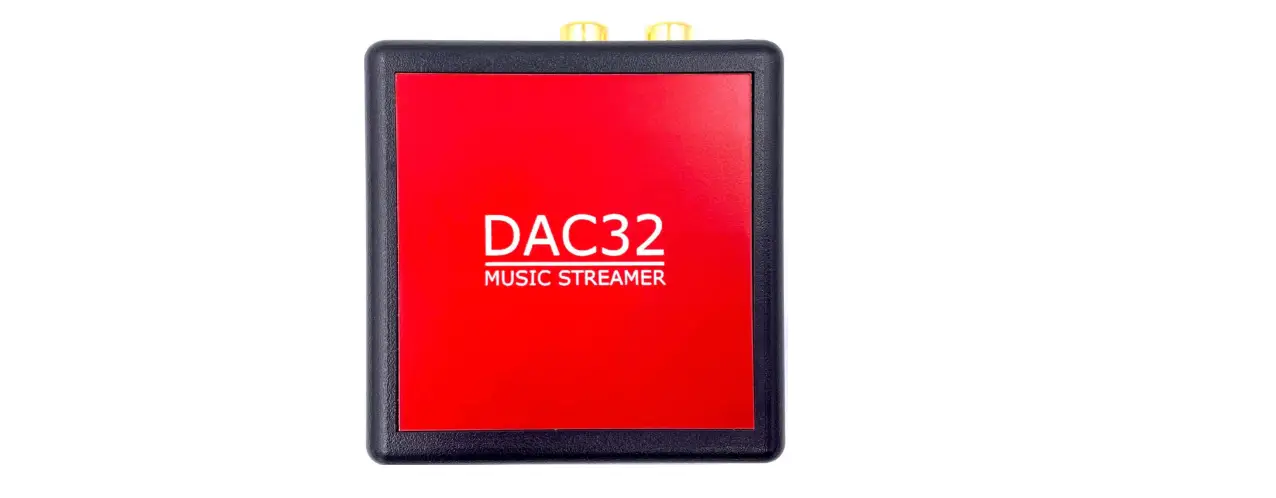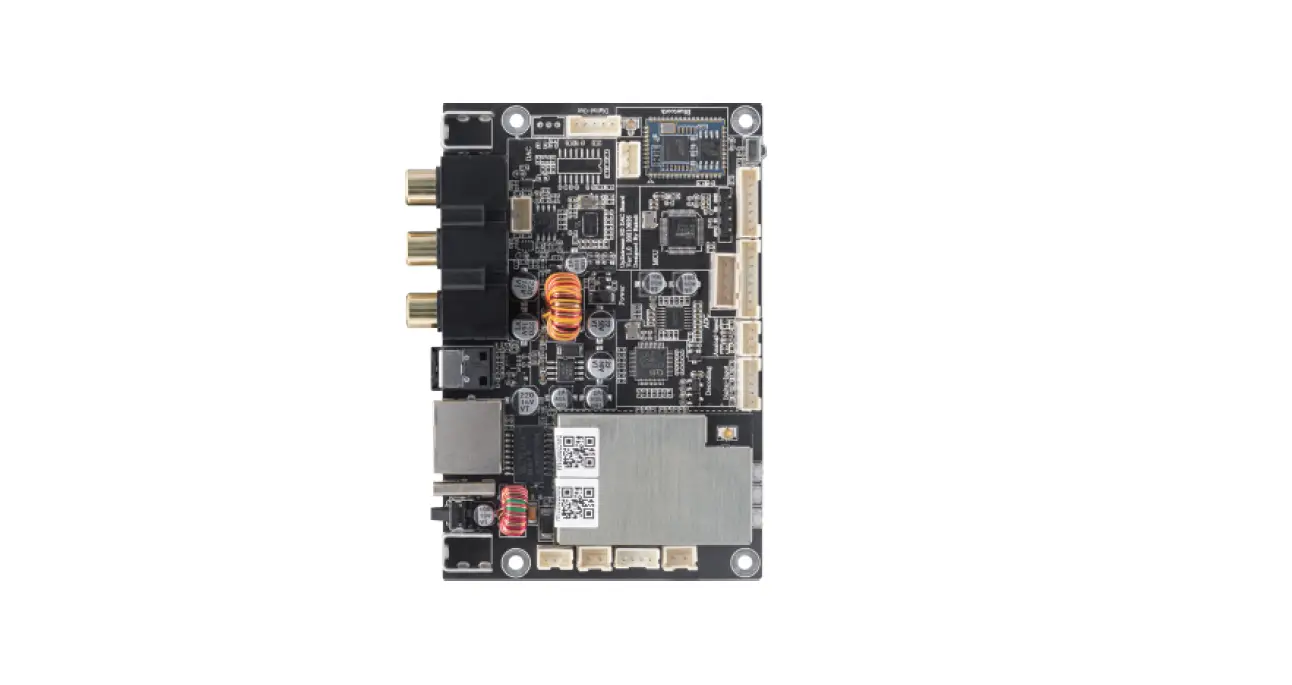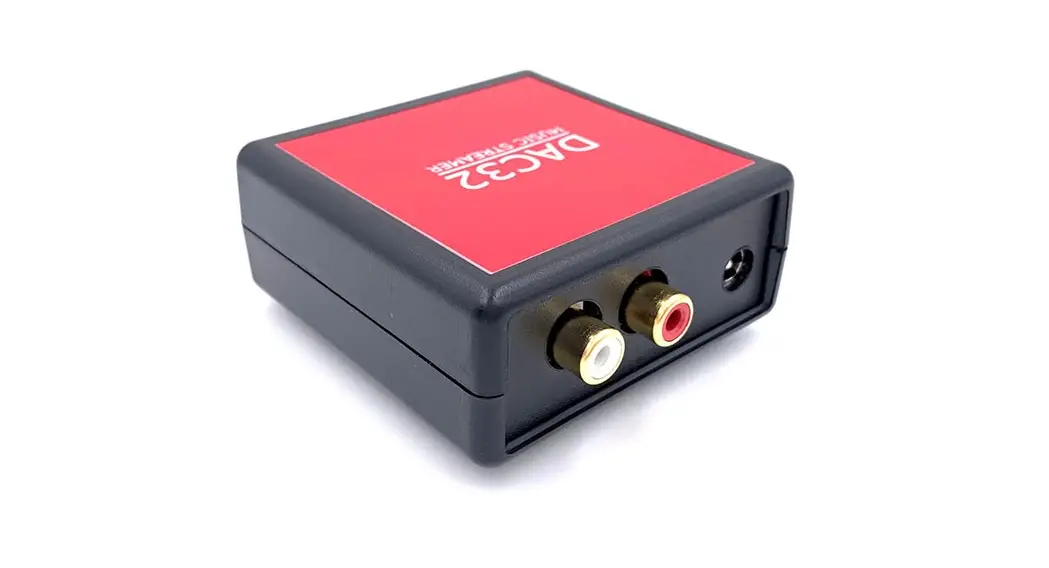
PolyVection DAC32 Wireless Music Streamer
Quick Start Guide
Package Contents
1 x DAC32
1 x DC Plug to USB-A Cable
1 x Quick Start Guide
1 x Compliance Information sheet
DAC32 is a Music Streamer designed specifically to run on Squeezebox community designed, developed, and maintained software called ‘SqueezeESP32’
Step:1 Wiring
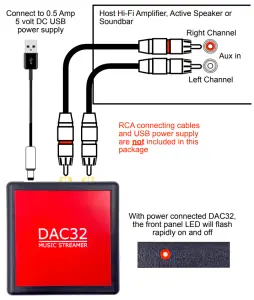
Step: 2 Connecting to Wi-Fi Network
DAC32 will now be visible as a Wi-Fi hotspot with a designation that will include the word ‘squeezelite’.
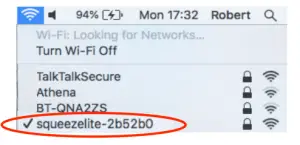
Select this network to access the SqueezeESP32 Web UI by entering the password ‘squeezelite’. This will generate an auto-log-in page. Follow the on-screen instructions to select your home network – in this example ‘TalkTalkSecure’ – and enter your home network password. You will then see this message once a successful connection has been established.
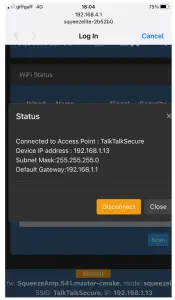
This shows the DHCP allocated IP address – in this case, 192.168.1.13 Make a note of this. Upon completion, the system will automatically revert back to your home network The DAC32 LED will slowly flash on and off to indicate that it is connected to your home network
Step: 3 Web UI /Settings
To access the SqueezeESP32 Web UI, type The IP address is shown in Step 2 (in this example 192.168.1.13), into a browser subject bar
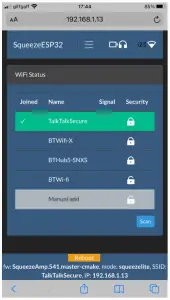
Step: 4 Playing Music
DAC32 will now be visible as an available Bluetooth Receiver and Airplay Player
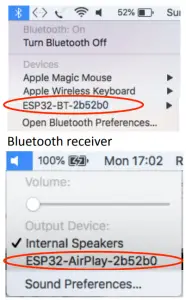
Airplay PlayerThe RED LED will remain illuminated when playing audio
Step: 5 Playing Music – Squeezebox
DAC32 will also automatically be visible as an available Squeezebox Player when used in conjunction with a Logitech Media Server (LMS)
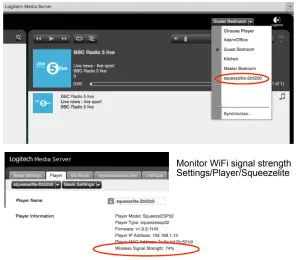
Step: 6 Player Name
Use SqueezeESP32 Web UI to enter a new Player Name
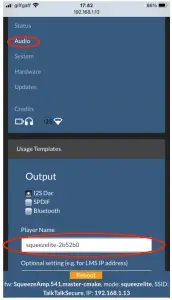
Airplay & Bluetooth Player Name can be changed under System > Device name
All brand names referred to are the property of their respective brand owners
PolyVection UG
(haftungsbeschraenkt)
Building 99 / Room 210+211
Ruhlsdorfer Straße 95
14532 Stahnsdorf – Germany
Phone: +49 (0)3329 6079707
E-mail: info[at]polyvection.com
Web: www.polyvection.com
December 2020 Iss 1