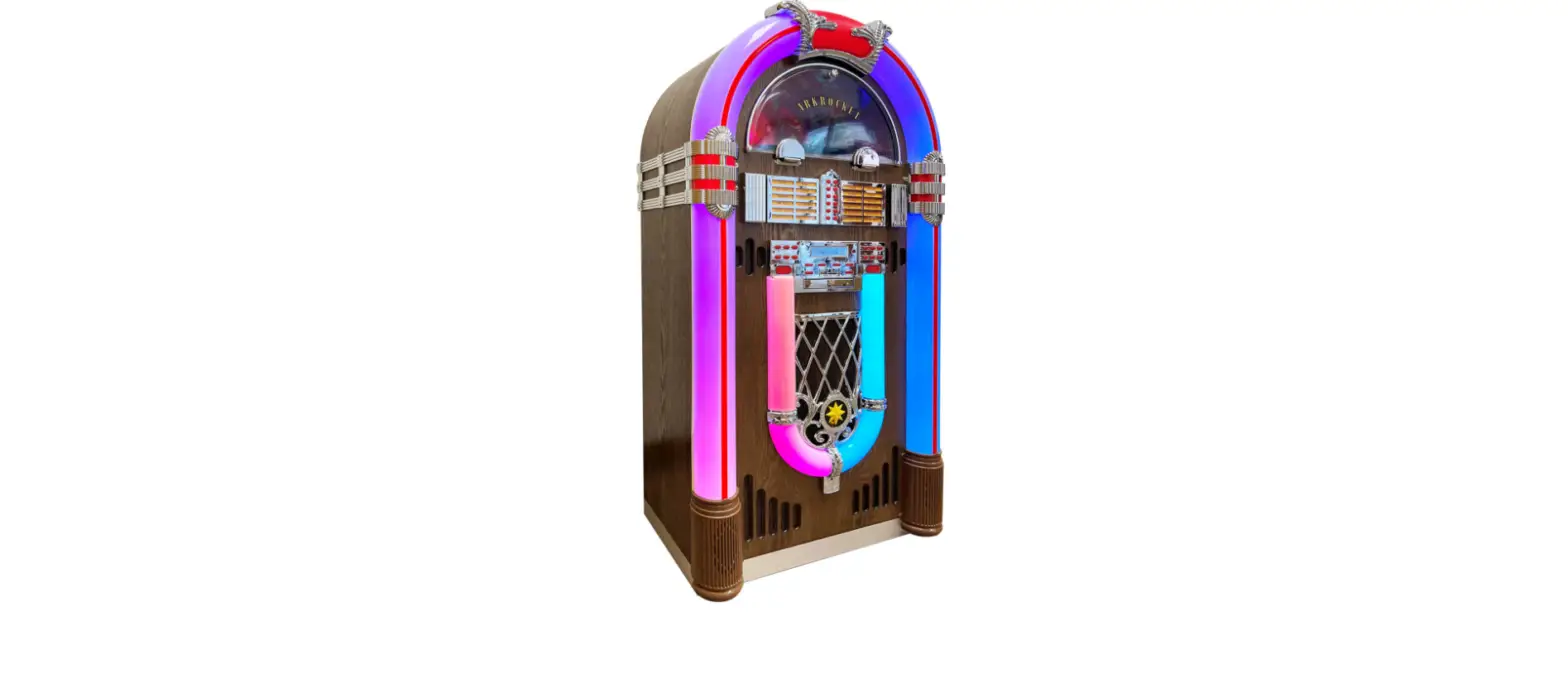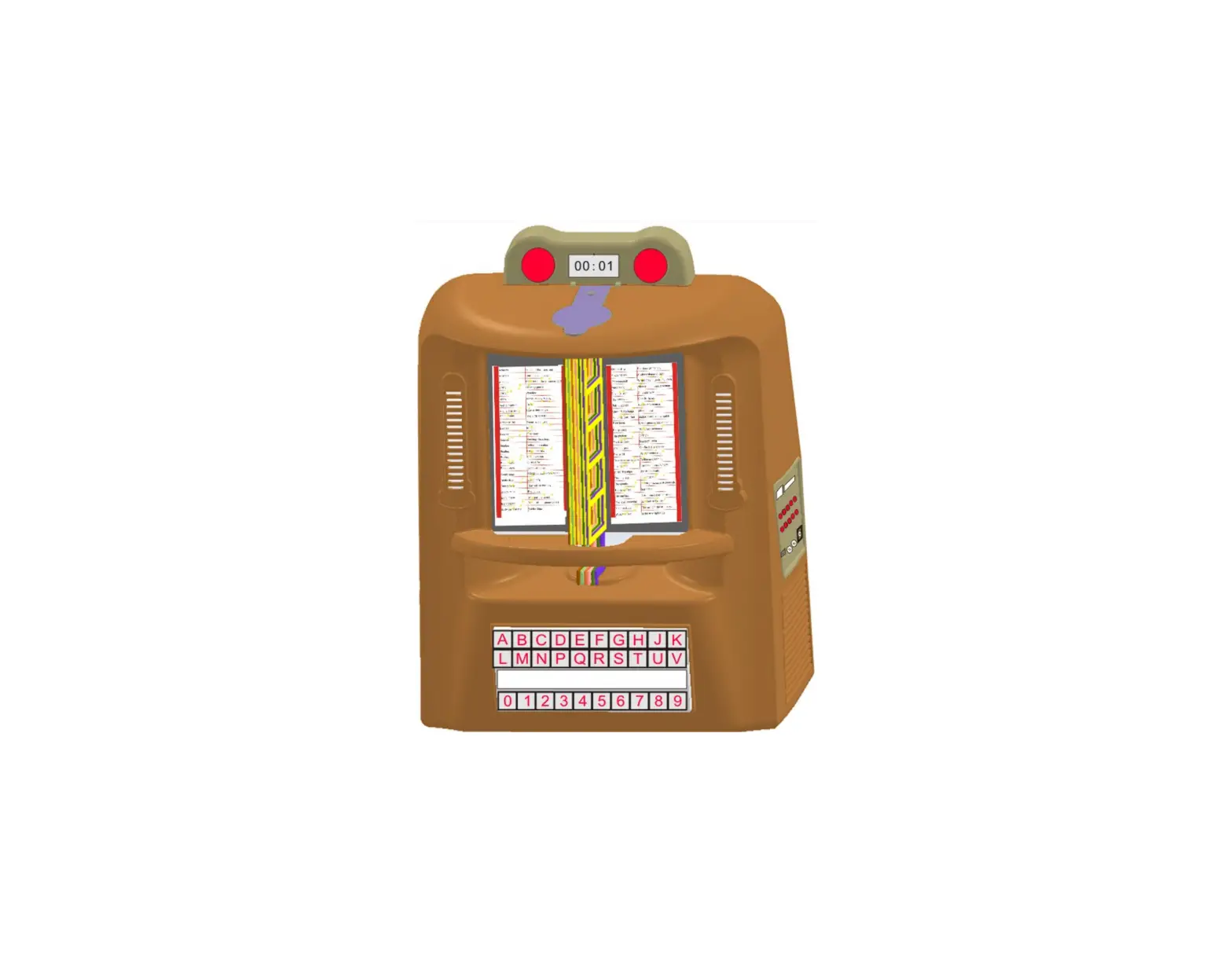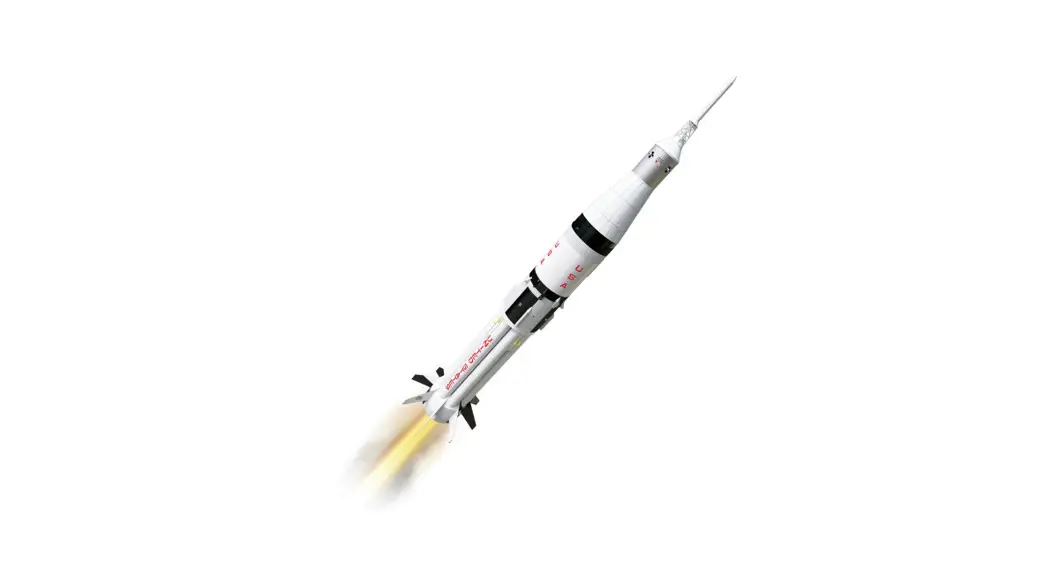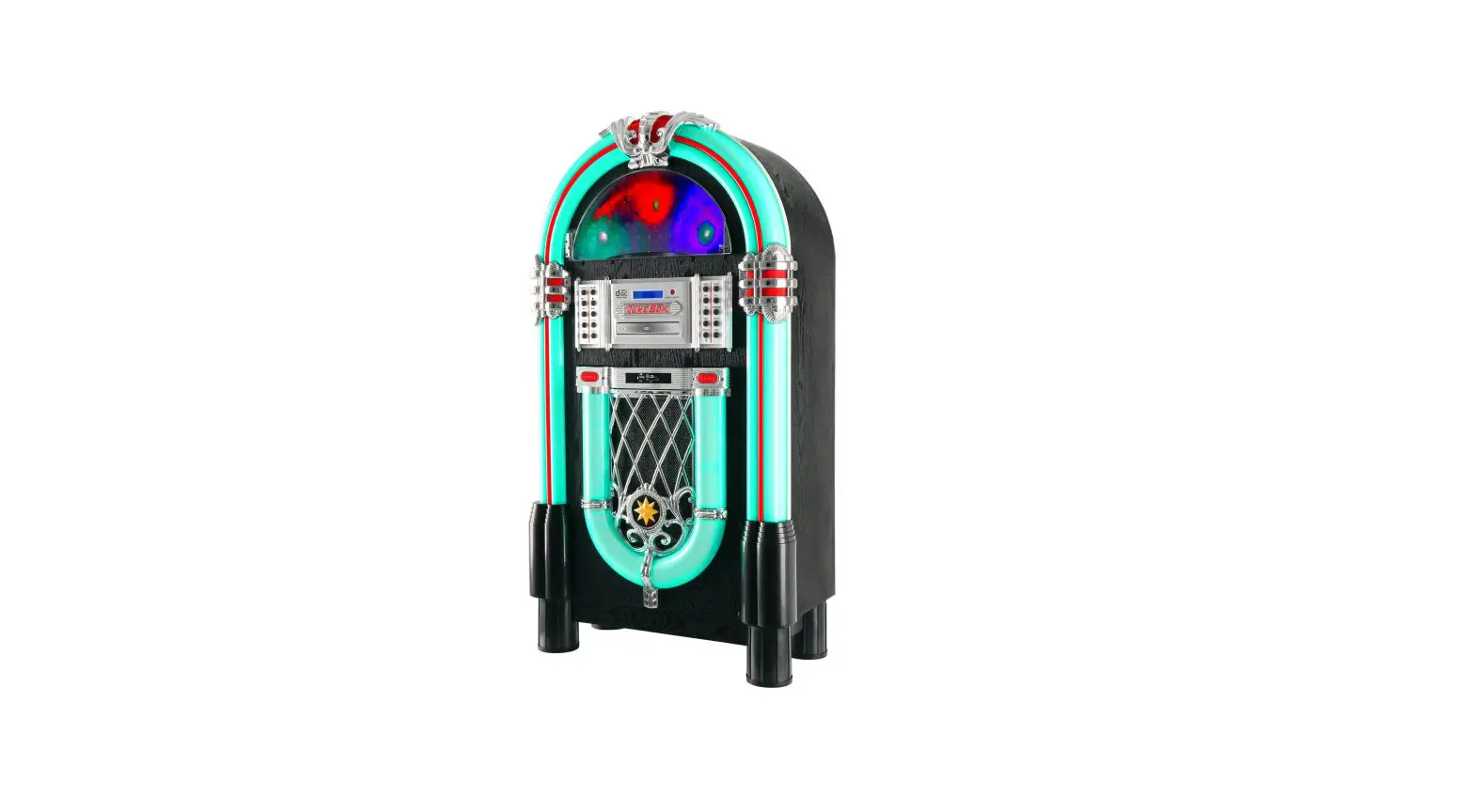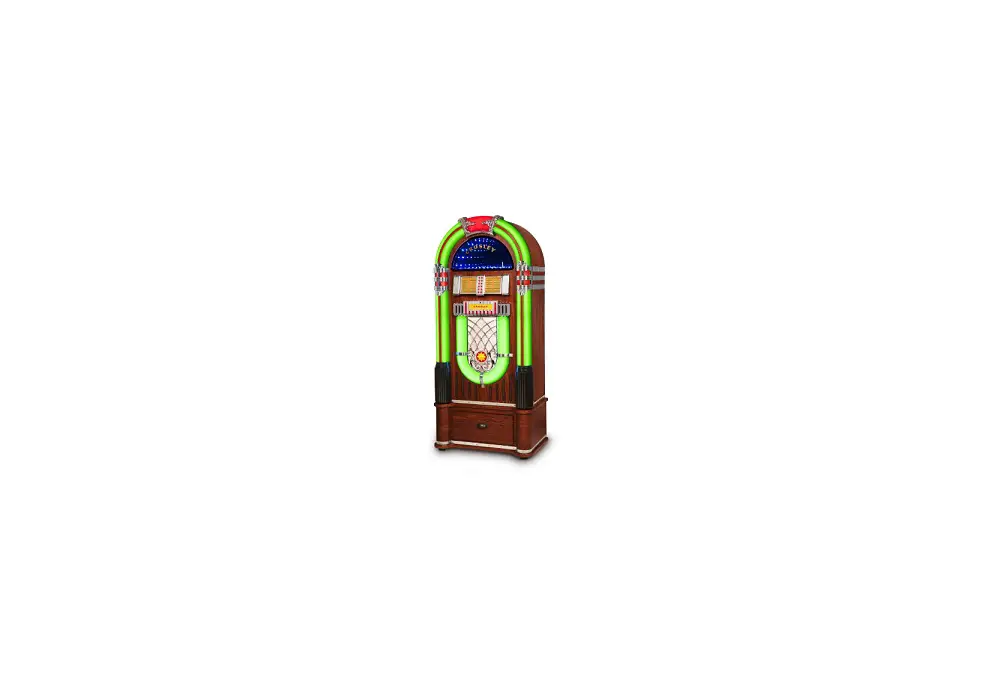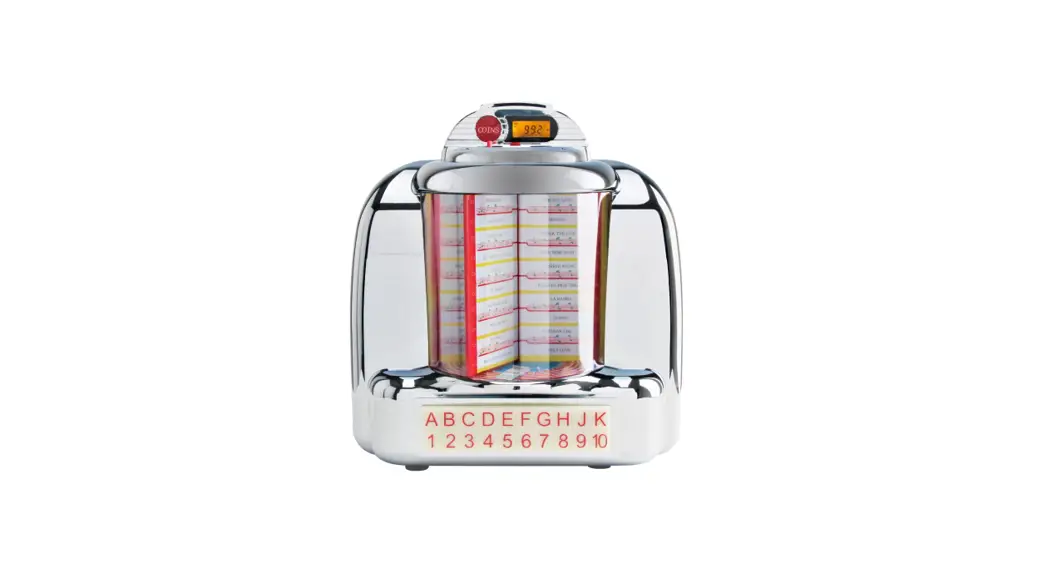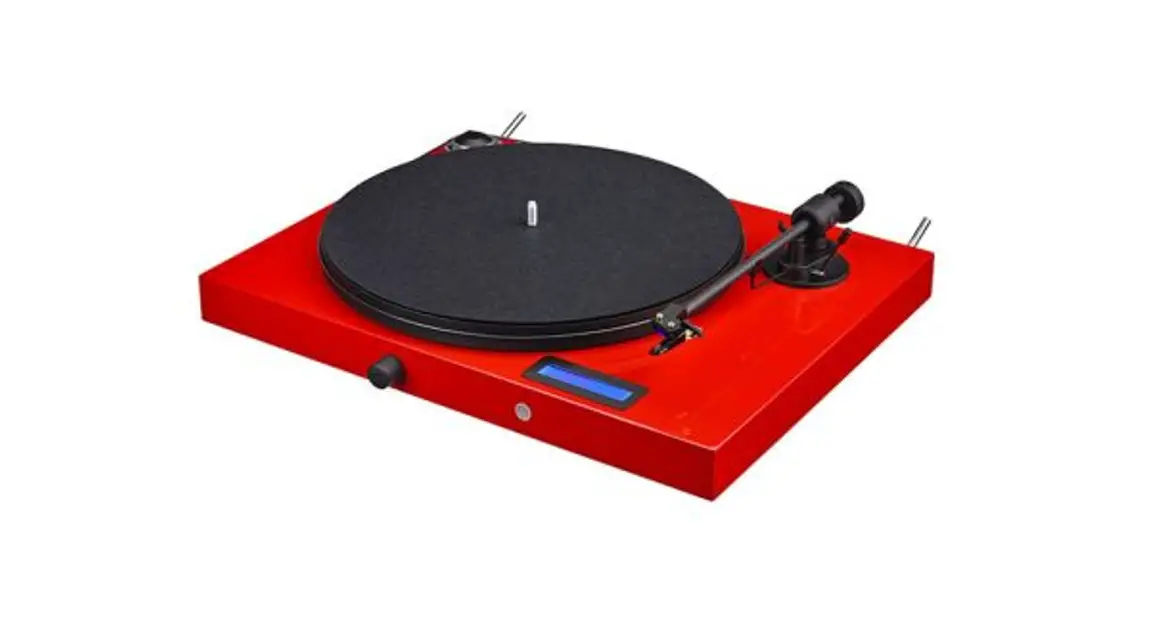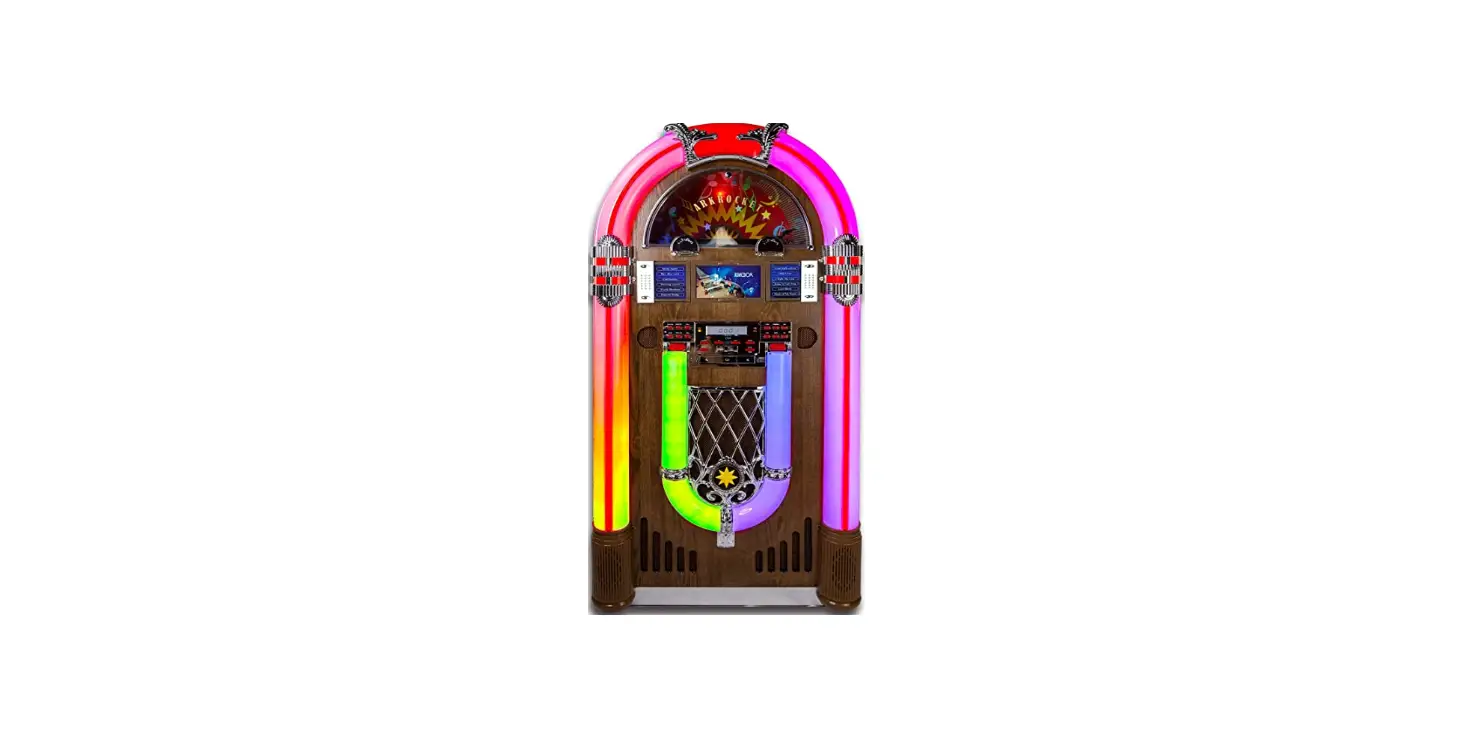

ARKROCKET AR12C Saturn V Full Size Jukebox
TROUBLESHOOTING GUIDE
The following checks will assist in the correction of most problems that you may encounter with your set. Before going through the checklist below, first, check the following points. The power cord must be connected firmly. Should any problem persist after you have made these checks consult your nearest dealer?
| Symptom | Possible Causes (and Remedies) |
| RADIO RECEPTION | |
| No radio reception | The MODE selector has not been set to the correct position. Adjust the VOLUME button(VOL+). Press the TUNING button”AUTO” to find a radio station. |
| CD PLAYER OPERATION | |
| Disc does not play Or sound skips | Reload the disc with the label side up |
| Clean the disc. | |
| Sound skips | Change the installation location. Press the Reset button. |
| Unit is not working. | Press the STOP button and then program the tracks. |
| GENERAL | |
| Programmed disc play will not function | The AC power cord is not connected to an AC wall outlet. Check that the power cord is connected firmly. Push the power button from the “OFF” position to the “ON” position. |
| No sound output. | Adjust the volume button “VOL+”. Press the Reset button”ON/OFF”. |
| Severe hum or noise. | The TV or VCR is too close to the stereo system. Separate from the TV or VCR. |
| Display garbled, non-functional. | Turn Off the power to restart. |
Please keep this manual properly for future reference.
CLOCK/FM/CDMP3/USB/SD/BT/PH/AUX,LINE OUT
Questions, problems, missing parts?
Before returning to the store, contact Customer Service www.Arkrocket.com
 Arkrocket Audio | Jukebox and Retro Record Player Turntable