Product Information:
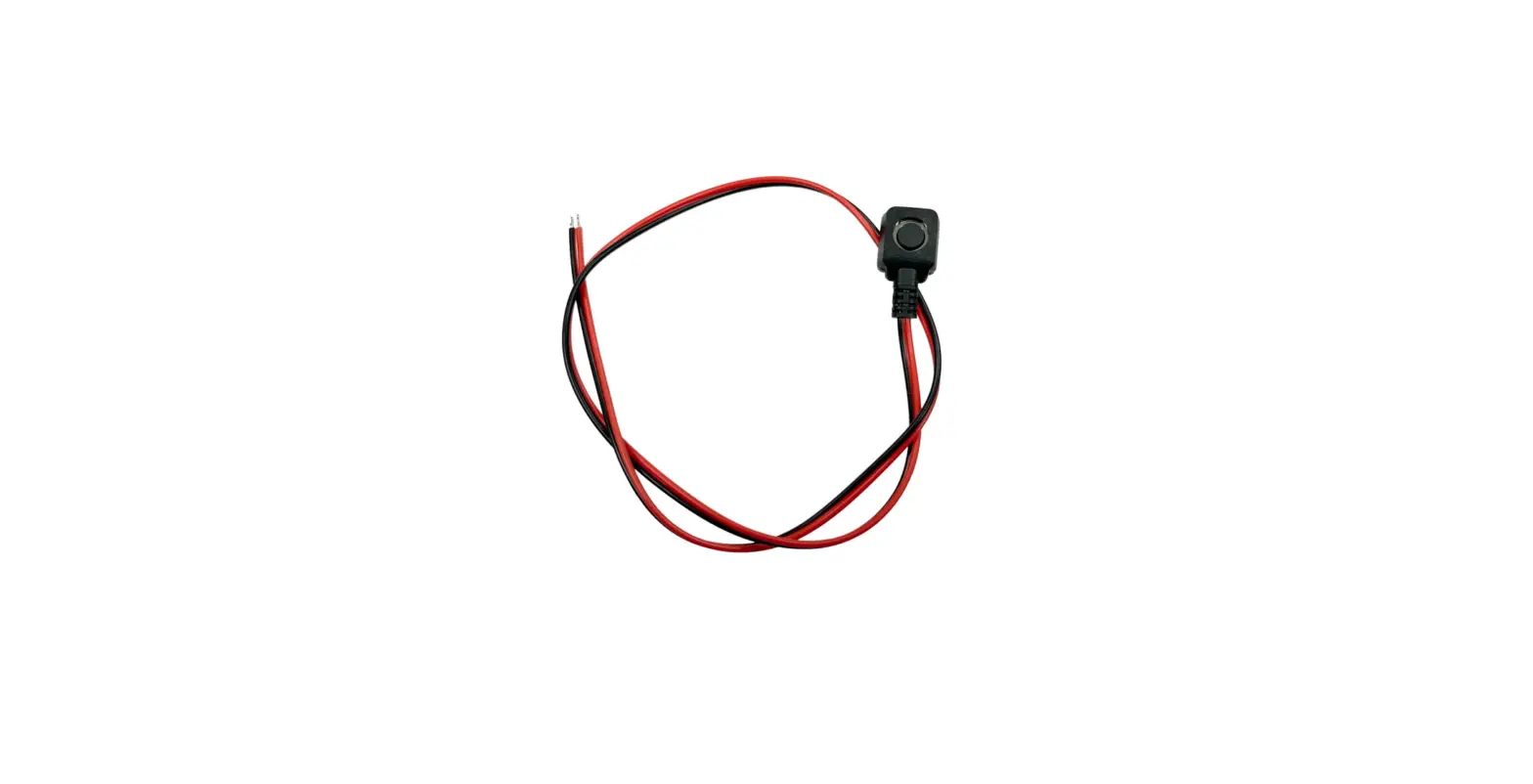
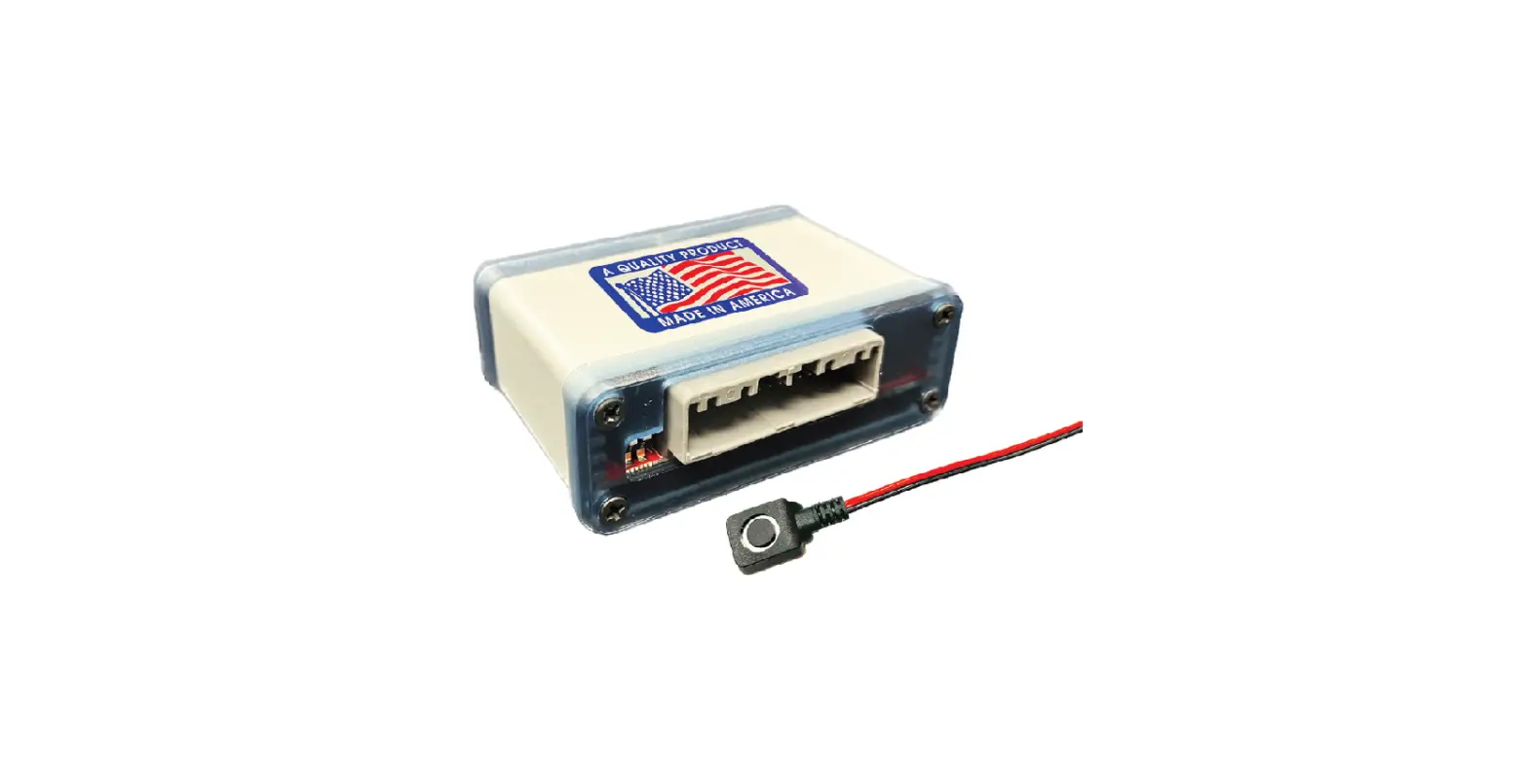
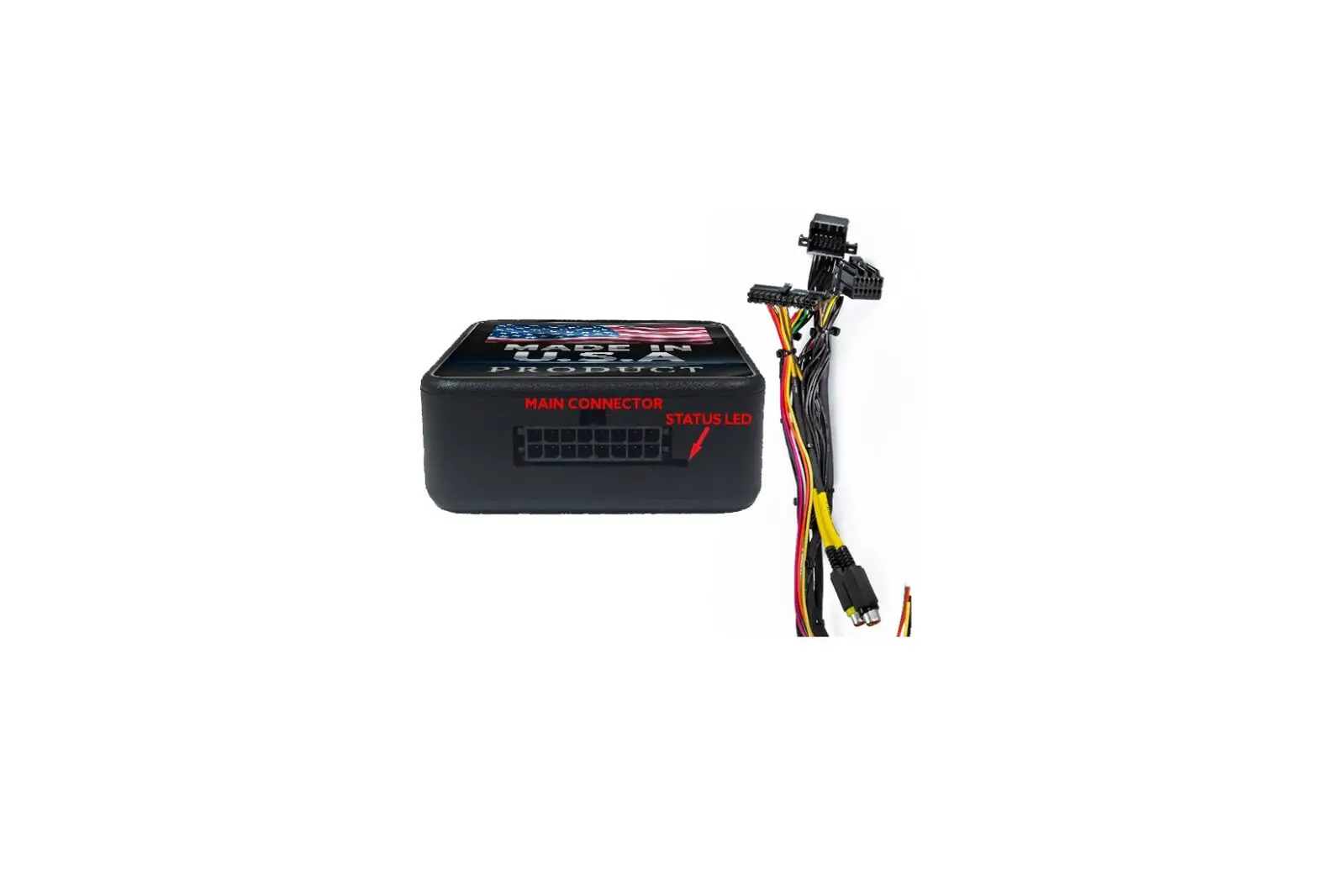
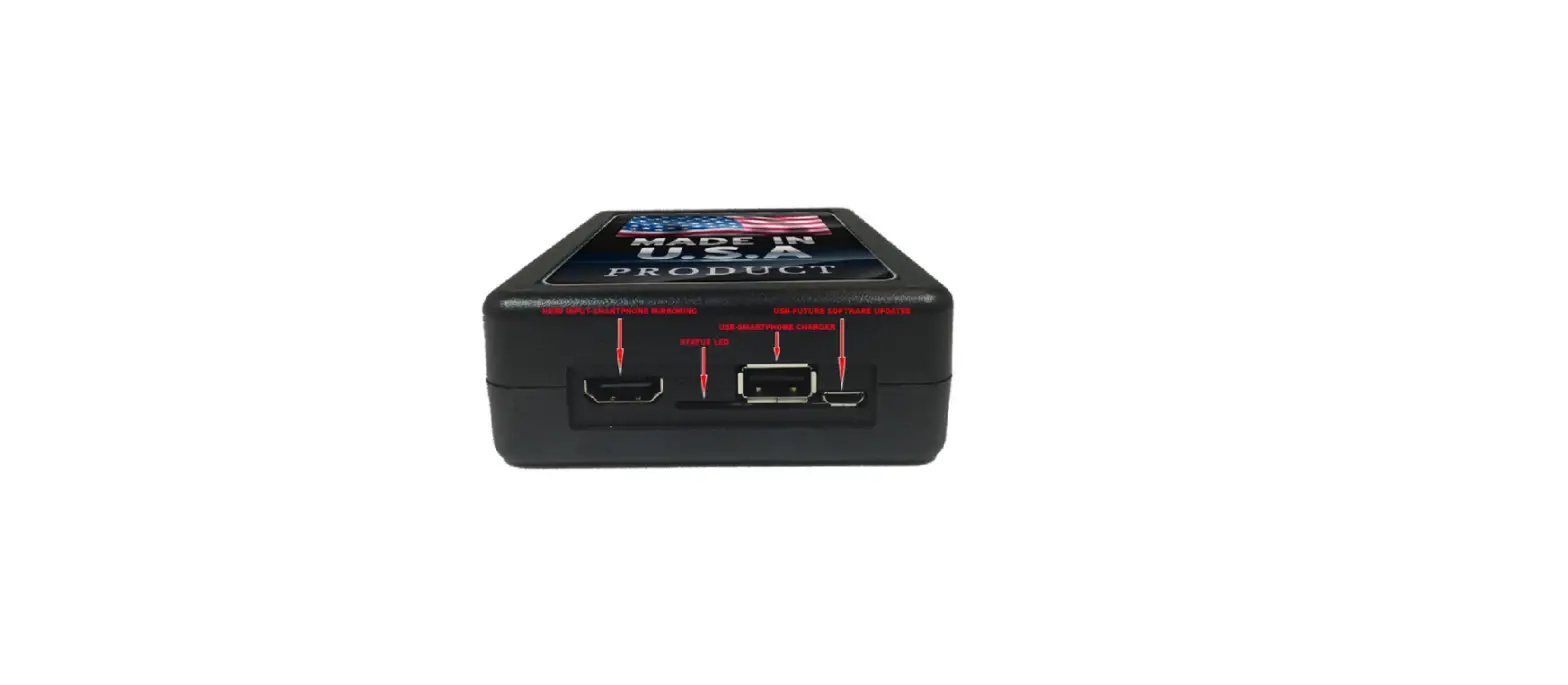
The Video Input Interface Push Button is a product designed and
manufactured by NavTool.com. It allows users to add up to three
additional video inputs to their factory-installed navigation
screen. This product is compatible with a wide range of car makes
and models.
Please note that NavTool.com recommends having this installation
performed by a certified technician. All product names, logos,
brands, trademarks, and registered trademarks are the property of
their respective owners.
Product Usage Instructions:
- Ensure that your vehicle’s ignition is turned off before
beginning installation. - Locate the factory-installed navigation screen in your
vehicle. - Connect the Video Input Interface Push Button to the navigation
screen using the provided cables and connectors. - Connect up to three additional video inputs (such as a DVD
player or gaming console) to the Video Input Interface Push
Button. - Turn on your vehicle’s ignition and test the additional video
inputs on the navigation screen.
If you encounter any issues during installation or usage, please
contact NavTool.com at +1-877-628-8665 or text at +1-646-933-2100
for further assistance.
Video Input Interface Push Button User Manual
DESIGNED + MANUFACTURED IN THE
NOTICE: We recommend having this installation performed by a certified technician. All product names, logos, brands, trademarks and registered trademarks are property of their respective owners.
1
NavTool.com | Call: +1-877-628-8665 | Text: +1-646-933-2100
User Manual
You do not need to use the push button if only a reverse camera was installed The reverse camera will automatically display when the vehicle is placed in Reverse. It will automatically Turn OFF when the vehicle is placed in any other gear and will display the factory screen. To View Video 2 (Front Camera if Installed) If no video source is connected you will see a “No Signal” message. Step 1: Press the push button once to Turn ON the interface. This will display Video 1. Step 2: Press the push button once to switch from Video 1 source to Video 2 source. Step 3: Press and Hold the push button for 2 seconds to return to the factory screen.
2
NavTool.com | Call: +1-877-628-8665 | Text: +1-646-933-2100
 NAVTOOL INC