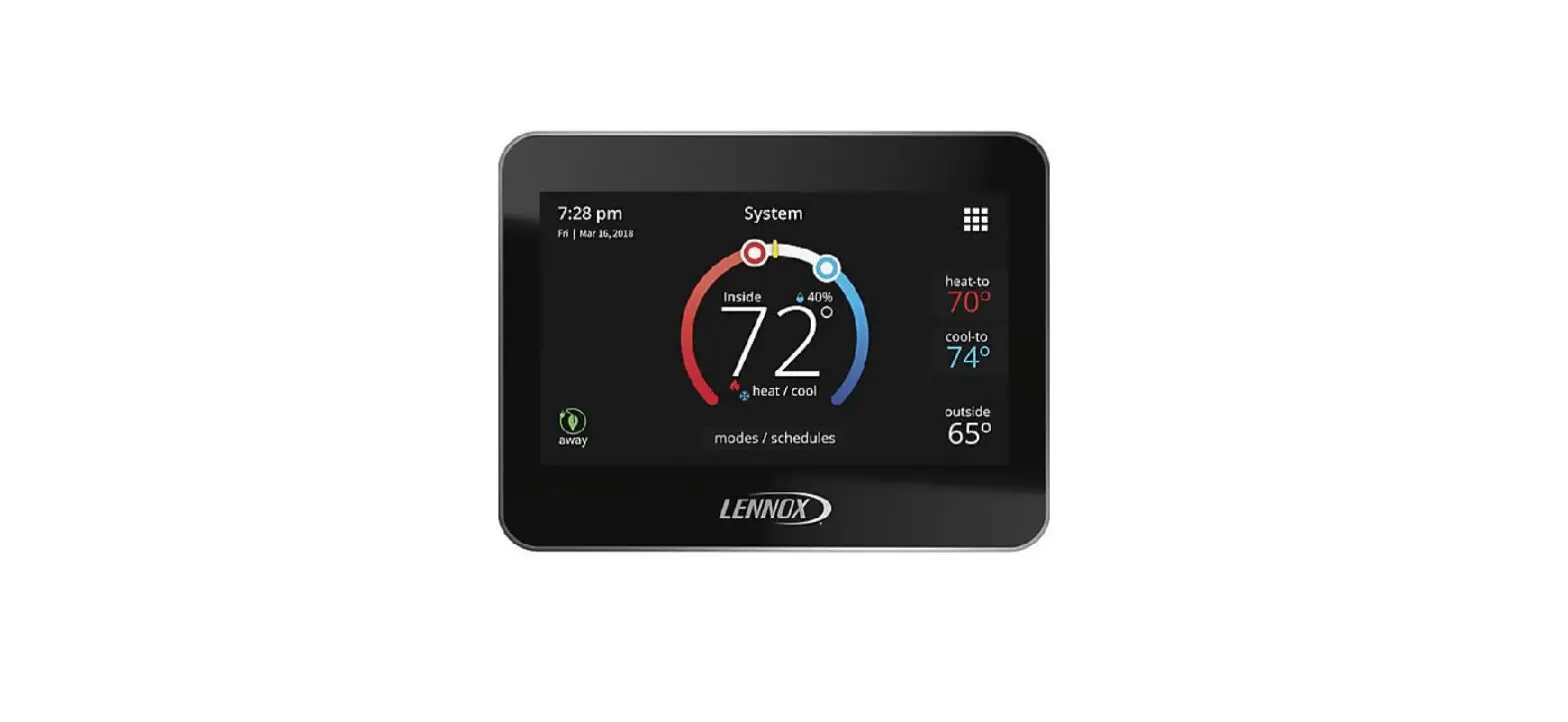
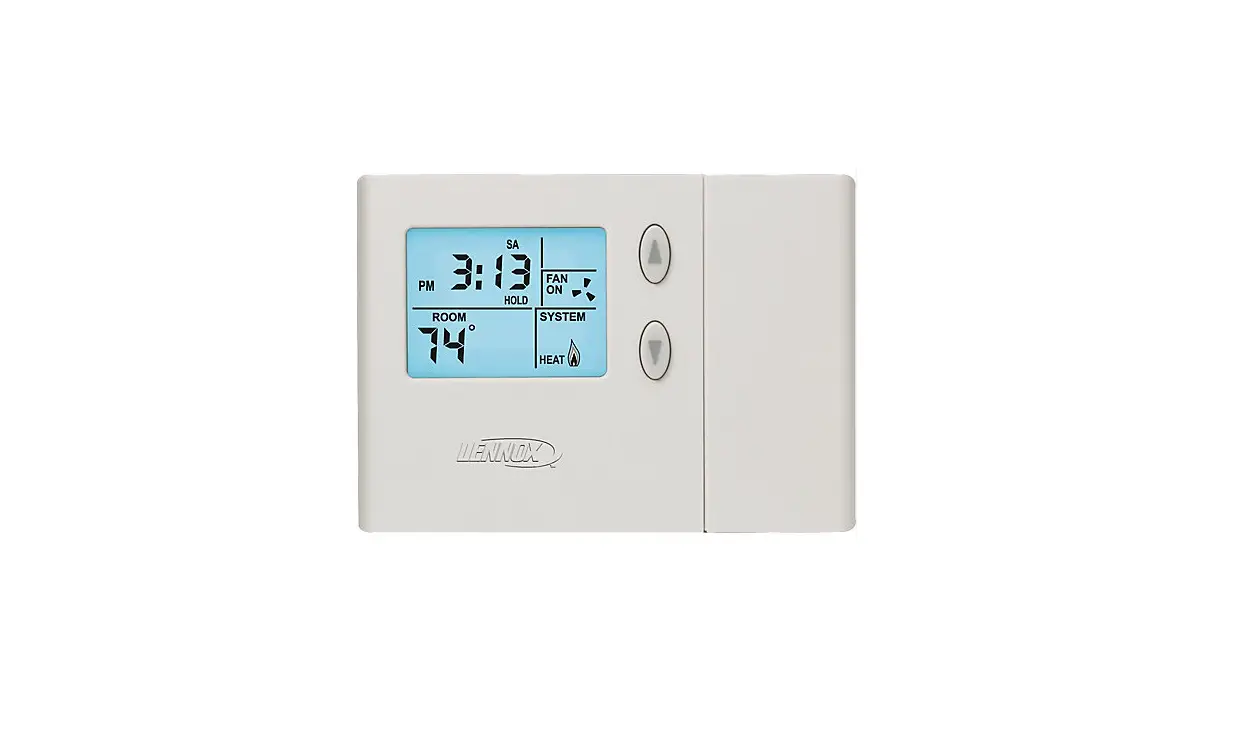
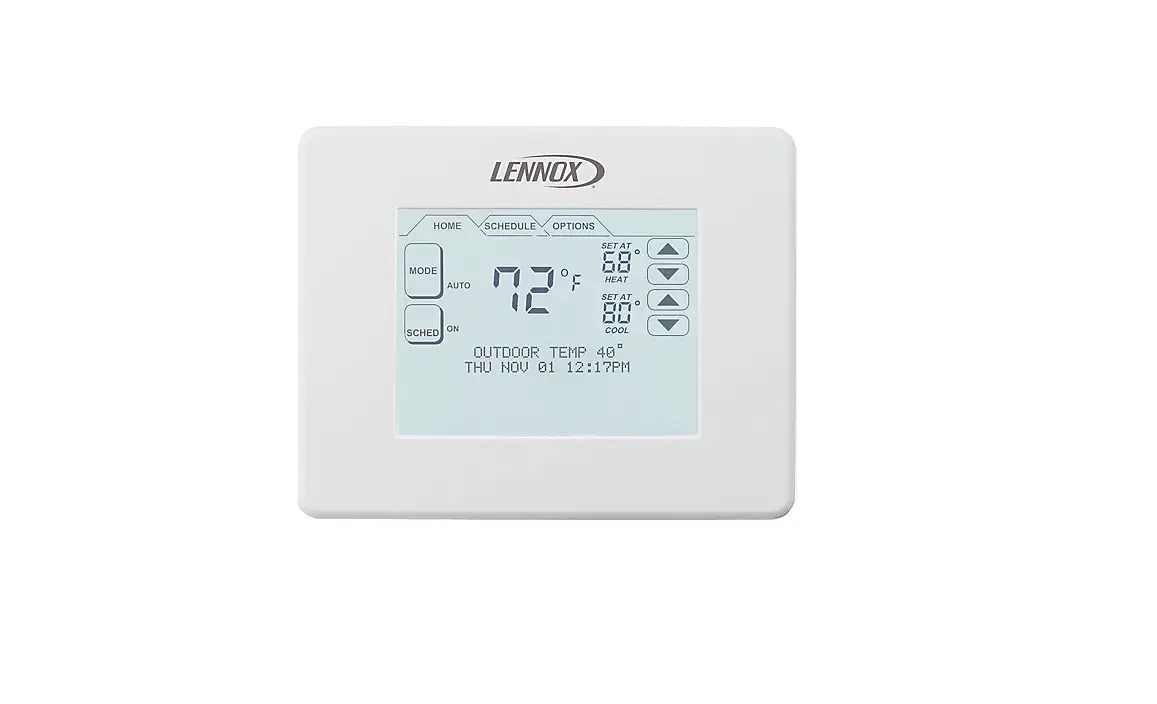
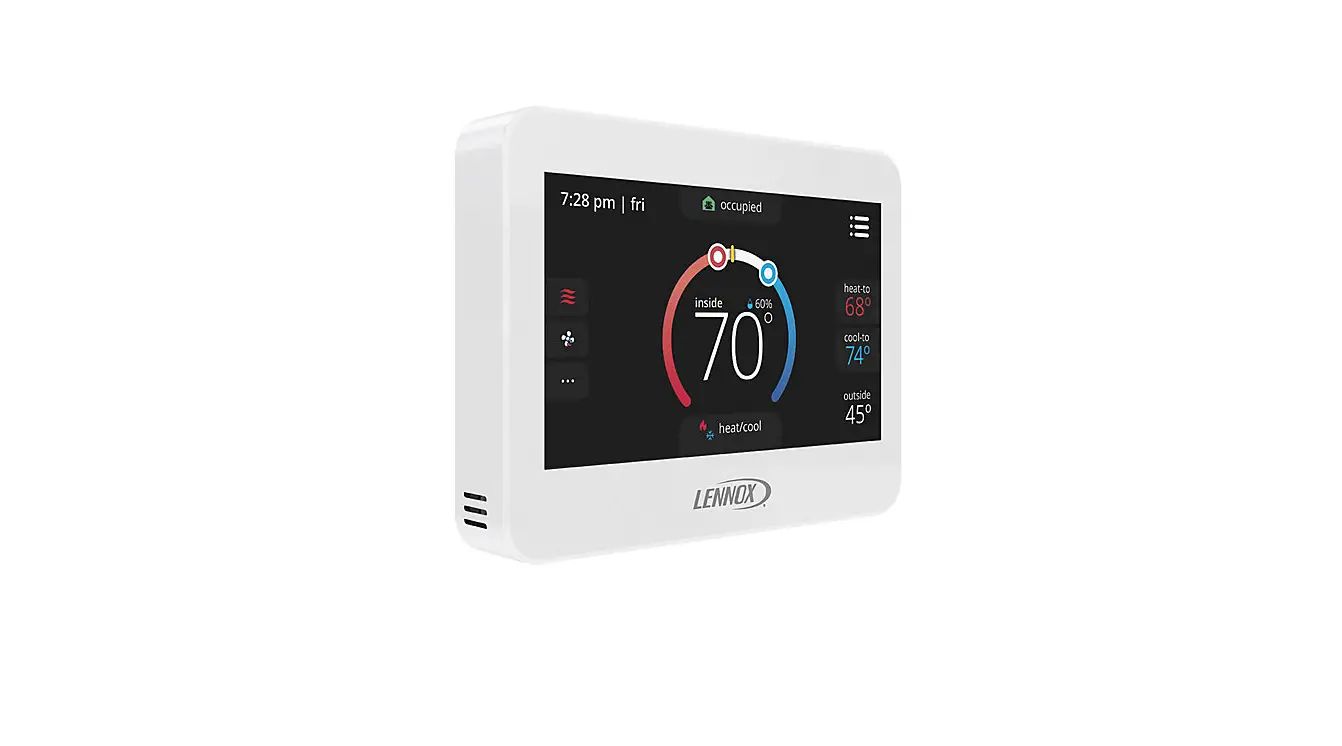
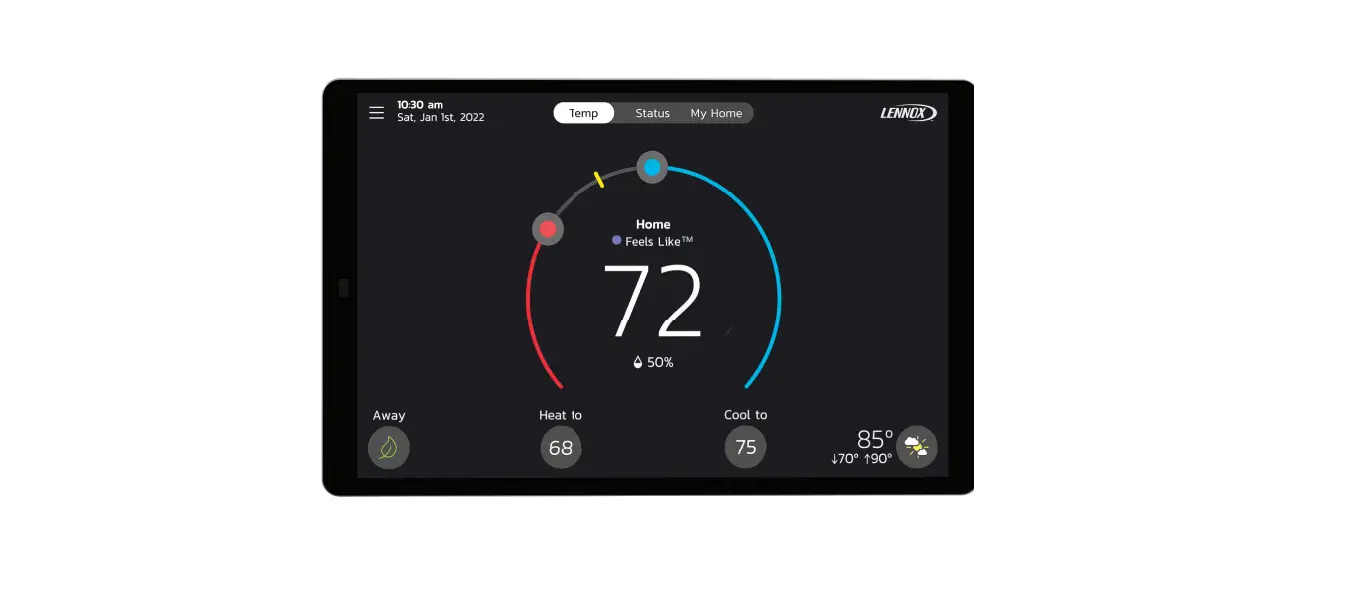
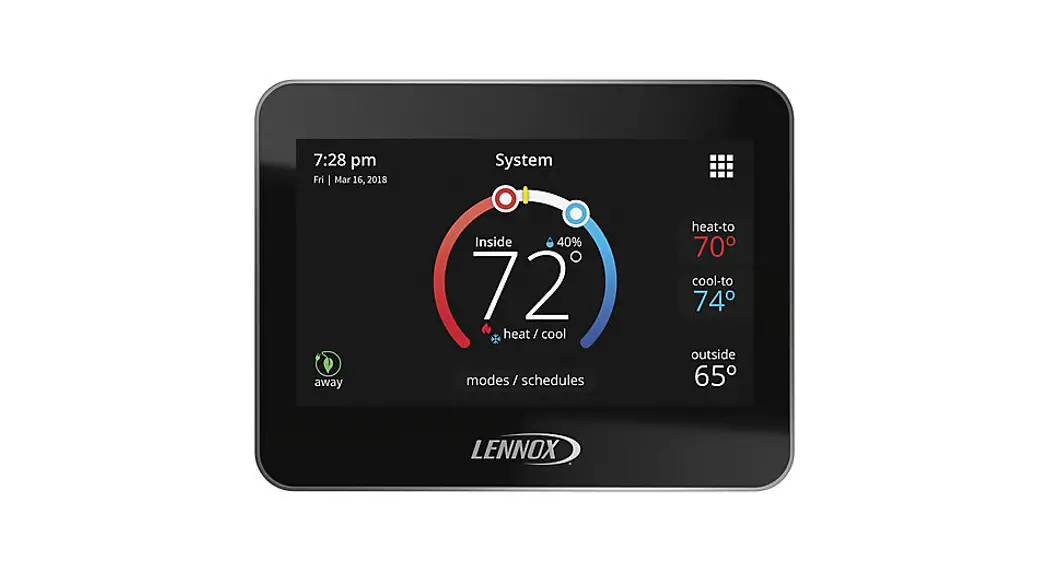
ComfortSense 7500 Commercial Thermostats
Product Information: Lennox ComfortSense 7500 Commercial
Thermostats
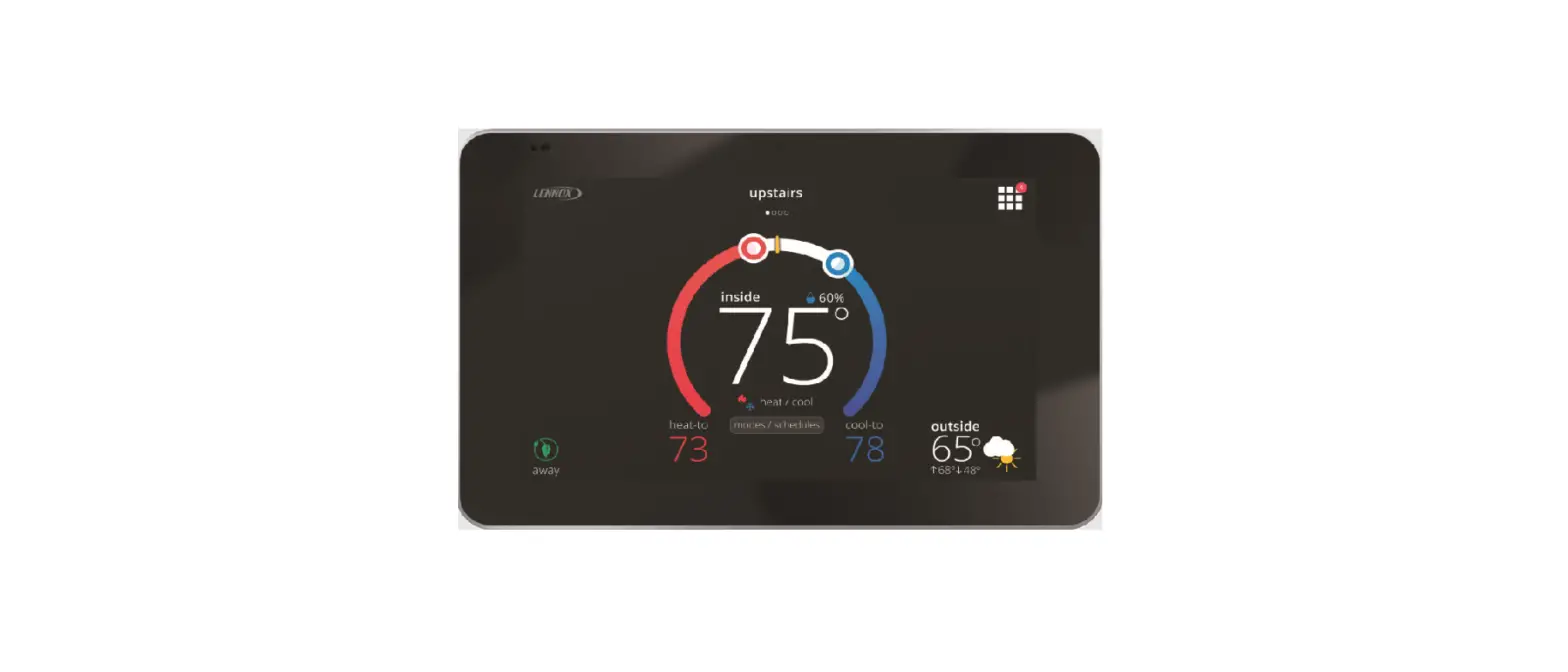
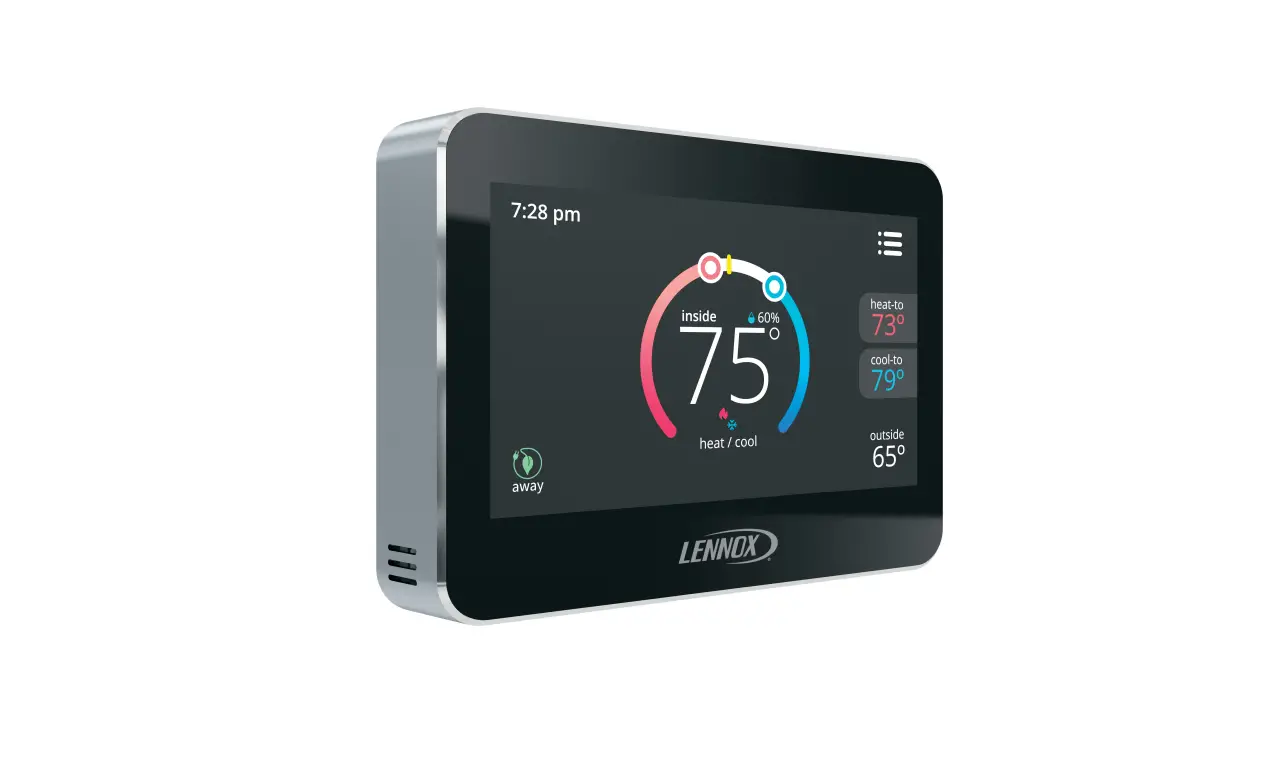
The Lennox ComfortSense 7500 Commercial Thermostat is a 24VAC
low-voltage thermostat that is designed to control commercial HVAC
systems. It is equipped with a large backlit touchscreen display
and can be programmed to control up to four stages of heating and
cooling. The thermostat also has the ability to control humidity
levels and can be used with optional remote temperature sensors to
provide accurate temperature readings.
Before Setup
- Complete all thermostat mounting and wiring connections before
setting up the thermostat. - Note the type of equipment, number of stages, and any
accessories being installed. - The thermostat requires a common wire to operate.
- Use 18 gauge or larger thermostat wire between the thermostat
and any optional remote temperature sensor. - Ensure load from any thermostat connection is less than 1
AMP. - Wire run should not exceed 300 feet (91m).
Setup
- Press the Menu option on the thermostat.
- Press and hold the settings option to confirm that you are
qualified to adjust the controller settings. - Select the Sensor Setting option.
- Select the sensor type based on the model:
- For the 12 duct probe sensor model 99K64 or 58W63, select
REMOTE 10K. - For the 6 duct probe sensor model 19L22, select REMOTE
20K.
For more information and resources, visit lennoxcommercial.com
or LennoxPros.com and download the ComfortSense 7500 Commercial
Installation and Setup Guide 507506. Additionally, Lennox offers
self-service technical support apps and product technical training
webinars that can be downloaded and registered for
respectively.
COMMERCIAL TRAINING TOOLBOX TIPS
ComfortSense 7500 Setup Select Sensor Types
Applies to Lennox ComfortSense 7500 Commercial Thermostats
Helpful Resources 1. Lennoxcommercial.com or LennoxPros.com 2. ComfortSense 7500 Commercial Installation and Setup Guide 507506
Before Setup 1. All thermostat mounting and all wiring connections must be completed prior to setting up the thermostat. 2. Note the type of equipment, number of stages, and any accessories being installed. 3. This thermostat is a 24VAC low-voltage thermostat and requires a common wire to the thermostat to
operate. 4. Use 18 gauge or larger thermostat wire between the thermostat and any optional remote temperature
sensor (may be separate wire pair or two wires of a multi-wire cable for outdoor temperature sensor). 5. Ensure load from any thermostat connection is less than 1 AMP. 6. Wire run should not exceed 300 feet (91m).
Sensor Terminal Designations Ti Remote indoor
temperature sensor Tc Sensor common terminal To Outdoor or discharge air
temperature sensor
MORE Training Toolbox Tips Available! Click here to download them all.
Self-Service Technical Support with No Wait Times! Click the black logos to download these apps.
Click here to register for any of the Lennox Commercial Product Technical Training Webinars.
Just-in-Time Training
COM-01-029
ComfortSense 7500 Setup Select Sensor Types
Applies to Lennox ComfortSense 7500 Commercial Thermostats
Setup 1. Press the Menu option.
4. Press the Sensor Setting option.
2. Press and hold the settings option.
5. Press the sensor type.
3. Confirm that you are qualified to adjust the controller settings.
12″ duct probe sensor model 99K64 or 58W63 Select the REMOTE 10K
6″ duct probe sensor model 19L22 Select REMOTE 20K
NOTE When a remote sensor is installed, the remote sensor is the only zone temperature used to control unit operation. There is no averaging between the remote sensor and the thermostat sensor.
Just-in-Time Training
COM-01-029
 Commercial Air Conditioning & Heating Units | Lennox Commercial
 LennoxPros - HVAC Lennox Catalog, Tools and Resources | LennoxPROs.com