orange PI 4 LTS Motherboard User Manual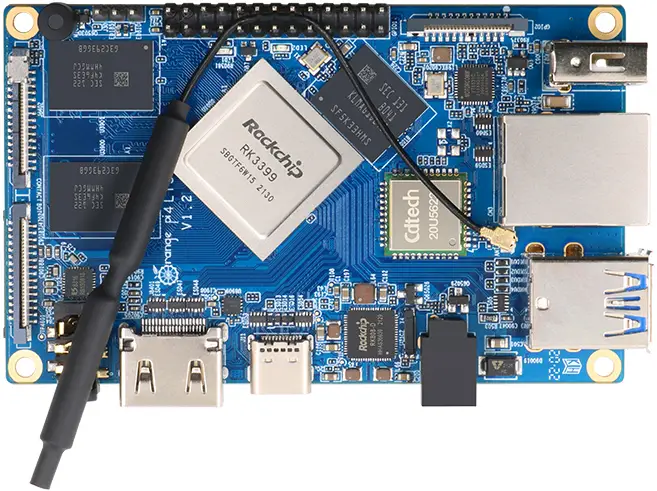
Product Description
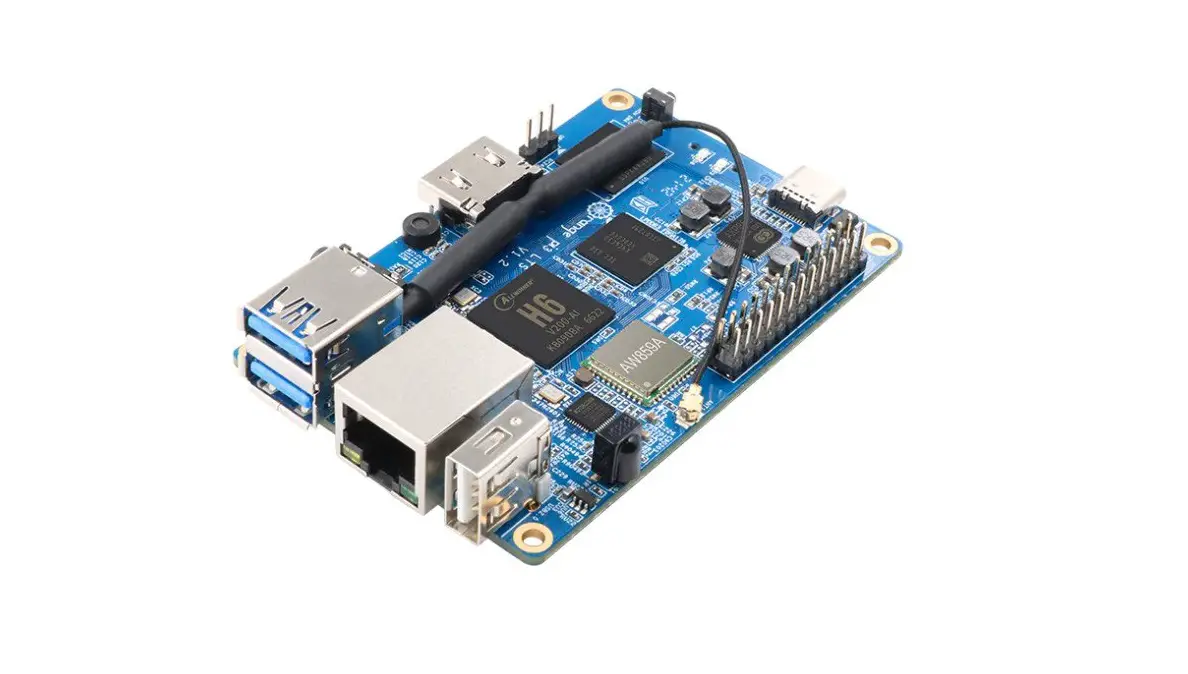
What’s Orange Pi 4 LTS (4GB)
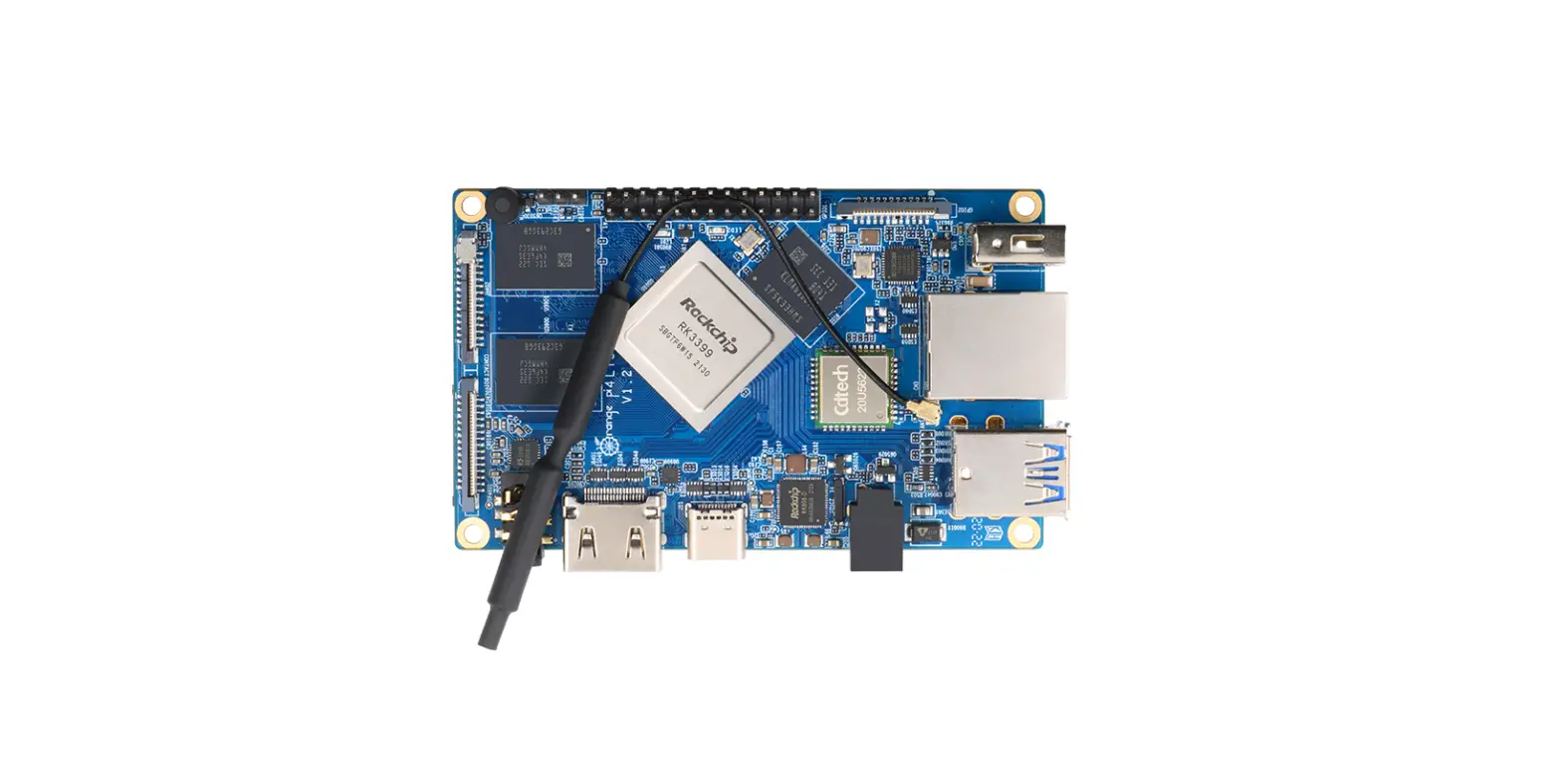
It’ s an open-source single board computer. It can run Android, Ubuntu,Debi-an. It uses the Rockchip RK3399 ( 28nm HKMG Process ) , and has 4GB LPDDR4 SDRAM.
Top View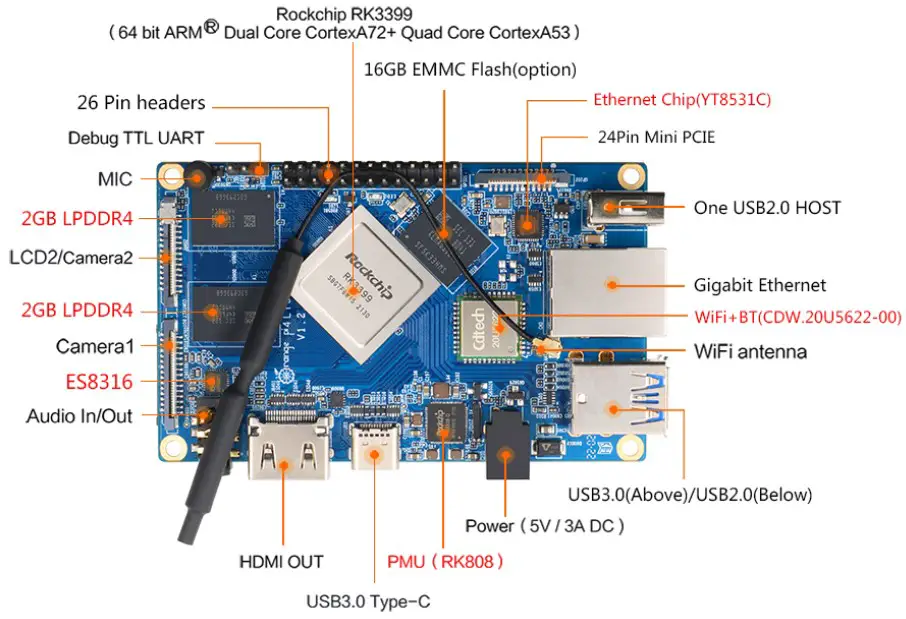
Bottom View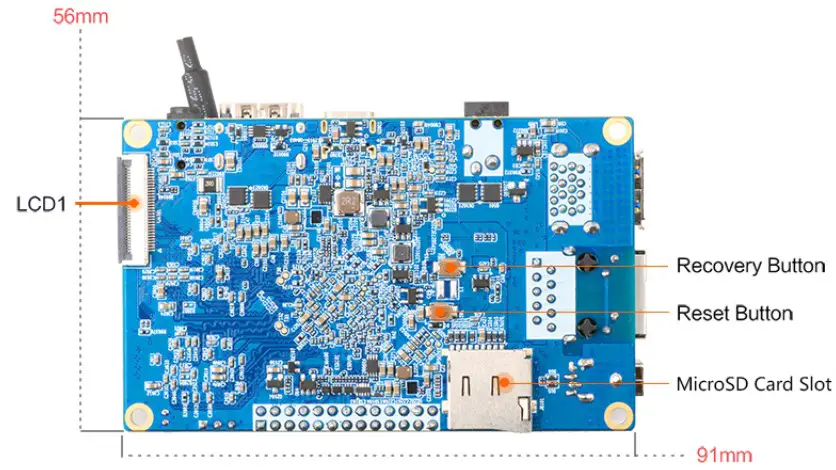
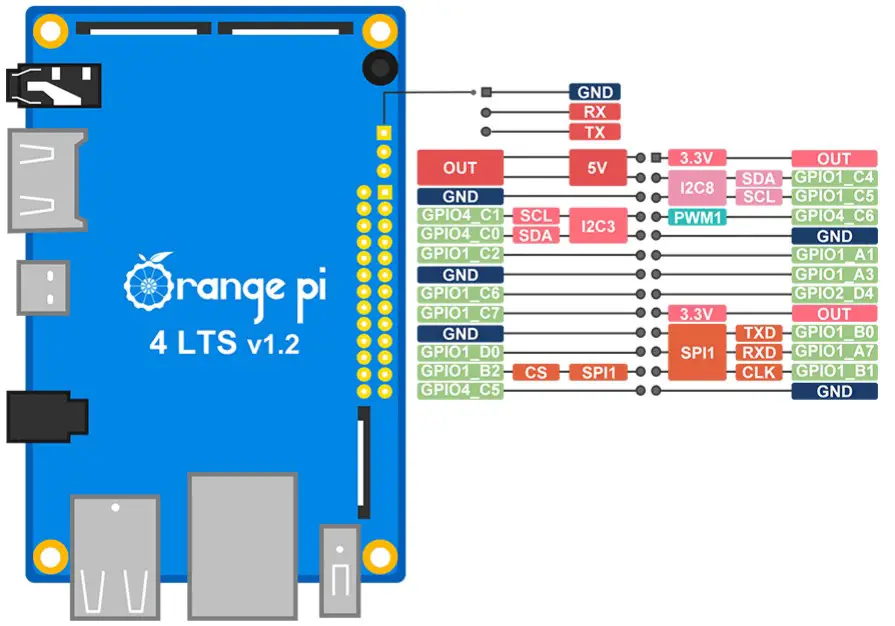
Orange Pi 4 LTS (4GB) v1.2 Pin definition
Who’ s it for?
Orange Pi 4 LTS ( 4GB) is for anyone who wants to start creating with technology -not just consuming it. It’s a simple, fun, useful tool that you can use to start taking con-trol of the world around you.
What can I do with Orange Pi 4 LTS (4GB) ?
You can use it to build
- A computer
- A wireless server
- Games
- Music and sounds
- HD video
- A speaker
Android Scratch Pretty much anything else, because Orange Pi 4 LTS ( 4GB) is open source.
| Model | Orange Pi 4 | Orange Pi 4 LTS ( 4GB ) |
| Hardware features | ||
| SOC | Rockchip RK3399 | Rockchip RK3399 |
| CPU Architecture | Cortex-A72+Cortex-A53 | Cortex-A72+Cortex-A53 |
| CPU Frequency | 1.8GHz | 1.8GHz |
| Core Number | 6 | 6 |
| Memory Bus | LPDDR4 | LPDDR4 |
| Memory | Dual 4GB | 4GB |
| Onboard Storage | 16GB EMMC Flash | 16GB EMMC Flash(option) |
| WiFi+BT | WiFi+BT5.0(AP6256) | WiFi+BT5.0(CDW.20U5622-00) |
| Onboard Network | 10M/100M/1000M Ethernet (Realtek RTL8211E) | 10M/100M/1000M Ethernet ( T8531 C) |
| USB | 2*USB2.0+1*USB3.0+1*USB3.0 Type-C | 2*USB2.0+1*USB3.0+1*USB3.0 Type-C |
| Debug UART | 3Pin | 3Pin |
| PCIE | Surppon Mini PCIE Port | Surppon Mini PCIE Port |
| GPIO | GPIO140 Pin | 26Pin |
| Power Interface | DC SV/3A ,TYPE-C 5V/3A | DC SV/3A ,TYPE-C 5V/3A |
| PMU | Yes | Yes |
| MIC | Yes | Yes |
| PCB Size | 56x9lmm | 56x9lmm |
| Software features | ||
| Supponed OS | Android, Ubuntu, Debian | Android, Ubuntu, Debian |
Orange Pi 4, Orange Pi 4 LTS ( 4GB)
Orange Pi 4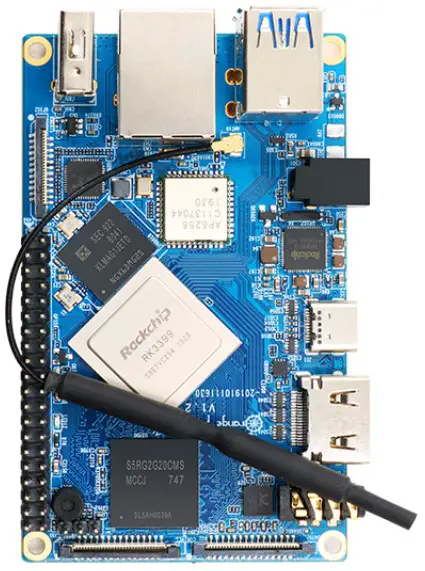
Orange Pi 4 LTS (4GB)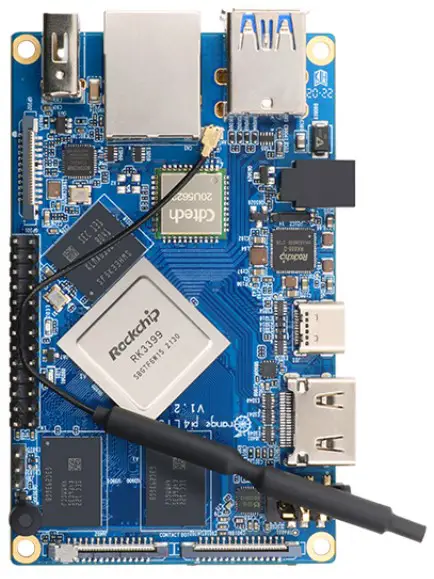
Hardware Specification
| SOC | Rockchip RK3399 (28nm HKMG Process) |
| CPU |
|
| GPU |
|
| PMU | RK808 PMU |
| Memory | KGB LPDDR4 |
| Onboard Storage | 16GB EMMC Flash togtion• MicroSD (TF) Card Slot |
| Onboard Ethernet | Suppor 1 0/100M/1000M Ethernet (YT853 1C |
| Onboard WIFI+BT |
|
| Video |
|
| Audio |
|
| Camera | 2*MIPI—CSI Camera Connector (MIPI_RXO MIPI_ TX1/RX1) |
| USB | 2”USB2.0 *1*USB3.0* 1“USB3.0 Type—C |
| Debug UART | 3 Pin |
| GPIO | 26 Pin |
| PCIE | Surppon Mini PCIE Pos |
| Key | Upgrade Key & Reset Key |
| Power Supply | DC SV/3A. TYPE—C SV/3A |
| LED | Power Led & Status Led |
| Supported OS | Android Ubuntu Debian |
Appearance specification introduction:
Dimension: 56mm x 91mm
weight: 49g
 range pi is a trademark of the Shenzhen Xunlong Software CO., Limited.
Completely open source maker artifact
Orange Pi 4 LTS (4GB) runs Andriod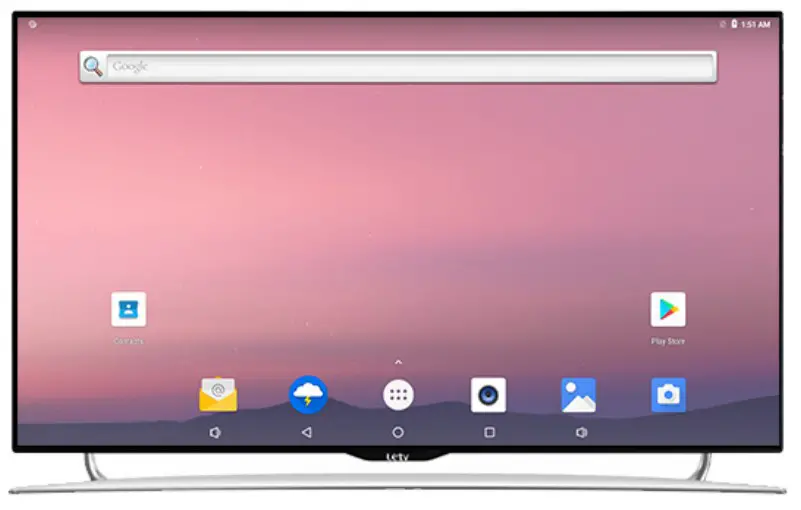
Orange Pi 4 LTS (4GB) runs Ubuntu/Debian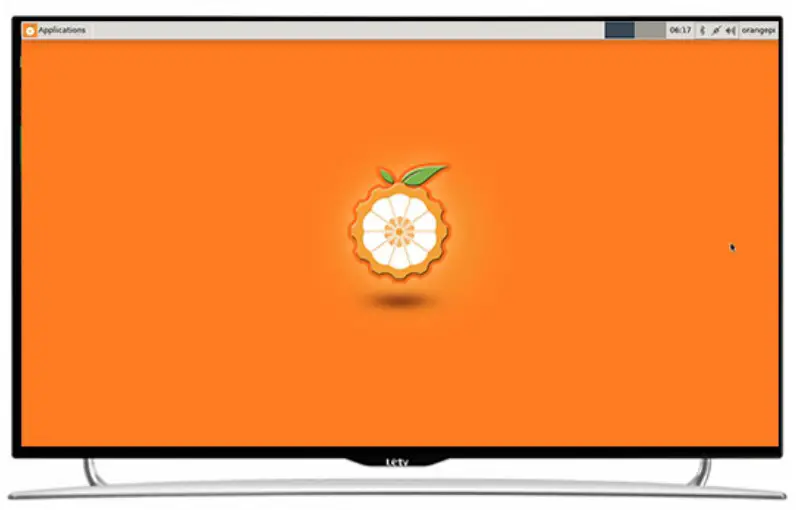
Product Display
Front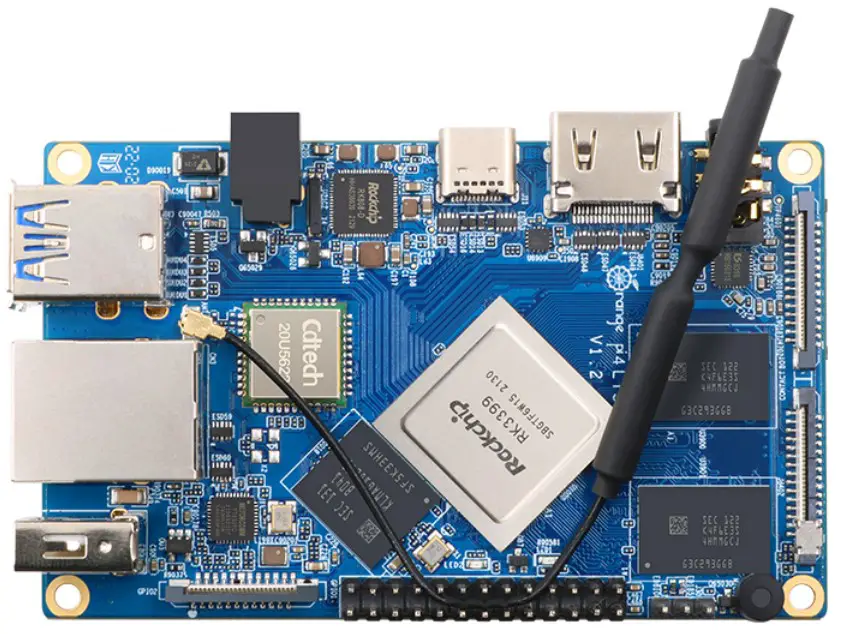
Back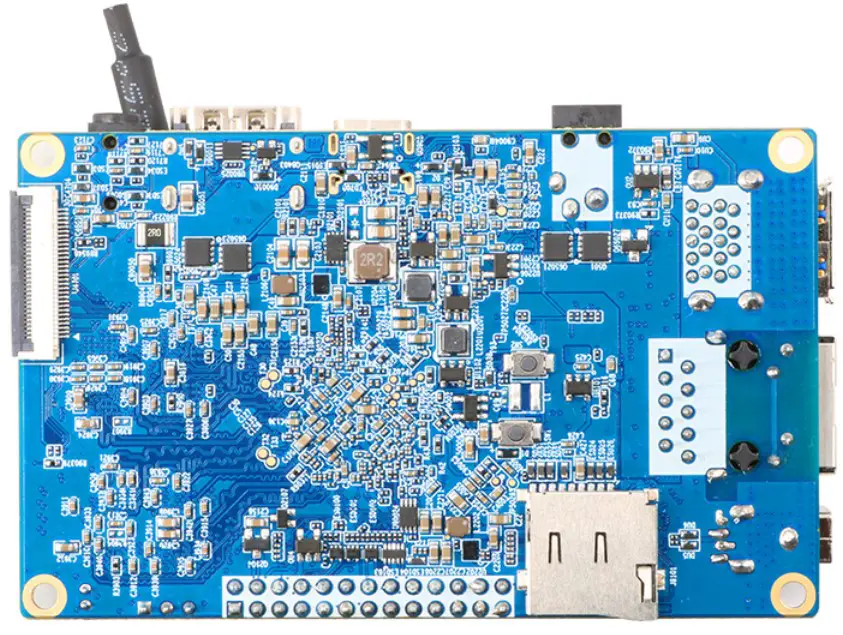
45° angle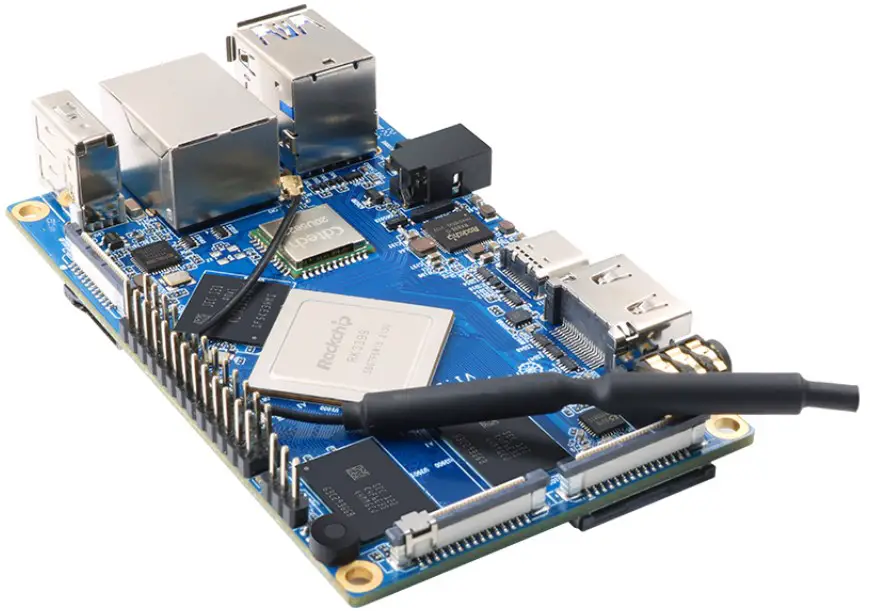
45° angle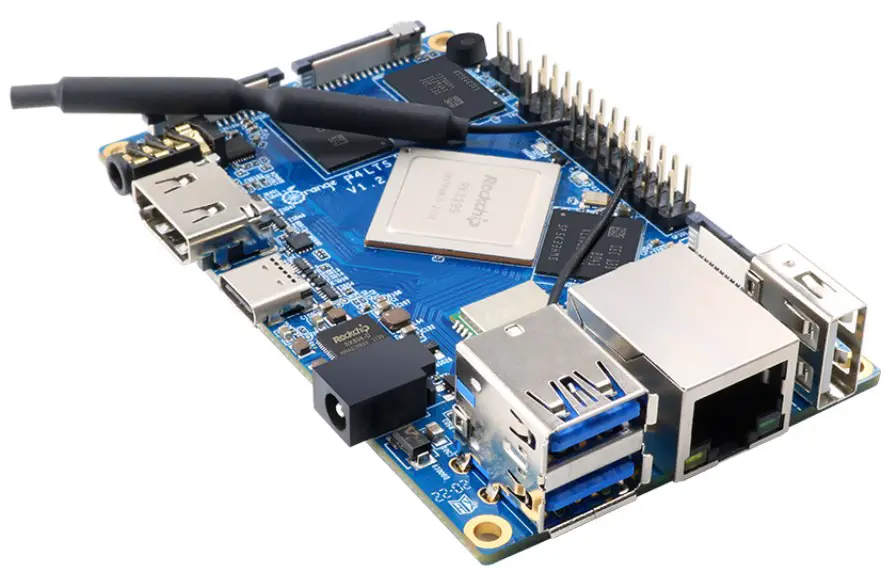
45° angle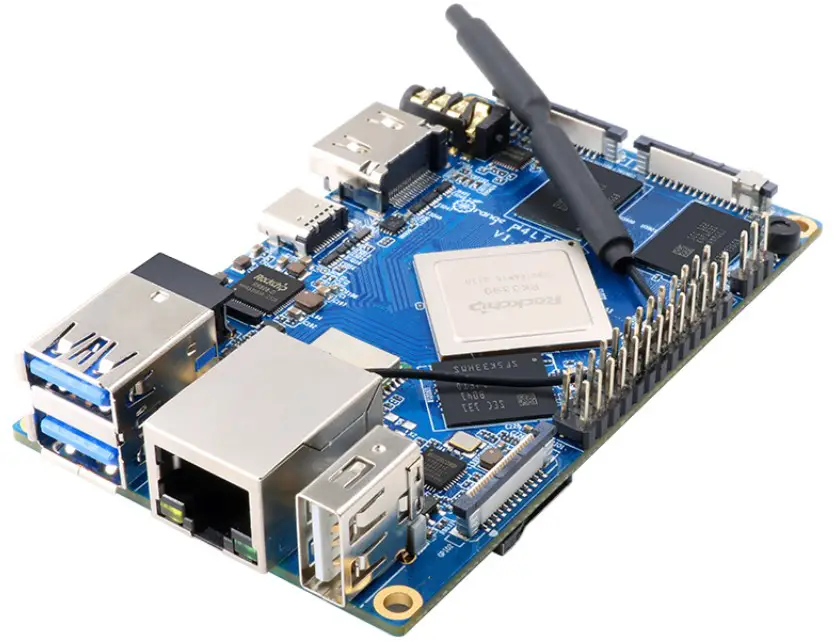
FCC WARNING
This device complies with part 15 of the FCC Rules. Operation is subject to the following two conditions: (1) this device may not cause harmful interference, and (2) this device must accept any interference received, including interference that may cause undesired operation.
Any changes or modifications not expressly approved by the party responsible
for compliance could void the user’s authority to operate the equipment.
NOTE: This equipment has been tested and found to comply with the limits for a
Class B digital device, pursuant to Part 15 of the FCC Rules. These limits are designed to provide reasonable protection against harmful interference in a residential installation. This equipment generates, uses and can radiate radio frequency energy and, if not installed and used in accordance with the instructions, may cause harmful interference to radio communications. However,
there is no guarantee that interference will not occur in a particular installation. If this equipment does cause harmful interference to radio or television reception,
which can be determined by turning the equipment off and on, the user is encouraged to try to correct the interference by one or more of the following measures:
- Reorient or relocate the receiving antenna.
- Increase the separation between the equipment and receiver.
- Connect the equipment into an outlet on a circuit different from that to which the receiver is connected.
- Consult the dealer or an experienced radio/TV technician for help.
To maintain compliance with FCC’s RF Exposure guidelines, This equipment should be installed and operated with minimum distance between 20cm the radiator your body: Use only the supplied antenna.