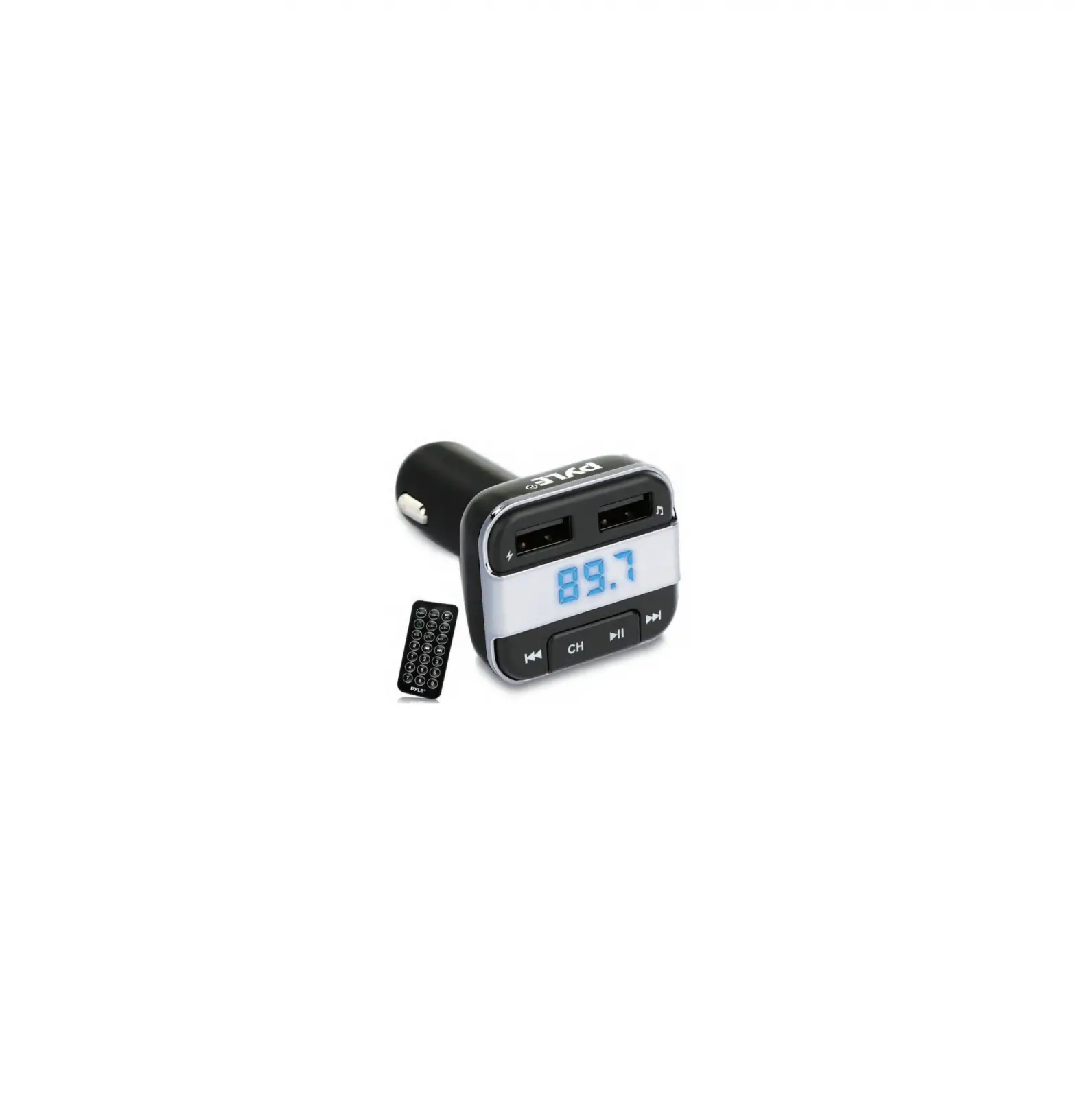
Pyle PBT90 3-in-1 Wireless BT Vehicle FM Transmitter Charger Kit User Manual
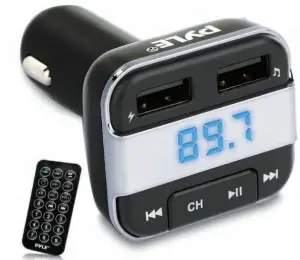
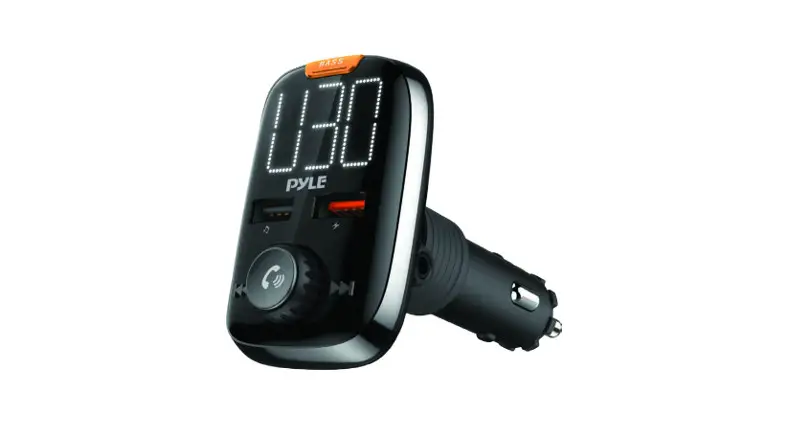
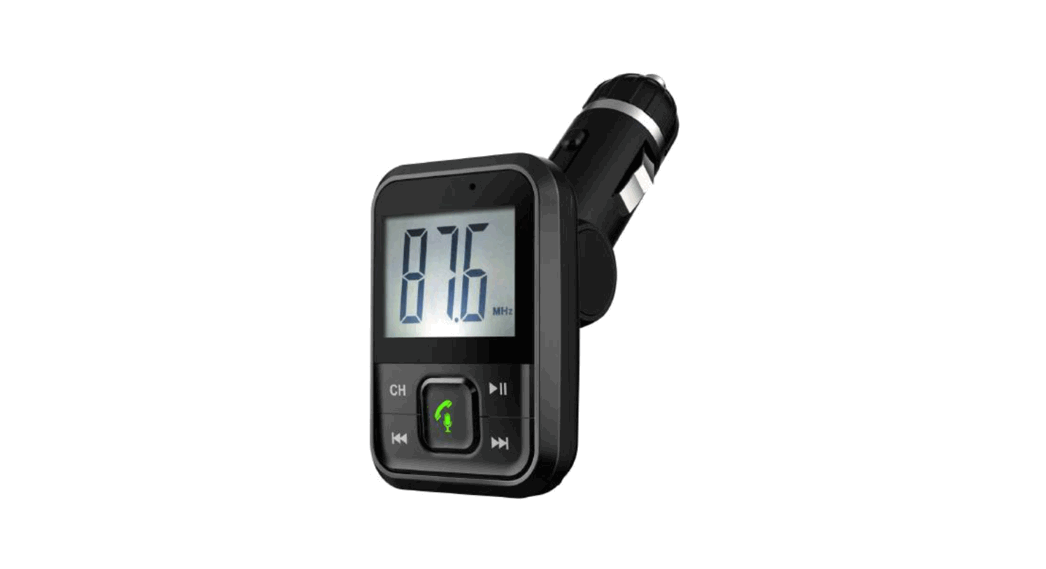
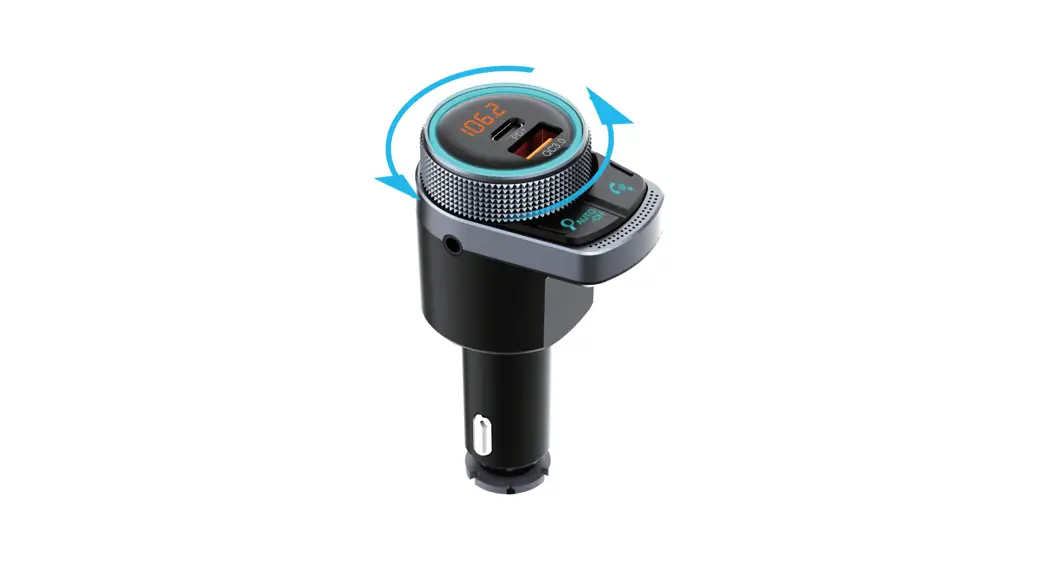
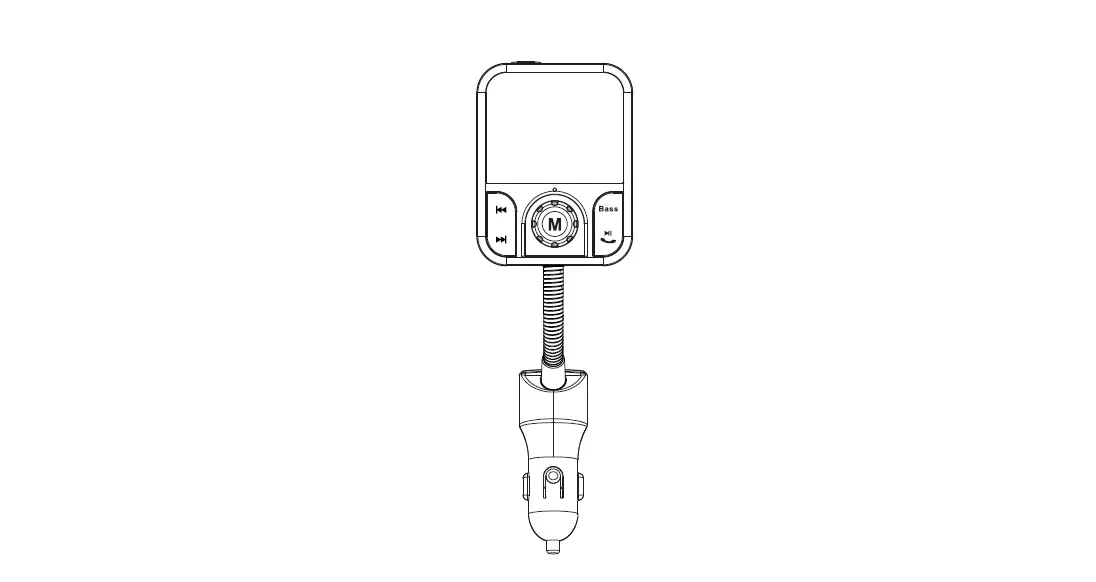
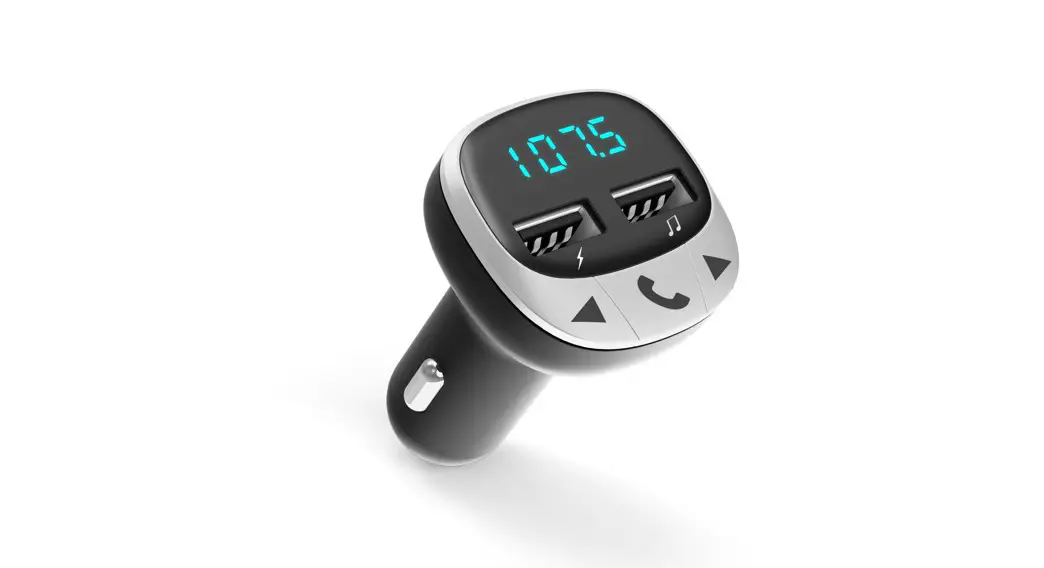
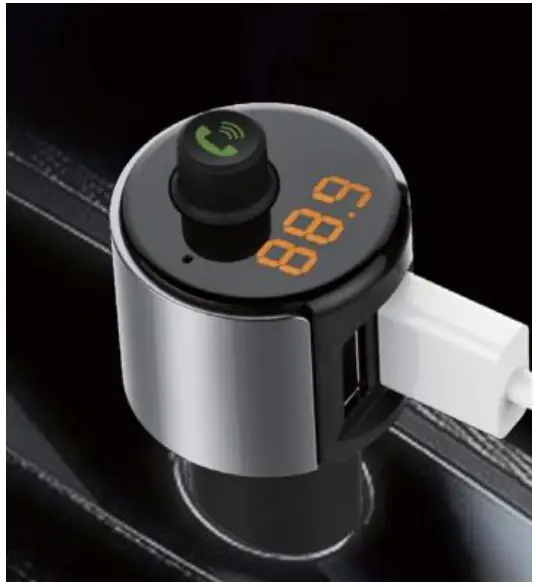
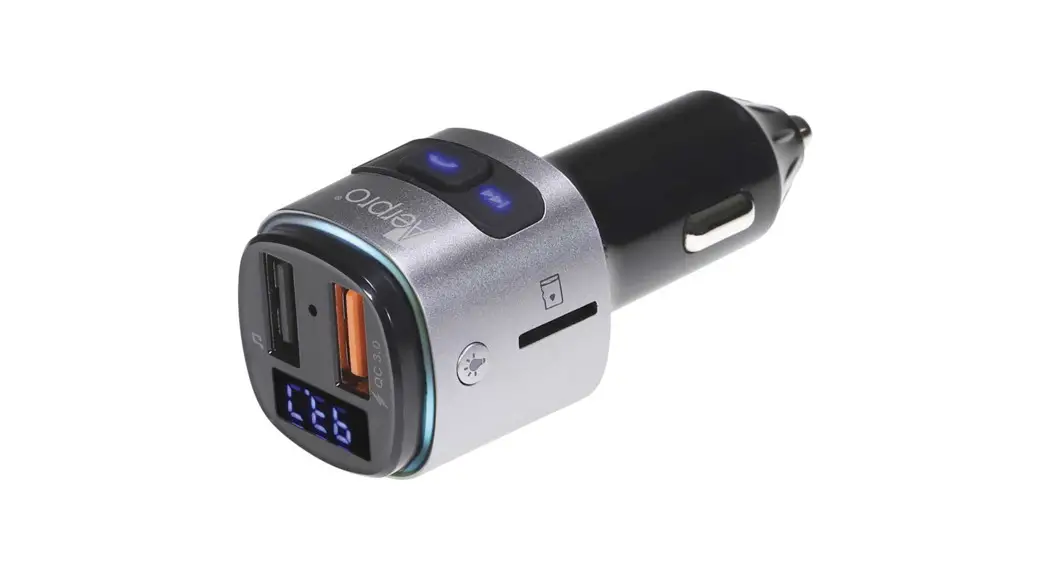
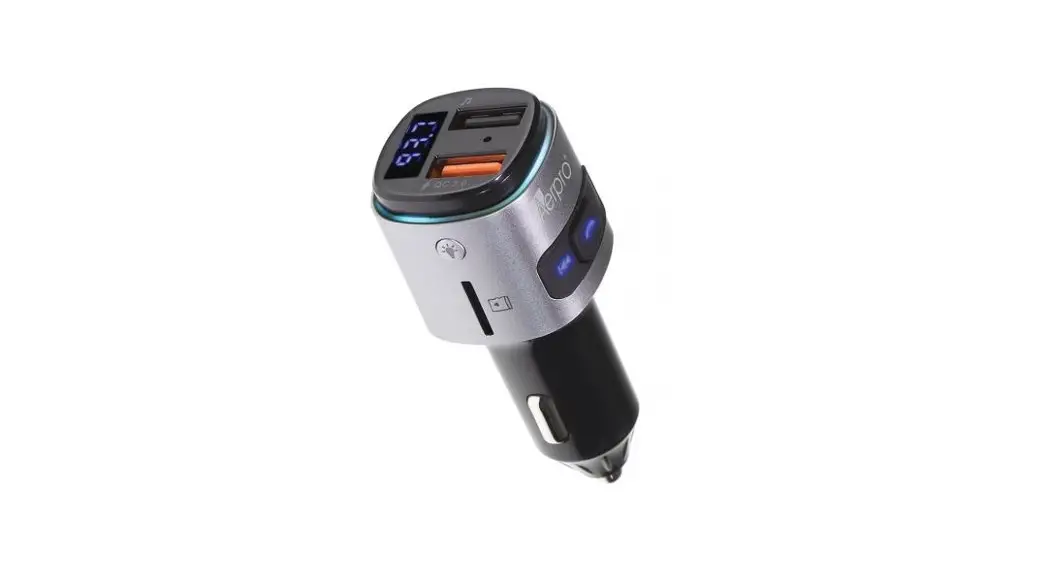
The Pyle PBT90 3-in-1 Wireless BT Vehicle FM Transmitter Charger Kit accepts both microSD Cards and USB Flash drives and streams their tunes into your car radio’s FM tuner! Just plug it into your 12-volt accessory port and then use the included remote to control functions. You can even transmit your phone calls through the vehicle speakers!
Features:
- Universal Vehicle Compatibility
- Wireless BT Streaming Receiver
- Hassle-Free Design & Simple Plug-in Operation
- Transmit Your Phone Calls Through Your Vehicle’s Speakers
- Connects to Cigarette Lighter Outlet
- Built-in FM Transmitter
- MP3 Digital Media File Support
- Micro SD Card & USB Flash Drive Readers
- Dual USB Ports also Charge Devices
- Digital LED Display with Simple Button Controls
- EQ Audio Settings
- Includes Remote Control
Wireless BT Connectivity:
- • Built-in BT for Wireless Music Streaming
- Compatible with All of Your Favorite Wireless BT Devices (iPhone, Androids, Smartphones, iPad, Tablets, etc.)
- Wireless BT Version: 2.1
- Wireless Range: 30’+ ft.
Technical Specs:
- Frequency Range: 87.5 – 108.0MHz
- Digital Media File Compatibility: MP3, WMA
- Maximum USB/SD Memory Card Support Size: 32GB
- Power Input: 12-24V (5V/3.4A, Output)
PRECAUTIONS
Please read all safety instruction warnings carefully before using this product. Improper use of this product may result in damage to this or attached products. To ensure the products work well, please never use this in the following conditions:
- Moist or underwater conditions.
- Conditions near heater or high-temperature service.
- Conditions with direct and strong sunshine
- Conditions with apt falling.
- Never dismantle the product without due permission, otherwise it may nullify the warranty clause.
OPERATION INSTRUCTIONS
Using FM Transmitter function:
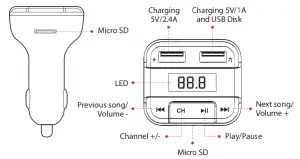
- Plug the FM transmitter into your vehicle’s cigarette lighter or power port.
- Tune your radio by pressing “CH” a to an unused FM frequency, then match the same frequency of this unit.
- Insert the USB stick/MicroSD card containing the MP3 files you want to play into the USB port/card slot. It will play and transmit the audio to the car stereo system automatically.
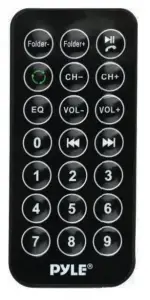
REMOTE CONTROL
Most of the functions can be fulfilled by the provided remote controller.
USING WIRELESS BT FUNCTION
- Using Wireless BT for the first time, you need to pair your mobile phone with this unit. Activate your mobile phone’s BT function, then search new device. When the mobile phone detects this unit (named as “PyleUSA“), normally the connection will be built-up automatically and doesn’t request a password, but if there is a need (special design of some cell phones), please use the password “0000“.
- Supports Wireless BT music playing mode, but does not support incoming call.
Wireless BT Streaming Music
1. Press and hold  screen to play music.
2. Press and hold screen to stop playing music.
QUICK GUIDE
| OPERATION GUIDE | ON FM TRANSMITTER | ON REMOTE CONTROLLER |
| 1. Play and Pause the music | Press Play music Press again to pause | Press button |
| 2. Adjust the Volume | Press and hold  button: Increase Volume button: Increase VolumePress and hold  Button: Decrease Volume Button: Decrease Volume | Press “vol +” to increase the Volume; Press “vol –” to decrease the Volume; |
| 3. Set frequency | Press “CH” button first, then press to increase the frequency; Press to decrease the frequency; | Press “CH +” button: Increase 0.1MHz Press “CH –” button: decrease 0.1MHz or press the numbers of the frequency what you desired, press “CH +” to confirm. |
| 4. Choose music | Press Button: Play next song Press Button: Play previous song | Press Button: Play the next song Press Button:Play the previous song, or press the number of the song then press to confirm |
| 5. Choose EQ | Support by remote controller only | Press “EQ” button to choose your favorite EQ. |
| 6. Switch folder | Support by remote controller only | Press “folder” button to switch folder |

 Pyle USA Electronics | Home Audio | Car Audio & More