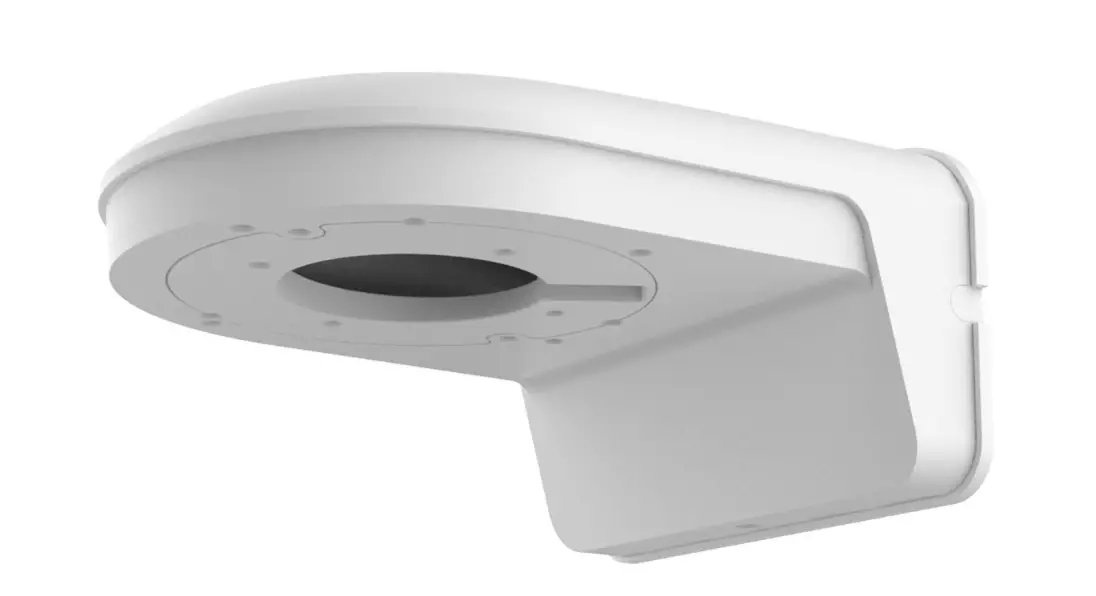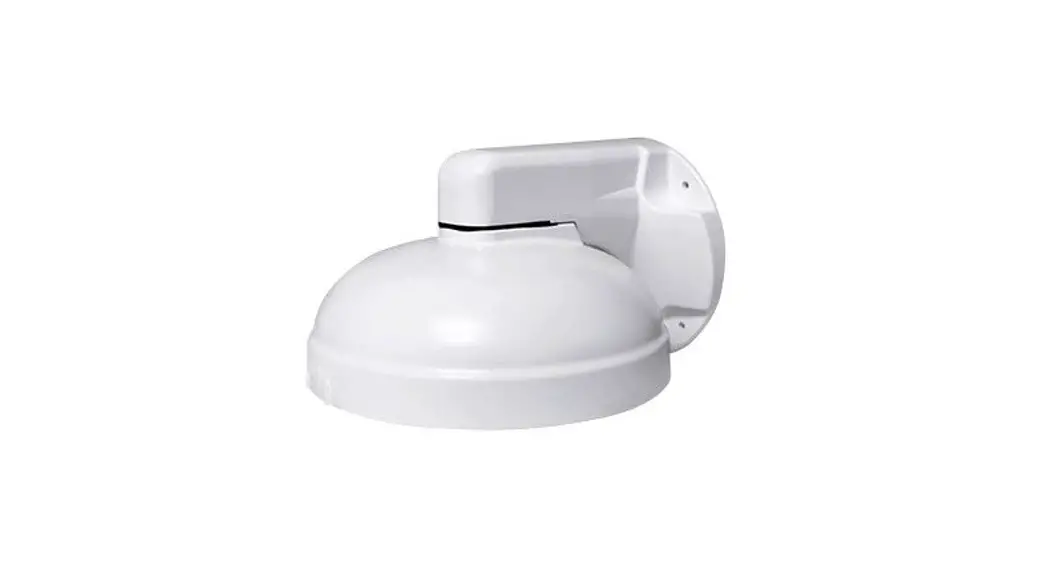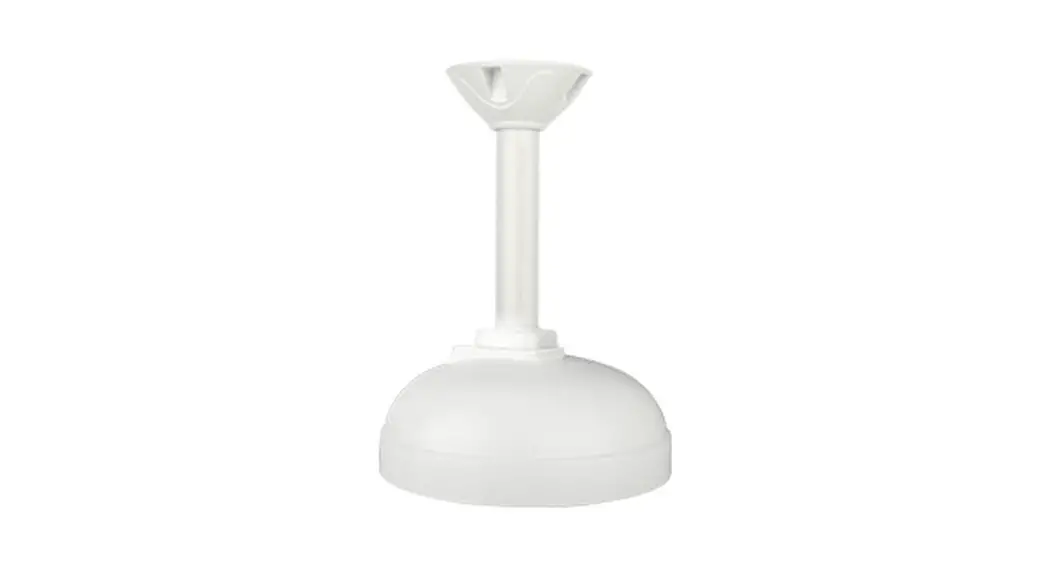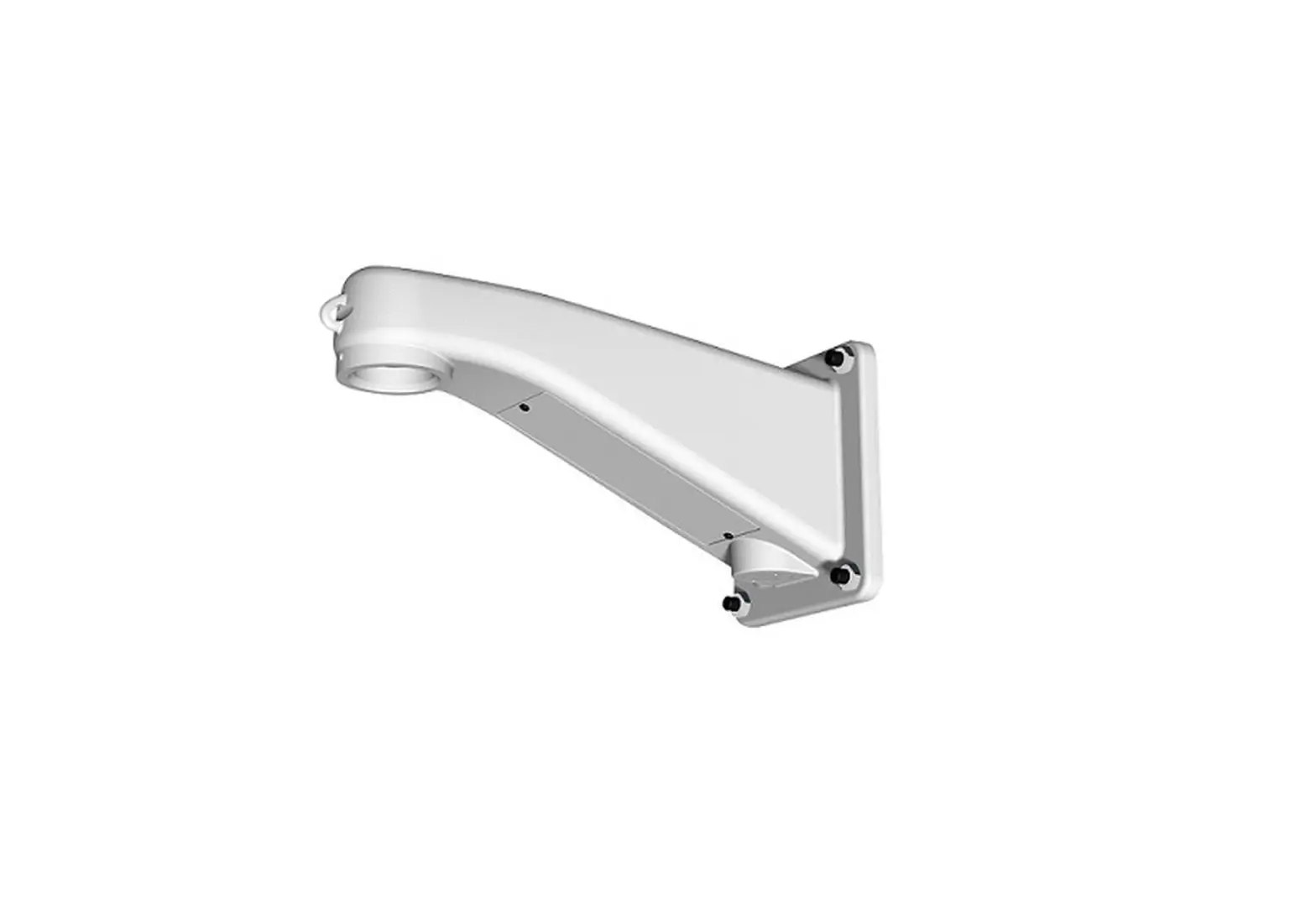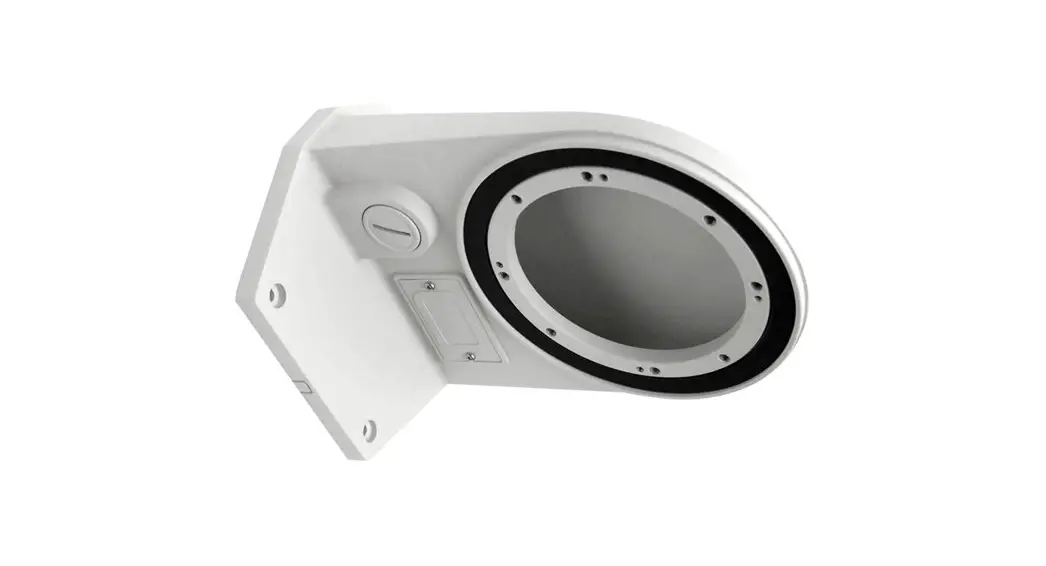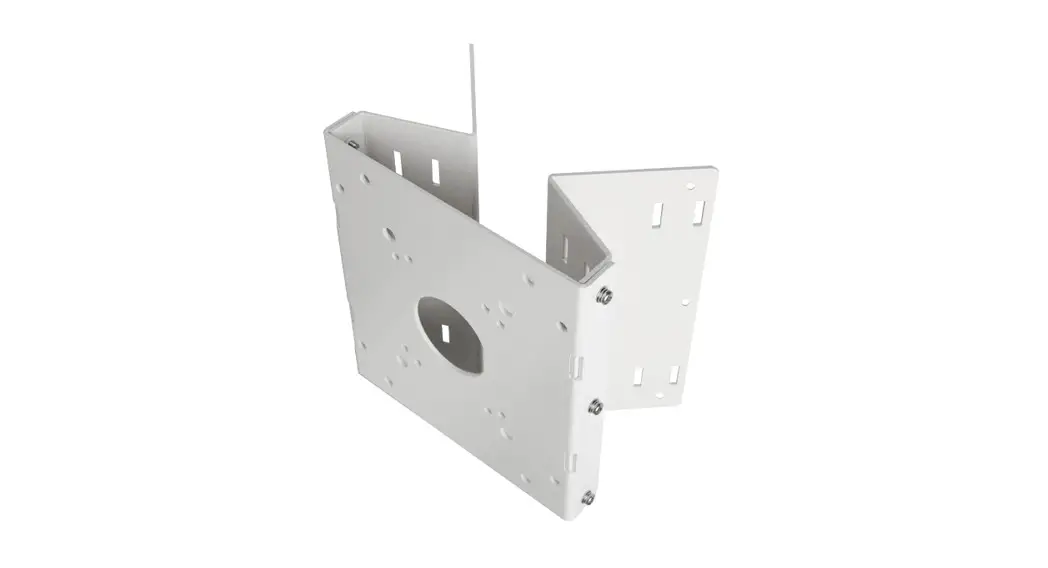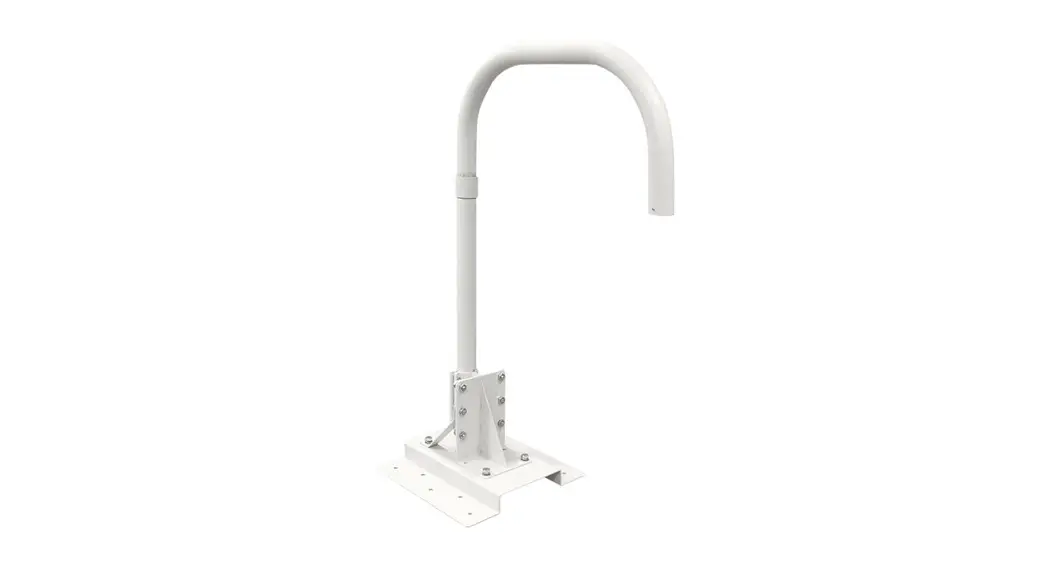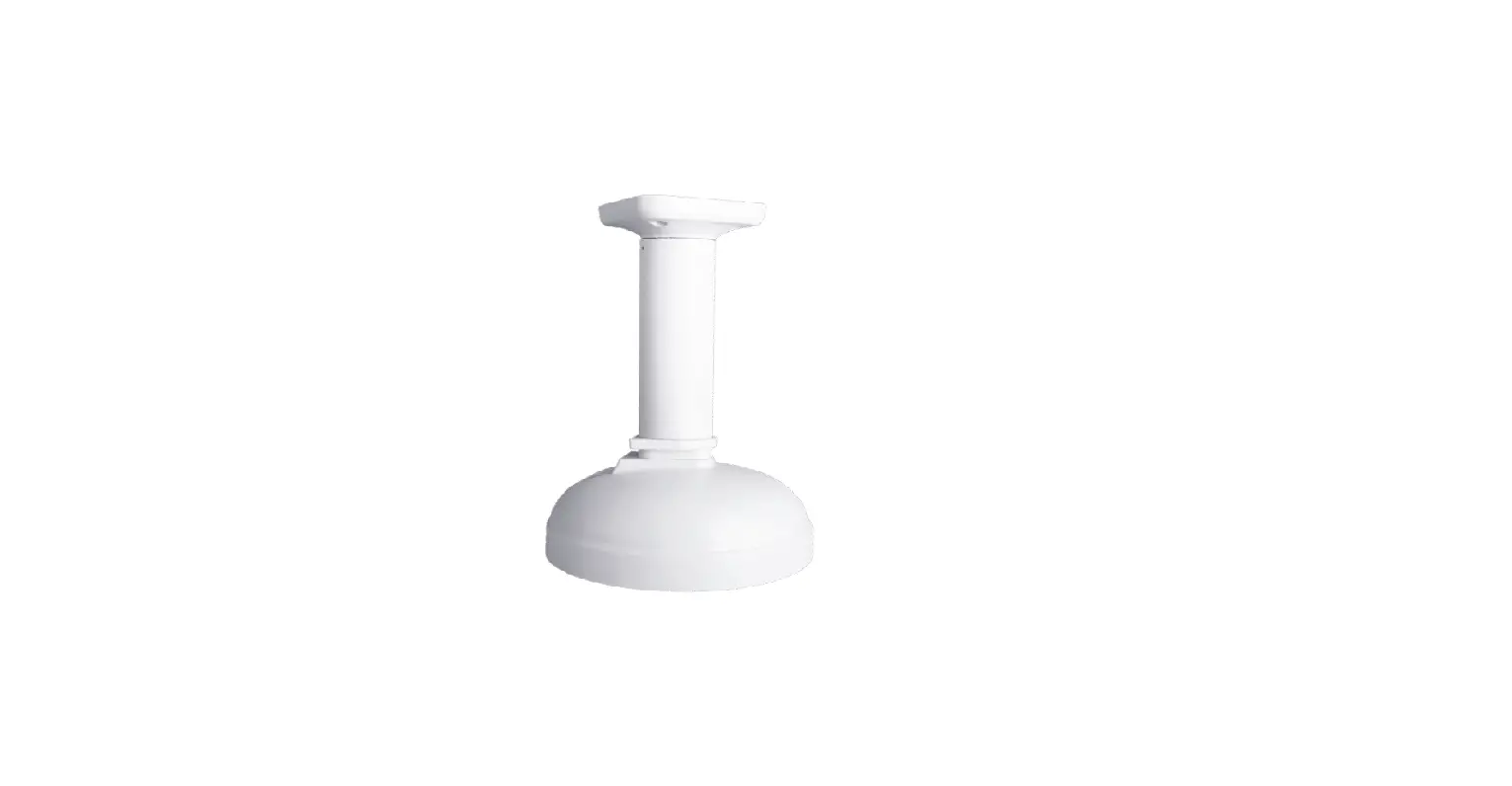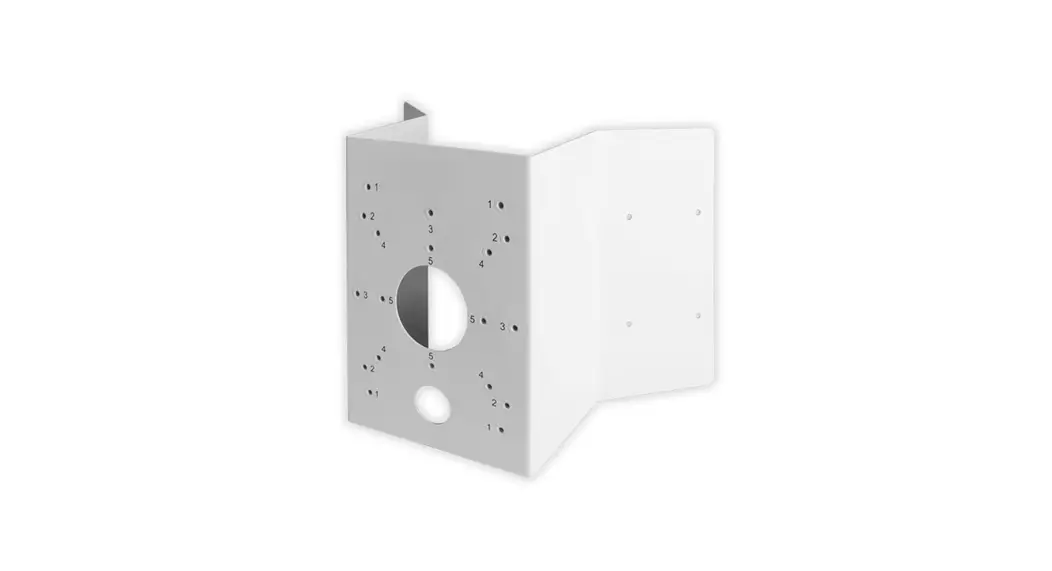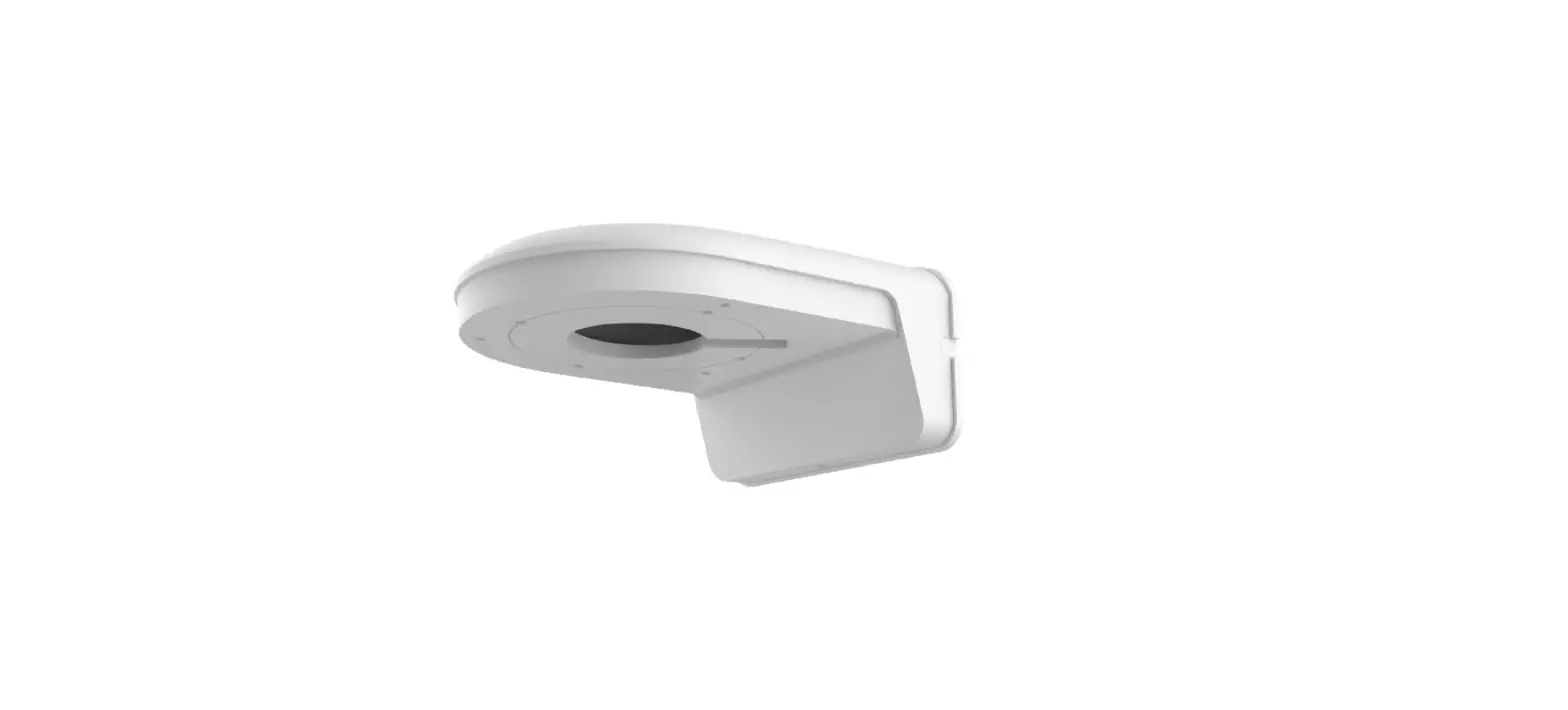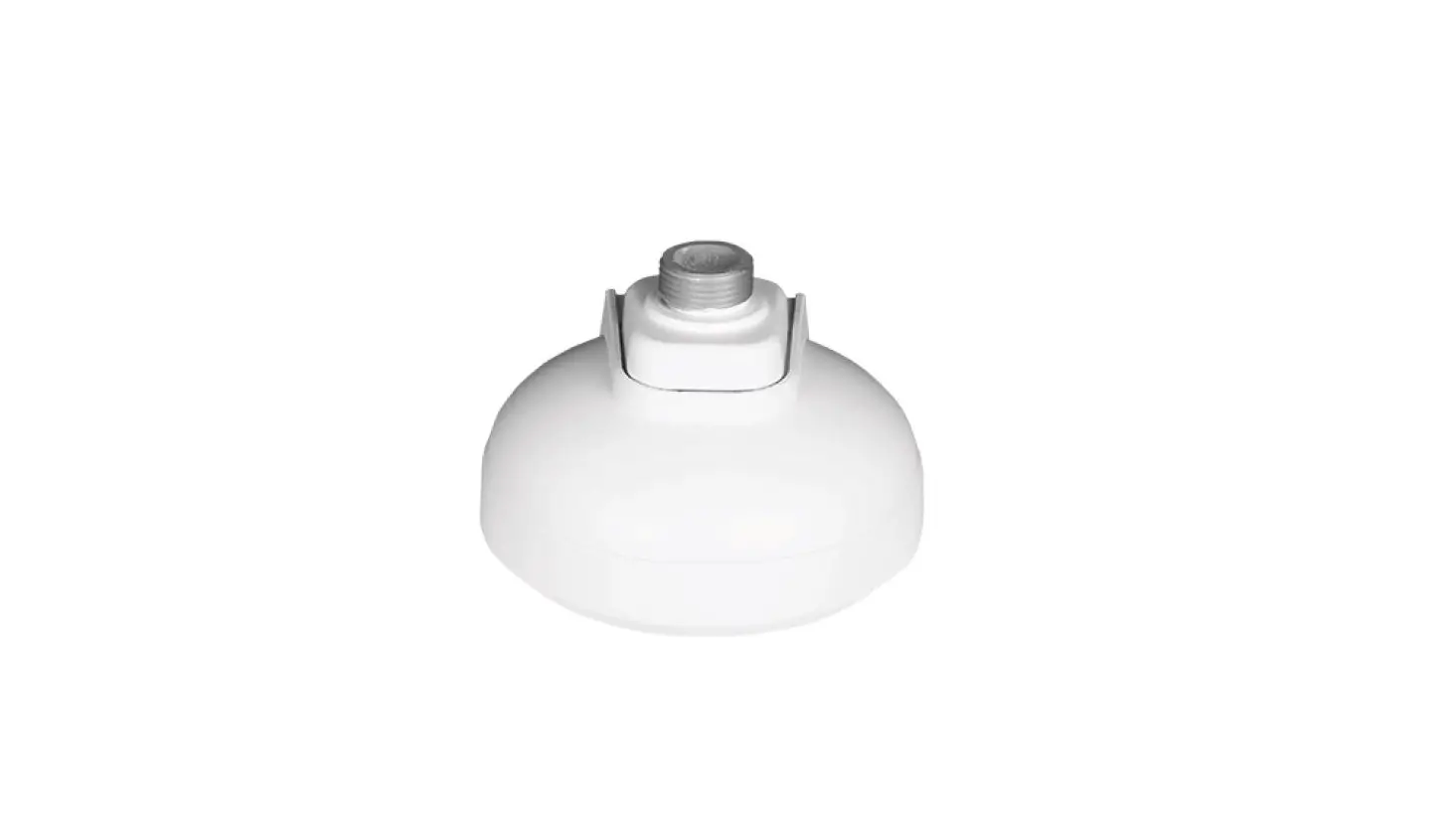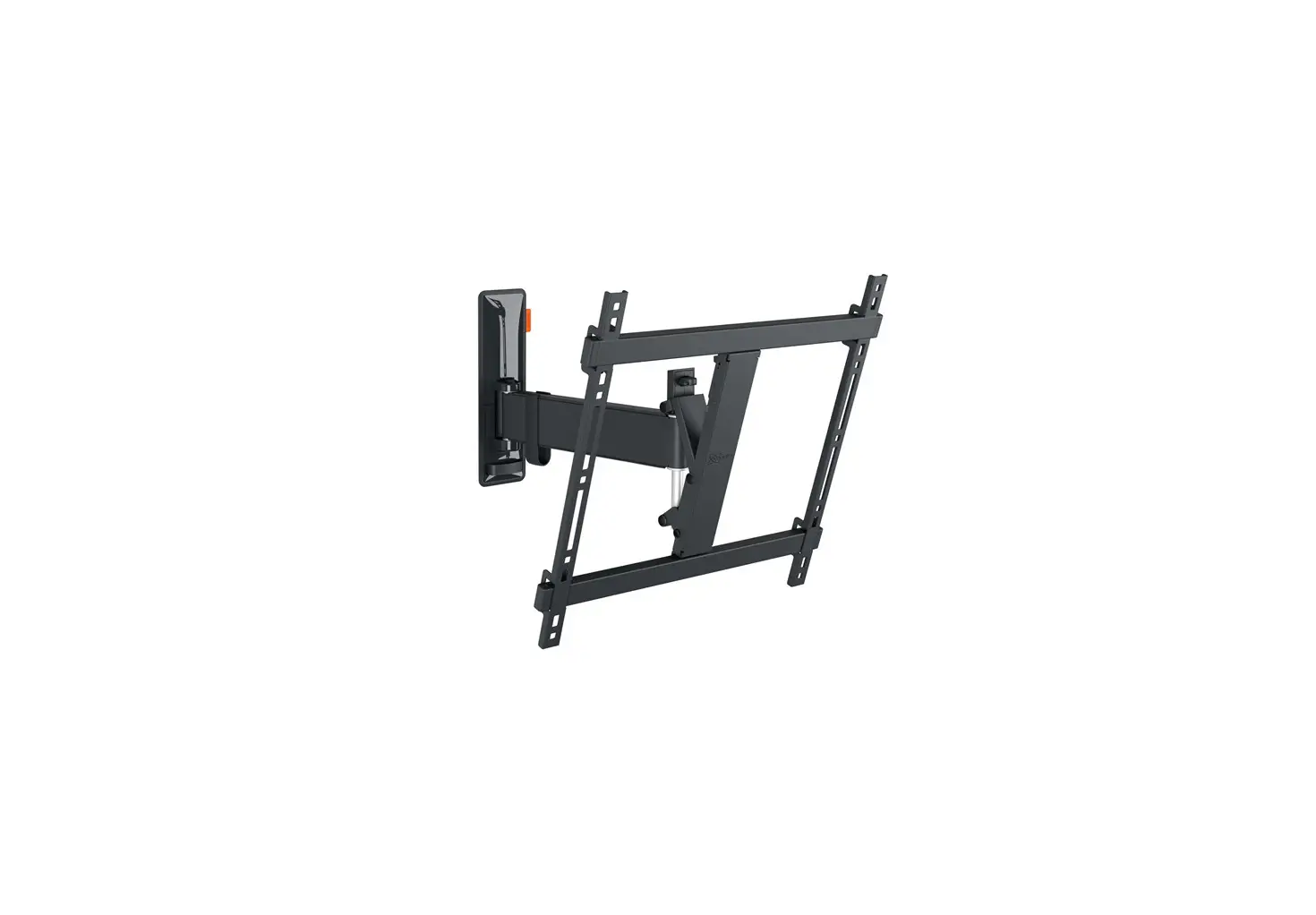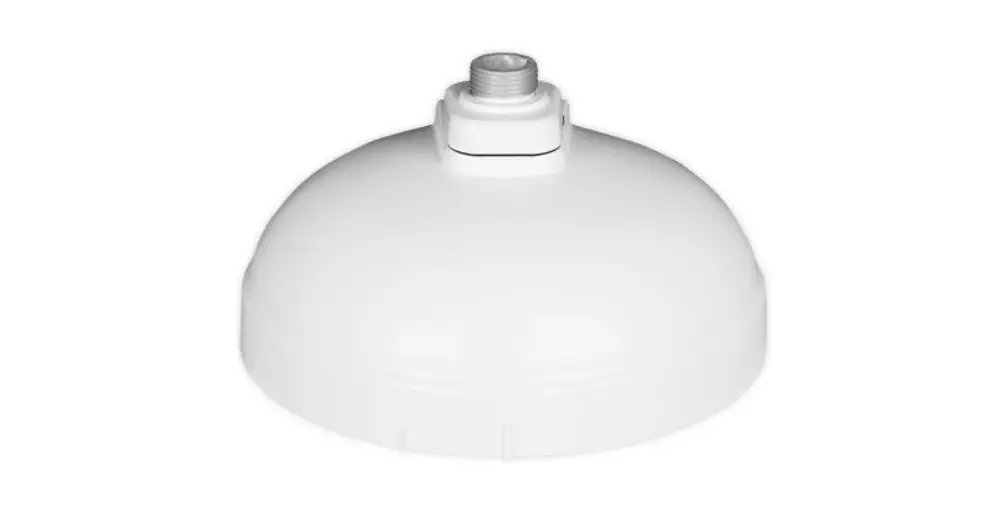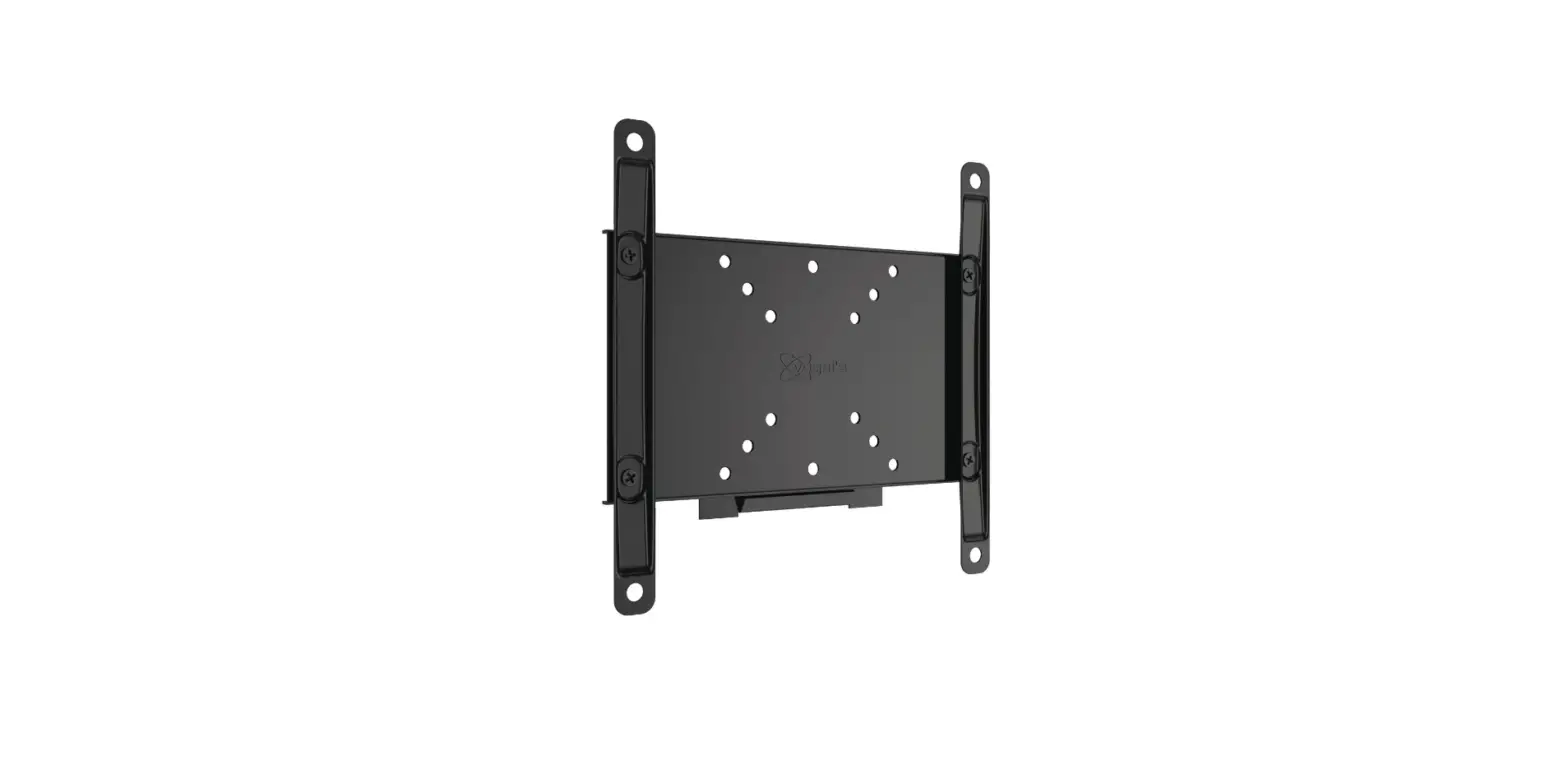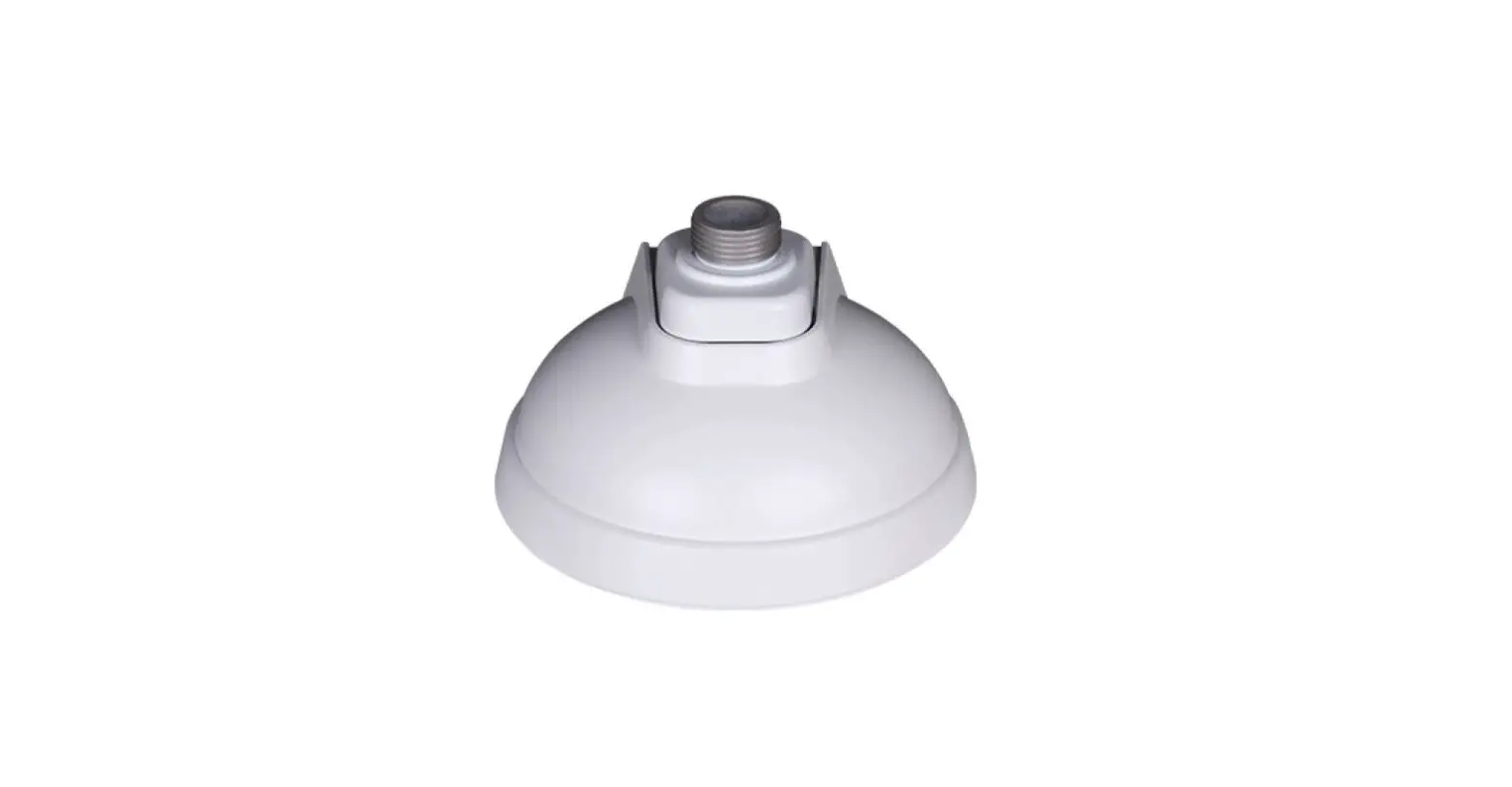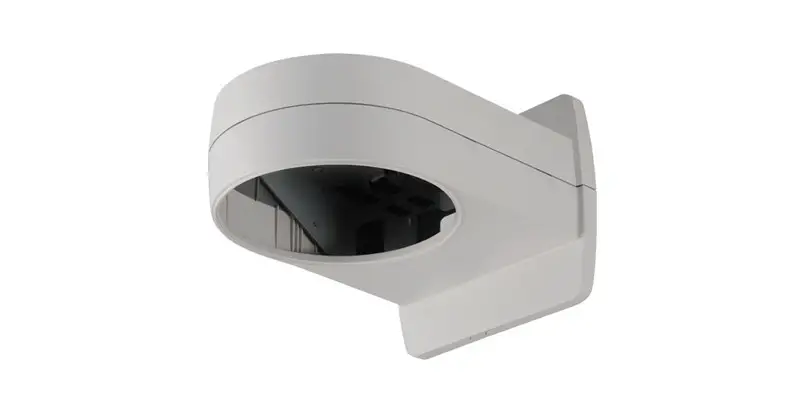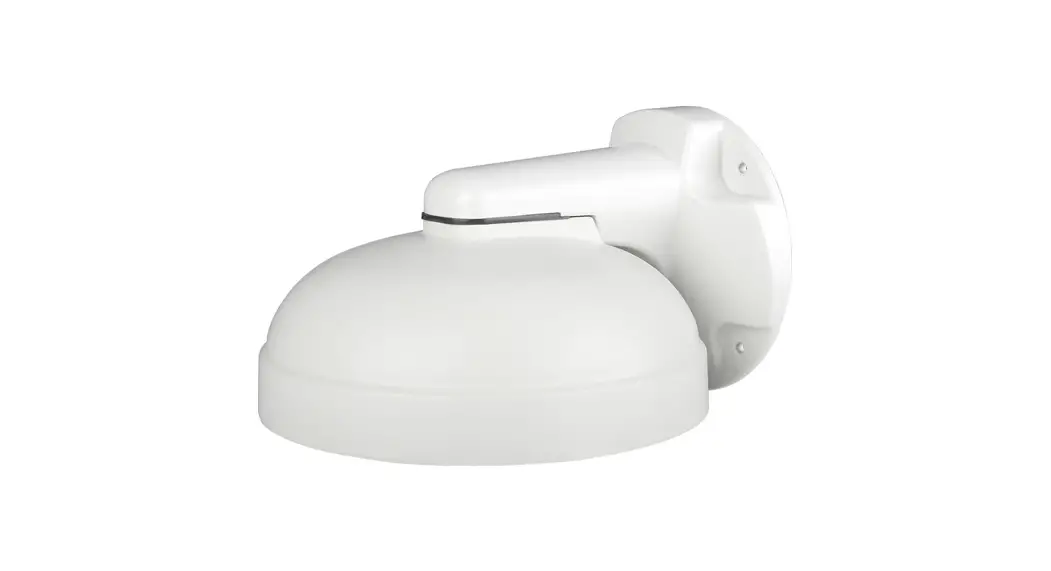
 DWC-PZWM Wall Mount Bracket
User Guide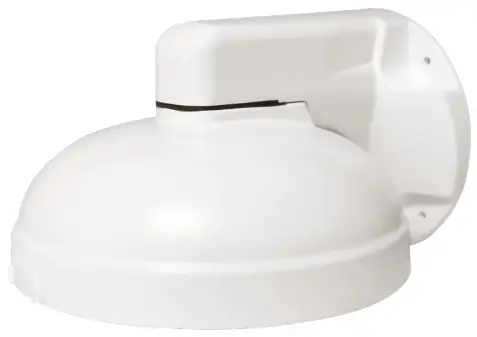 DWC-PZWM
DWC-PZWM Wall Mount Bracket
Wall mount bracket for multi-sensor cameras
WHAT’S IN THE BOX
| Camera Mounting Screws |  | 2 |
| Screws and Plastic Anchors | 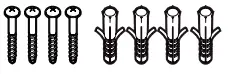 | 4 |
| Safety Wire |  | 1 |
| Mounting Pad | 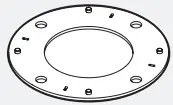 | 1 |
| Mounting Template | 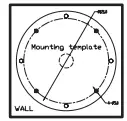 | 1 |
| Quick Setup Guide |  | 1 |
NOTE: Download all your support materials and tools in one place.
- Go to: http://www.digital-watchdog.com/resources
- Search your product by entering the part number in the ‘Search by Product’ search bar. Results for applicable part numbers will populate automatically based on the part number you enter.
- Click ‘Search’. All supported materials, including manuals and quick start guide (QSGs) will appear in the results.
INSTALLATION
- Using the mounting template or the mounting bracket itself, mark and drill the necessary holes on the mounting surface.
- Secure the mounting bracket to the mounting surface using the screws and anchors included. Use the mounting pad between the bracket’s arm and mounting surface as needed.

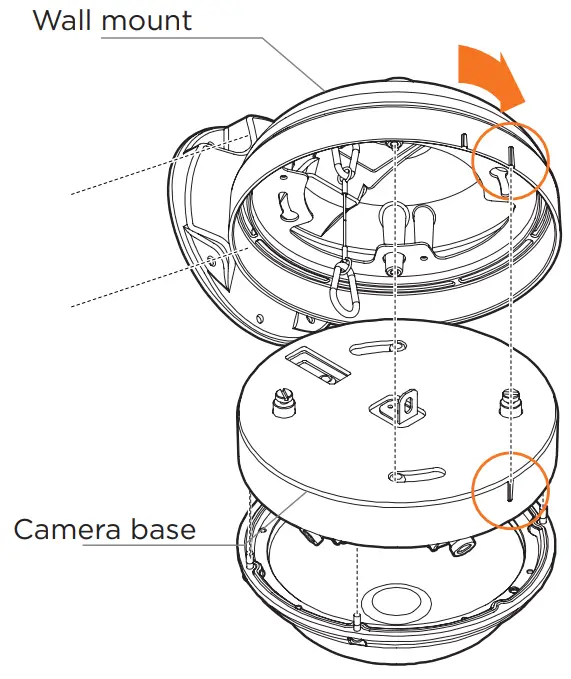
- Affix the safety wire at the bottom of the mounting bracket’s case. Connect the other side of the safety wire to the base of the camera.
- Pass wires through and make all necessary connections.
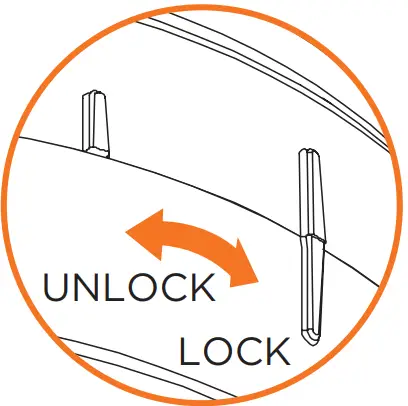
- Secure the camera to the mounting bracket using the included screws. Align the indented lines on the side of the camera with the lines on the mounting bracket as seen in the image on the right. Rotate the camera clockwise to lock into position.

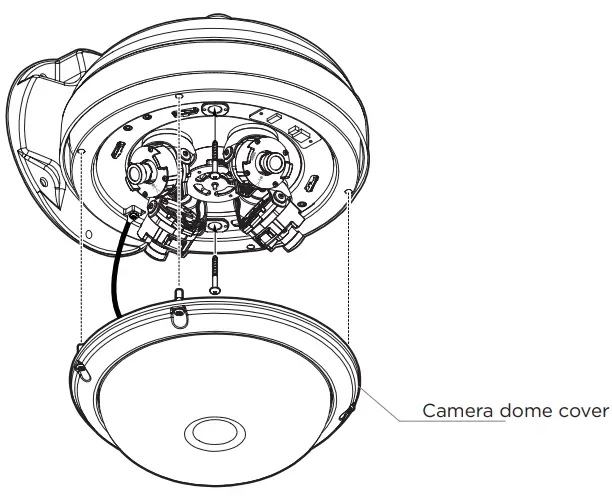
- Adjust the camera modules’ position and angle and complete the installation by placing the dome cover on the camera. Secure the dome cover to the camera base using the screws included with the camera. See the camera’s QSG for more information.
 NOTE: Do not touch the lenses when handling the camera modules.
 NOTE: Do not touch the lenses when handling the camera modules.
Tel: +1 (866) 446-3595 / (813) 888-9555
Technical Support Hours: 9:00AM – 8:00PM EST, Monday through Friday digital-watchdog.com
Copyright © Digital Watchdog. All rights reserved.
Specifications and pricing are subject to change without notice.
 Digital Watchdog l Welcome
 Resources