

 STRACK USER MANUAL
QUICK START
- Fully charge your Strack before first use.
- Turn On your Strack by pressing the power button.
- Download the My Strack App from Google Play or App Store by scanning below code
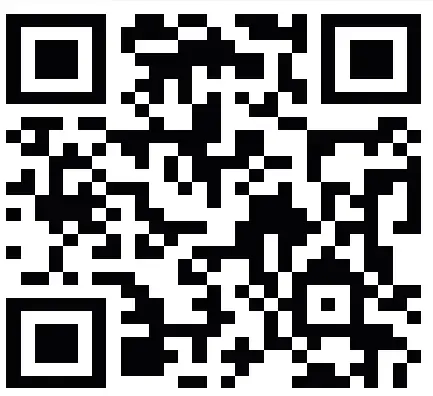
4. Install the App, sign up by email.
5. Connect the Strack to your App.
6. Follow the instructions on the App that will help you how to use the Strack.
CUSTOMER SUPPORT
There are multiple ways you can reach us
- Live Chat on My Strack App -> Go to Menu -> Customer Support
- By Email– [email protected]
- By Visiting at www.dipitr.com
- On What’s App + 91 9986088762
TURN ON/OFF STRACK
Turn ON Strack
Press the button once to Turn on the Strack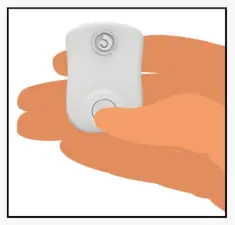
Turn OFF Strack
Press and Hold the power button till the Strack vibrates and then release the button to Turn Off
WEAR STRACK
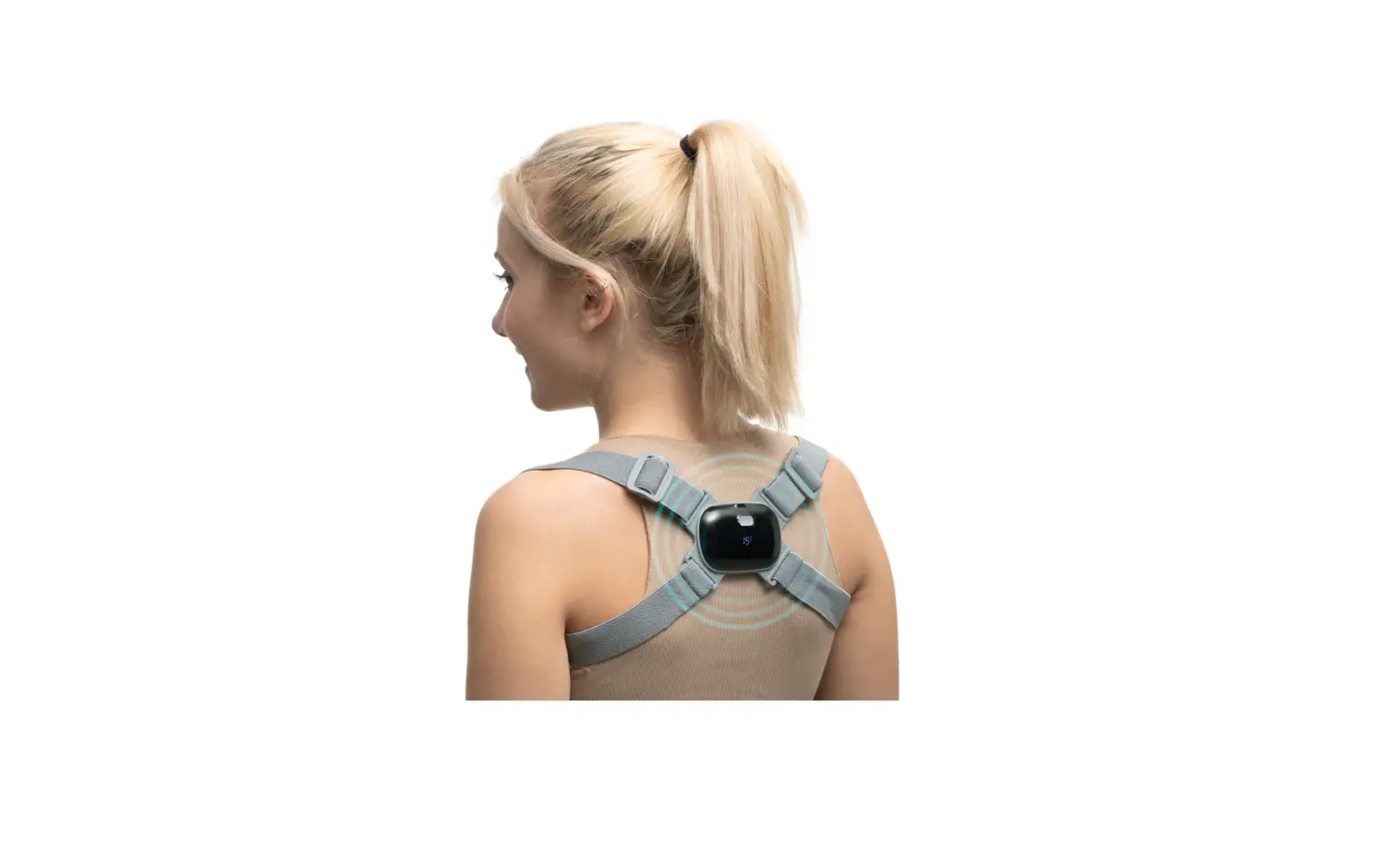
Strack can be worn in two ways based on user preference
- Using Adhesive

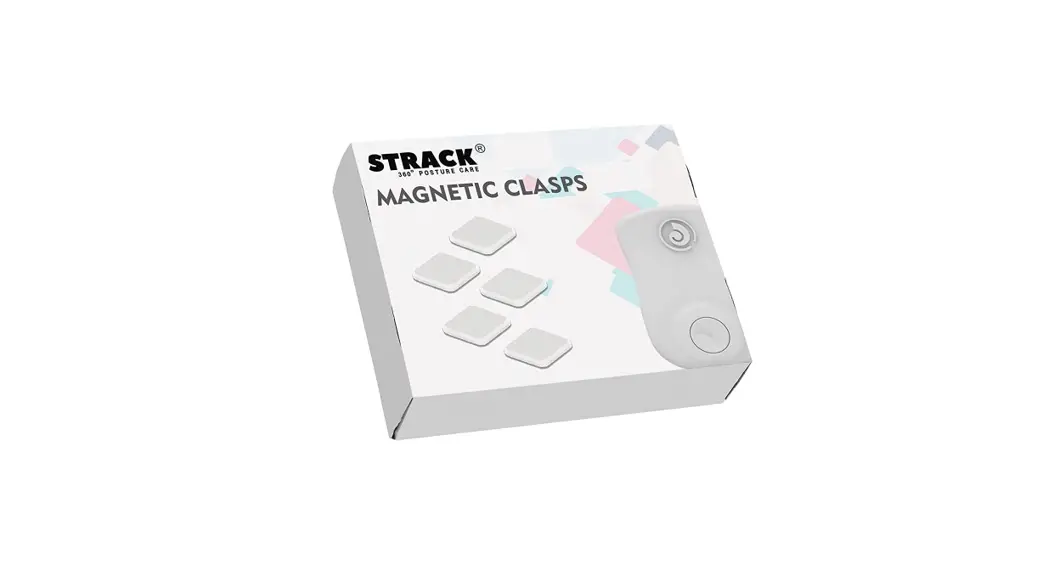
- Using Magnetic Clasp
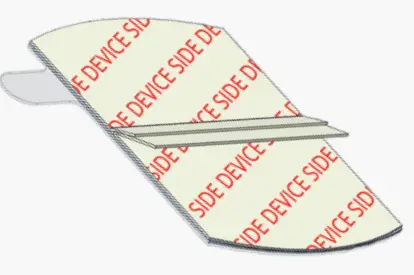

Using Adhesive
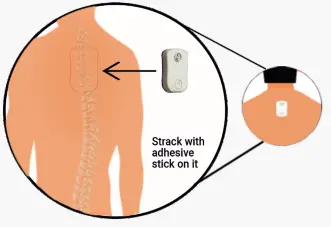
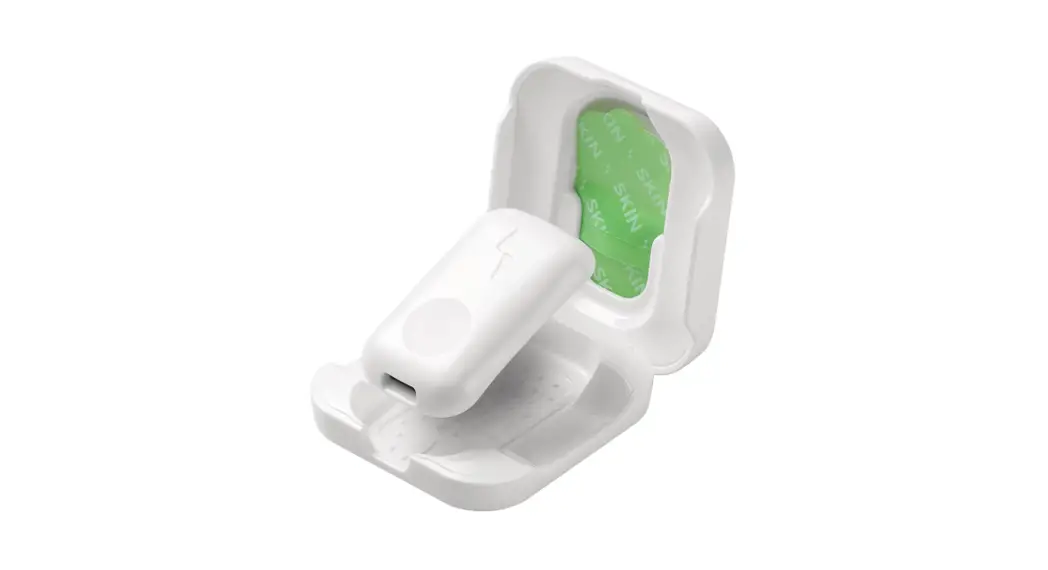
- Peel off the sticker on the device side of the adhesive and stick it to the back of the Strack
- Now peel the other side of the adhesive & stick the Strack firmly to your upper back, directly on your spine
Using Magnet
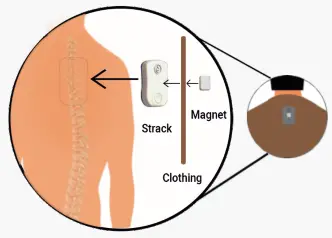
- Place the Strack beneath your clothing just above the spine on your back
- Attach the Magnetic Clasp from top of your clothing
CALIBRATE STRACK
The calibration process helps your Strack to decide your Straight Posture. It is recommended to calibrate your Strack every time you start your posture detection sessions. You can recalibrate your Strack whenever you feel your slouch posture is not properly identified.
Calibration of the Strack can be done in two ways
- On Mobile App or
- On Strack
On Mobile App
- Put the Strack on the back as suggested above
- To calibrate from the Mobile App, connect your Strack to the Mobile App
- Get into your best(straight) posture
- Press Calibrate icon on the home screen and stay still for a few seconds till your Strack vibrates three times On Strack
- Put the Strack on the back as suggested above
- Get into your best(straight) posture
- Put your left hand on the back and double-click the power button on Strack
- Stay Still for few seconds till your Strack vibrates three times
STRACK IN OFFLINE MODE
Strack can be used independently without Mobile App. The three major functions that are frequently used are inbuilt in the Strack
Function 1 – Turn On/Off Strack
Function 2 – Vibration Alert On/Off. Once Strack is turned On, the power button works like a switch. You can toggle vibration alert on/off by pressing once
Function 3 – Calibration. Strack can be calibrated without a mobile app by double-clicking the power button.
LED INDICATIONS
| Turn ON Strack |  Purple Blinks Purple Blinks |
| Connected to Mobile App |  Green Blinks Green Blinks |
| Low Battery |  Red Blinks Red Blinks |
| Charging | Red Blinks |
| Fully Charged |  Solid Green Solid Green |
| Firmware Updating |  Solid Cyan Solid Cyan |
| Turn OFF Strack | Red Blink |
VIBRATION ALERTS
| Turn ON Strack | 1 Short Vibration
|
| Calibration Success | 3 Short Vibrations
|
| Low Battery | 2 Long Vibrations
|
| Turn OFF Strack | 2 Short Vibrations
|
| Vibration Enable | 1 Short Vibration
|



SWITCH FUNCTIONS
| Press the Switch once | Turn ON Strack |
| Press the Switch twice | Calibrate Strack |
| Press the Switch once | Vibration Enable/Disable |
| Press and Hold the Switch | Turn OFF Strack |
SPECIFICATIONS
Name – Strack 360° Posture Care Device
– Net Weight
– Battery Capacity
Battery Type- Lithium polymer battery
Wireless Connectivity- Bluetooth 4.2 BLE
Material High– Biocompatible Skin Friendly High-Grade Polycarbonate
Dimensions – 33 MM * 47 MM * 9 MM
OS Support – Android & iOS
For Warranty info please visit
www.dipitr.com/strackwarranty
Need help?
Call us on 9986088762
OR Visit www.dipitr.com
OR Scan QR code to get information on How Strack Works
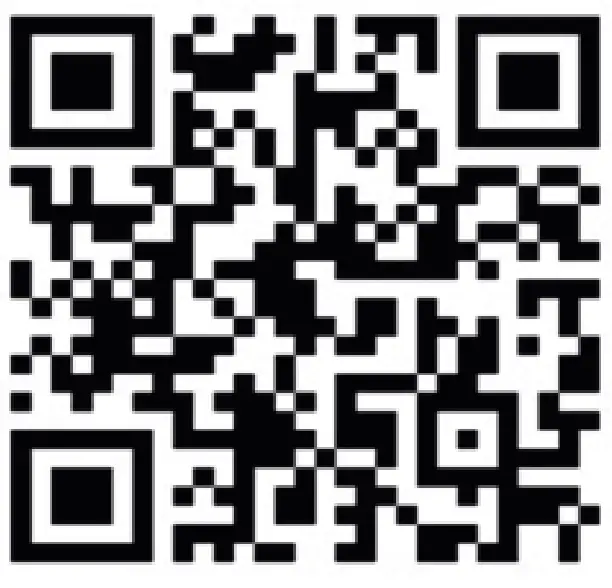 https://www.dipitr.com/how-strack-works/
REGULATORY & SAFETY NOTICES
USA: Federal Communications Commission (FCC)statement This device complies with FCC part 15 FCC Rules. Operation is subject to the following two conditions:
- This device may not cause harmful interference
- This device must accept any interference, including interference that may cause undesired operation of the device.
FCC WARNING
Changes or modifications not expressly approved by the party responsible for compliance could void the user’s authority to operate the equipment.
FCC STATEMENT:
This equipment has been tested and found to comply with the limits for a Class B digital device, pursuant to part 15 of the FCC Rules. These limits are designed to provide reasonable protection against harmful interference in a residential installation. This equipment generates, uses and can radiate radio frequency energy and, if not installed and used in accordance with the instructions, may cause harmful interference to radio communications. However, there is no guarantee that interference will not occur in a particular installation. If this equipment does cause harmful interference to radio or television reception, which can be determined by turning the equipment off and on, the user is encouraged to try to correct the interference by one or more of the following measures:
- Reorient or relocate the receiving antenna.
- Increase the separation between the equipment and receiver.
- Connect the equipment into an outlet on a circuit different from that to which the receiver is connected.
- Consult the dealer or an experienced radio/TV technician for help. This device meets the FCC and IC requirements for RF exposure in public or uncontrolled environments
European Union (EU)
Simplified EU Declaration of Conformity
Hereby, Dipitr Technologies, Inc. declares that the radio equipment type Model FB401 is in compliance with Directive 2014/53/EU. Disposal and Recycling Information
The symbol above indicates that this product and/or battery should not be disposed of with household waste. When you decide to dispose of this product and/or its battery,
do so in accordance with local environmental laws and guidelines.
Built-in battery precautions
- Do not attempt to replace your Stracks’ battery. It is built-in and not changeable.
- Charge the battery in accordance with the instructions supplied with this guide.
- Charge your Strack using a certified computer, powered hub or power supply
- Do not attempt to force open the built-in battery
 STRACK Smart Posture Trainer & Corrector | Everyday Posture Coaching – Strack - 360° Posture Care