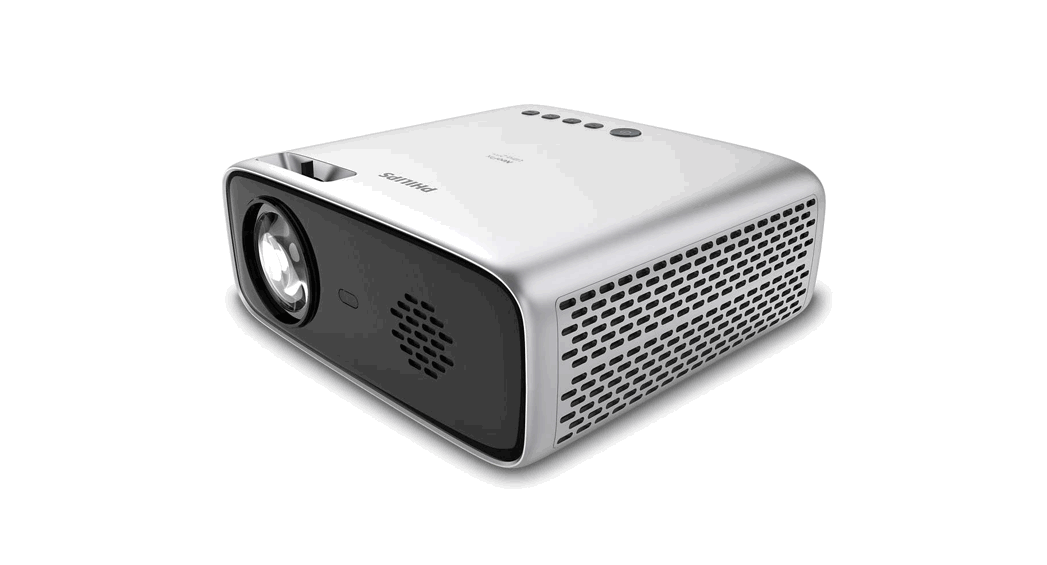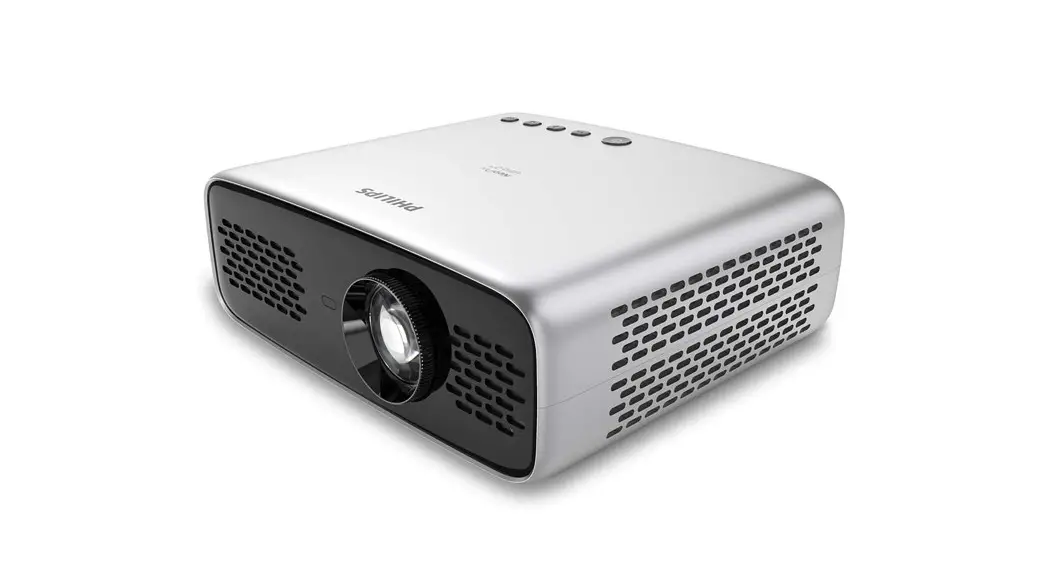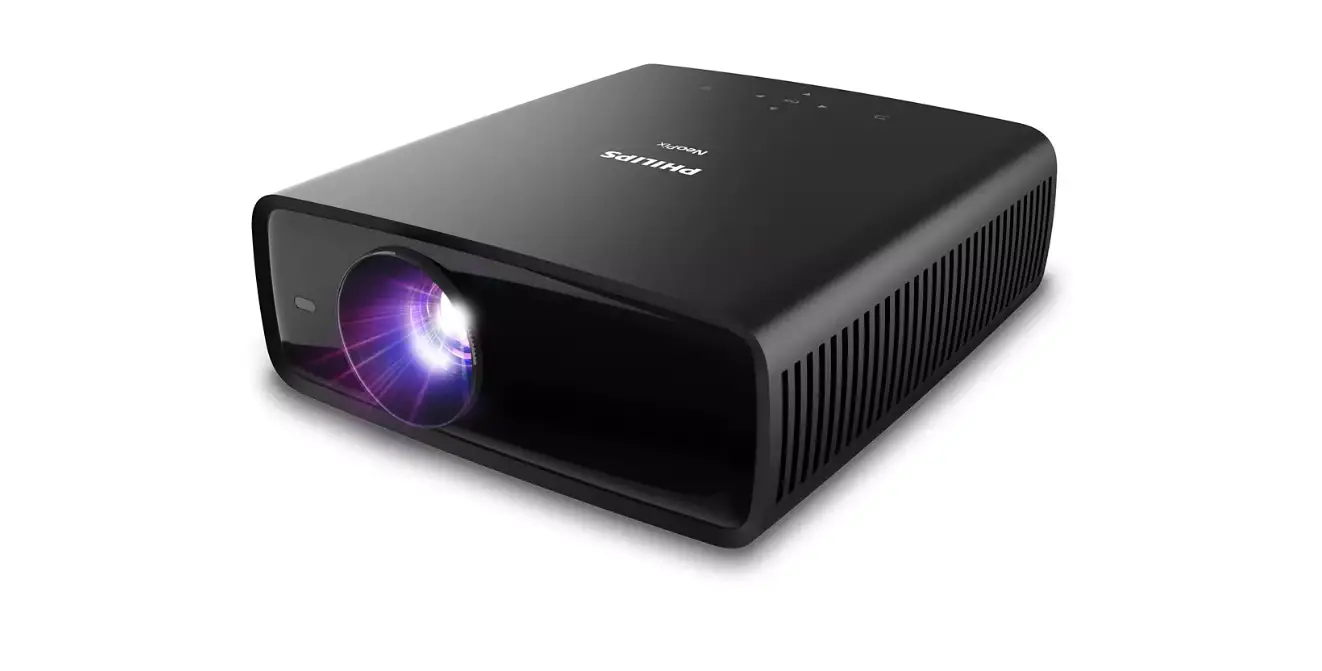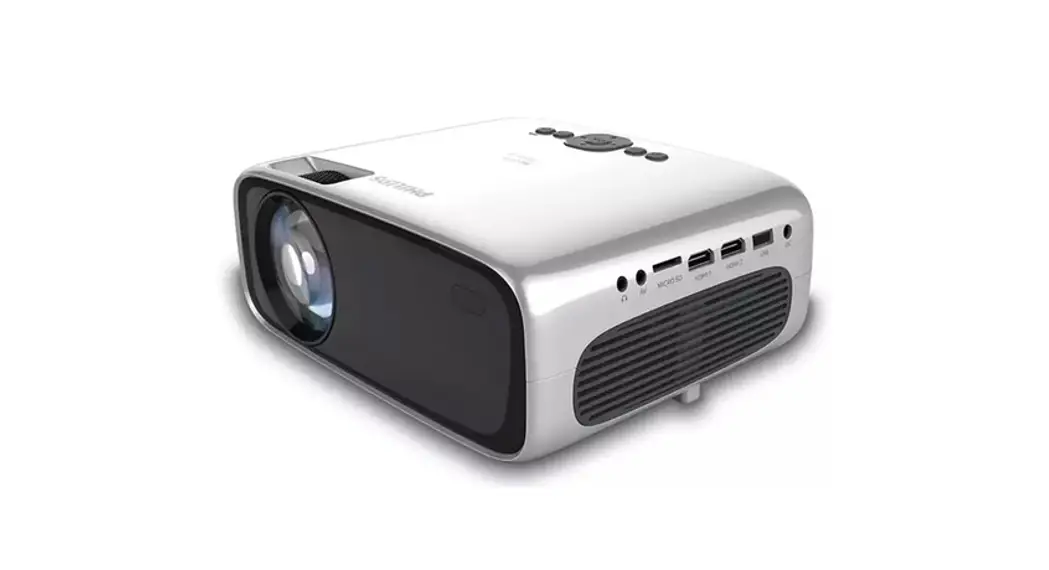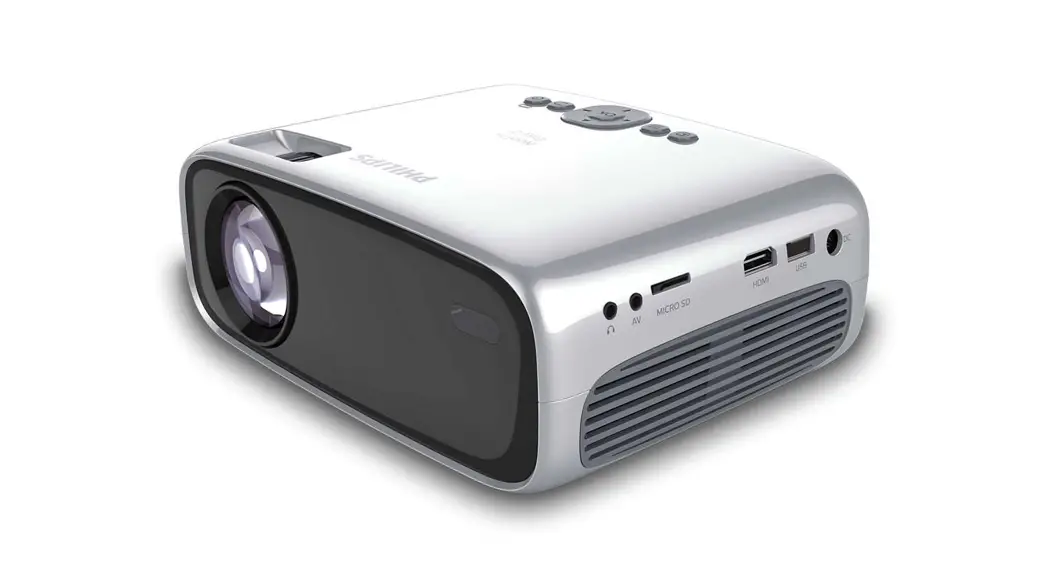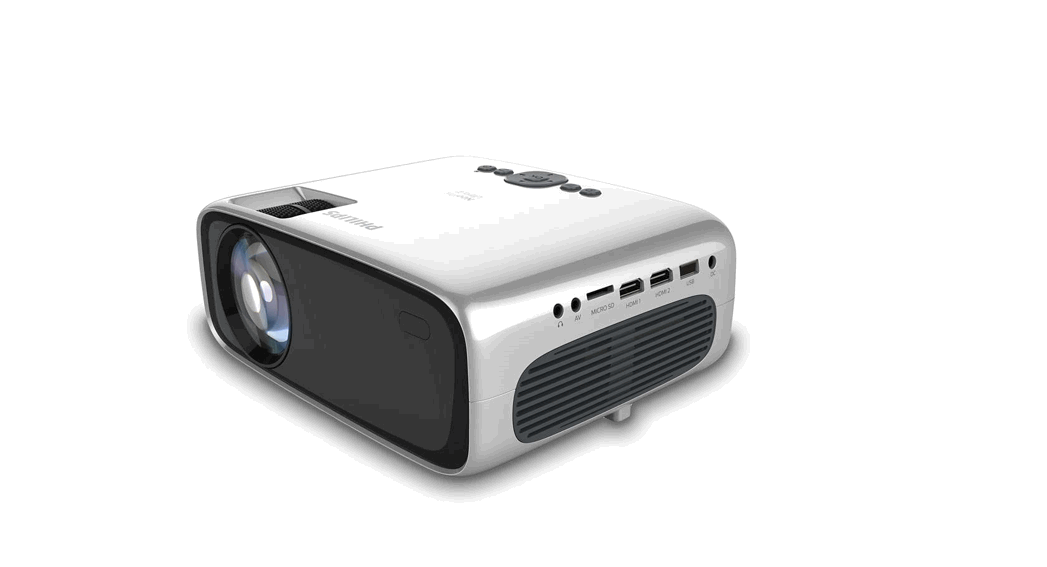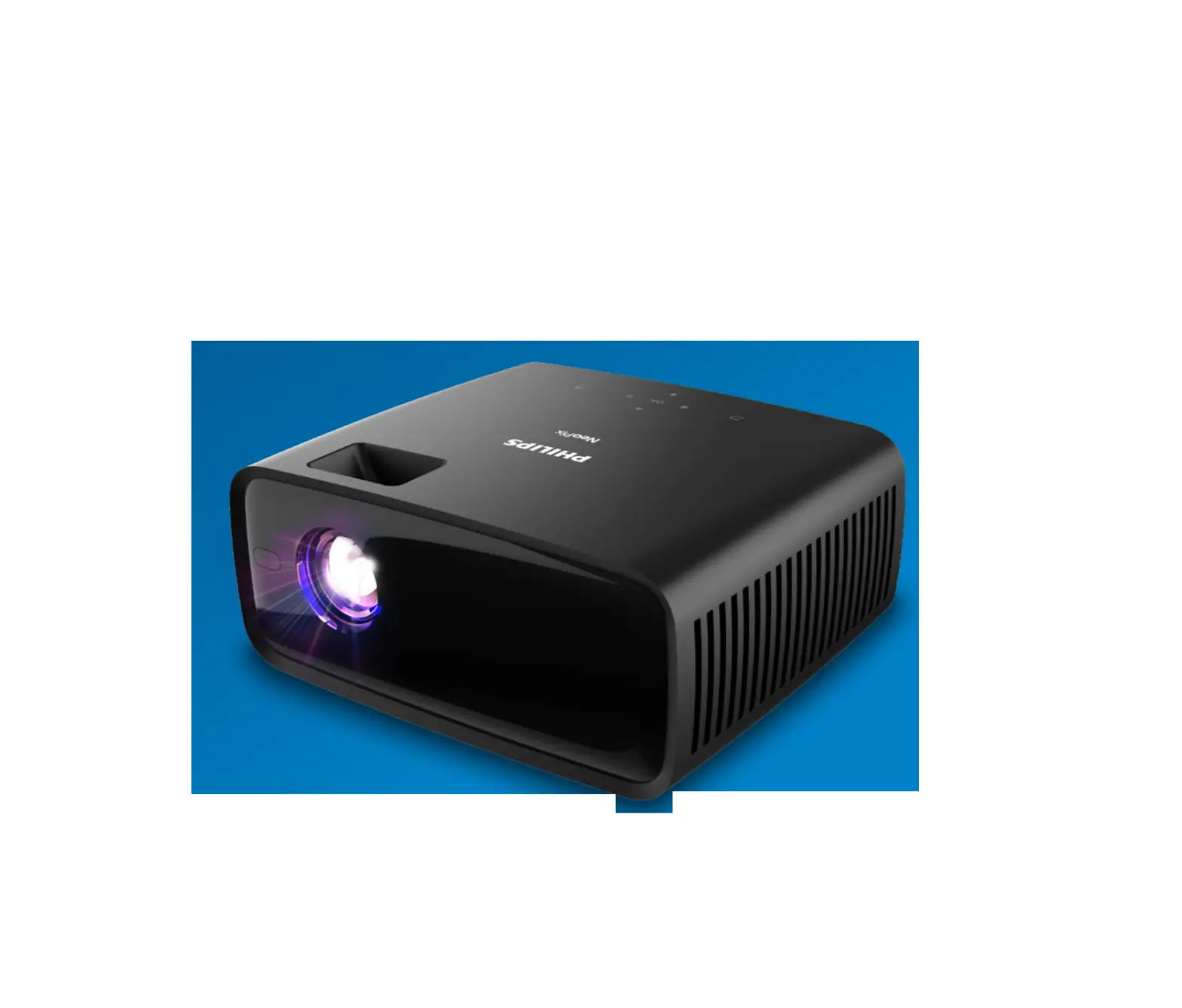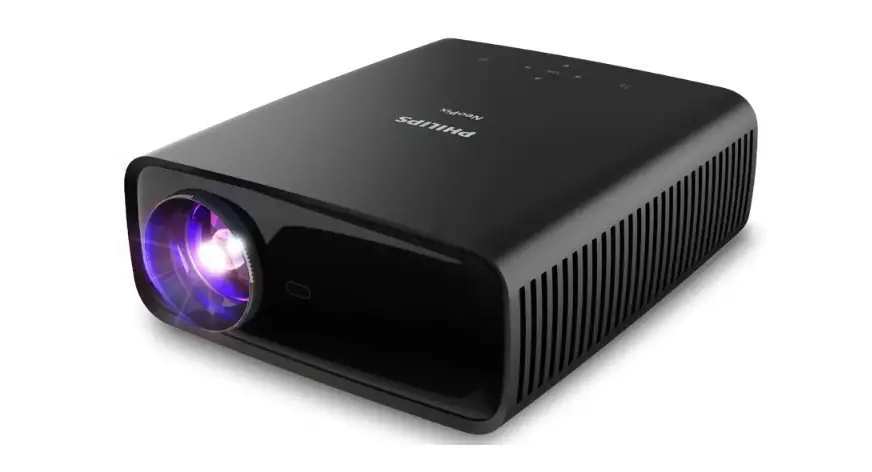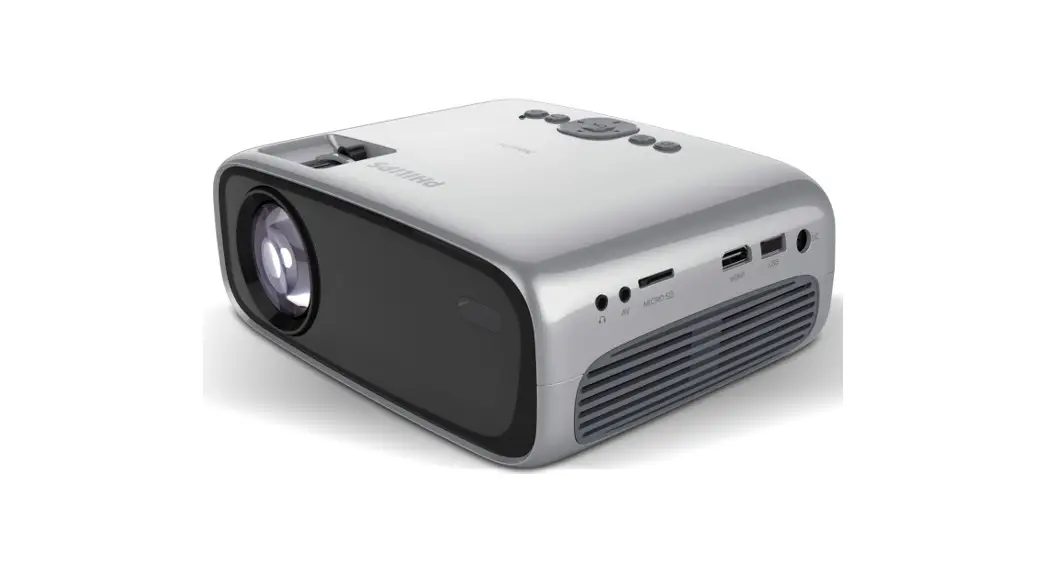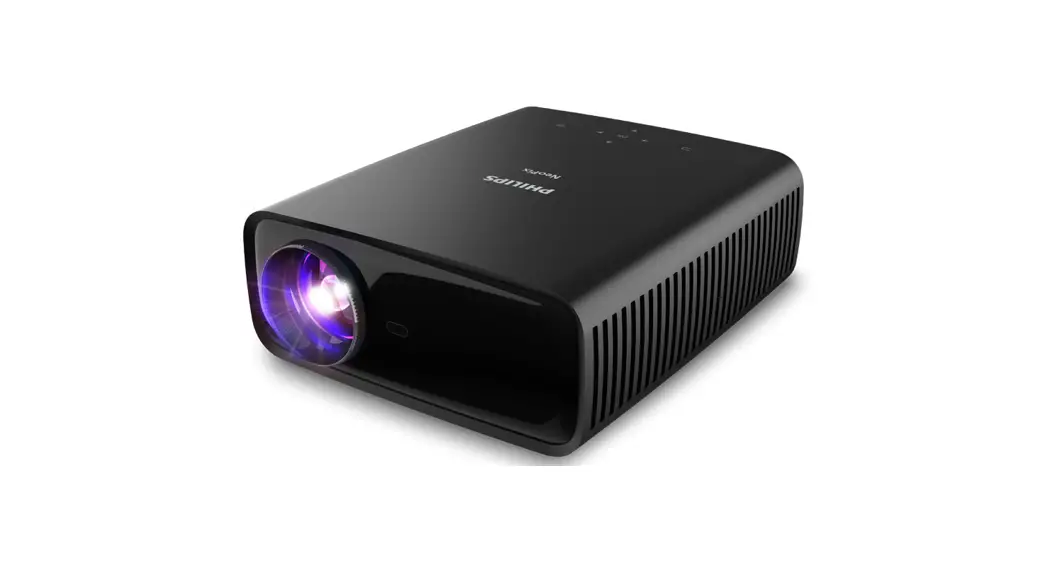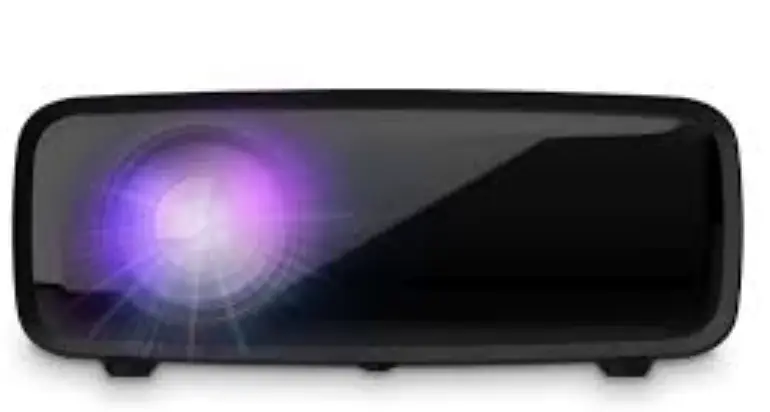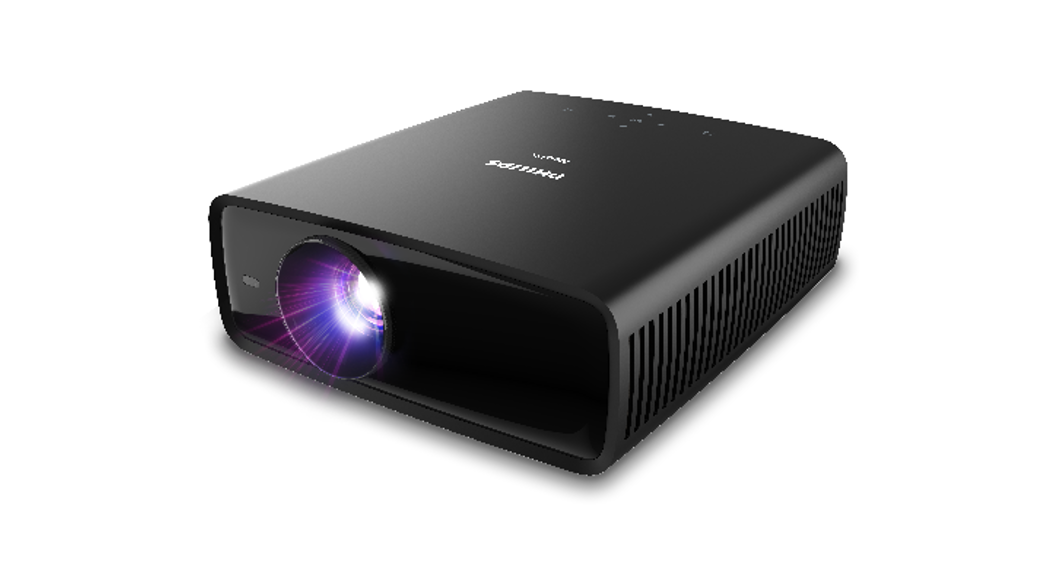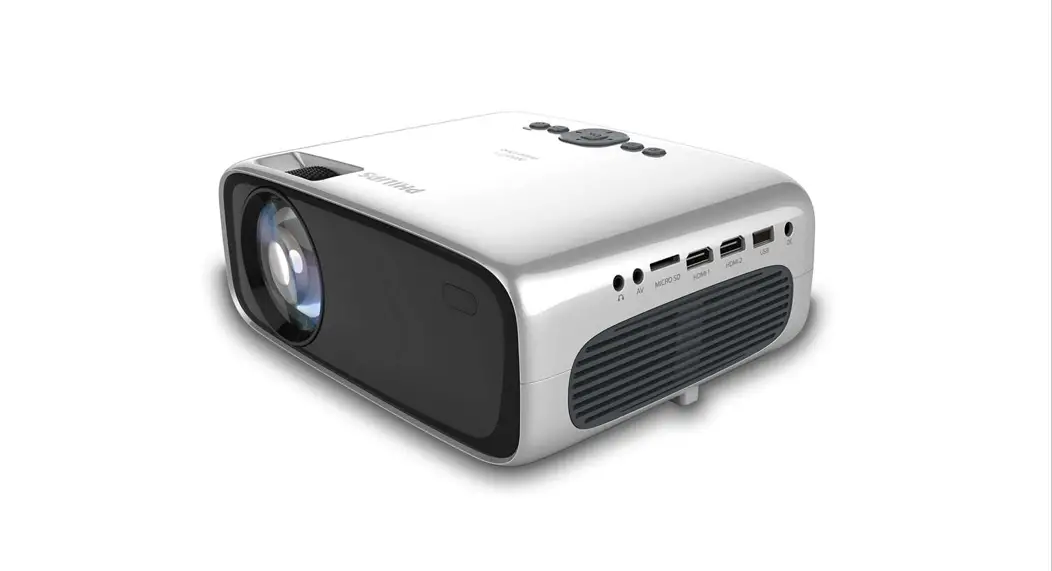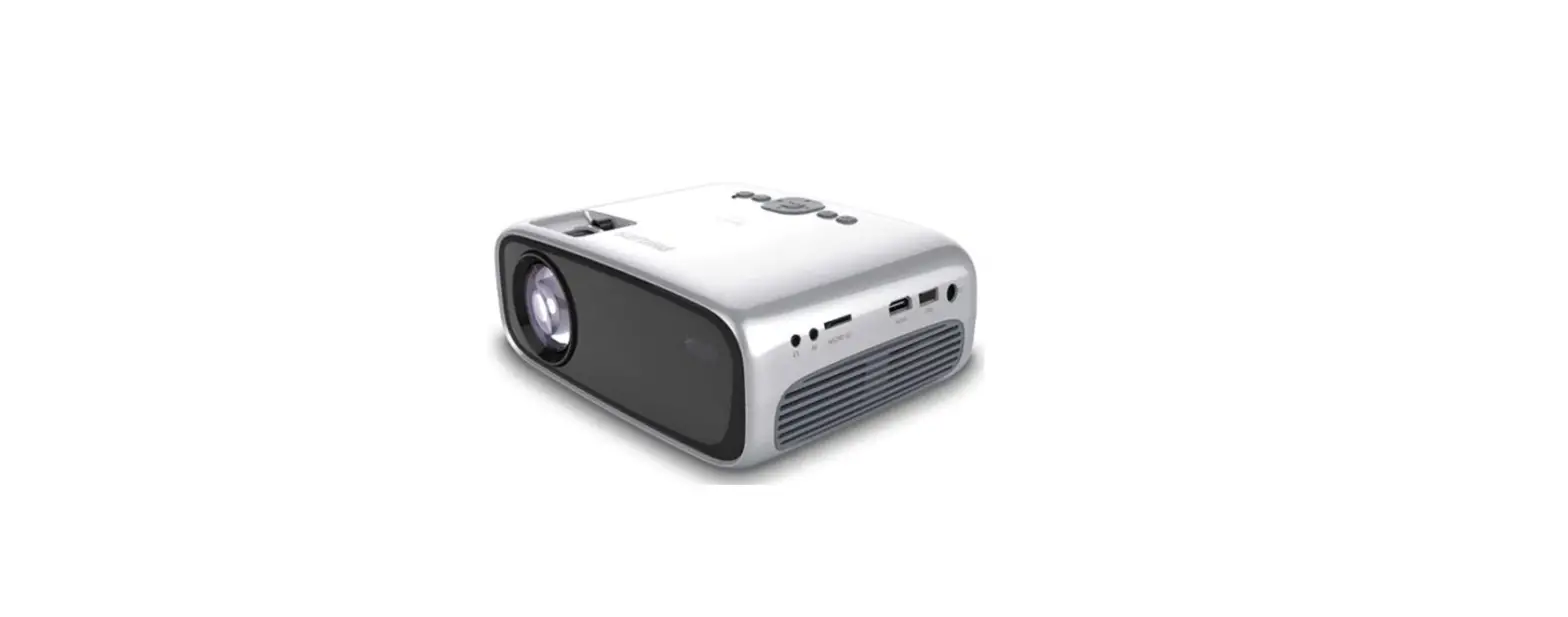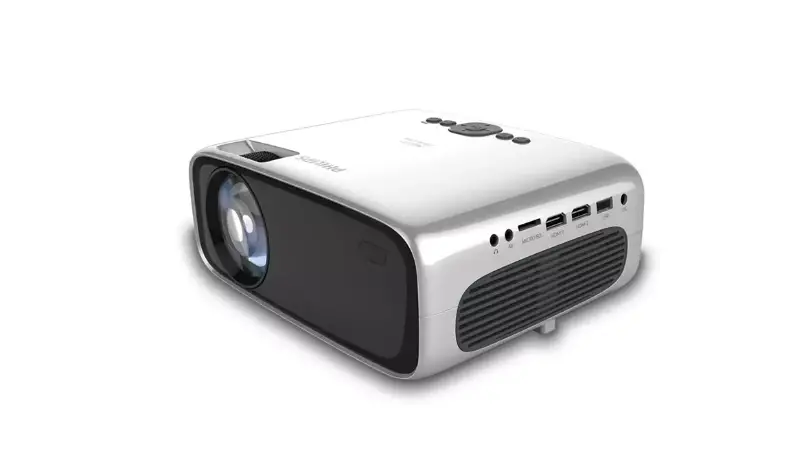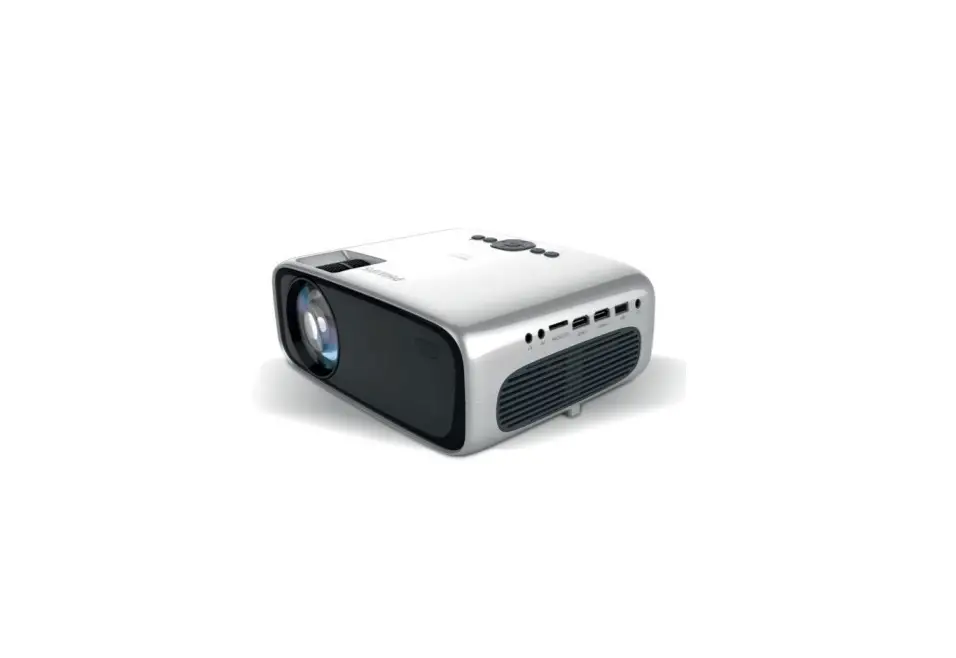

Philips Npx640-int Neopix Ultra One Home Projector User Guide

Philips Npx640-int Neopix Ultra One Home Projector User Guide

philips logo

PHILIPS NPX640-INT NeoPix Ultra One Home Projector
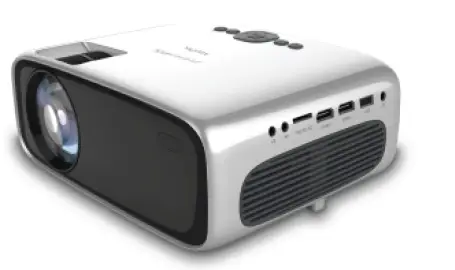
PHILIPS NPX640-INT NeoPix Ultra One Home Projector product

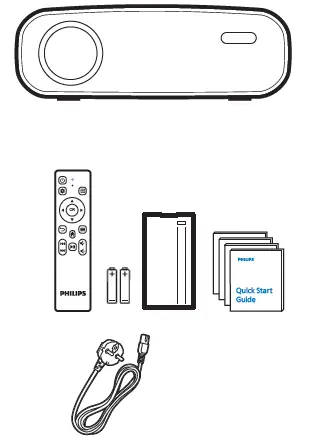
WHAT’S IN THE BOX?

INSTALLATION STEPS

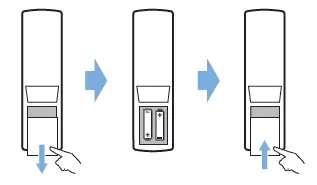
  1. BatteryPHILIPS NPX640-INT NeoPix Ultra One Home Projector fig 2
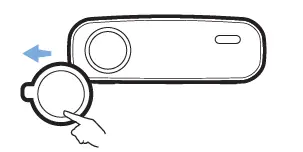
  2. Remove lens coverPHILIPS NPX640-INT NeoPix Ultra One Home Projector fig 3
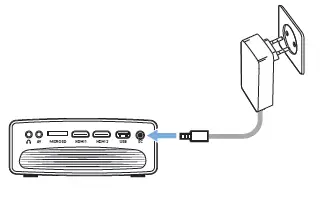
  3. PowerPHILIPS NPX640-INT NeoPix Ultra One Home Projector fig 4
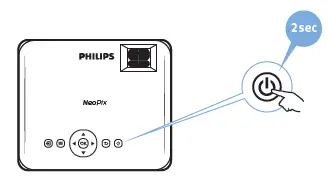
  4. OnPHILIPS NPX640-INT NeoPix Ultra One Home Projector fig 5
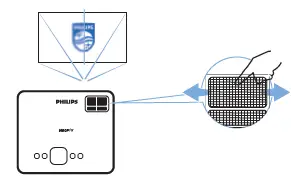
  5. FocusPHILIPS NPX640-INT NeoPix Ultra One Home Projector fig 6
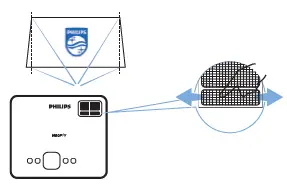
  6. KeystonePHILIPHILIPS NPX640-INT NeoPix Ultra One Home Projector fig 7PS NPX640-INT NeoPix Ultra One Home Projector fig 7
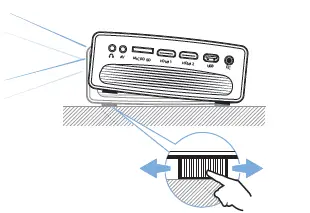
  7. Adjustment knobPHILIPS NPX640-INT NeoPix Ultra One Home Projector fig 9
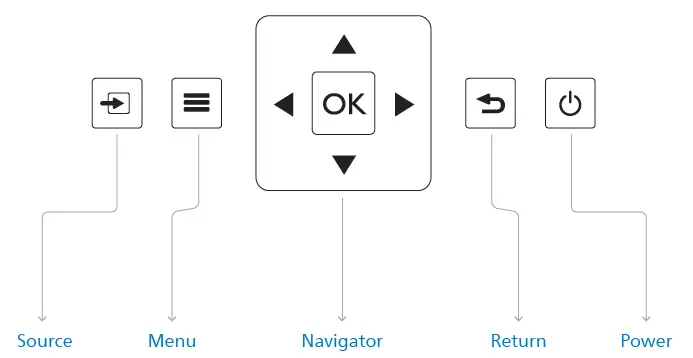
  8. Navigation KeysPHILIPS NPX640-INT NeoPix Ultra One Home Projector fig 10
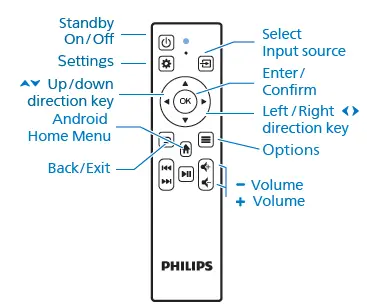
  9. Projector remote controlPHILIPS NPX640-INT NeoPix Ultra One Home Projector fig 11
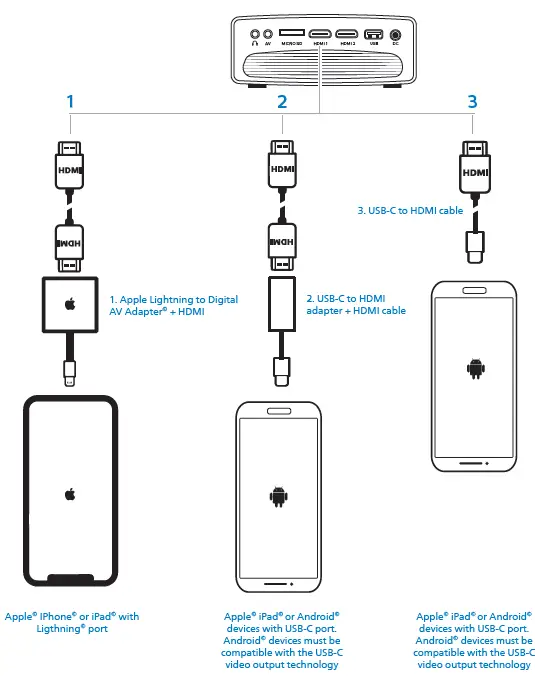
  10. Connecting phones/tablets to HDMIPHILIPS NPX640-INT NeoPix Ultra One Home Projector fig 12

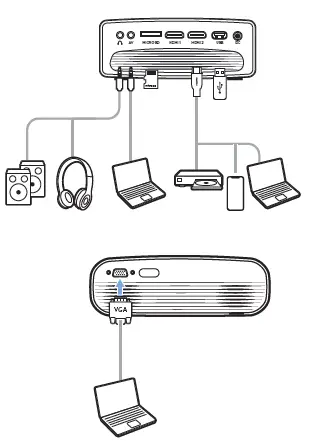
PHILIPS NPX640-INT NeoPix Ultra One Home Projector fig 8

CAUTION

PHILIPS NPX640-INT NeoPix Ultra One Home Projector fig 14

FCC STATEMENT

FCC ID:2ASRT-NPX641
This device complies with part 15 of the FCC Rules. Operation is subject to the following two conditions:

  1. This device may not cause harmful interference, and
  2. this device must accept any interference received, including interference that may cause undesired operation.

Download the full user manual at: www.philips.com/support and register your product for further supportPHILIPS NPX640-INT NeoPix Ultra One Home Projector fig 13

Screeneo Innovation SA
Route de Lully 5C
1131 – Tolochenaz – Switzerland
www.philips.com/welcome
[email protected]
Philips and the Philips Shield Emblem are registered trademarks of Koninklijke Philips N.V. and are used under license. Screeneo Innovation SA is the warrantor in relation to the product with which this booklet was packaged.
2022 © Screeneo Innovation SA
All right reserved

References

Documents / Resouces

Download manual
Here you can download full pdf version of manual, it may contain additional safety instructions, warranty information, FCC rules, etc.


Related Manuals