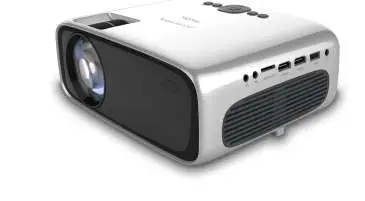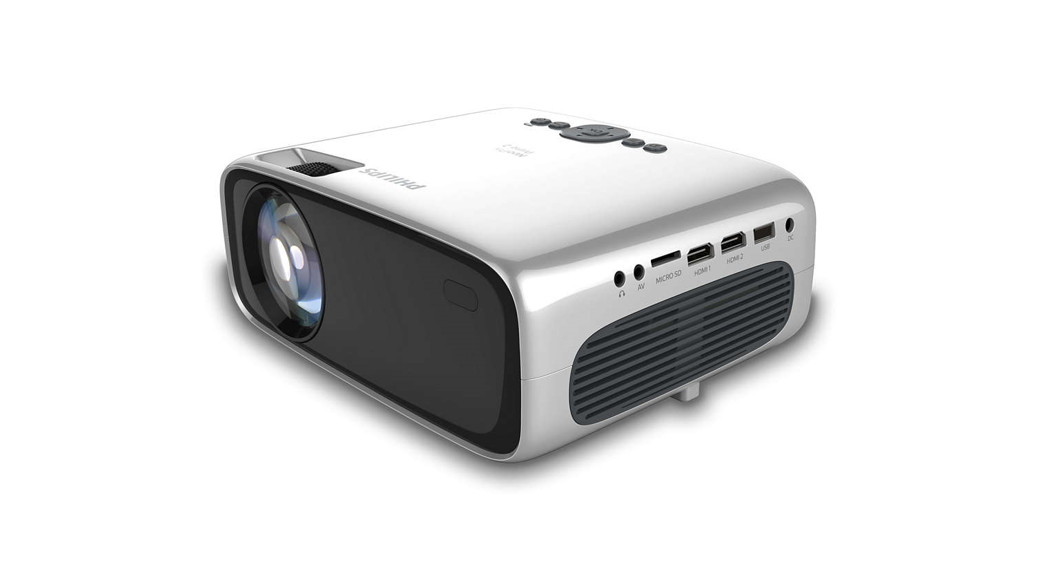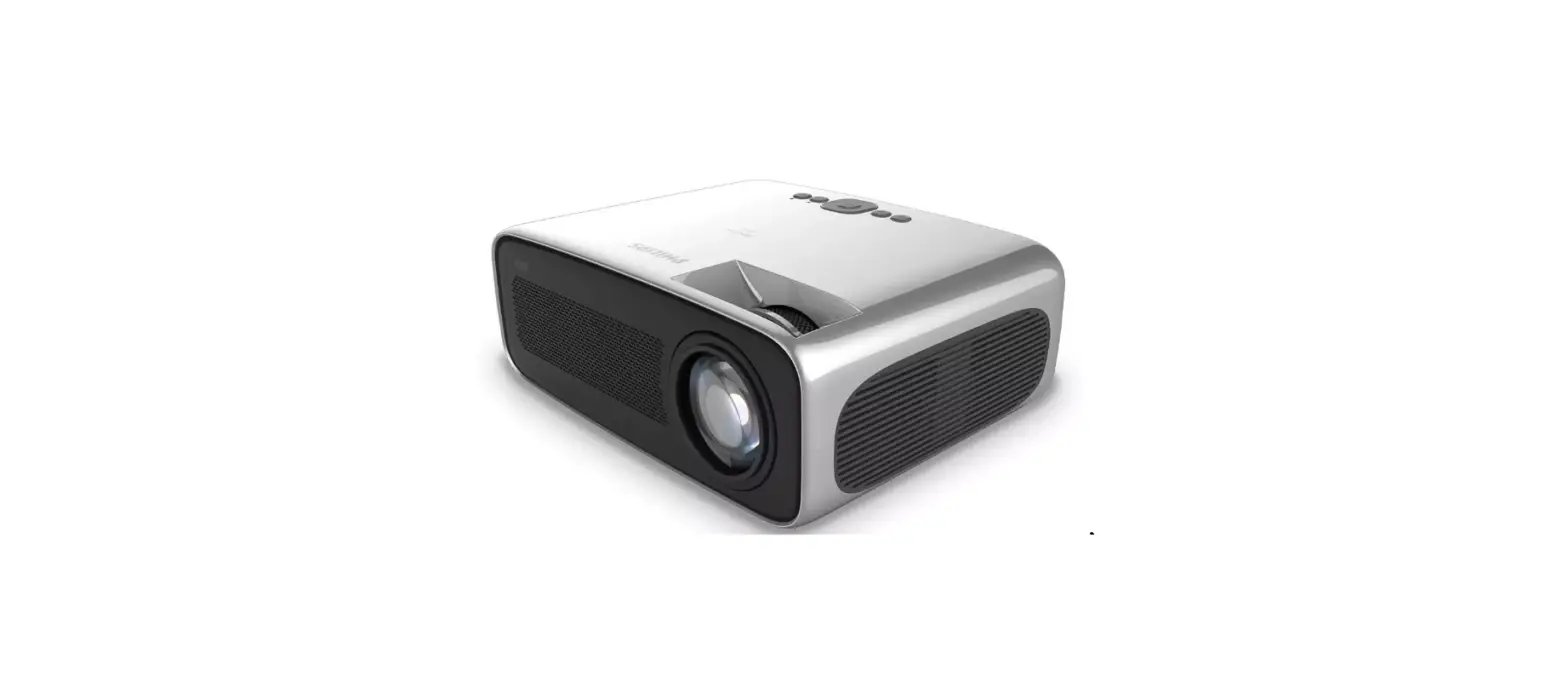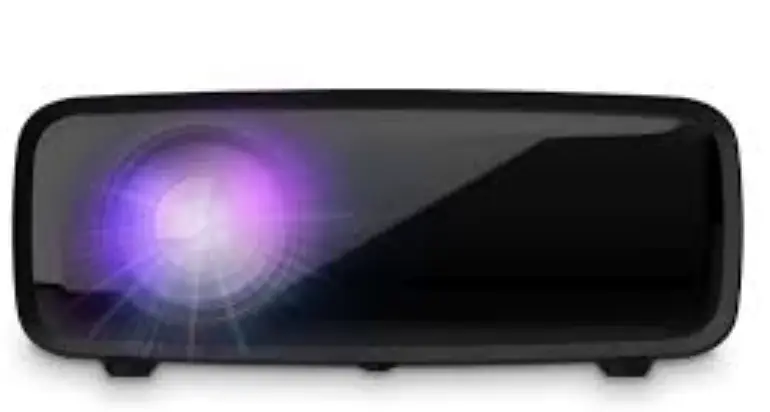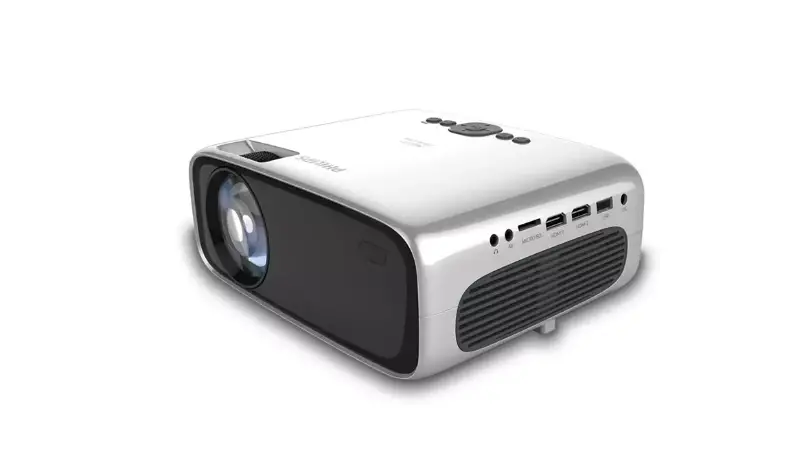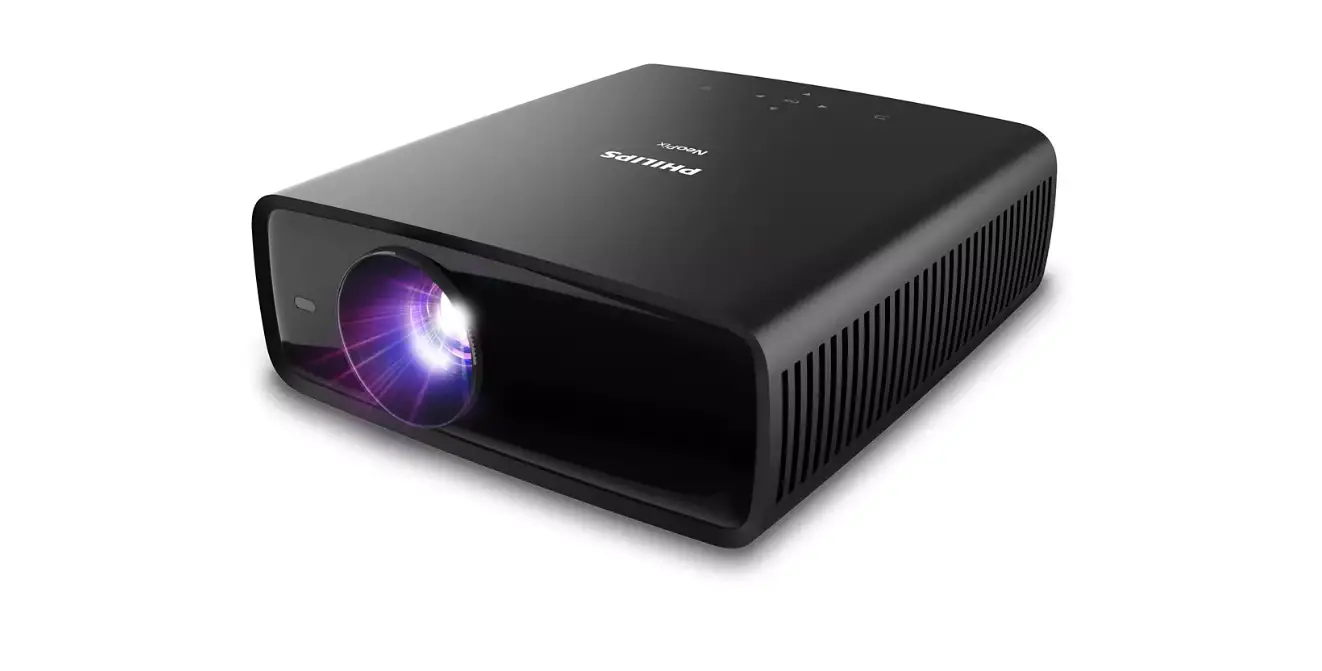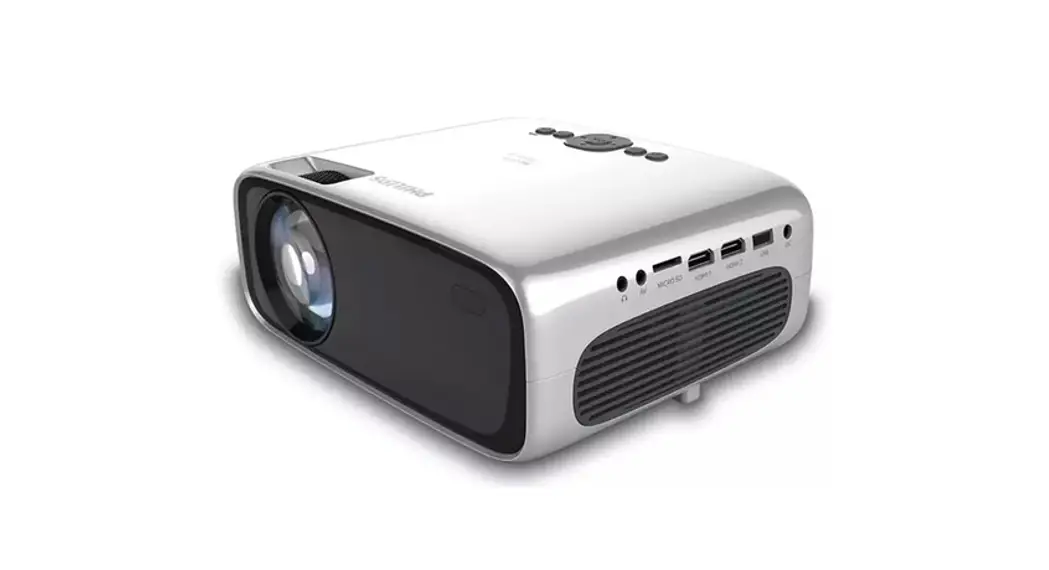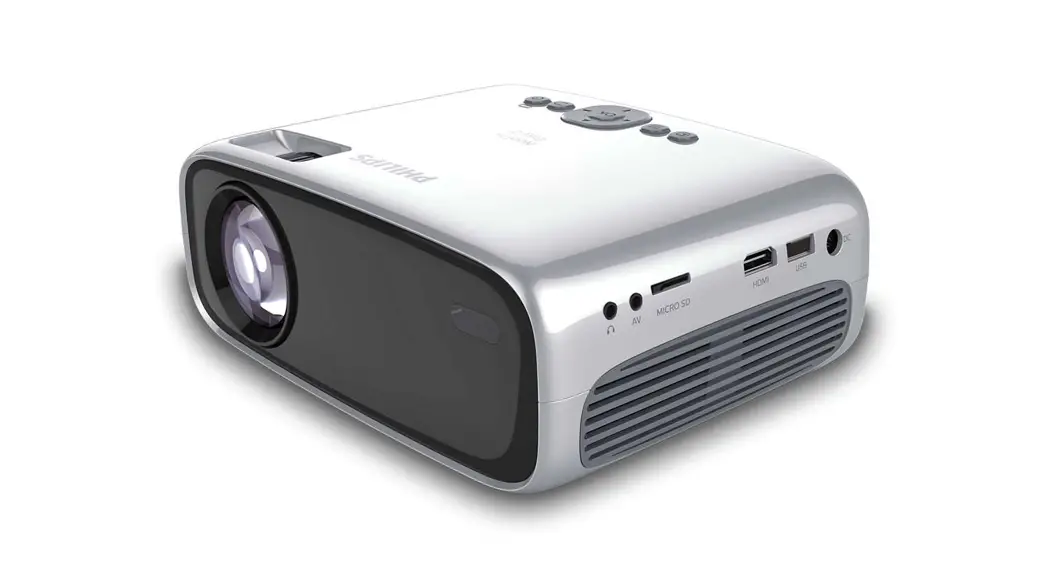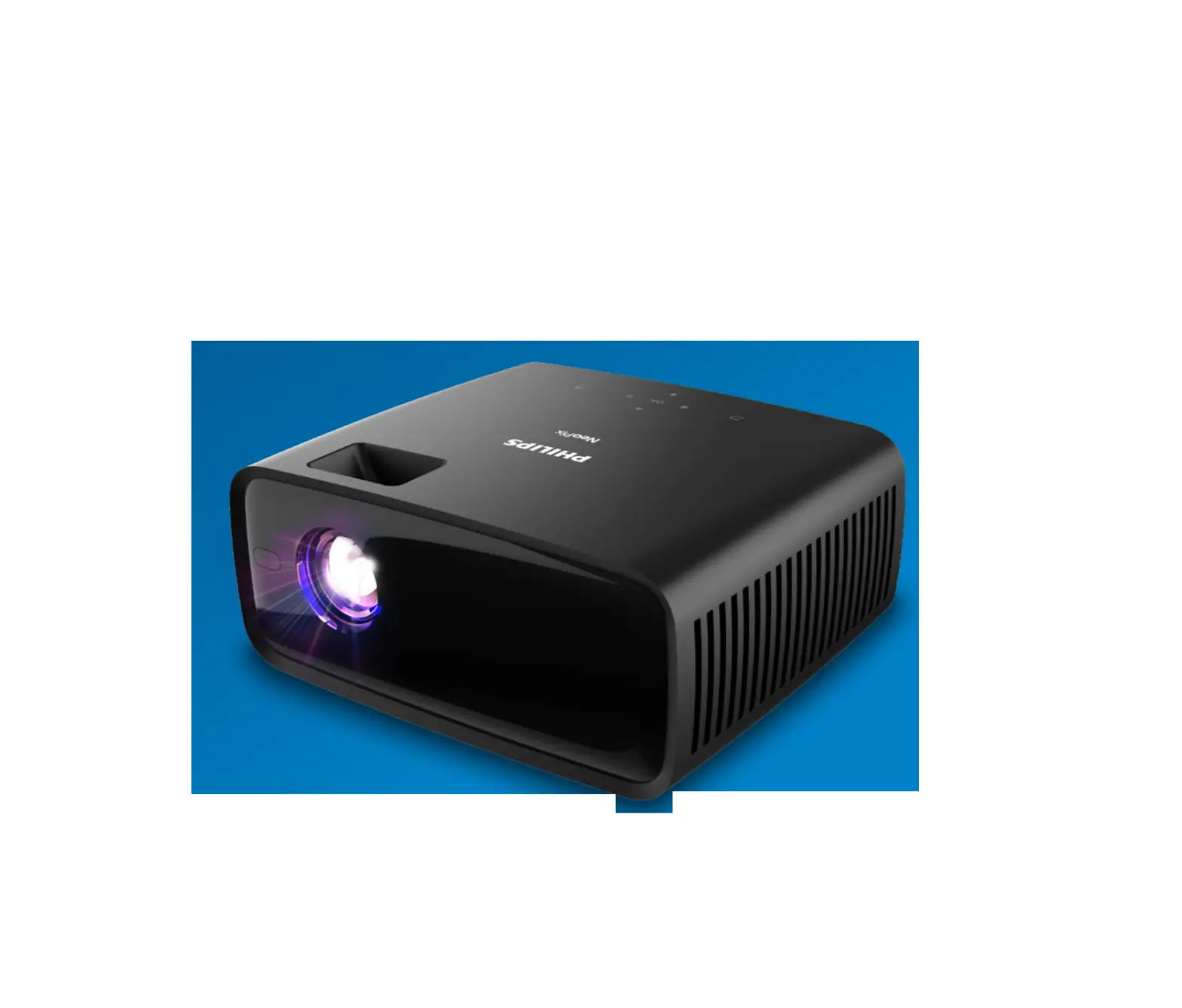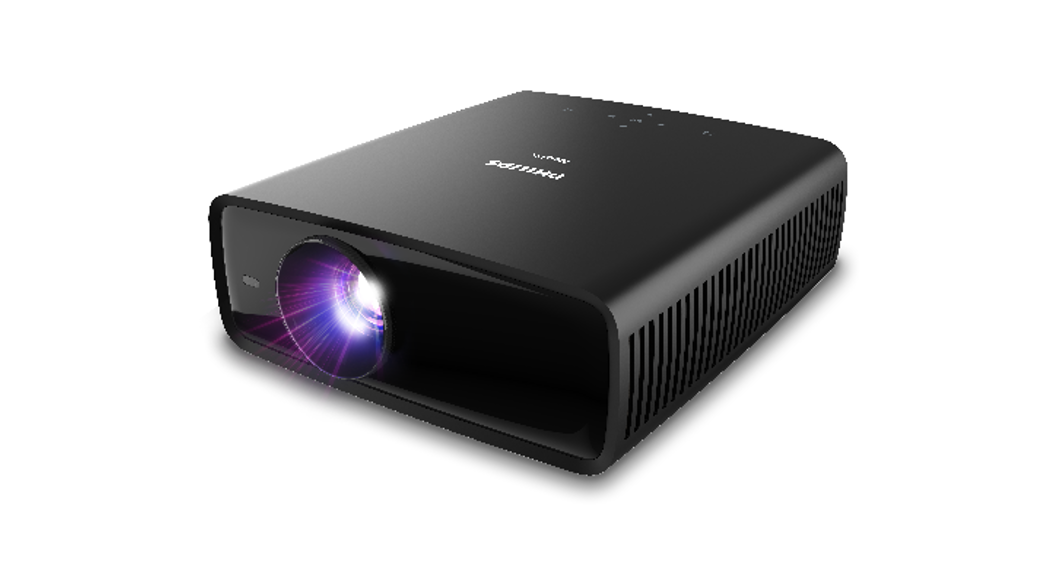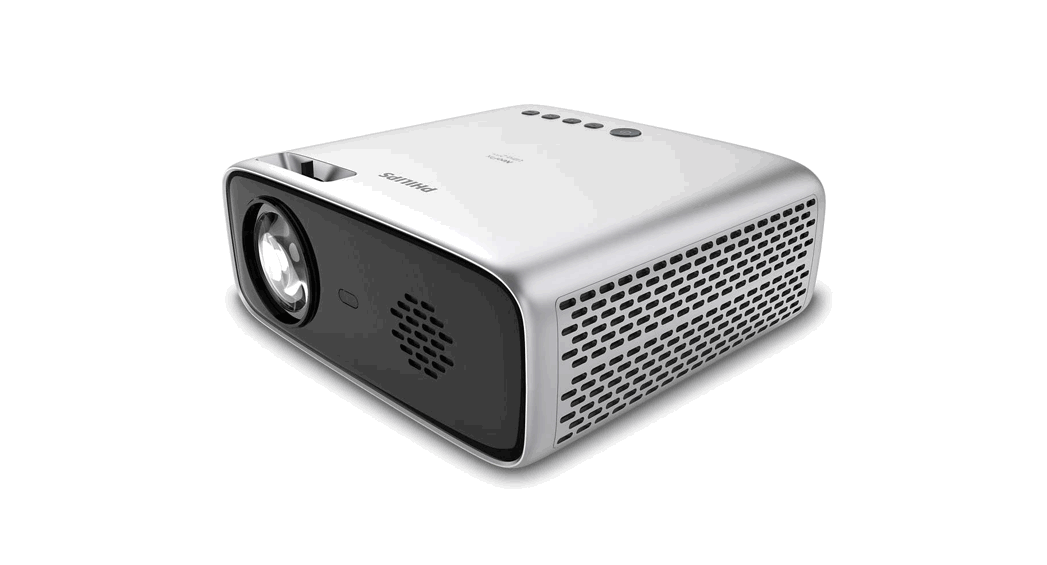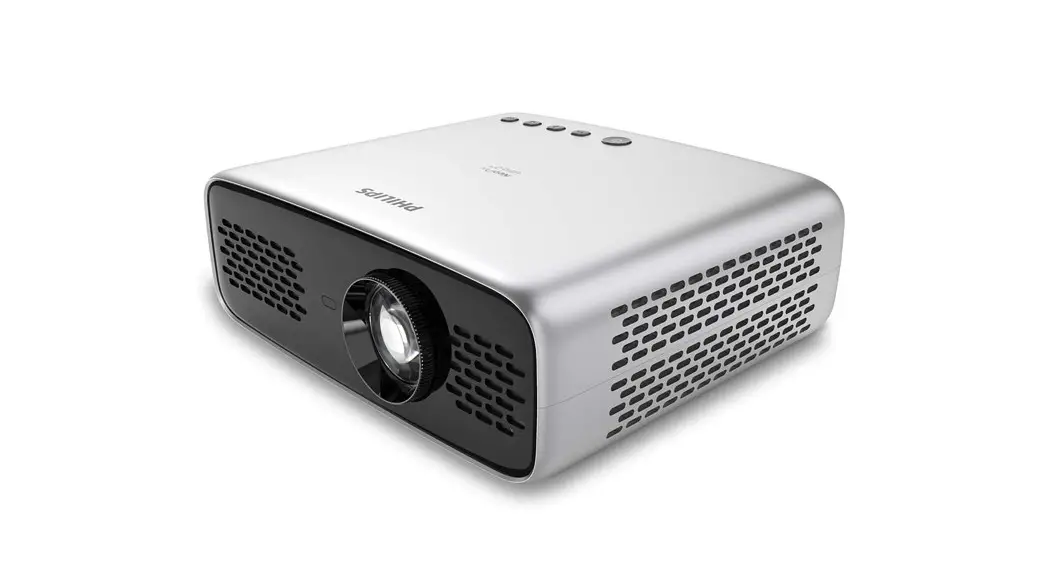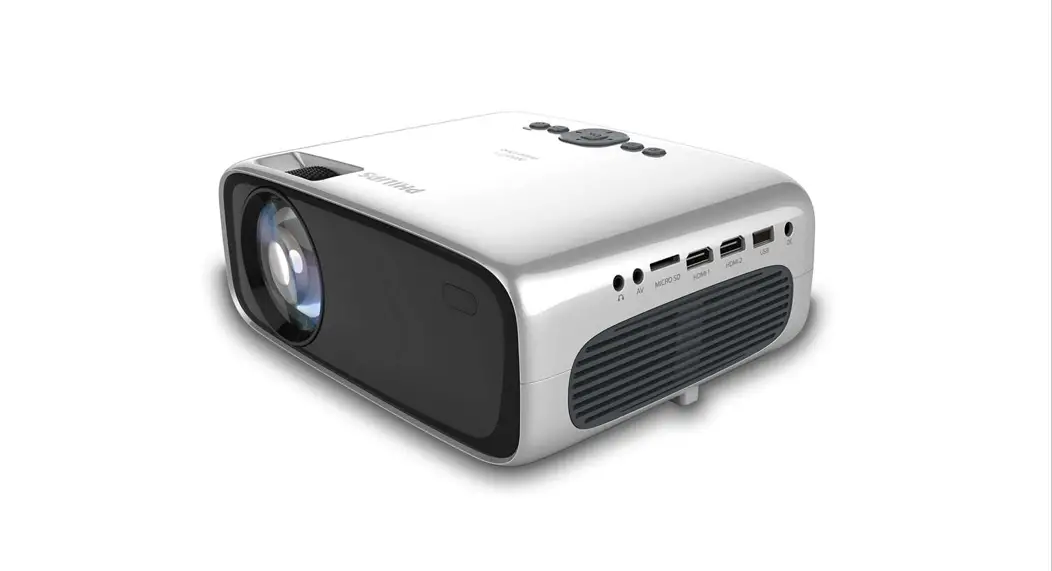
 NeoPix Prime One
Home projector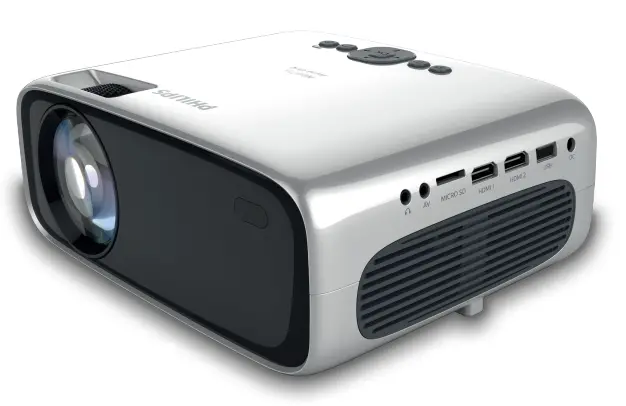 Quick
Quick
Start Guide https://www.philips.com/support
Download the full user manual at: www.philips.com/support and register your product for further support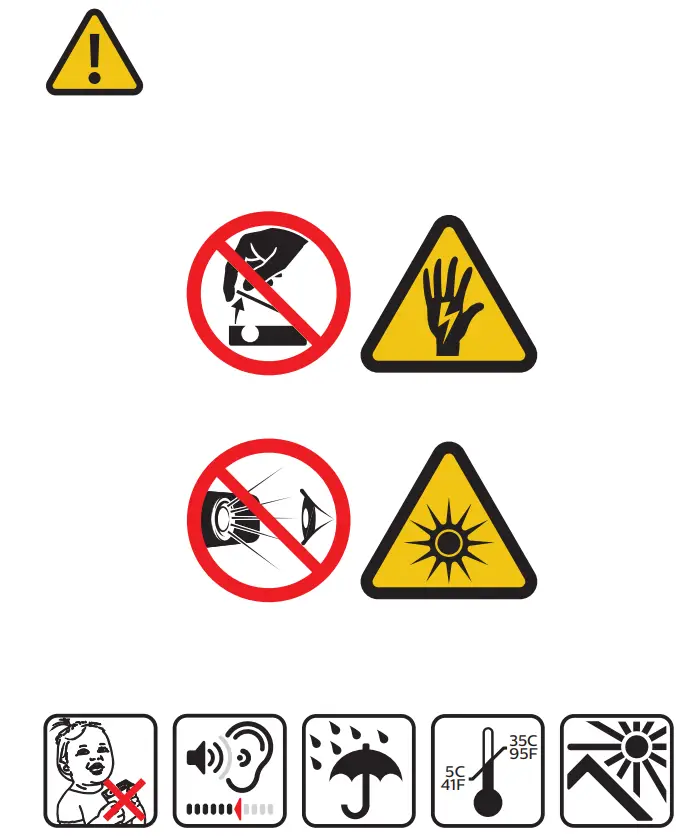
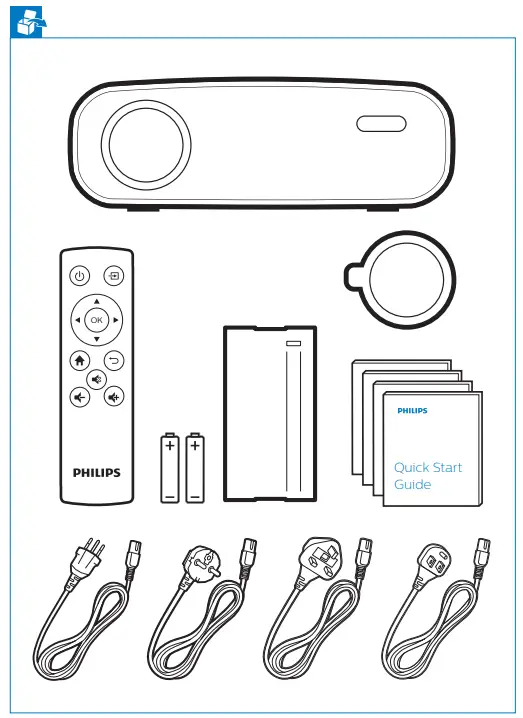
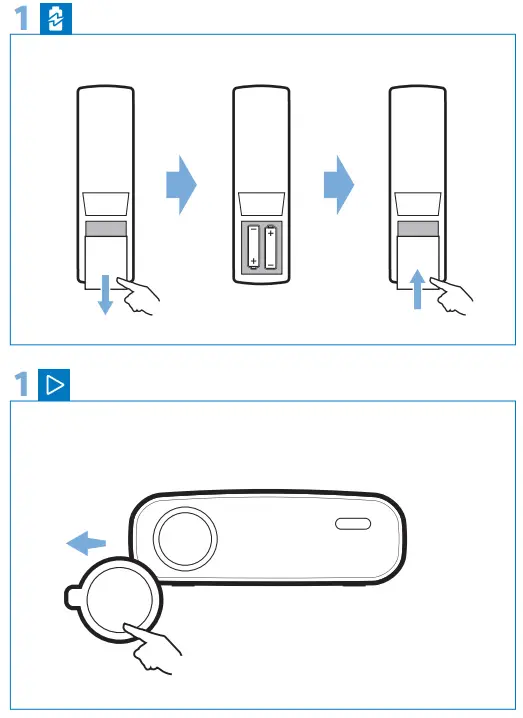
Remove lens cover
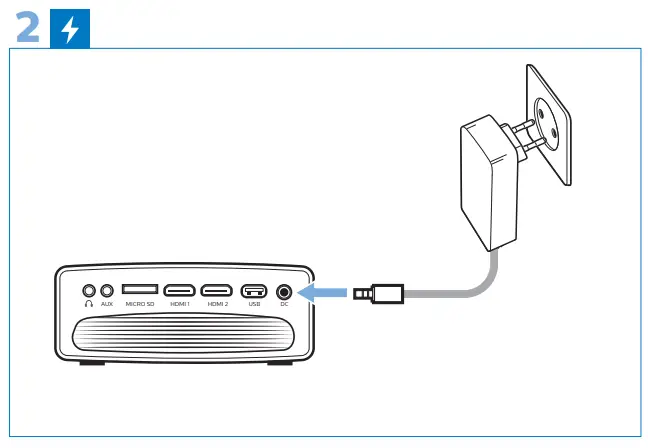
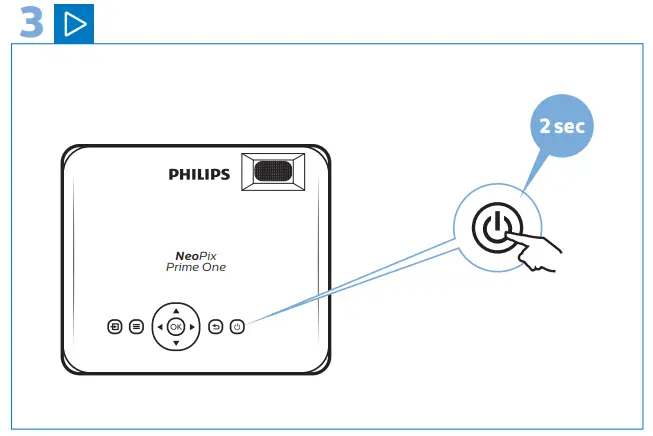
Power
On
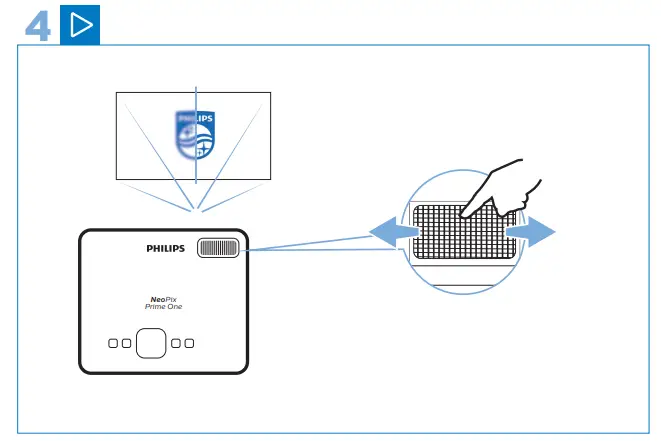
Focus
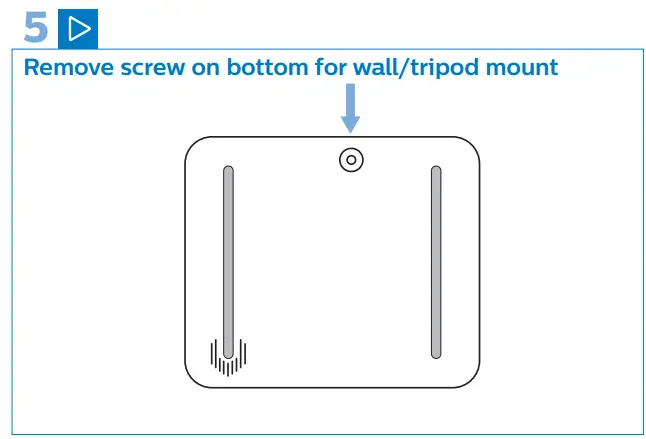
Screw mount
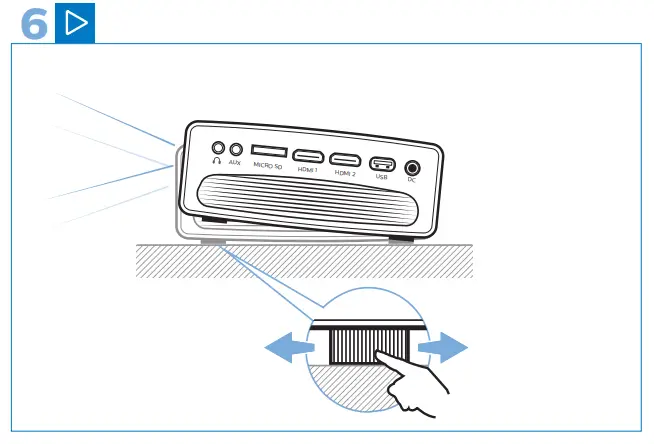
Adjustment knob Keys
Keys
 Keys
Keys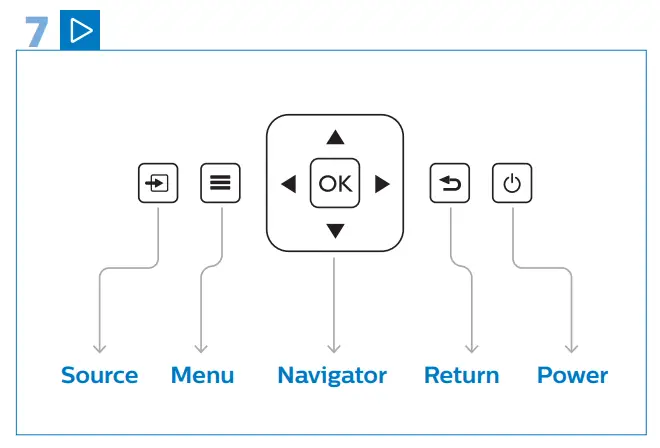
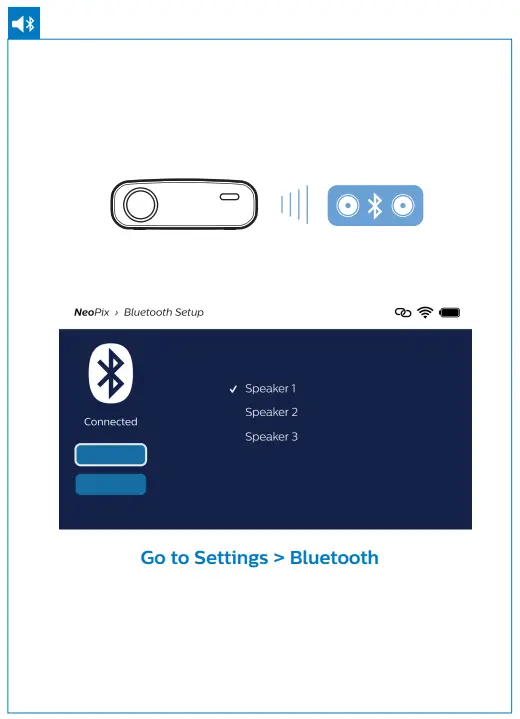
Bluetooth speaker
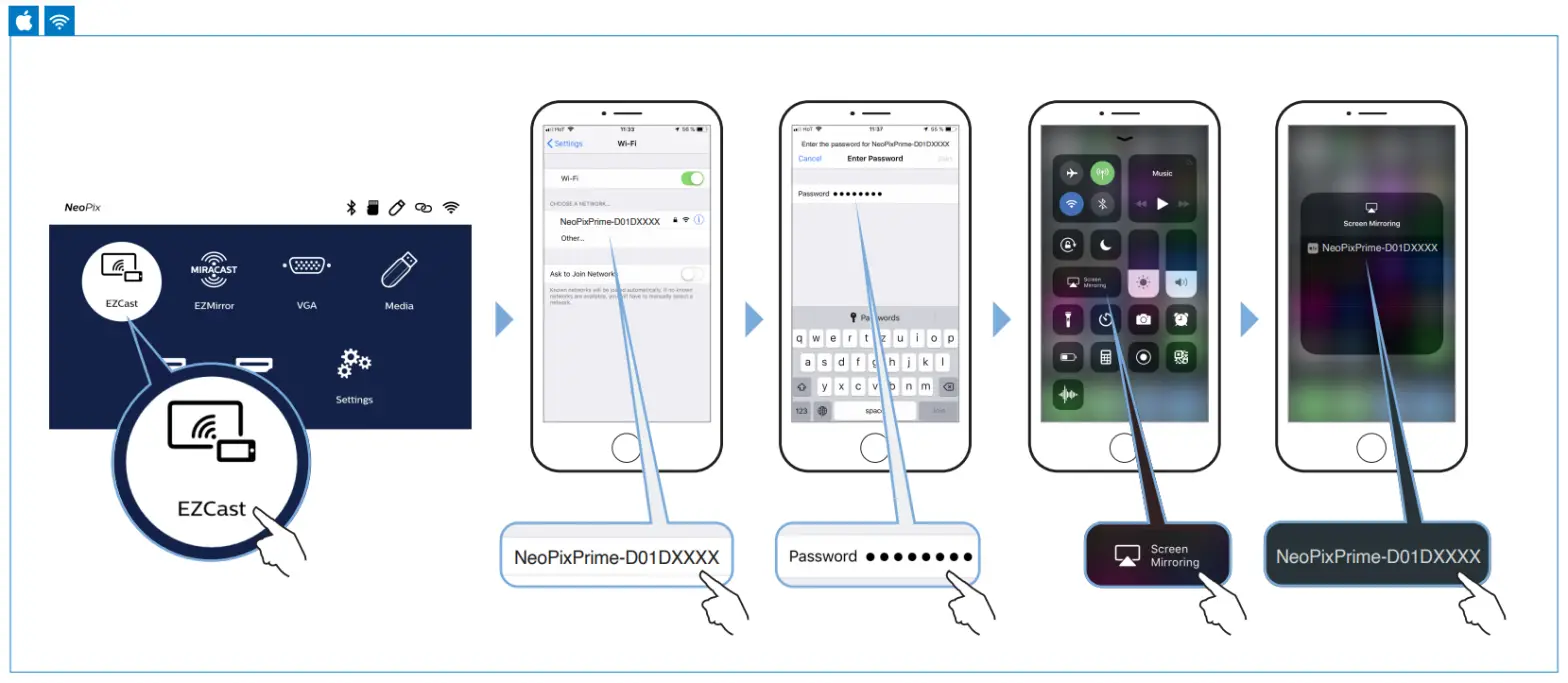
Apple wireless screen mirroring
Android wireless screen mirroring
Streaming content screen mirroring requires an HDMI connection (adapter not included).
This includes services like Netflix, Hulu, Canal+, Amazon Prime, and more.
Streaming content services cannot be screen-mirrored through Wi-Fi.
YouTube can be streamed via Wi-Fi and HDMI.
All product names, logos, and brands are the property of their respective owners.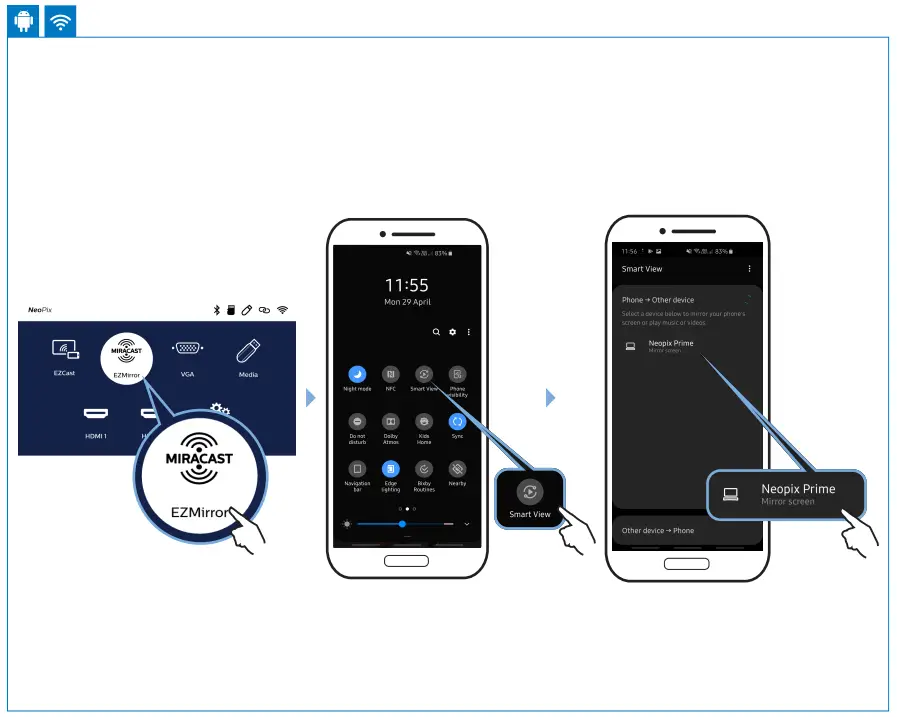
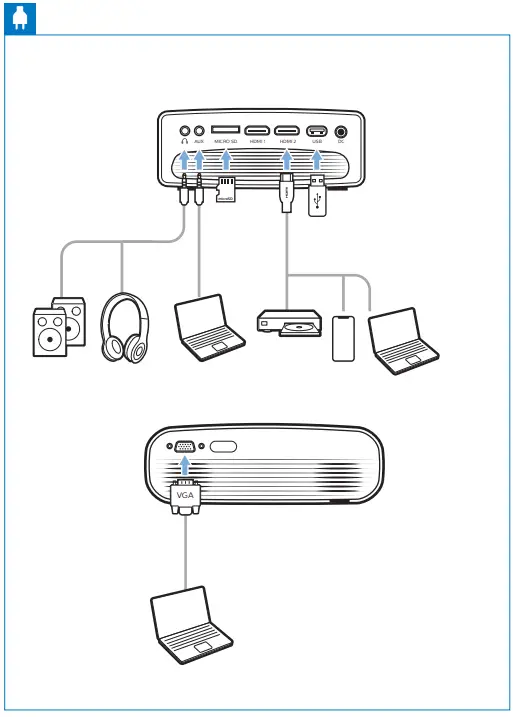
Connecting phones/tablets to HDMI
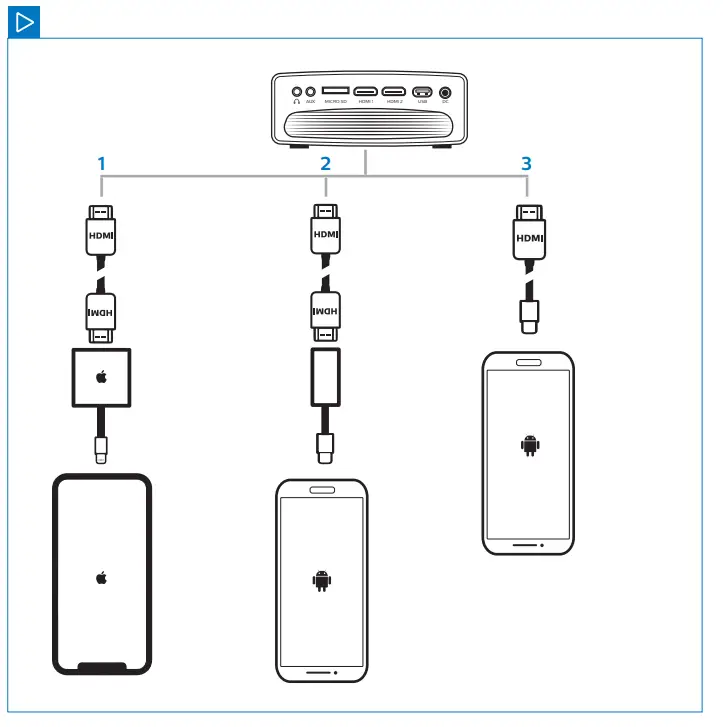
- Apple Lightning to DigitalAV adapter© + HDMI
- USB-C to HDMI adapter + HDMI cable
- USB-C to HDMI cable

Screeneo Innovation SA
Route de Lully 5C
1131 – Tolochenaz – Switzerland
www.philips.com/welcome
philips.projector.[email protected]
Philips and the Philips Shield Emblem have registered trademarks of Koninklijke Philips N.V.
and are used under license. Screeneo Innovation SA is the warrantor in relation to the product with which this booklet was packaged.
2021 © Screeneo Innovation SA All right reserved
FCC ID:2ASRT-NPX535
This device complies with part 15 of the FCC Rules. Operation is subject to the following two conditions: (1) This device may not cause harmful interference, and (2) this device must accept any interference received, including interference that may cause undesired operation.
 Support Home | Philips