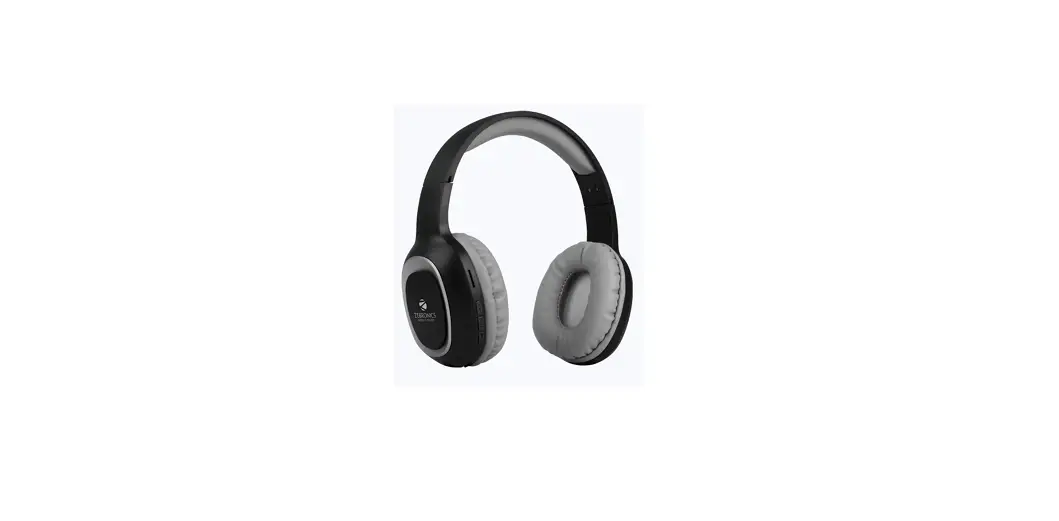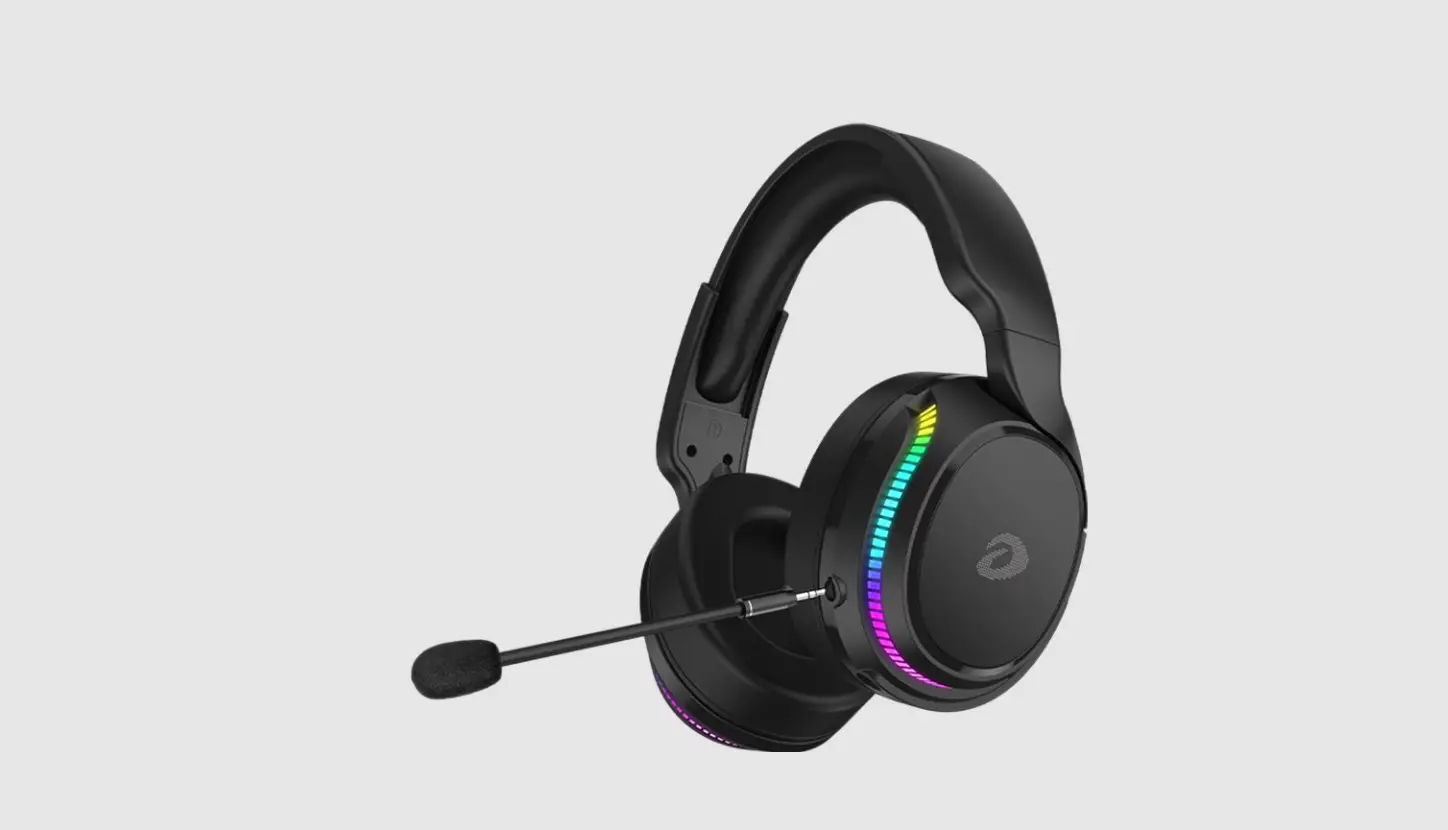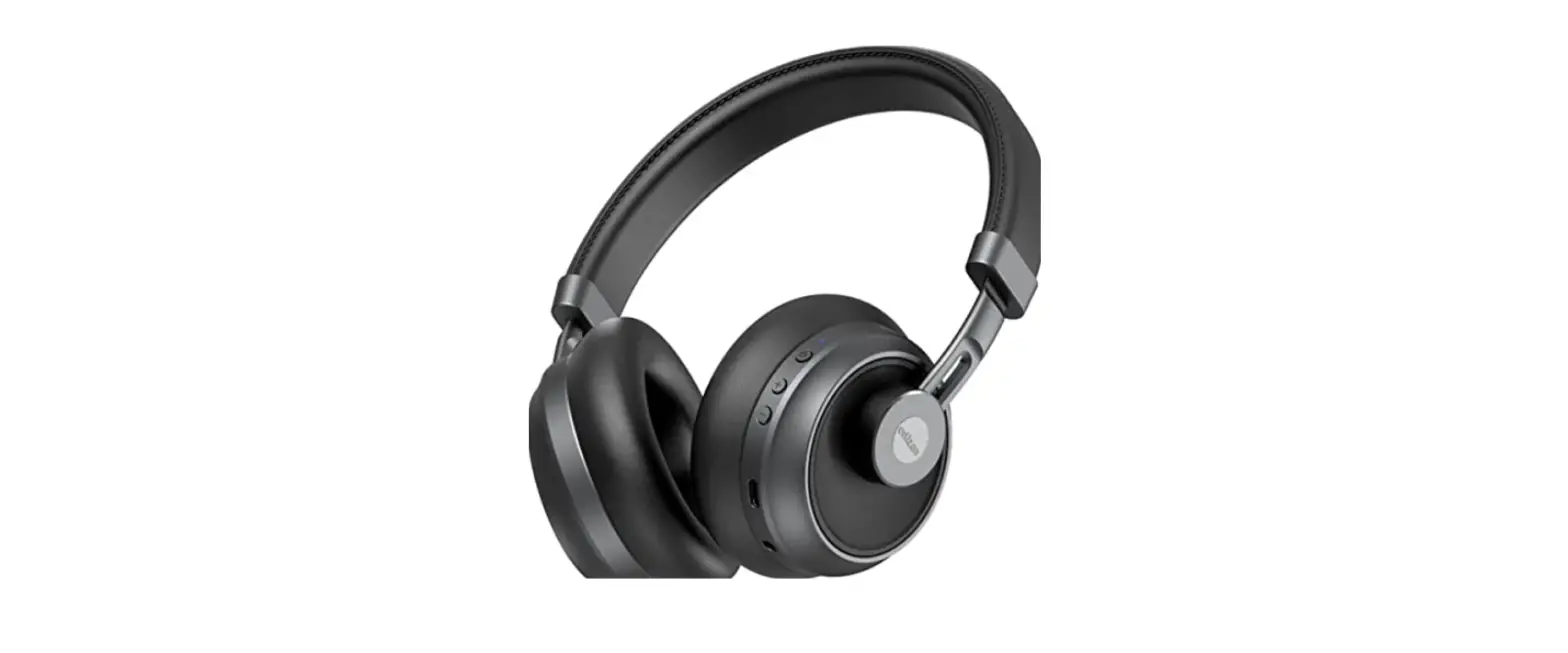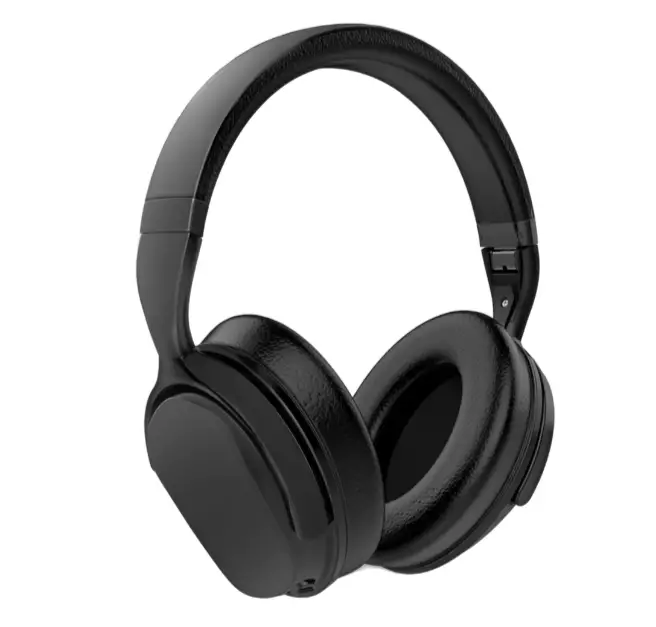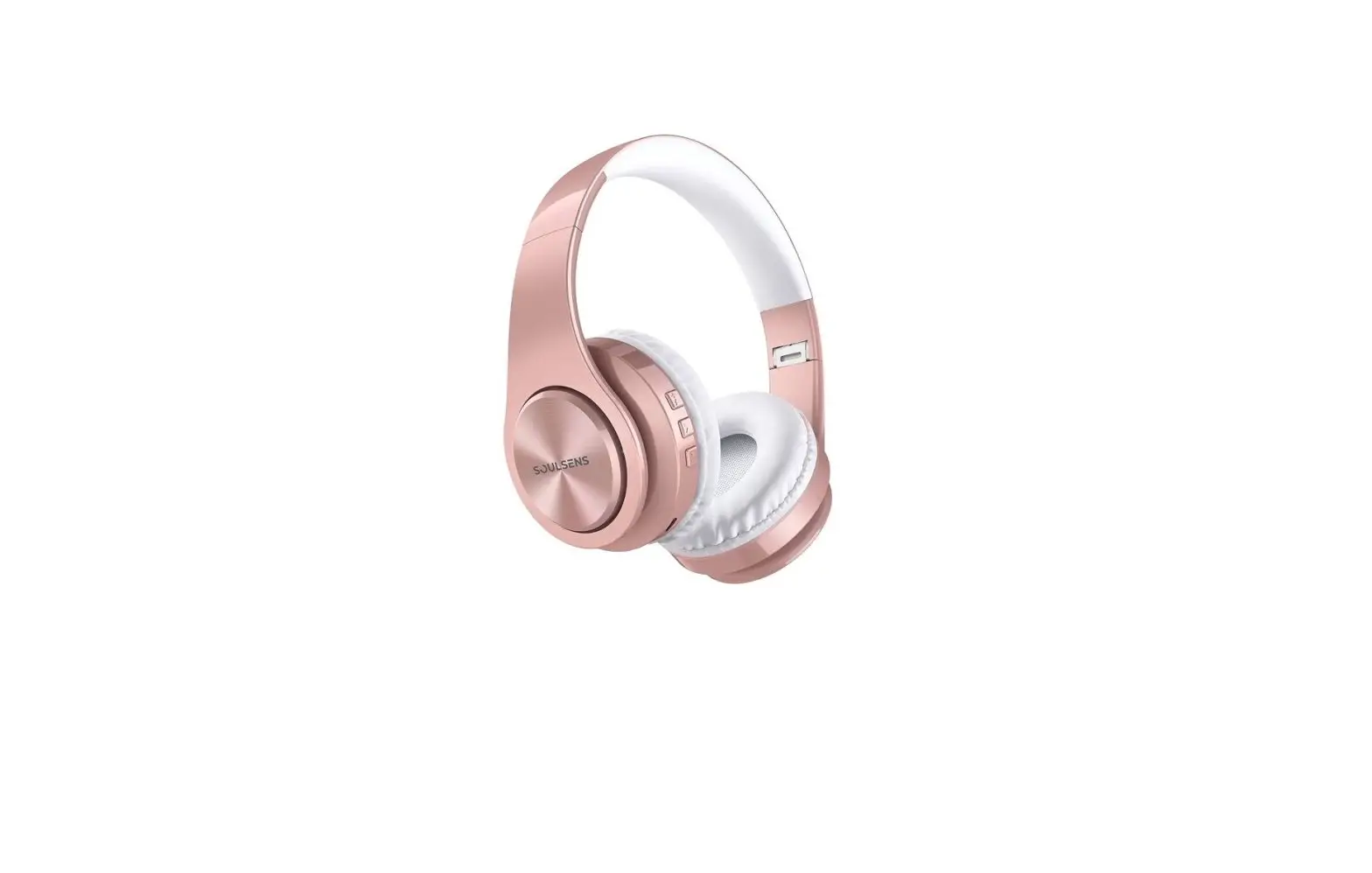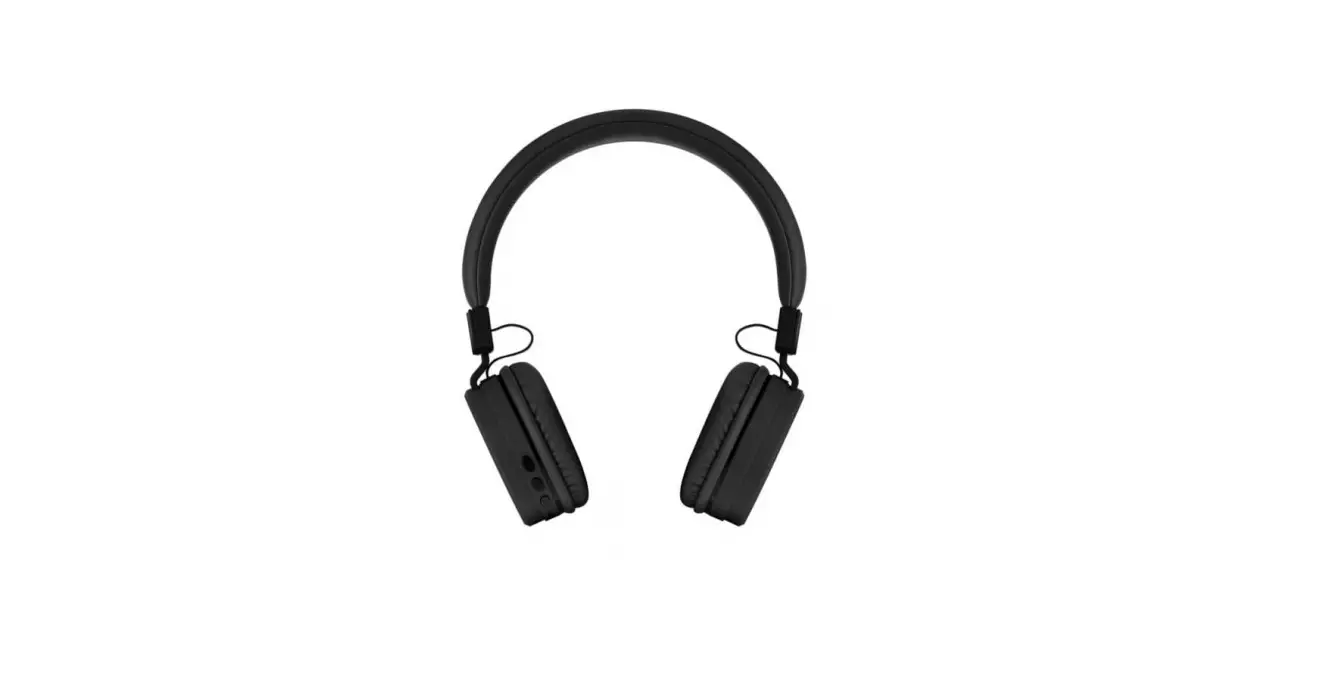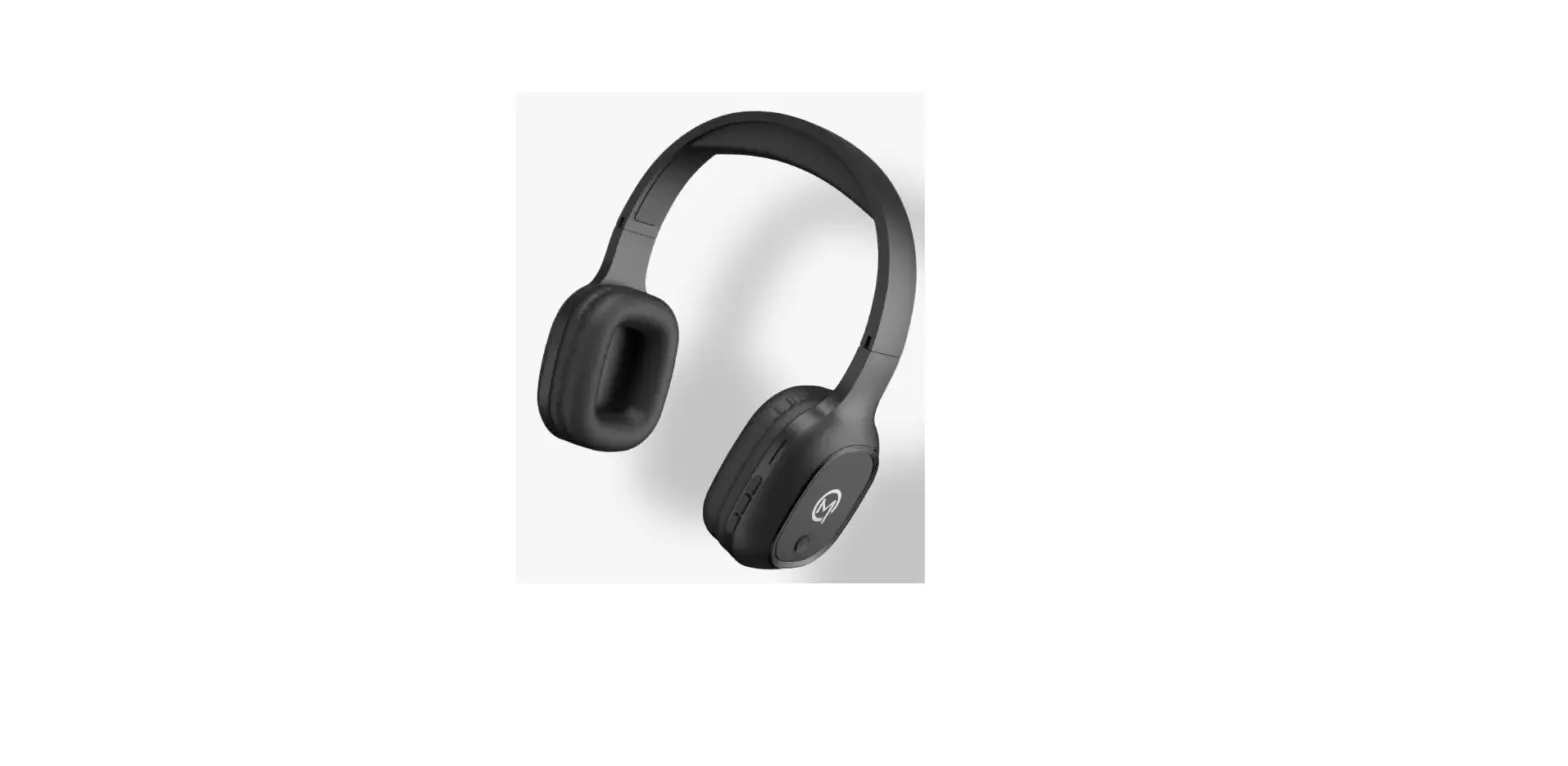

MOBILLA MJoy 101 Wireless Headphone
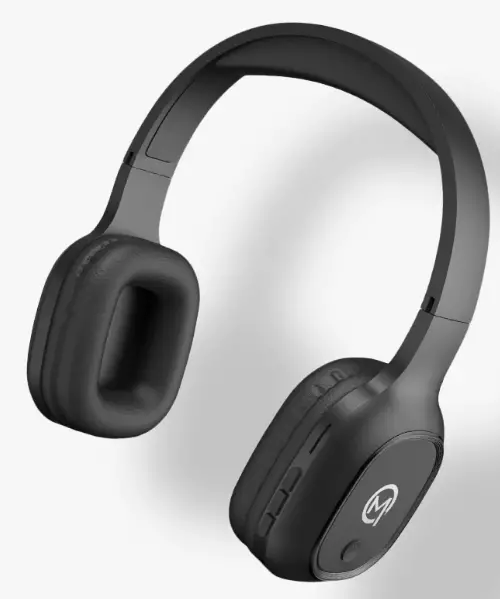
MJOY 101 User Manual
You have just owned a stylish MOBILLA Headset MJOY 101 with dynamic sound and thumping bass. Exquisitely designed for a comfortable and perfectly engineered for long hours of non-stop music. It’s comfort makes it ideal for online classrooms, meetings, workouts, camping, hiking, adventures, etc. We are committed to enhance your mobility experience through our wide range of accessories.
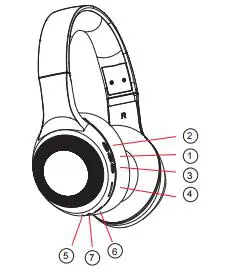
A Quick Look At Your Device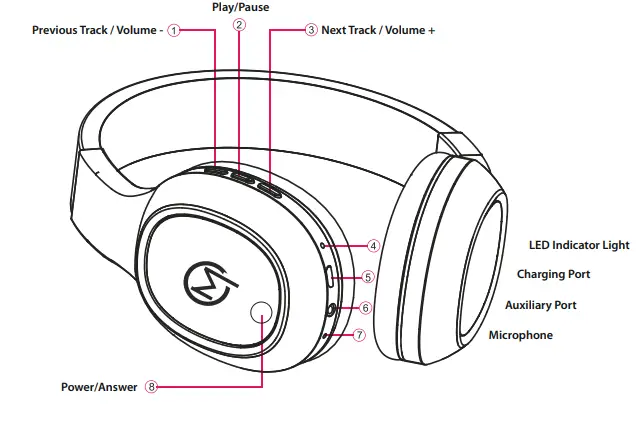
- Previous Track / Volume –
- Play/Pause
- Next Track / Volume +
- LED Indicator Light
- Charging Port
- Auxiliary Port
- Microphone
- Power/Answer
Charging Your Headphones
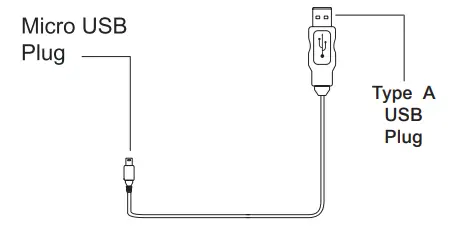
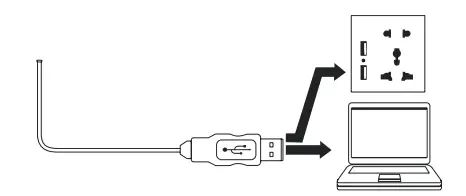
- The included USB charging cable has a Micro USB plug and standard USB plug.

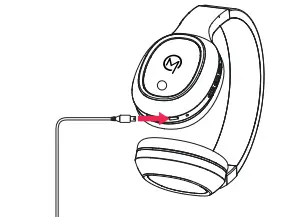
- Insert the USB charging cable’s Micro USB plug into the charging port on your headphones.

- Insert the USB charging cable’s standard USB plug into the USB ports of a computer or suitable USB charging adapter.

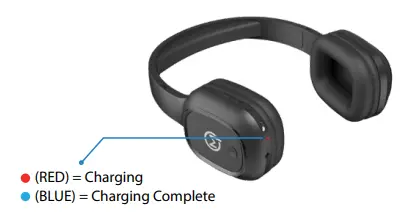
- The LED indicator light turns red while the headphones are charging. It turns blue once charging is complete.

- Charging takes 1-2 hours. Unplug when charging is complete
Important:To avoid a complete discharge of the battery, charge your headphones at least once every three months.
Pairing Your Headphones with Bluetooth Enabled Devices
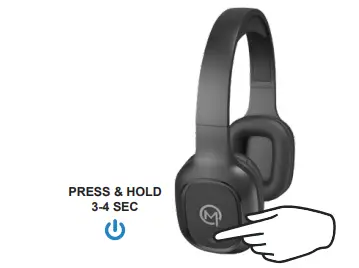
- Press and hold the power button to power on your headphones.

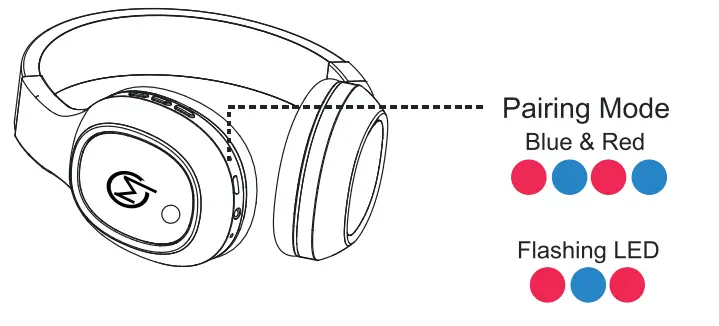
- The LED indicator light will alternately flash red and blue to indicate that your headphones are in pairing mode.

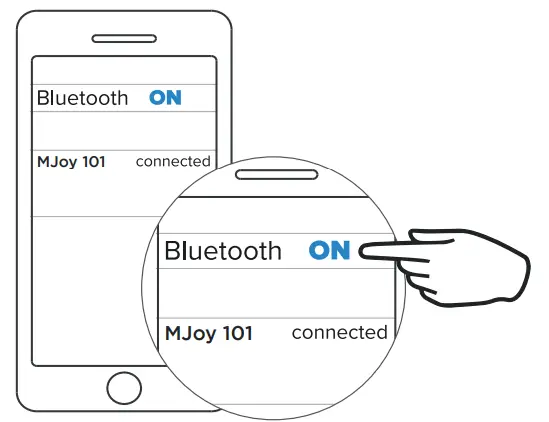
- Go to the Bluetooth settings menu on your phone. Make sure that Bluetooth is turned on. Connect to the devices listed as Mobilla MJoy 101.

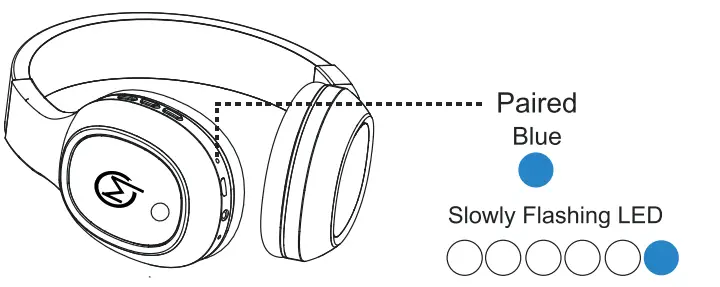
- The LED indicator lights will slowly flash blue to indicate that your headphones are paired with your phone.

- Get Connected and Listen to your Favourite Content.
- www.mobilla.in
- @mobillaofficial
 Mobilla | Mobile Accessories & Lifestyle Product | Mobitech Industries