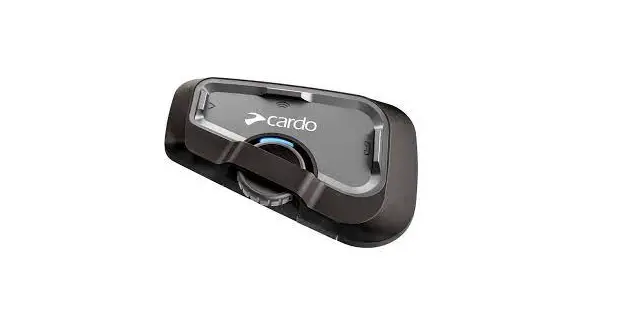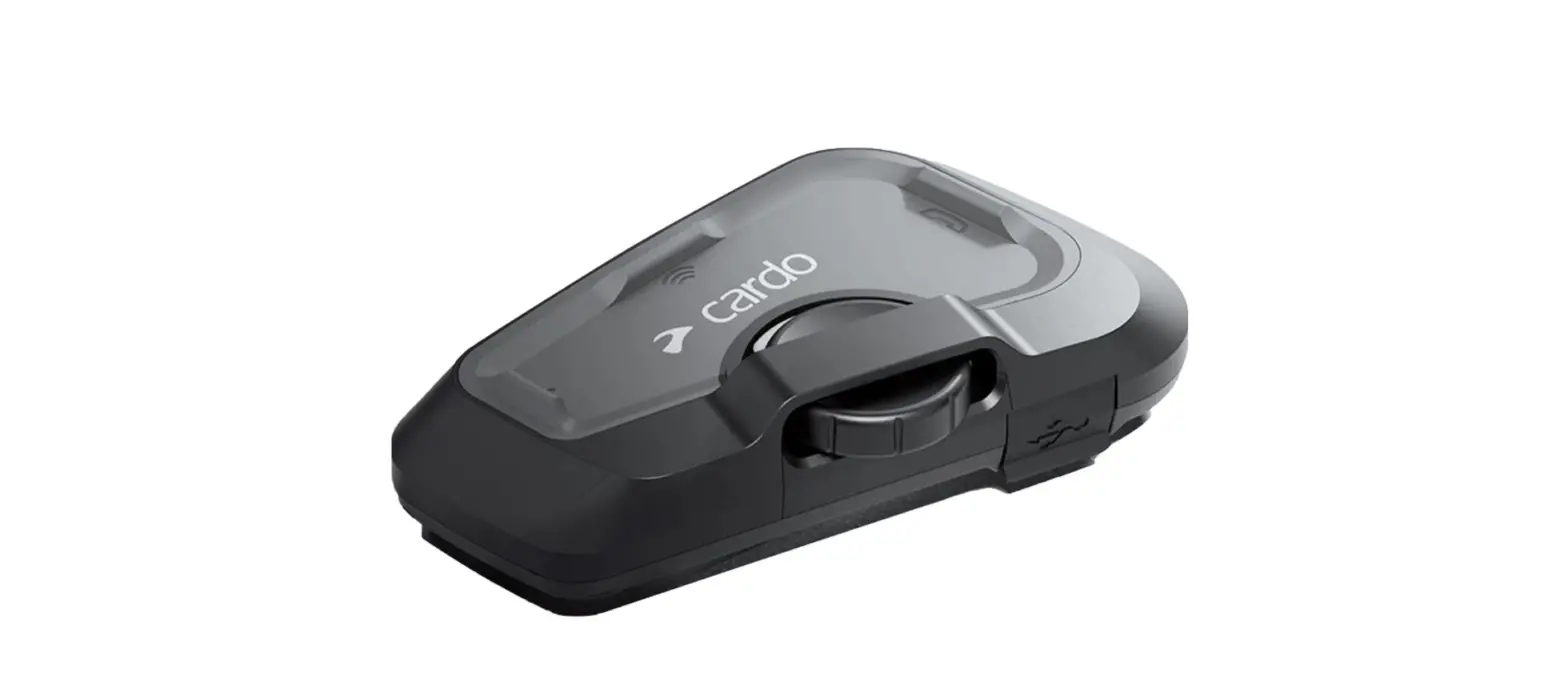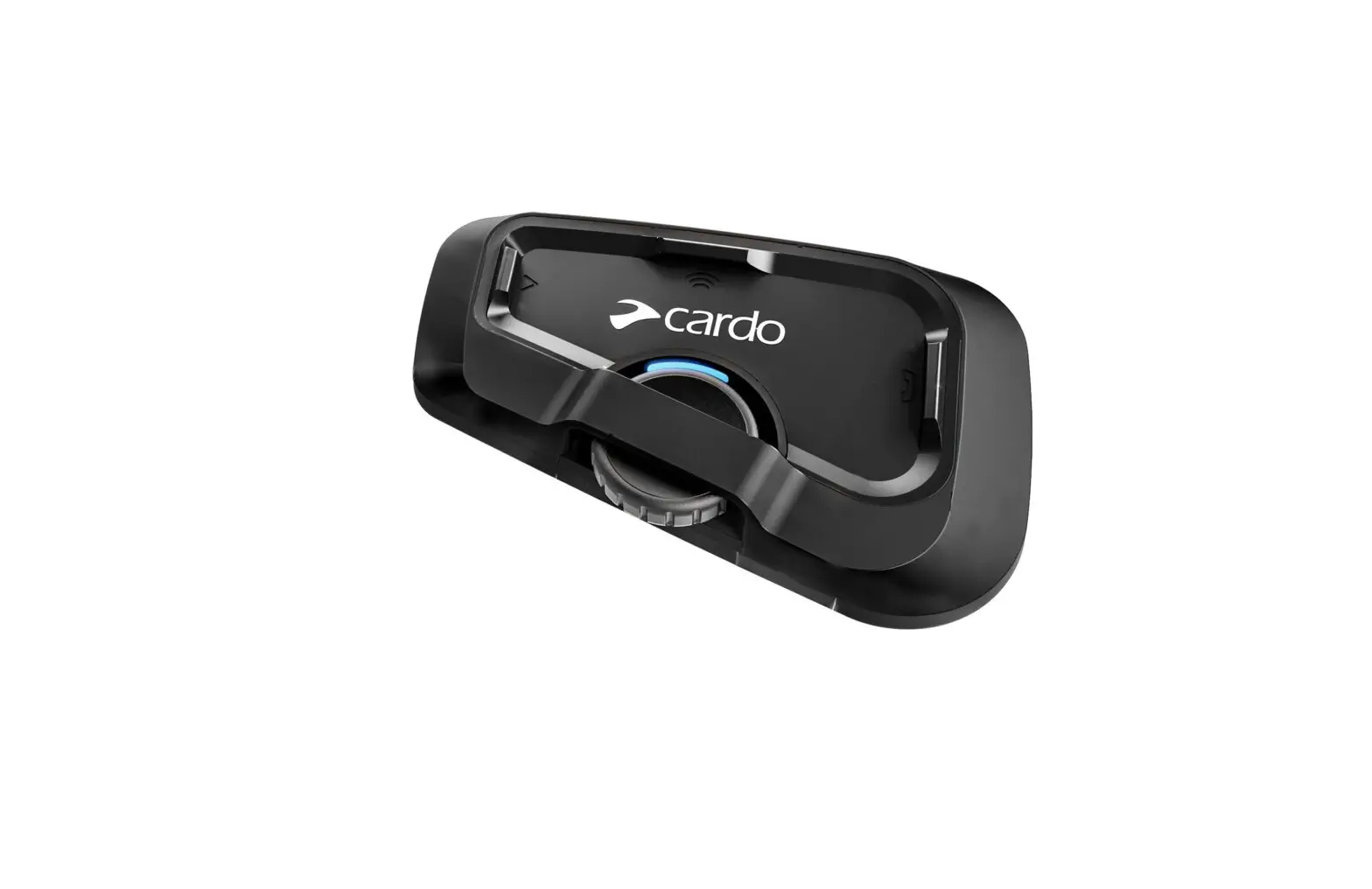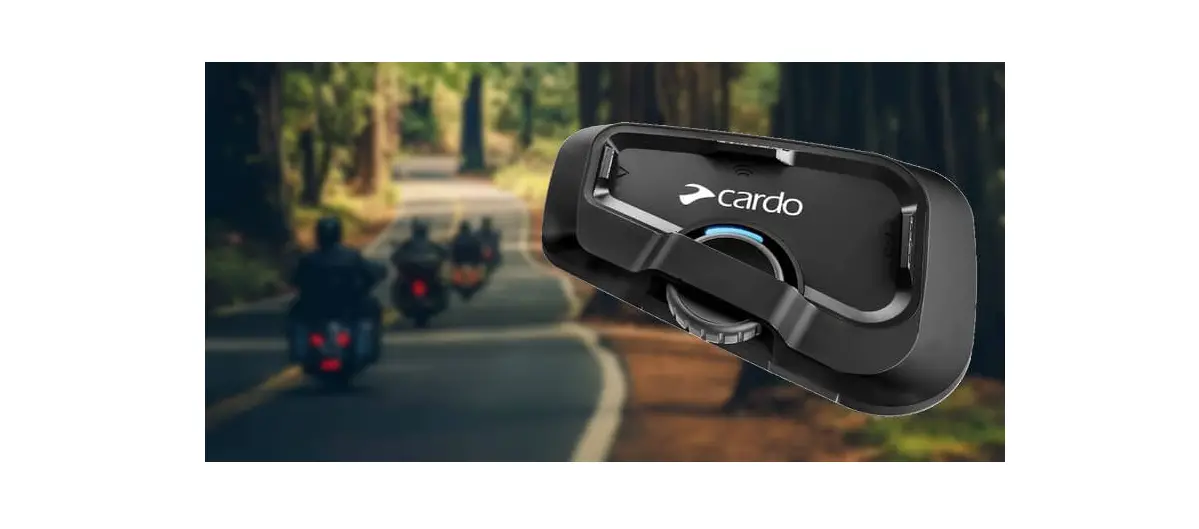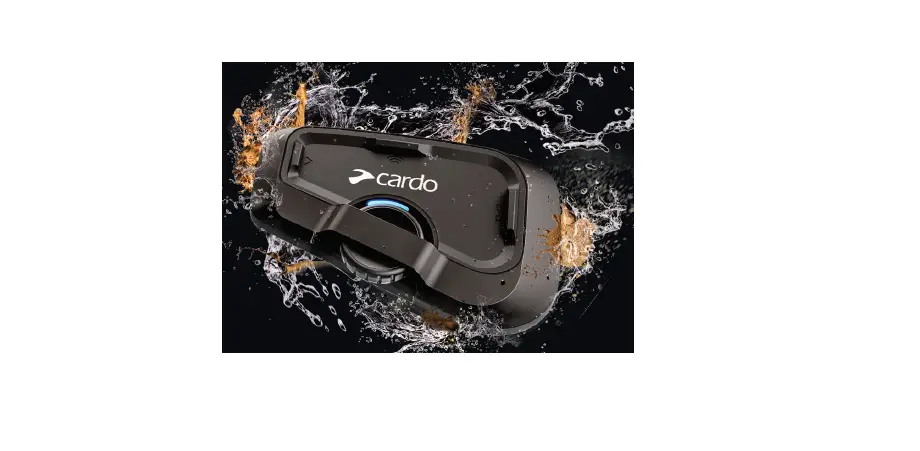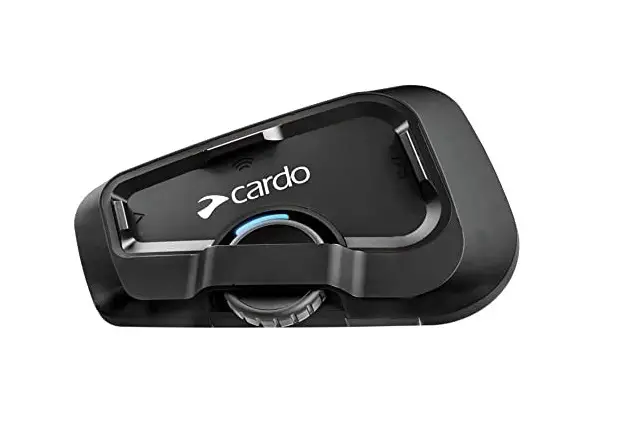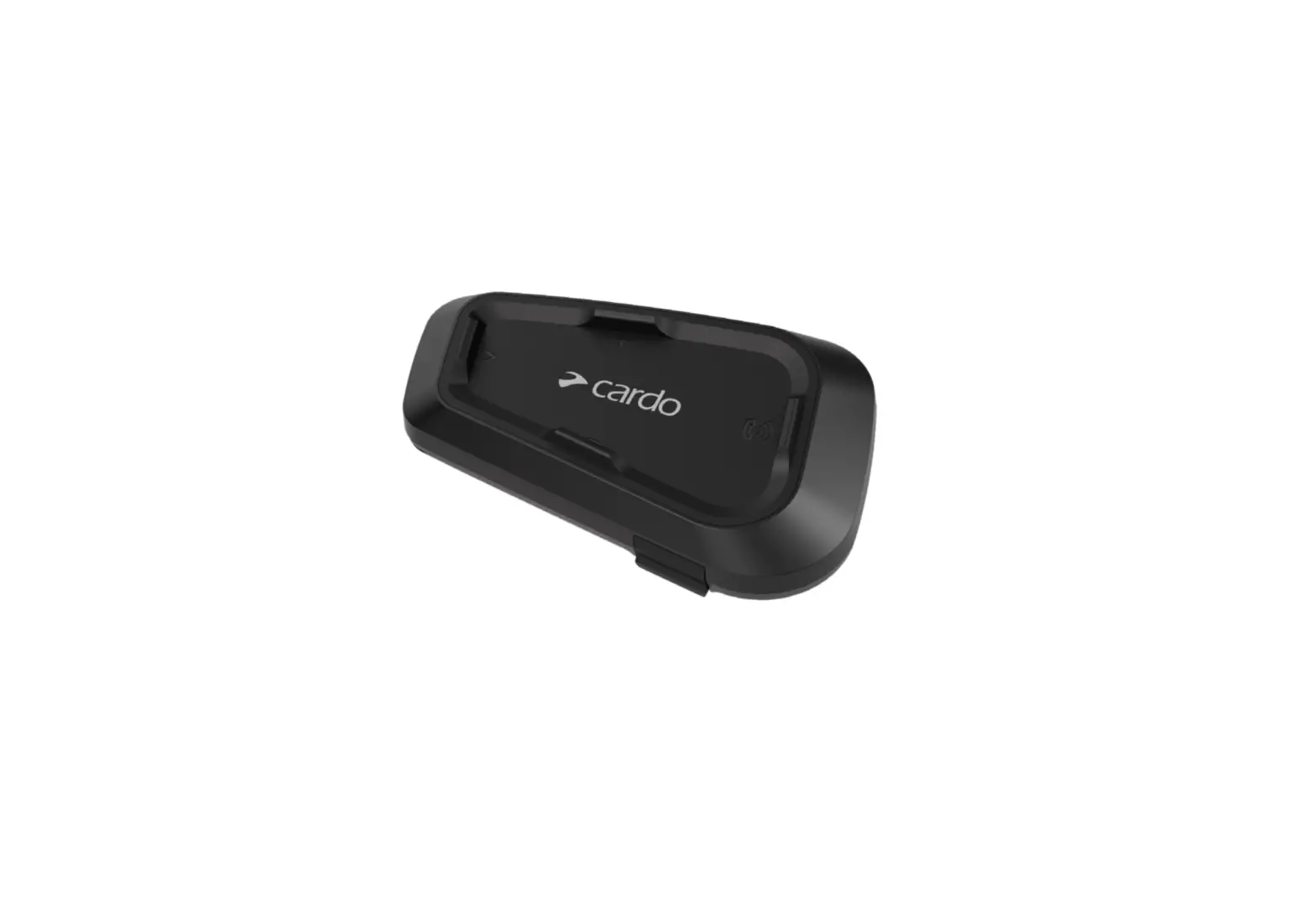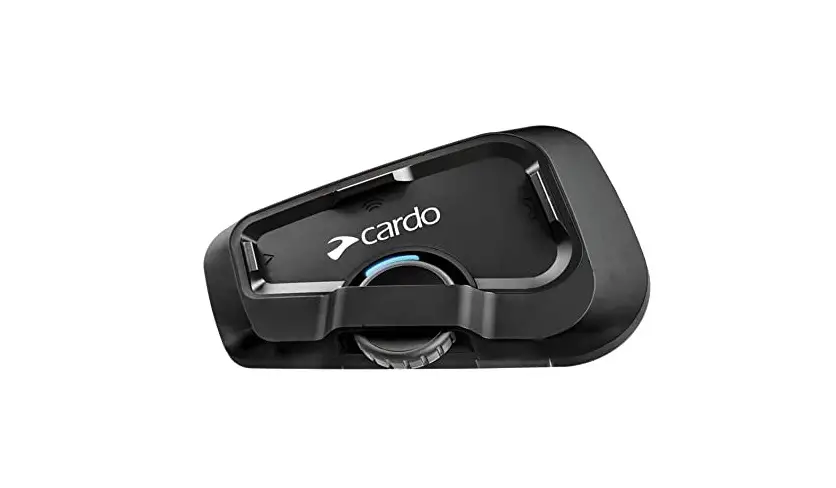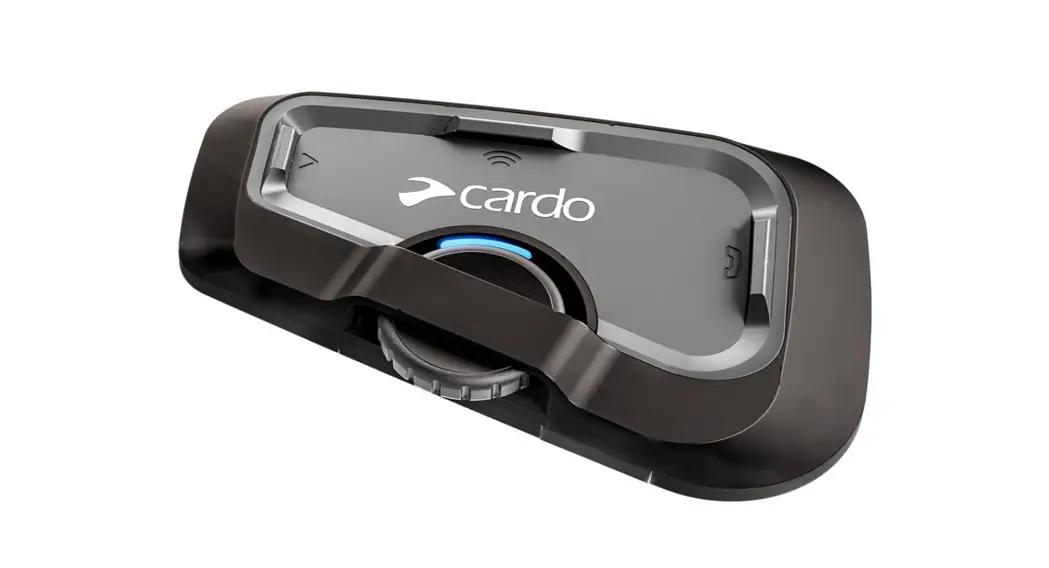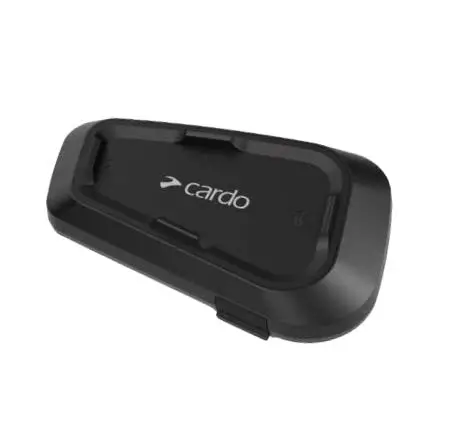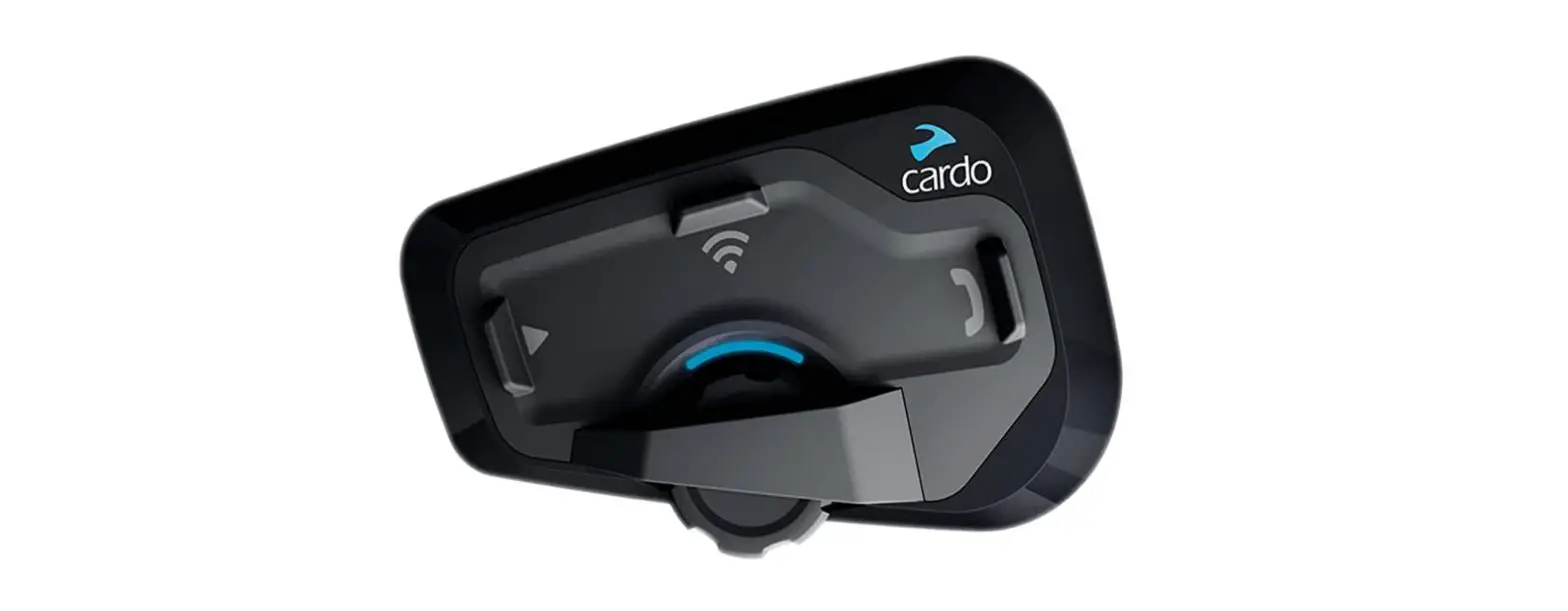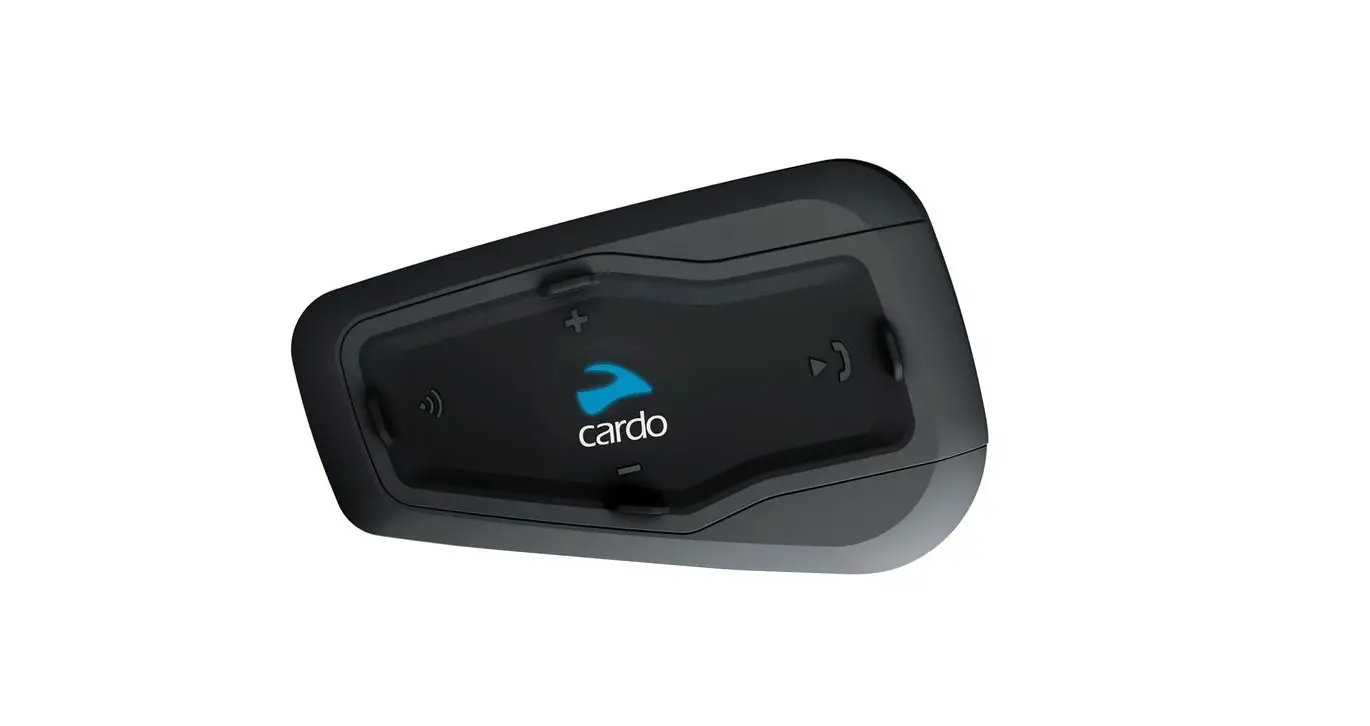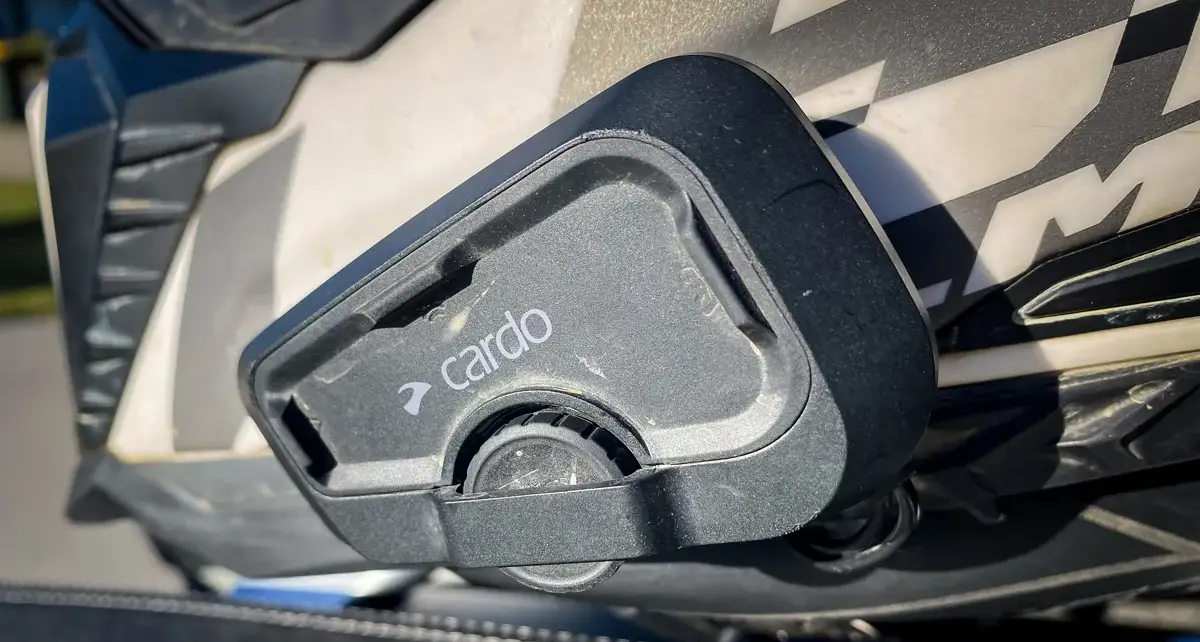

cardo Freecom 2X Headset
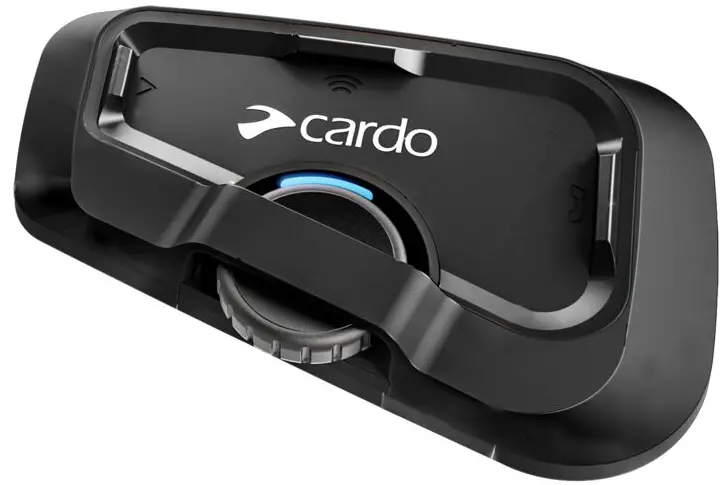
Product Information: Communication in Motion 5.2 FREECOM 2x
The Communication in Motion 5.2 FREECOM 2x is a Bluetooth communication device for motorcycles that allows riders to communicate with each other while on the road. It also enables riders to listen to music, make phone calls, and use voice assistants without having to take their hands off the handlebars.
The device comes with a pocket guide in four languages (English, German, French, and Italian) that provides instructions on how to use its features.
Product Usage Instructions
Before using the device, make sure it is fully charged by connecting it to a USB charger using the USB charging cable that comes with the device. The LED indicator will turn on and show the charging progress. Once fully charged, follow the instructions below:
On/Off
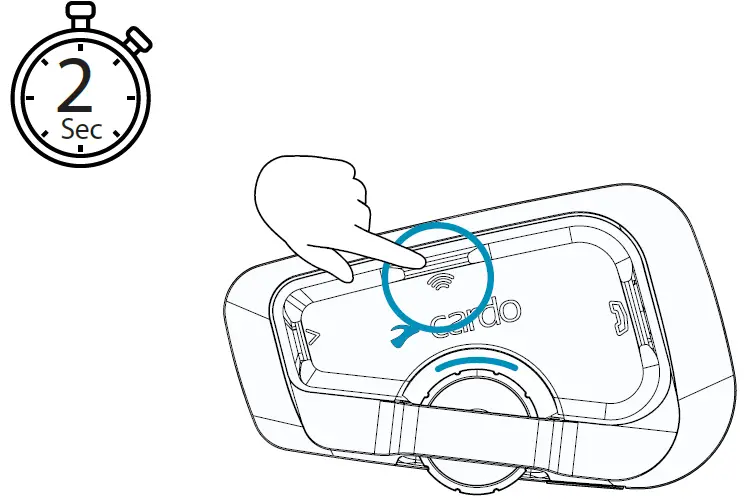
To turn the device on or off, press and hold the button for 2 seconds until the LED indicator shows a red and blue light.
Intercom
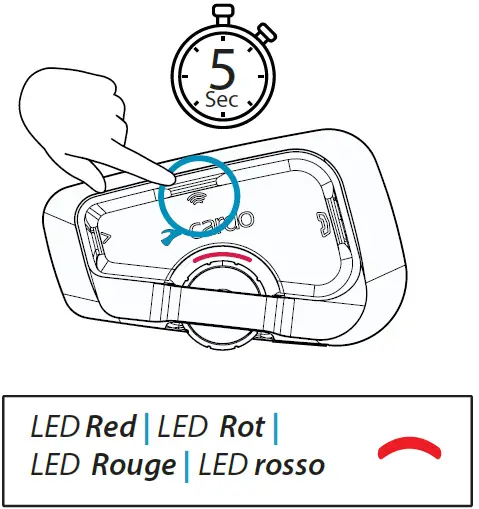
To use the intercom feature, pair the device with another rider’s device using Bluetooth pairing. Press and hold the button for 5 seconds until the LED indicator shows a red and blue light flashing alternately. Then, pair the device with another rider’s device by following the instructions in the pocket guide.
Music
To play music, press the button once. To pause music, press the button once again. To skip to the next song, press the button once. To switch from music to radio or vice versa, press and hold the button for 2 seconds.
Radio
To turn on the radio, press the button twice. To turn off the radio, press the button once. To start a scan for radio stations, press and hold the button for 2 seconds. To switch from radio to music, press and hold the button for 2 seconds.
Voice Assistant
To use the voice assistant feature, press the button three times. You can use Google Assistant by following the instructions in the pocket guide.
Bluetooth Intercom
To pair the device with another rider’s device for Bluetooth intercom, press and hold the button for 8 seconds until the LED indicator shows a red light flashing rapidly. Then, pair the device with another rider’s device by following the instructions in the
pocket guide.
GPS Pairing
To pair the device with a GPS device, press the button once and then press it again. The LED indicator will show a red light flashing rapidly. Follow the instructions in the pocket guide to complete the pairing process.
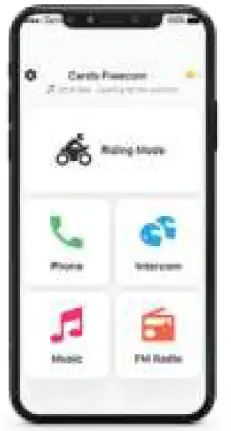
For more information on how to use the device’s features, download the Cardo Connect App and visit Cardosystems.com/update or Cardosystems.com/support.
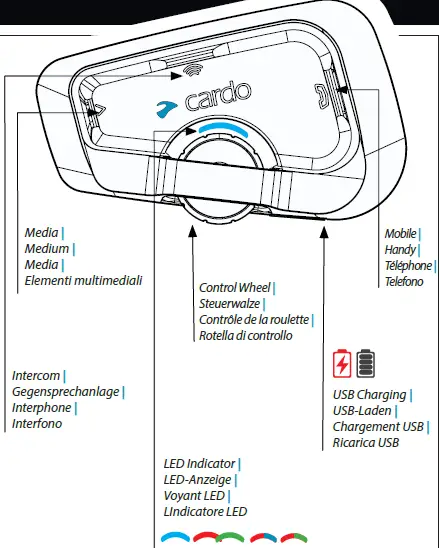
 Press & Hold
 Number of Taps
On / Off
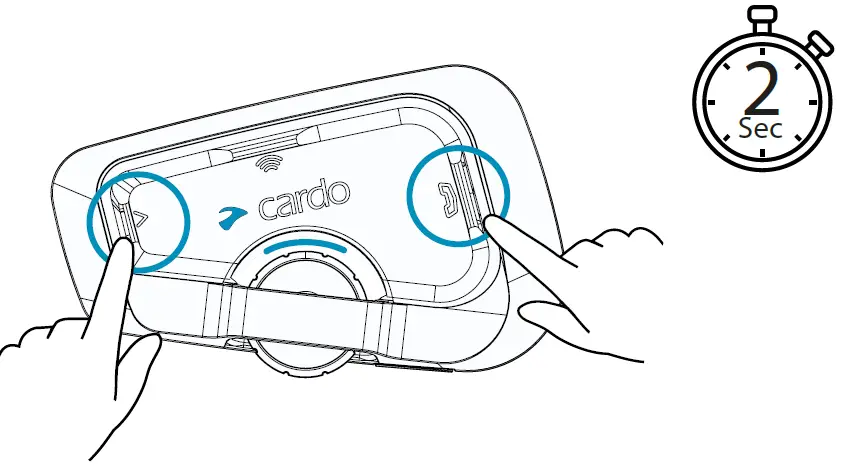
Phone Pairing
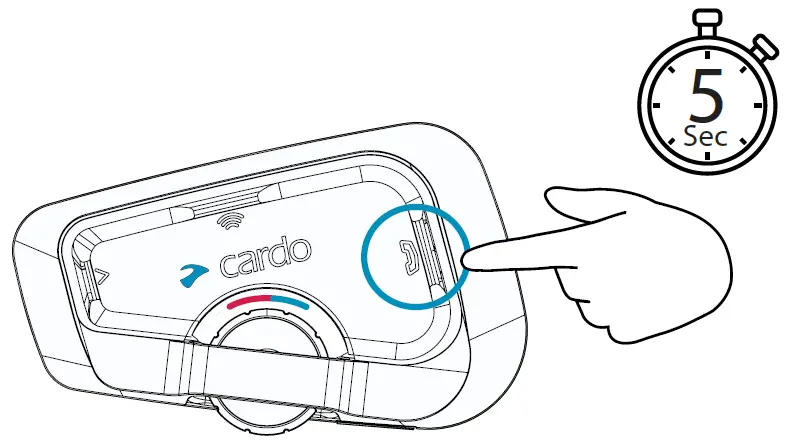
LED Red & Blue
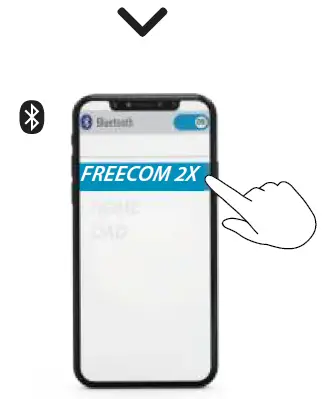
Download

Register
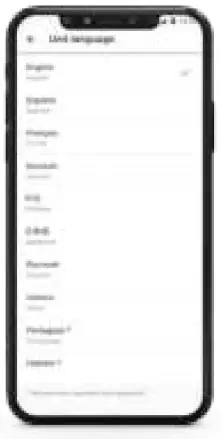
Choose Language
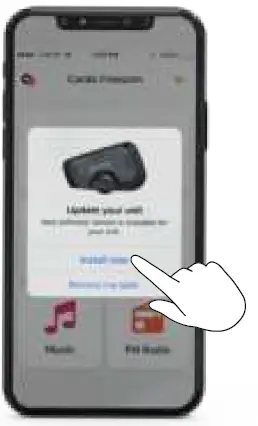
Software Update
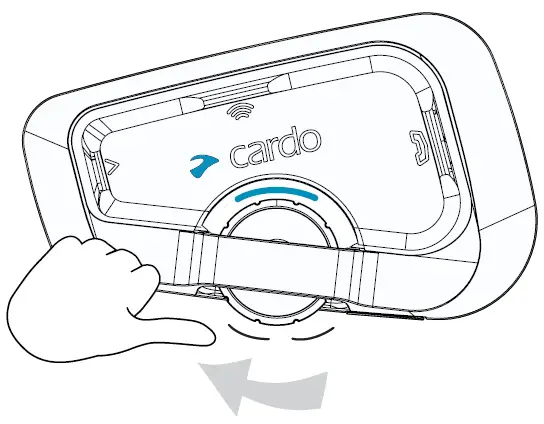
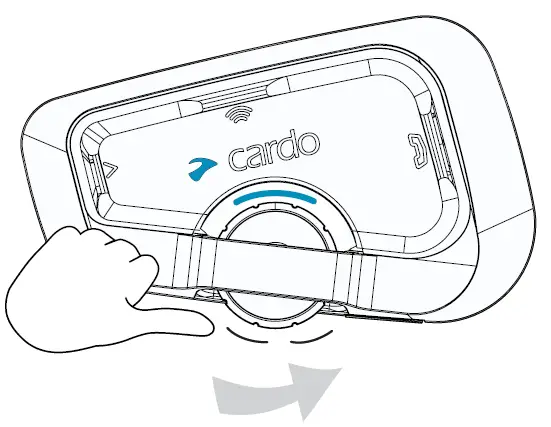
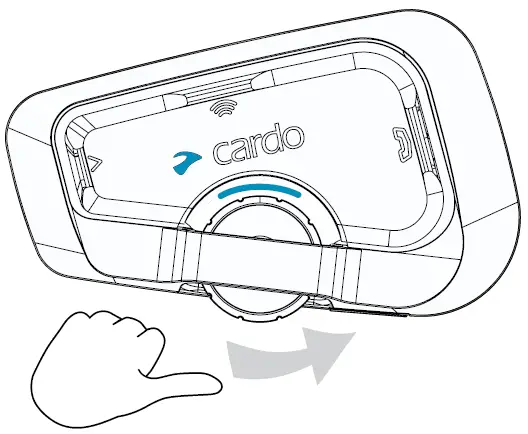
Volume Up
Volume Down
Voice Assistant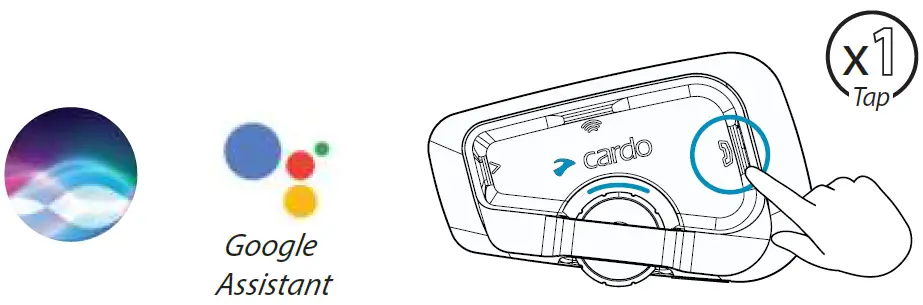
Ignore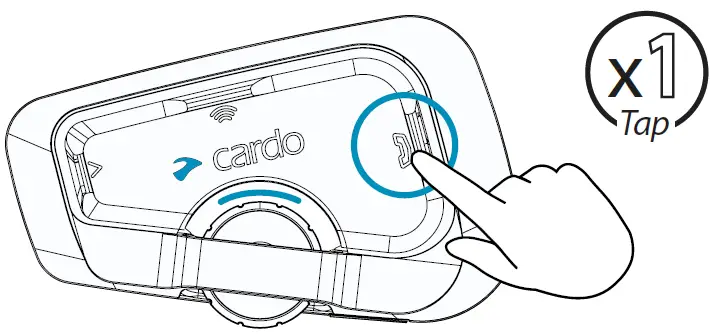
End Call
Redial
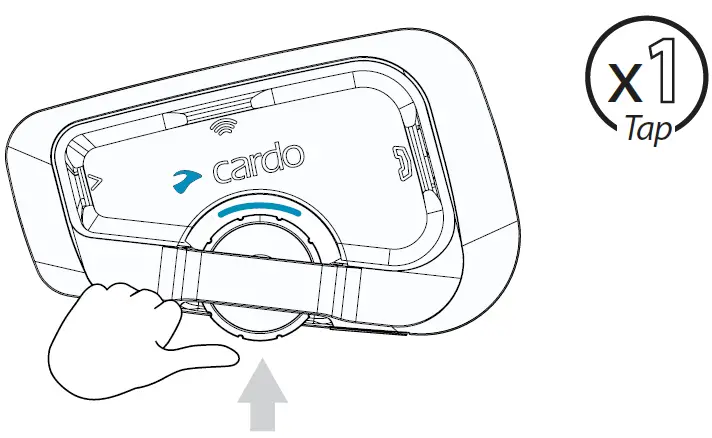
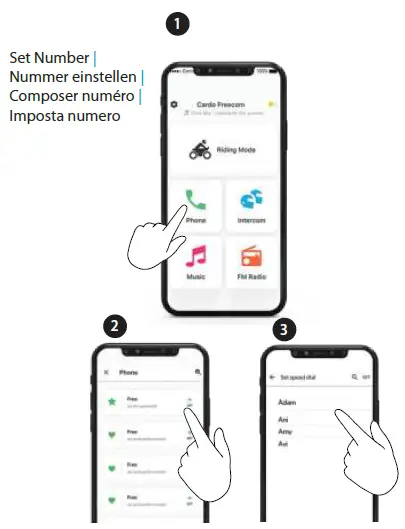
Speed Dial
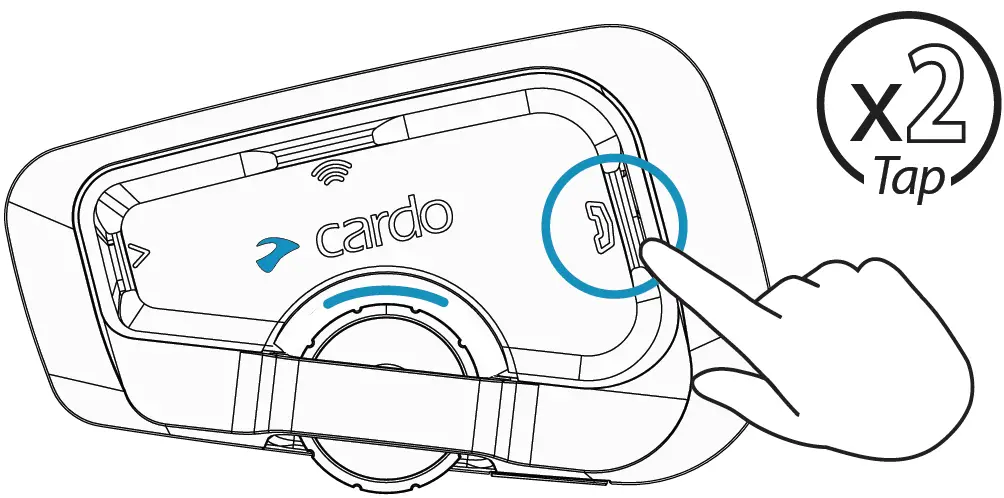
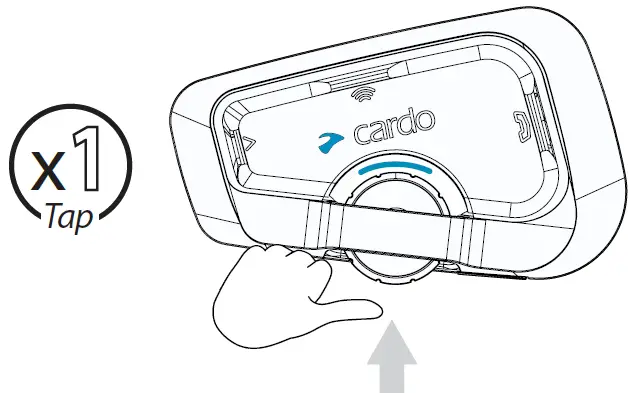
Call Speed Dial
Play
Pause
Next
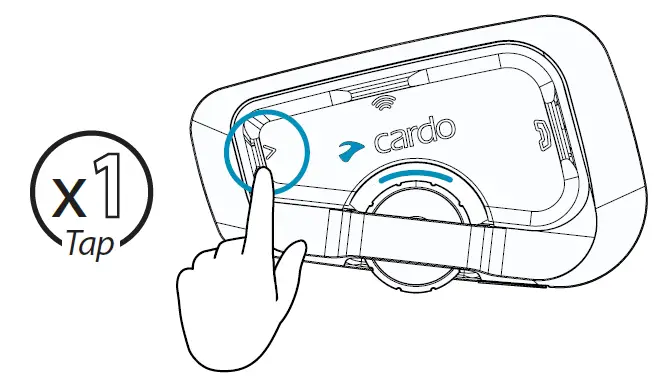
Previous
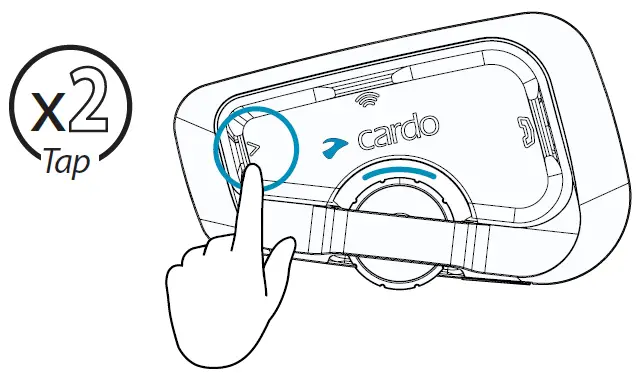
Set Presets
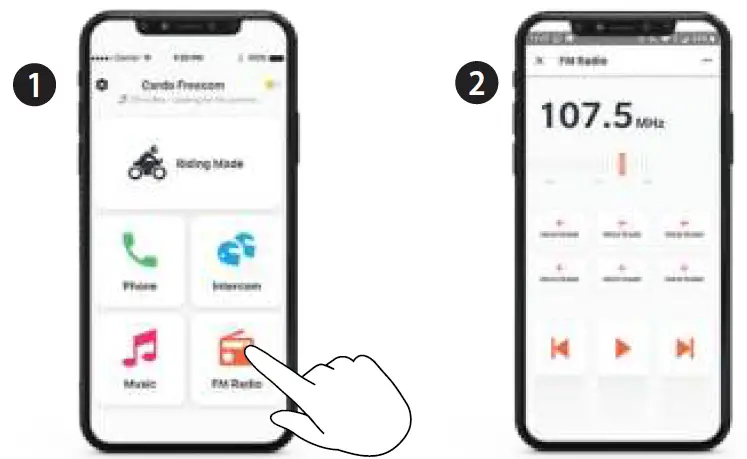
Start Scan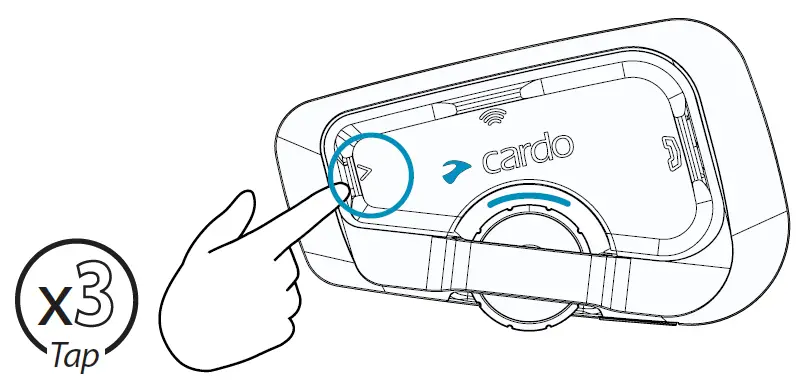
Stop Scan
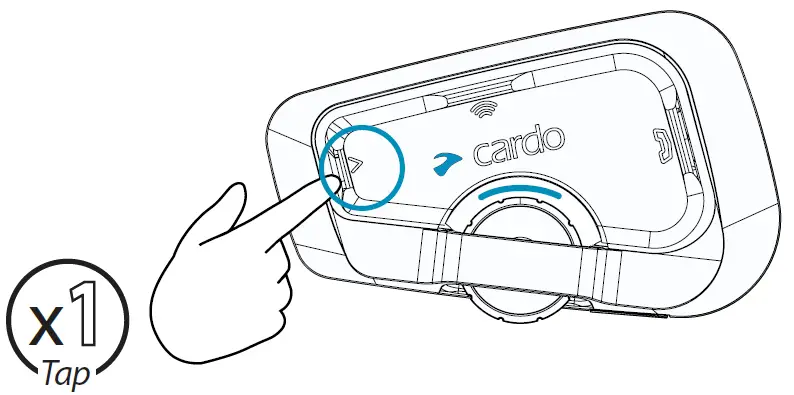
On
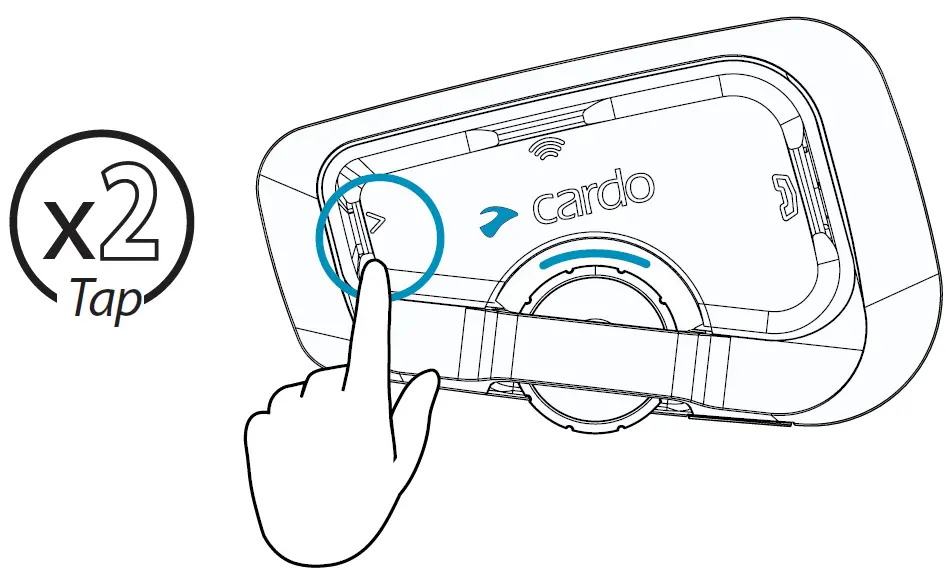
Off
Next Preset
Previous Preset
Music to Radio
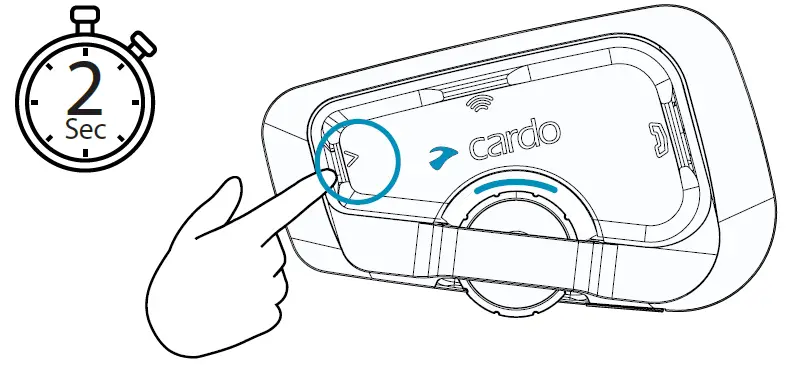
Radio to Music
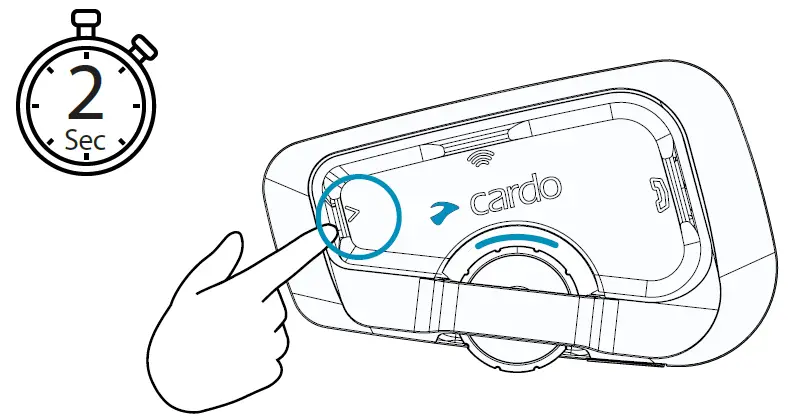
Pairing
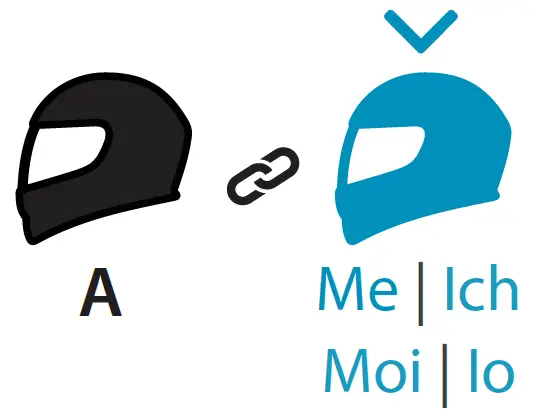
Pair to Rider A
Call / End
Rider A 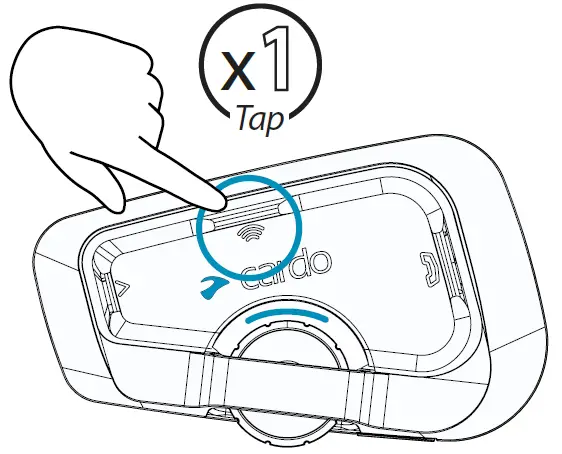
Share Music
Share Phone Call
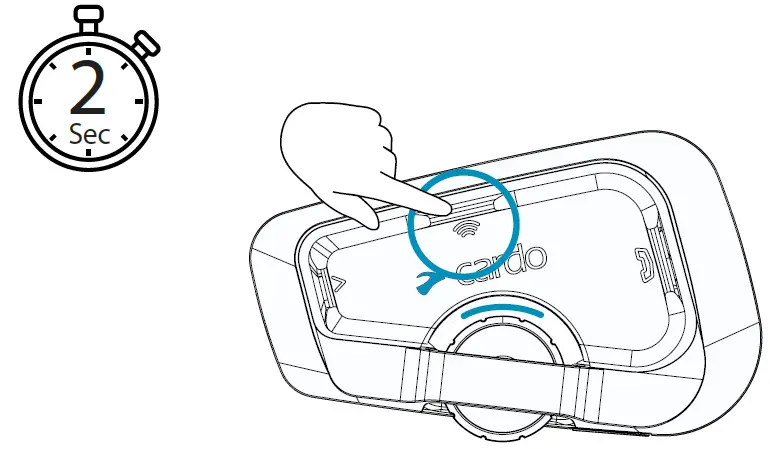
Step 1
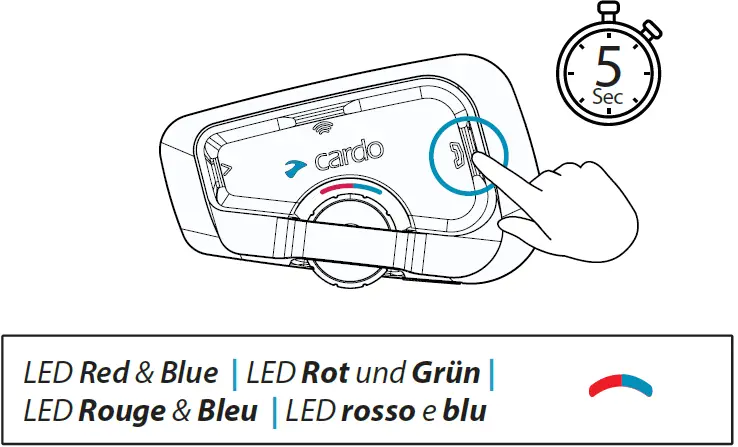
Step 2
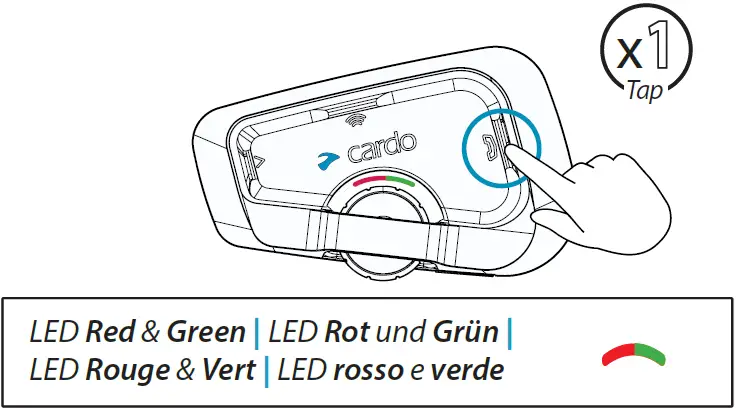
Step 3
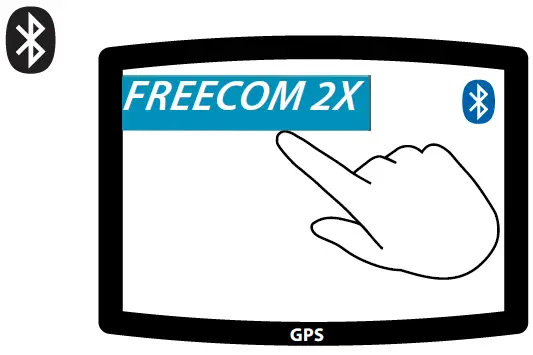
Cardo Connect App

 Cardo Systems - The World's Best Powersports Communication System