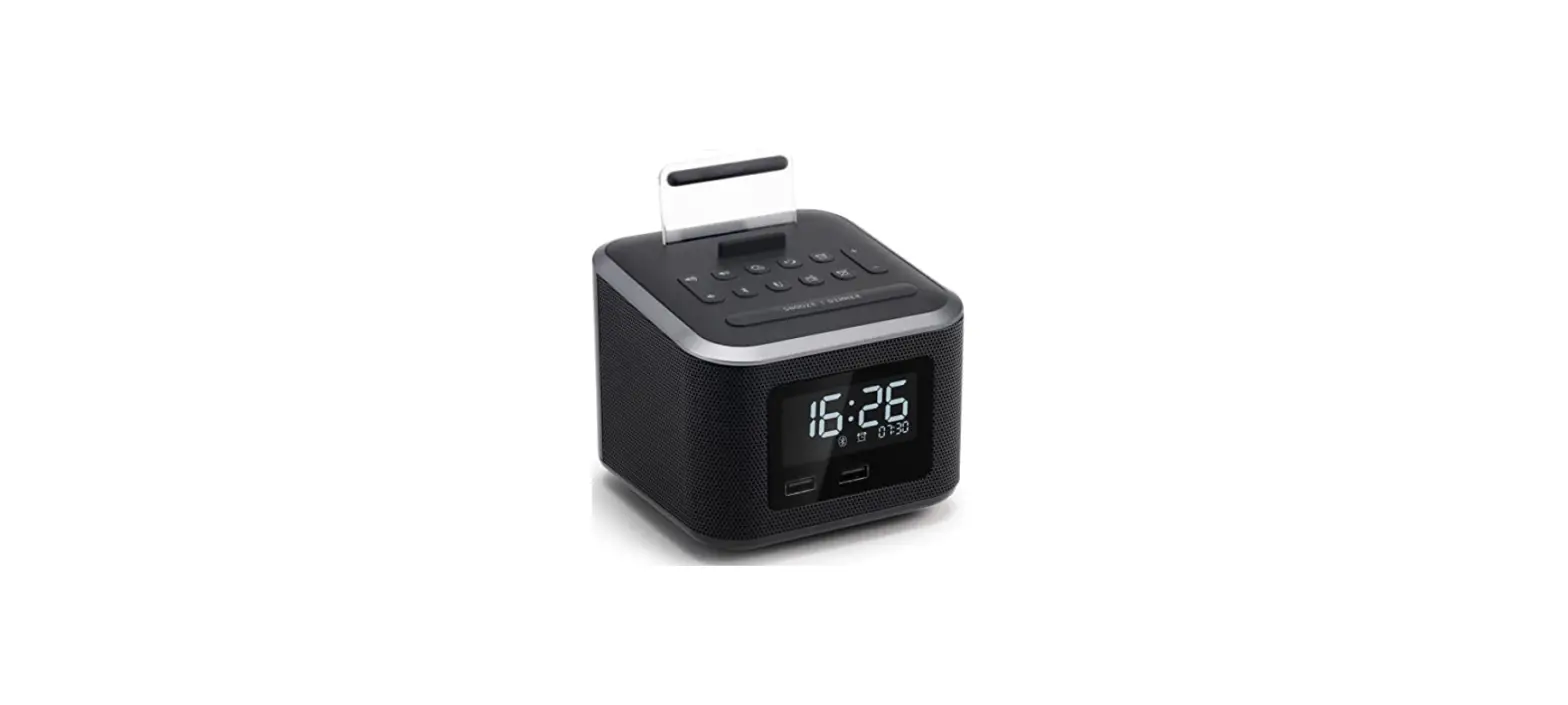
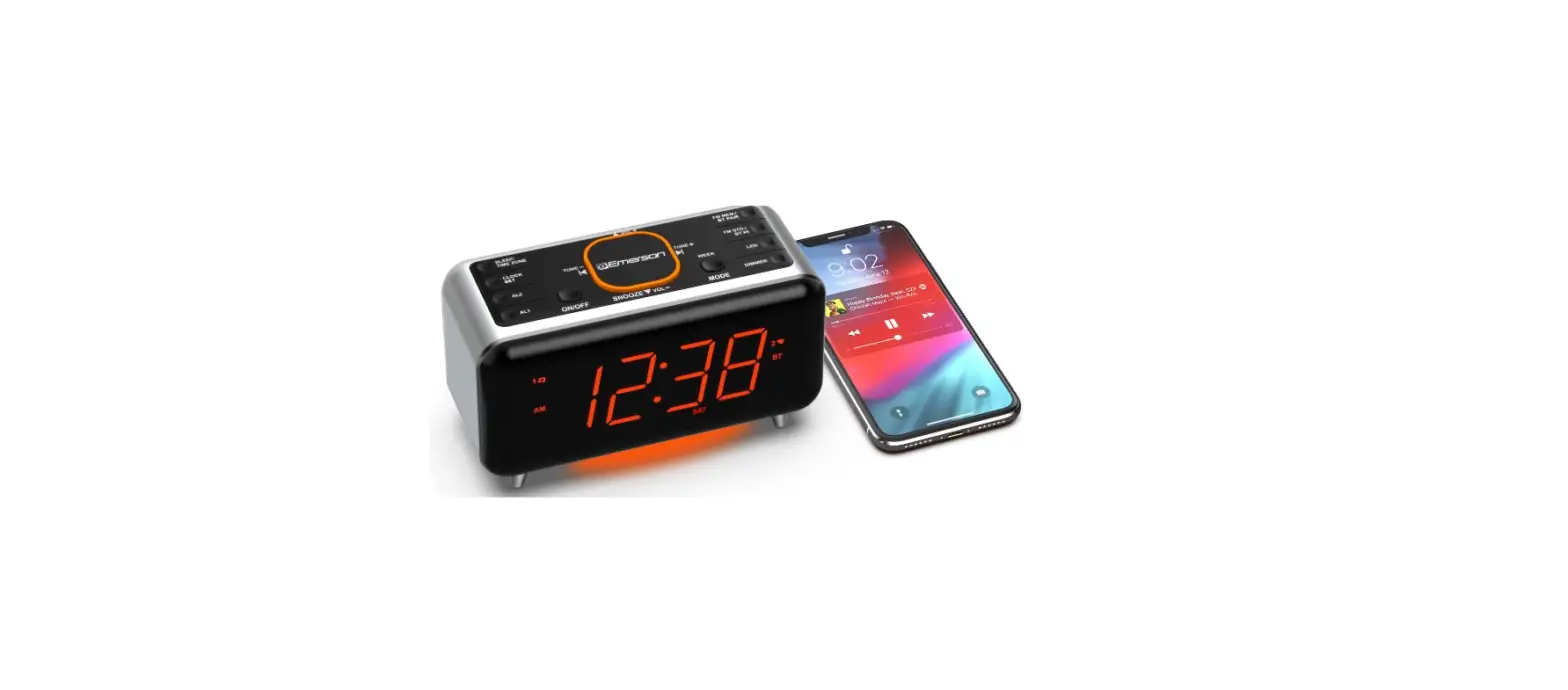
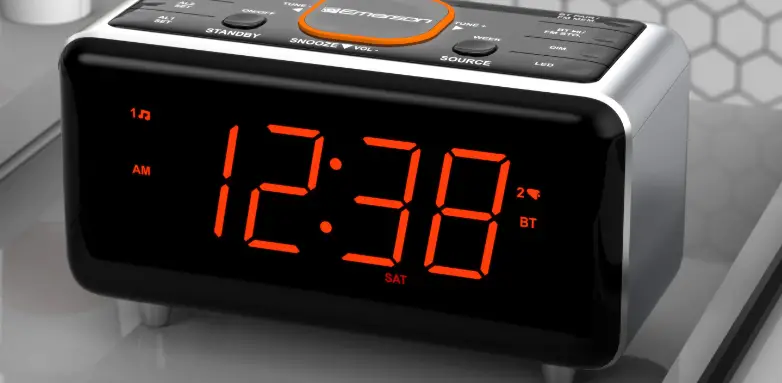
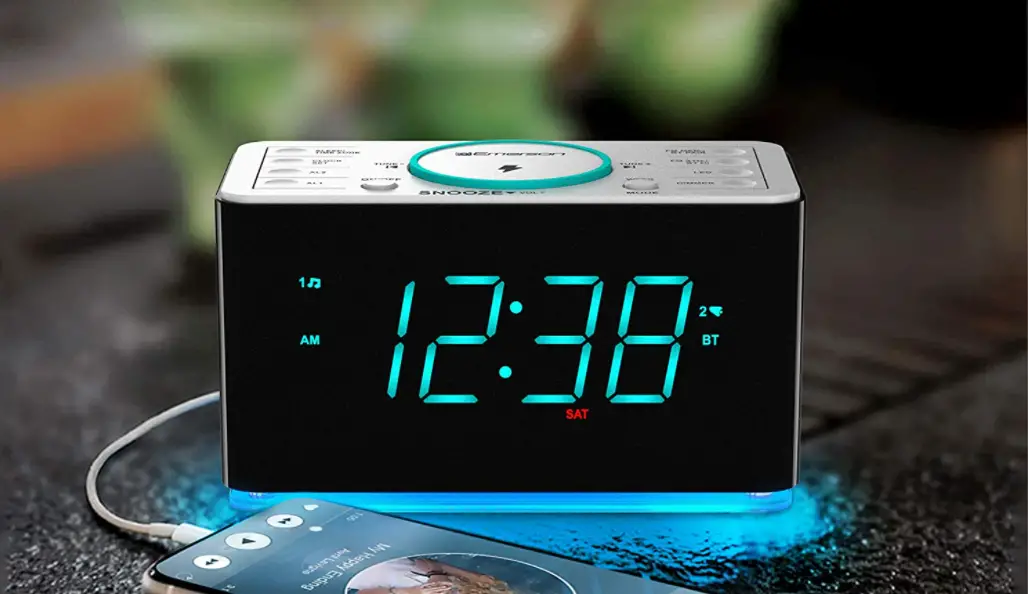
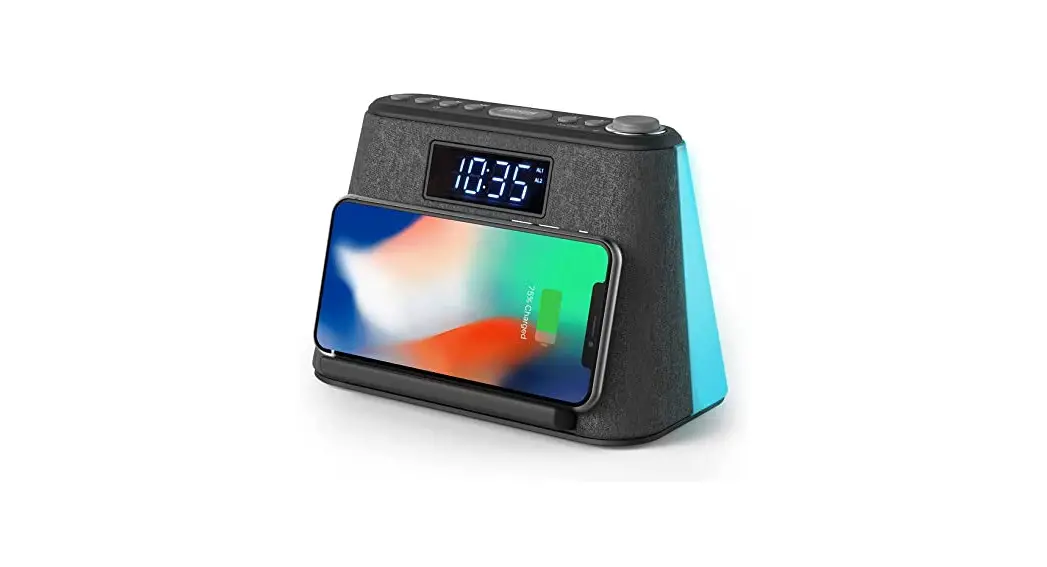
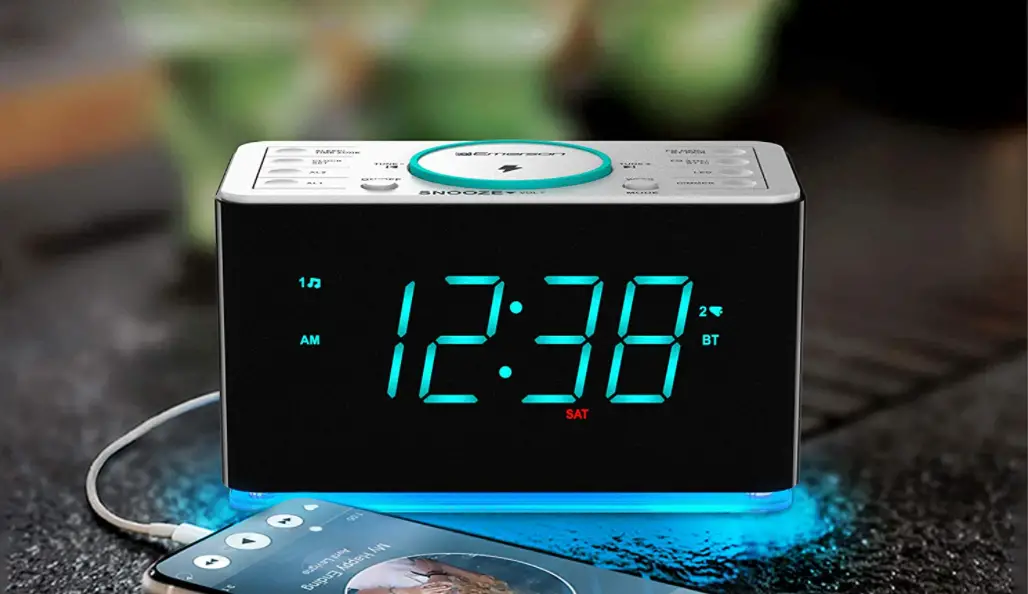
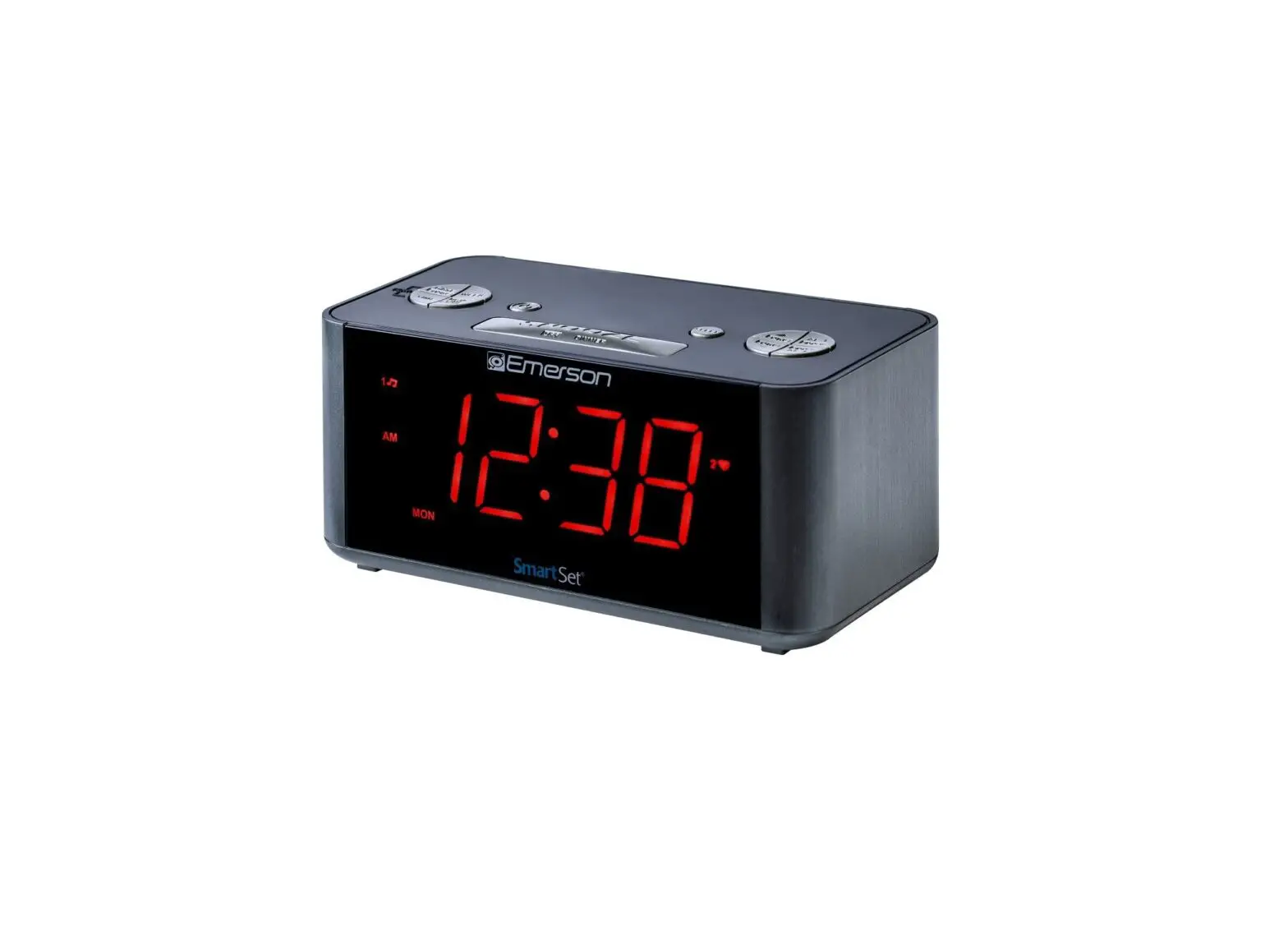
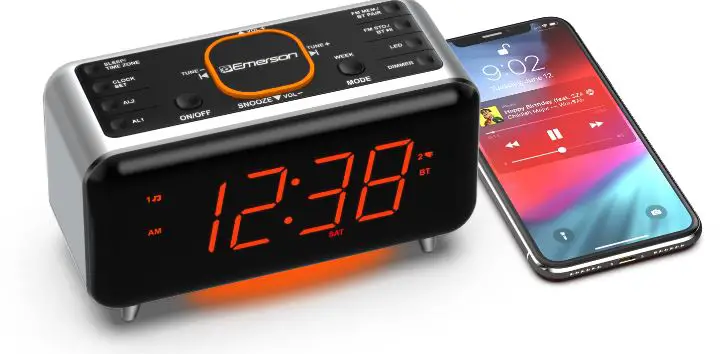
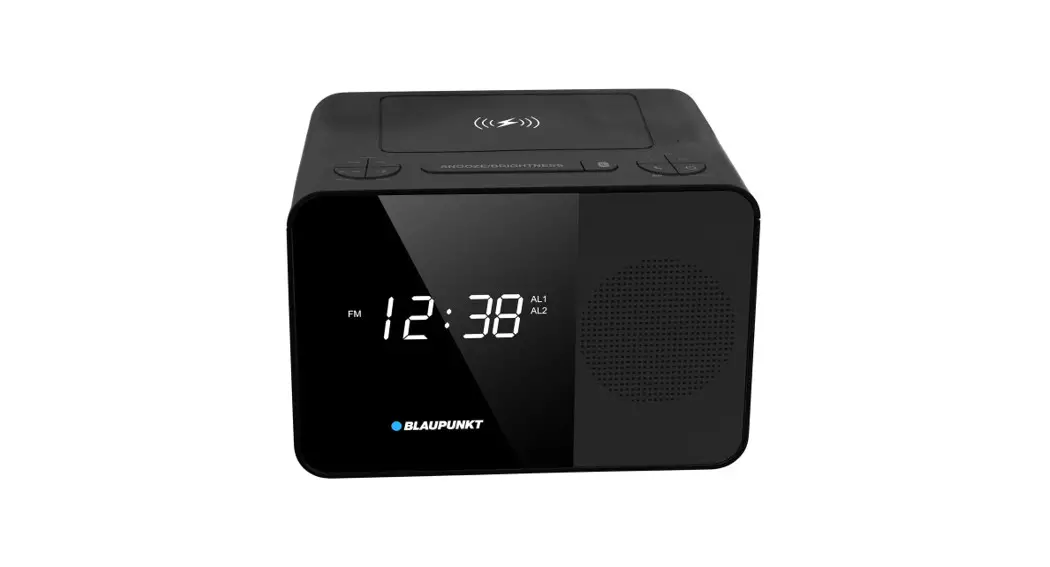
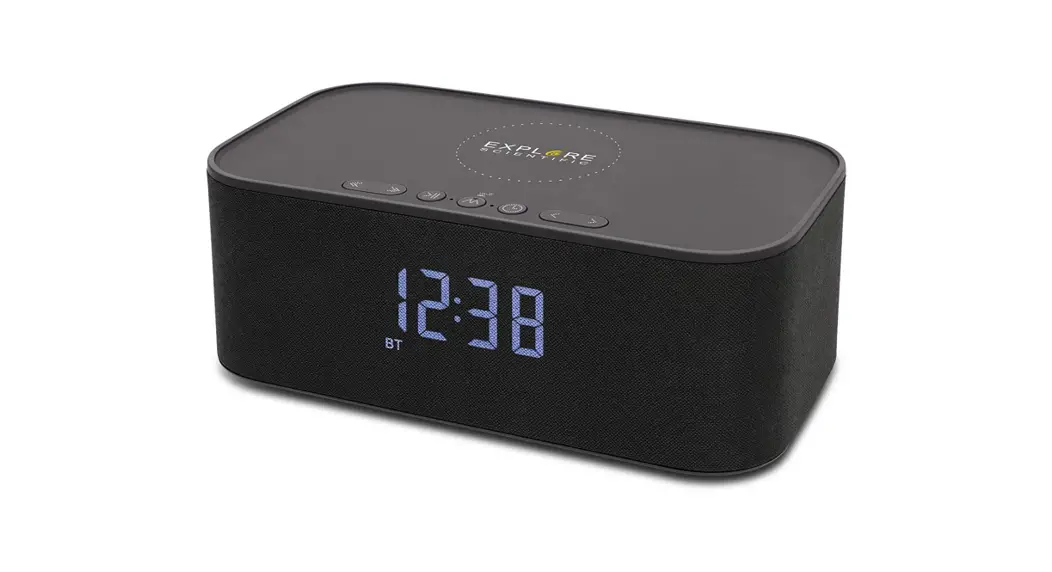
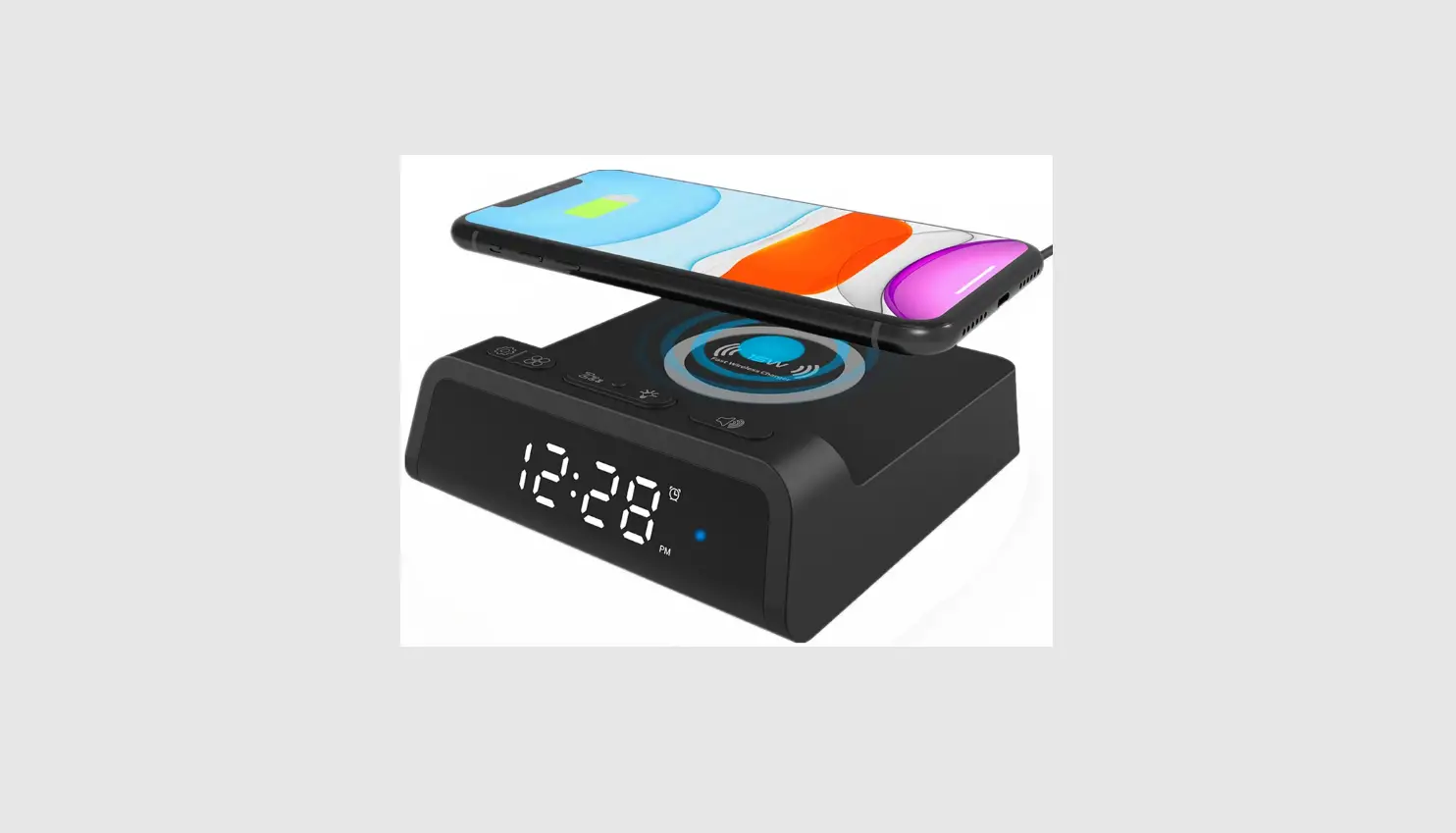
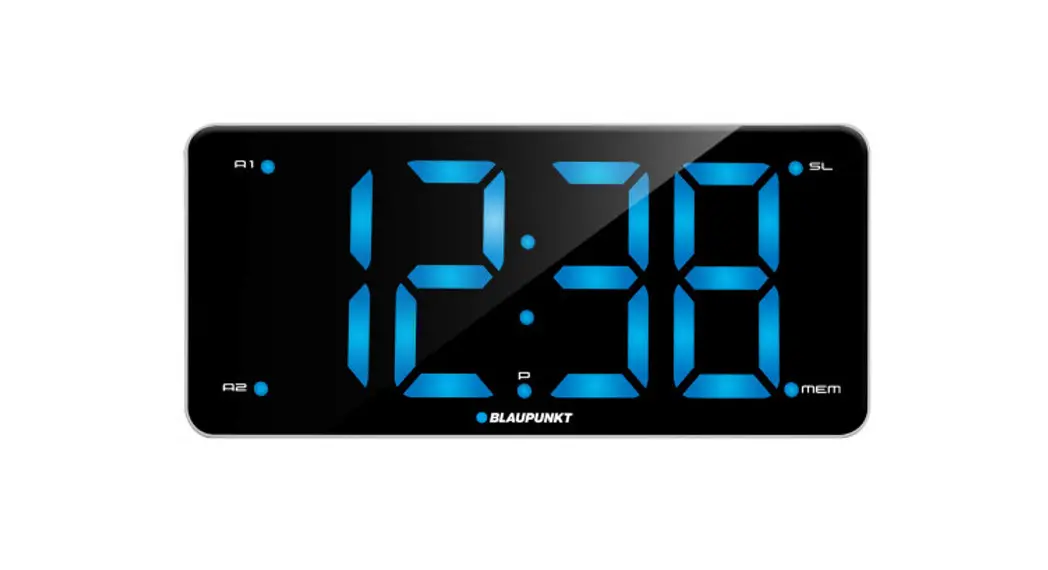
ER100501 15W Ultra Fast Wireless Charging SmartSet Clock Radio with Bluetooth
Product Information: Clock
The Clock is a digital timekeeping device that displays the
current time in hours and minutes. It also features a USB output
port for charging devices that require 5V and 2.1A of power.
- Dimensions: 6 x 7 x 8 inches
- Weight: 9 ounces
- Model Number: ER100501-20220413-00
Product Usage Instructions:
- Insert the power cord into the clock’s power input port located
on the back of the device. - Plug the other end of the power cord into a standard electrical
outlet. - The clock will automatically display the current time once it
is plugged in and turned on. - To set the clock’s time, press and hold the “Set” button
located on the back of the device until the hour digits begin to
flash. - Use the “+” and “-” buttons to adjust the hour digits to the
correct time. - Press the “Set” button again to switch to the minutes digits,
which will begin to flash. - Use the “+” and “-” buttons to adjust the minutes digits to the
correct time. - Press the “Set” button one more time to save your changes and
exit the clock’s settings mode. - To charge a device using the clock’s USB output port, simply
plug the device’s charging cable into the USB port located on the
back of the clock.
clock
the Clock
6
7
8 9
14
ANT.
5V 2.1A USB OUTPUT
19
9
· Press the SLEEP button. The display will show the sleep timer and the SLP indicator comes On. · Press the SLEEP button repeatedly to choose your desired sleep timer (10-90 minutes or OFF). Note: When you change the sleep timer from the 10-minute default timing to a different setting, this new setting becomes the default timing. · To display the sleep timer during count down process, press the SLEEP button. · To cancel the sleep timer during count down process, press the corresponding BT or FM ON/OFF button to shut Off the unit.
ER100501-20220413-00