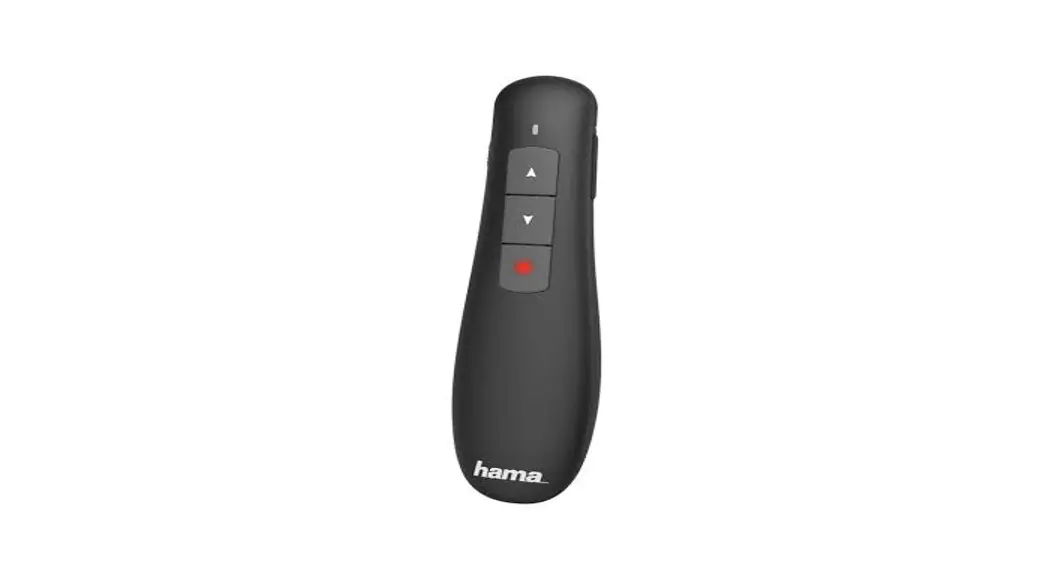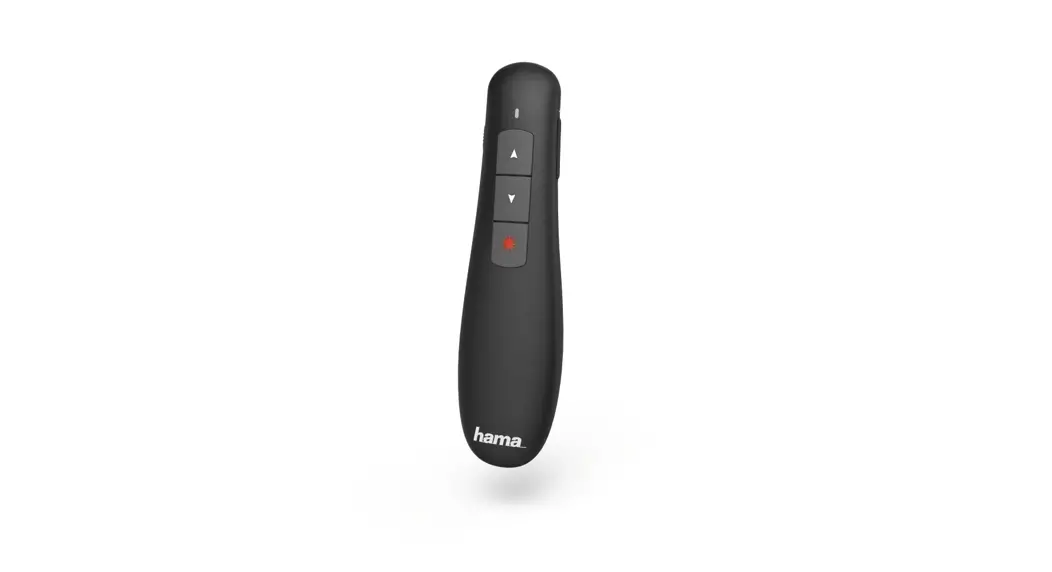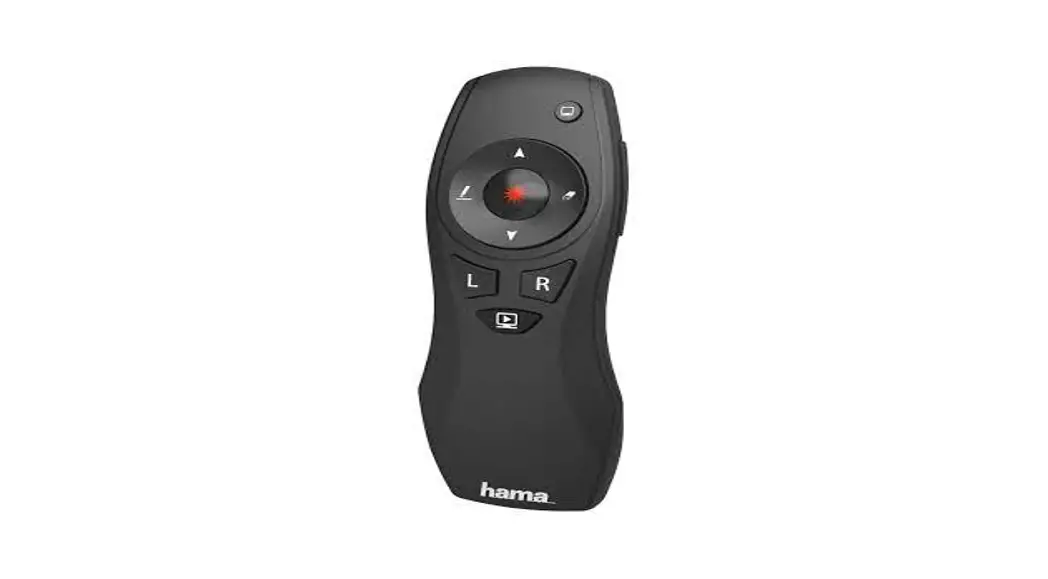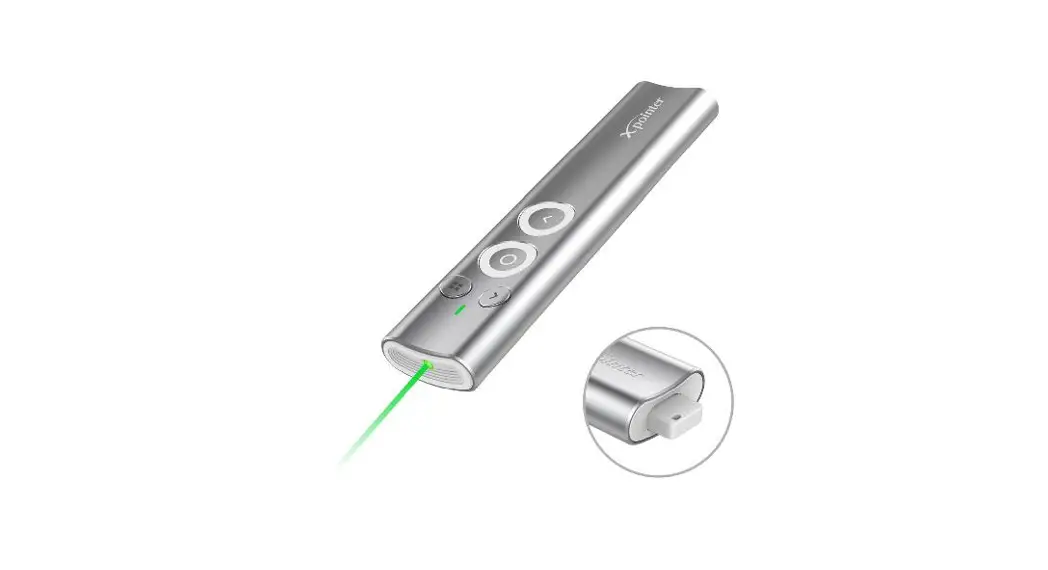
 V2 00139915 X-Pointer Wireless Laser Presenter
Instruction Manual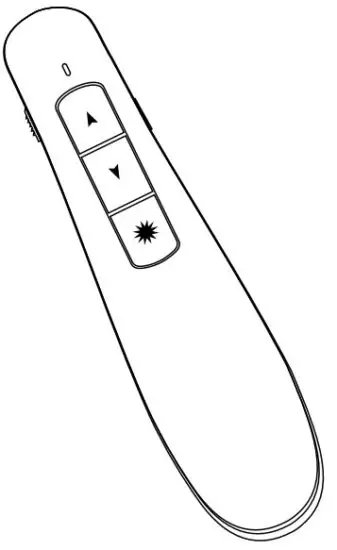

Thank you for choosing Hama product.
Take your time and read the following instructions and information completely. Please keep these instructions in a safe place for future reference. If you sell the device, please pass these operating instructions on to the new owner.
Explanation of Warning Symbols and Notes
 Warning
This symbol is used to indicate safety instructions or to draw your attention to specifichazards and risks. Note
Note
This symbol is used to indicate additional information or important notes.
Package Contents
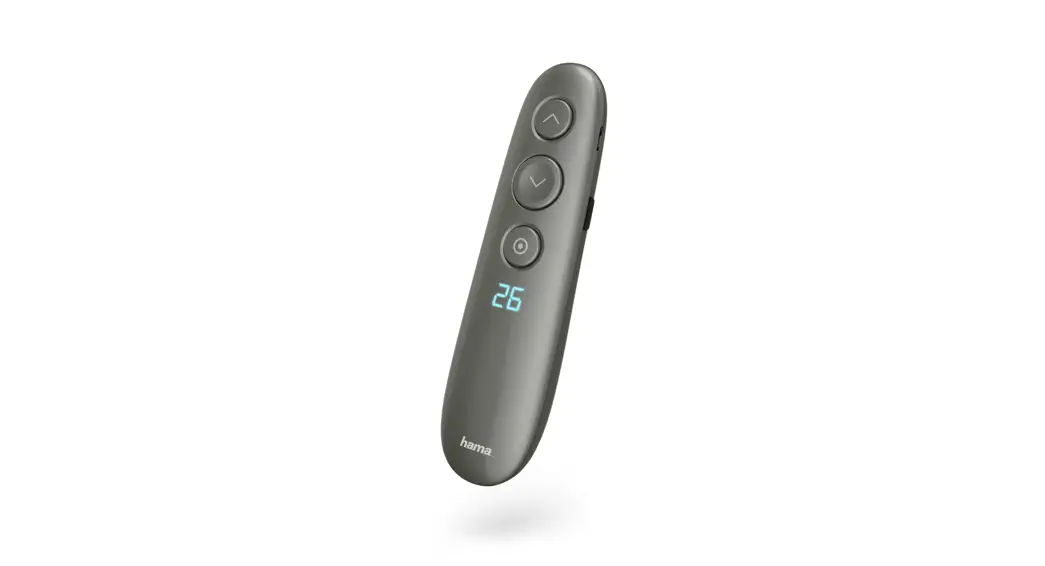
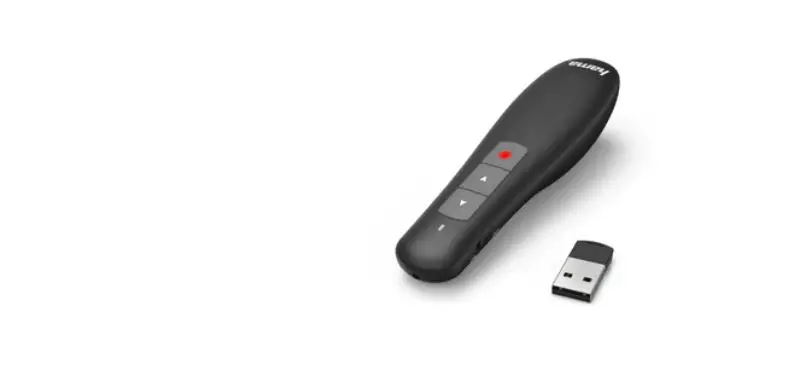
- ‘X-Pointer’ laser presenter
- 2AAA batteries
- Set with warning labels
- These operating instructions
Safety Notes
- The product is intended for private, non-commercial use only.
- Protect the product from dirt, moisture, and overheating, and only use it in an adry environment.
- Do not drop the product and do not expose it to any major shocks.
- Do not operate the product outside the power limits given in the specifications.
- Do not continue to operate the device if it becomes visibly damaged.
- Children are not permitted to play with the device.
- Dispose of packaging material immediately according to locally applicable regulations.
- Do not modify the product in any way. Doing so voids the warranty.
Warning –Batteries
- When inserting batteries, note the correct polarity (+ and -markings) and insert the batteries accordingly. Failuretodosocould result in the batteries leaking or exploding.
- Only use batteries (or rechargeable batteries) that match the specified type.
- Always choose the battery size and grade that best suits the intended purpose. Keep these operating instructions in a safe place for future reference, as they provide information about choosing the right battery.
- Replace all the batteries in aset at the same time.
- Do not short-circuit batteries.
- Do not charge batteries.
- Do not throw batteries in a fire.
- Keep batteries out of the reach of children.
- Don’t allow children to change batteries without supervision.
- Remove the batteries from products that aren’t being used for an extended period.
- Immediately remove and dispose of dead batteries from the product.
- Before you insert the batteries, clean the battery contacts and the polar contacts.
Warning –Laser
- Do not look directly at the laser beam! Close your eyes and turn your head away if your eyes meet the laser beam.
- Do not shine light at persons using binoculars or telescopes!
- Do not look directly at the laser beam! Do not look directly at the laser beam using optical instruments!
- This product contains a class 1laser in accordance with EN60825-1:2014.
Operation
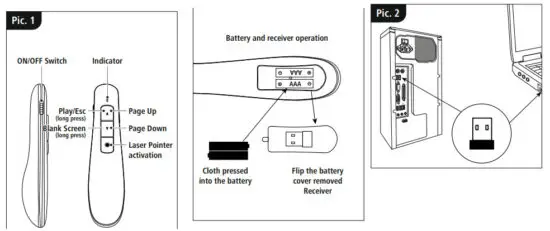
Inserting the battery (Fig. 1)
- Use only AAA batteries (alkaline /zinc carbon).
- Toinsert or change the battery/batteries, insert the AAA battery/batteries with the correct polarity into the battery compartment.
Operation
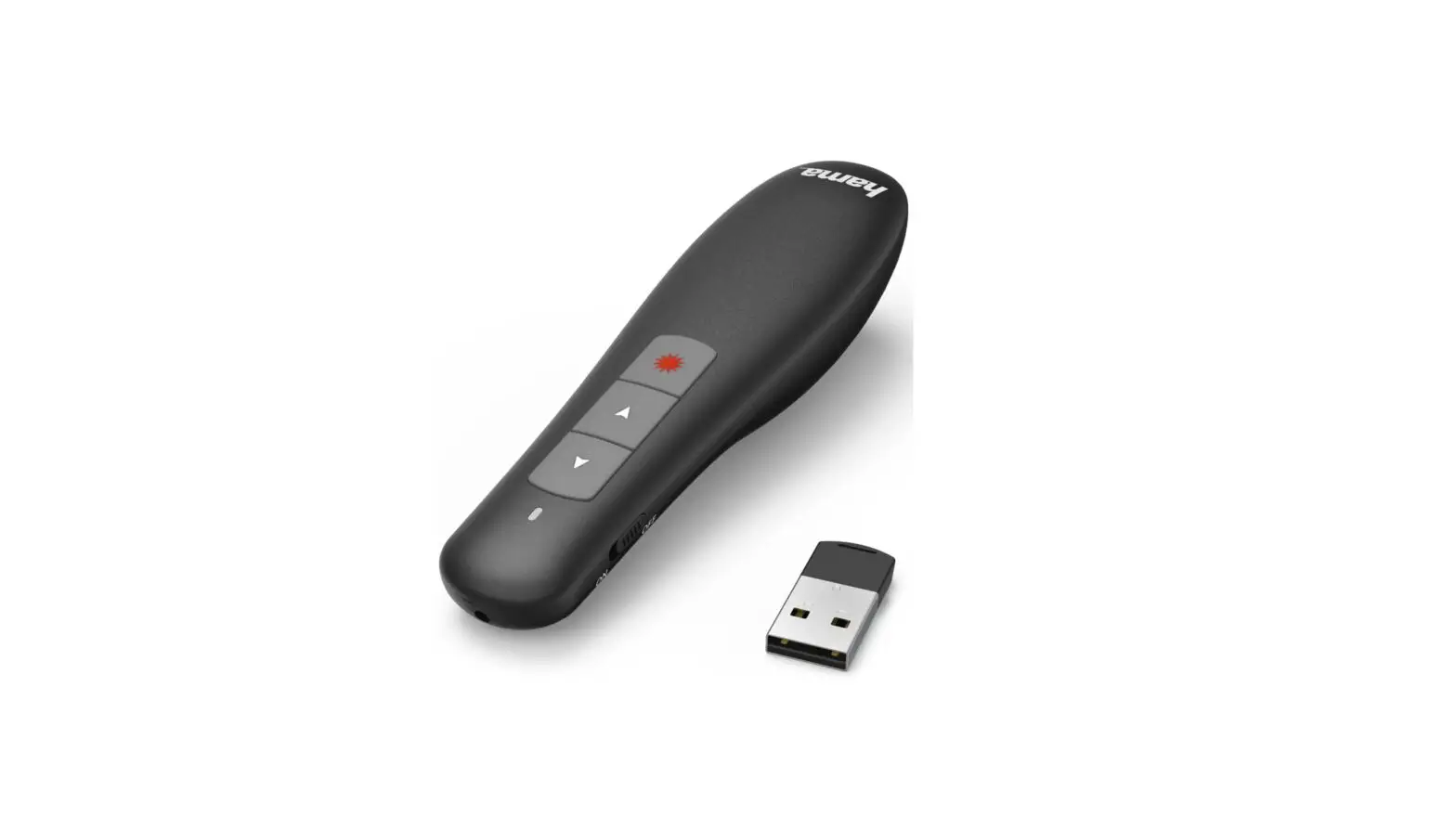
- Insert the USB receiver into an unused USB port on our PC.
- Press the laser button
 to activate the built-in laser.
 to activate the built-in laser.
Controls
Care and Maintenance
Only clean this product with a slightly damp, lint-free cloth, and do not use aggressive cleaning agents.
Make sure that water does not get into the product.
Warranty Disclaimer
Hama GmbH &CoKGassumes no liability and provides no warranty for damage resulting from improper installation/mounting, improper use of the product or from failure to observe the operating instructions and/or safety notes.
Technical Data
| Connection | 2.4 GHz |
| Operating range | <12m |
| Laser output power | <0,39 mW |
| Connection | USB Type-A |
| Power supply | 2AAA batteries |
| Size | 120 x30x22mm |
| Weight | Approx. 40g |
| System requirements | Windows 11/10/8.1/8/7/Vista/XP, MAC OS, Linux |
Declaration of Conformity
Hereby, Hama GmbH &CoKGdeclares that the radio equipment type [00139915] is in compliance with Directive 2014/53/EU. The full text of the EU declaration of conformity is available at the following internet address: www.hama.com->00139915->Downloads.
| Frequency band(s) | 2403 –2447 MHz |
| Maximum radio-frequency power transmitted | -3.88 dBm e.i.r.p |
Hama GmbH &CoKG
86652 Monheim /Germany
Service &Support www.hama.com
 +49 9091 502-0
 www.hama.com/nep
All listed brands are trademarksofthe correspondingcompanies. Errorsand omissionsexcepted, andsubject to technical changes. Our general terms of delivery and payment are applied.
00139915/04.22
 hama.com