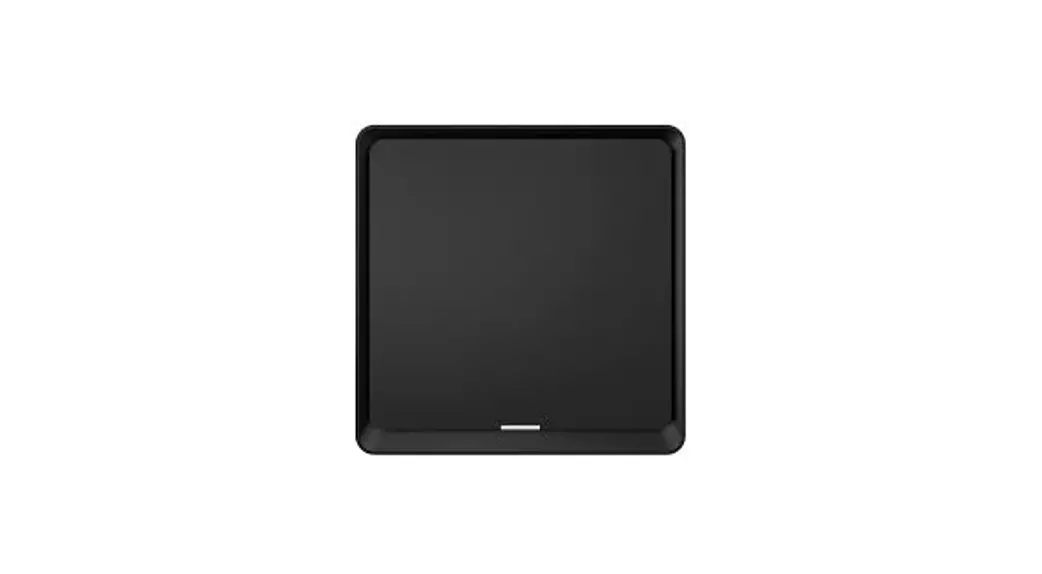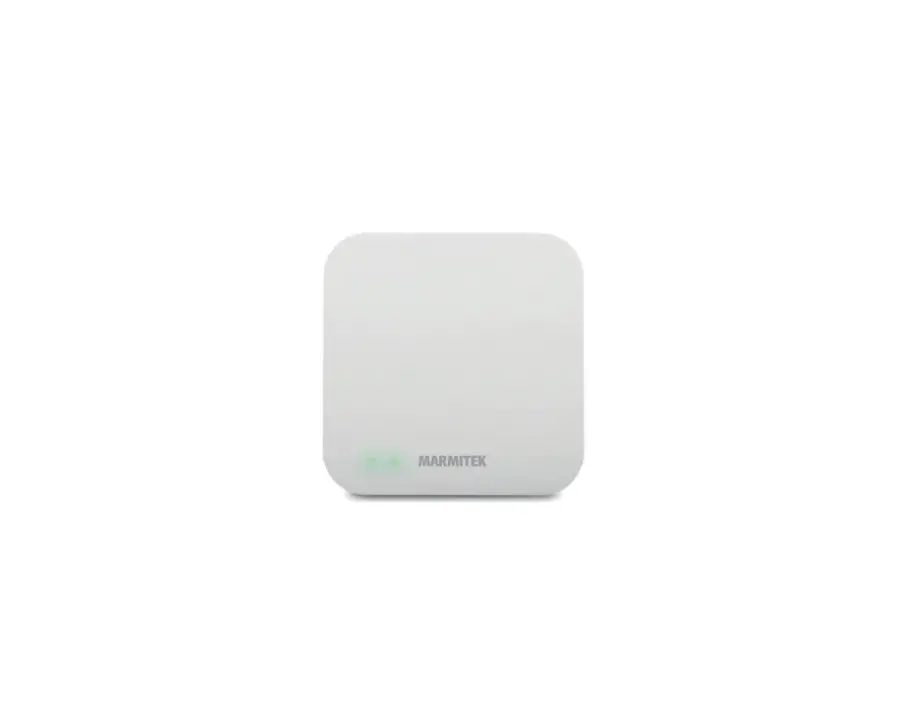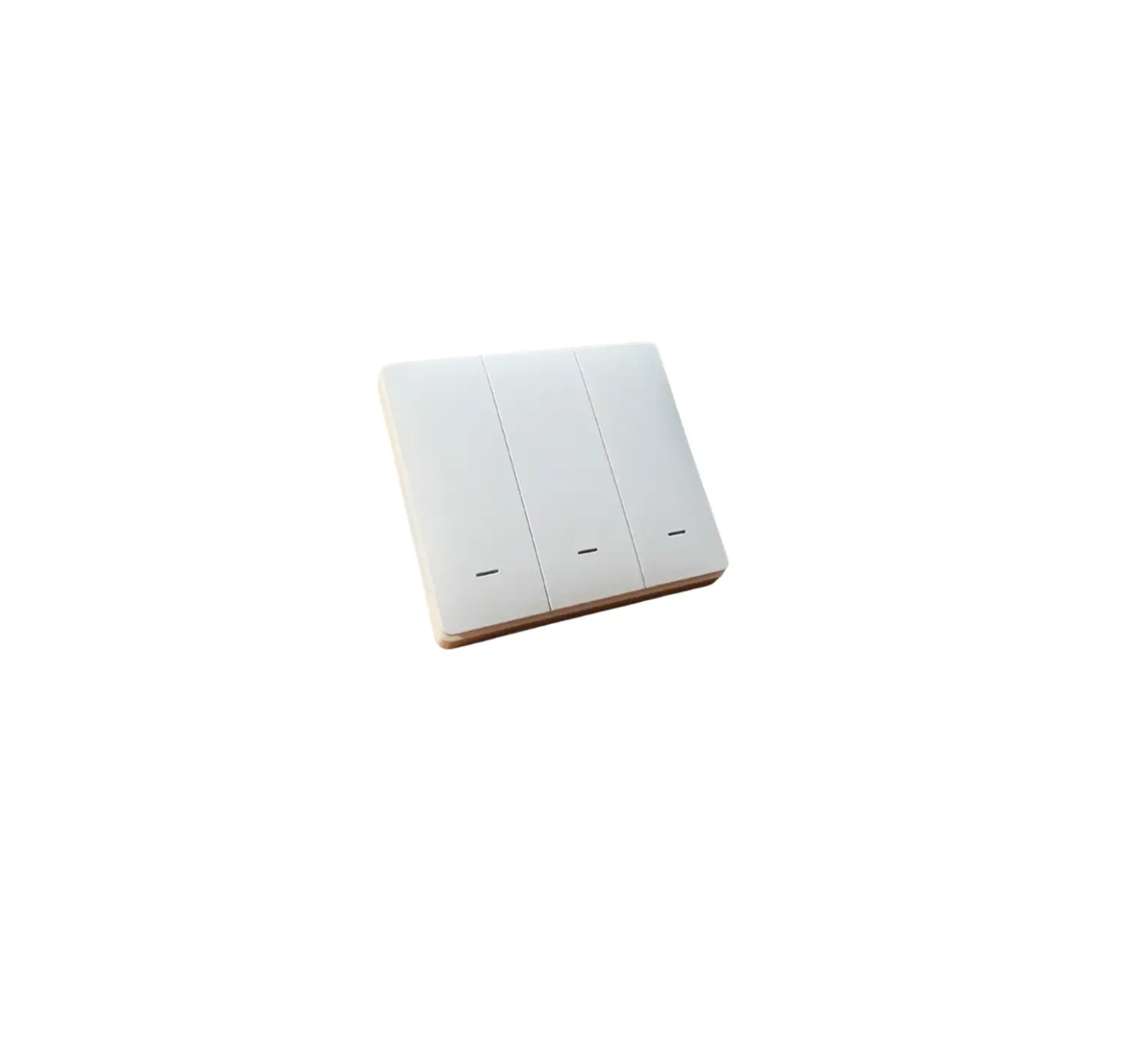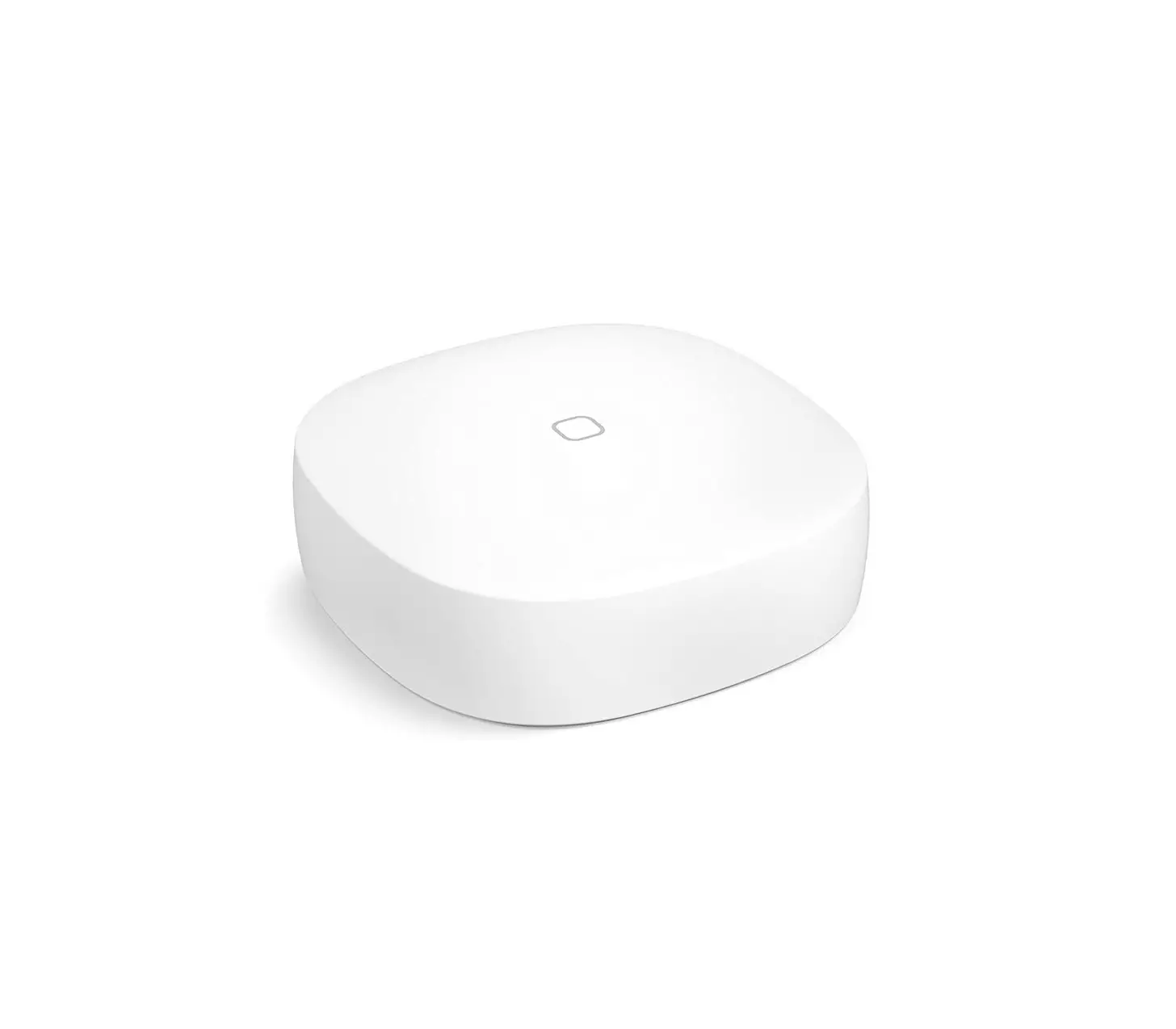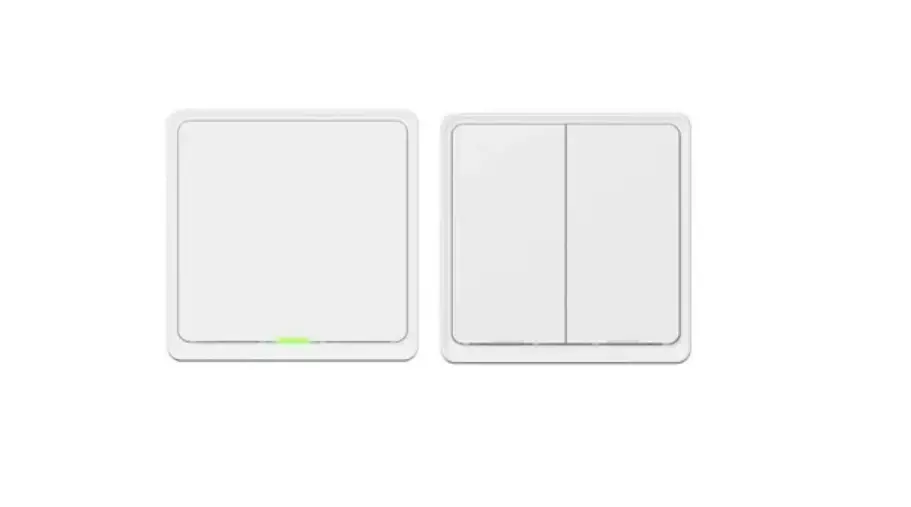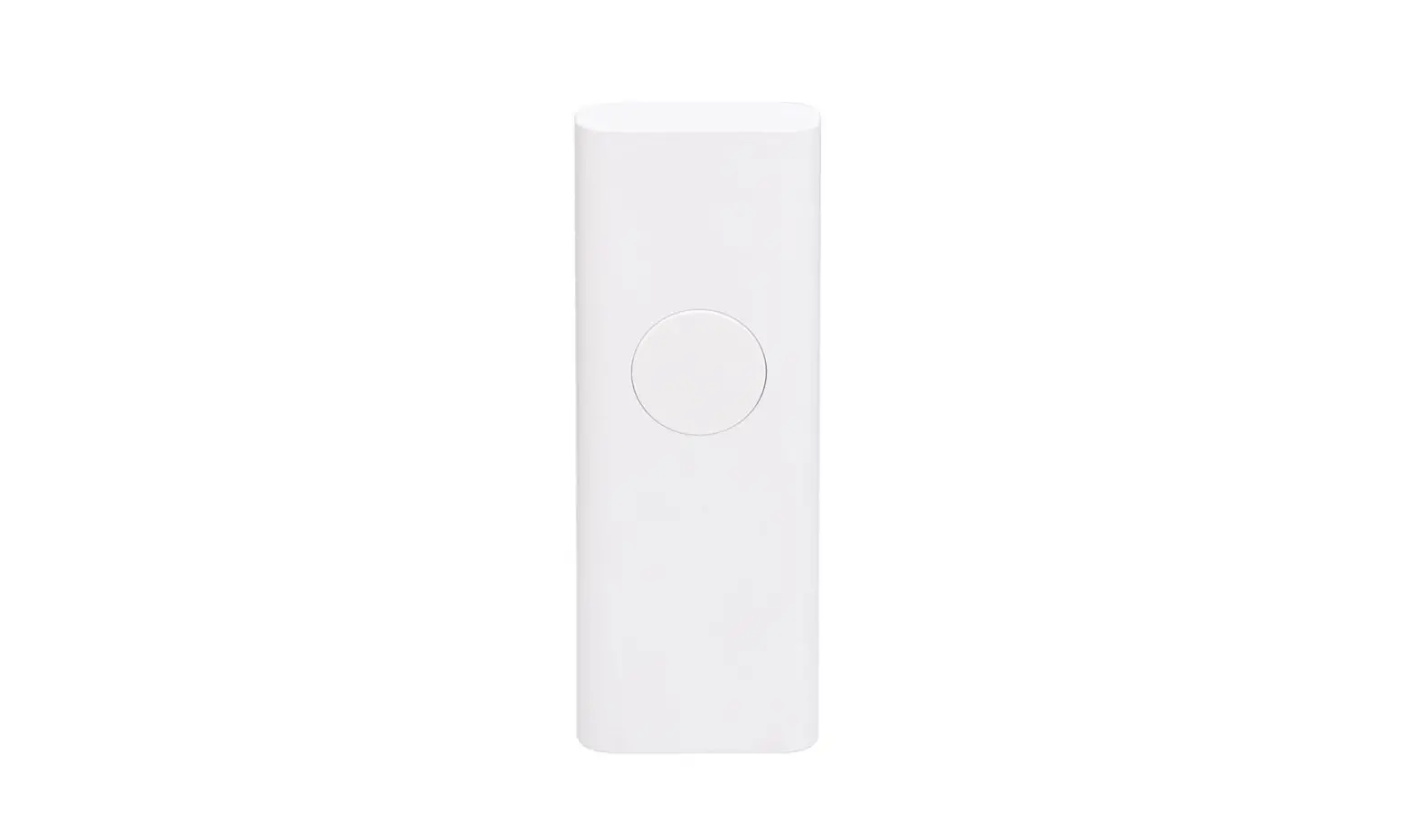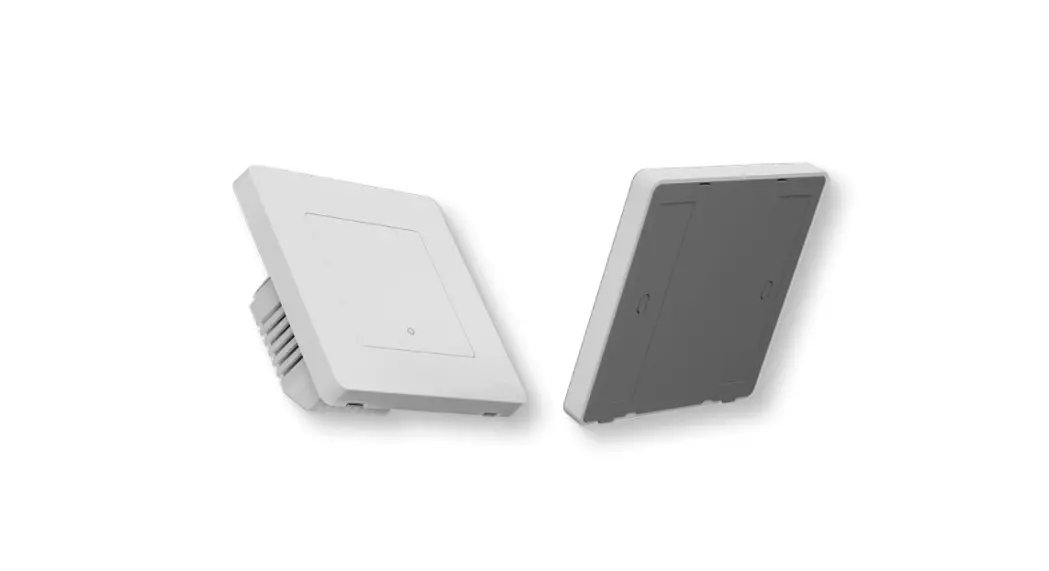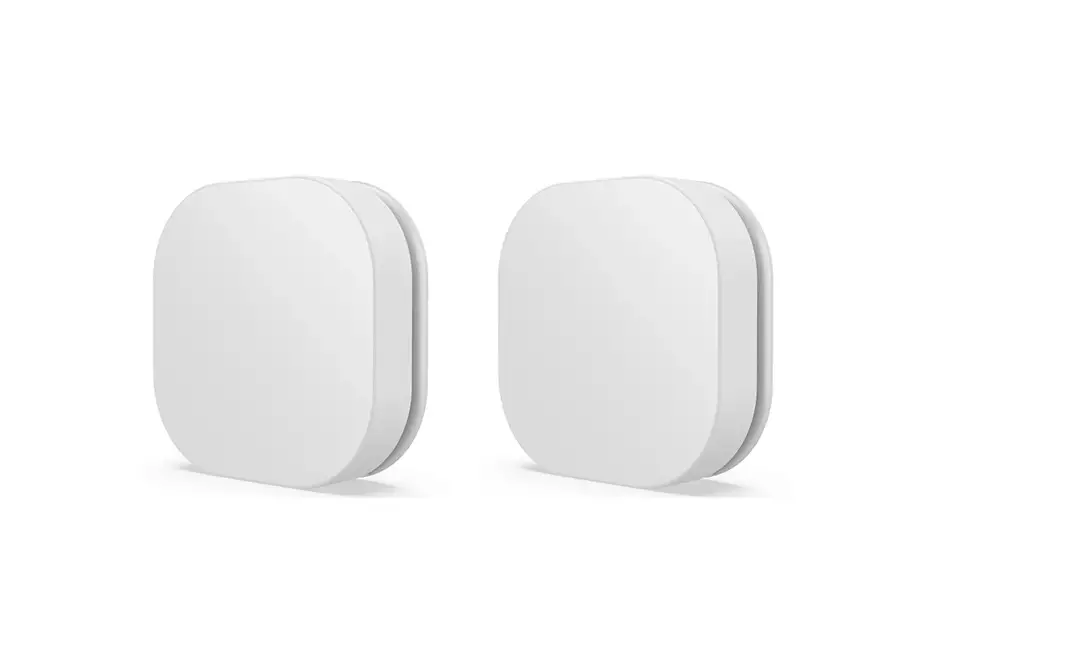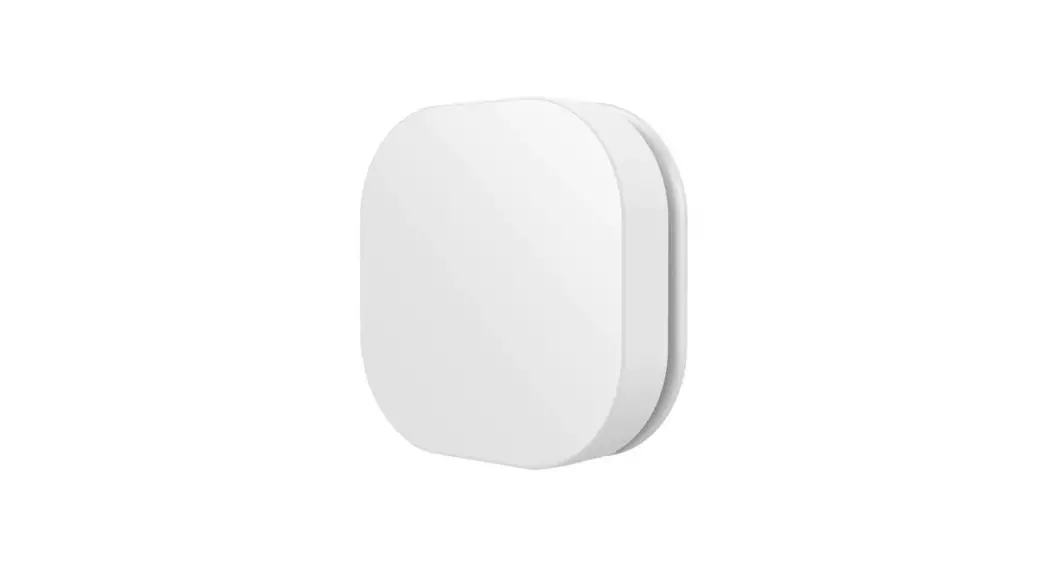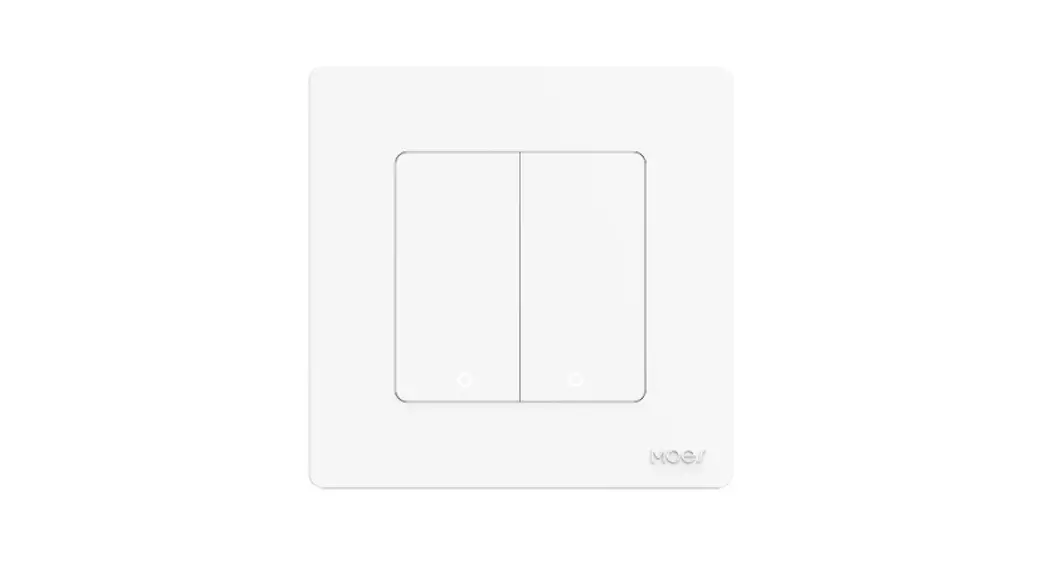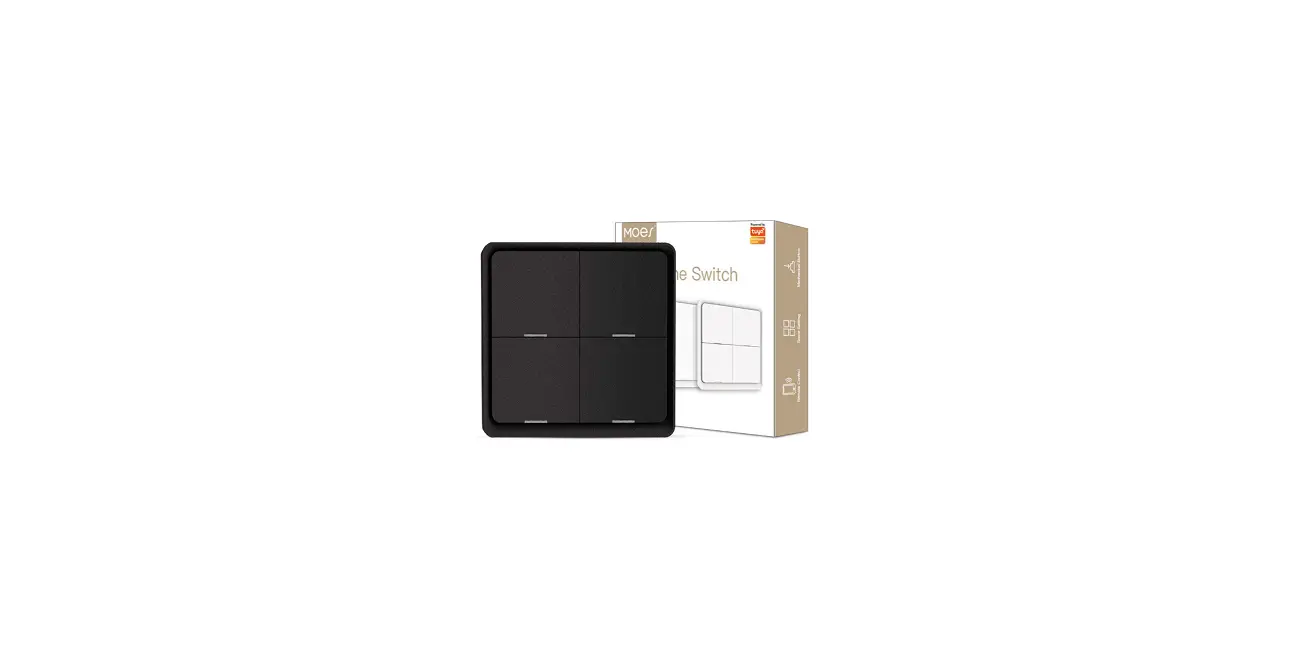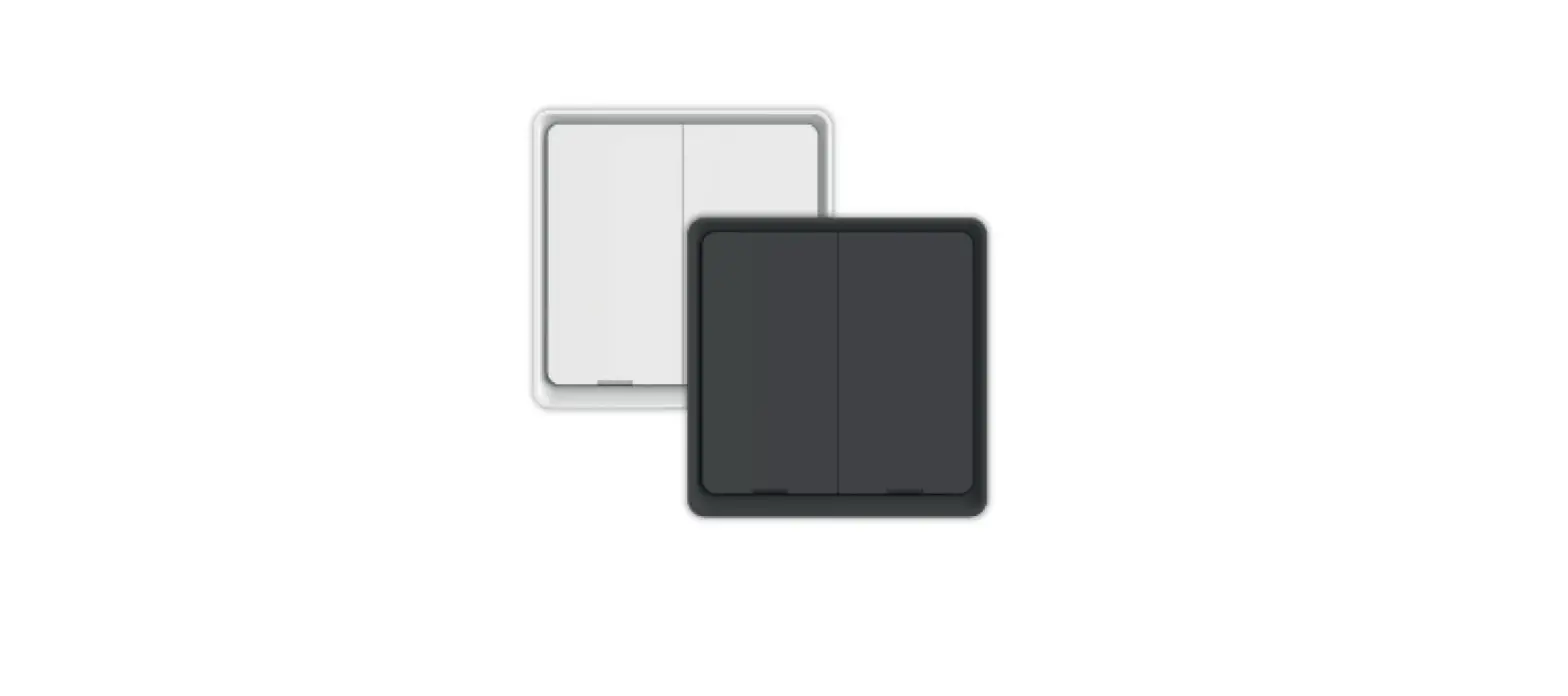

MARMITEK Push LO WHT Smart Zigbee Switch
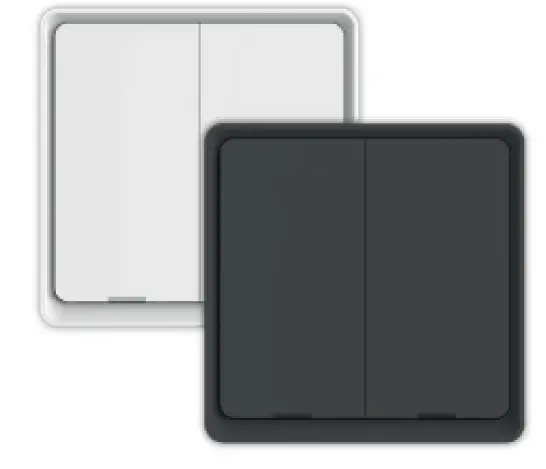
Package content
- smart switch
- CR2430 battery
- 3M adhesive tape
- quick guide
This product requires a Zigbee gateway (sold separately).
Safety Instructions
Please read these instructions thoroughly before you use the device and keep them for future reference. Only for indoor use.
- Do not expose the product to extremely high or low temperatures, strong light sources or direct sunlight.
- This product is not a toy. Keep out of reach of children.
- Dispose of batteries as chemical waste. Remove the batteries when you are not using the system for a longer period of time. Check the polarity (+/-) of the batteries when inserting them in the product. Wrong positioning can cause an explosion.
- Repairs or service should only be performed by qualified personnel.
Requirements
This product requires a Smart me Zigbee Gateway (sold separately) that is connected to the Internet. Follow the instructions for the Smart me Gateway to add it.
Installation of the Smart me app
- Download and install the Marmitek Smart me app from the Apple app store or the Google Play store.
- Launch the Smart me app after installation is completed. Follow the instructions and register for a new account.
Installation of the Push LO
- Open the Push LO housing by sliding the front to the left and pull the plastic battery strip to activate the battery.
- The indicator light should start flashing rapidly. If the light does not blink, press push button 1 for 10 seconds until it starts to blink.
- Launch the Smart my app from your smartphone or tablet.
- Select the Smart me Zigbee Gateway.
- Click on the + (at the bottom of the screen) to add a new product, confirm that the indicator light is flashing quickly and follow the instructions.
- Press Help button during installation for more information or when installation fails.
Notes for using the product
- After the installation is completed you can configure the Push LO by using the app.
- Check our website www.marmitek.com for more details and how to use the Smart me products.
Technical specifications

- Triggered action One click, double click, long press 5s
- Battery life 50.000 clicks – 2 years @ 30 per day
- Wireless technology Zigbee 3.0
- Operating range up to 30 meters in open area
- Power Battery CR2430
- Standby current 20μA
- Dimensions (h x w x d) 86 x 86 x 13 mm
- IP code 20 (not dust proof, not waterproof)
Declaration of Conformity
Hereby, Marmitek BV, declares that the Push LO is in compliance with the essential requirements of the 2014/53/EU Directives. Full Declaration of Conformity is available at www.marmitek.com/en/declarations-of-conformity/ More detailed user guide and instructions are available on our website at www.marmitek.com
 Marmitek | Smart home and wireless HDMI & audio | since 1997
 Marmitek | Smart home and wireless HDMI & audio | since 1997